Best AI Detection (2026)

If you sign up through a link on this page, we may earn a commission — it never affects our rankings.
Browse our buyer's guide to the best AI detection tools for identifying AI-generated text, images, and media. Compare accuracy, supported content types, and pricing to find the right fit.
AI Detection by the numbers
Pricing mix
Best AI Detection (2026)
- 1
 xiaofei liByteDance's AI video model generating native 2K footage with multi-shot storytelling and synced audio.5.0 (6)
 - 2
 text-removerAI tool that removes hardcoded text, subtitles, and watermarks from videos online while preserving quality5.0 (4)
 - 3
 Image Location finderAI-powered image locator that identifies the real-world place behind any photo.4.8 (4)
 - 4
 Image Text EditorAI-powered online tool to edit or replace text in images and screenshots with automatic font matching4.7 (6)
 - 5
 lupa aiFree online AI image upscaler for sharper, higher-resolution photos in seconds.4.7 (6)
 - 6
 AltxtAIAI alt text generator that writes SEO-aware, accessible image descriptions in seconds with no signup4.5 (6)
 - 7
 Face Shape DetectorBrowser-based AI tool that detects your face shape from a photo and suggests flattering styles4.5 (6)
 - 8
 Where Is This PlaceAI tool that identifies where a photo was taken using visual analysis and GPS EXIF data4.5 (6)
 - 9
 Seedance 4.0Online AI video generator that turns text prompts and images into short HD clips4.5 (4)
 - 10
 GenFreeAIA free hub bringing multiple AI tools together in one place4.3 (4)
xiaofei li
ByteDance's AI video model generating native 2K footage with multi-shot storytelling and synced audio.
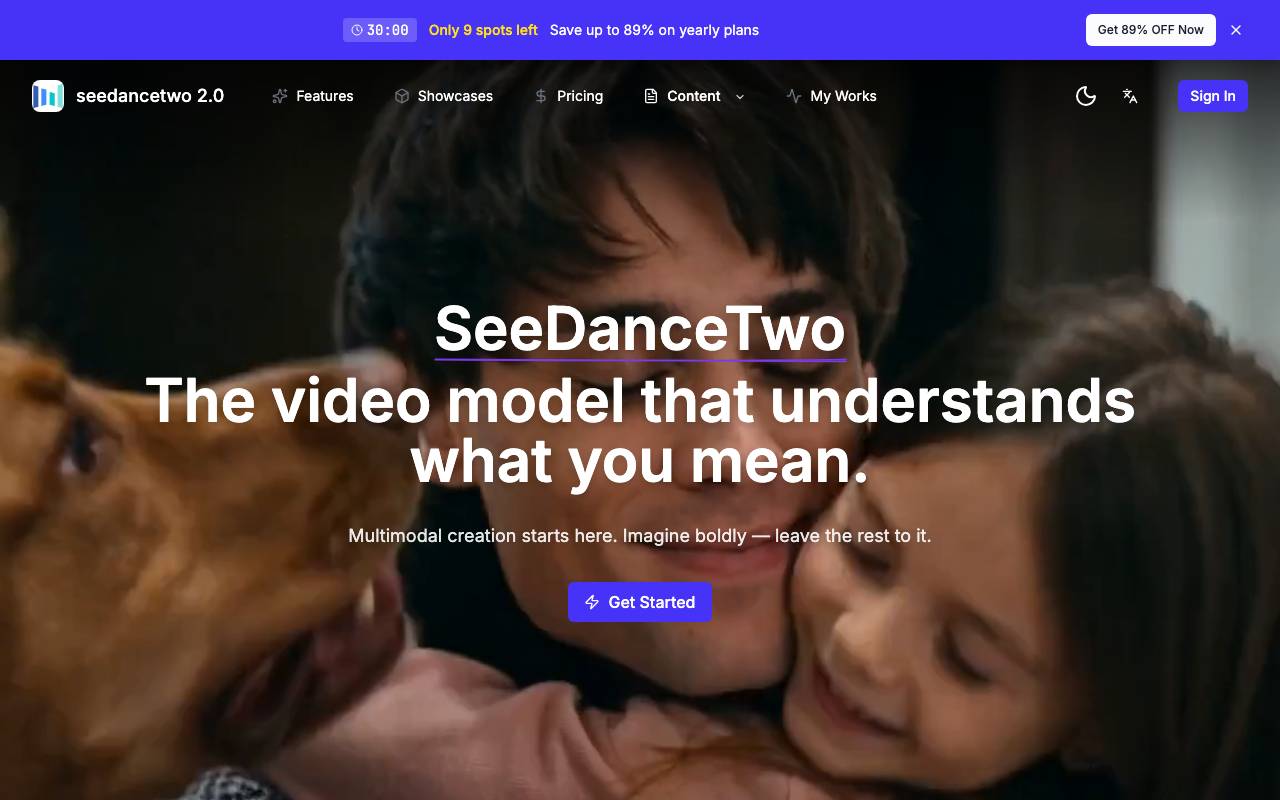
Xiaofei Li is an AI video generation model developed by ByteDance, designed to produce high-fidelity short-form video content directly from prompts. It supports native 2K resolution output, enabling sharper visuals without relying on post-process upscaling. The model focuses on coherent multi-shot narratives, allowing creators to build sequences where characters, settings, and tone remain consistent across cuts. It also generates synchronized audio alongside visuals, covering ambient sound and dialogue timing so finished clips feel more complete out of the box. It is aimed at content creators, marketers, and storytellers who need quick turnaround on cinematic-style clips without assembling separate video and audio pipelines.
- Native 2K video generation
- Coherent multi-shot storytelling
- Audio-video synchronized output
- Prompt-driven scene creation
- Character and setting consistency
- Cinematic visual styling
text-remover
AI tool that removes hardcoded text, subtitles, and watermarks from videos online while preserving quality
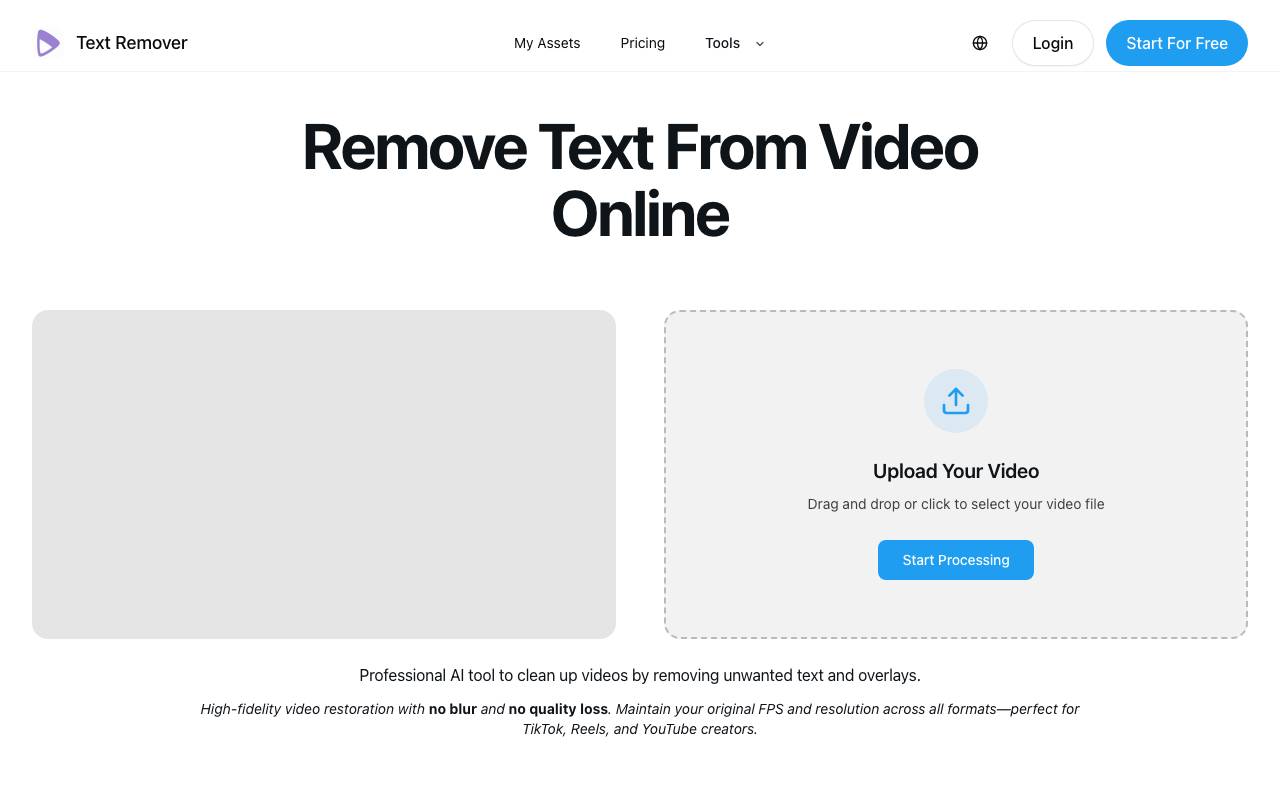
Text Remover (removetextfromvideo.com) is a web-based AI tool designed to remove unwanted text, subtitles, captions, watermarks, and overlays from video footage. It targets a common pain point for video editors and content creators: cleaning up burned-in or hardcoded text that can't simply be toggled off, without leaving behind the blurry patches or ghosting that often result from manual masking or lower-quality tools. The service runs entirely online and emphasizes high-fidelity restoration, claiming to reconstruct the background behind removed elements naturally rather than smearing or blurring over it. It is positioned to preserve the original frame rate and resolution across formats, making it suited to short-form vertical content for TikTok, Instagram Reels, and YouTube Shorts, as well as longer assets like webinars and archival footage. Typical use cases described by the tool center on repurposing and localization workflows. Creators use it to strip existing subtitles before adding translated captions, marketing agencies clean overlays and watermarks from supplier or client footage before rebranding, and editors remove date stamps or logos from archive material. The promise is to save time compared with frame-by-frame masking in editors like Adobe Premiere. Pricing is credit-based rather than a flat subscription. A one-time Starter Pack is offered around $6.90 for roughly 500 credits (about five minutes of video, up to six-minute clip length, valid for 30 days), with monthly and annual plans also available. The tool provides a real-time credit estimate before processing and does not add its own watermark to outputs. As an AI inpainting-style tool, its results will vary with the footage: scenes with complex motion, textured backgrounds, or large overlay areas are inherently harder to reconstruct cleanly, and some ghosting or imperfect blending can occur even if the tool handles many cases well. The credit/time-limit model and per-minute cost may also be a consideration for users with large volumes of long-form video.
- AI removal of hardcoded text and overlays from video
- Subtitle and caption removal for localization workflows
- Watermark and logo removal
- Background reconstruction without blur or quality loss
- Preserves original frame rate and resolution
- Real-time credit estimate before processing
Image Location finder
AI-powered image locator that identifies the real-world place behind any photo.
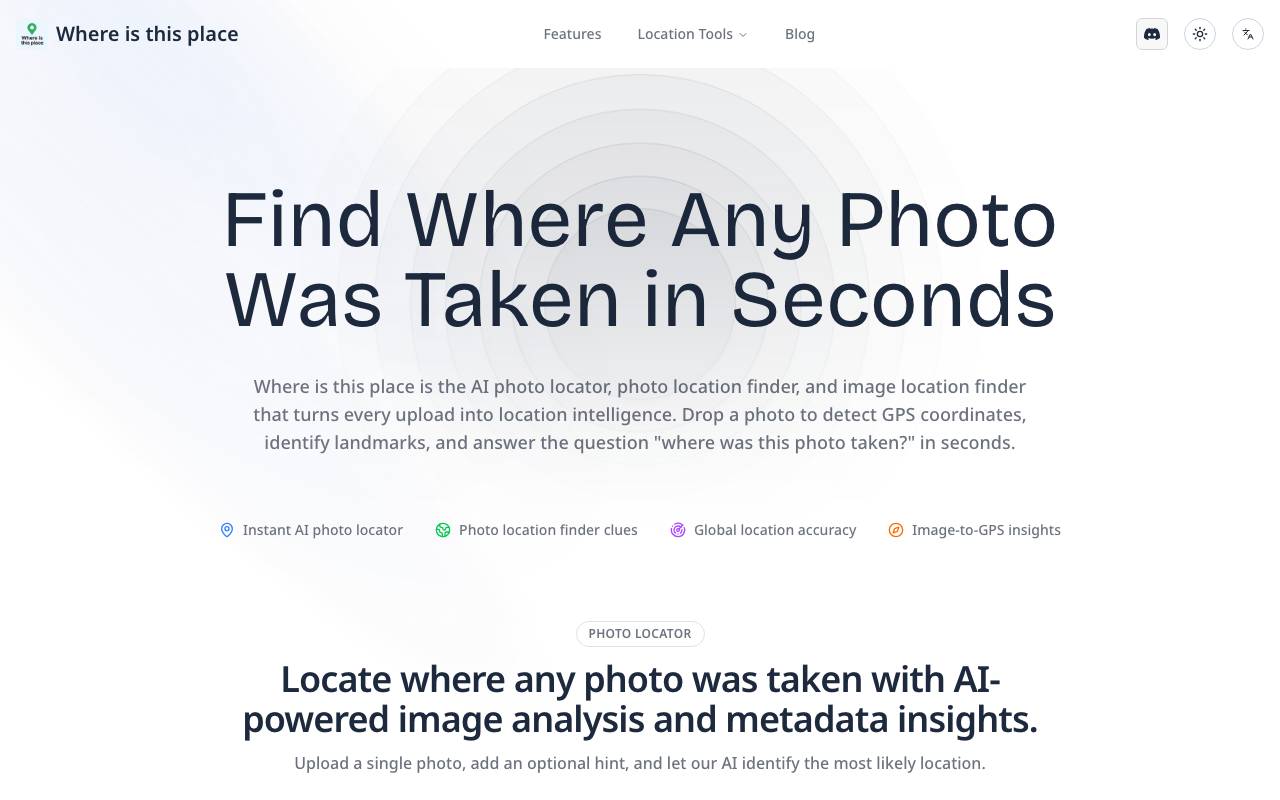
Image Location finder is an AI tool that analyzes photos to identify where they were taken. By examining visual cues such as architecture, landscapes, signage, vegetation, and lighting, it estimates the most likely location and surfaces a verified destination for the user. The tool is useful for travelers trying to recall a spot, researchers verifying image sources, journalists checking content authenticity, or anyone curious about a scene in a photo. Users upload an image and receive location suggestions along with supporting context. It works without relying on embedded GPS metadata, making it helpful for screenshots, social media images, or older photos where EXIF data has been stripped.
- AI-based visual scene analysis
- Landmark and architecture recognition
- Landscape and environment matching
- Works on images without metadata
- Location suggestions with confidence context
- Browser-based image upload
Image Text Editor
AI-powered online tool to edit or replace text in images and screenshots with automatic font matching
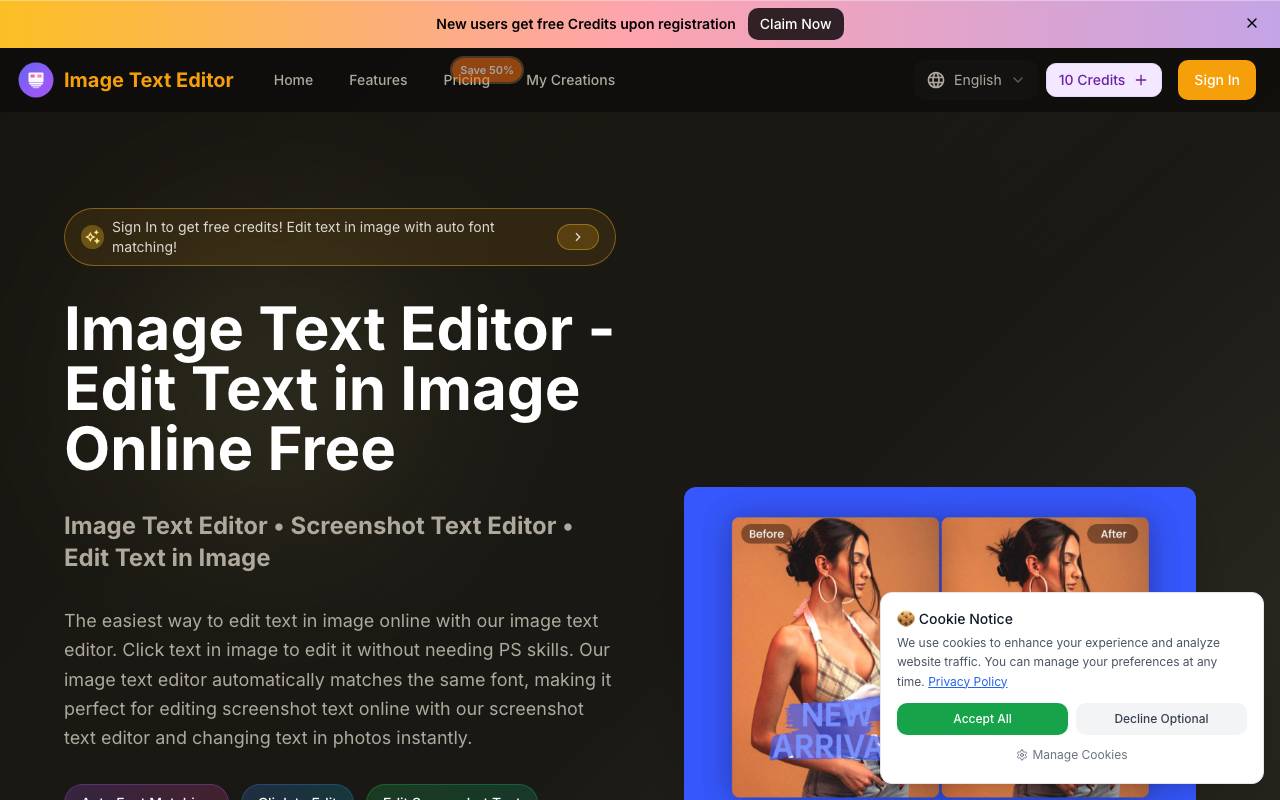
Image Text Editor is a web-based tool for editing text inside existing images without traditional photo-editing software. Instead of working with layers, masking, or manual font selection, users upload an image and type a plain-language instruction describing the change they want — for example, swapping "50% OFF" for "60% OFF" or replacing a place name. The tool uses AI to detect the original text and regenerate it in place, attempting to match the surrounding background, lighting, font style, size, and color. The product is aimed at people who need quick text edits but don't have design skills or access to tools like Photoshop — marketers updating promotional copy, e-commerce sellers changing prices or labels on product photos, and social media creators tweaking captions or memes. A recurring emphasis throughout the site is screenshot editing, positioning the tool for updating app screenshots, website captures, and social posts where text needs to change but the visual context should stay intact. The workflow is straightforward: upload a JPG, PNG, or WEBP file (up to 5MB), enter a prompt describing the desired text change, preview the result, and download the edited image. The site notes that being specific about the new text and whether to preserve original font, size, and color improves results. The service runs on a credit system, with free credits granted to new users on registration. The main appeal is speed and accessibility — replacing manual layer editing and font-hunting with a single text instruction. The automatic font matching is the headline feature, intended to make edits blend in naturally. As with most AI image-editing tools of this kind, results can vary depending on image complexity, font rarity, and background texture, and the 5MB upload limit and credit-based pricing are practical constraints to keep in mind. It competes with general AI image editors and inpainting tools, but differentiates by focusing narrowly on the text-editing use case.
- Prompt-based text editing in images
- Automatic same-font matching
- Screenshot text editing
- Background and lighting preservation
- Support for JPG, PNG, and WEBP formats
- Instant preview and download
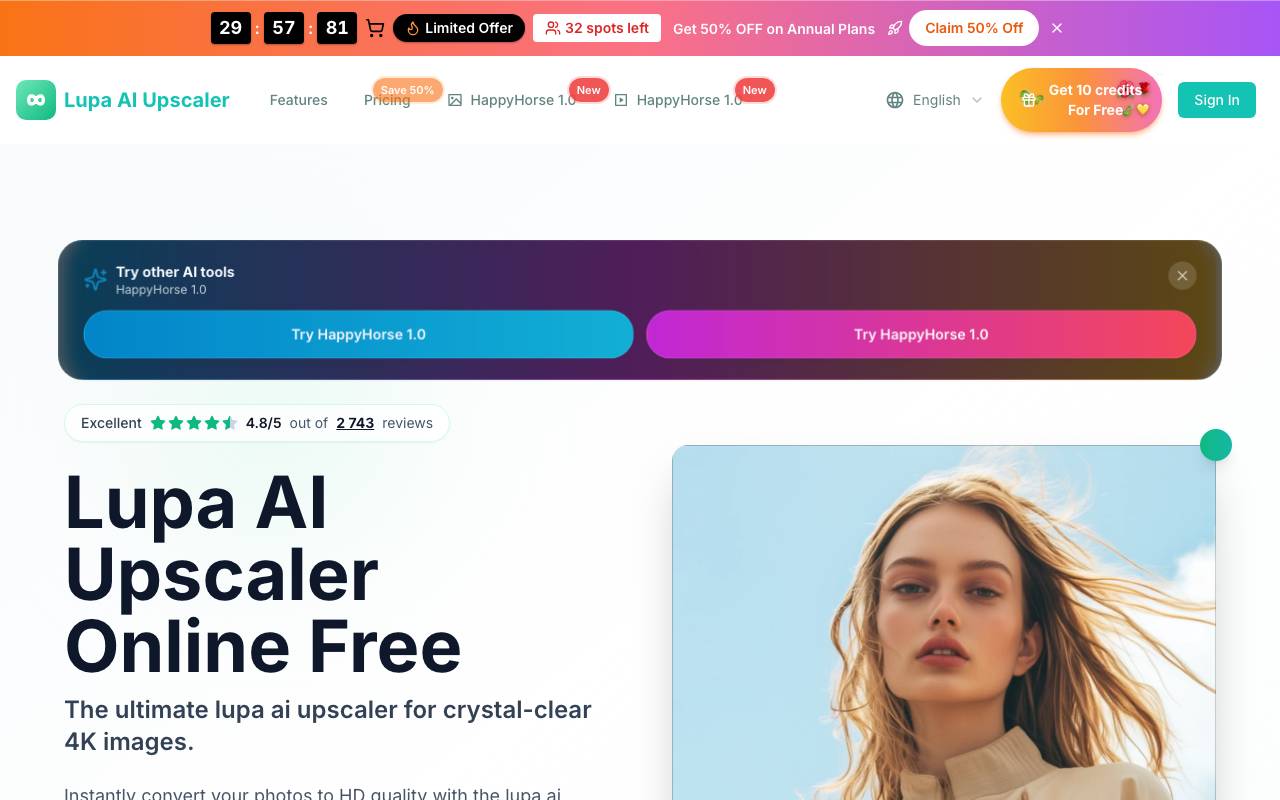
Lupa AI is a web-based image upscaling tool that uses machine learning to enlarge photos while preserving detail and reducing common artifacts like blur and pixelation. It runs in the browser, so users can upload an image, process it, and download the enhanced result without installing software. The tool is aimed at casual users who need quick fixes for low-resolution images, such as old photos, social media graphics, product shots, or AI-generated art that needs additional clarity. Its free tier makes it accessible for one-off tasks, while the simple interface keeps the workflow approachable for non-technical users.
- AI-powered image upscaling
- Browser-based processing
- Detail and sharpness enhancement
- Support for common image formats
- Free online access
- One-click download of results
AltxtAI
AI alt text generator that writes SEO-aware, accessible image descriptions in seconds with no signup
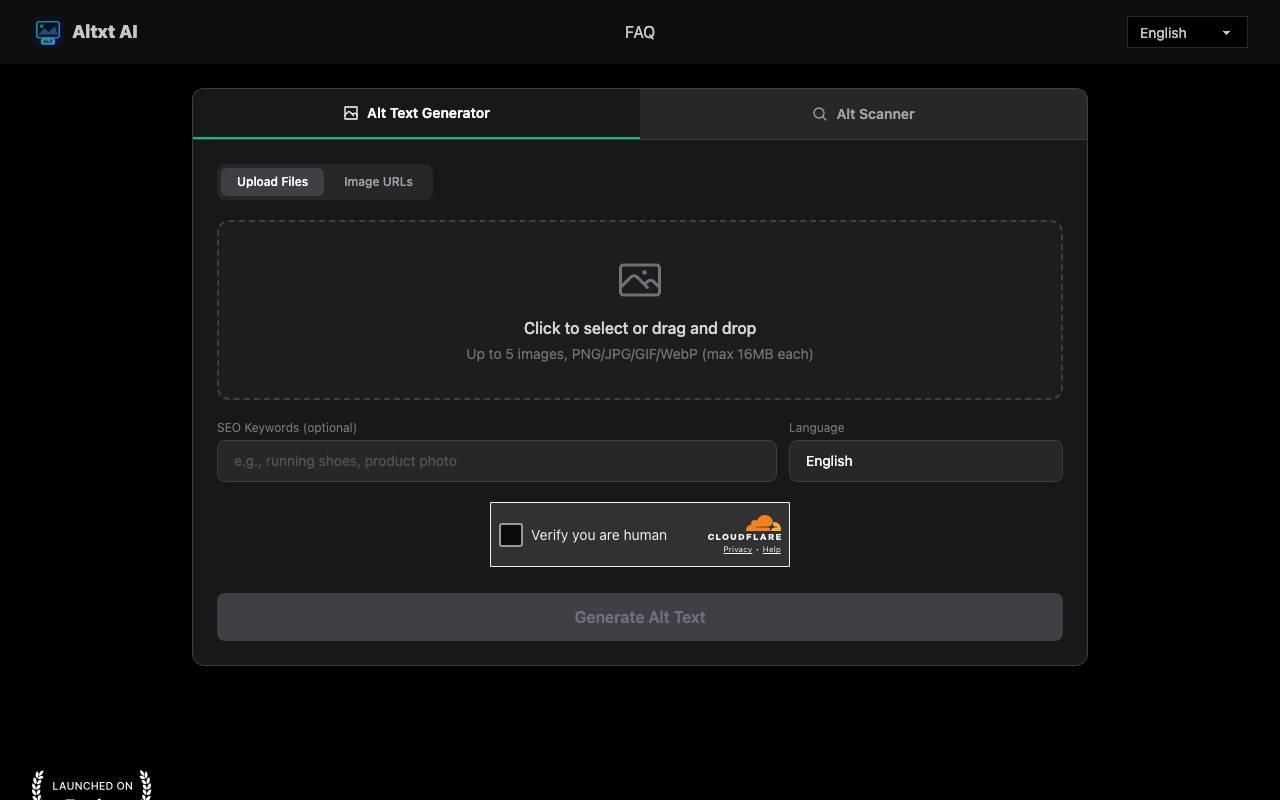
Altxt AI is a web-based tool that automatically generates alt text — the descriptive text attached to images for accessibility and search engine indexing. It targets a common but tedious problem: websites with large image libraries that lack proper descriptions, which hurts both screen-reader accessibility and visibility in Google Images. Rather than writing each description by hand, users upload images or paste image URLs and receive ready-to-paste alt text in seconds. The tool is aimed at bloggers, e-commerce store owners, developers, real estate agents, and anyone managing image-heavy pages. It uses vision models to identify objects, people, actions, colors, text, and scene context within an image, then produces concise natural-language descriptions. A distinguishing feature is its SEO orientation: users can supply optional keywords so the generated text is keyword-aware and tied to page content, rather than just a generic caption. Altxt AI emphasizes a low-friction workflow. There is no signup, login, email, or credit card required to use the basic generator — you open it in a browser, upload up to several images (PNG, JPG, GIF, or WebP, up to 16MB each), optionally add SEO keywords and select an output language, and generate. The output can be copied directly into an image's alt attribute. The site also references an "Alt Scanner" alongside the generator and offers output in many languages. For teams with backlogs, batch upload lets users process multiple images at once, which is positioned as a way to clear accessibility gaps and resolve SEO audit warnings quickly. The vendor claims multi-layer validation for accuracy and readability, WCAG-oriented output, and that descriptions avoid hallucinated details — though as with any AI vision tool, output quality should be verified, especially for nuanced or domain-specific imagery. Compared to manual alt-text writing or built-in CMS accessibility checkers, Altxt AI's value is speed and convenience for bulk work. Its trade-offs are typical of automated description tools: generated text can still require human review for correctness and tone, it operates as a standalone web tool rather than a native CMS integration, and SEO benefit depends on appropriate keyword input and accurate image recognition.
- Vision-model image analysis for objects, scenes, and context
- Optional SEO keyword input for keyword-aware alt text
- Batch upload of multiple images (PNG/JPG/GIF/WebP)
- Image URL input as well as direct upload
- Multi-language description output
- Alt Scanner alongside the generator
Face Shape Detector
Browser-based AI tool that detects your face shape from a photo and suggests flattering styles
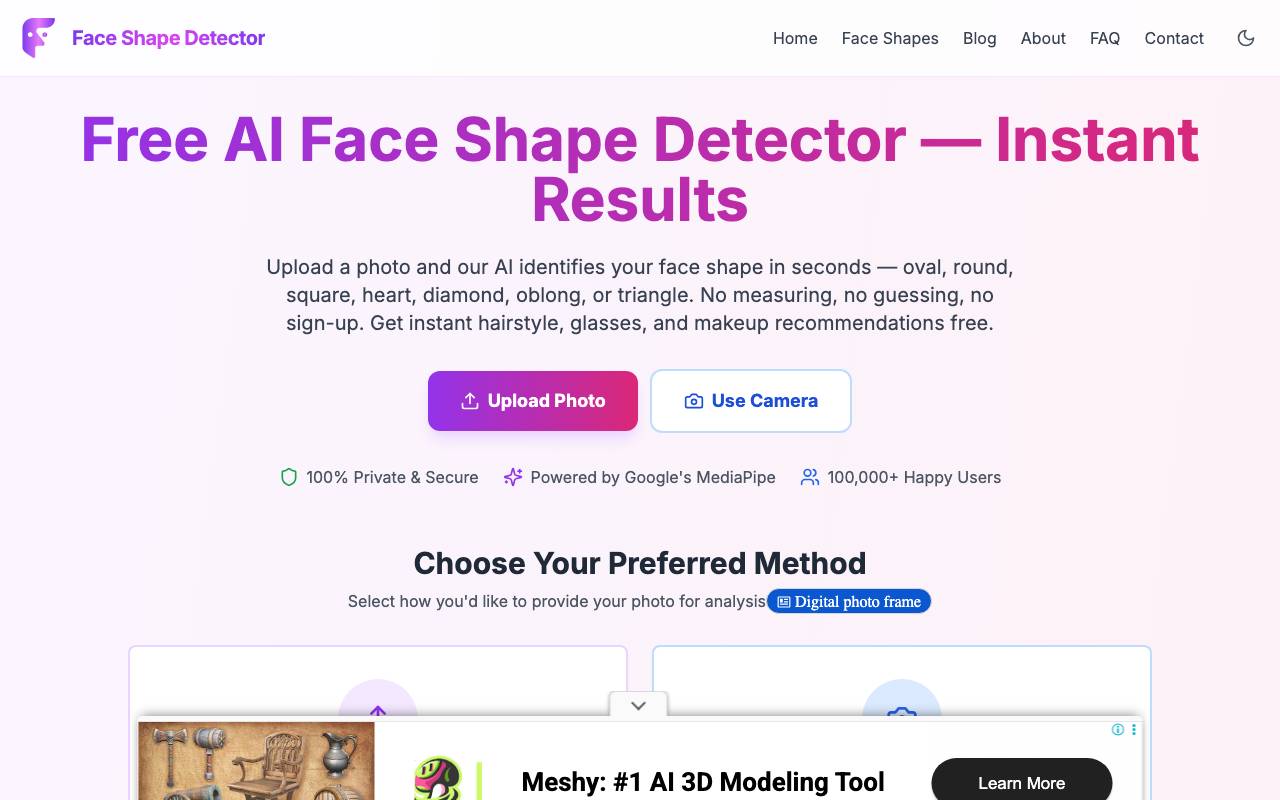
Face Shape Detector is a free, web-based tool that analyzes a photo of your face and classifies it into one of seven recognized face shapes: oval, round, square, heart, diamond, oblong, or triangle. It then translates that result into practical styling guidance — hairstyle, glasses frame, makeup contouring, and beard recommendations tailored to your detected proportions. The core problem it addresses is the guesswork involved in determining face shape manually with a tape measure, replacing it with an automated analysis that runs in under a minute. The tool is built on Google's MediaPipe face-landmark technology, which maps 478 facial landmarks across an uploaded image. From these points it measures forehead width, cheekbone width, jawline width, and overall face length, then computes the proportional ratios that distinguish one face shape from another. A confidence breakdown is shown for each category rather than a single binary answer, which gives a sense of how strongly the face matches a given shape. Notably, the analysis runs entirely client-side in the browser, so the photo is never uploaded to a server or stored — a meaningful privacy advantage over tools that process images remotely. Using it is straightforward: upload an image (JPG, PNG, or WebP) or capture one with the device camera, and the system returns results within roughly 30 seconds. The site recommends a clear, front-facing photo with even lighting and hair pulled back for the most accurate result. No account, email, or payment is required, and it works across phone, tablet, and desktop without an app install. It's aimed at everyday users curious about their face shape for styling purposes — people choosing a new haircut, shopping for glasses frames, learning makeup contouring, or deciding on a beard style. It sits within a broader suite of browser-based beauty and style tools from the same maker, including an eye shape detector, face symmetry test, color season analyzer, body shape calculator, and lip shape analyzer. The main strengths are its privacy model, speed, zero cost, and reliance on a well-regarded landmark-detection library. The trade-offs are inherent to the category: face-shape classification is somewhat subjective and sensitive to photo angle, lighting, and hairline visibility, so results can vary between photos. The styling recommendations are general guidance rather than professional consultation, and the tool's accuracy depends heavily on input image quality.
- AI face shape detection across seven categories
- 478-point facial landmark mapping via MediaPipe
- Local in-browser processing with no server upload
- Confidence breakdown for each face shape
- Hairstyle, glasses, makeup, and beard recommendations
- Photo upload or live camera capture support
Where Is This Place
AI tool that identifies where a photo was taken using visual analysis and GPS EXIF data
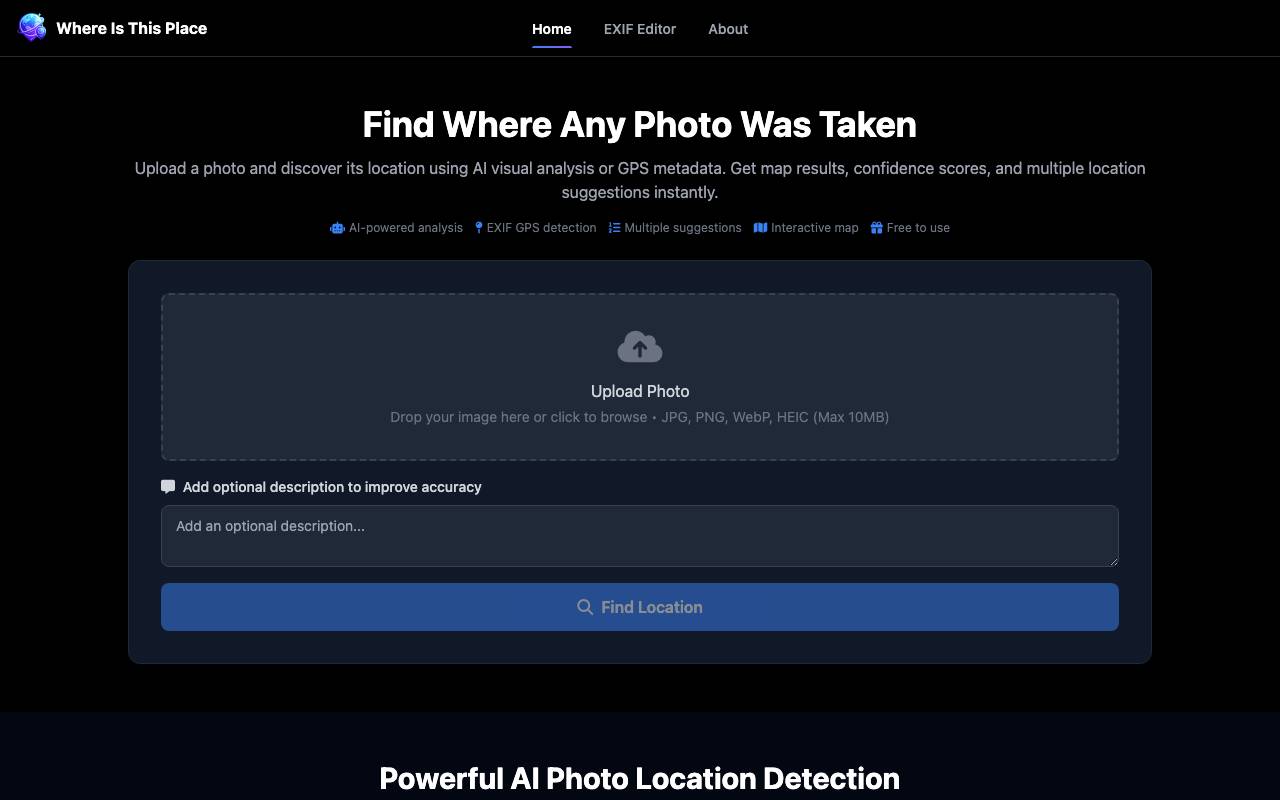
Where Is This Place is a web-based tool that attempts to identify the geographic location where a photograph was taken. Users upload an image and the system returns map results, confidence scores, and several candidate locations along with reasoning for each. It addresses a common problem in photo geolocation: figuring out where an unlabeled or screenshot image was captured when no obvious caption or coordinates are available. The tool combines two approaches. First, it reads EXIF metadata embedded in image files to extract GPS coordinates directly when that information is present. Second, when GPS data is missing, it falls back on AI visual analysis to interpret landmarks, architecture, street features, signage, and natural landscapes in order to estimate possible locations. This dual approach lets it handle both phone photos that retain location tags and images stripped of metadata, such as screenshots or downloaded pictures. Results are presented as three to five suggested locations, each with a confidence score and an explanation of the visual clues used. Outputs are displayed on interactive maps with street and satellite views, and users can add an optional text description to help refine accuracy. Supported formats include JPG, PNG, WebP, and HEIC, with a 10MB file size limit, and the site reports an average processing time of roughly 5–15 seconds per image. Likely users include researchers, journalists, OSINT enthusiasts, travelers trying to recall where a photo was taken, and people curious about images they encounter online. The tool is positioned as free to use, with images stated to be processed securely and automatically deleted after analysis rather than stored permanently. As with any AI geolocation tool, accuracy depends heavily on the presence of distinctive, recognizable features. Photos of generic interiors, plain landscapes, or ambiguous scenes will yield less reliable guesses, and the confidence scores should be treated as estimates rather than verified facts. It competes with dedicated OSINT geolocation services and broader image-recognition models, and is best understood as a quick first-pass aid rather than an authoritative source.
- AI visual analysis of landmarks and scenery
- EXIF GPS coordinate extraction
- Three to five ranked location suggestions
- Confidence scores with explanatory reasoning
- Interactive street and satellite maps
- Optional description input to improve accuracy
Seedance 4.0
Online AI video generator that turns text prompts and images into short HD clips
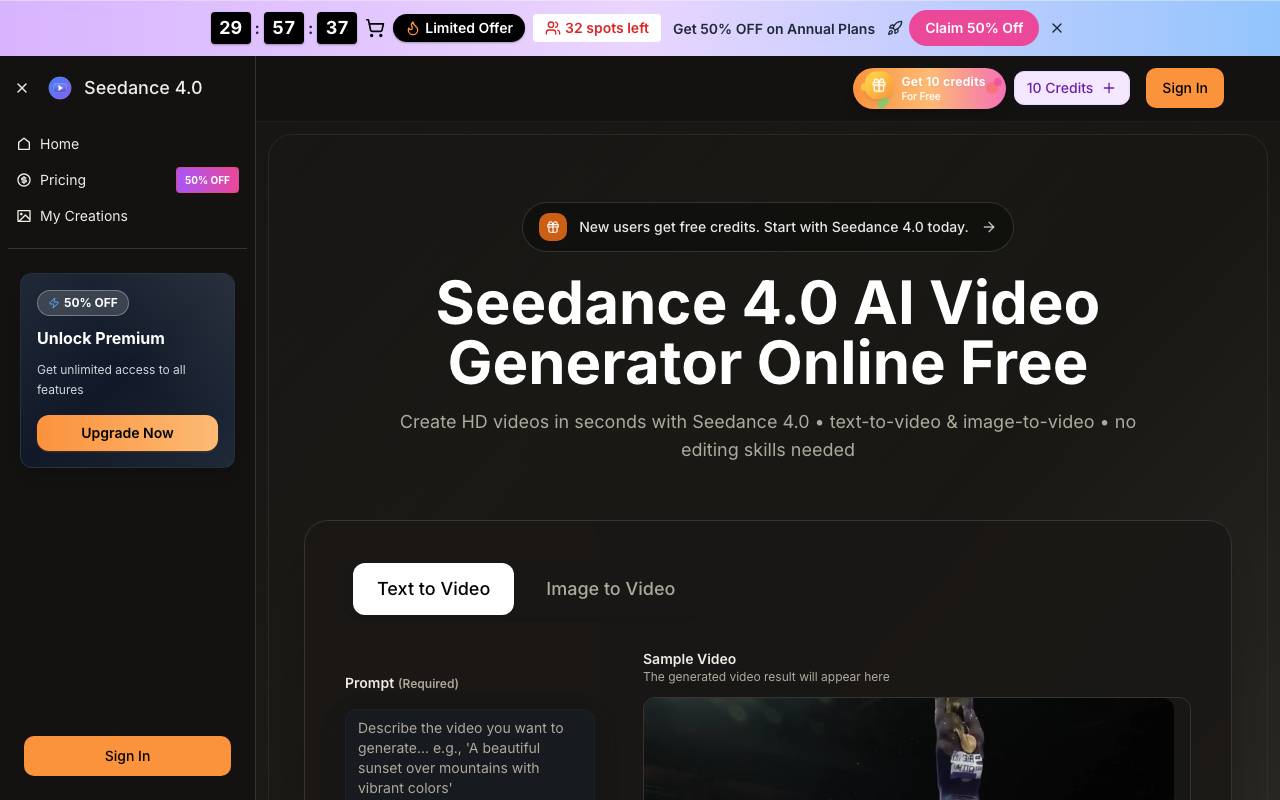
Seedance 4.0 is a web-based AI video generation service that creates short clips from either a text prompt or a still image. It is aimed at creators, marketers, and small teams who want to produce social-ready or campaign-ready video without traditional filming or editing. Users enter a prompt or upload an image, set parameters like aspect ratio, resolution, and duration, then generate a clip in seconds. The tool offers both text-to-video and image-to-video modes. For text-to-video, a written description is expanded into motion, composition, and visual detail; for image-to-video, a static image is animated with movement and camera dynamics. Output options include 720p HD and 1080p Full HD, clip durations of 5 or 10 seconds, and multiple aspect ratios spanning landscape, portrait, and square formats suited to different platforms. A notable aspect of the service is that it acts as an aggregator of several underlying generation models. Beyond its own "Seedance" and Seedream models, paid tiers advertise access to third-party models such as Google's Veo 3, OpenAI's Sora 2, and Wan 2.5, letting users swap models per scene. The platform name suggests a connection to ByteDance's Seedance model line, though this site appears to be a third-party wrapper rather than an official ByteDance product. The stated workflow covers choosing a generator, supplying a prompt or image, generating and downloading, then refining motion, color, and timing. Additional creator-oriented features advertised include built-in audio (dialogue and ambience), fast previews before full renders, batch jobs, scene splitting, prompt helpers, an AI video enhancer, and a background remover. The service emphasizes a commercial-use license so output can be used in paid ads, client work, and monetized channels. Pricing is credit-based and tiered across Basic, Professional, and Enterprise plans, billed monthly, annually, or one-time, with credits translating into a monthly video cap. Many of the more advanced perks — access to Veo 3, Sora 2, Wan 2.5, priority queue, no watermark, and priority support — are gated to annual billing. New users receive free credits to try the service. As with most consumer AI video sites, prospective users should weigh the marketing claims against actual output: short clip lengths, credit consumption, and dependence on third-party models mean results and availability can vary. The site's heavy discount countdowns and limited-spot messaging are typical of this category and warrant a trial on free credits before committing to a plan.
- Text-to-video and image-to-video generation
- 720p and 1080p output with selectable aspect ratios
- Multiple selectable models per scene
- Built-in audio with dialogue and ambience
- AI video enhancer and background remover
- Batch jobs, scene splitting and prompt helpers
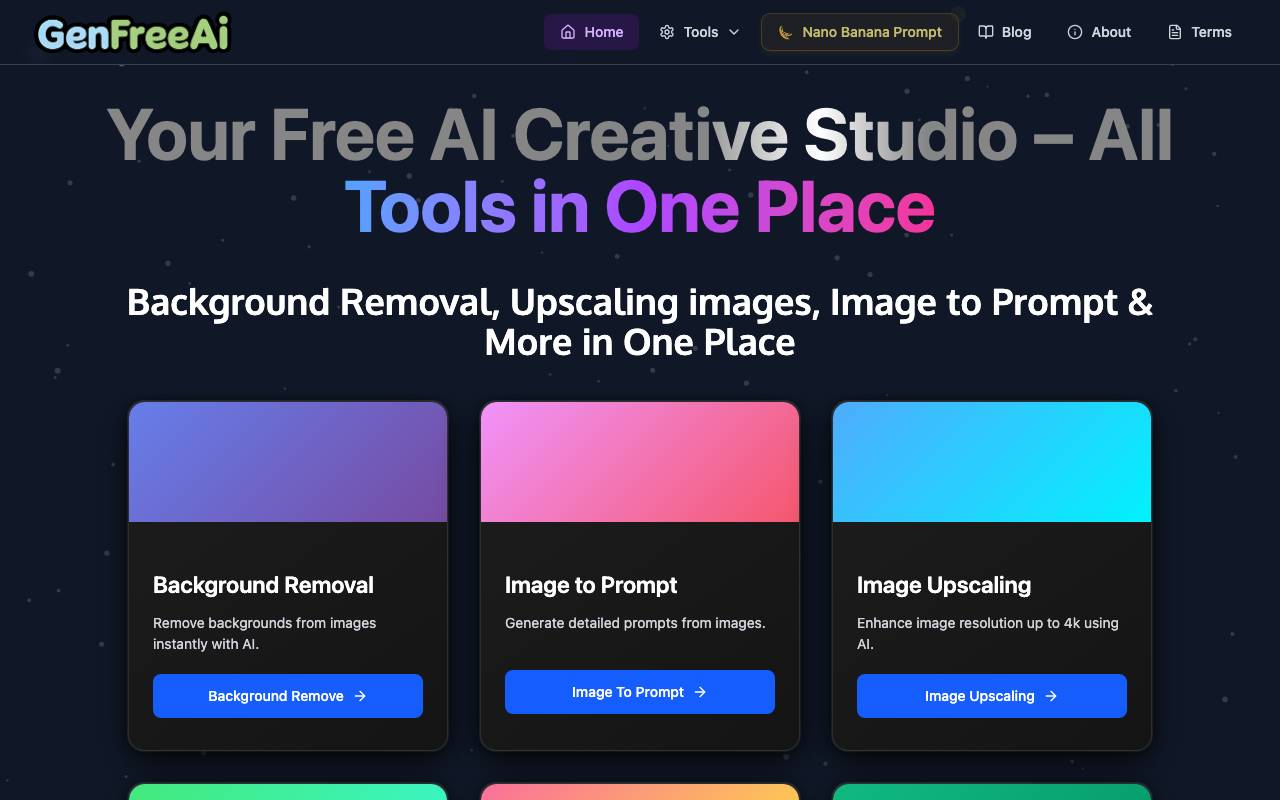
GenFreeAI is an aggregator platform that gives users access to a variety of AI-powered tools through a single interface. It is designed for people who want to experiment with generative AI for tasks like writing, image creation, and productivity without juggling multiple subscriptions or accounts. The platform focuses on accessibility, offering its core features at no cost so casual users, students, and creators can try different AI capabilities side by side. By consolidating tools into one dashboard, it aims to lower the barrier to entry for newcomers exploring what AI can do.
- Multiple AI tools in one dashboard
- Text generation utilities
- Image generation options
- Productivity and writing helpers
- No-cost access tier
- Beginner-friendly interface
Browse all 10 AI Detection tools
The complete, searchable directory — ranked by real user reviews.