
Image Text EditorAI-powered online tool to edit or replace text in images and screenshots with automatic font matching

Overview
Key features
- Prompt-based text editing in images
- Automatic same-font matching
- Screenshot text editing
- Background and lighting preservation
- Support for JPG, PNG, and WEBP formats
- Instant preview and download
Pricing
- Model
- Free
- Category
- AI Detection
- Rating
- 4.7 / 5 (6)
Use cases
Fix typos in marketing graphics
Quickly correct spelling mistakes on flyers, banners, or social media images without rebuilding the design or opening Photoshop.
Translate signage and posters
Swap text in images to localize signs, menus, or promotional materials into another language while preserving the original look.
Update prices on promotional flyers
Change prices, dates, or offer details on existing flyer images so they can be reused without recreating the artwork from scratch.
Edit copy in screenshots
Modify text inside screenshots for documentation, tutorials, or mockups, with automatic font matching to keep edits looking natural.
Pros & Cons
Pros
- No design or Photoshop skills required
- Automatic font, size, and color matching
- Prompt-based editing is fast and simple
- Well-suited to screenshots and marketing graphics
- Free credits for new users
Cons
- Credit-based usage may limit free editing
- 5MB upload size limit
- Font-matching results can vary on complex or rare fonts
Reviews
Average from 6 ratings.
Sign in to leave a review.
Does the job
Pretty happy overall. Supports common image formats just works and automatic font matching saves manual styling. but no dealbreakers — I'd recommend it to a friend without hesitating.
Years in this space
I've evaluated a lot of these over the years. What stands out here is browser-based, no download required — handled better than most — and no installation or signup barrier for basic use. Worth the time if this is your use case.
Compared a few options
Evaluated this against two competitors. Where it wins: supports common image formats and no installation or signup barrier for basic use. Where it lags: complex backgrounds can leave visible artifacts. On balance the feature set — especially supports common image formats — justifies the 5 stars for our use case.
Does the job
Pretty happy overall. Free access for standard edits just works and no installation or signup barrier for basic use. Complex backgrounds can leave visible artifacts can be annoying, but no dealbreakers — I'd recommend it to a friend without hesitating.
Years in this space
I've evaluated a lot of these over the years. What stands out here is browser-based, no download required — handled better than most — and works in the browser on most devices. Worth the time if this is your use case.
Compared a few options
Evaluated this against two competitors. Where it wins: color and background blending for edits and automatic font matching saves manual styling. Where it lags: limited control compared to full design software. On balance the feature set — especially browser-based, no download required — justifies the 4 stars for our use case.
Q&A
No questions yet — be the first to ask.
Ask a question
AI Detection alternatives
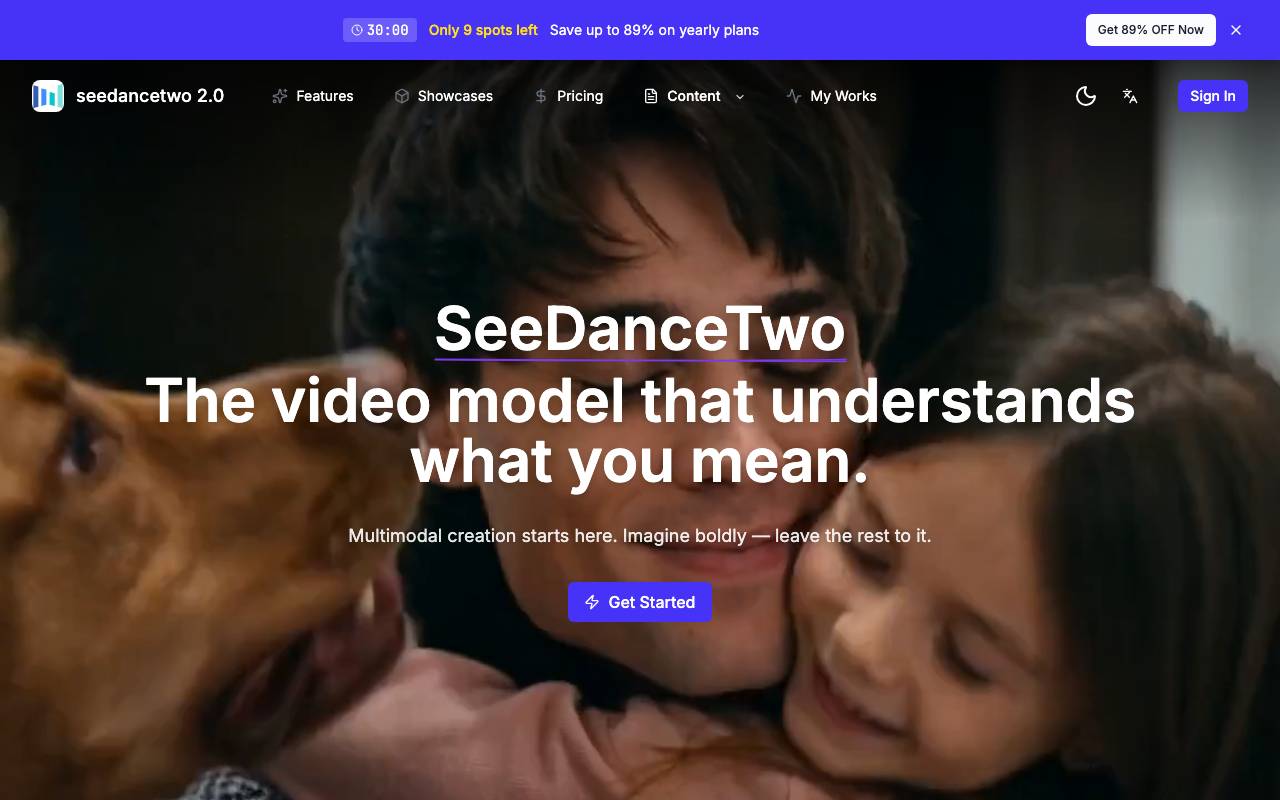

xiaofei li
AI Detection
ByteDance's AI video model generating native 2K footage with multi-shot storytelling and synced audio.
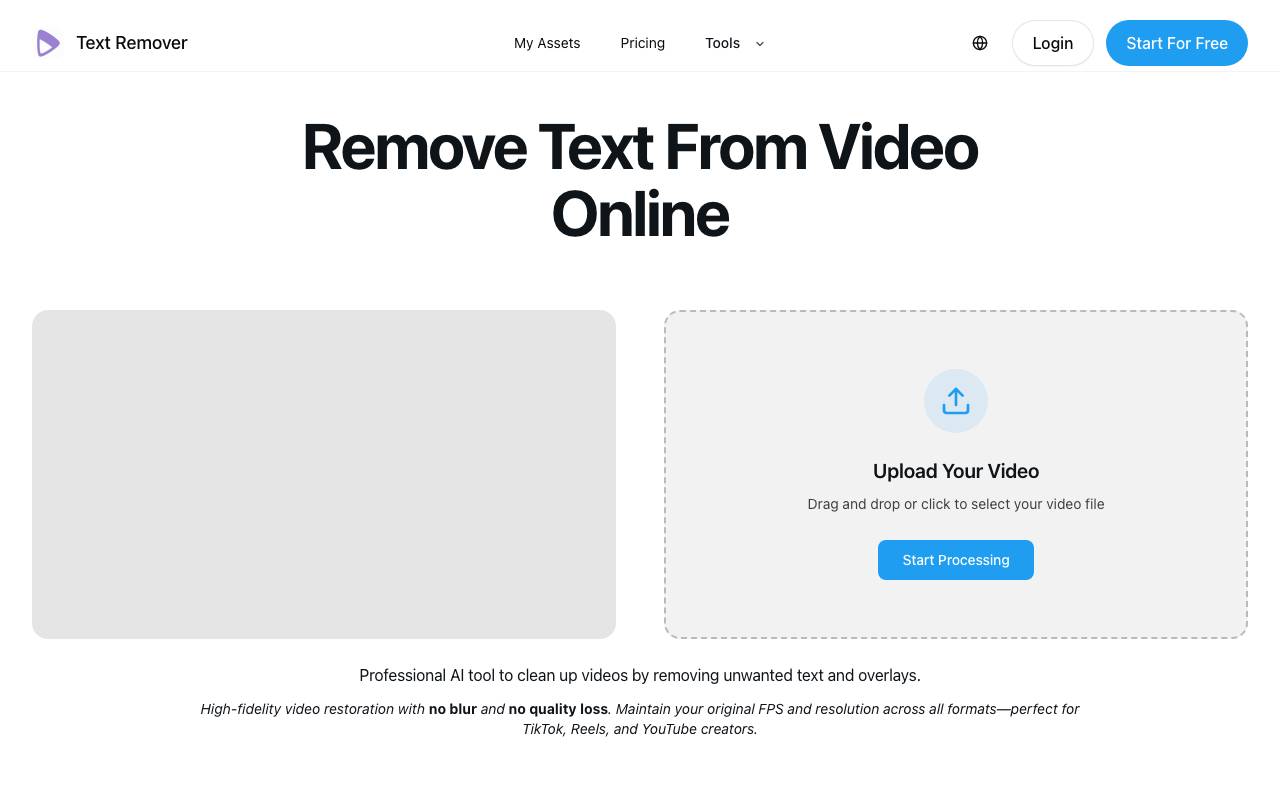

text-remover
AI Detection
AI tool that removes hardcoded text, subtitles, and watermarks from videos online while preserving quality
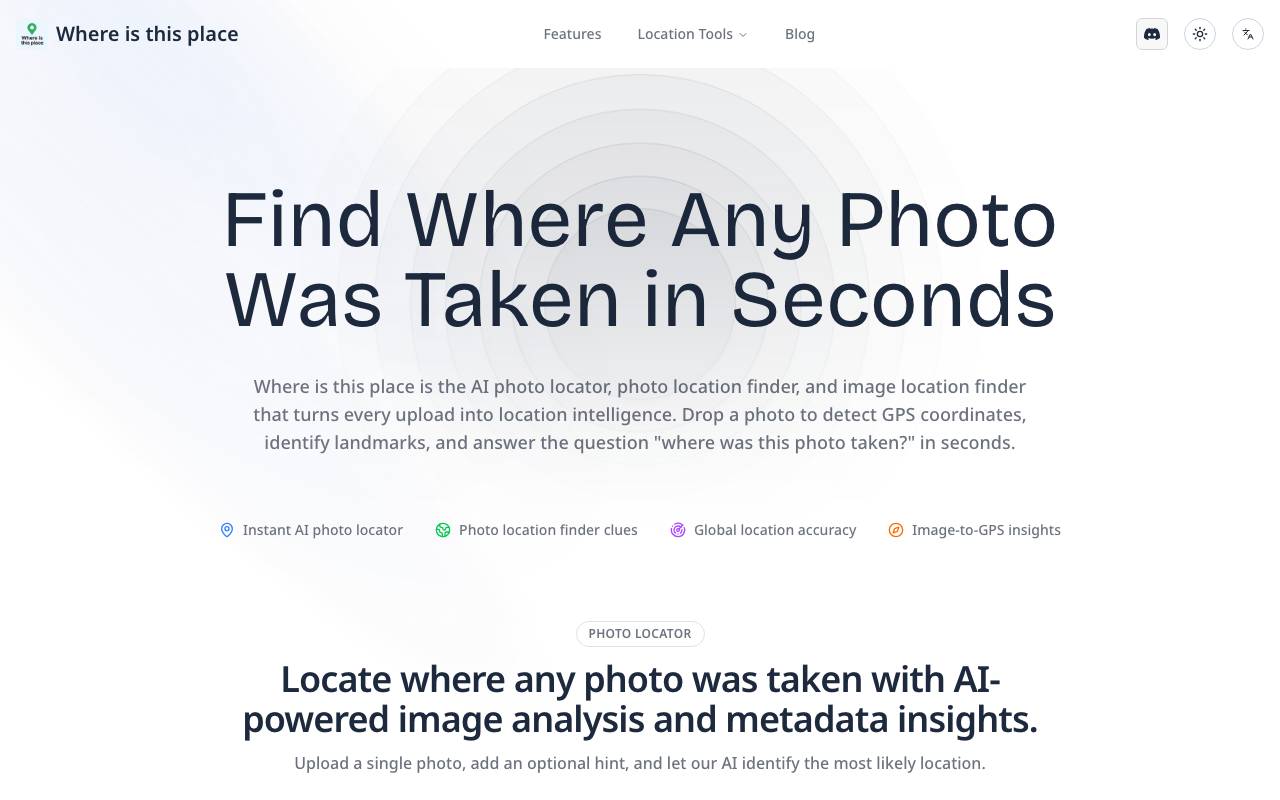

Image Location finder
AI Detection
AI-powered image locator that identifies the real-world place behind any photo.
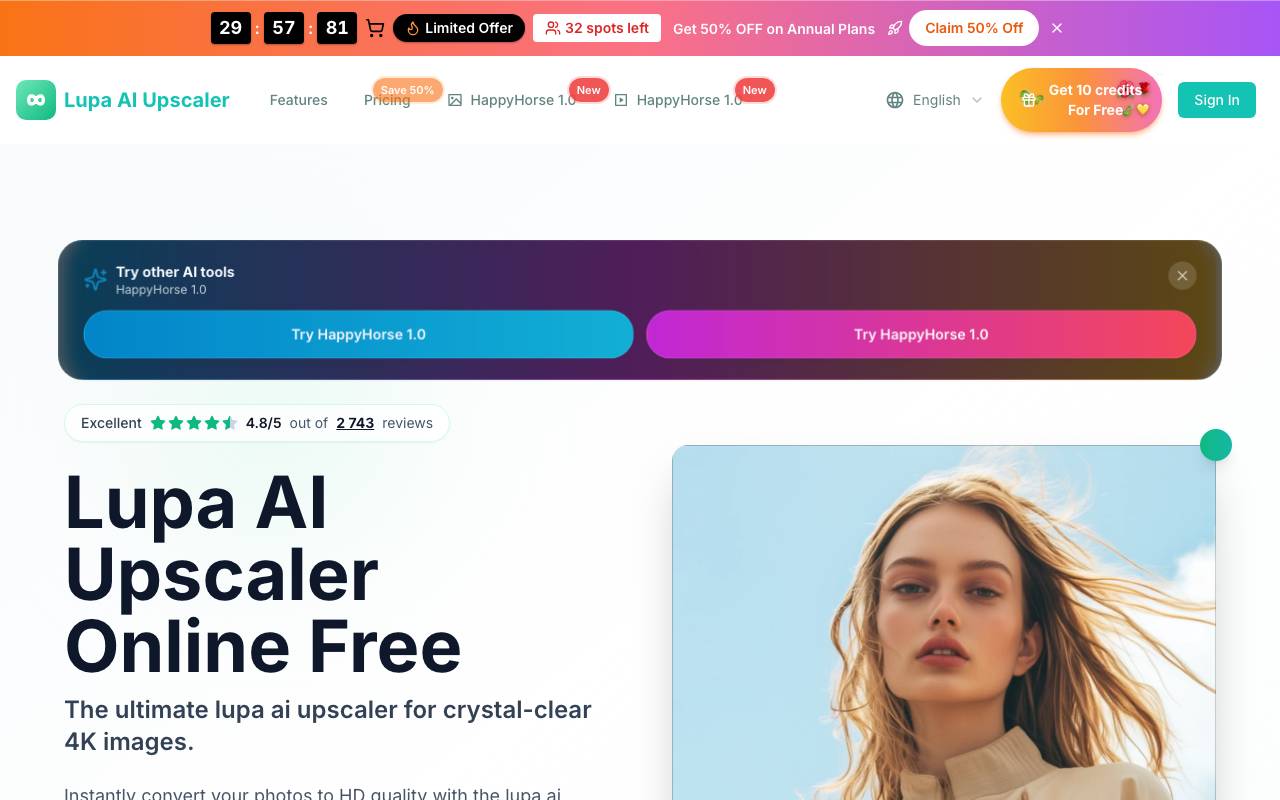

lupa ai
AI Detection
Free online AI image upscaler for sharper, higher-resolution photos in seconds.
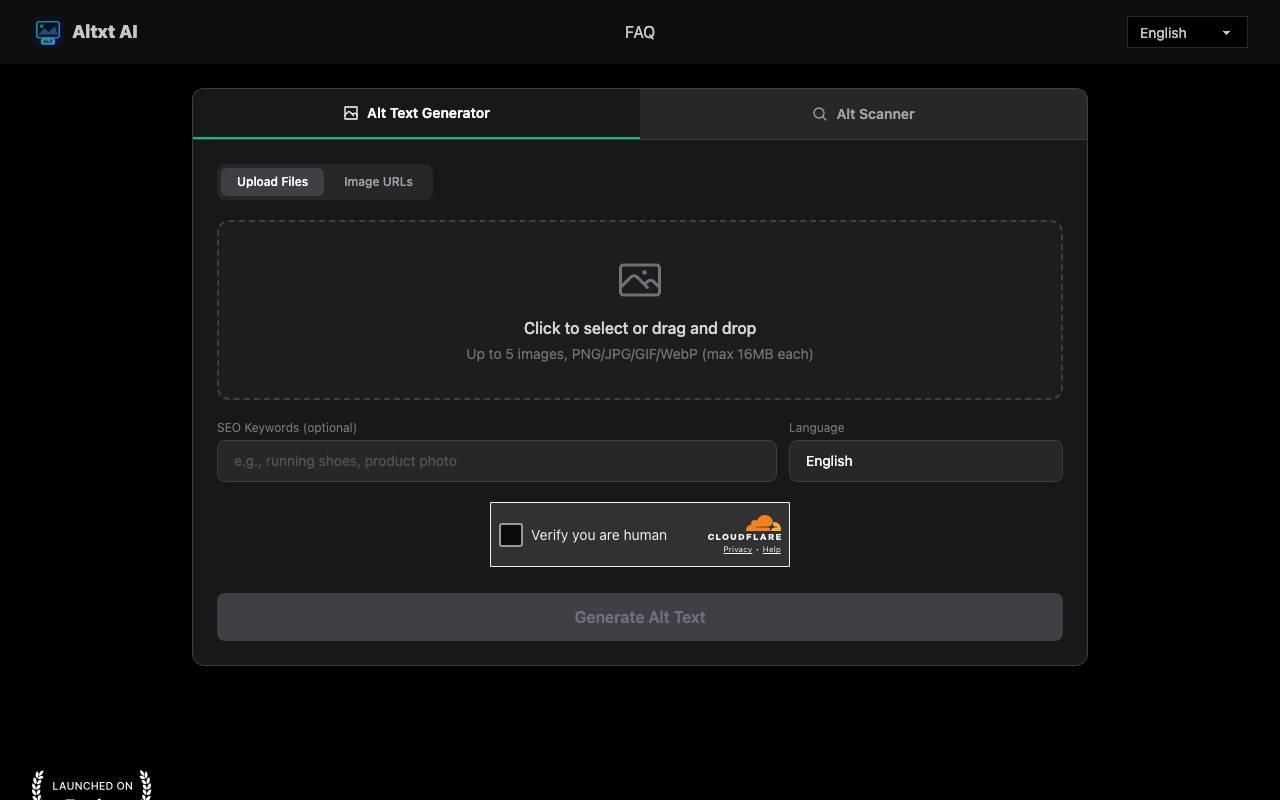

AltxtAI
AI Detection
AI alt text generator that writes SEO-aware, accessible image descriptions in seconds with no signup
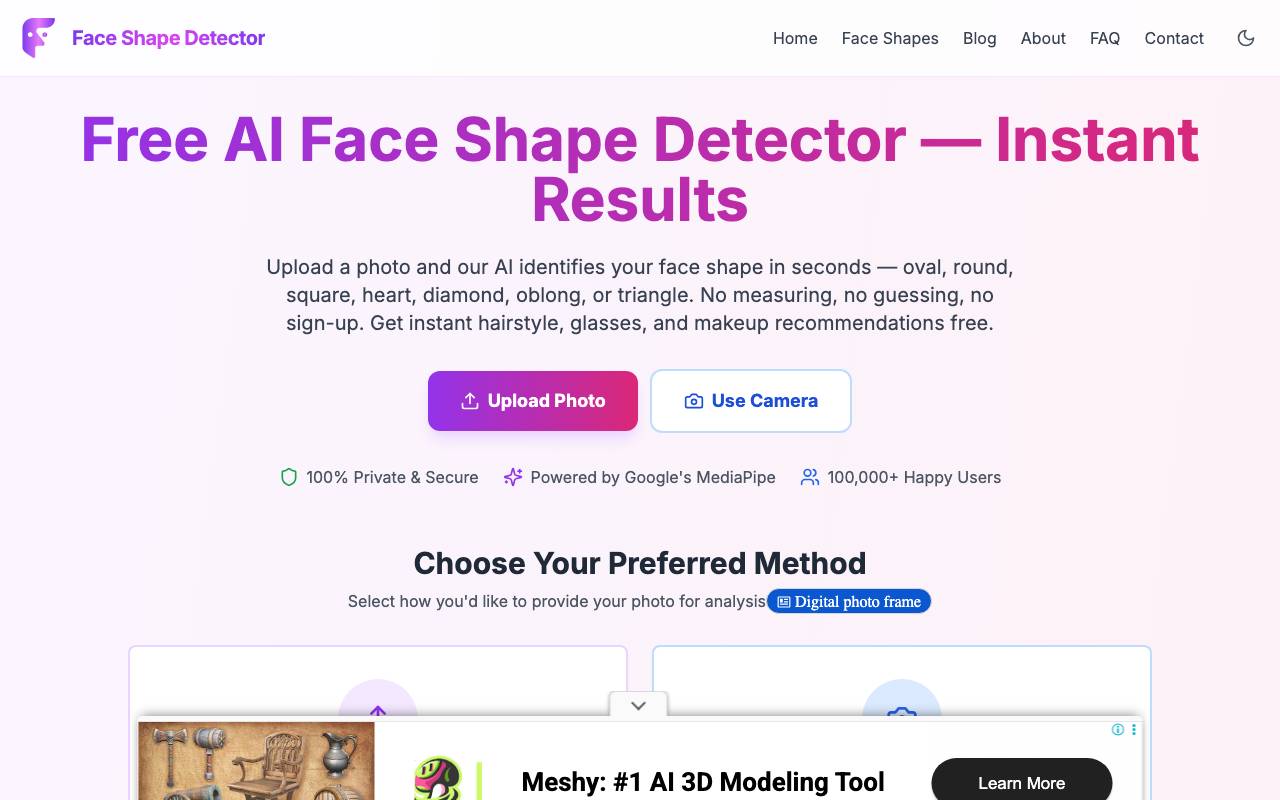

Face Shape Detector
AI Detection
Browser-based AI tool that detects your face shape from a photo and suggests flattering styles
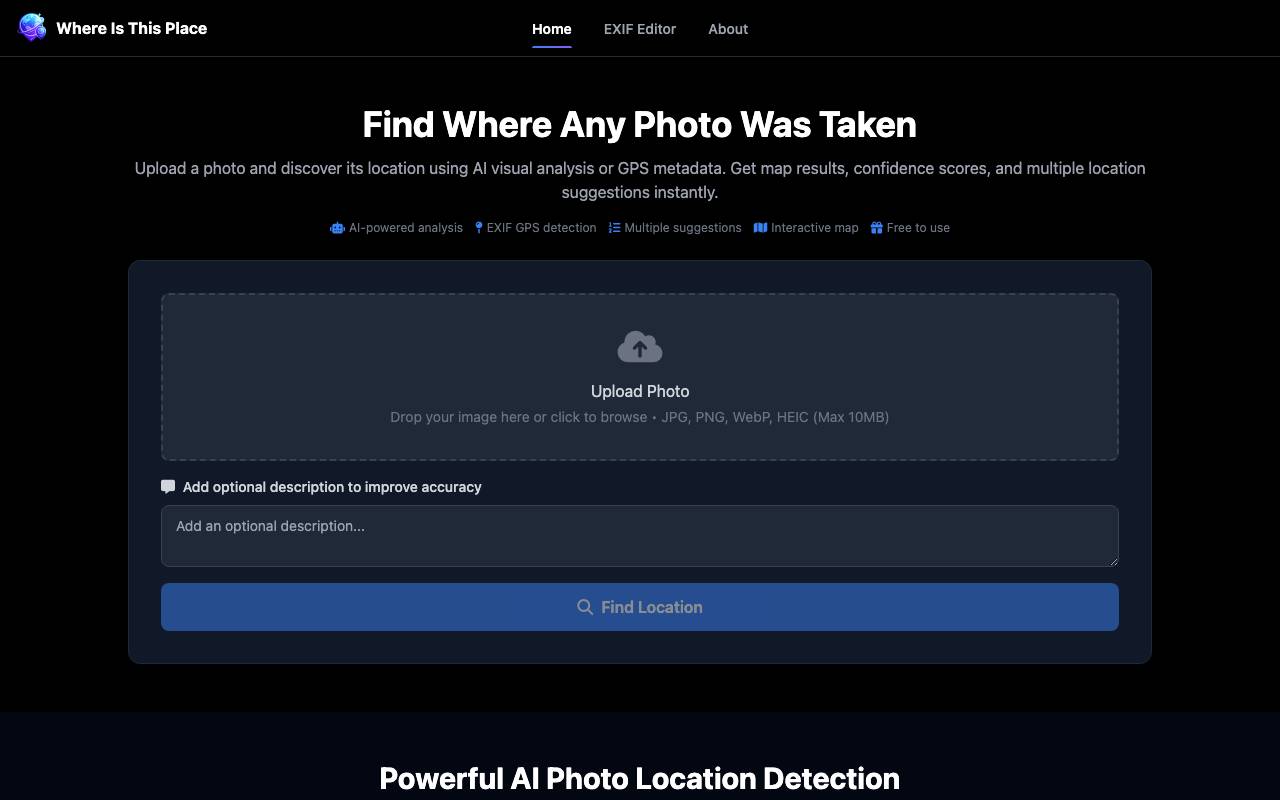

Where Is This Place
AI Detection
AI tool that identifies where a photo was taken using visual analysis and GPS EXIF data
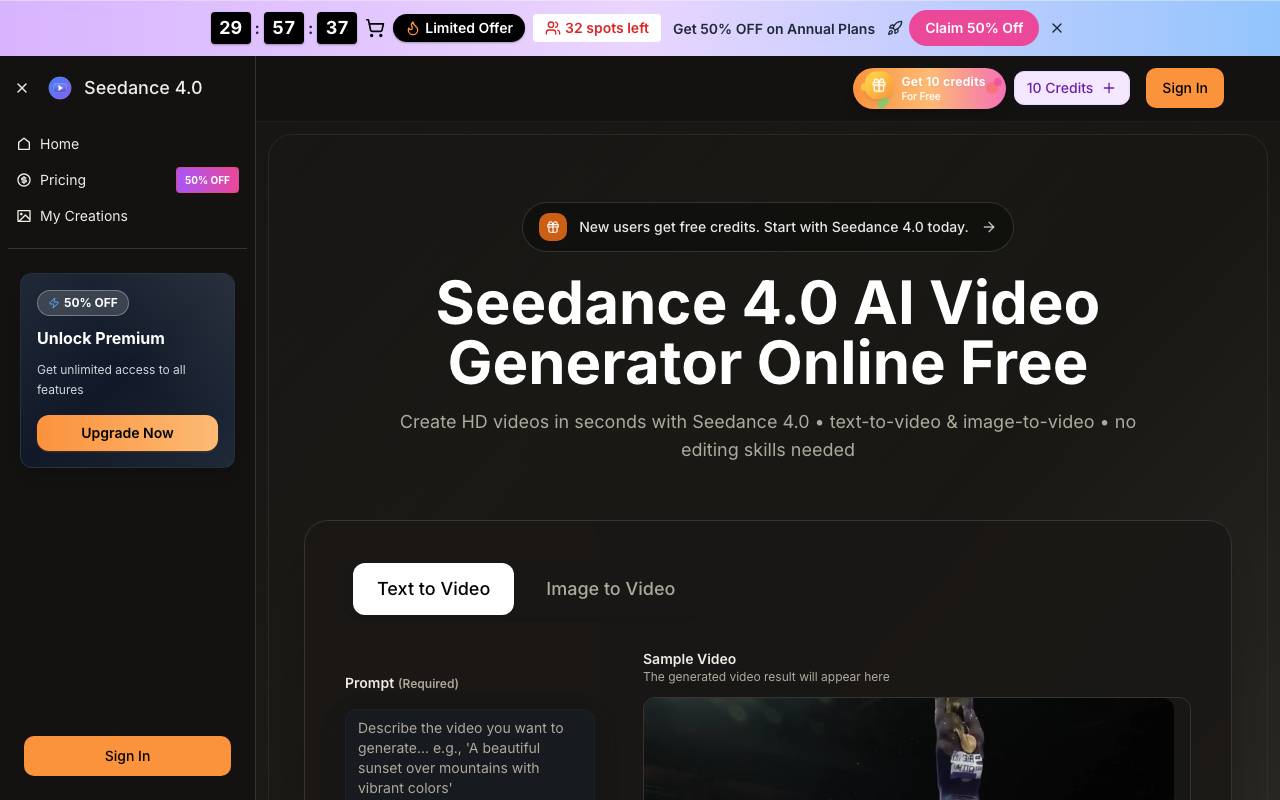

Seedance 4.0
AI Detection
Online AI video generator that turns text prompts and images into short HD clips