
text-removerAI tool that removes hardcoded text, subtitles, and watermarks from videos online while preserving quality

Overview
Key features
- AI removal of hardcoded text and overlays from video
- Subtitle and caption removal for localization workflows
- Watermark and logo removal
- Background reconstruction without blur or quality loss
- Preserves original frame rate and resolution
- Real-time credit estimate before processing
Pricing
- Model
- Free
- Category
- AI Detection
- Rating
- 5.0 / 5 (4)
Use cases
Remove Burned-In Subtitles for Re-Translation
Editors can strip hardcoded subtitles from videos to prepare clean footage for translating and re-subtitling in different languages.
Clean Watermarks from Stock Footage
Content creators can automatically erase logos and watermarks from clips, making the footage easier to reuse in new projects.
Batch Process Videos for Repurposing
Marketers can upload multiple clips at once and export cleaned versions in bulk, speeding up workflows for republishing across platforms.
Prepare Footage for Localization
Localization teams can remove on-screen text and captions from source videos so they can be replaced with region-specific overlays.
Pros & Cons
Pros
- Removes hardcoded text, subtitles, and watermarks without manual masking
- Aims to rebuild backgrounds naturally rather than blurring
- Preserves original FPS and resolution; no output watermark
- Affordable one-time credit pack option for trying it out
- Credit estimate shown before processing
Cons
- Credits expire after 30 days and are billed per minute of video
- Results may degrade on complex motion or large overlay areas
- Length caps (e.g. up to 6 minutes) limit very long videos
- Browser-only with no described editor-level fine control
Reviews
Average from 4 ratings.
Sign in to leave a review.
Does the job
Pretty happy overall. Batch video processing just works and saves time compared to manual masking. Raises copyright concerns if misused can be annoying, but no dealbreakers — I'd recommend it to a friend without hesitating.
Skeptical, then convinced
I went in skeptical — most tools in this space overpromise. It actually delivers on browser-based workflow, and automates tedious watermark and subtitle removal caught me off guard. Raises copyright concerns if misused is why this isn't a perfect score, still, I'd recommend giving it a real trial.
Skeptical, then convinced
I went in skeptical — most tools in this space overpromise. It actually delivers on batch video processing, and simple upload-and-process workflow caught me off guard. still, I'd recommend giving it a real trial.
Use it every day
Honestly didn't expect to like it this much. Automatic watermark removal is exactly what I needed, and automates tedious watermark and subtitle removal. but I reach for it almost every day now and it just clicks.
Q&A
No questions yet — be the first to ask.
Ask a question
AI Detection alternatives

xiaofei li
AI Detection
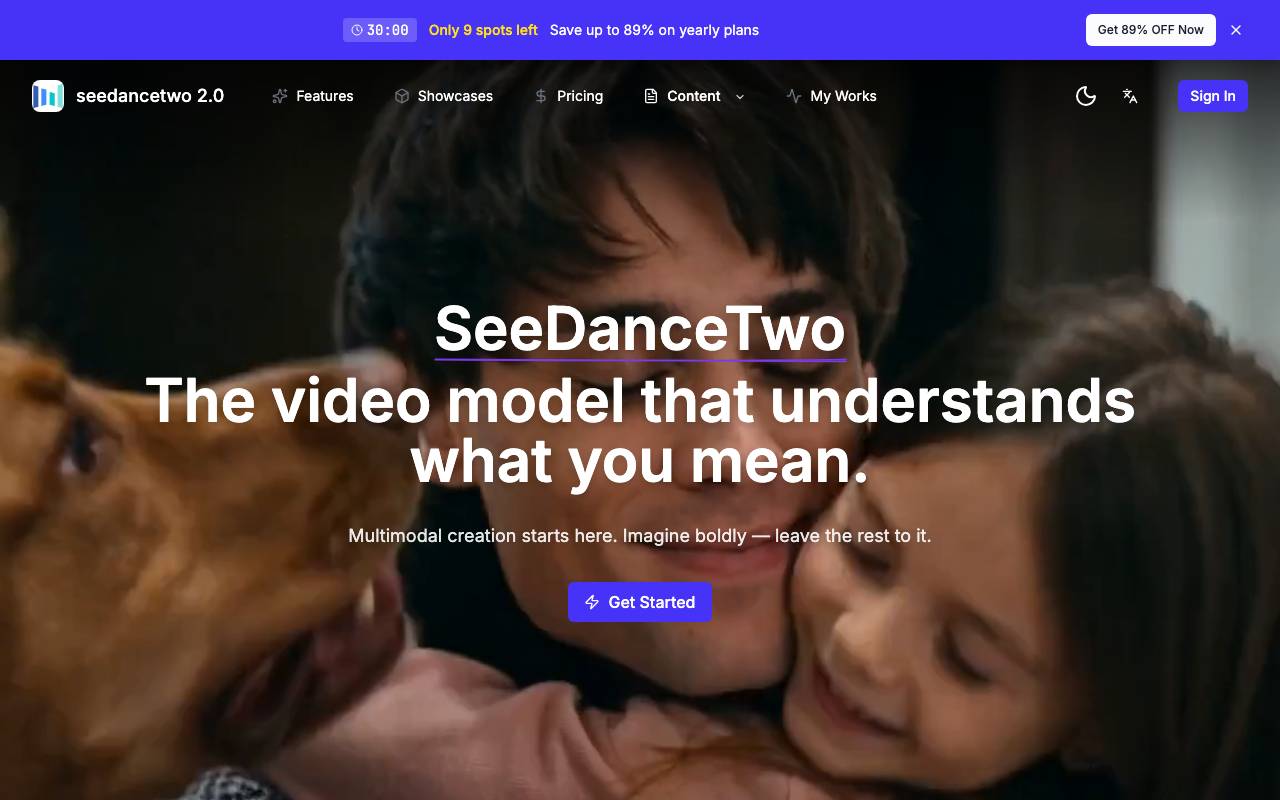
ByteDance's AI video model generating native 2K footage with multi-shot storytelling and synced audio.
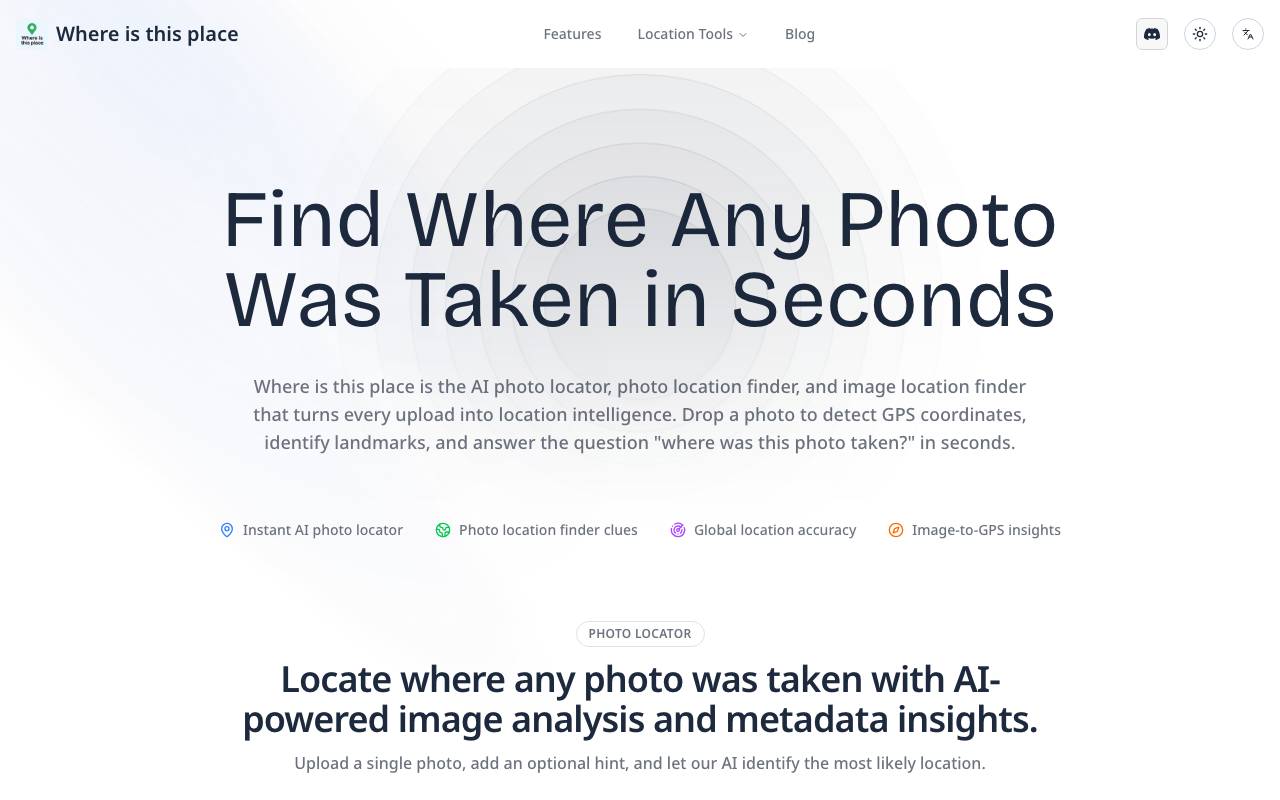

Image Location finder
AI Detection
AI-powered image locator that identifies the real-world place behind any photo.


Image Text Editor
AI Detection
AI-powered online tool to edit or replace text in images and screenshots with automatic font matching


lupa ai
AI Detection
Free online AI image upscaler for sharper, higher-resolution photos in seconds.

AltxtAI
AI Detection
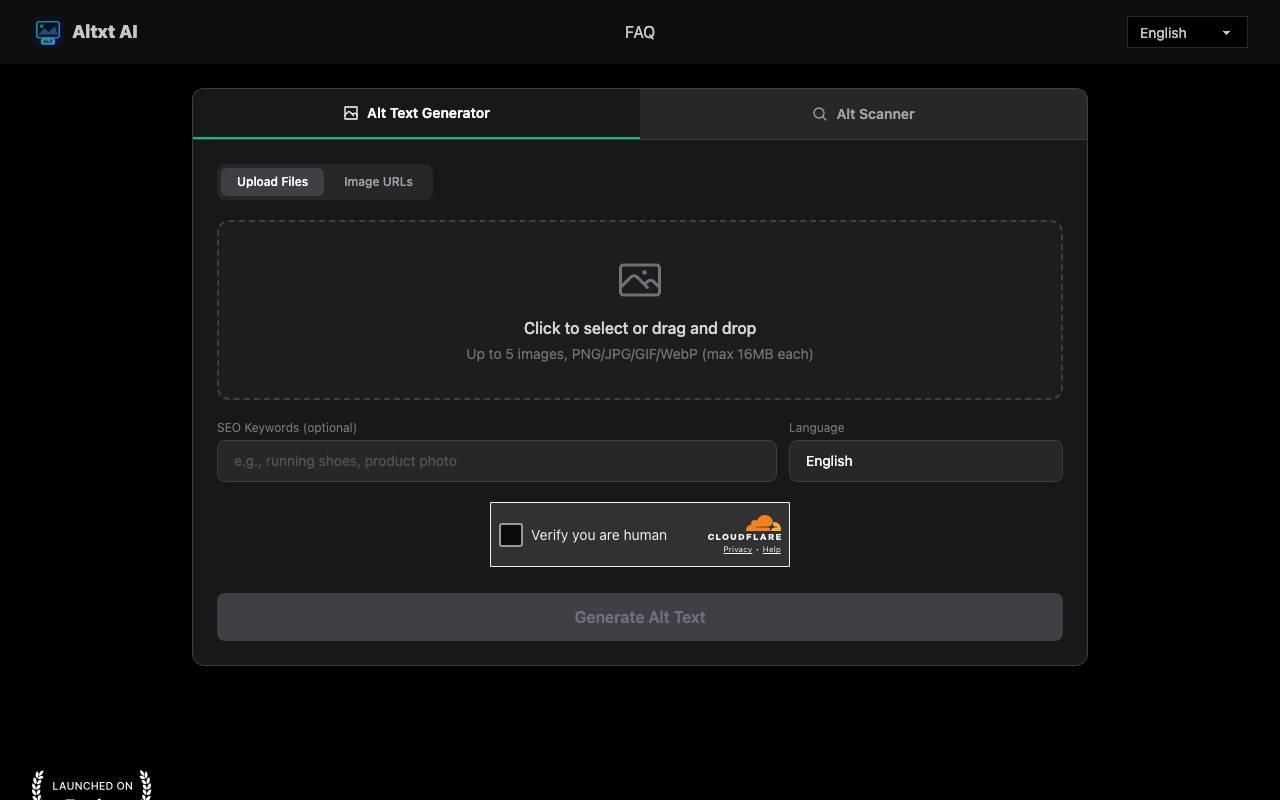
AI alt text generator that writes SEO-aware, accessible image descriptions in seconds with no signup


Face Shape Detector
AI Detection
Browser-based AI tool that detects your face shape from a photo and suggests flattering styles

Where Is This Place
AI Detection
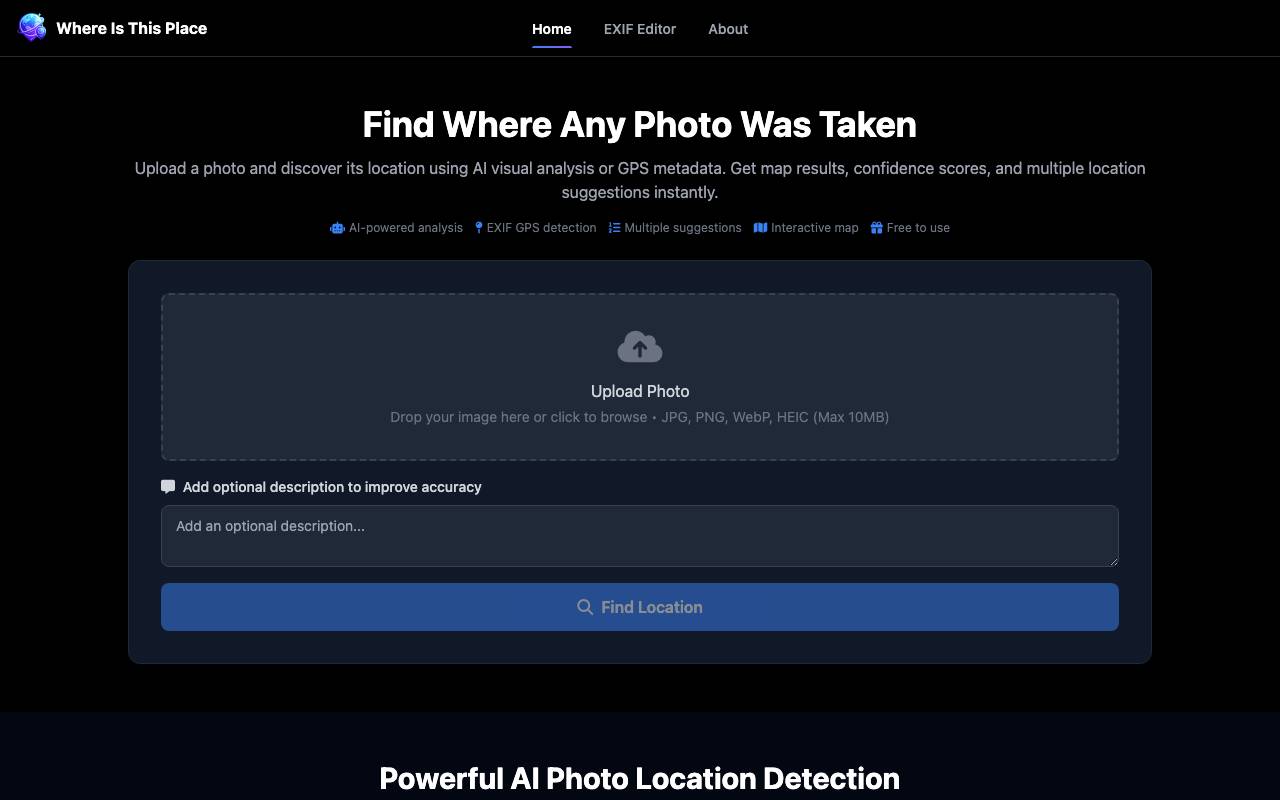
AI tool that identifies where a photo was taken using visual analysis and GPS EXIF data
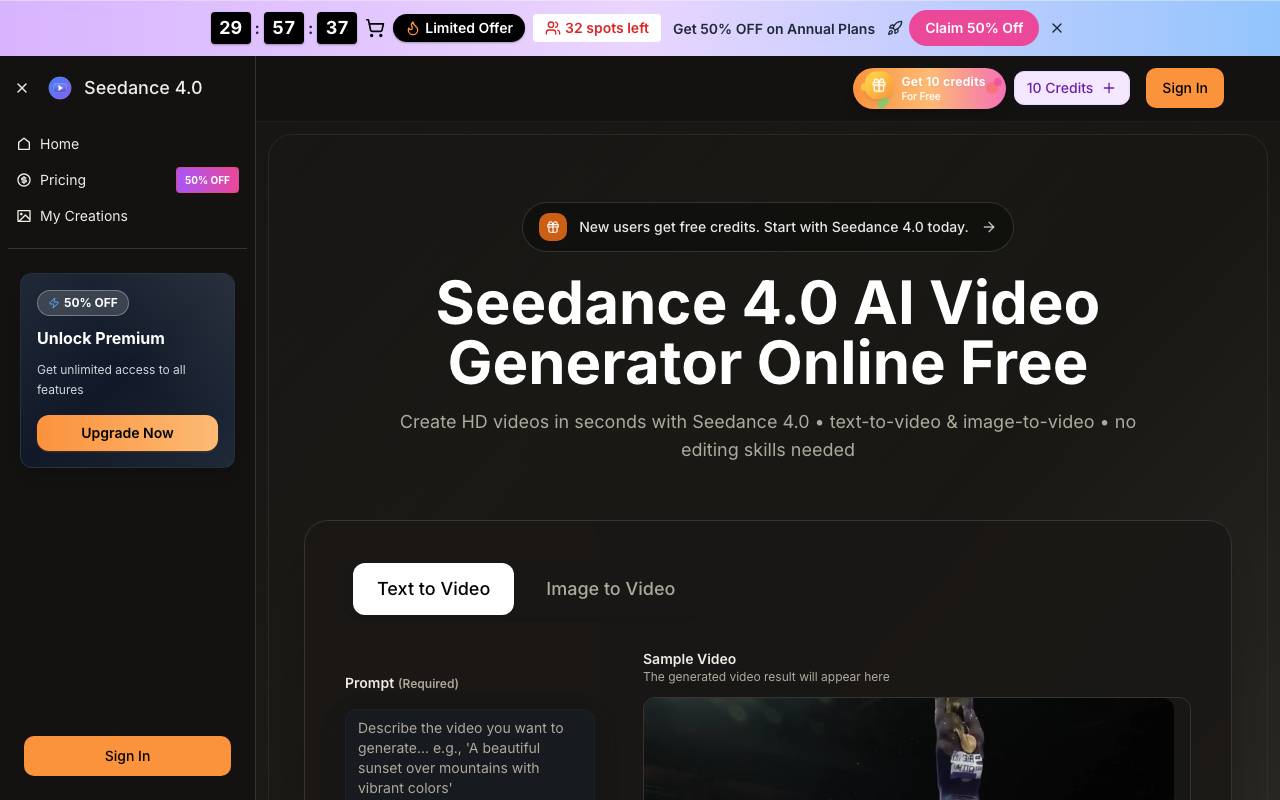

Seedance 4.0
AI Detection
Online AI video generator that turns text prompts and images into short HD clips