
Seedance 4.0Online AI video generator that turns text prompts and images into short HD clips

Overview
Key features
- Text-to-video and image-to-video generation
- 720p and 1080p output with selectable aspect ratios
- Multiple selectable models per scene
- Built-in audio with dialogue and ambience
- AI video enhancer and background remover
- Batch jobs, scene splitting and prompt helpers
Pricing
- Model
- Free
- Category
- AI Detection
- Rating
- 4.5 / 5 (4)
Use cases
Generate short social media clips
Marketers and creators can turn text prompts into quick cinematic clips for Instagram, TikTok, or YouTube Shorts without using complex editing software.
Animate static images for campaigns
Upload reference images and convert them into motion clips, adding dynamic visuals to product shots, ads, or promotional posts.
Visualize concepts and storyboards
Filmmakers and designers can quickly preview scene ideas from text descriptions, helping pitch concepts or plan shots before full production.
Hobbyist creative experimentation
Casual users can explore AI video generation through a free, browser-based workflow, testing styles and motion options without upfront cost.
Pros & Cons
Pros
- Both text-to-video and image-to-video in one interface
- Access to multiple models including Veo 3, Sora 2 and Wan 2.5
- Fast previews before committing to full renders
- Commercial-use license included on paid plans
- Multiple aspect ratios and up to 1080p output
Cons
- Clips limited to 5 or 10 seconds
- Best models and no-watermark gated to annual billing
- Credit-based caps on monthly video count
- Appears to be a third-party wrapper rather than an official Seedance/ByteDance product
Reviews
Average from 4 ratings.
Sign in to leave a review.
Skeptical, then convinced
I went in skeptical — most tools in this space overpromise. It actually delivers on free usage tier, and free online access with no install caught me off guard. still, I'd recommend giving it a real trial.
Compared a few options
Evaluated this against two competitors. Where it wins: multiple style and motion options and beginner-friendly interface. Where it lags: short clip lengths limit longer storytelling. On balance the feature set — especially text-to-video generation — justifies the 5 stars for our use case.
Solid for our team
We rolled this out across the team last quarter and free online access with no install. Free usage tier fits neatly into how we already work, and image-to-video animation removed a step we used to do by hand. Limited fine control vs professional tools, which is the main caveat, but it has held up under daily use.
Does the job
Pretty happy overall. Image-to-video animation just works and supports both text-to-video and image-to-video. Limited fine control vs professional tools can be annoying, but no dealbreakers — I'd recommend it to a friend without hesitating.
Q&A
No questions yet — be the first to ask.
Ask a question
AI Detection alternatives
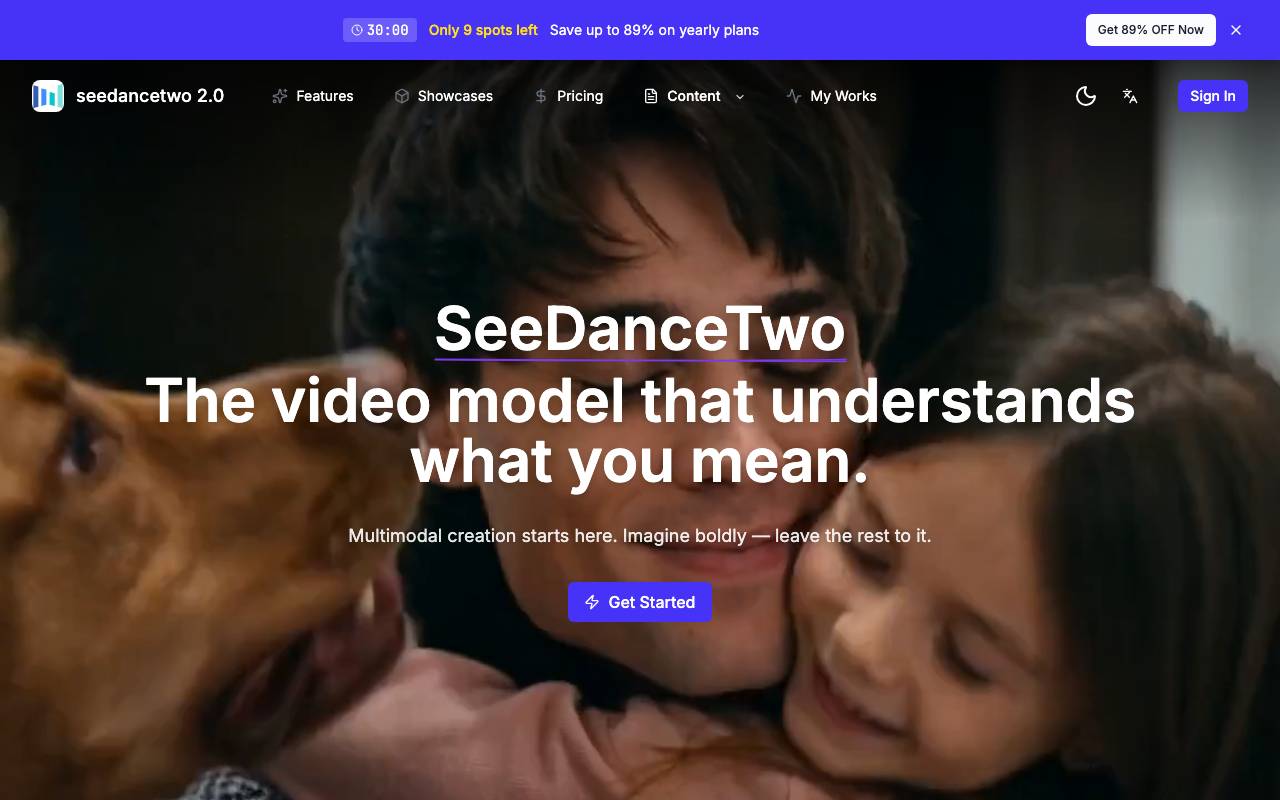

xiaofei li
AI Detection
ByteDance's AI video model generating native 2K footage with multi-shot storytelling and synced audio.
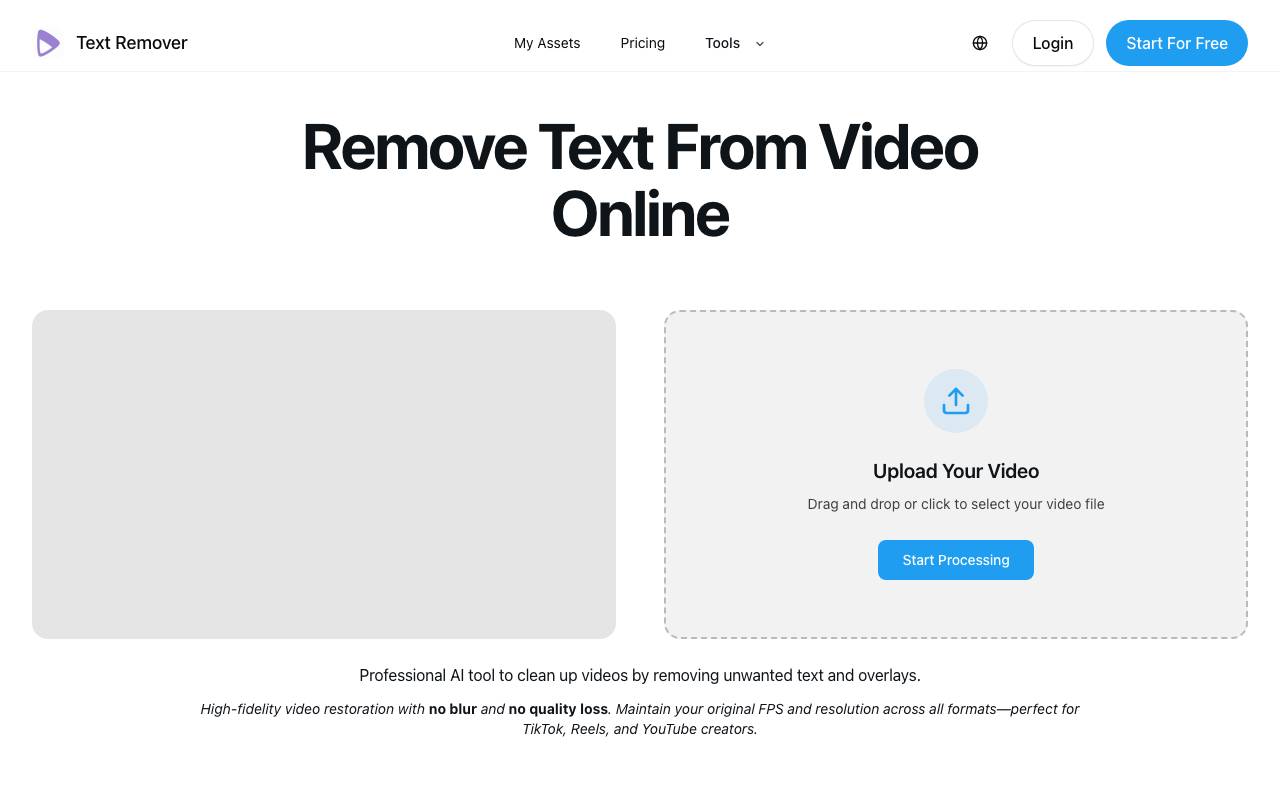

text-remover
AI Detection
AI tool that removes hardcoded text, subtitles, and watermarks from videos online while preserving quality
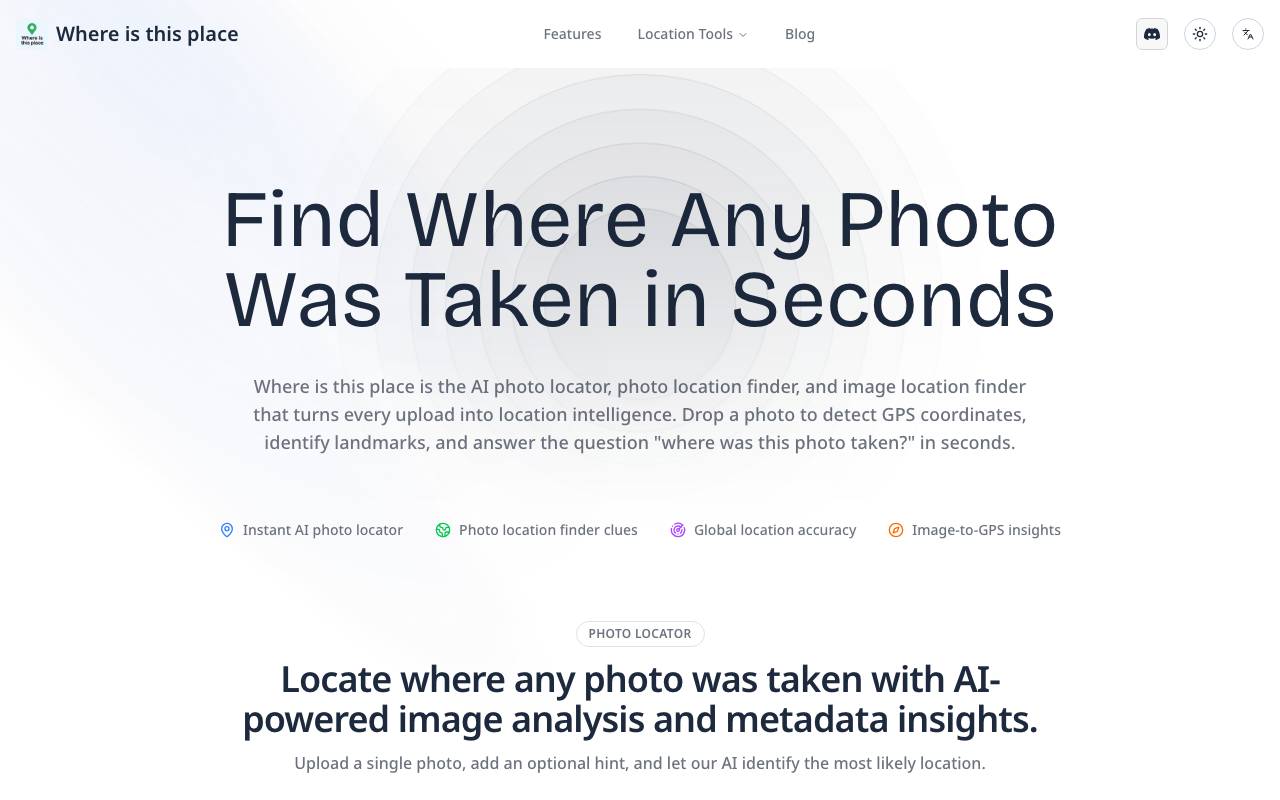

Image Location finder
AI Detection
AI-powered image locator that identifies the real-world place behind any photo.
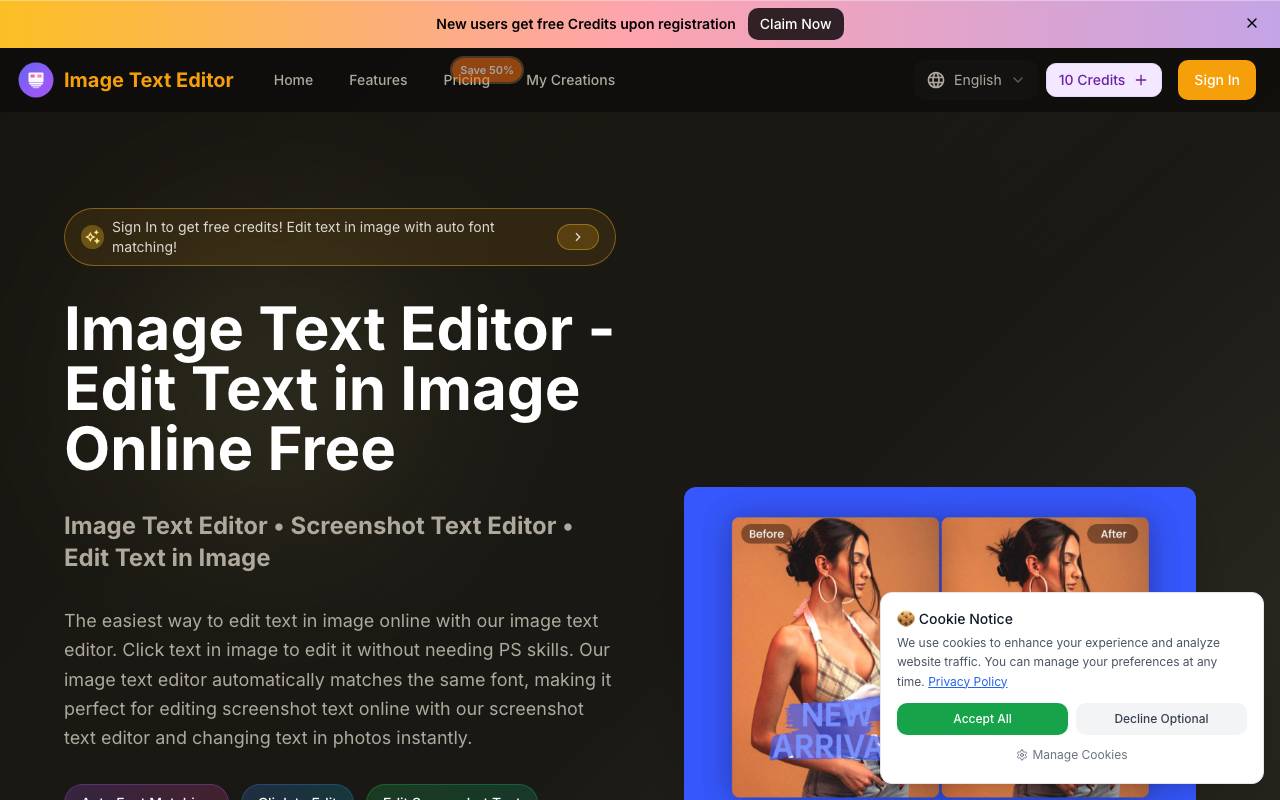

Image Text Editor
AI Detection
AI-powered online tool to edit or replace text in images and screenshots with automatic font matching
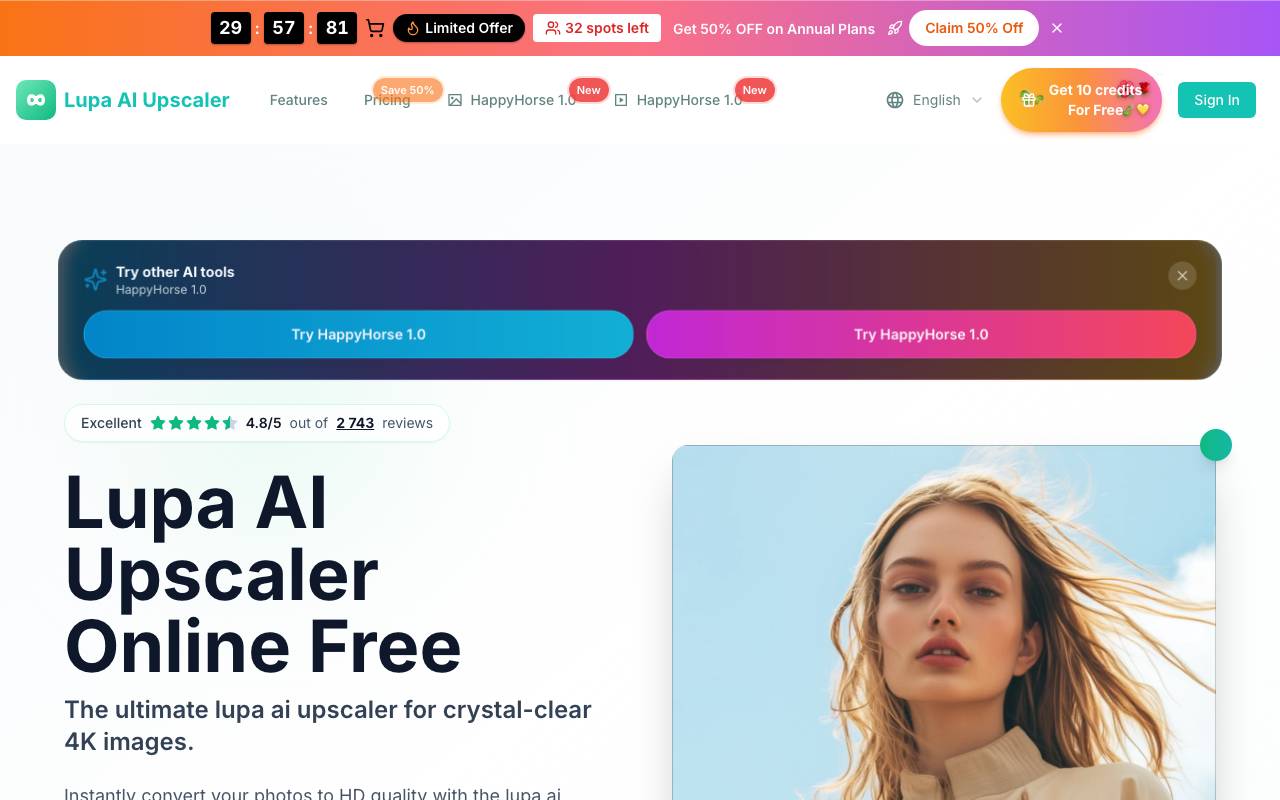

lupa ai
AI Detection
Free online AI image upscaler for sharper, higher-resolution photos in seconds.
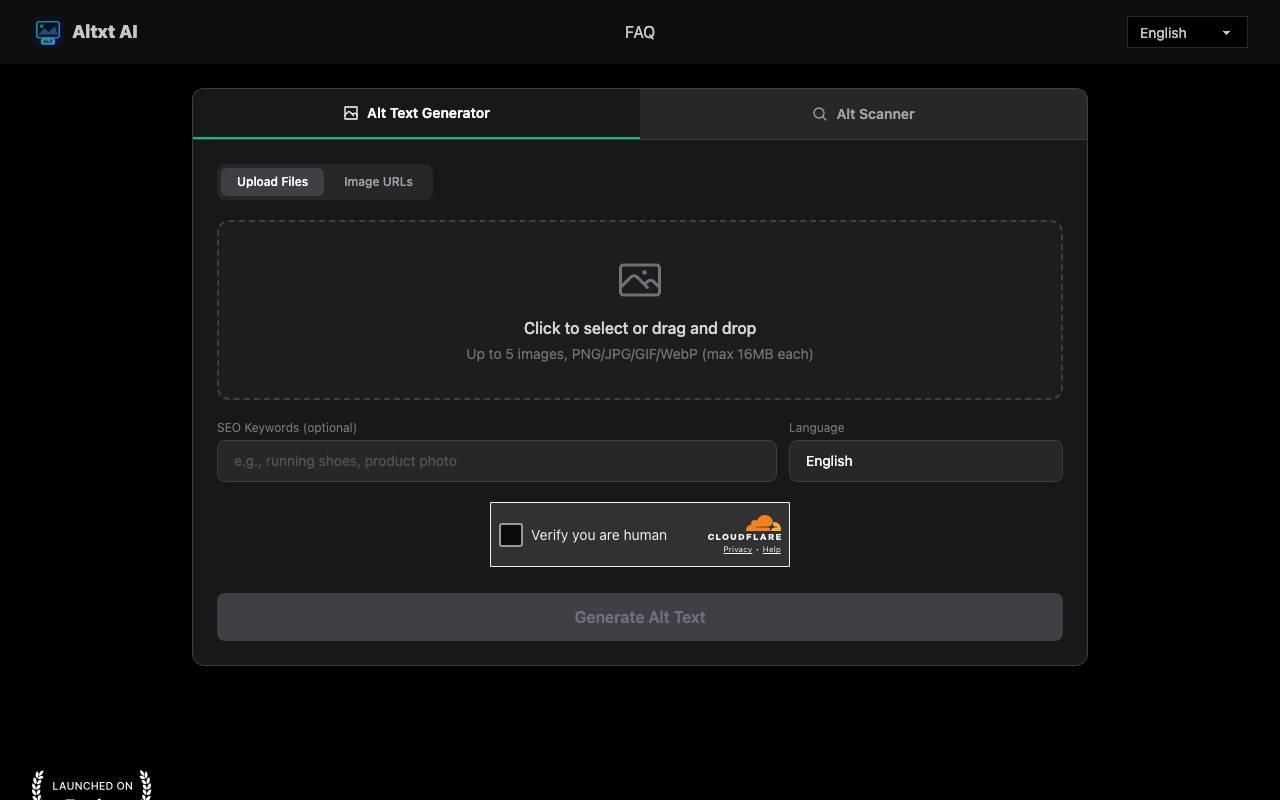

AltxtAI
AI Detection
AI alt text generator that writes SEO-aware, accessible image descriptions in seconds with no signup
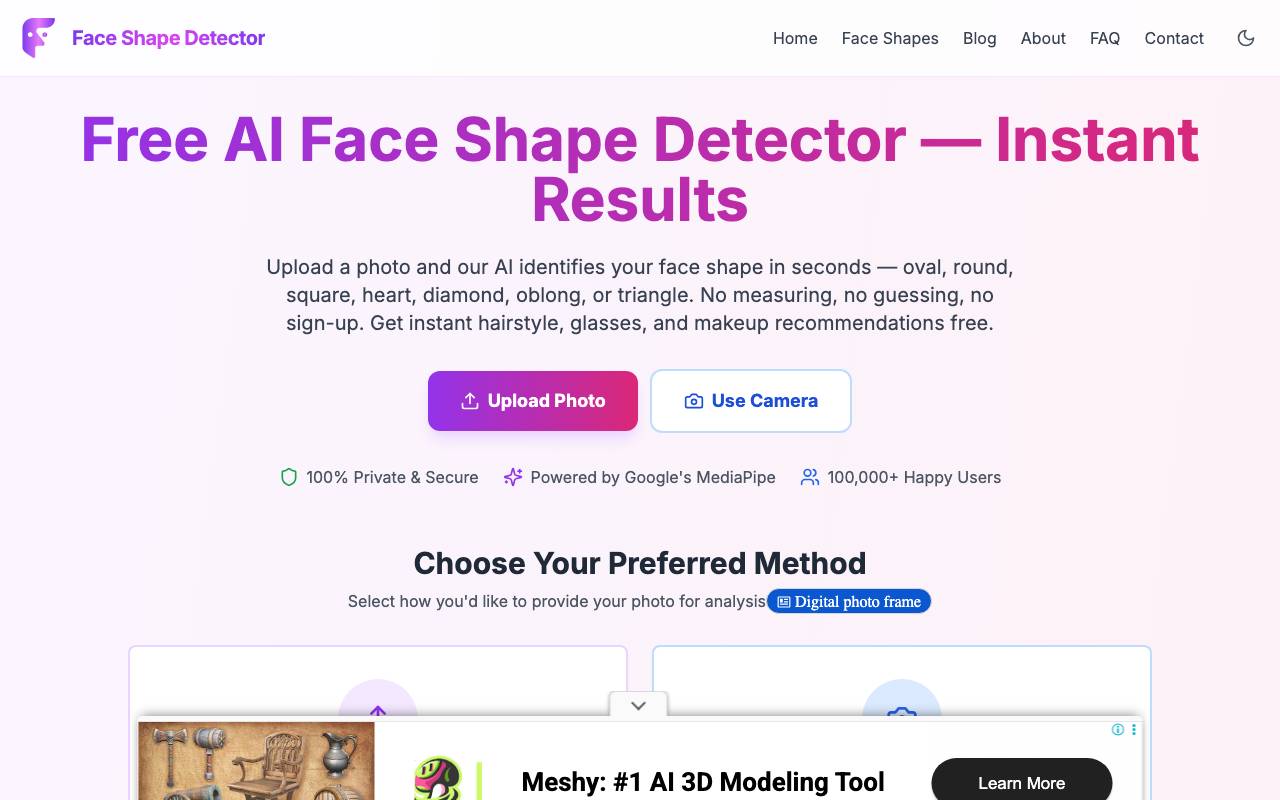

Face Shape Detector
AI Detection
Browser-based AI tool that detects your face shape from a photo and suggests flattering styles
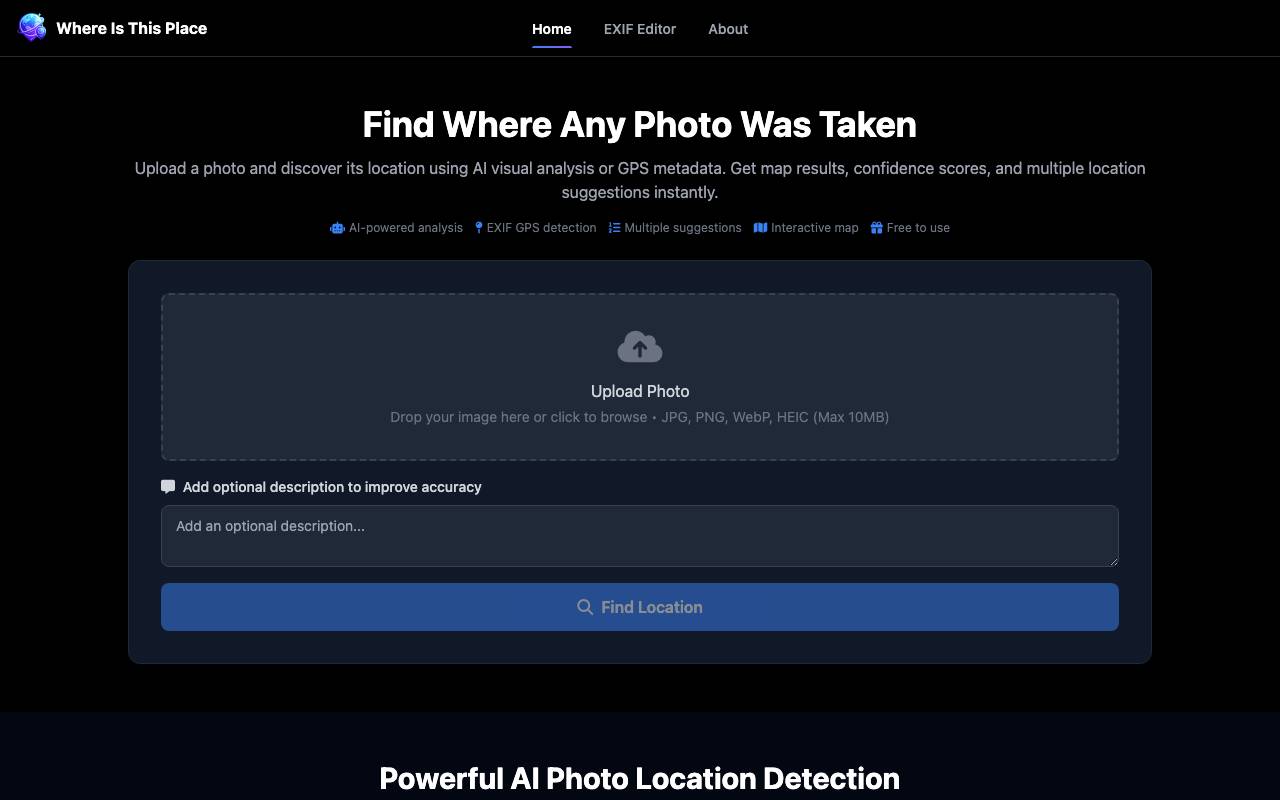

Where Is This Place
AI Detection
AI tool that identifies where a photo was taken using visual analysis and GPS EXIF data