
Perplexity ComputerStändig aktiver Digital Worker, der vollständige Workflows mit App-Connectors, Recherche, Coding sowie planmäßiger Überwachung und Aktionen ausführt.

Übersicht
Hauptfunktionen
- Research integration
- Coding capabilities
- Scheduled actions
- App connectors
- Continuous automation
Preise
- Modell
- Paid
- Kategorie
- Virtual Workers
- Bewertung
- 4.6 / 5 (5)
Anwendungsfälle
Automatisierte Marktforschung
Führt kontinuierlich Recherchen zu Themen, Wettbewerbern oder Branchen durch und fasst die Ergebnisse in strukturierte Berichte zusammen, ohne manuelle Eingriffe.
Geplante Workflow-Ausführung
Stellt wiederkehrende Aufgaben ein, die nach Zeitplan ausgeführt werden, und führt mehrstufige Workflows über verbundene Apps automatisch aus.
Koordination von Aufgaben über mehrere Apps hinweg
Nutze App-Connectors, um Aktionen über mehrere Tools zu koordinieren und end-to-end Workflows aus einer einzigen Anweisung abzuschließen.
Ständige Überwachung & Benachrichtigungen
Überwache Änderungen, Ereignisse oder Datenquellen rund um die Uhr und löse Aktionen oder Benachrichtigungen aus, sobald Bedingungen erfüllt sind.
Pro & Contra
Pro
- Automates repetitive tasks
- Executes full workflows
- Scheduled monitoring and actions
- Integration with various applications through connectors
- Efficient task execution
Contra
- Complex setup may require technical expertise
- Limited transparency in its internal operations
- Dependence on quality of connectors
- Potential for technical issues with scheduling and monitoring
Schlacht-Bilanz
Aus 1 Schlacht im Pantheon.
Last battle
Bewertungen
Durchschnitt aus 5 Bewertungen.
Melde dich an, um eine Bewertung abzugeben.
Does the job
Pretty happy overall. The onboarding just works and it saves real time. but no dealbreakers — I'd recommend it to a friend without hesitating.
Solid for our team
We rolled this out across the team last quarter and support is responsive. The onboarding fits neatly into how we already work, and the dashboard removed a step we used to do by hand. The docs could be deeper, which is the main caveat, but it has held up under daily use.
Use it every day
Honestly didn't expect to like it this much. The API is exactly what I needed, and it is genuinely easy to set up. I do wish the docs could be deeper, but I reach for it almost every day now and it just clicks.
Skeptical, then convinced
I went in skeptical — most tools in this space overpromise. It actually delivers on the API, and it is genuinely easy to set up caught me off guard. A few rough edges remain is why this isn't a perfect score, still, I'd recommend giving it a real trial.
Solid for our team
We rolled this out across the team last quarter and it is genuinely easy to set up. The dashboard fits neatly into how we already work, and the automation removed a step we used to do by hand. The mobile experience lags, which is the main caveat, but it has held up under daily use.
Fragen & Antworten
Does it integrate with the apps and tools we already use?
Yes. Perplexity Computer uses app connectors to plug into your existing tools, allowing it to pull data, take actions, and orchestrate workflows across multiple applications rather than working in isolation.
What can Perplexity Computer actually do for my team?
It acts as an always-on digital worker that executes full workflows end-to-end, combining app connectors, research, coding, and scheduled monitoring and actions so tasks run automatically without manual handoffs.
Can it run tasks on a schedule or only on demand?
It supports scheduled monitoring and actions, so you can set it to run workflows continuously or at defined intervals, in addition to executing on-demand research, coding, and multi-step tasks.
Frage stellen
Alternativen zu Virtual Workers


Avaamo
Virtual Workers
Unternehmensweite Conversational-AI-Plattform zum Erstellen virtueller Agenten und digitaler Mitarbeiter in allen Geschäftsbereichen.


Hugging Face Open Computer Agent
Virtual Workers
Ein Open-Source-AI-Agent, der Webaufgaben automatisiert, indem er Benutzinteraktionen in einem virtuellen Linux-Umfeld simuliert.
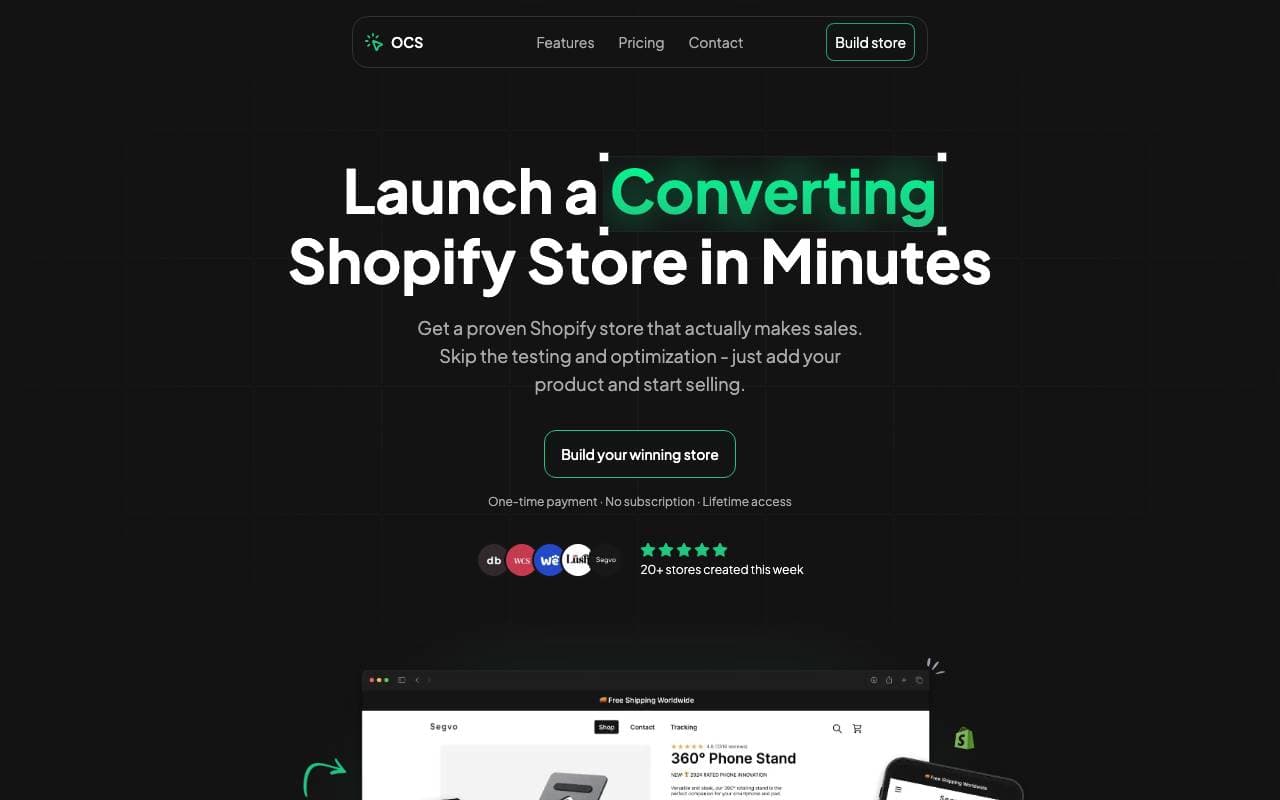

One Click Store
Virtual Workers
KI-gestützte Plattform für den schnellen Start von E-Commerce-Shops in Minuten mit automatisiertem Inhalt und SEO.
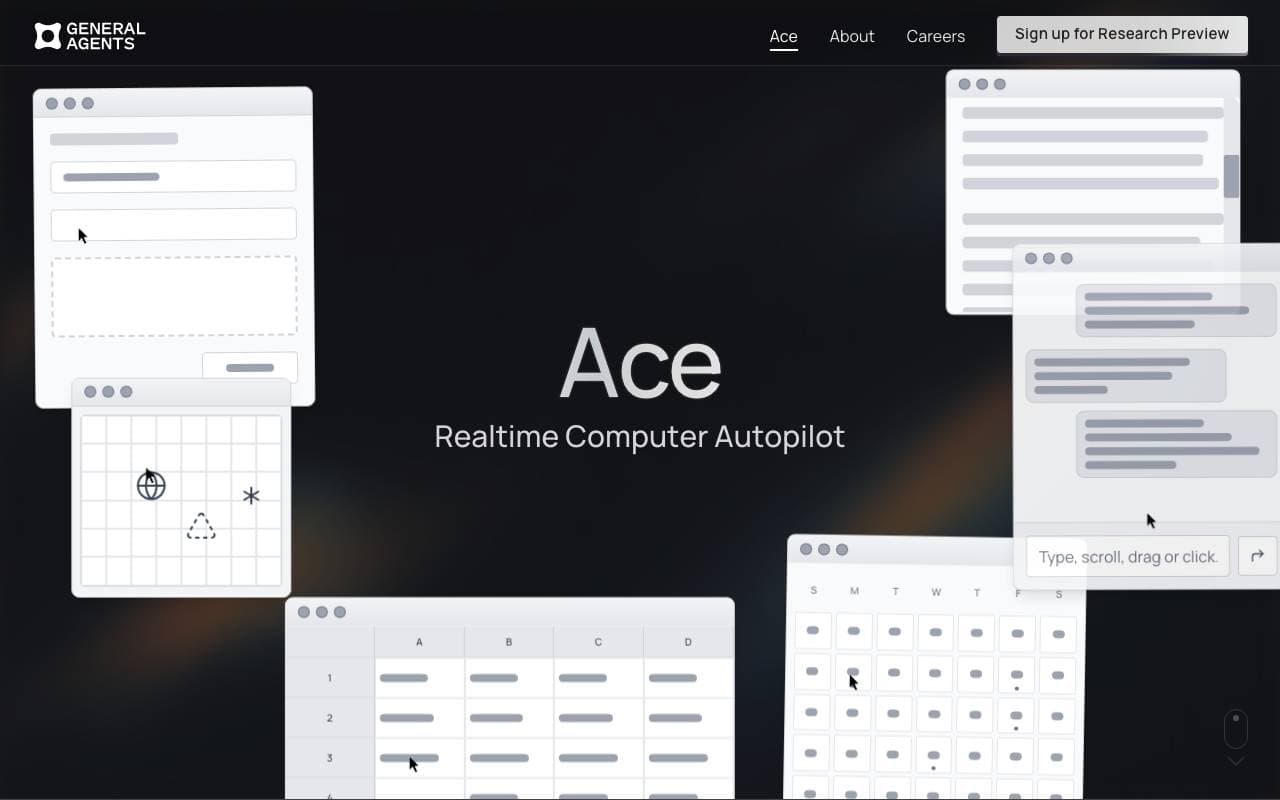

Ace by General Agents
Virtual Workers
Desktop‑AI-Agent, der Aufgaben automatisiert, indem er Maus und Tastatur wie ein menschlicher Nutzer steuert.
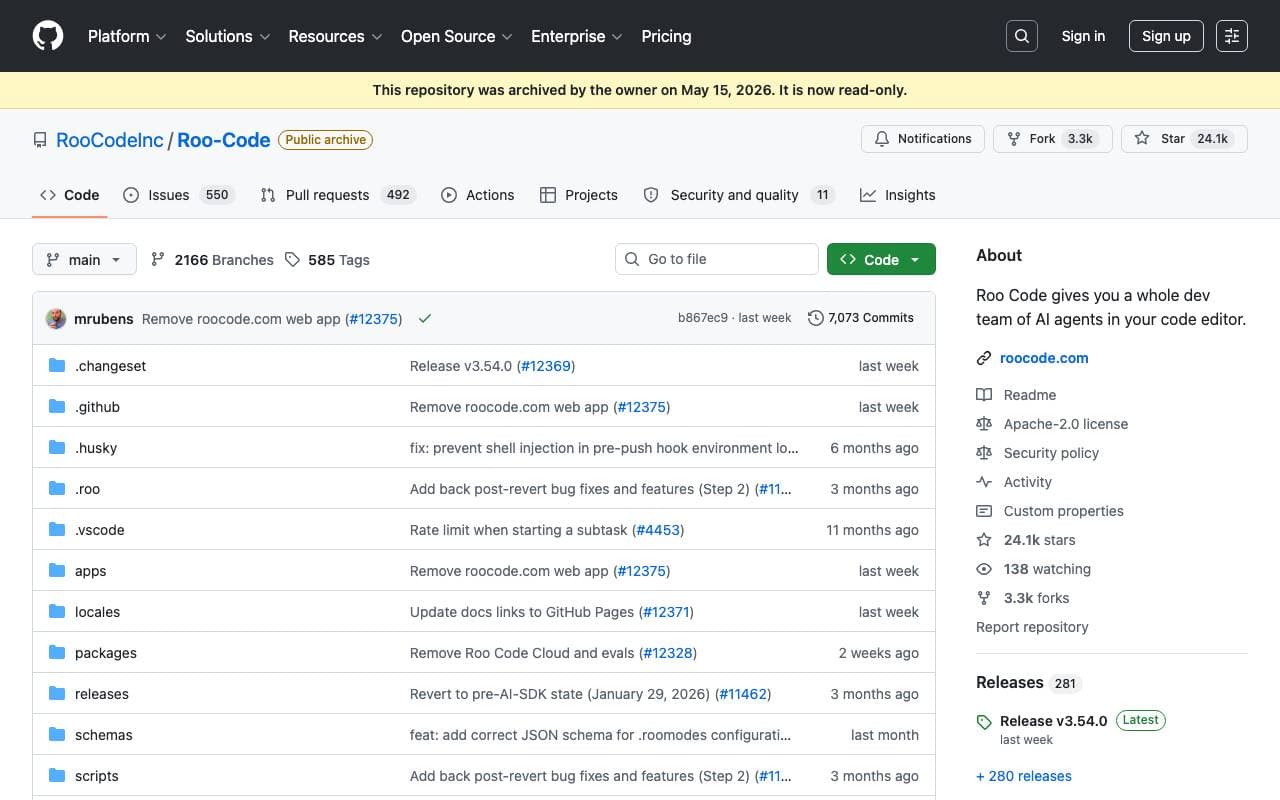

Roo Code
Virtual Workers
Ein autonomer offener Quellcode-AI-Agent, der Programmieren, Debuggen und die Evolution von Software mit minimalem menschlichen Eingriff ermöglicht.


Tally AI
Virtual Workers
Künstliche Intelligenz-Agenten, die wiederholende Rechnungsabwesenheits-, Steuer- und Audit-Aufgaben innerhalb Ihrer vorhandenen Systeme automatisieren.

Jumbo Mana
Virtual Workers
Erstellt interaktive AI-Avatare, einschließlich digitaler Doppelgänger, für eine erhöhte Benutzerbindung.


Convergence Proxy
Virtual Workers
Anpassung von AI-Verständnis, das neue Fähigkeiten mit der Zeit auf der Grundlage realer Einsatzmöglichkeiten vermittelt.
Trending now


Claude
AI Agents & Chatbots
Konversations‑KI‑Assistent von Anthropic für Schreiben, Analyse, Programmieren und Dokumentaufgaben

Doozer Ai
Sales Agent
Digitale Mitarbeiter, die operative Workflows automatisieren, um die Effizienz von Teams zu steigern.


Pin AI
Workflow automation
Agentic AI Recruiter, der Sourcing, Screening und Outreach automatisiert, um den Einstellungsprozess zu beschleunigen.


Local GPT
Other
Open-Source-Lokale KI für private, offline Dokumentenchat mittels GPT-ähnlicher Modelle auf eigener Hardware.