
Ace by General AgentsTöölaua AI-agent, mis automatiseerib ülesandeid, juhtides hiirt ja klaviatuuri nagu inimkasutaja.

Ülevaade
Põhifunktsioonid
- Hiire ja klaviatuuri sisendi simuleerimine
- Ekraanil olevate elementide visuaalne tõlgendamine
- Ristrakenduste ülesannete automatiseerimine
- Loomuliku keele ülesannete juhised
- Autonoomne mitmeetapiline täitmine
- Käitab otse kasutaja töölaual
Hinnad
- Mudel
- Contact for pricing
- Kategooria
- Virtual Workers
- Hinnang
- 4.7 / 5 (6)
Kasutusjuhud
Korduvate haldustööde automatiseerimine
Delegeeri rutiinsed ülesanded, nagu andmesisestus, vormide täitmine või failide korraldamine üle töölaua rakenduste, et need töötaksid autonoomselt, kui keskendud kõrgema väärtusega tööle.
Pärandvaraühenduse loomine API-de puudumisel
Automatiseerige töövooge vanemates või proprietaarsetes rakendustes, millel puuduvad API-d, lastes Ace'il suhelda nende kasutajaliidesega samamoodi nagu inimoperaator.
Mitmeetapilised rakendustevahelised töövood
Keti toimingud üle brauserite, tabelarvutite ja tootlikkustööriistade loomuliku keele juhiste abil, lastes agendil navigeerida igat liidest, et lõpetada jada.
Taustal käivitatavate ülesannete vabastamine
Anna pikaajalised, hiire-ja-klaviatuuriga tööd Ace'ile ja lase tal neid taustal teostada, vabastades kasutaja käsitsi kursorist ja klaviatuurist.
Plussid ja miinused
Plussid
- Töötab koos kõigi rakendustega, millel on graafiline liides
- API või integratsiooni seadistamine pole nõutud
- Automatiseerib mitmeetapilisi töölaua töövooge
- Jäljendab loomulikke inimese sisendi mustreid
Miinused
- Ekraanipõhine juhtimine võib olla aeglasem kui otsene API
- Toimivus võib sõltuda sihtrakenduste kasutajaliidese muutustest
- Nõuab usaldust hiire ja klaviatuuri juhtimiseks
- Piiratud läbipaistvus agenti otsuste kohta
Lahingute rekord
1 lahingus Panteonis.
Last battle
Arvustused
Keskmine 6 hinnangust.
Logi sisse arvustuse jätmiseks.
Compared a few options
Evaluated this against two competitors. Where it wins: autonomous multi-step execution and works with any app that has a graphical interface. Where it lags: limited transparency into agent decisions. On balance the feature set — especially runs directly on the user's desktop — justifies the 5 stars for our use case.
Solid for our team
We rolled this out across the team last quarter and works with any app that has a graphical interface. Autonomous multi-step execution fits neatly into how we already work, and cross-application task automation removed a step we used to do by hand. Performance may depend on UI changes in target apps, which is the main caveat, but it has held up under daily use.
Skeptical, then convinced
I went in skeptical — most tools in this space overpromise. It actually delivers on autonomous multi-step execution, and works with any app that has a graphical interface caught me off guard. still, I'd recommend giving it a real trial.
Does the job
Pretty happy overall. Runs directly on the user's desktop just works and works with any app that has a graphical interface. but no dealbreakers — I'd recommend it to a friend without hesitating.
Solid for our team
We rolled this out across the team last quarter and automates multi-step desktop workflows. Mouse and keyboard input simulation fits neatly into how we already work, and autonomous multi-step execution removed a step we used to do by hand. but it has held up under daily use.
Years in this space
I've evaluated a lot of these over the years. What stands out here is runs directly on the user's desktop — handled better than most — and mimics natural human input patterns. Screen-based control can be slower than direct APIs is my one real gripe. Worth the time if this is your use case.
Küsimused
How does Ace integrate with my existing apps?
Ace doesn't require traditional integrations or APIs. It controls your mouse and keyboard and visually interprets on-screen elements, so it works with virtually any desktop application that has a graphical interface, including browsers, productivity suites, and legacy software.
What kinds of tasks is Ace best suited for?
Ace is designed for repetitive multi-step desktop workflows, routine admin work, and cross-application sequences that would otherwise require scripting or brittle macros. You give it natural language instructions and it executes autonomously in the background while you focus on other work.
What are the main limitations I should be aware of?
Because Ace operates by simulating human input and reading the screen, it can be slower than direct API automations and may be affected by UI changes in target apps. It also requires trusting it with mouse and keyboard control and offers limited transparency into its decisions.
Esita küsimus
Virtual Workers alternatiivid


Avaamo
Virtual Workers
Ettevõtte tasemel vestlusliku tehisintellekti platvorm virtuaalagentide ja digitaalse töötaja loomiseks üle äritegevuse funktsioonide.


Hugging Face Open Computer Agent
Virtual Workers
Avatud lähtekoodiga AI‑agent, mis automatiseerib veebitoiminguid kasutajategevuste simuleerimisega virtuaalses Linuxi keskkonnas.
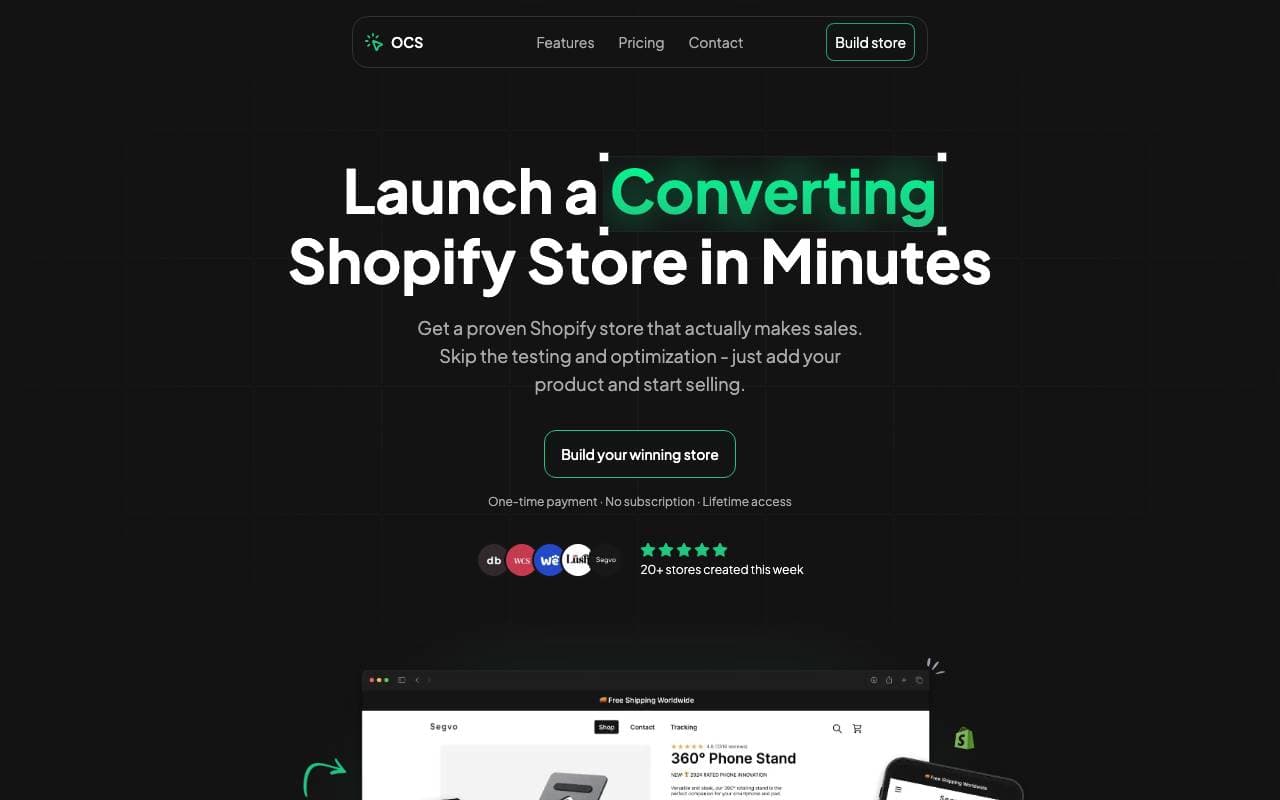

One Click Store
Virtual Workers
Sisestage mallide ilma tehjusega e-kaubanduse ettevõtted tagasi
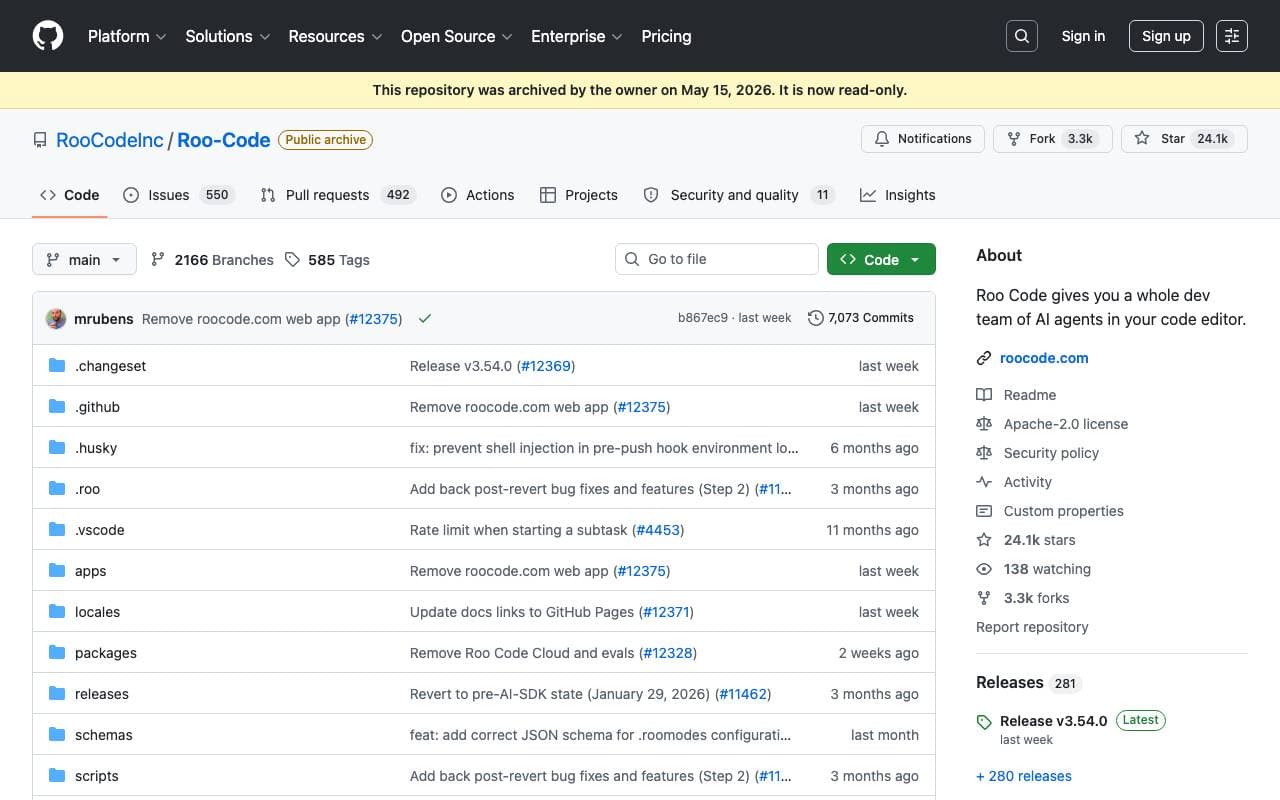

Roo Code
Virtual Workers
Automaatne AI agent, mis aitab koodida, debugida ja keeleloomine ilmast saavutamine rakenduskoodide parandamine ja ressursside kogemine.


Tally AI
Virtual Workers
Haldamisel osalema automatselt pankroti, arutamise ja arutäringu ülevaate kohta
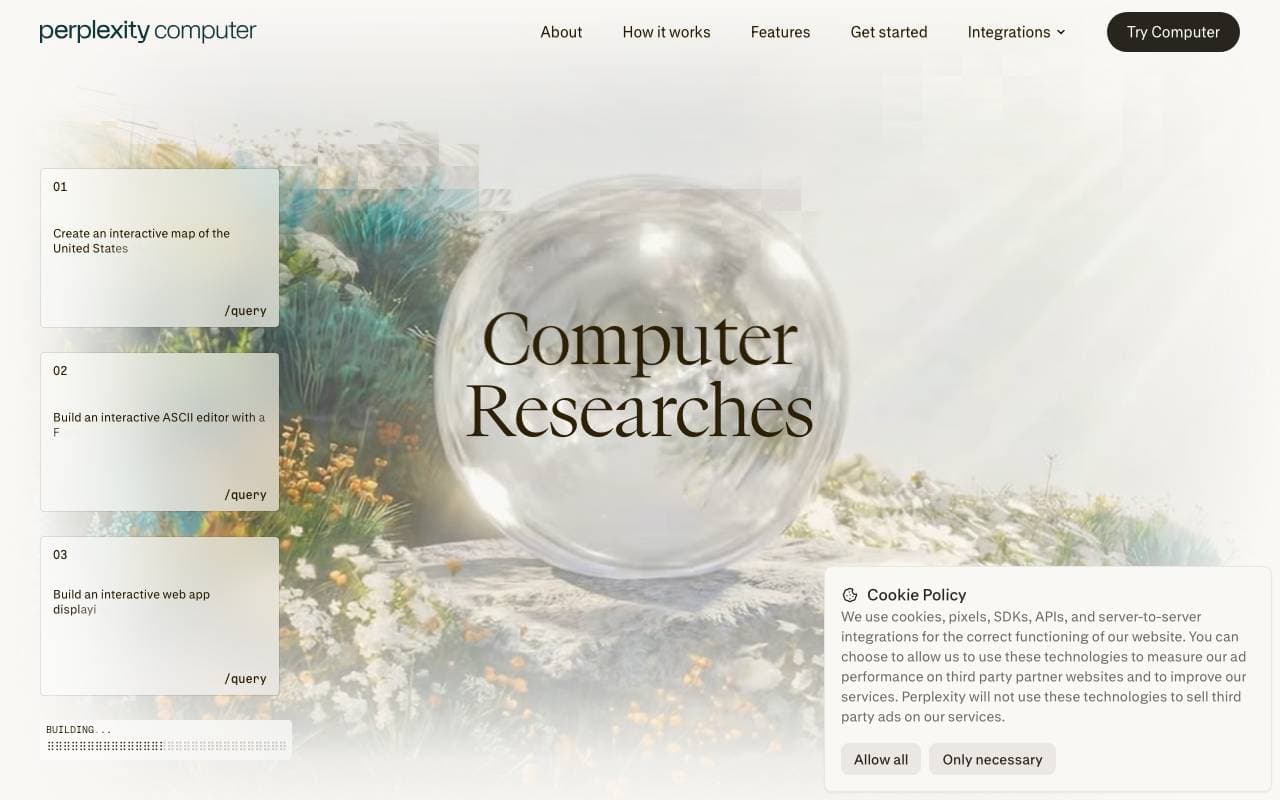

Perplexity Computer
Virtual Workers
Pergula kokku
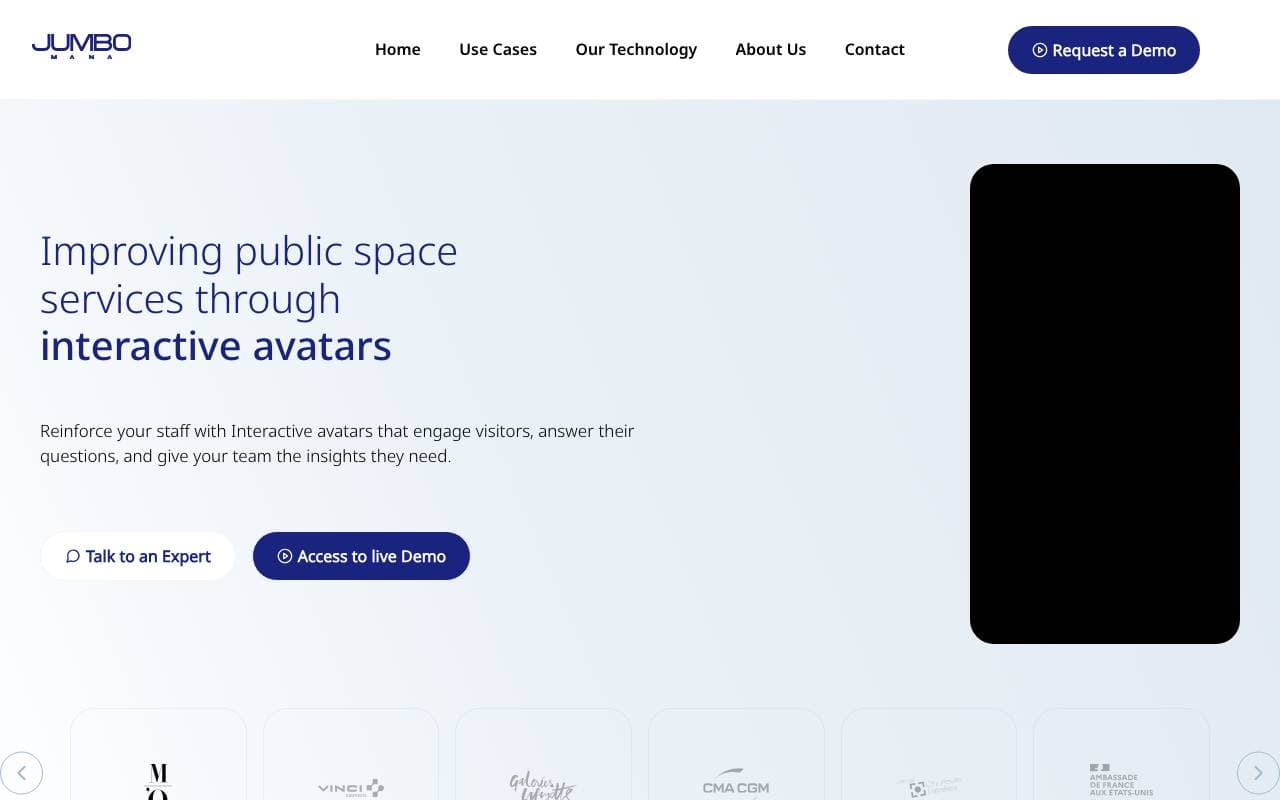

Jumbo Mana
Virtual Workers
Jumbo Mana muuteb AI avatareid kogu kasutatava konteksti puhkusväljakardist


Convergence Proxy
Virtual Workers
Adaptiivne AI assistent, mis õpib uusi oskusi reaalajas reaalmaailma kasutamise kaudu.
Trending now

Doozer Ai
Sales Agent
Digitaalsed kolleegid, mis automatiseerivad operatiivseid töövoogusid ja suurendavad meeskonna tõhusust.


Claude
AI Agents & Chatbots
Anthropic'i konversatsiooniline AI-assistent kirjutamiseks, analüüsiks, koodimiseks ja dokumenttöödeks


Consistent Character AI
Images
Genereeri ühtne AI karakter mitmes kaadris ühe viitepildist.


Mistral AI
Large Language Models (LLMs)
Maažu tulufrontmekonemiste seadme loomine