
Gemini CLIEin quelloffener Kommandolineien-AI-Agent, der Gemini 2.5 Pro in Ihr Terminal bringt, um Code, Forschung, Inhalte und Aufgaben automatisiert zu verarbeiten.

Übersicht
Hauptfunktionen
- Coding-Assistentenleistungen
- Forschungsfähigkeiten
- Automatisierung von Inhaltserstellung
- Aufgabenautomatisierung
- Kommandolineieninterface
- Quellcode-Öffentlichkeit
Preise
- Modell
- Free
- Kategorie
- Programming Agents
- Bewertung
- 5.0 / 5 (4)
Anwendungsfälle
Code-Generierung und -Refaktorisierung im Terminal
Verwenden Sie Gemini 2.5 Pro direkt aus der Kommandoline um Code zu schreiben, zu erklären oder um Code neu zu gestalten, ohne Ihr Entwicklungsumgebung zu verlassen.
Forschung und Informationsbeschaffung
Rufen Sie Forschungsanfragen aus dem Terminal aus um Themen zu zusammenfassen, Verweise zu sammeln oder Konzepte mit Gemini's Vernunftfähigkeiten zu erkunden.
Inhaltsentwürfe über CLI
Generieren Sie Entwürfe, Übersichten oder geschriebene Inhalte über einfache Terminal-Befehle, wofür Schreiber und Entwickler in Shell-Workflows nützlich sind.
Automatisierung von Aufgaben mit AI
Integrieren Sie Gemini in Shellskripte und Pipeline-Flüsse um wiederkehrende Aufgaben, Dateiverarbeitung oder Agenten-getriebene Workflows automatisiert zu verarbeiten.
Pro & Contra
Pro
- Fähigkeit, Gemini 2.5 Pro im Terminal zu nutzen
- Öffentlich zugängliche Kommandolineien-AI-Agentin für Coding, Forschung, Inhaltsersstellung und Aufgabenautomatisierung
Contra
- Mangel an detaillierten Informationen verfügbar
Schlacht-Bilanz
Aus 1 Schlacht im Pantheon.
Last battle
Bewertungen
Durchschnitt aus 4 Bewertungen.
Melde dich an, um eine Bewertung abzugeben.
Skeptical, then convinced
I went in skeptical — most tools in this space overpromise. It actually delivers on the integrations, and the value for money is strong caught me off guard. The docs could be deeper is why this isn't a perfect score, still, I'd recommend giving it a real trial.
Years in this space
I've evaluated a lot of these over the years. What stands out here is the API — handled better than most — and support is responsive. Worth the time if this is your use case.
Use it every day
Honestly didn't expect to like it this much. The dashboard is exactly what I needed, and support is responsive. but I reach for it almost every day now and it just clicks.
Use it every day
Honestly didn't expect to like it this much. The core workflow is exactly what I needed, and support is responsive. but I reach for it almost every day now and it just clicks.
Fragen & Antworten
What is Gemini CLI and what can I use it for?
Gemini CLI is an open-source command-line AI agent that brings Gemini 2.5 Pro directly into your terminal. It's designed for coding assistance, research, content creation, and task automation workflows.
Is Gemini CLI free to use?
Gemini CLI is open-source, so the tool itself is freely available. However, usage may depend on access to the underlying Gemini 2.5 Pro model, which typically requires API credentials from Google.
Who is Gemini CLI best suited for?
It's best suited for developers, researchers, and technical users comfortable working in a terminal environment who want to integrate Gemini 2.5 Pro's capabilities into coding, automation, and content workflows directly from the command line.
Frage stellen
Alternativen zu Programming Agents
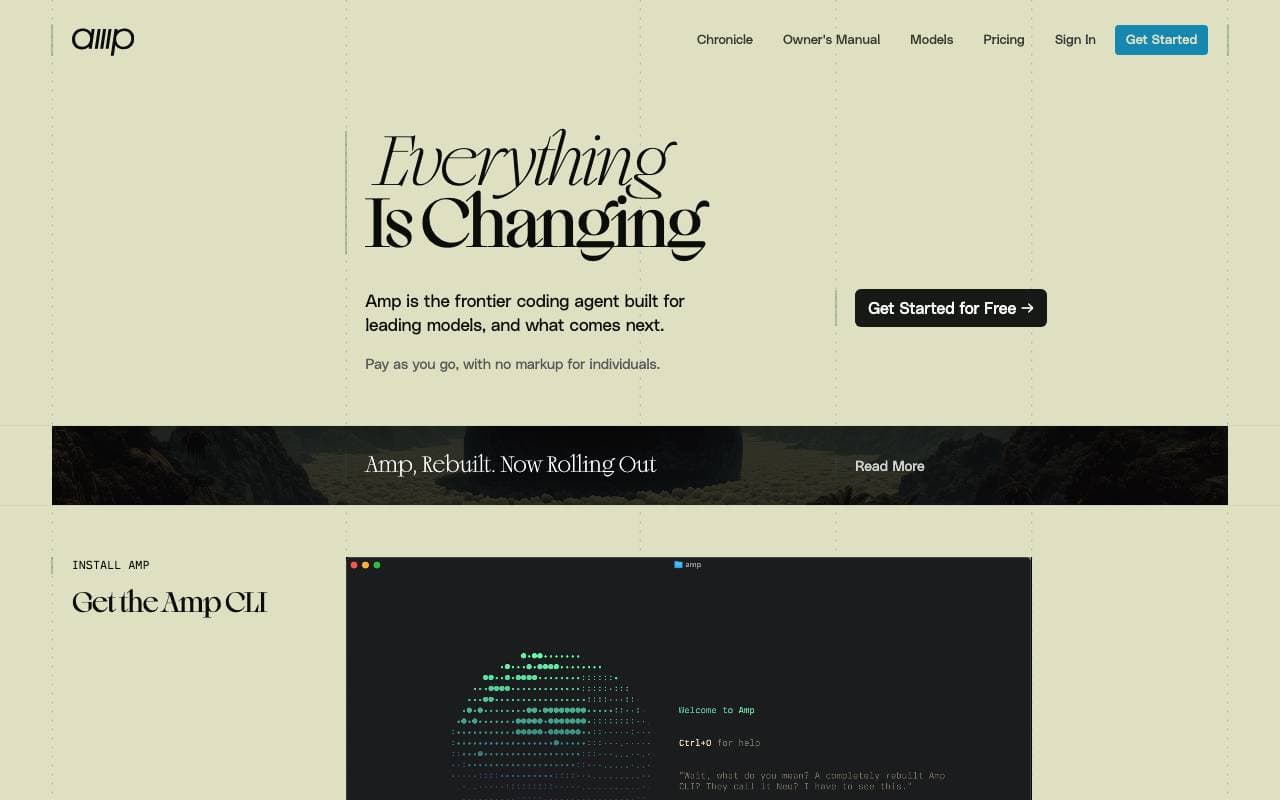

Amp
Programming Agents
Agentiver Kodierungsassistent für Terminals und Editors, unterstützt durch mehrere Frontier-Modelle.
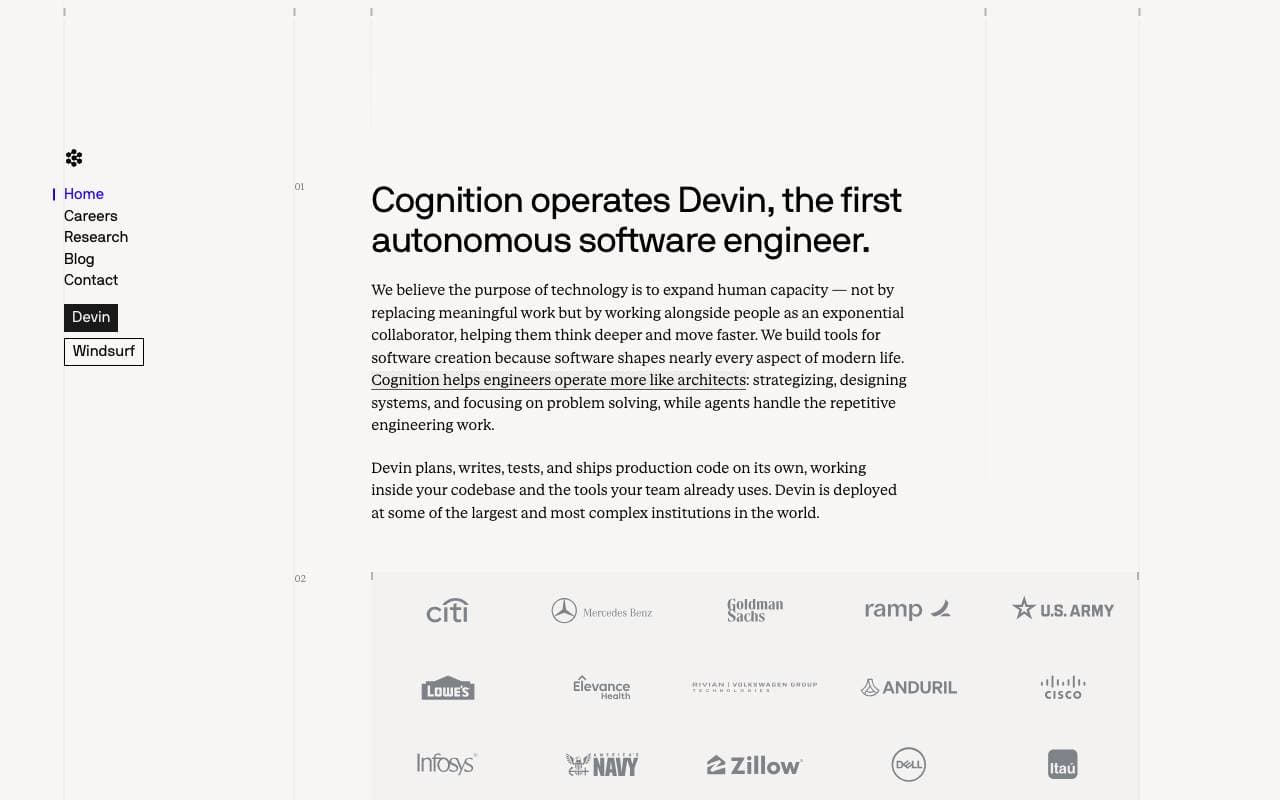

Cognition Devin AI
Programming Agents
Selbstständiges Softwareentwickler-AI-Tool, das Aufgaben plant, codiert und ausliefert.
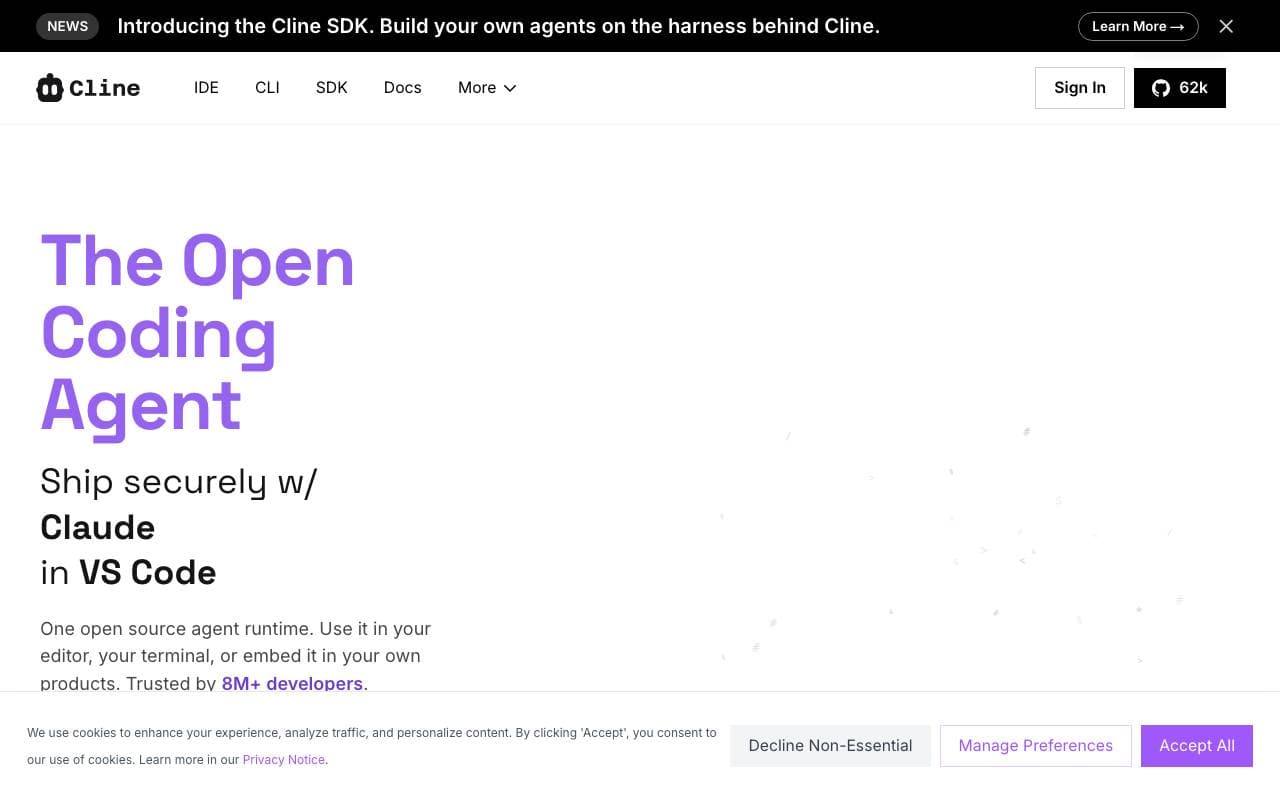

Cline
Programming Agents
Offene-Quellcode-AI-Kodicer für den VS Code mit Plan-/Act-Modus und Terminalkontrolle
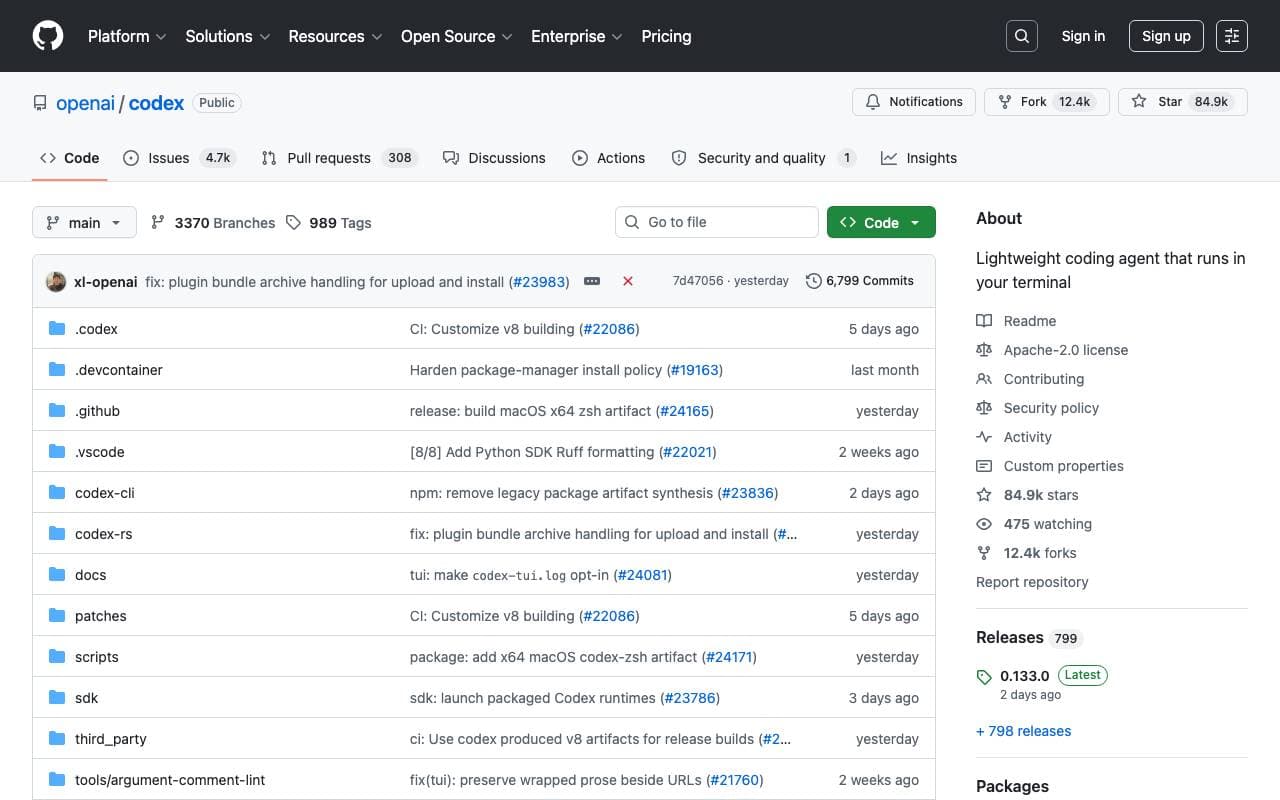

Codex CLI
Programming Agents
Open-source, terminaleigene AI-Assistent, der lokal Code liest, schreibt und ausführt, unterstützt multimodale Eingaben.

Fine AI
Programming Agents
Eine KI-gestützte Coding-Plattform, die entwickelt wurde, um Startup-Teams dabei zu helfen, Software effizienter zu erstellen, zu testen und bereitzustellen.


Pi Coding Agent
Programming Agents
Open‑Source-Terminal‑Coding‑Agent, entwickelt für Erweiterungen mit Paketen, Fähigkeiten und maßgeschneiderten Workflows.
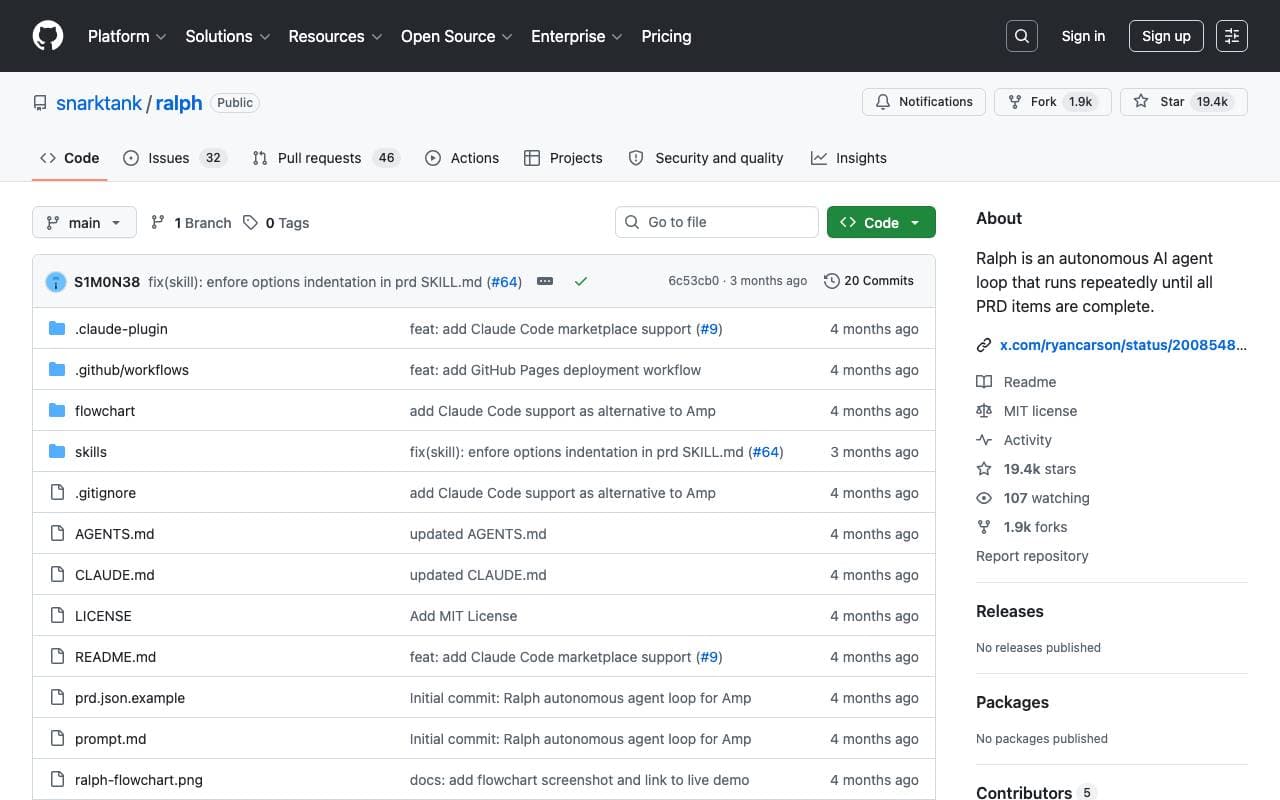

Ralph
Programming Agents
Autonomer AI-Code-Loop, der Amp oder Claude Code wiederholt ausführt, bis alle PRD-Elemente abgeschlossen sind, wobei die Git-Historie als Speicher verwendet wird.
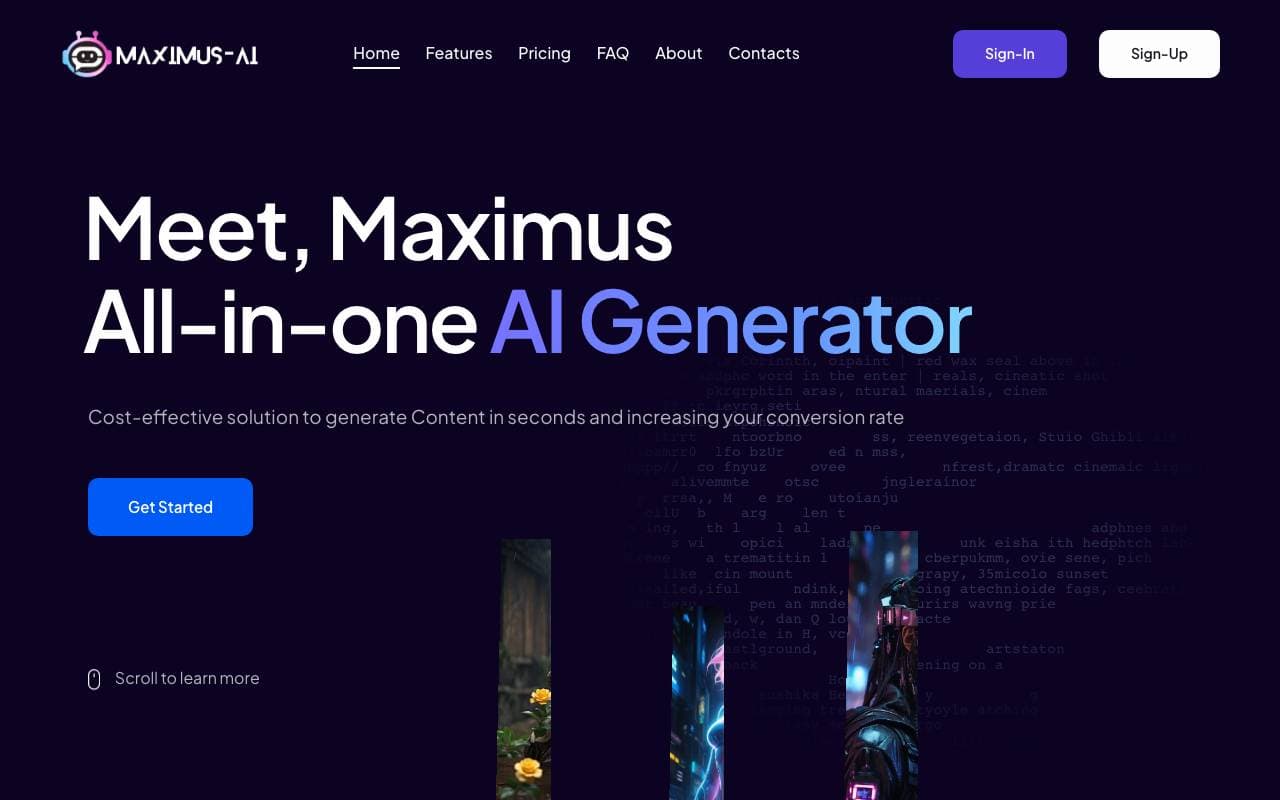

Maximus-AI
Programming Agents
Automatisierte Codegenerierung, die Spezifikationen und Prompts in produktionstaugliche Software verwandelt.
Trending now


Claude
AI Agents & Chatbots
Konversations‑KI‑Assistent von Anthropic für Schreiben, Analyse, Programmieren und Dokumentaufgaben

Doozer Ai
Sales Agent
Digitale Mitarbeiter, die operative Workflows automatisieren, um die Effizienz von Teams zu steigern.


Consistent Character AI
Images
Erstellen Sie konsistente KI-Charaktere über Szenen hinweg aus einem einzigen Referenzfoto.


Pin AI
Workflow automation
Agentic AI Recruiter, der Sourcing, Screening und Outreach automatisiert, um den Einstellungsprozess zu beschleunigen.