
ClineAgente de codificação de IA de código aberto para VS Code com modos Plan/Act e controle de terminal

Visão geral
Funcionalidades principais
- Integração de extensão do VS Code
- Fluxo de trabalho dual-mode Plan e Act
- Execução de comando de terminal
- Leitura e edição de vários arquivos em projetos
- Suporte a Anthropic, OpenAI, Gemini e modelos locais
- Aprovação de ação passo a passo
Preços
- Modelo
- Free
- Categoria
- Programming Agents
- Avaliação
- 4.8 / 5 (5)
Casos de uso
Planeje refatores antes de tocar no código
Use o modo Plan para discutir uma abordagem de refatoração com o modelo, revisar o escopo e os arquivos afetados, e depois mudar para o modo Act para executar as alterações com aprovação passo a passo.
Execute e depure scripts no editor
Deixe o Cline executar comandos de terminal diretamente no VS Code para executar testes ou scripts, ler a saída e iterar em correções em vários arquivos sem sair do editor.
Use modelos locais para bases de código privadas
Conecte o Cline ao Ollama para executar um agente de codificação autônomo contra modelos locais, mantendo o código proprietário no dispositivo em vez de enviá-lo para APIs hospedadas.
Implementação de recursos de vários arquivos
Atribua uma tarefa de recurso e deixe o Cline ler e editar em todo o projeto, propondo alterações arquivo por arquivo com gates de aprovação explícitas para manter o desenvolvedor no controle.
Prós e contras
Prós
- Código aberto e transparente
- Divisão Plan/Act melhora o controle
- Funciona com muitos provedores de modelos
- Executa comandos de terminal e edita arquivos
- Traga sua própria chave de API
Contras
- Aprovação do usuário necessária pode desacelerar o fluxo
- Custo de tokens pode aumentar com contextos grandes
- Qualidade depende do modelo escolhido
- Configuração mais acentuada do que alternativas fechadas
Histórico de batalhas
Em 1 batalha no Panteão.
Last battle
Avaliações
Média de 5 avaliações.
Entra para deixar uma avaliação.
Compared a few options
Evaluated this against two competitors. Where it wins: terminal command execution and bring your own API key. Where it lags: quality depends on chosen model. On balance the feature set — especially step-by-step action approval — justifies the 5 stars for our use case.
Solid for our team
We rolled this out across the team last quarter and works with many model providers. Multi-file read and edit across projects fits neatly into how we already work, and vS Code extension integration removed a step we used to do by hand. Quality depends on chosen model, which is the main caveat, but it has held up under daily use.
Use it every day
Honestly didn't expect to like it this much. Support for Anthropic, OpenAI, Gemini, and local models is exactly what I needed, and works with many model providers. but I reach for it almost every day now and it just clicks.
Does the job
Pretty happy overall. VS Code extension integration just works and works with many model providers. but no dealbreakers — I'd recommend it to a friend without hesitating.
Years in this space
I've evaluated a lot of these over the years. What stands out here is plan and Act dual-mode workflow — handled better than most — and executes terminal commands and edits files. Worth the time if this is your use case.
Perguntas e respostas
Which AI models and providers does Cline support?
Cline supports multiple providers including Anthropic, OpenAI, and Google Gemini, as well as local models via Ollama. You bring your own API key, so teams can choose between hosted APIs or self-hosted setups based on cost, privacy, or performance needs.
What are the main limitations or drawbacks to be aware of?
Setup is steeper than closed alternatives, and the required step-by-step approvals can slow your workflow. Token costs can add up with large project contexts, and overall output quality depends on the model provider you choose to connect.
How do Plan and Act modes work, and why use both?
Plan mode lets you discuss approach and scope with the model before any code changes occur, while Act mode executes the agreed steps such as editing files, running scripts, or debugging. The split separates thinking from doing, giving developers more control over what the agent actually changes.
Faz uma pergunta
Alternativas a Programming Agents
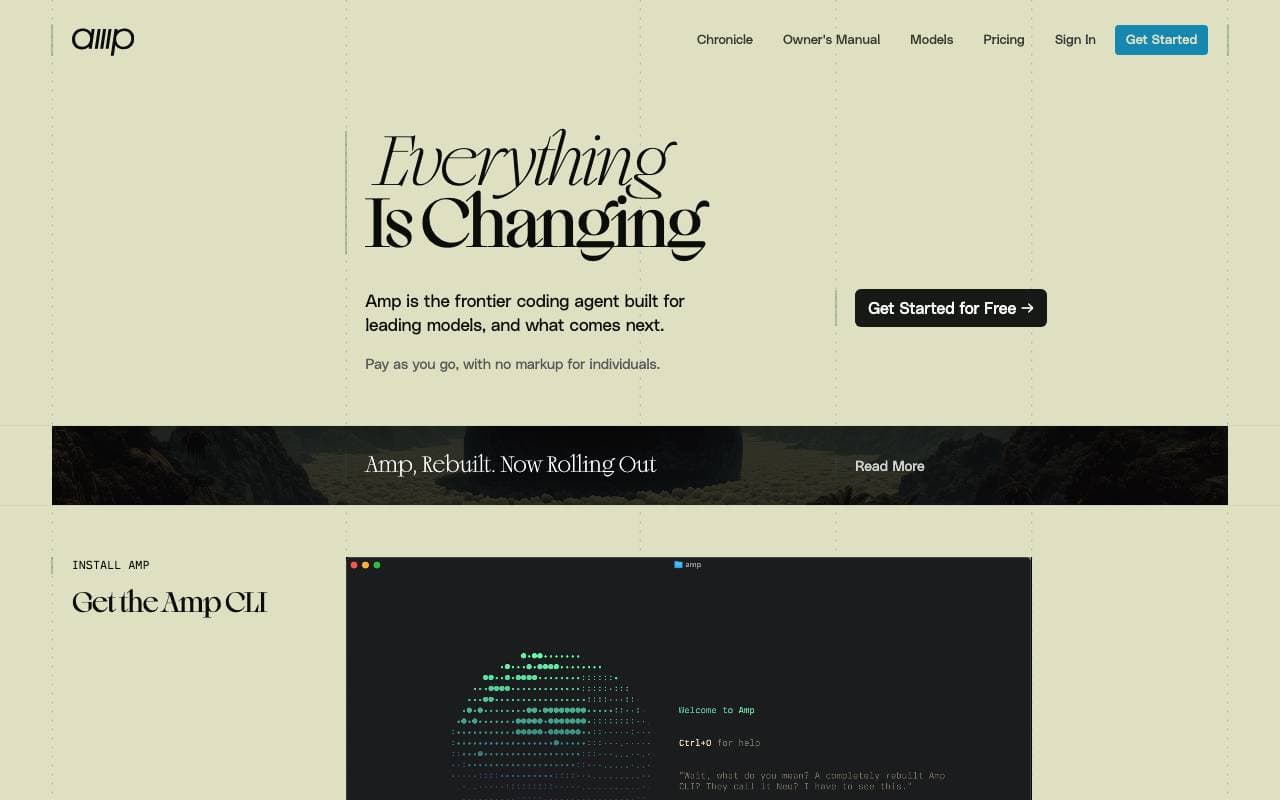

Amp
Programming Agents
Assistente de codificação agêncio para terminais e editores, alimentado por múltiplos modelos de fronteira.


Gemini CLI
Programming Agents
Um agente de IA de código aberto e de linha de comando que traz o Gemini 2.5 Pro para o seu terminal para codificação, pesquisa, criação de conteúdo e automação de tarefas.
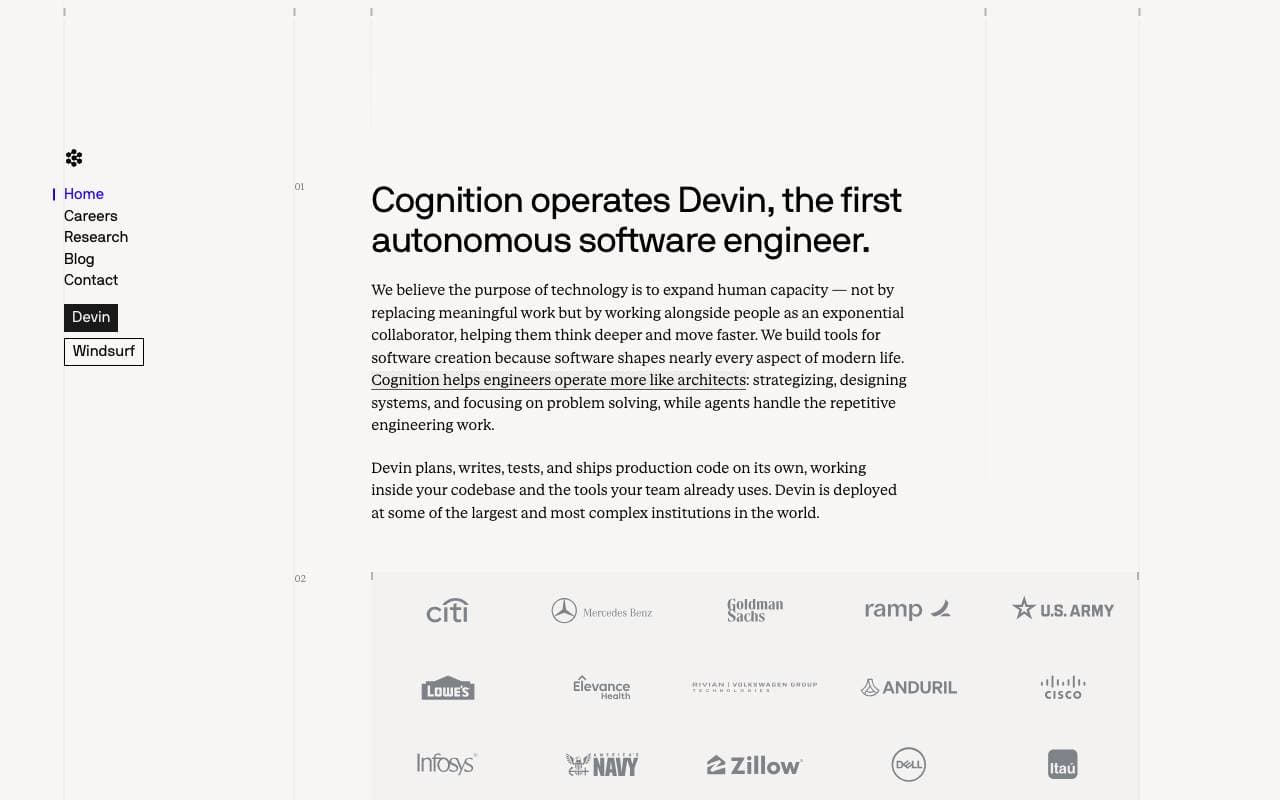

Cognition Devin AI
Programming Agents
Engenheiro de software de IA autônomo que planeja, codifica e entrega tarefas de ponta a ponta.
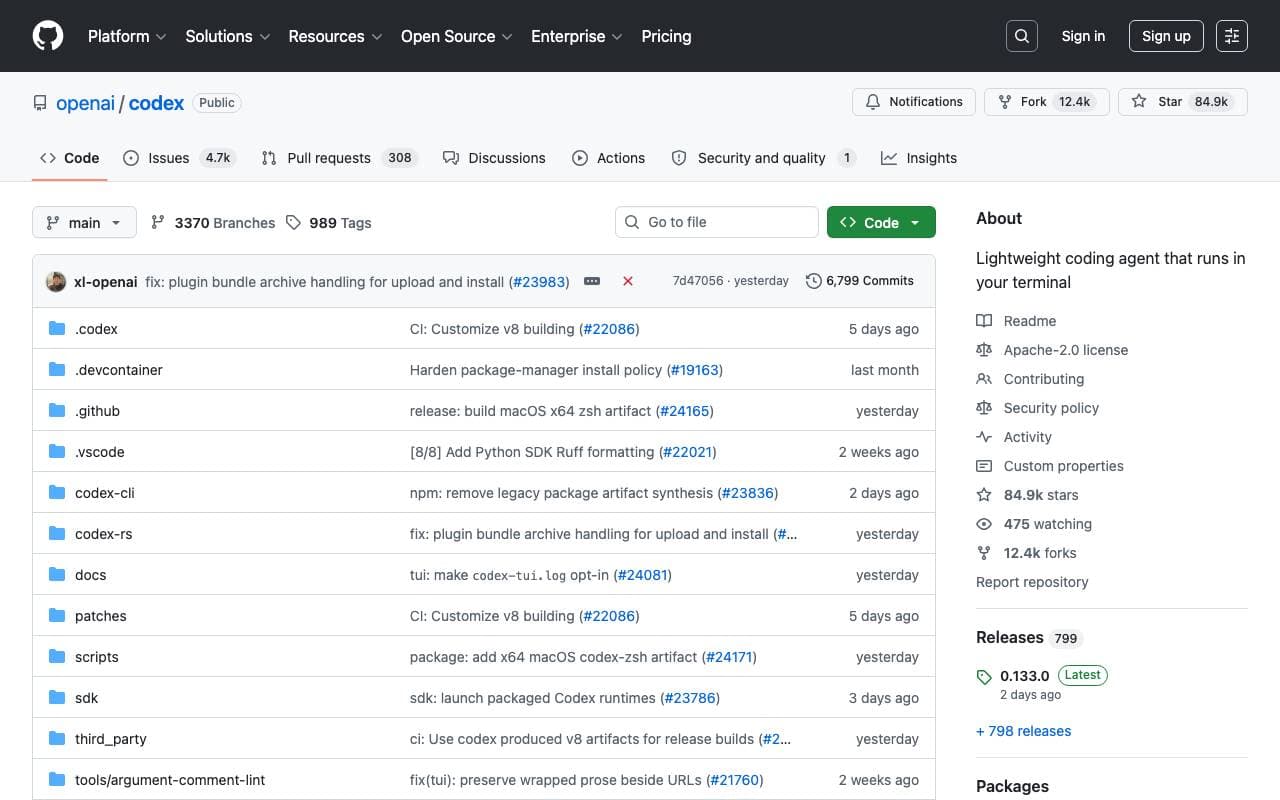

Codex CLI
Programming Agents
Assistente de IA de terminal de código aberto que lê, escreve e executa código localmente com entrada multimodal.


Fine AI
Programming Agents
Uma plataforma de codificação alimentada por IA projetada para ajudar equipes de startups a construir, testar e implantar software de forma mais eficiente.


Pi Coding Agent
Programming Agents
Agente de codificação de terminal de código aberto construído para extensão com pacotes, habilidades e fluxos de trabalho personalizados.
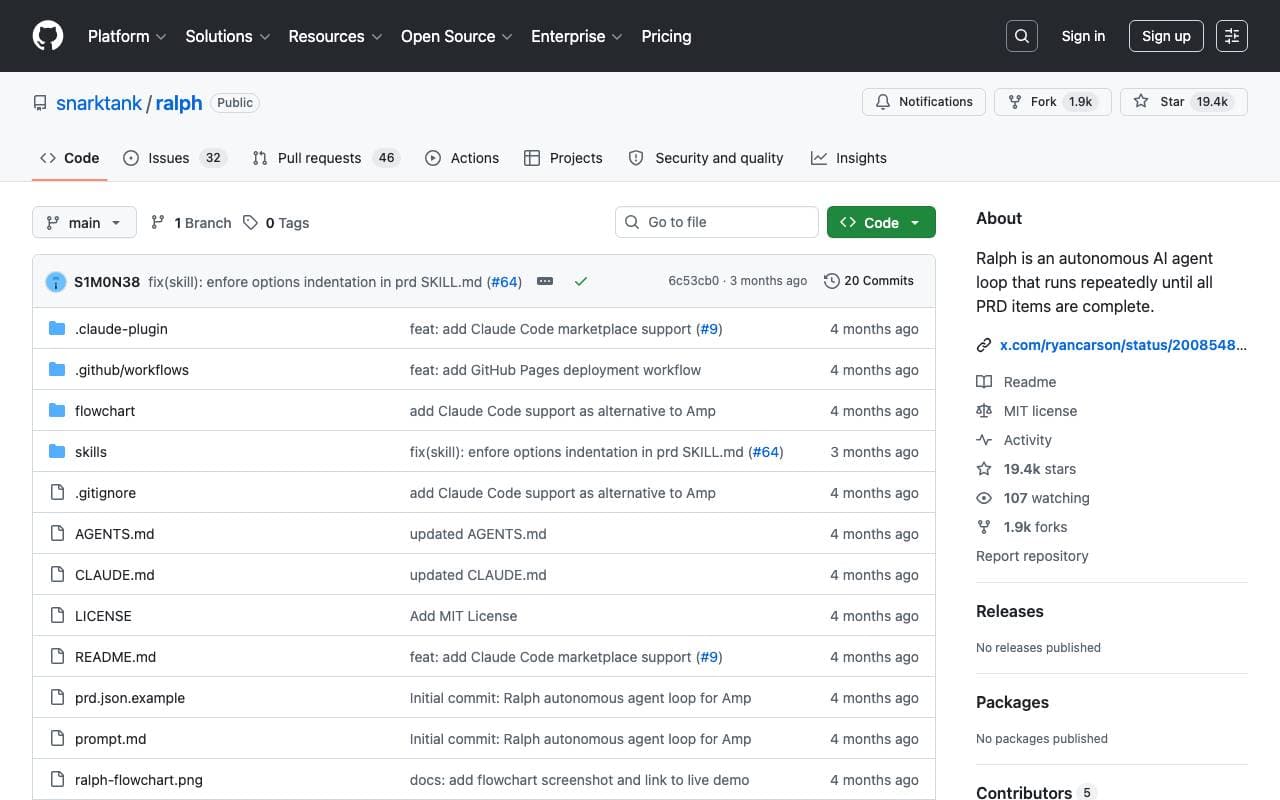

Ralph
Programming Agents
Loop de codificação autônomo de IA que executa repetidamente Amp ou Claude Code até que todos os itens do PRD sejam concluídos, usando o histórico do git como memória.

Maximus-AI
Programming Agents
Geração automática de código que transforma especificações e prompts em software pronto para produção.
Trending now


Claude
AI Agents & Chatbots
Assistente de IA conversacional da Anthropic para escrita, análise, codificação e tarefas de documento

Doozer Ai
Sales Agent
Co-trabalhadores digitais que automatizam fluxos de trabalho operacionais para impulsionar a eficiência da equipe.


Pin AI
Workflow automation
Recrutor de IA agêntico que automatiza busca, triagem e divulgação para acelerar contratações.
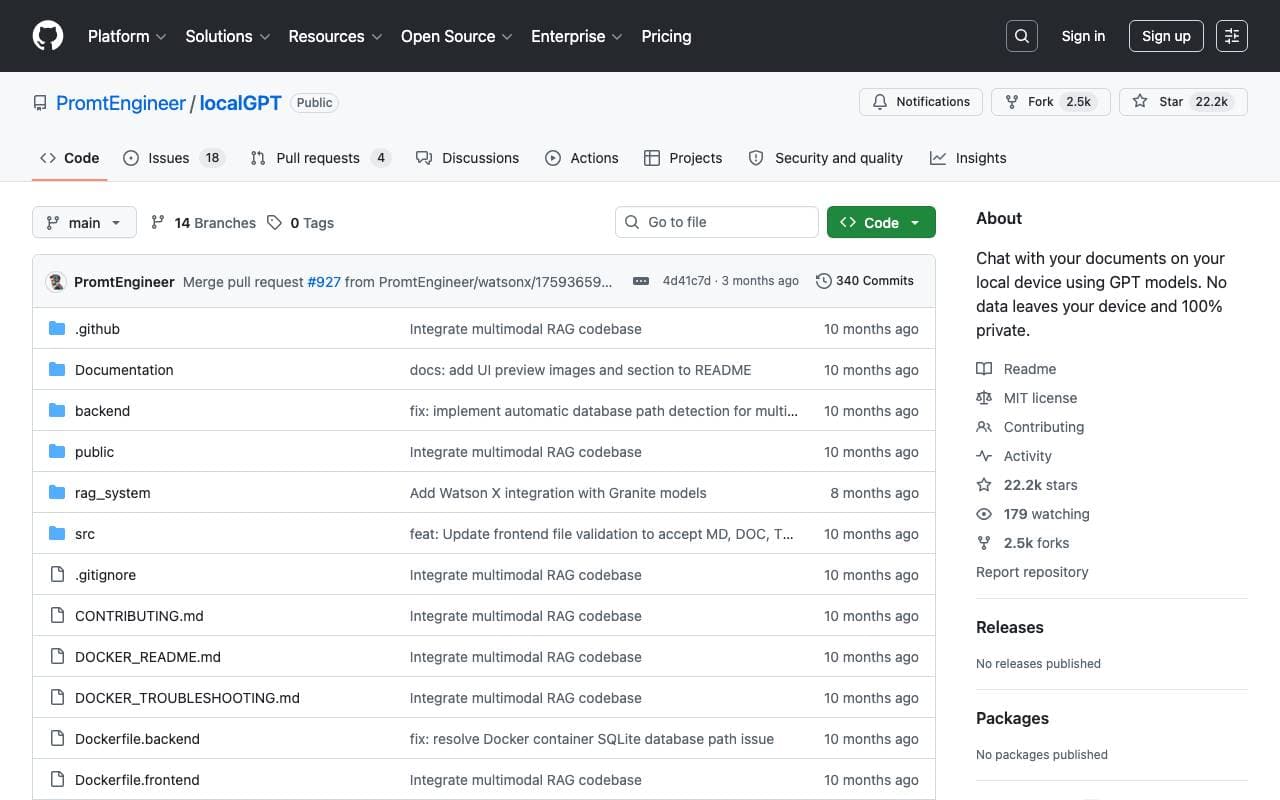

Local GPT
Other
IA local de código aberto para conversa privada e offline com documentos usando modelos estilo GPT em seu próprio hardware.