
Codex CLIOpen-source, terminaleigene AI-Assistent, der lokal Code liest, schreibt und ausführt, unterstützt multimodale Eingaben.

Übersicht
Hauptfunktionen
- Terminal-integrierte Chät- und Codegenerierung
- Führt Dateien in Ihrem Projekt ein und ändert sie
- Ausführt Befehle und Skripte
- Bild- und Text-Eingabe
- Open-Source-Codebase, die selbst gehostet werden kann
- Werkt über mehrere Programmiersprachen hinweg
- pros
- :
- Lokale Ausführung für mehr Privacy und Kontrolle,Open-Source-Code und erweiterbar,Integriert natürlich in Terminal-Workflows,Ausführt multimodale Eingaben einschließlich Bilder,Kann autonom den Code ausführen und darauf iterieren
- cons
- :
- Befehlszeilenkomfort ist erforderlich,Riskante Ausführung des AI-generierten Codes lokal,Setup und -konfiguration ist steiler als bei gehosteten IDE-Add-ons,Hängt von externen Model-APZ-Zugriff ab
- useCases
- :
- [object Object],[object Object],[object Object],[object Object]
Preise
- Modell
- Free
- Kategorie
- Programming Agents
- Bewertung
- 4.8 / 5 (5)
Anwendungsfälle
Terminal-basiertes Pair-Programming
Generieren, refaktorieren und debuggen Sie Code über die Kommandozeile mithilfe von natürlichen Spracheingabeaufforderungen, ohne Ihren tastaturgetriebenen Workflow zu verlassen.
Codebase-Exploration und -Bearbeitungen
Lassen Sie den Assistenten vorhandene Projektdateien lesen, unbekannten Code erklären und Änderungen an mehreren Dateien direkt in Ihrem lokalen Repository anwenden.
Screenshot-basierte UI-Implementierung
Füttern Sie Screenshots oder Diagramme als multimodale Eingabe neben Text, um visuelle Designs oder Fehlerseiten in funktionierenden Code umzuwandeln.
Selbstgehostete KI-Tools für sichere Teams
Überprüfen, erweitern und hosten Sie die Open-Source-Kommandozeile selbst, um internen Sicherheitsrichtlinien zu entsprechen, während Sie weiterhin von KI-unterstütztem Codieren profitieren.
Pro & Contra
Pro
- Läuft lokal für bessere Privatsphäre und Kontrolle
- Open Source und erweiterbar
- Integriert sich natürlich in Terminal-Workflows ein
- Unterstützt multimodale Eingabeaufforderungen, einschließlich Bildern
- Kann Code autonom ausführen und iterieren
Contra
- Erfordert Vertrautheit mit der Kommandozeile
- Die lokale Ausführung von KI-generiertem Code birgt Risiken
- Einrichtung und Konfiguration sind komplexer als bei gehosteten IDE-Plugins
- Ist abhängig von externem Modell-API-Zugriff
Bewertungen
Durchschnitt aus 5 Bewertungen.
Melde dich an, um eine Bewertung abzugeben.
Skeptical, then convinced
I went in skeptical — most tools in this space overpromise. It actually delivers on multimodal input (text and images), and can execute and iterate on code autonomously caught me off guard. Setup and configuration steeper than hosted IDE plugins is why this isn't a perfect score, still, I'd recommend giving it a real trial.
Skeptical, then convinced
I went in skeptical — most tools in this space overpromise. It actually delivers on open-source, self-hostable codebase, and integrates naturally into terminal workflows caught me off guard. still, I'd recommend giving it a real trial.
Years in this space
I've evaluated a lot of these over the years. What stands out here is open-source, self-hostable codebase — handled better than most — and runs locally for better privacy and control. Depends on external model API access is my one real gripe. Worth the time if this is your use case.
Years in this space
I've evaluated a lot of these over the years. What stands out here is executes shell commands and scripts — handled better than most — and runs locally for better privacy and control. Worth the time if this is your use case.
Compared a few options
Evaluated this against two competitors. Where it wins: reads and edits files in your project and runs locally for better privacy and control. On balance the feature set — especially reads and edits files in your project — justifies the 5 stars for our use case.
Fragen & Antworten
What kinds of tasks can Codex CLI handle beyond plain code generation?
It can analyze existing codebases, generate and edit files, execute shell commands and scripts, and iterate on changes autonomously. It also accepts multimodal input, so you can include screenshots or diagrams alongside natural language prompts, and it works across multiple programming languages.
How does Codex CLI keep my code private compared to cloud IDE assistants?
Codex CLI runs locally in your terminal, reading and editing files on your machine rather than uploading your project to a hosted IDE. As an open-source, self-hostable tool, teams can inspect and deploy it within their own security boundaries, though it still depends on external model API access.
What's the learning curve and what risks should I be aware of?
Setup is steeper than hosted IDE plugins and assumes comfort with the command line. Because Codex CLI can execute AI-generated code locally, there's inherent risk in running unreviewed commands, so sandboxing and careful review of proposed changes are recommended.
Frage stellen
Alternativen zu Programming Agents


Amp
Programming Agents
Agentiver Kodierungsassistent für Terminals und Editors, unterstützt durch mehrere Frontier-Modelle.


Gemini CLI
Programming Agents
Ein quelloffener Kommandolineien-AI-Agent, der Gemini 2.5 Pro in Ihr Terminal bringt, um Code, Forschung, Inhalte und Aufgaben automatisiert zu verarbeiten.
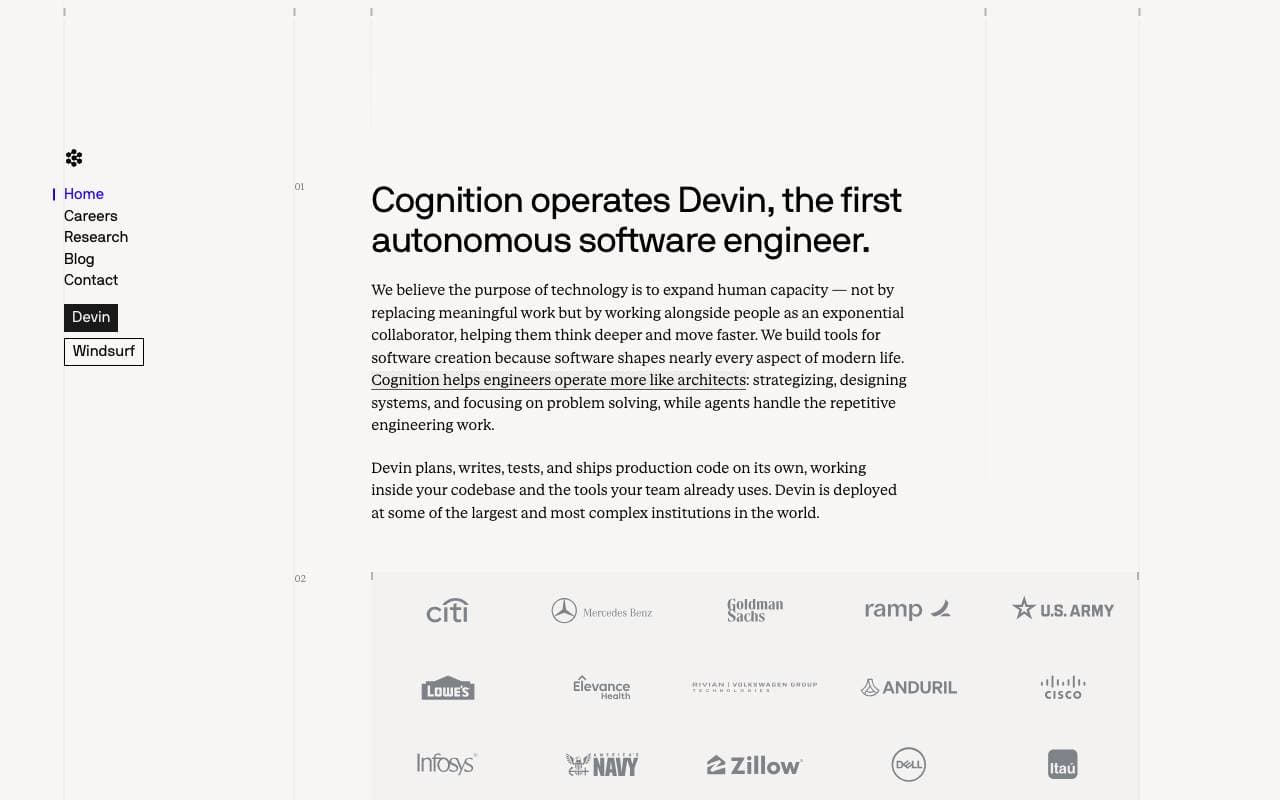

Cognition Devin AI
Programming Agents
Selbstständiges Softwareentwickler-AI-Tool, das Aufgaben plant, codiert und ausliefert.
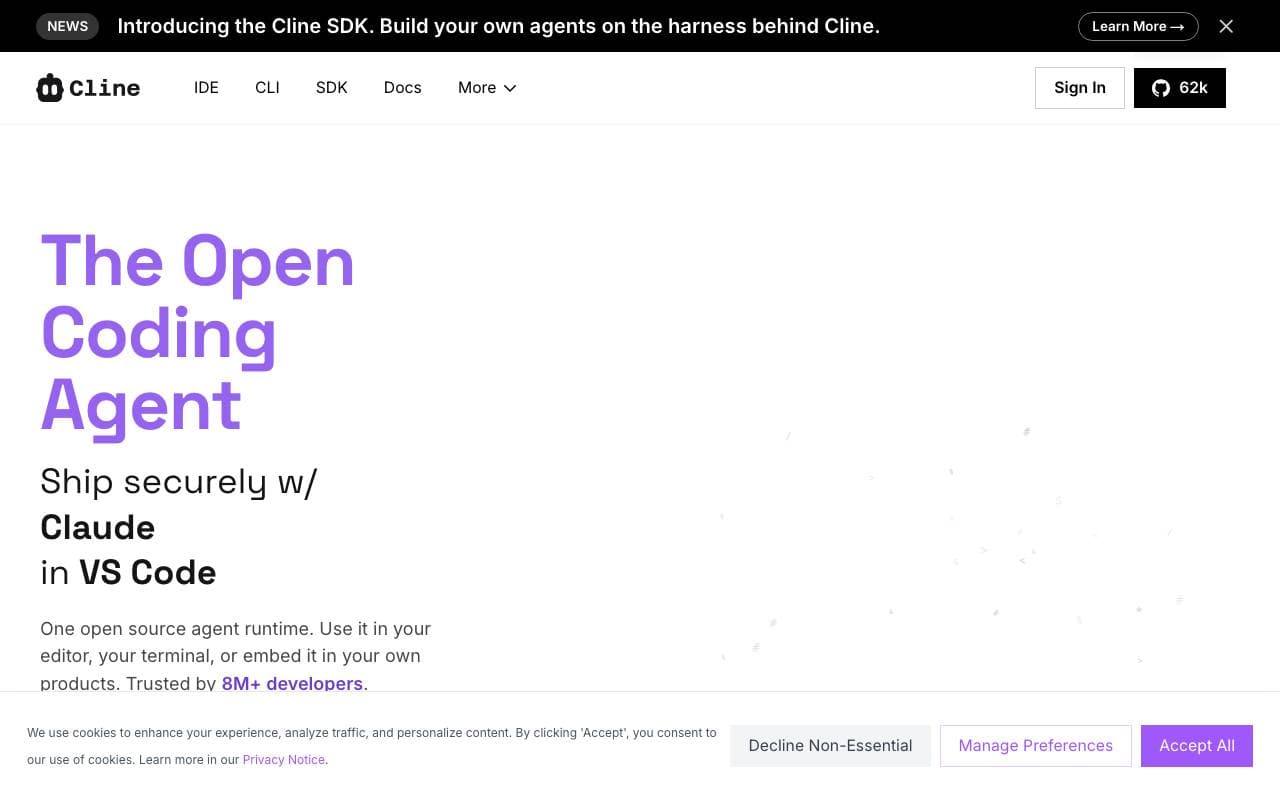

Cline
Programming Agents
Offene-Quellcode-AI-Kodicer für den VS Code mit Plan-/Act-Modus und Terminalkontrolle

Fine AI
Programming Agents
Eine KI-gestützte Coding-Plattform, die entwickelt wurde, um Startup-Teams dabei zu helfen, Software effizienter zu erstellen, zu testen und bereitzustellen.


Pi Coding Agent
Programming Agents
Open‑Source-Terminal‑Coding‑Agent, entwickelt für Erweiterungen mit Paketen, Fähigkeiten und maßgeschneiderten Workflows.
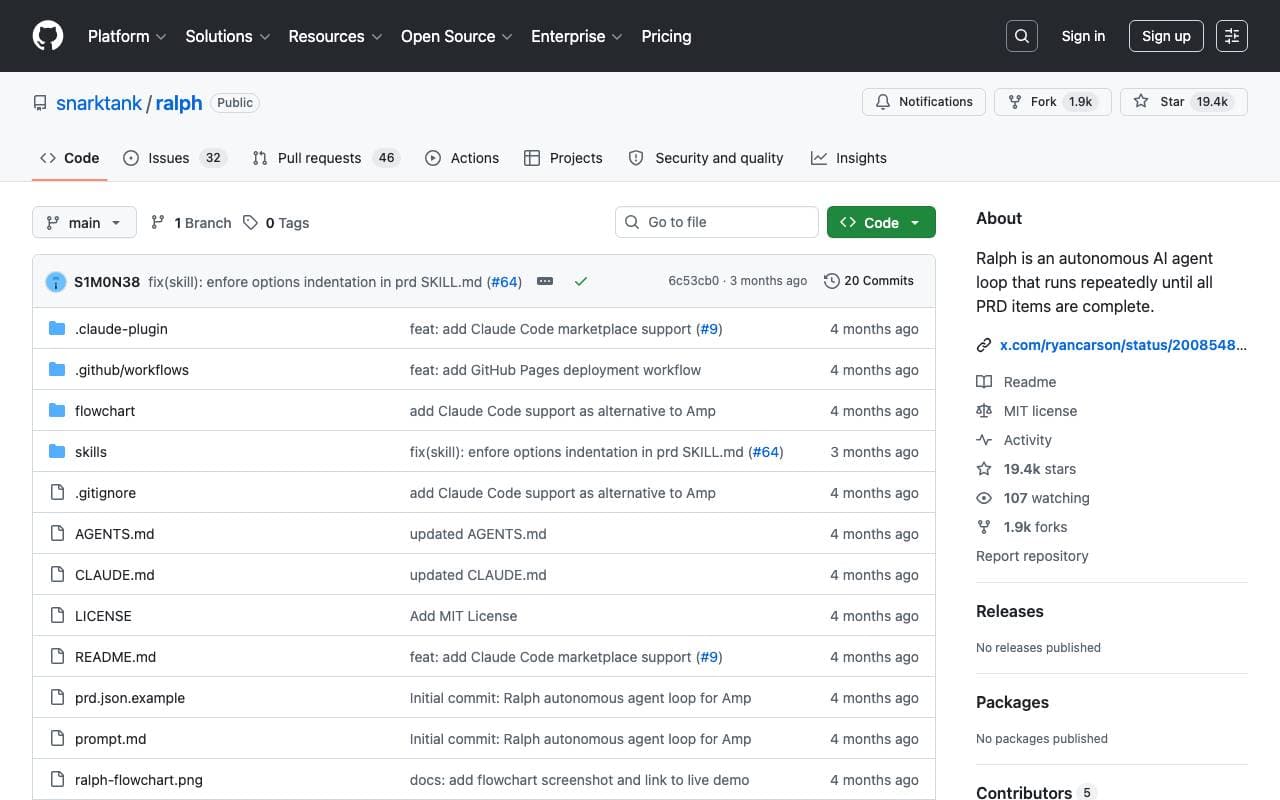

Ralph
Programming Agents
Autonomer AI-Code-Loop, der Amp oder Claude Code wiederholt ausführt, bis alle PRD-Elemente abgeschlossen sind, wobei die Git-Historie als Speicher verwendet wird.

Maximus-AI
Programming Agents
Automatisierte Codegenerierung, die Spezifikationen und Prompts in produktionstaugliche Software verwandelt.
Trending now

Doozer Ai
Sales Agent
Digitale Mitarbeiter, die operative Workflows automatisieren, um die Effizienz von Teams zu steigern.


Claude
AI Agents & Chatbots
Konversations‑KI‑Assistent von Anthropic für Schreiben, Analyse, Programmieren und Dokumentaufgaben


Consistent Character AI
Images
Erstellen Sie konsistente KI-Charaktere über Szenen hinweg aus einem einzigen Referenzfoto.


Pin AI
Workflow automation
Agentic AI Recruiter, der Sourcing, Screening und Outreach automatisiert, um den Einstellungsprozess zu beschleunigen.