
Shortcut (Excel AI)使用聊天和本机Excel插件, AI Excel 代理通过自然语言指令创建、编辑和分析电子表格、模型和分析。

概览
主要功能
- 本机Excel插件及独立的Web应用
- 高级别的CLI ShortcutXL(Terminal-first)用于满足专业用户
- 基于公式的输出,能够保持动态更新
- 在每个单元格级别记录更改,并支持撤销、恢复和单步操作
- 专业的工业标准格式
- 无格式丢失的Excel文件导入和导出
价格
- 模型
- Freemium
- 评分
- 4.8 / 5 (4)
使用场景
通过聊天创建财务模型
描述您需要的模型并让 AI 代理构建结构化的 Excel 电子表格,内含公式和假设,置于您的工作簿中。
快速编辑现有的电子表格
通过Excel插件,让 AI 协助您更新公式、重构数据表或应用格式化调整,而不须点击操作。
快速执行数据分析
向代理询问数据的摘要或分析,直接在Excel中使用聊天界面获得快速见解。
无成本使用AI工作流
免费试用并探索无成本的AI辅助电子表格工作,升级以提升更多能力或支持更繁重的使用
优点 & 缺点
优点
- 本机Excel插件高特性平衡、文件兼容性不丢失
- 基于公式的输出能够保持动态更新,而非硬编码值
- 强大的可追溯性,单元格级别更改跟踪和撤销/恢复功能
- 企业安全:SOC 2 Type II、加密、零保留协议
- 专门针对财务建模和分析的准确性
缺点
- 只针对Excel和财务工作,不适用于通用的办公产品
- 精度和胜率的指标主要来自于供应商的报告基准
- 插件/CLI与Windows系统中的桌面Excel紧密耦合,才能保持满足完整特性
对决战绩
在万神殿中参与了 1 对决。
Last battle
评测
4 个评分的平均值。
登录以留下评测。
Solid for our team
We rolled this out across the team last quarter and the value for money is strong. The onboarding fits neatly into how we already work, and the core workflow removed a step we used to do by hand. but it has held up under daily use.
Does the job
Pretty happy overall. The automation just works and the value for money is strong. The mobile experience lags can be annoying, but no dealbreakers — I'd recommend it to a friend without hesitating.
Skeptical, then convinced
I went in skeptical — most tools in this space overpromise. It actually delivers on the core workflow, and support is responsive caught me off guard. still, I'd recommend giving it a real trial.
Compared a few options
Evaluated this against two competitors. Where it wins: the dashboard and support is responsive. On balance the feature set — especially the dashboard — justifies the 5 stars for our use case.
问答
How do I use Shortcut with Excel — is it a web app or an add-in?
Shortcut works as an AI Excel agent you interact with via chat, and it also offers an Excel add-in so it can build and edit your spreadsheets, models, and analyses directly inside Excel.
What kinds of tasks can Shortcut handle in Excel?
Shortcut is designed to build and edit spreadsheets, create financial or analytical models, and run analyses, all driven through a chat-based interface inside or alongside Excel.
Is there a free version of Shortcut, or do I have to pay?
Shortcut offers a free tier so you can try it without paying, along with paid plans for users who need more capacity or advanced usage.
提问
AI Data Analysts 的替代品
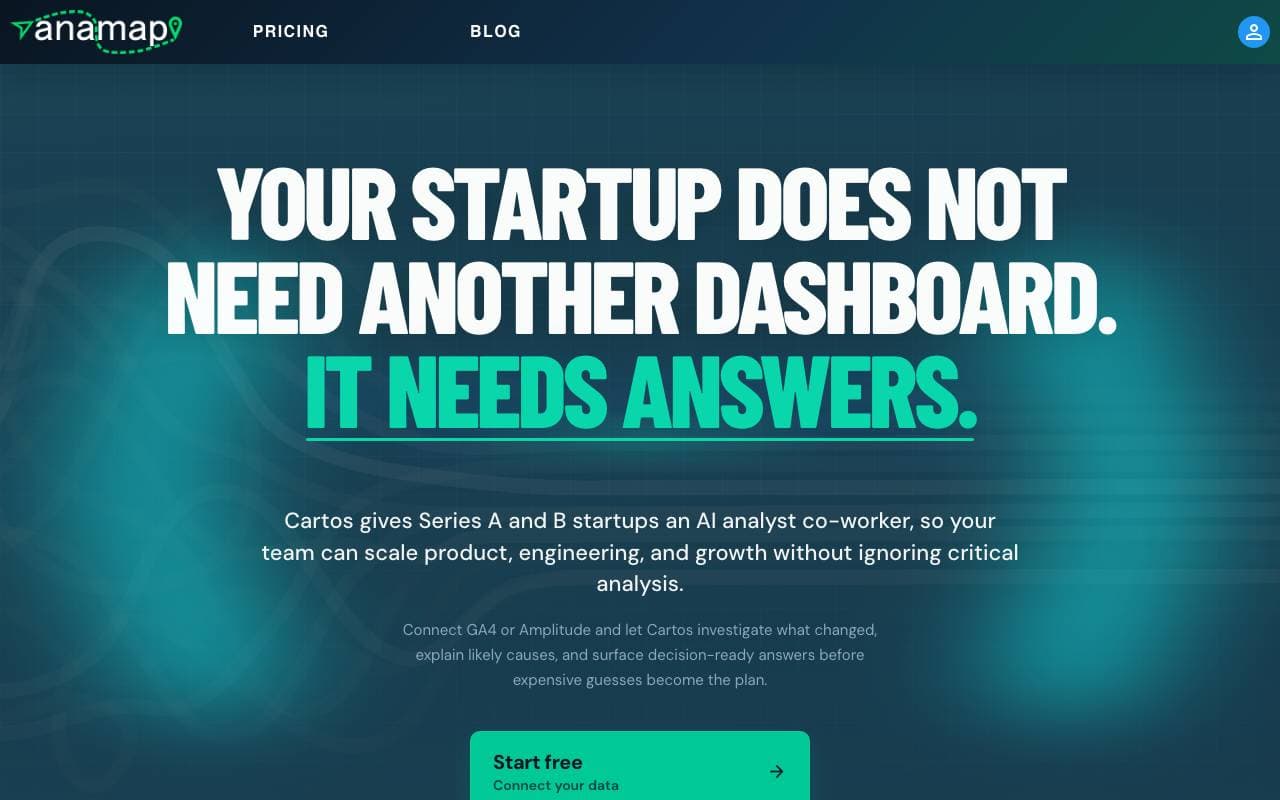

Anamap
AI Data Analysts
AI 分析师,基于 GA4 或 Amplitude 数据解析产品与增长指标变化并推荐下一步行动
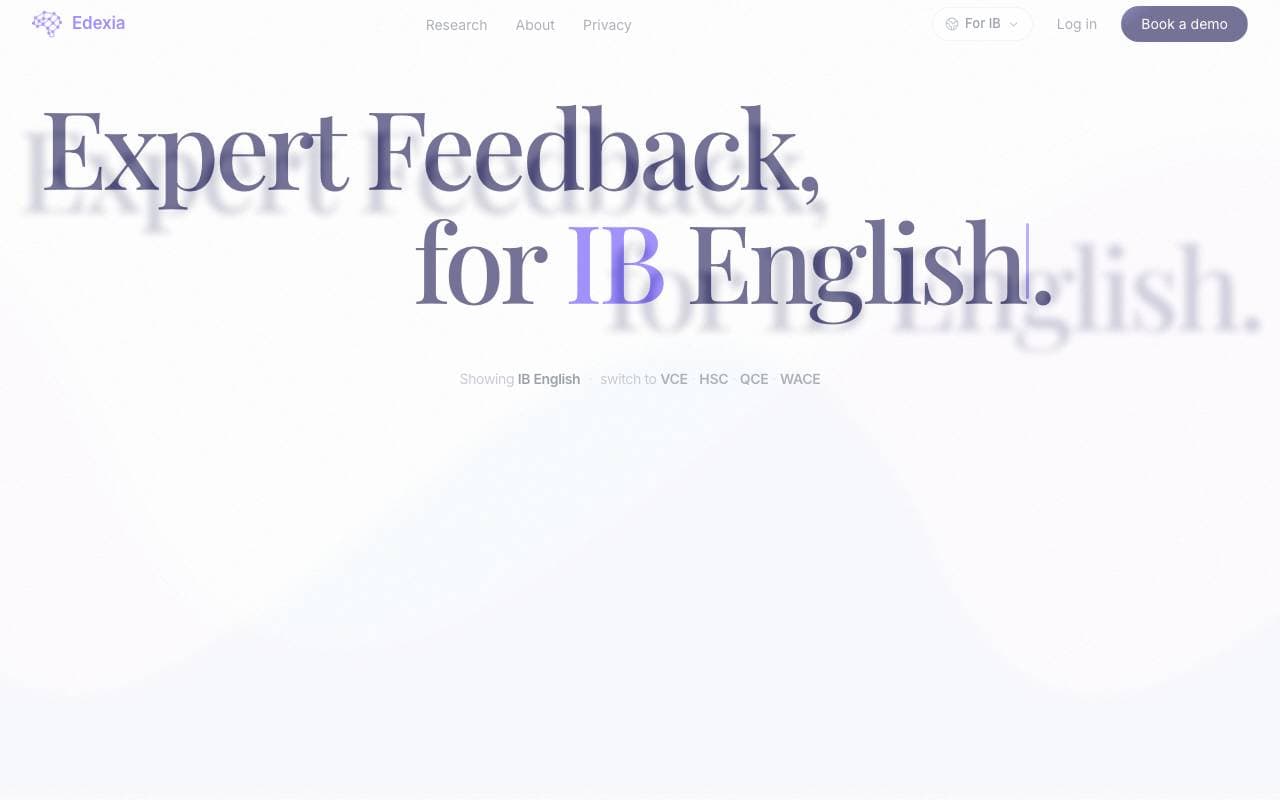

Edexia
AI Data Analysts
面向IB英语和澳大利亚课程的AI评分与反馈助理,基于教师自身的评分标准进行训练


MinusX
AI Data Analysts
整合自有分析工具中的 AI 数据分析代理
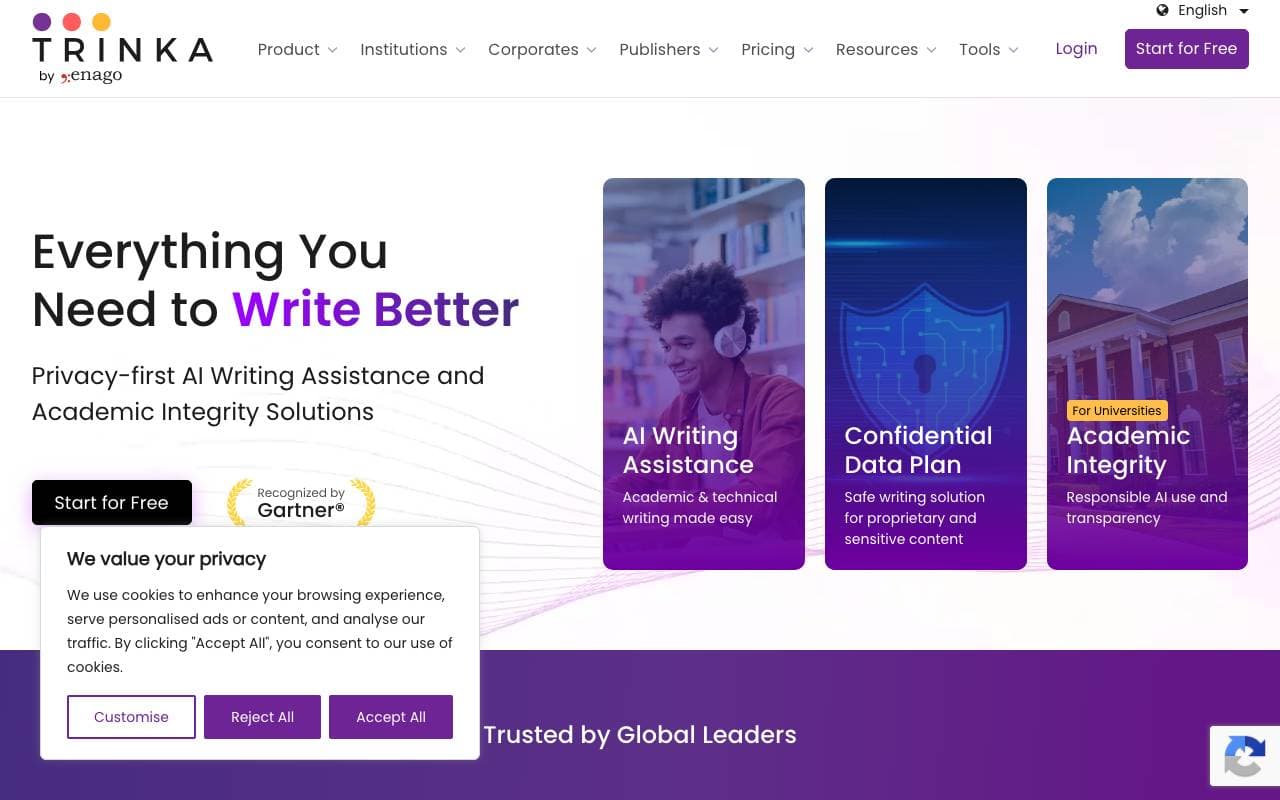

Trinka AI
AI Data Analysts
专为学术和技术作者打造的AI写作助手


Model ML
AI Data Analysts
AI 工作区 - 为金融服务的研究和合规性准备工作
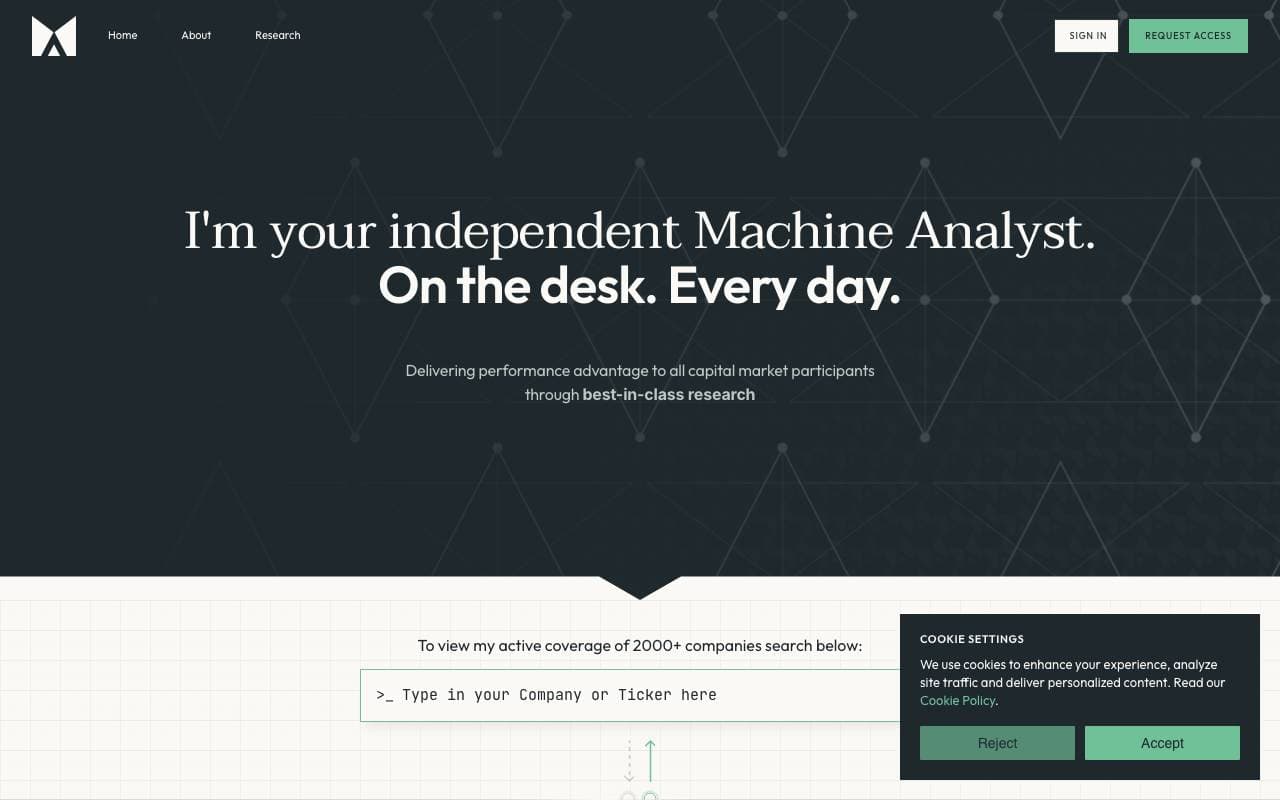

Fyva AI
AI Data Analysts
助手级 AIcopilot,帮助分析师利用招股书和市场数据生成股价研究报告。

SigTech MAGIC
AI Data Analysts
基于 AI 的量化金融研究、分析和策略回测
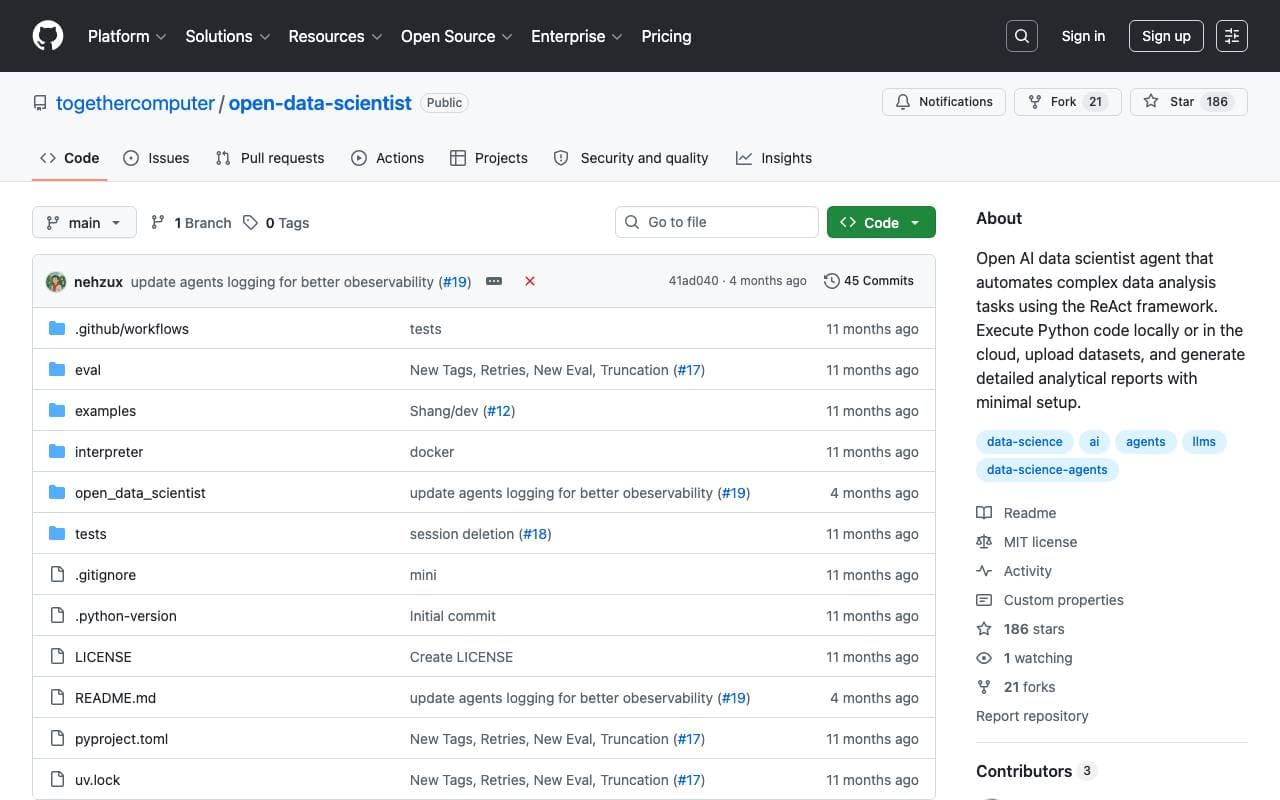

Together Open Data Scientist
AI Data Analysts
开源ReAct代理,执行Python以探索数据、构建模型和生成分析报告






