
Trinka AIAsystent pisania AI stworzony dla autorów akademickich i technicznych.

Przegląd
Kluczowe funkcje
- Zaawansowane kontrole gramatyki i stylu
- Ulepszenia tonu i klarowności akademickiego
- Narzędzia parafrazy i spójności
- Kontrola plagiatu i cytowań
- Raporty gotowości do publikacji w czasopismach
- Integracje z przeglądarkami, Wordem i edytorami w chmurze
Cennik
- Model
- Freemium
- Kategoria
- AI Data Analysts
- Ocena
- 4.8 / 5 (4)
Zastosowania
Polish research manuscripts for journal submission
Researchers can refine grammar, tone, and clarity in their papers while running journal submission readiness reports to meet publisher style guide requirements.
Improve thesis and dissertation writing
Graduate students get subject-aware suggestions, consistency checks, and academic tone improvements to strengthen long-form scholarly documents.
Check originality and citations
Authors can run plagiarism and citation checks before submission to ensure their work meets academic integrity standards.
Edit technical writing in existing workflows
Technical professionals use Word, browser, and cloud editor integrations to get real-time writing feedback without switching tools.
Plusy i minusy
Plusy
- Dostosowane do pisania akademickiego i technicznego
- Sugestie językowe specyficzne dla danej dziedziny
- Zawiera raporty gotowości do publikacji w czasopismach
- Działa w Wordzie, przeglądarkach i edytorze online
Minusy
- Mniej przydatne w pisaniu potocznym lub kreatywnym
- Zaawansowane funkcje wymagają płatnego planu
- Sugestie mogą wydawać się zbyt formalne w niektórych sytuacjach
Wynik bitew
W 1 bitwie w Panteonie.
Last battle
Recenzje
Średnia z 4 ocen.
Zaloguj się, aby zostawić recenzję.
Compared a few options
Evaluated this against two competitors. Where it wins: plagiarism and citation checking and includes journal submission readiness checks. Where it lags: suggestions can feel overly formal at times. On balance the feature set — especially browser, Word, and cloud integrations — justifies the 5 stars for our use case.
Years in this space
I've evaluated a lot of these over the years. What stands out here is academic tone and clarity enhancements — handled better than most — and tailored for academic and technical writing. Suggestions can feel overly formal at times is my one real gripe. Worth the time if this is your use case.
Skeptical, then convinced
I went in skeptical — most tools in this space overpromise. It actually delivers on paraphrasing and consistency tools, and subject-specific language suggestions caught me off guard. still, I'd recommend giving it a real trial.
Solid for our team
We rolled this out across the team last quarter and includes journal submission readiness checks. Browser, Word, and cloud integrations fits neatly into how we already work, and browser, Word, and cloud integrations removed a step we used to do by hand. but it has held up under daily use.
Pytania i odpowiedzi
Where can I use Trinka AI within my existing workflow?
Trinka integrates with Microsoft Word, web browsers, and offers a cloud-based online editor, so you can use it across typical research and writing workflows without switching tools.
Who is Trinka AI best suited for, and is it useful for general writing?
Trinka AI is built for researchers, students, and technical professionals working on academic or technical manuscripts. It's less suited for casual or creative writing, and suggestions can sometimes feel overly formal in those contexts.
Does Trinka handle manuscript submission tasks like plagiarism and journal checks?
Yes. Trinka includes journal submission readiness reports, plagiarism detection, and citation verification, alongside paraphrasing and consistency tools. Note that advanced features require a paid plan.
Zadaj pytanie
Alternatywy dla AI Data Analysts
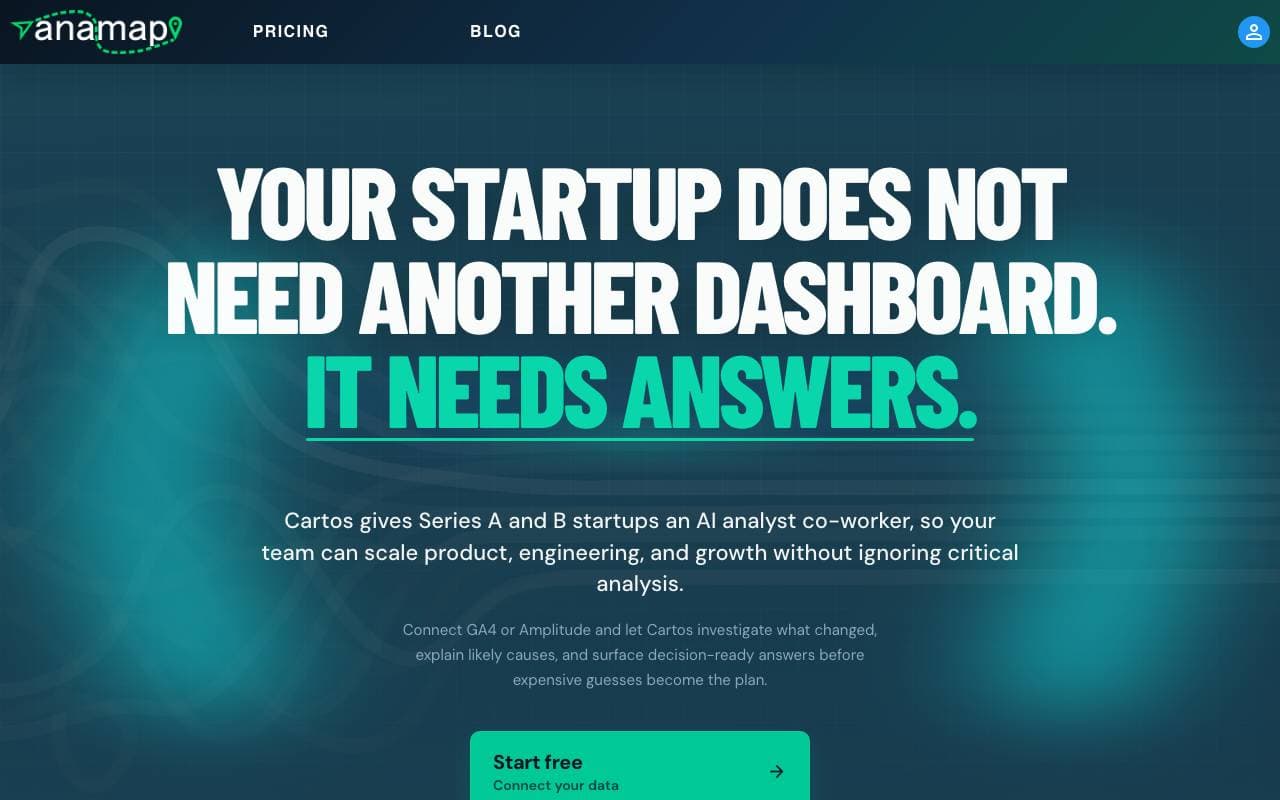

Anamap
AI Data Analysts
AI analyst, który analizuje dane GA4 lub Amplitude, wyjaśnia zmiany wskaźników produktu i wzrostu oraz proponuje kolejne kroki
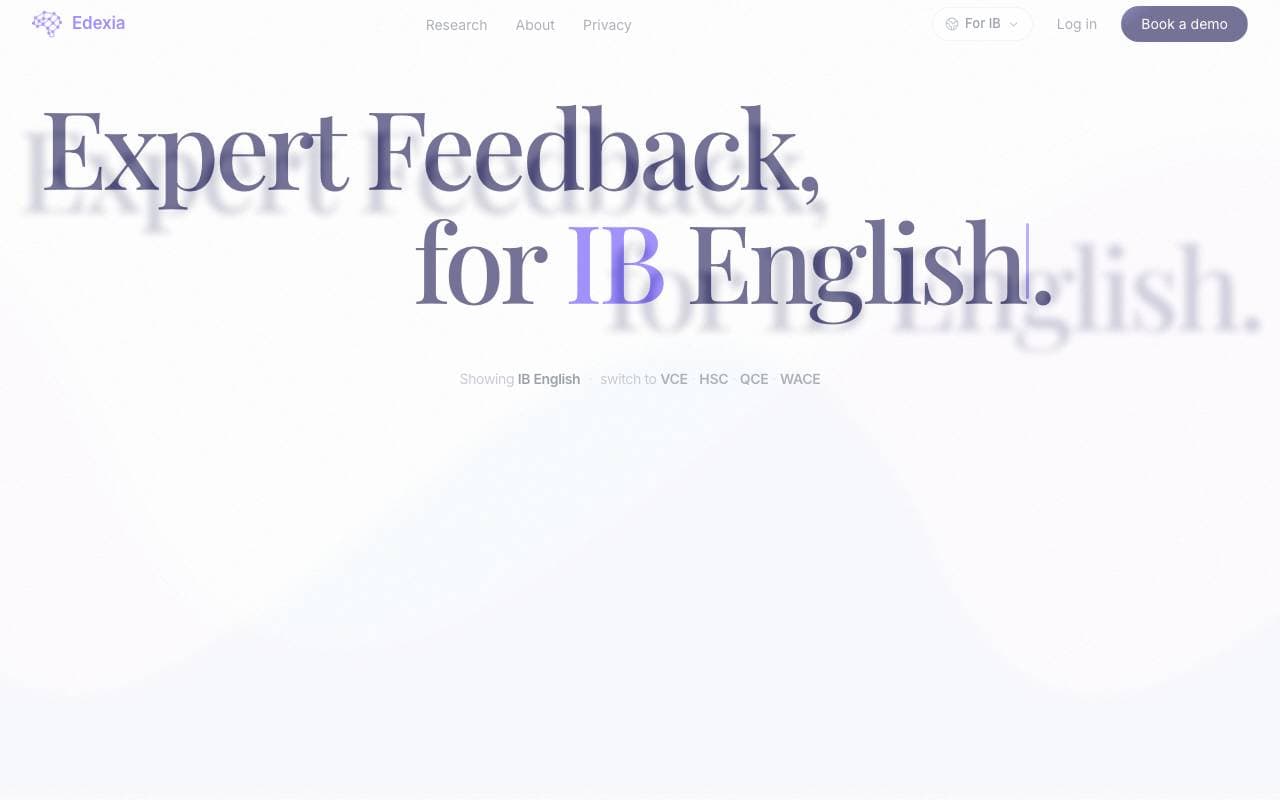

Edexia
AI Data Analysts
Asystent oceny i informacji zwrotnej oparty na AI dla programu IB English i australijskich programów nauczania, szkolony na podstawie własnych standardów oceniania nauczycieli
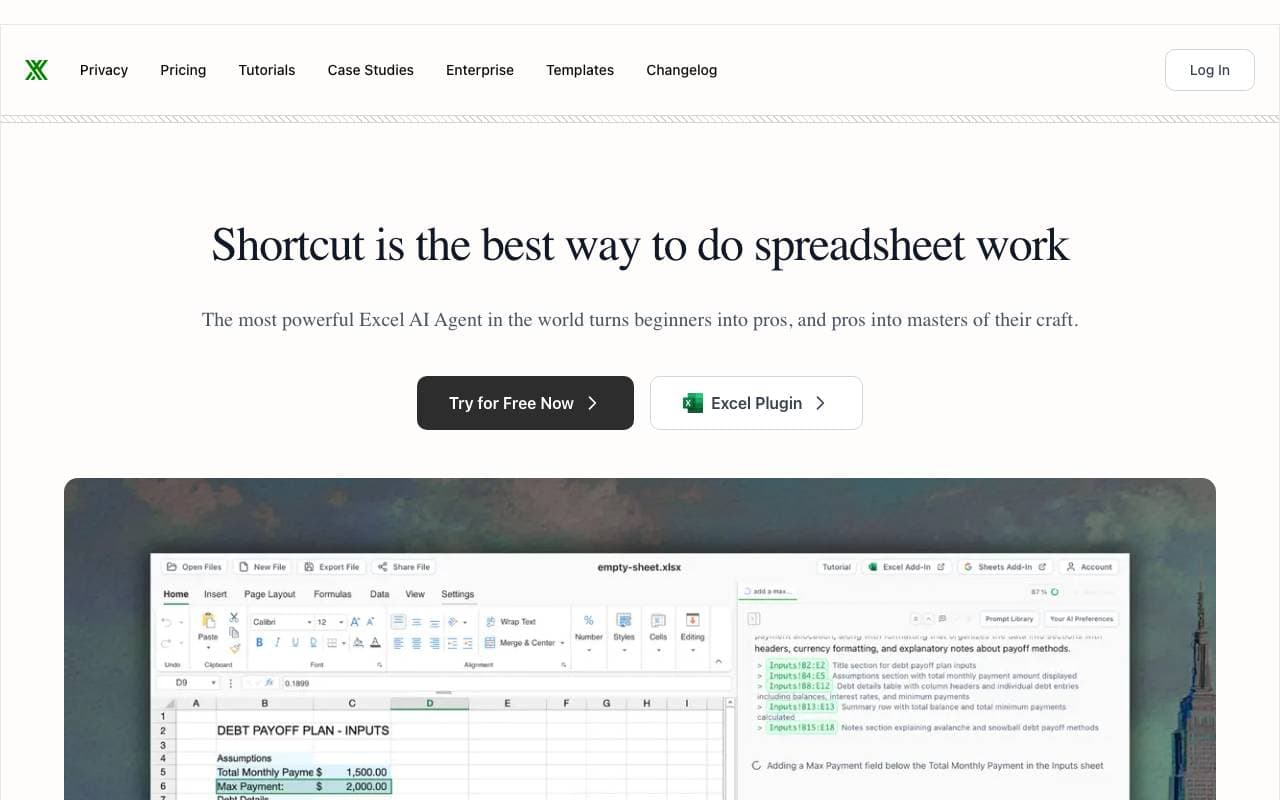

Shortcut (Excel AI)
AI Data Analysts
Agent AI Excel, który tworzy i edytuje arkusze kalkulacyjne, modele i analizy poprzez czat oraz natywny dodatek do Excel

MinusX
AI Data Analysts
Agent analizy danych AI osadzony w istniejących narzędziach analitycznych
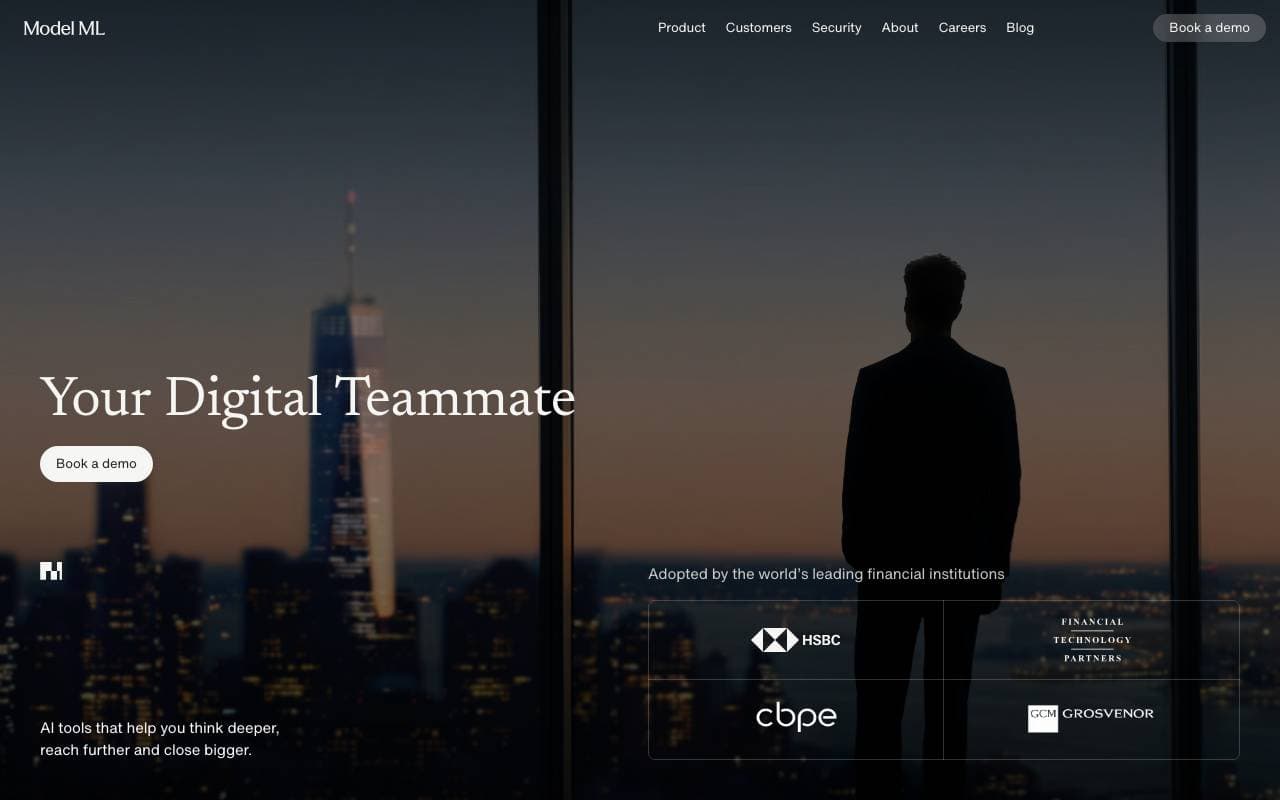

Model ML
AI Data Analysts
Przestrzeń AI do badań i due diligence w usługach finansowych.
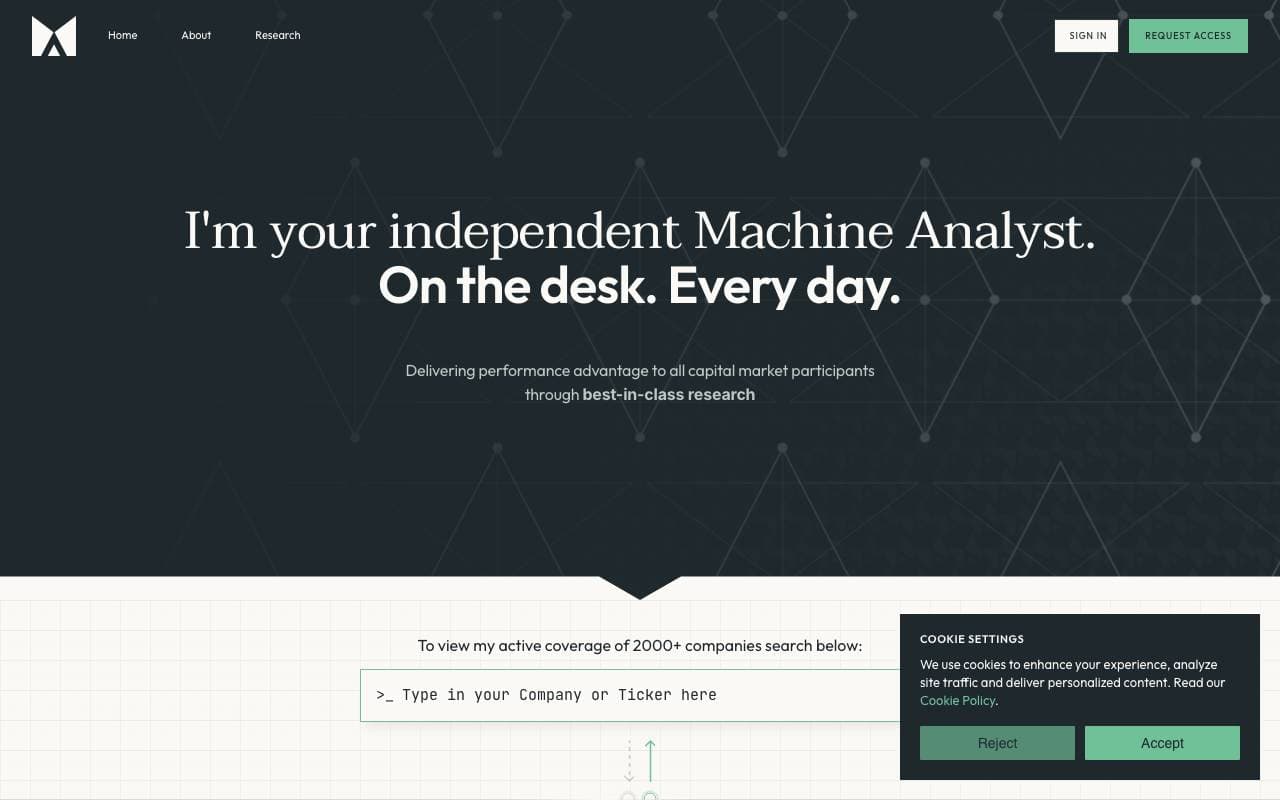

Fyva AI
AI Data Analysts
Kopilot AI, który pomaga analitykom generować raporty z badań akcji na podstawie sprawozdań i danych rynkowych.

SigTech MAGIC
AI Data Analysts
Agenci AI do kwantytatywnego badania finansowego, analizy oraz testowania strategii
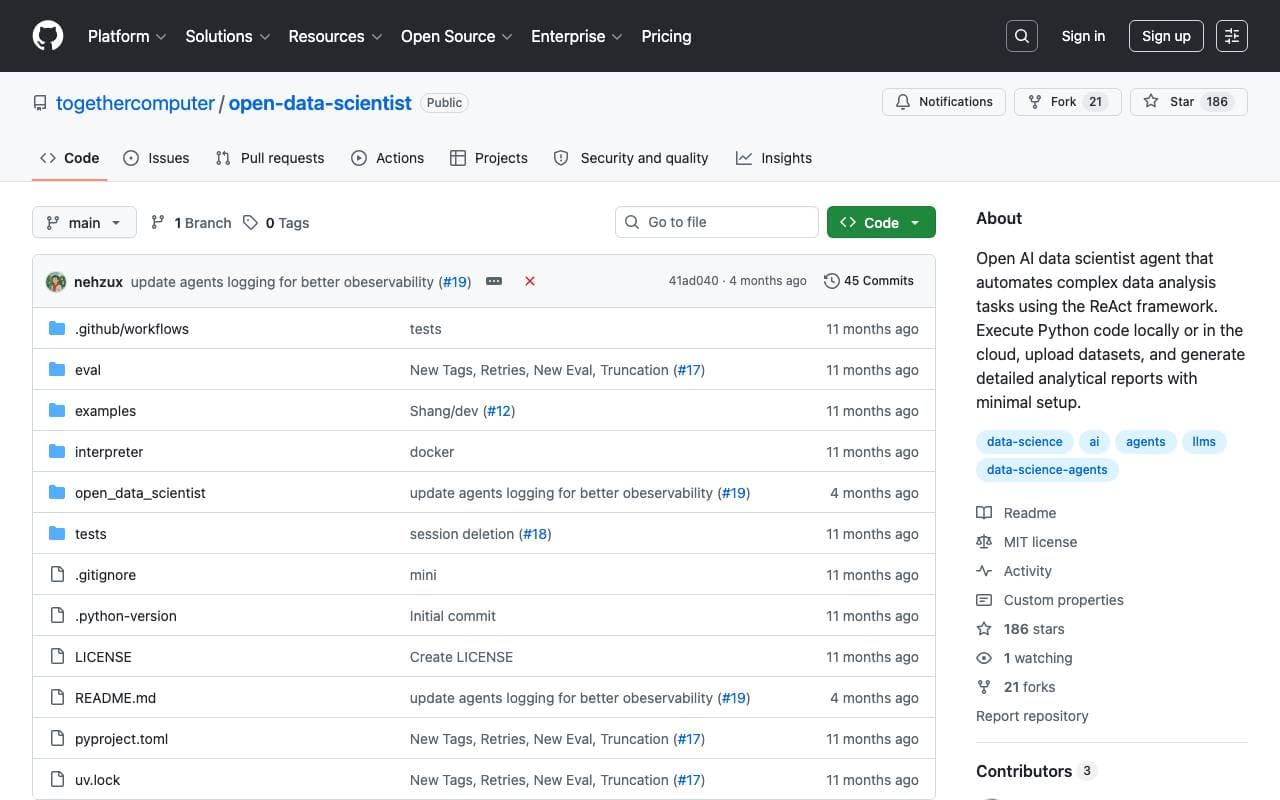

Together Open Data Scientist
AI Data Analysts
Agent open-source ReAct, który uruchamia Pythona do eksploracji danych, budowania modeli i generowania raportów analitycznych
Trending now

Doozer Ai
Sales Agent
Cyfrowi współpracownicy, którzy automatyzują operacyjne przepływy pracy, zwiększając wydajność zespołu.


Claude
AI Agents & Chatbots
Konwersyjny asystent AI od Anthropic do pisania, analizy, kodowania i pracy z dokumentami


Consistent Character AI
Images
Generuj spójne postaci AI na różnych scenach z jednego zdjęcia referencyjnego.


Pin AI
Workflow automation
Agentowy rekruter AI, który automatyzuje pozyskiwanie, selekcję i kontakt, przyspieszając proces rekrutacji.