
Trinka AIAI-schrijfassistent gebouwd voor academische en technische auteurs.

Overzicht
Belangrijkste functies
- Geavanceerde grammatica- en stijlchecks
- Akademische toon- en duidelijkheidverbeteringen
- Paragrafen en consistencietools
- Plagiaatt- en citatenuitgiftecontrole
- Journal-submittereadyrapporten
- Inkorporatie met browserson Windows, Word en cloudredacties
Prijs
- Model
- Freemium
- Categorie
- AI Data Analysts
- Beoordeling
- 4.8 / 5 (4)
Toepassingen
Werkstukken voor wetenschappelijke tijdschriften herzien voor indiening
Wetenschappers kunnen grammatica, toon en duidelijkheid in hun artikelen verbeteren, waarna ze gerapporteerde indieningsbereidheidstoetsen uitvoeren om aan de eisen van uitgeverijen te voldoen.
Proefschriften en dissertaties verbeteren
Promovendi krijgen onderwerpsbewuste aanbevelingen, consistentiecontroles en verbetering van de academische toon om langdradig wetenschappelijk documenten te versterken.
Oorspronkelijkheid en citaten controleren
Auteurs kunnen plagiaat- en citatencontroles uitvoeren voor de indiening om ervoor te zorgen dat hun werk aan de standaarden van wetenschappelijke integriteit voldoet.
Technische schrijfwerk in bestaande workflows controleren
Technische professionals gebruiken Word-integratie, browser-integratie en cloud-editor integratie om in real-time schrijfcommentaar te krijgen zonder naar andere tools te moeten wisselen.
Pluspunten & minpunten
Pluspunten
- Ontworpen voor academische en technische schrijven
- Onderwerp-specifieke taalsuggesties
- Includeert controle op journal-submittereadyheid
- Werkt in Word, browsertoevoeging, en online editor
Minpunten
- Minder bruikbaar voor dagelijks of creatief schrijven
- Geavanceerde functies vereisen een betaalplan
- Suggesties kunnen te formeel aanvoelen
- useCases
- :
- [object Object],[object Object],[object Object],[object Object]
Strijdrecord
Over 1 strijd in het Pantheon.
Last battle
Recensies
Gemiddelde van 4 beoordelingen.
Log in om een review te schrijven.
Compared a few options
Evaluated this against two competitors. Where it wins: plagiarism and citation checking and includes journal submission readiness checks. Where it lags: suggestions can feel overly formal at times. On balance the feature set — especially browser, Word, and cloud integrations — justifies the 5 stars for our use case.
Years in this space
I've evaluated a lot of these over the years. What stands out here is academic tone and clarity enhancements — handled better than most — and tailored for academic and technical writing. Suggestions can feel overly formal at times is my one real gripe. Worth the time if this is your use case.
Skeptical, then convinced
I went in skeptical — most tools in this space overpromise. It actually delivers on paraphrasing and consistency tools, and subject-specific language suggestions caught me off guard. still, I'd recommend giving it a real trial.
Solid for our team
We rolled this out across the team last quarter and includes journal submission readiness checks. Browser, Word, and cloud integrations fits neatly into how we already work, and browser, Word, and cloud integrations removed a step we used to do by hand. but it has held up under daily use.
Vragen
Where can I use Trinka AI within my existing workflow?
Trinka integrates with Microsoft Word, web browsers, and offers a cloud-based online editor, so you can use it across typical research and writing workflows without switching tools.
Who is Trinka AI best suited for, and is it useful for general writing?
Trinka AI is built for researchers, students, and technical professionals working on academic or technical manuscripts. It's less suited for casual or creative writing, and suggestions can sometimes feel overly formal in those contexts.
Does Trinka handle manuscript submission tasks like plagiarism and journal checks?
Yes. Trinka includes journal submission readiness reports, plagiarism detection, and citation verification, alongside paraphrasing and consistency tools. Note that advanced features require a paid plan.
Stel een vraag
Alternatieven voor AI Data Analysts
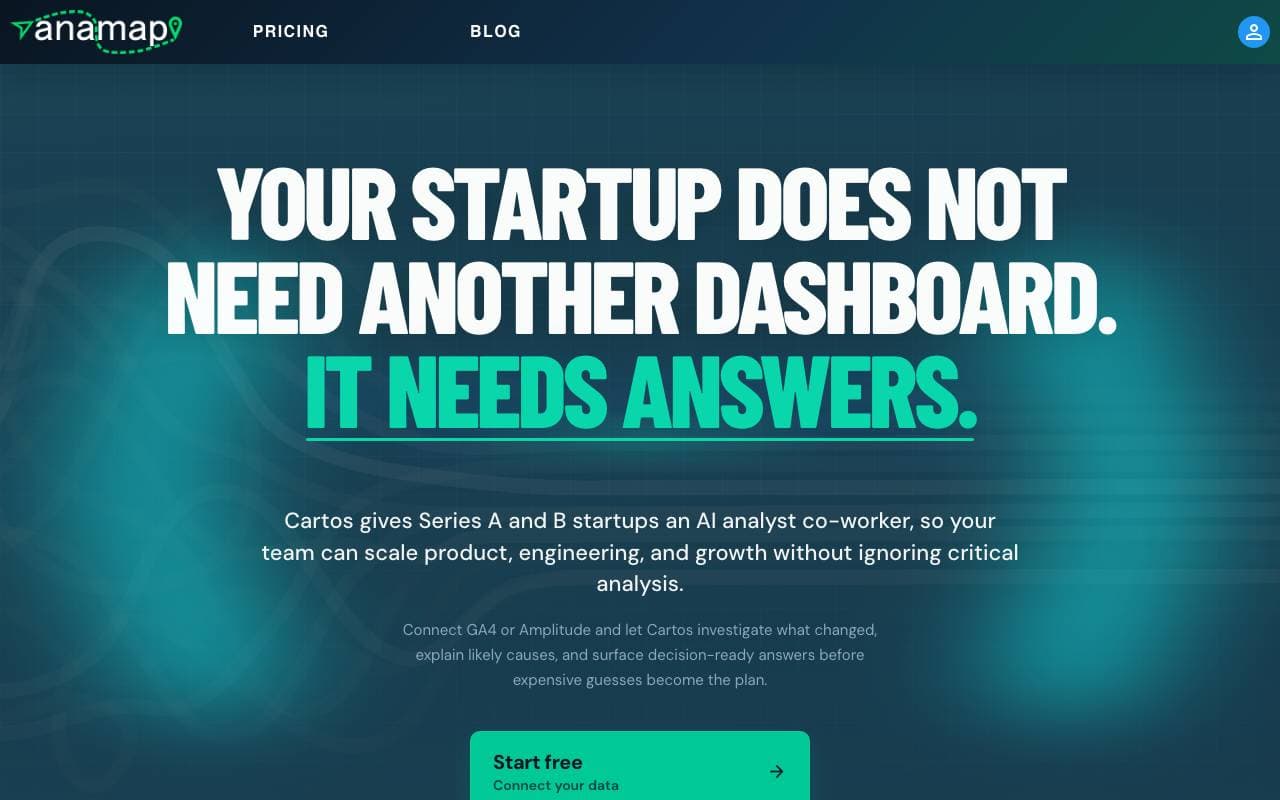

Anamap
AI Data Analysts
AI‑analist die GA4- of Amplitude‑gegevens onderzoekt om product‑ en groeimetriekveranderingen te verklaren en volgende stappen aan te bevelen
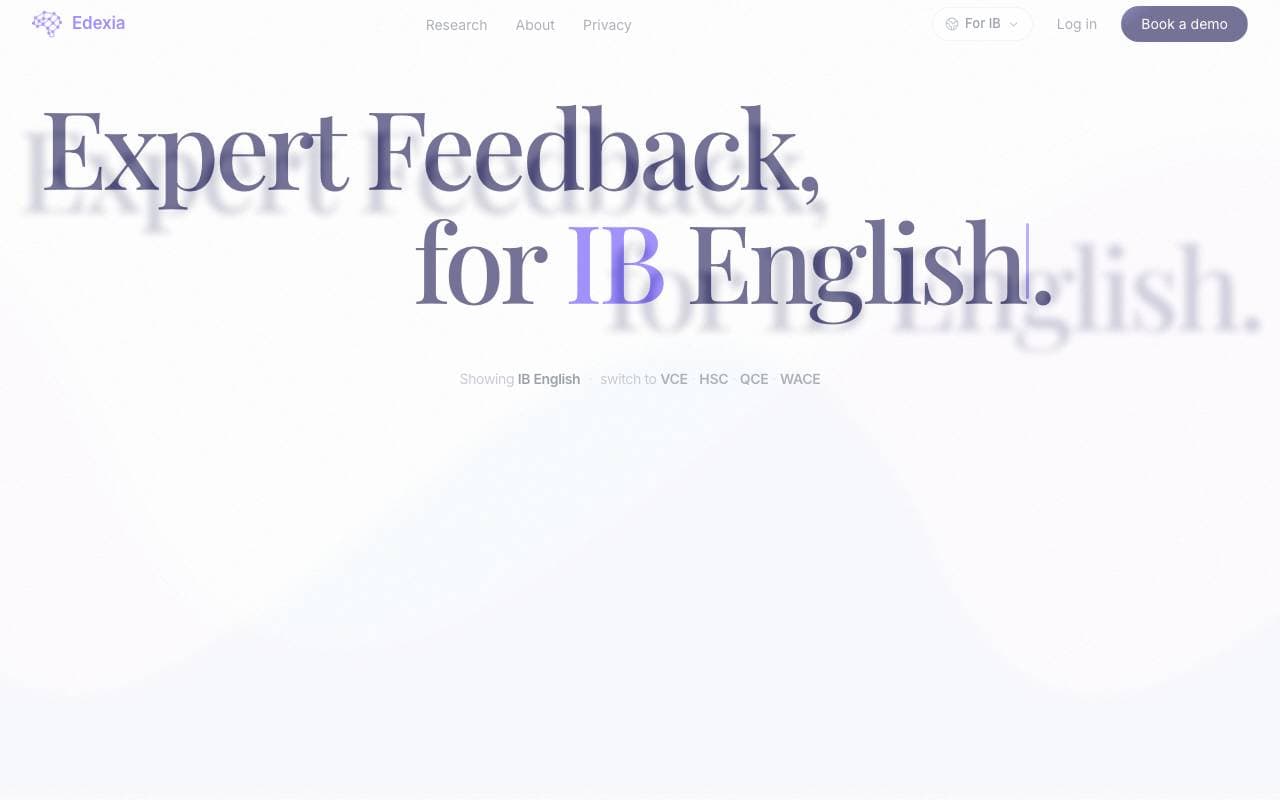

Edexia
AI Data Analysts
AI-beoordeling en feedbackassistent voor IB Engels en Australische curricula, getraind op de eigen beoordelingsnormen van leraren
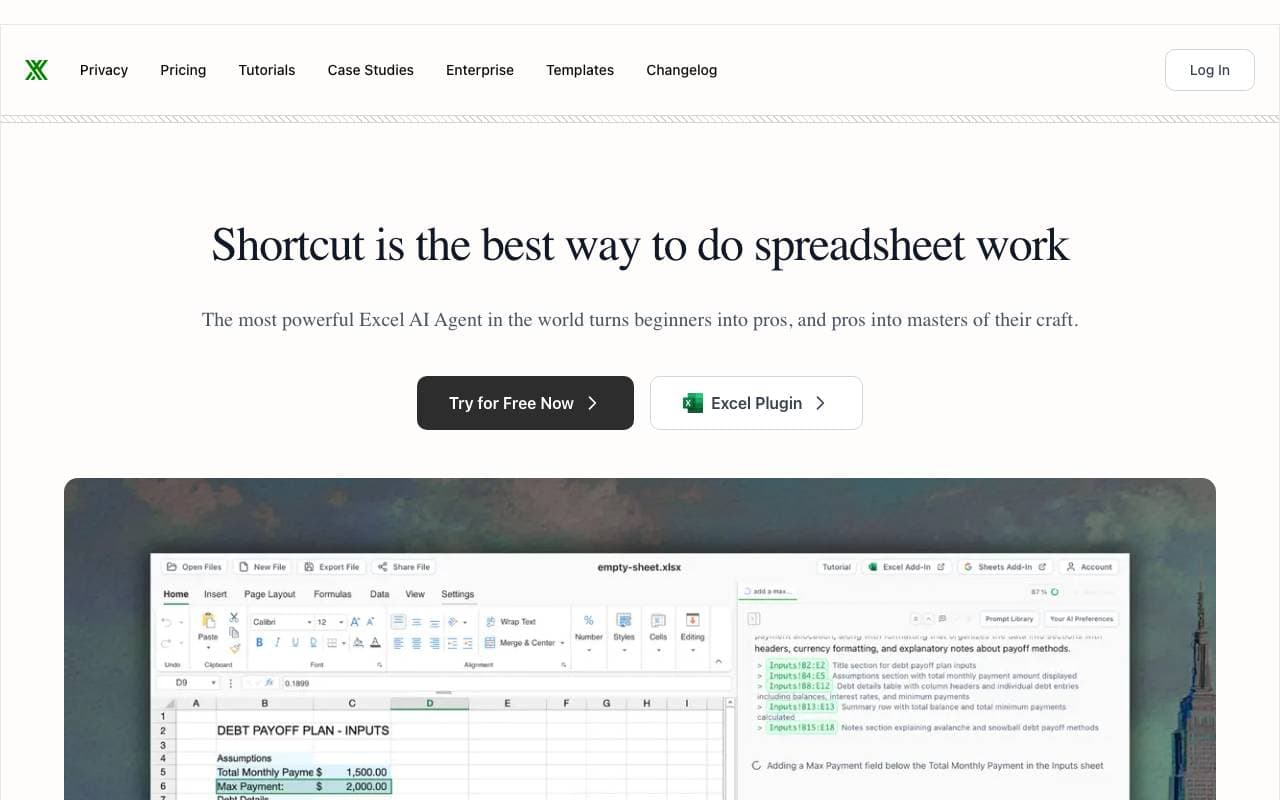

Shortcut (Excel AI)
AI Data Analysts
AI-bestuursagent in Excel die modellen, analyses en rapporten bouwt en wysigt via chat en een inheemse Excel-add-in

MinusX
AI Data Analysts
AI-dataanalystagent geïntegreerd in uw bestaande analysetools


Model ML
AI Data Analysts
AI-werkruimte voor onderzoek en due diligence in financiële dienstverlening

Fyva AI
AI Data Analysts
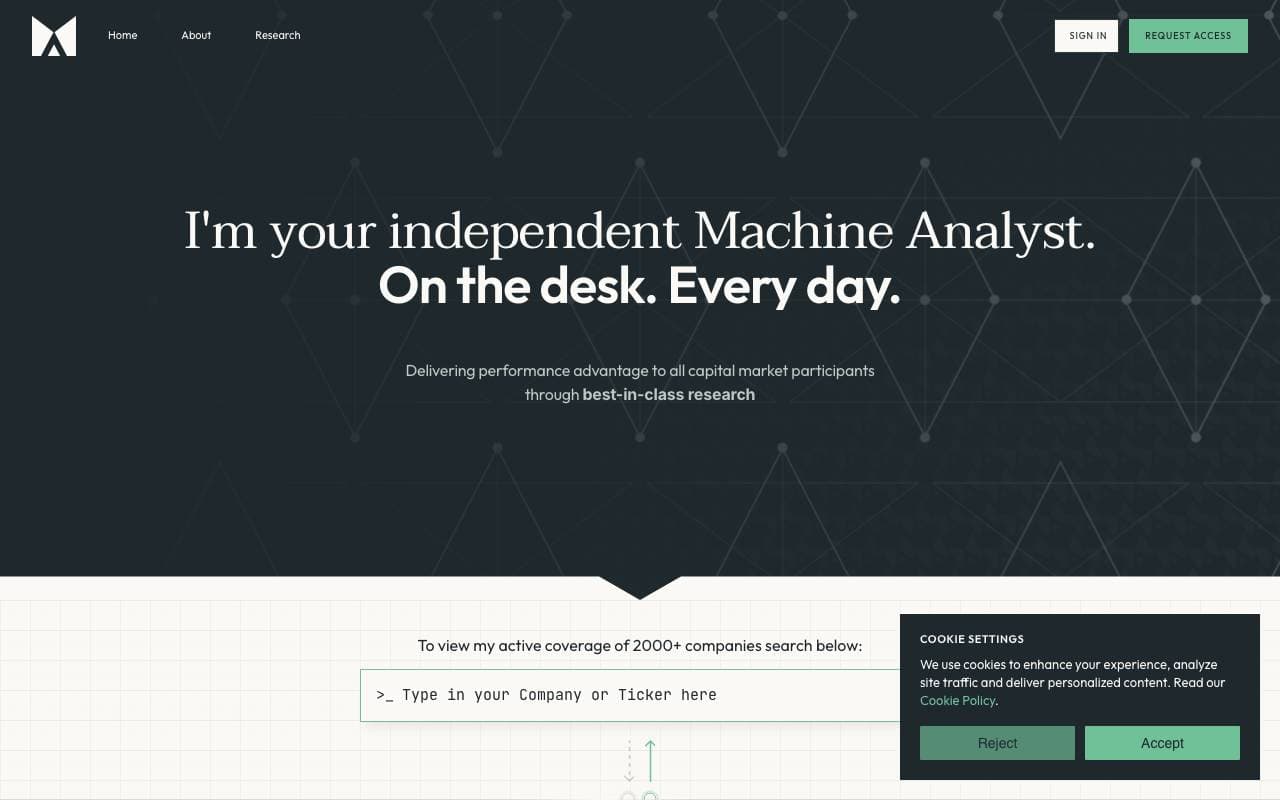
AI-copilot die analisten helpt bij het opstellen van aandelenonderzoekrapporten vanuit filings en marktgegevens.

SigTech MAGIC
AI Data Analysts
AI-agenten voor kwantitatieve financiële onderzoek, analyse en strategie-testen

Together Open Data Scientist
AI Data Analysts
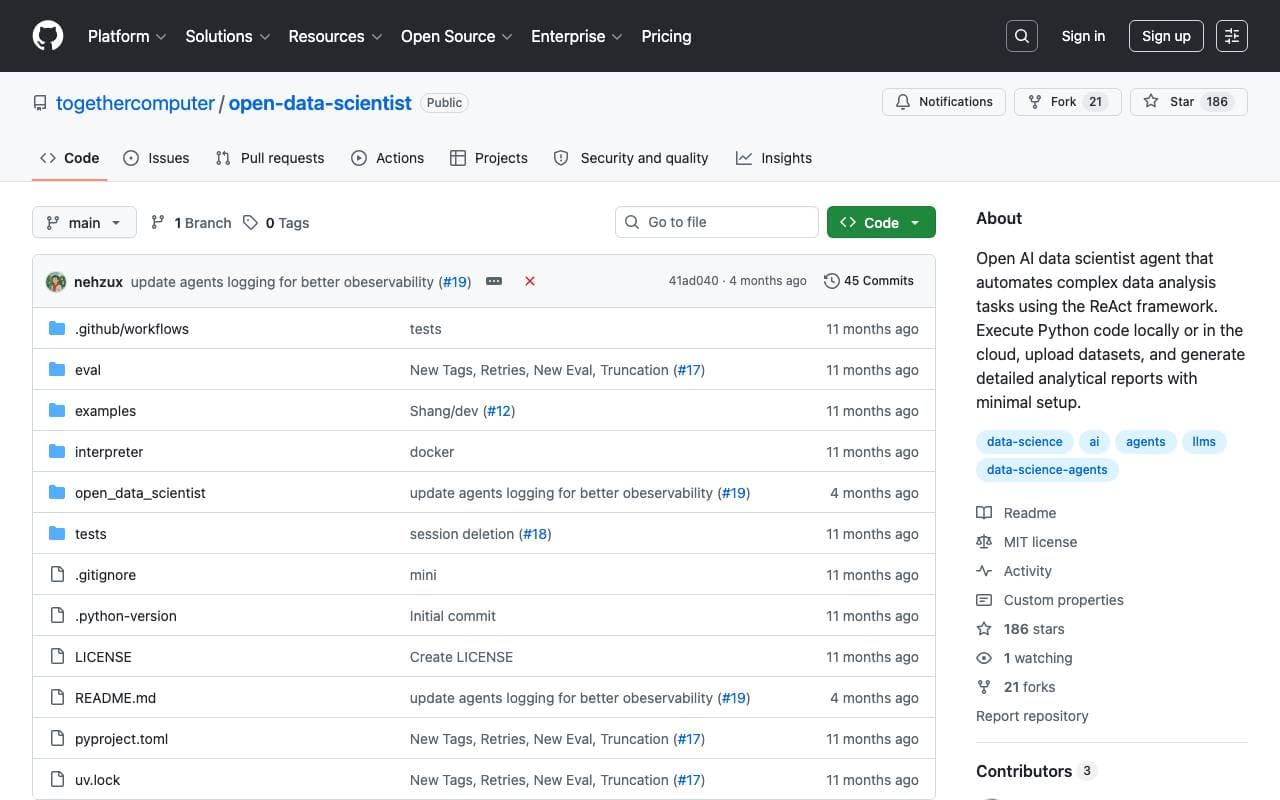
Open-source ReAct-agent die Python uitvoert om data te verkennen, modellen te bouwen en analyserapporten te genereren
Trending now


Claude
AI Agents & Chatbots
Conversational AI-assistent van Anthropic voor schrijven, analyse, coderen en documenttaken


LeanSentry
Software Development
AI-aangedreven diagnostiek en monitoring voor IIS- en ASP.NET-prestatieproblemen

Doozer Ai
Sales Agent
Digitale collega's die operationele workflows automatiseren om de team efficiëntie te vergroten.


Consistent Character AI
Images
Genereer consistente AI‑personages over scènes vanuit één referentiefoto