
Codex CLIOpen-source terminal AI-assistent die code lokaal leest, schrijft en uitvoert met multimodale invoer.

Overzicht
Belangrijkste functies
- Terminal-native chat en codegeneratie
- Leest en bewerkt bestanden in je project
- Voert shellcommando's en scripts uit
- Multimodale invoer (tekst en afbeeldingen)
- Open-source, zelf-hostbaar broncodebestand
- Werkt met meerdere programmeertalen
Prijs
- Model
- Free
- Categorie
- Programming Agents
- Beoordeling
- 4.8 / 5 (5)
Toepassingen
Terminalgebaseerde pairprogrammering
Genereer, refactor en debug code vanaf de commandoregel met natuurlijke taalprompts zonder je toetsenbordgedreven workflow te verlaten.
Verkenning en bewerkingen van de codebase
Laat de assistent bestaande projectbestanden lezen, onbekende code uitleggen en bewerkingen toepassen over meerdere bestanden rechtstreeks in je lokale repo.
UI-implementatie via screenshots
Stuur screenshots of diagrammen als multimodale invoer naast tekst om visuele ontwerpen of foutschermen naar werkende code te vertalen.
Zelf-gehoste AI-tools voor veilige teams
Inspecteer, breid uit en host de open-source CLI zelf om te voldoen aan interne beveiligingsbeleid en toch te profiteren van AI-ondersteunde codering.
Pluspunten & minpunten
Pluspunten
- Werkt lokaal voor betere privacy en controle
- Open source en uitbreidbaar
- Integreert natuurlijk in terminal-workflows
- Ondersteunt multimodale prompts inclusief afbeeldingen
- Kan code zelfstandig uitvoeren en itereren
Minpunten
- Vereist vertrouwd zijn met de commandoregel
- Lokaal uitvoeren van AI-gegenereerde code brengt risico met zich mee
- Instellen en configureren is ingewikkelder dan hosted IDE-plugins
- Afhankelijk van externe model-API toegang
Recensies
Gemiddelde van 5 beoordelingen.
Log in om een review te schrijven.
Skeptical, then convinced
I went in skeptical — most tools in this space overpromise. It actually delivers on multimodal input (text and images), and can execute and iterate on code autonomously caught me off guard. Setup and configuration steeper than hosted IDE plugins is why this isn't a perfect score, still, I'd recommend giving it a real trial.
Skeptical, then convinced
I went in skeptical — most tools in this space overpromise. It actually delivers on open-source, self-hostable codebase, and integrates naturally into terminal workflows caught me off guard. still, I'd recommend giving it a real trial.
Years in this space
I've evaluated a lot of these over the years. What stands out here is open-source, self-hostable codebase — handled better than most — and runs locally for better privacy and control. Depends on external model API access is my one real gripe. Worth the time if this is your use case.
Years in this space
I've evaluated a lot of these over the years. What stands out here is executes shell commands and scripts — handled better than most — and runs locally for better privacy and control. Worth the time if this is your use case.
Compared a few options
Evaluated this against two competitors. Where it wins: reads and edits files in your project and runs locally for better privacy and control. On balance the feature set — especially reads and edits files in your project — justifies the 5 stars for our use case.
Vragen
What kinds of tasks can Codex CLI handle beyond plain code generation?
It can analyze existing codebases, generate and edit files, execute shell commands and scripts, and iterate on changes autonomously. It also accepts multimodal input, so you can include screenshots or diagrams alongside natural language prompts, and it works across multiple programming languages.
How does Codex CLI keep my code private compared to cloud IDE assistants?
Codex CLI runs locally in your terminal, reading and editing files on your machine rather than uploading your project to a hosted IDE. As an open-source, self-hostable tool, teams can inspect and deploy it within their own security boundaries, though it still depends on external model API access.
What's the learning curve and what risks should I be aware of?
Setup is steeper than hosted IDE plugins and assumes comfort with the command line. Because Codex CLI can execute AI-generated code locally, there's inherent risk in running unreviewed commands, so sandboxing and careful review of proposed changes are recommended.
Stel een vraag
Alternatieven voor Programming Agents


Amp
Programming Agents
Agentische programmeerassistent voor terminals en editors, aangedreven door meerdere frontier-modellen.


Gemini CLI
Programming Agents
Een open-source commandoregel AI-agent die Gemini 2.5 Pro naar je terminal brengt voor codering, onderzoek, content en taakautomatisering.
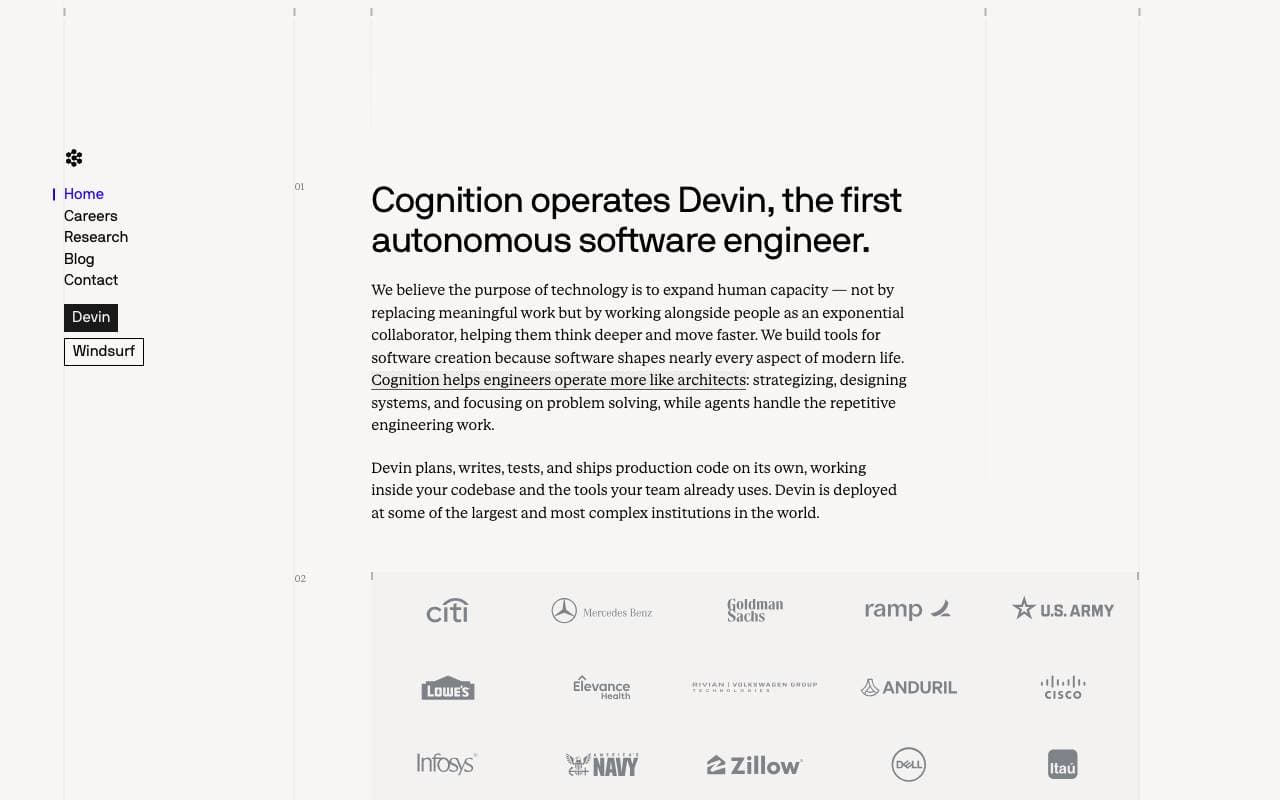

Cognition Devin AI
Programming Agents
Autonoom AI software engineer die taken end-to-end plant, codeert en levert.
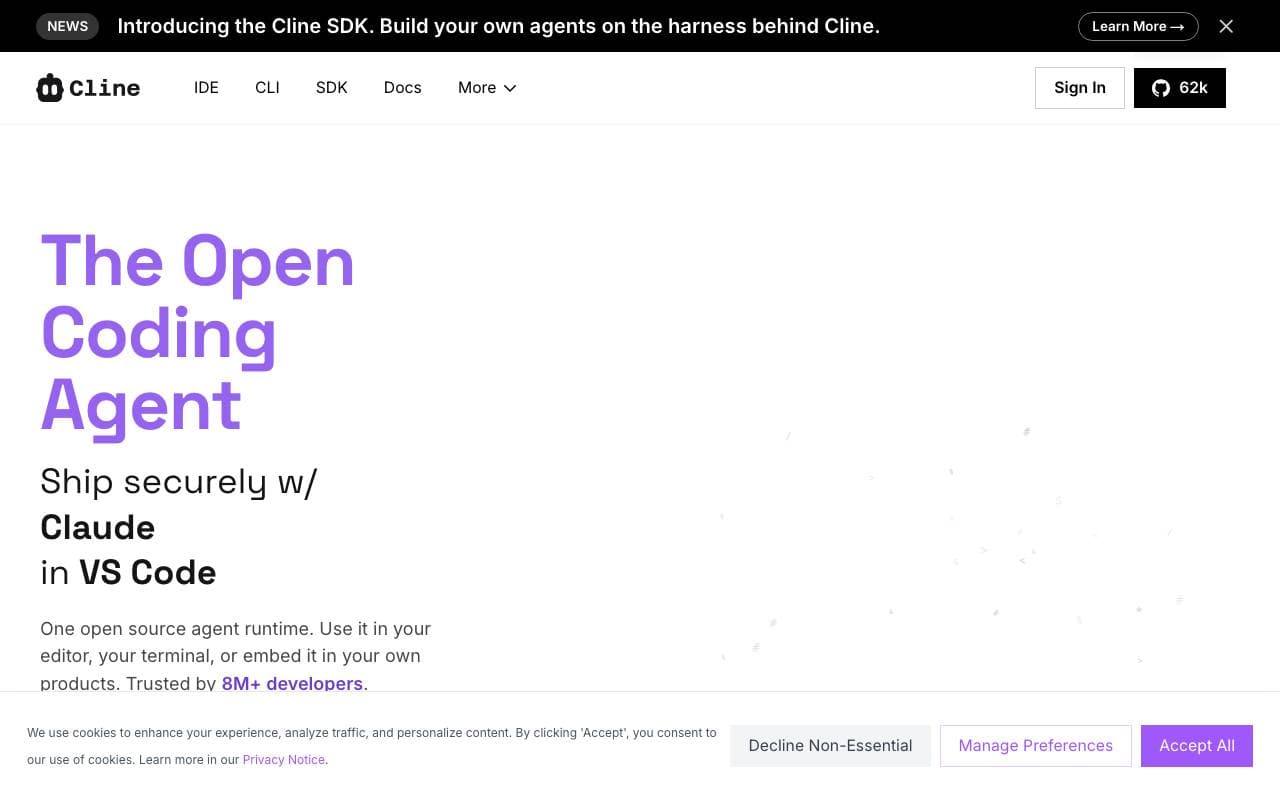

Cline
Programming Agents
Open-source AI-codingagent voor VS Code met Plan/Act-modus en terminalcontrole

Fine AI
Programming Agents
Een AI-aangedreven codeerplatform ontworpen om start‑up teams efficiënter software te laten bouwen, testen en implementeren.


Pi Coding Agent
Programming Agents
Open-source terminal coderingsagent gebouwd voor uitbreiding met pakketten, vaardigheden en aangepaste workflows.
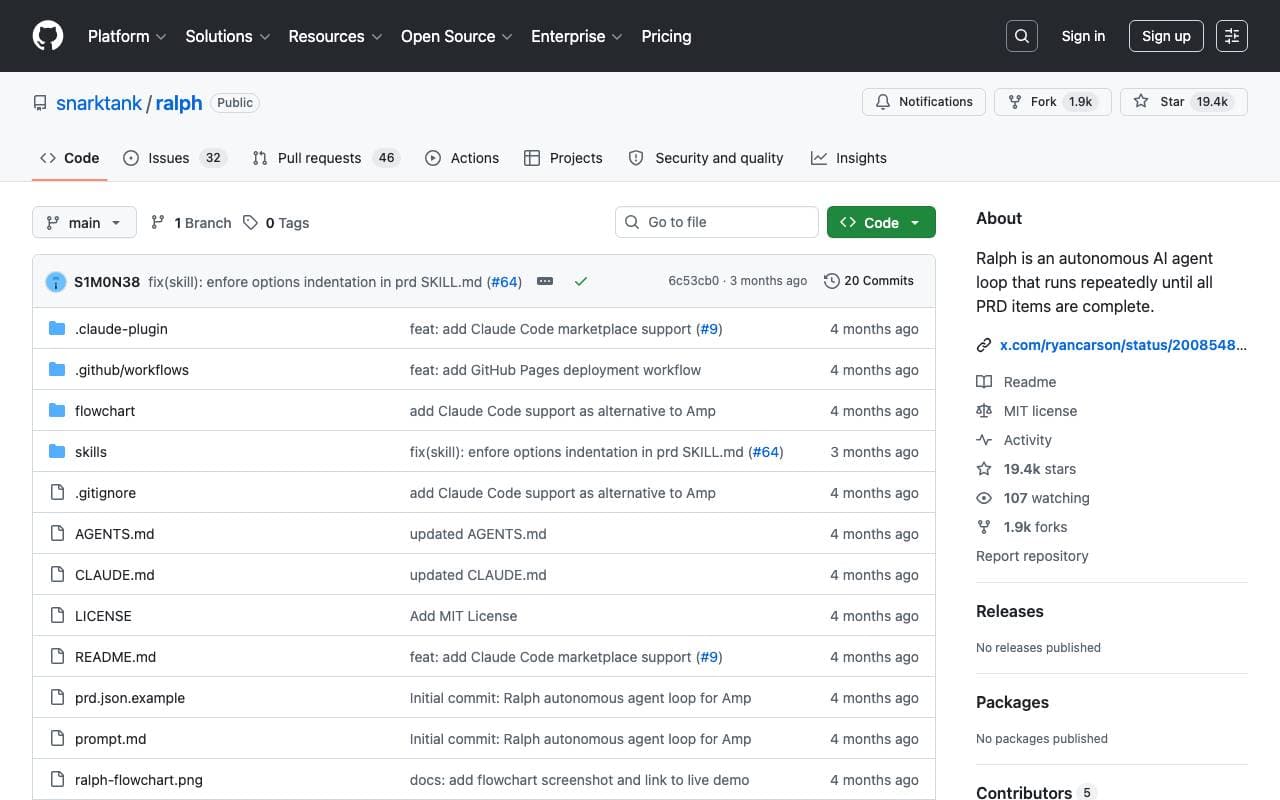

Ralph
Programming Agents
Autonome AI-codingslus die Amp of Claude Code herhaaldelijk uitvoert totdat alle PRD-items zijn voltooid, met git-geschiedenis als geheugen.

Maximus-AI
Programming Agents
Automatische codegeneratie die specificaties en prompts omzet in productieready software.
Trending now


Claude
AI Agents & Chatbots
Conversational AI-assistent van Anthropic voor schrijven, analyse, coderen en documenttaken


LeanSentry
Software Development
AI-aangedreven diagnostiek en monitoring voor IIS- en ASP.NET-prestatieproblemen

Doozer Ai
Sales Agent
Digitale collega's die operationele workflows automatiseren om de team efficiëntie te vergroten.


Consistent Character AI
Images
Genereer consistente AI‑personages over scènes vanuit één referentiefoto