
Codex CLIAtvērtā koda termināļa AI asistents, kas nolasa, raksta un izpilda kodu lokāli ar daudzmodalitātes ievadi.

Pārskats
Galvenās funkcijas
- Terminālī-iekšējais čats un koda ģenerēšana
- Lasīt un rediģēt jūsu projekta failus
- Izpilda čaulu komandas un skriptus
- Daudzmodalitātes ievade (teksts un attēli)
- Atvērts avots, paš-hostējams kodols
- Darbojas ar vairākiem programmēšanas valodām
Cenas
- Modelis
- Free
- Kategorija
- Programming Agents
- Vērtējums
- 4.8 / 5 (5)
Lietošanas gadījumi
Terminālizētā pāra programmēšana
Ģenerējiet, refaktorējiet un atkļūdojiet kodu no komandrindas, izmantojot dabiskās valodas uzvedņus, neatstājot jūsu ar tastatūru vadāmo darbplūsmu.
Kodēšanas bāzes izpēte un labojumi
Liek asistenta nolasīt esošos projekta failus, izskaidrot nesaprotamu kodu un piemērot labojumus vairākiem failiem tieši jūsu lokālajā repo.
Ekrānuzņēmumu vadīta lietotāja saskarnes implementācija
Barojiet ekrānuzņēmumus vai diagrammas kā daudzmodalitātes ievadi līdztekus tekstam, lai pārvērstu vizuālos dizainus vai kļūdu ekrānus darba kodā.
Paš-hostēti AI rīki drošām komandām
Pārbaudiet, paplašiniet un paš-hostējiet atvērta koda CLI, lai atbilstu iekšējām drošības politikai, vienlaikus gūstot labumu no AI asistētās kodēšanas.
Plusi un mīnusi
Plusi
- Izpildās lokāli labākas privātuma un kontroles nolūkiem
- Atvērts avots un paplašināms
- Dabiski integrējas termināļa darbplūsmas
- Atbalsta daudzmodalitātes uzvedņus, ieskaitot attēlus
- Var izpildīt un iterēt kodu autonomi
Mīnusi
- Prasa komfortu ar komandrindu
- Lokālā izpilde ar AI ģenerētu kodu nesīs risku
- Iestatīšana un konfigurēšana ir stāvāka nekā hostēto IDE spraudņu gadījumā
- Atkarīgs no ārējā modeļa API piekļuves
Atsauksmes
Vidējais no 5 vērtējumiem.
Pieslēdzies, lai atstātu atsauksmi.
Skeptical, then convinced
I went in skeptical — most tools in this space overpromise. It actually delivers on multimodal input (text and images), and can execute and iterate on code autonomously caught me off guard. Setup and configuration steeper than hosted IDE plugins is why this isn't a perfect score, still, I'd recommend giving it a real trial.
Skeptical, then convinced
I went in skeptical — most tools in this space overpromise. It actually delivers on open-source, self-hostable codebase, and integrates naturally into terminal workflows caught me off guard. still, I'd recommend giving it a real trial.
Years in this space
I've evaluated a lot of these over the years. What stands out here is open-source, self-hostable codebase — handled better than most — and runs locally for better privacy and control. Depends on external model API access is my one real gripe. Worth the time if this is your use case.
Years in this space
I've evaluated a lot of these over the years. What stands out here is executes shell commands and scripts — handled better than most — and runs locally for better privacy and control. Worth the time if this is your use case.
Compared a few options
Evaluated this against two competitors. Where it wins: reads and edits files in your project and runs locally for better privacy and control. On balance the feature set — especially reads and edits files in your project — justifies the 5 stars for our use case.
Jautājumi
What kinds of tasks can Codex CLI handle beyond plain code generation?
It can analyze existing codebases, generate and edit files, execute shell commands and scripts, and iterate on changes autonomously. It also accepts multimodal input, so you can include screenshots or diagrams alongside natural language prompts, and it works across multiple programming languages.
How does Codex CLI keep my code private compared to cloud IDE assistants?
Codex CLI runs locally in your terminal, reading and editing files on your machine rather than uploading your project to a hosted IDE. As an open-source, self-hostable tool, teams can inspect and deploy it within their own security boundaries, though it still depends on external model API access.
What's the learning curve and what risks should I be aware of?
Setup is steeper than hosted IDE plugins and assumes comfort with the command line. Because Codex CLI can execute AI-generated code locally, there's inherent risk in running unreviewed commands, so sandboxing and careful review of proposed changes are recommended.
Uzdod jautājumu
Programming Agents alternatīvas


Amp
Programming Agents
Agencisks koda izvietotājs ar termināliem un redaktoriem, attīstīts, izmantotot vairākas frontīru modeļus.


Gemini CLI
Programming Agents
Atvērtā koda komandrindas AI agents, kas pārved Gemini 2.5 Pro uz jūsu termināli programmēšanai, izpētei, saturam un uzdevumu automatizācijai.

Cognition Devin AI
Programming Agents
Autonomais AI programmatūras inženieris, kas plāno, kodē un piegādā uzdevumus no sākuma līdz beigām.

Cline
Programming Agents
Atvērtā pirmkoda AI kodēšanas aģents VS Code ar Plāns/Darbības režīmiem un termināļa kontroli

Fine AI
Programming Agents
AI balstīta kodēšanas platforma, kas paredzēta, lai palīdzētu startupa komandām efektīvāk izstrādāt, testēt un izvietot programmatūru.


Pi Coding Agent
Programming Agents
Atvērtā pirmkoda termināļa kodēšanas aģents, kas izveidots paplašināšanai ar pakotnēm, prasmēm un pielāgotām darbplūsmām.

Ralph
Programming Agents
Autonoma AI kodēšanas loops, kas atkārtoti palaiž Amp vai Claude Code līdz visi PRD elementi ir pabeigti, izmantojot git vēsturi kā atmiņu.
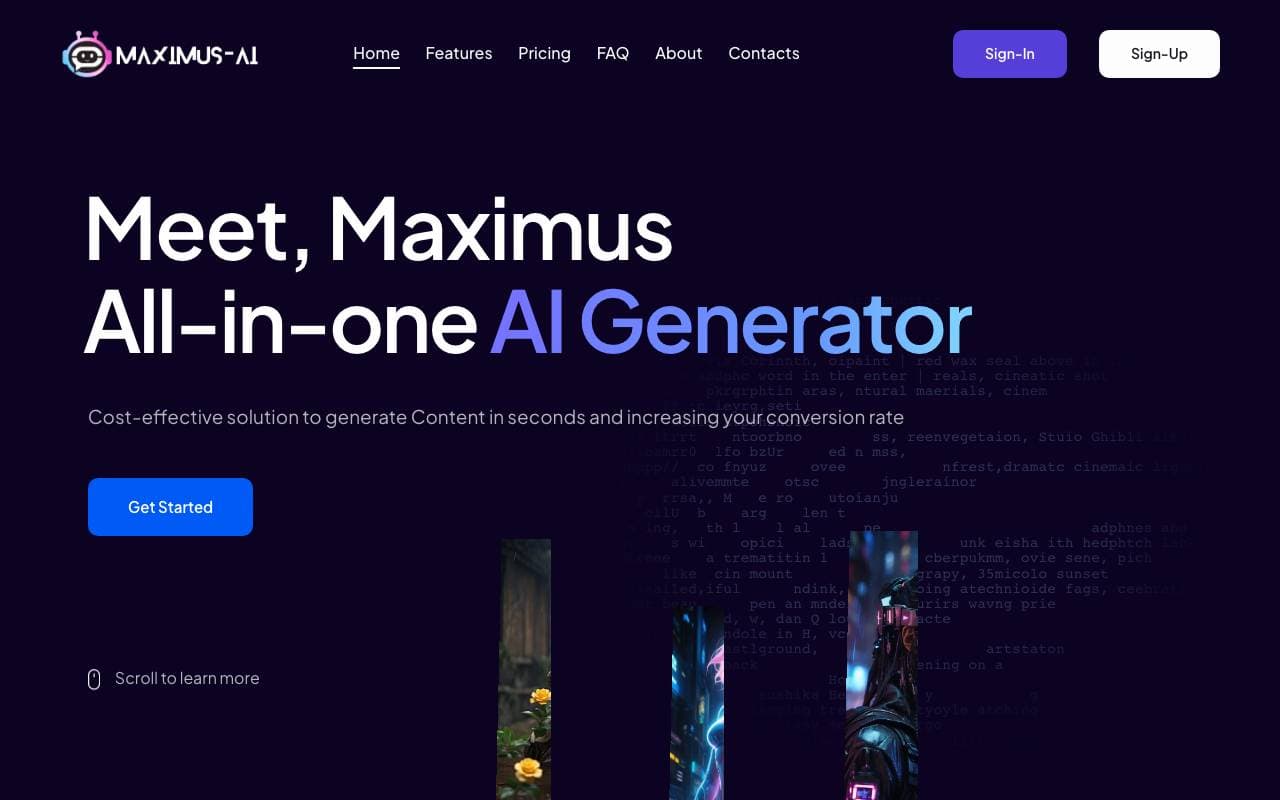

Maximus-AI
Programming Agents
Automatizēta koda ģenerēšana, kas no specifikācijām un pieprasījumiem pārvērš produktu par ražošanas gatavu programmatūru.
Trending now

Doozer Ai
Sales Agent
Digitālie kolēģi, kas automatizē operatīvo darba plūsmu, lai paaugstinātu komandas efektivitāti.


Claude
AI Agents & Chatbots
Konversacionāla AI palīdzība no Anthropic, rakstīšanai, analīzei, kodišanai un dokumentu uzdevumiem


Consistent Character AI
Images
Izveidojiet vienādus AI raksturus dažādās ainās no vienas atsauces fotoattēla.


Pin AI
Workflow automation
AI atlases asistents ar agentu pieeju, kas automatizē pieprasījumu meklēšanu, atlasi un kontaktēšanu, paātrinot atlases procesu.