Best Programming Agents (2026)

이 페이지의 링크를 통해 등록하면 수수료를 받을 수 있지만, 이는 우리의 평가에 영향을 미치지 않습니다.
Programming agents are AI tools that autonomously write, refactor, debug, and ship code across files and repos. This guide compares the best options for developers seeking real engineering productivity.
숫자로 보는 Programming Agents
가격 구성
Best Programming Agents (2026)
- 1
 AmpTerminal, 5.0 (4)
 - 2
 Gemini CLIAn open‑source command‑line AI agent bringing Gemini 2.5 Pro into your terminal for coding, research, content and task automation.5.0 (4)
 - 3
 Cognition Devin AIAutonomous AI software engineer that plans, codes, and ships tasks end-to-end.4.8 (6)
 - 4
 ClineOpen-source AI coding agent for VS Code with Plan/Act modes and terminal control4.8 (5)
 - 5
 Codex CLIOpen-source terminal AI assistant that reads, writes, and runs code locally with multimodal input.4.8 (5)
 - 6
 Fine AIAn AI-powered coding platform designed to help startup teams build, test, and deploy software more efficiently.4.8 (5)
 - 7
 Pi Coding AgentOpen-source terminal coding agent built for extension with packages, skills, and custom workflows.4.8 (4)
 - 8
 RalphAutonomous AI coding loop that repeatedly runs Amp or Claude Code until all PRD items are completed, using git history as memory.4.7 (6)
 - 9
 Maximus-AIAutomated code generation that turns specs and prompts into production-ready software.4.7 (6)
 - 10
 thepopebotOpen-source autonomous coding agent that runs on GitHub Actions, does work in Docker, commits changes, and notifies you on Telegram.4.7 (6)

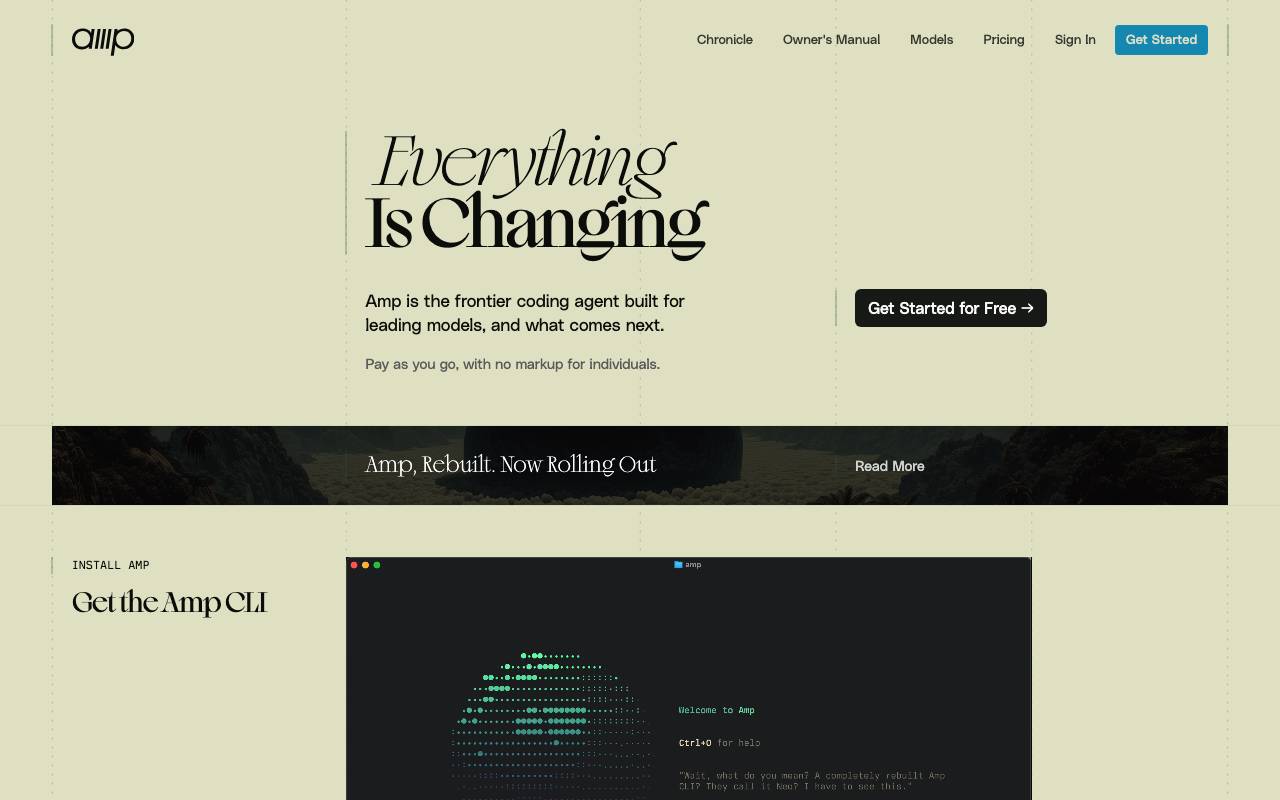
Amp Terminal , , API . , , , $10 , . , CLI
- Terminal-
- API
- LLM
- $10 /
- API

Gemini CLI
An open‑source command‑line AI agent bringing Gemini 2.5 Pro into your terminal for coding, research, content and task automation.
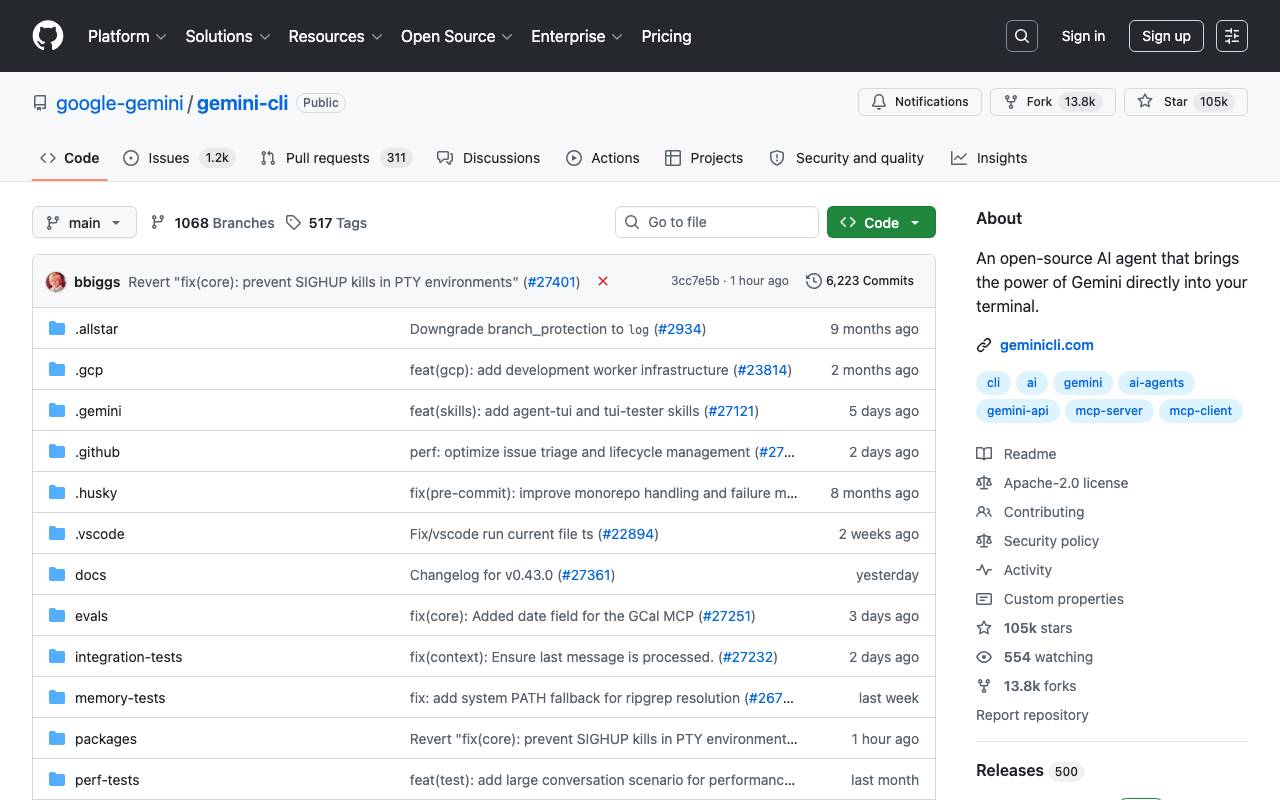
Gemini CLI is a Programming Agents tool listed on Agent Pantheon.
- Coding assistance
- Research capabilities
- Content creation automation
- Task automation
- Command-line interface
- Open-source

Cognition Devin AI
Autonomous AI software engineer that plans, codes, and ships tasks end-to-end.
Cognition Devin AI is an autonomous coding agent designed to handle software engineering tasks with minimal human oversight. It can read requirements, plan multi-step solutions, write and edit code across files, run commands in a sandboxed environment, and iterate based on test results or errors. Devin is aimed at teams that want to offload routine engineering work such as bug fixes, refactors, migrations, and small feature implementations. It integrates with common developer workflows, including source control and issue trackers, and produces pull requests that humans can review before merging. While not a replacement for senior engineers, Devin functions as a collaborative teammate that can take on well-scoped tickets in parallel, freeing developers to focus on architecture and higher-level decisions.
- Autonomous task planning and execution
- Sandboxed shell, editor, and browser tools
- Pull request generation and code review responses
- Integration with GitHub, Slack, and issue trackers
- Long-running multi-step task sessions
- Team collaboration with human-in-the-loop oversight

Cline is an open-source AI coding assistant that runs as a VS Code extension and operates as an autonomous agent inside your editor. It can read and edit files across your project, execute terminal commands, and iterate on tasks while keeping the developer in the loop through explicit approval steps. Its dual-mode workflow separates thinking from doing: Plan mode lets you discuss approach and scope with the model before any changes are made, while Act mode carries out the agreed steps such as writing code, running scripts, or debugging output. Cline supports a wide range of model providers, including Anthropic, OpenAI, Google, and local options via Ollama, letting teams choose between hosted APIs and self-hosted setups. Because the source code is openly available, Cline appeals to developers who want transparency into how an AI agent interacts with their codebase, along with the flexibility to bring their own keys and audit each action.
- VS Code extension integration
- Plan and Act dual-mode workflow
- Terminal command execution
- Multi-file read and edit across projects
- Support for Anthropic, OpenAI, Gemini, and local models
- Step-by-step action approval

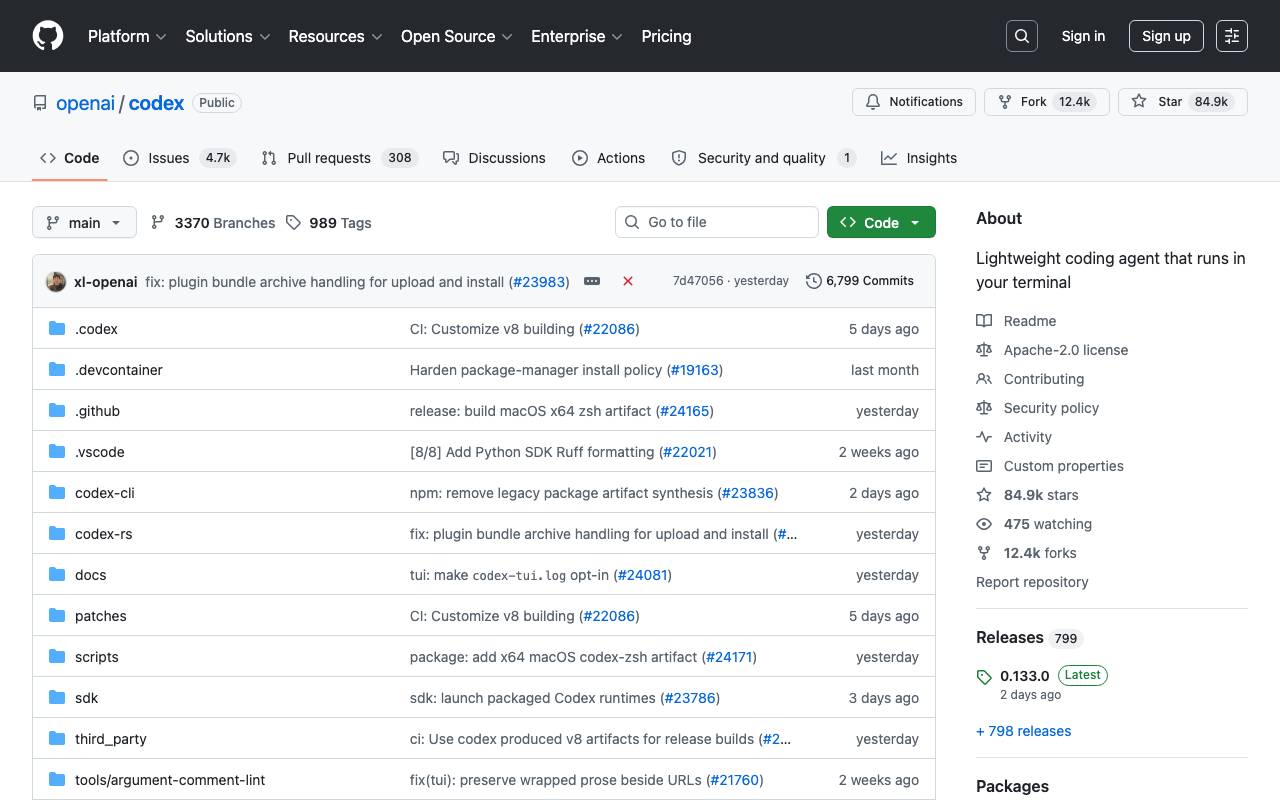
Codex CLI is a command-line coding assistant that brings AI pair programming directly into your terminal. It can analyze existing codebases, generate new code, execute commands, and iterate on changes—all while keeping your files and execution environment local. Designed for developers who prefer keyboard-driven workflows, it supports multimodal inputs such as screenshots or diagrams alongside natural language prompts. Because it's open source, teams can inspect, extend, and self-host the tool to fit their security and tooling requirements.
- Terminal-native chat and code generation
- Reads and edits files in your project
- Executes shell commands and scripts
- Multimodal input (text and images)
- Open-source, self-hostable codebase
- Works across multiple programming languages

Fine AI is an AI-powered coding platform built to help startup teams streamline their software development process. By leveraging AI, teams can automate repetitive tasks, build and test software more efficiently, and speed up the deployment of applications. This platform aims to enhance collaboration among developers, designers, and product managers, ultimately reducing the time-to-market for new features and products. Fine AI likely offers a range of features, including automated testing, code generation, and project management tools. The platform may also provide integration with popular development tools to ensure a seamless workflow. However, its specific limitations and trade-offs are not yet clear.
- Automated testing and code review
- AI-driven code generation and completion
- Integrated project management and workflow tools

Pi Coding Agent
Open-source terminal coding agent built for extension with packages, skills, and custom workflows.

Pi Coding Agent is an open-source command-line coding assistant designed to live inside a developer's terminal. It helps with everyday engineering tasks like reading code, generating changes, running commands, and automating multi-step workflows directly from the shell. What sets Pi apart is its emphasis on extensibility. Developers can add packages, define custom skills, write reusable prompts, and compose workflows that match how their team actually ships software. Because it's open source, teams can audit the code, self-host, and adapt the agent to internal tooling or proprietary stacks. It suits engineers who prefer keyboard-driven tools, want control over their AI tooling, and need an assistant that can be tailored rather than used as a closed black box.
- Terminal-native coding agent
- Package system for extensions
- Custom skills and prompts
- Composable multi-step workflows
- Open-source codebase
- Adaptable to internal tooling

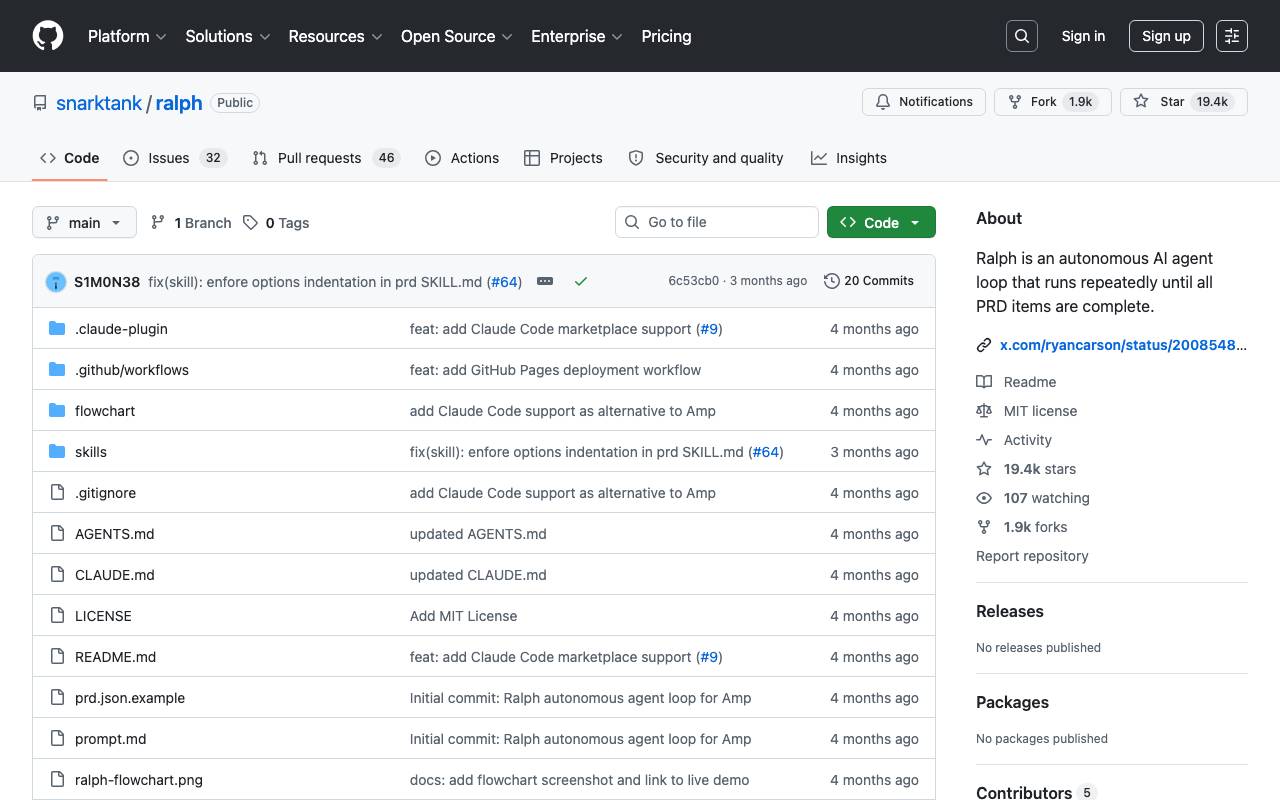
Ralph is an autonomous AI agent loop that runs AI coding tools (Amp or Claude Code) repeatedly until all PRD items are complete. Each iteration is a fresh instance with clean context. Memory persists via git history, progress.txt, and prd.json. Based on Geoffrey Huntley's Ralph pattern. The tool uses a workflow where you create a PRD, convert it to Ralph format, and then run Ralph to implement the stories. Ralph can be integrated with Amp or Claude Code, and the tool provides features such as automatic handoff and quality checks. To use Ralph, you need to install one of the AI coding tools (Amp or Claude Code) and a git repository for your project. You can set up Ralph by copying the files to your project, installing skills globally, or adding it as a Claude Code Marketplace. Key Files: ralph.sh: The bash loop that spawns fresh AI instances (supports --tool amp or --tool claude) prompt.md: Prompt template for Amp
- Create PRD using AI coding tools
- Convert PRD to Ralph format
- Run Ralph to implement stories
- Automatic handoff and quality checks
- Supports Amp and Claude Code tools
- Flexible setup and integration options

Maximus-AI
Automated code generation that turns specs and prompts into production-ready software.
Maximus-AI is a code generation tool designed to produce working code from natural language descriptions, removing much of the need for line-by-line manual programming. It targets developers, technical founders, and teams looking to accelerate prototyping and reduce repetitive implementation work. Users describe what they want to build, and Maximus-AI outputs structured, readable code that can be reviewed, edited, and integrated into existing projects. The tool aims to support common programming languages and frameworks, with a focus on consistency and maintainability rather than throwaway snippets. It fits into workflows that prioritize speed, such as MVP builds, internal tools, and feature scaffolding, while still allowing developers to refine the generated output before deployment.
- Natural language to code generation
- Support for multiple languages and frameworks
- Automated scaffolding of components and functions
- Editable, human-readable output
- Workflow integration for faster iteration

thepopebot
Open-source autonomous coding agent that runs on GitHub Actions, does work in Docker, commits changes, and notifies you on Telegram.
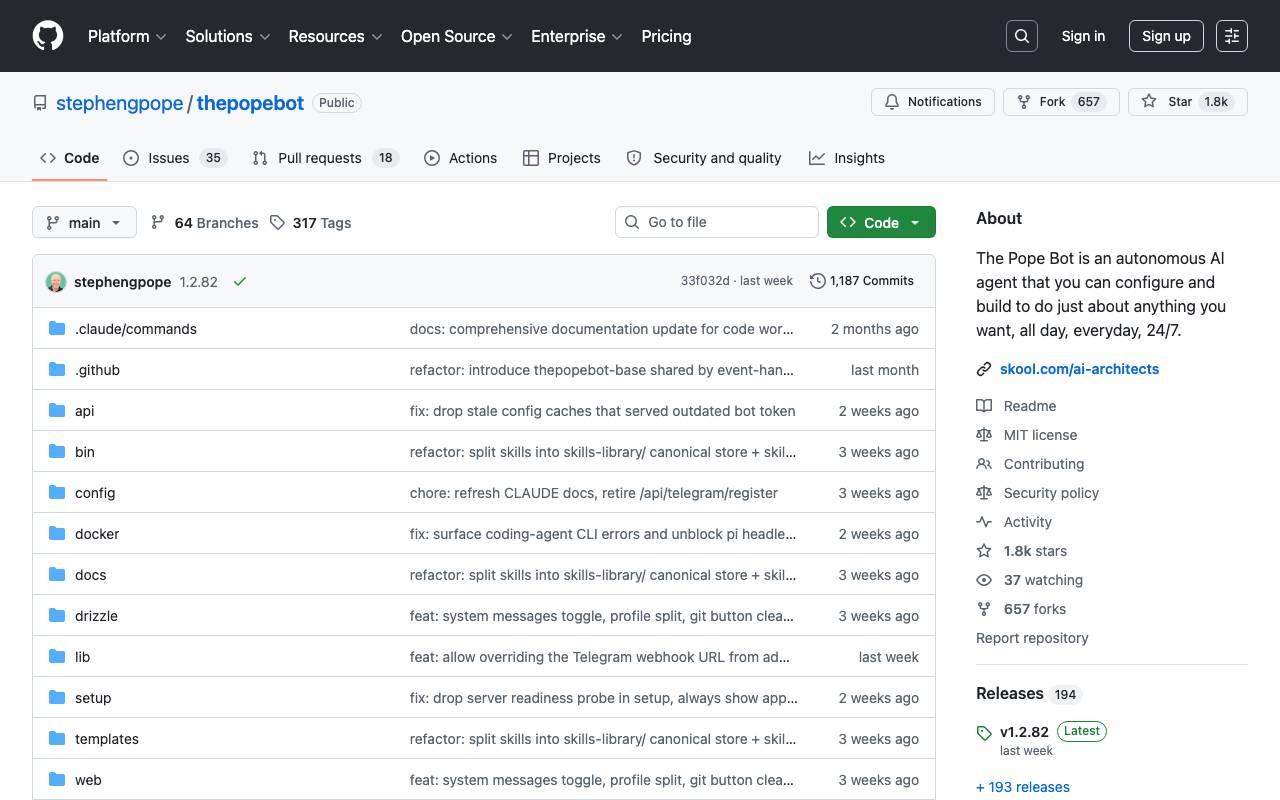
thepopebot is an open-source autonomous coding agent that runs on GitHub Actions, uses Docker for workspaces, commits changes, and notifies users on Telegram. It's designed to be simple, unified, secure, and easy to use. The bot supports various large language models (LLMs) and coding agents, and it features a web chat interface, smart integrations with Telegram, and live coding workspaces. Users can create agent jobs that interact with code repositories and commit changes automatically. thepopebot is built to run on users' hardware, repos, and tokens, providing a fully customizable experience.
- Supports any LLM or coding agent
- Live coding workspaces with attachable terminal
- Smart chat integrations with Telegram and web chat
- Agent job feature for automating commit changes
- Customizable and secure with users' hardware, repos, and tokens
모든 11개의 Programming Agents 도구 둘러보기
완전하고 검색 가능한 디렉터리 — 실제 사용자 리뷰로 순위가 매겨졌습니다.


