markdown2pdf.aiマークダウンをAIによって生成したものを、簡単に作成して配布可能な素晴らしいフォームでpdfに変換します。

概要
主な機能
- マークダウンのペーストと変換機能
- デフォルトできれいなpdfのスタイリング
- 標準マークダウン構文のサポート
- 生成されたpdfをすぐにダウンロードできます
- 登録不要
- どのモダンブラウザでも使用可能
料金
- モデル
- Free
- カテゴリー
- AI Docs Agents
- 評価
- 4.5 / 5 (4)
ユースケース
ChatGPTの答えをpdfにダウンロードする
ChatGPTやClaudeなどのAIによって生成されたマークダウン形式の回答を、簡単にダウンロードしたpdfとして保存することができます。これを共有したりアーカイブしたりするのに便利です。
AIによって作成された学習ノートを作成する
ヘッダー、リスト、その他コードブロックなどを含むAIによって作成された学習資料を、マークダウンから読むと、プロのフォームで保存したPDFノートを参照できます。
迅速なレポートやドキュメントの作成
レポートの草案や技術文書の草案をマークダウンファイルとして保存し、実際のフォーマットのpdfドキュメントに変換できます。
コードのスニペットと表を共有する
コードブロックや表のマークダウンで書きましたら、これを読みやすいpdfフォーマットに変換して、それを同僚やクライアントにメールで送ることができます。
メリット & デメリット
メリット
- 登録もなく、利用が簡単です
- マークダウンをpdfに変換まで、実行するまでに秒しかかかりません
- コードブロック、表やリストもすべて対応しています
- ブラウザーでしか使わないので、インストールをする必要はありません
- Aiによるチャットの出力にも対応しています
デメリット
- pdfのスタイリングについては、カスタマイズが限られています
- インターネット接続が必要です
- 大量の変換や機械的な変換用途には不適切です
- 専用のエディターのような高度な機能もありません
レビュー
4件の評価の平均。
レビューを投稿するにはログインしてください。
Years in this space
I've evaluated a lot of these over the years. What stands out here is direct Markdown paste-and-convert — handled better than most — and fast Markdown-to-PDF conversion. Fewer advanced features than dedicated editors is my one real gripe. Worth the time if this is your use case.
Years in this space
I've evaluated a lot of these over the years. What stands out here is no registration required — handled better than most — and browser-based, nothing to install. Worth the time if this is your use case.
Skeptical, then convinced
I went in skeptical — most tools in this space overpromise. It actually delivers on no registration required, and browser-based, nothing to install caught me off guard. Requires an internet connection is why this isn't a perfect score, still, I'd recommend giving it a real trial.
Does the job
Pretty happy overall. Support for standard Markdown syntax just works and fast Markdown-to-PDF conversion. Not built for bulk or automated conversion can be annoying, but no dealbreakers — I'd recommend it to a friend without hesitating.
Q&A
まだ質問はありません — 最初の質問者になりましょう。
質問する
AI Docs Agentsの代替
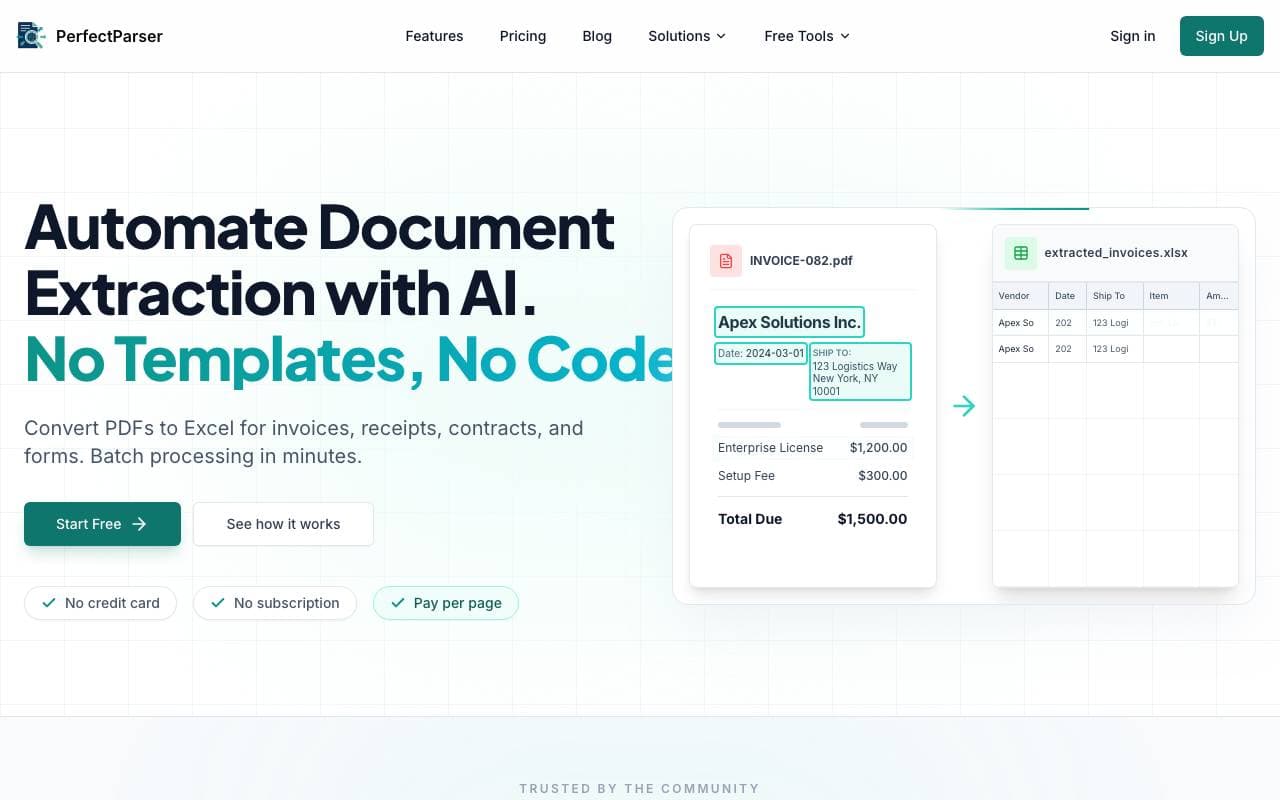

PerfectParser
AI Docs Agents
ドキュメントデータ抽出のためのノーコードAIエージェント、ページあたり課金
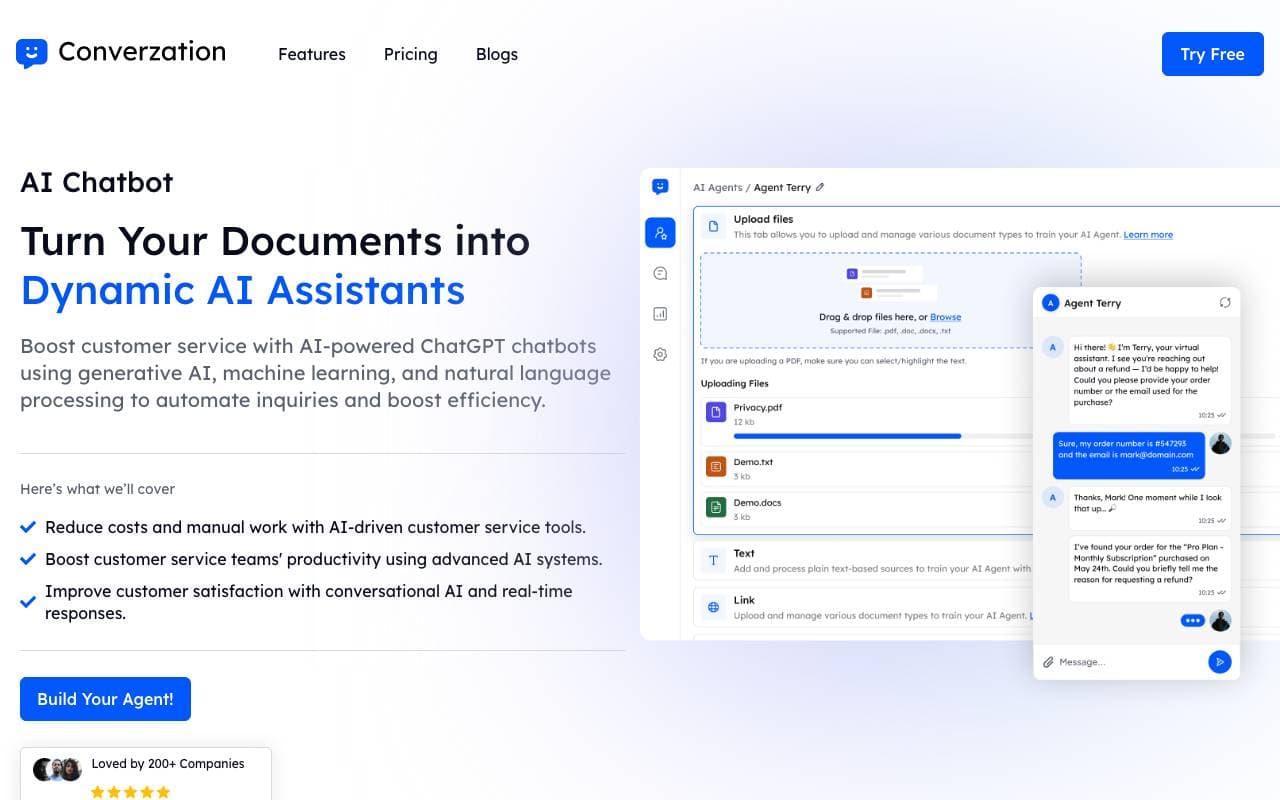

Converzation AI
AI Docs Agents
AIチャットボットが自社のデータを使用して顧客支援を自動化し、質問に答える。

GeniiAI
AI Docs Agents
バーチャルエージェントoffice アシスタントが、各種のスキルを持つロボットチームを使用して、日常的なビジネスワークフローを自動化します。


AUM
AI Docs Agents
機械学習を用いたエンタープライズデータの分析用ソフトウェア
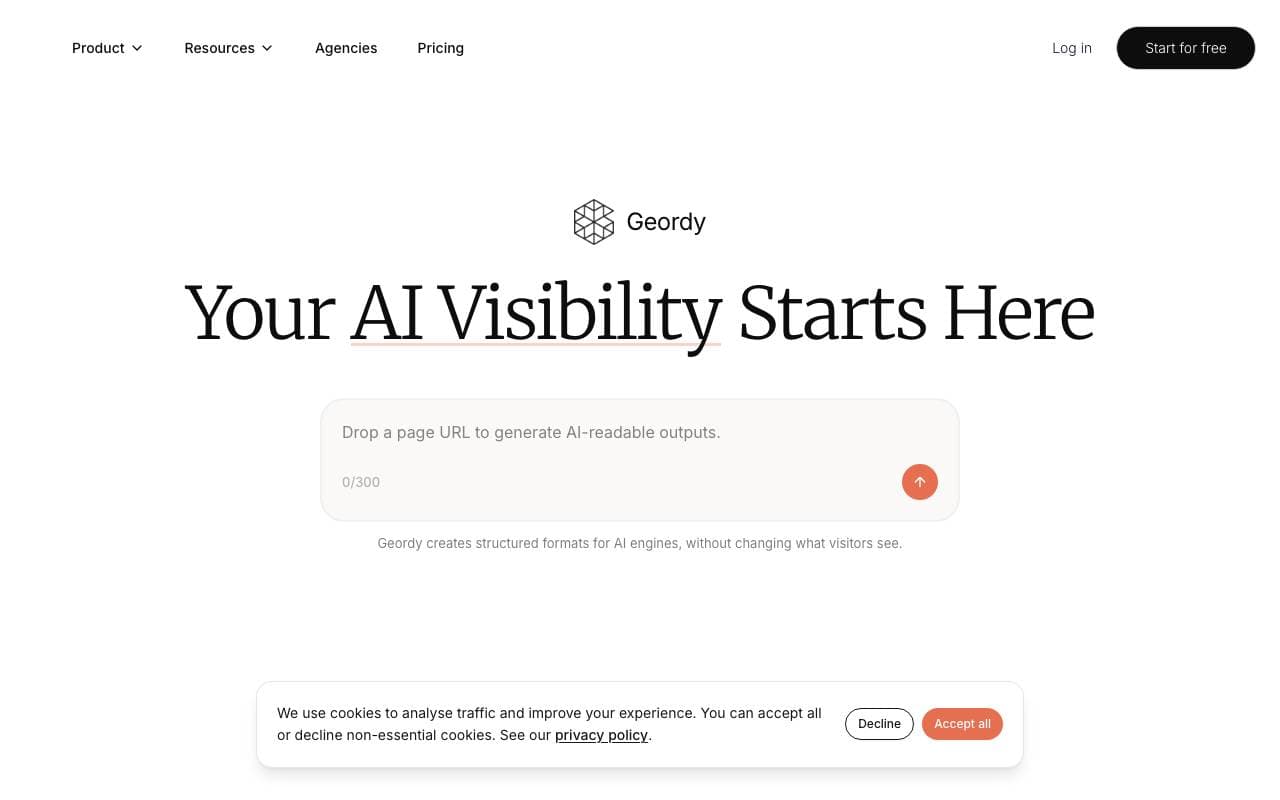

Geordy
AI Docs Agents
秒でサイトをGEOを整えるために、AI検索のための準備ができる

Context
AI Docs Agents
エンドツーエンドのプレゼンテーション、ドキュメント、スプレッシーの自動化ツールです。

Kibu
AI Docs Agents
サービス デリバリーをスピーディかつ効果的に行う AI パワーで、チームは顧客に焦点を合わせたことができます。


UN Recruitment - AI Job Summary
AI Docs Agents
AIパワード アグリゲータが UN の求職ポスティングを迅速な評価として集約します。
Trending now

Doozer Ai
Sales Agent
デジタルなカラバスの効果的なコワーキングが、チームの効率を向上させる


Claude
AI Agents & Chatbots
コミュニケーション的なAIアシスタント、Anthropicによる執筆、解析、プログラミング、およびドキュメントタスク向け


Consistent Character AI
Images
1枚の参考写真から複数のシーンで使えるAIキャラクターを生成


Pin AI
Workflow automation
エージェントAIを活用した採用オートマチオンが求人、セレクション、外資を迅速に進める