
ClineOpen-source AI coding agent for VS Code with Plan/Act modes and terminal control

概要
主な機能
- VS Code拡張機能の統合
- PlanとActの双方向ワークフロー
- ターミナルコマンドの実行
- プロジェクト全体のファイルの読み書き
- Anthropic、OpenAI、Gemini、ローカルモデルへのサポート
- ステップバイステップのアクションの承認
料金
- モデル
- Free
- カテゴリー
- Programming Agents
- 評価
- 4.8 / 5 (5)
ユースケース
Plan refactors before touching code"
Planモードでリファクタリングアプローチをモデルと議論し、スコープと影響を受けるファイルをレビューし、その後Actモードに切り替えて、ステップバイステップの承認とともに変更を実行します。
Run and debug scripts in-editor"
ターミナルコマンドを直接VS Code内で実行してテストやスクリプトを動作させたり、出力を読み取り、複数ファイルに対しても修正を反復させながらエディター内にとどまることができます。
Use local models for private codebases"
Ollamaに接続してローカルモデルを使用し、ホストされたAPIに送らなかったり、プライバティコードベースをローカルに保ったままにすることができる。
Multi-file feature implementation"
機能のタスクを割り当ててClineに代わりにプロジェクト全体でファイルを読み書きし、開発者に明示的な承認のステップを通じてファイル単位で変更を提案します。
メリット & デメリット
メリット
- オープンソースと透明性が保証されています
- Plan/Actのスプリットはコントロールを強化します
- 多くのモデルプロバイダーと互換性があります
- ターミナルコマンドを実行し、ファイルを編集する
- APIキーを自ら持参することができます
- ローカルモデルを使用してプライベートコードベースをサポート
デメリット
- ユーザーの承認を必要とするため、流れが遅くなる可能性があります
- 大規模なコンテキストではトークン費用が溜まっていく
- 選択したモデルにかかるコストによって質が左右される
- クローズドの代替案よりセットアップが難しい
- セットアップが上手いことできない
- ローカルモデルを使用すると複雑になる
バトル戦績
パンテオンで1バトルに出場。
Last battle
レビュー
5件の評価の平均。
レビューを投稿するにはログインしてください。
Compared a few options
Evaluated this against two competitors. Where it wins: terminal command execution and bring your own API key. Where it lags: quality depends on chosen model. On balance the feature set — especially step-by-step action approval — justifies the 5 stars for our use case.
Solid for our team
We rolled this out across the team last quarter and works with many model providers. Multi-file read and edit across projects fits neatly into how we already work, and vS Code extension integration removed a step we used to do by hand. Quality depends on chosen model, which is the main caveat, but it has held up under daily use.
Use it every day
Honestly didn't expect to like it this much. Support for Anthropic, OpenAI, Gemini, and local models is exactly what I needed, and works with many model providers. but I reach for it almost every day now and it just clicks.
Does the job
Pretty happy overall. VS Code extension integration just works and works with many model providers. but no dealbreakers — I'd recommend it to a friend without hesitating.
Years in this space
I've evaluated a lot of these over the years. What stands out here is plan and Act dual-mode workflow — handled better than most — and executes terminal commands and edits files. Worth the time if this is your use case.
Q&A
Which AI models and providers does Cline support?
Cline supports multiple providers including Anthropic, OpenAI, and Google Gemini, as well as local models via Ollama. You bring your own API key, so teams can choose between hosted APIs or self-hosted setups based on cost, privacy, or performance needs.
What are the main limitations or drawbacks to be aware of?
Setup is steeper than closed alternatives, and the required step-by-step approvals can slow your workflow. Token costs can add up with large project contexts, and overall output quality depends on the model provider you choose to connect.
How do Plan and Act modes work, and why use both?
Plan mode lets you discuss approach and scope with the model before any code changes occur, while Act mode executes the agreed steps such as editing files, running scripts, or debugging. The split separates thinking from doing, giving developers more control over what the agent actually changes.
質問する
Programming Agentsの代替
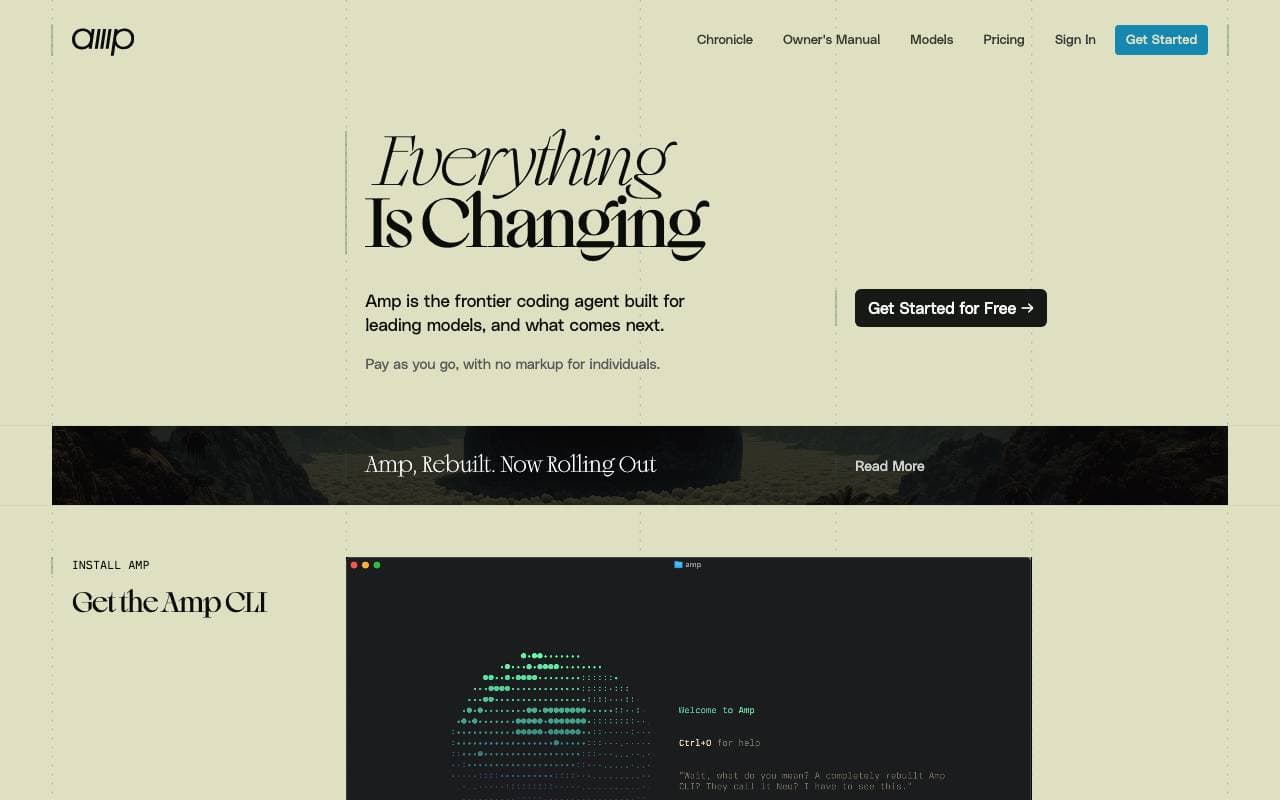

Amp
Programming Agents
端末とエディターに集計のコードアシスタントを実装する、複数のフロンティアモデルで動作しています。


Gemini CLI
Programming Agents
open-sourceのコマンドラインAIエージェントとして、Gemini 2.5 Proを開発環境に連携することができる
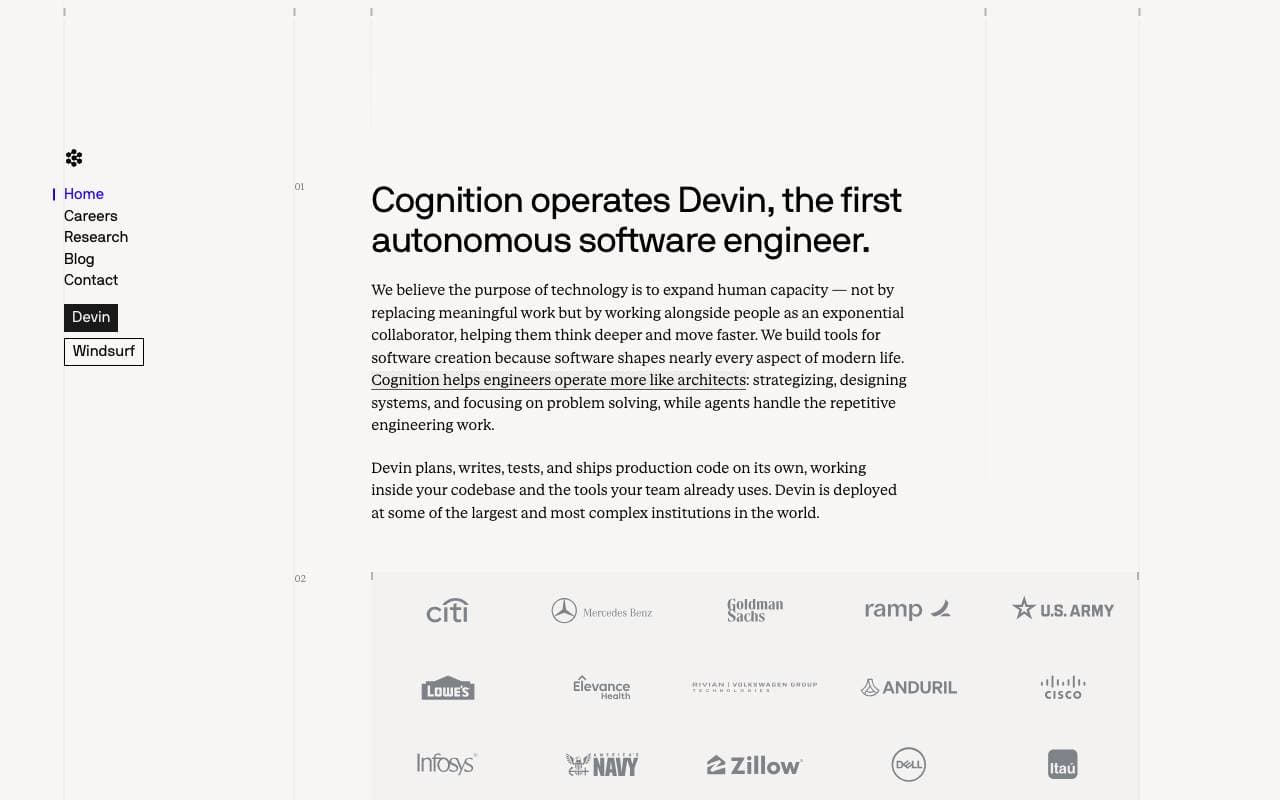

Cognition Devin AI
Programming Agents
独自のAIソフトウェアエンジニアがタスクの計画、コード、そしてデプロイを自動化します。
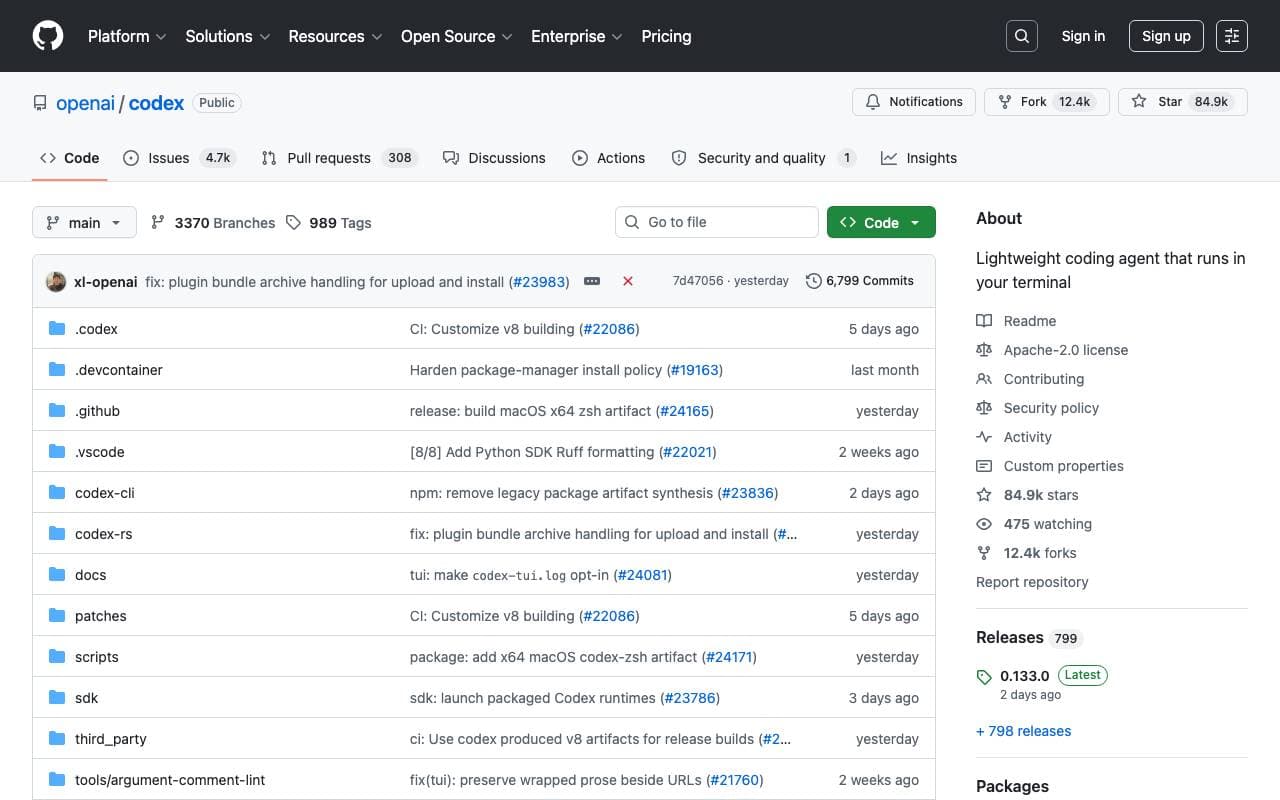

Codex CLI
Programming Agents
オープンソースのターミナルAIアシスタントがローカルでマルチモーダル入力を受け付け、読み書き、実行します。

Fine AI
Programming Agents
起業チームが効率的にソフトウェアを構築・テスト・展開するために設計されたAIパワーを持つプログラミングプラットフォームです。


Pi Coding Agent
Programming Agents
オープンソースのターミナル向けのコーディングエージェント、拡張性によりパッケージ、スキル、カスタムワークフローをサポート
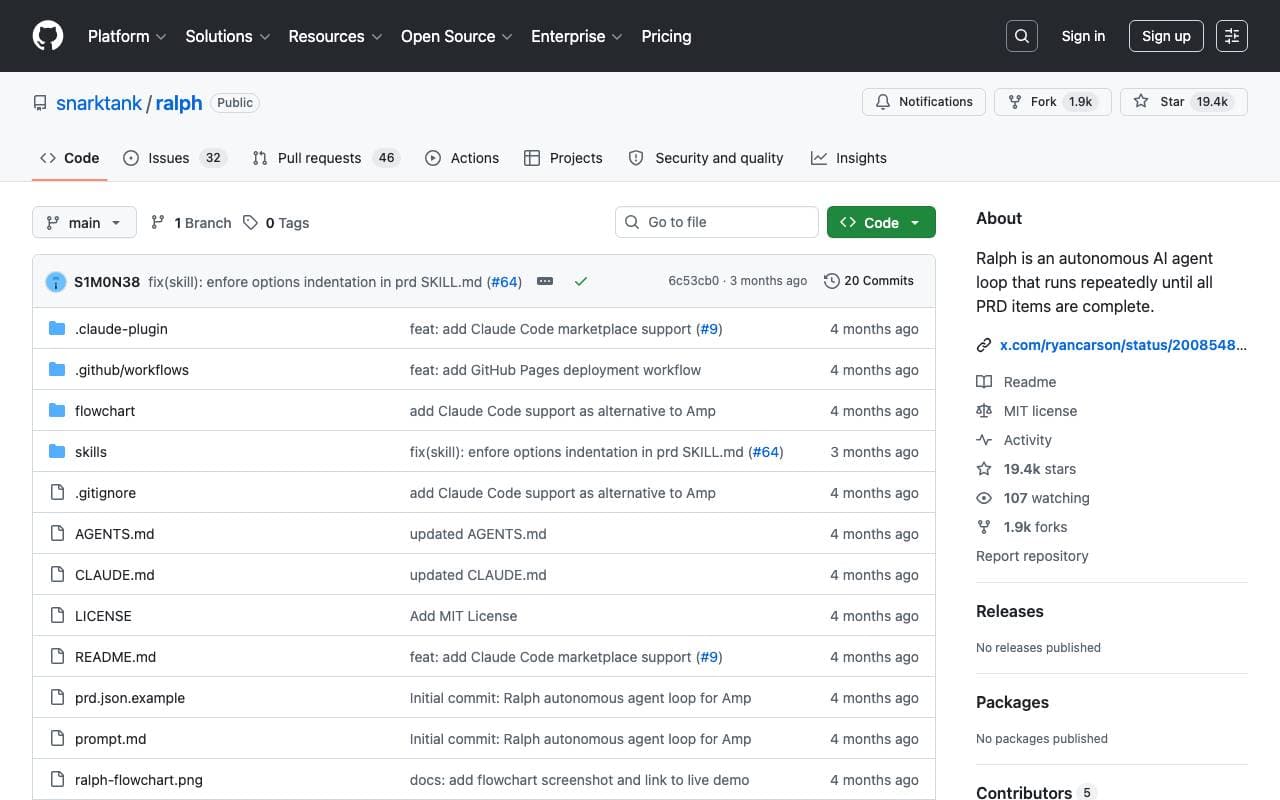

Ralph
Programming Agents
再帰的なAIソリューションロープ、AmpまたはClaude Codeを使用して、すべてのPRDアイテムが完了するまで自動的に実行します。

Maximus-AI
Programming Agents
自動コード生成が仕様とプロンプトを実稼動用ソフトウェアに変換し、手動で各行を編集する必要をほとんどなくします。
Trending now


LeanSentry
Software Development
IISRonnkeido ga Hatsudōsuru diagnostic-teki na kanri to tansa platform

Doozer Ai
Sales Agent
デジタルなカラバスの効果的なコワーキングが、チームの効率を向上させる


EmblemAI
DeFi Agents
区块チェーン複数ネットワークを横断したAIPoweredアシスタントによるcrypto資産の管理


Claude
AI Agents & Chatbots
コミュニケーション的なAIアシスタント、Anthropicによる執筆、解析、プログラミング、およびドキュメントタスク向け