
Gemini CLIUn agente AI open-source per la riga di comando che porta Gemini 2.5 Pro nel tuo terminale per la codifica, la ricerca, la creazione di contenuti e l'automazione di compiti.

Panoramica
Funzionalità chiave
- Assistenza alla codifica
- Abilità di ricerca
- Automazione della creazione di contenuti
- Automazione di compiti
- Interfaccia riga di comando
- Open-source
Prezzi
- Modello
- Free
- Categoria
- Programming Agents
- Valutazione
- 5.0 / 5 (4)
Casi d’uso
Generazione e rifacimento del codice nella riga di comando
Usare Gemini 2.5 Pro direttamente dalla riga di comando per scrivere, spiegare o rifare il codice senza lasciare l'ambiente di sviluppo.
Ricerca e raccolta di informazioni
Eseguire query di ricerca dal terminale per sommare argomenti, raccogliere riferimenti o esplorare concetti utilizzando le capacità di ragionamento di Gemini.
Redazione di contenuti via CLI
Generare bozze, linee guida o contenuti scritti attraverso comandi di terminale semplici, utili per gli scrittori e sviluppatori che lavorano nelle shell di workflow.
Automazione di compiti con AI
Integrare Gemini nelle cronache e pipeline dei comandi per automatizzare compiti ripetitivi, elaborazione di file o workflows guidati dagli agenti.
Pro & contro
Pro
- Portare le capacità di Gemini 2.5 Pro al terminale
- Agente AI open-source riga di comando per la codifica, la ricerca, la creazione di contenuti e l'automazione di compiti
Contro
- Mancanza di informazioni dettagliate disponibili
Storico battaglie
Su 1 battaglia nel Pantheon.
Last battle
Recensioni
Media su 4 valutazioni.
Accedi per lasciare una recensione.
Skeptical, then convinced
I went in skeptical — most tools in this space overpromise. It actually delivers on the integrations, and the value for money is strong caught me off guard. The docs could be deeper is why this isn't a perfect score, still, I'd recommend giving it a real trial.
Years in this space
I've evaluated a lot of these over the years. What stands out here is the API — handled better than most — and support is responsive. Worth the time if this is your use case.
Use it every day
Honestly didn't expect to like it this much. The dashboard is exactly what I needed, and support is responsive. but I reach for it almost every day now and it just clicks.
Use it every day
Honestly didn't expect to like it this much. The core workflow is exactly what I needed, and support is responsive. but I reach for it almost every day now and it just clicks.
Domande e risposte
What is Gemini CLI and what can I use it for?
Gemini CLI is an open-source command-line AI agent that brings Gemini 2.5 Pro directly into your terminal. It's designed for coding assistance, research, content creation, and task automation workflows.
Is Gemini CLI free to use?
Gemini CLI is open-source, so the tool itself is freely available. However, usage may depend on access to the underlying Gemini 2.5 Pro model, which typically requires API credentials from Google.
Who is Gemini CLI best suited for?
It's best suited for developers, researchers, and technical users comfortable working in a terminal environment who want to integrate Gemini 2.5 Pro's capabilities into coding, automation, and content workflows directly from the command line.
Fai una domanda
Alternative a Programming Agents
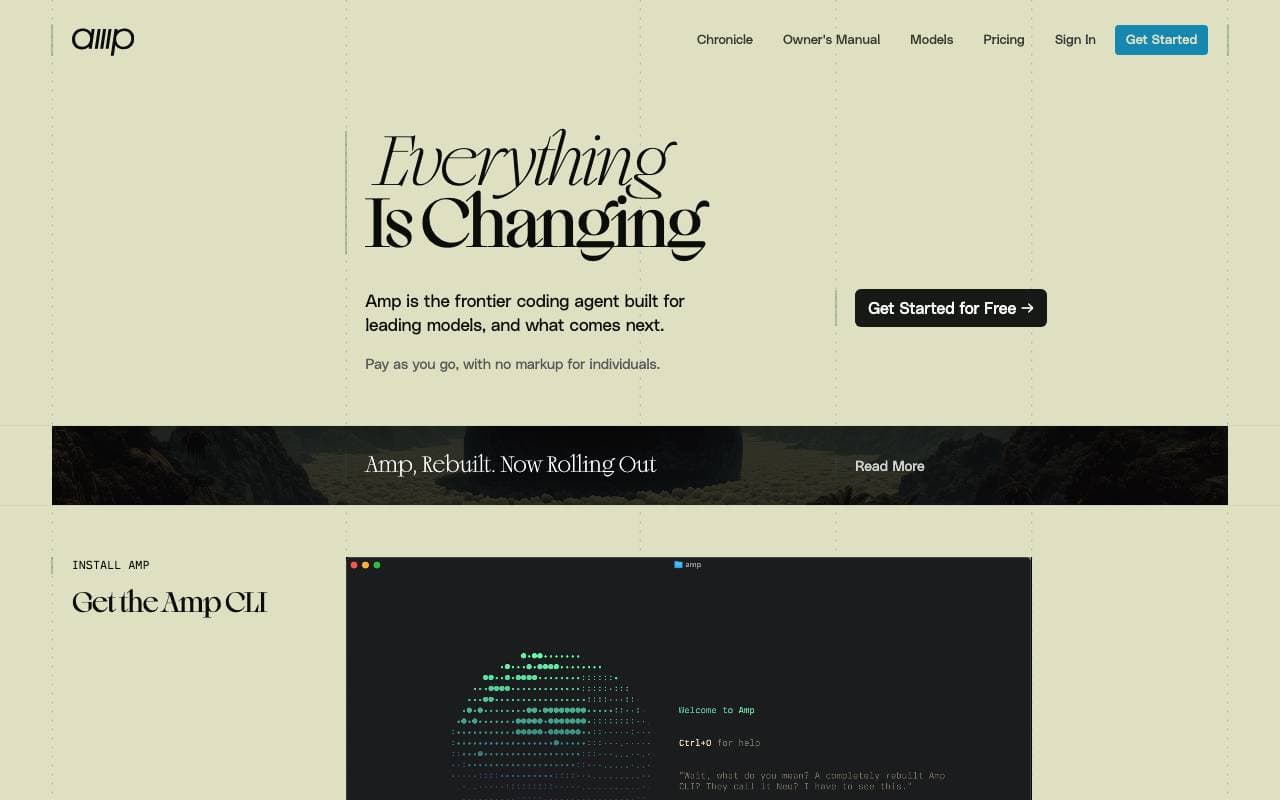

Amp
Programming Agents
Assistente per la programmazione agente per terminale e editor, alimentato da modelli di frontiera multiplescorte.
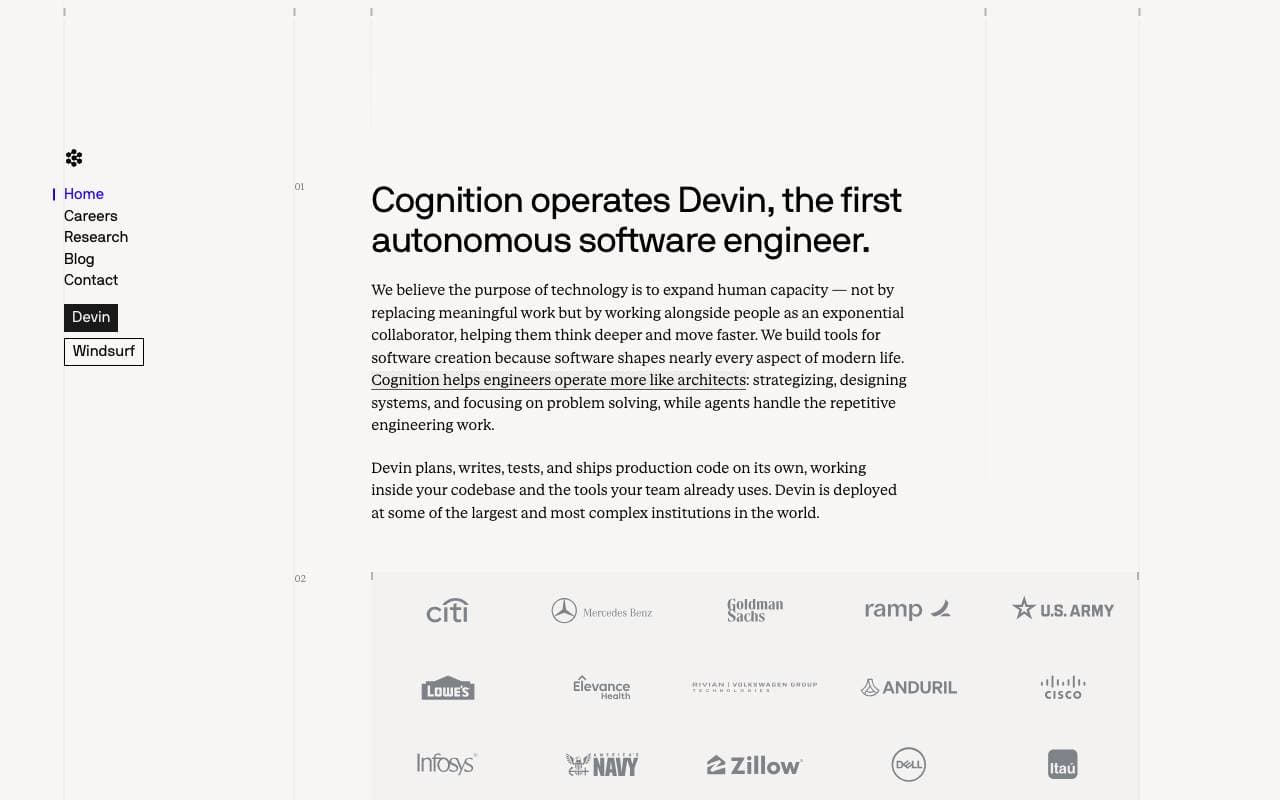

Cognition Devin AI
Programming Agents
Software ingegnere autonoma che pianifica, codifica e distribuisce compiti end-to-end.
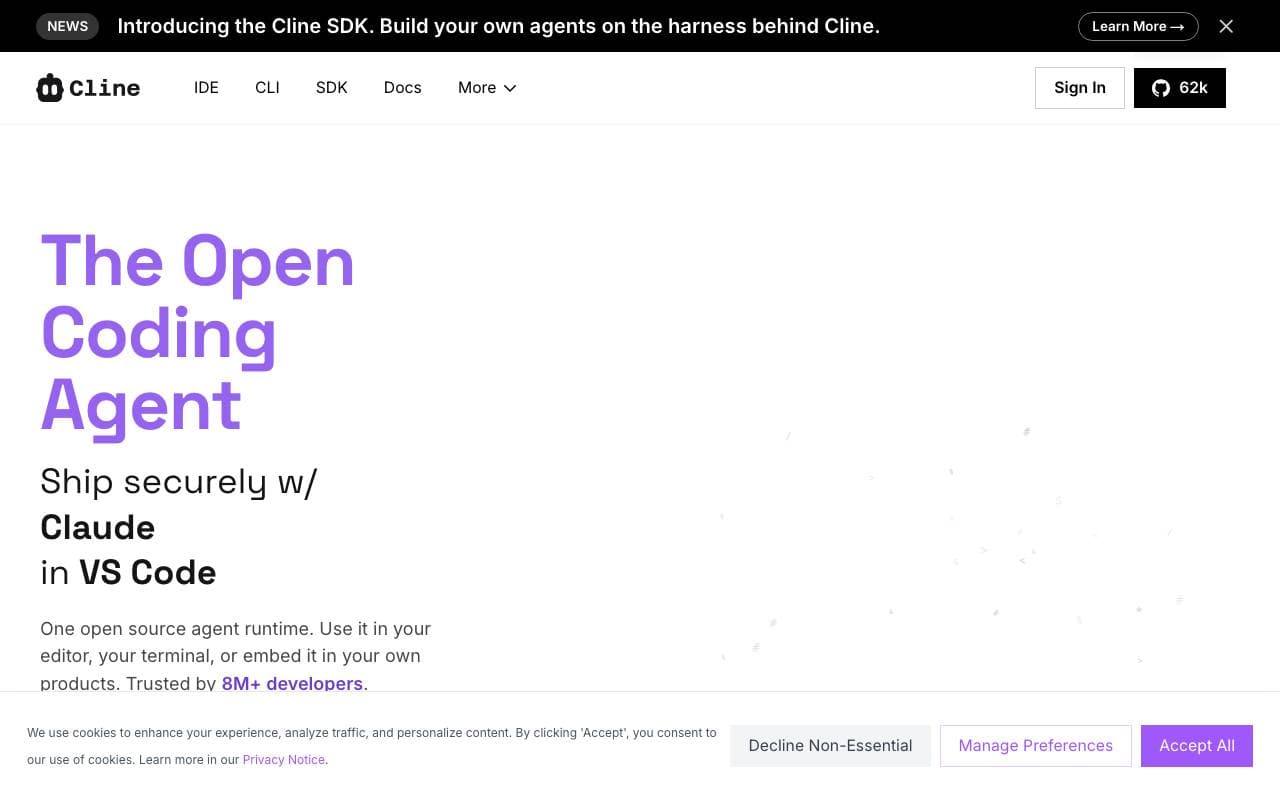

Cline
Programming Agents
Agente di codifica AI open-source per VS Code con modalità di pianificazione/attività e controllo del terminale
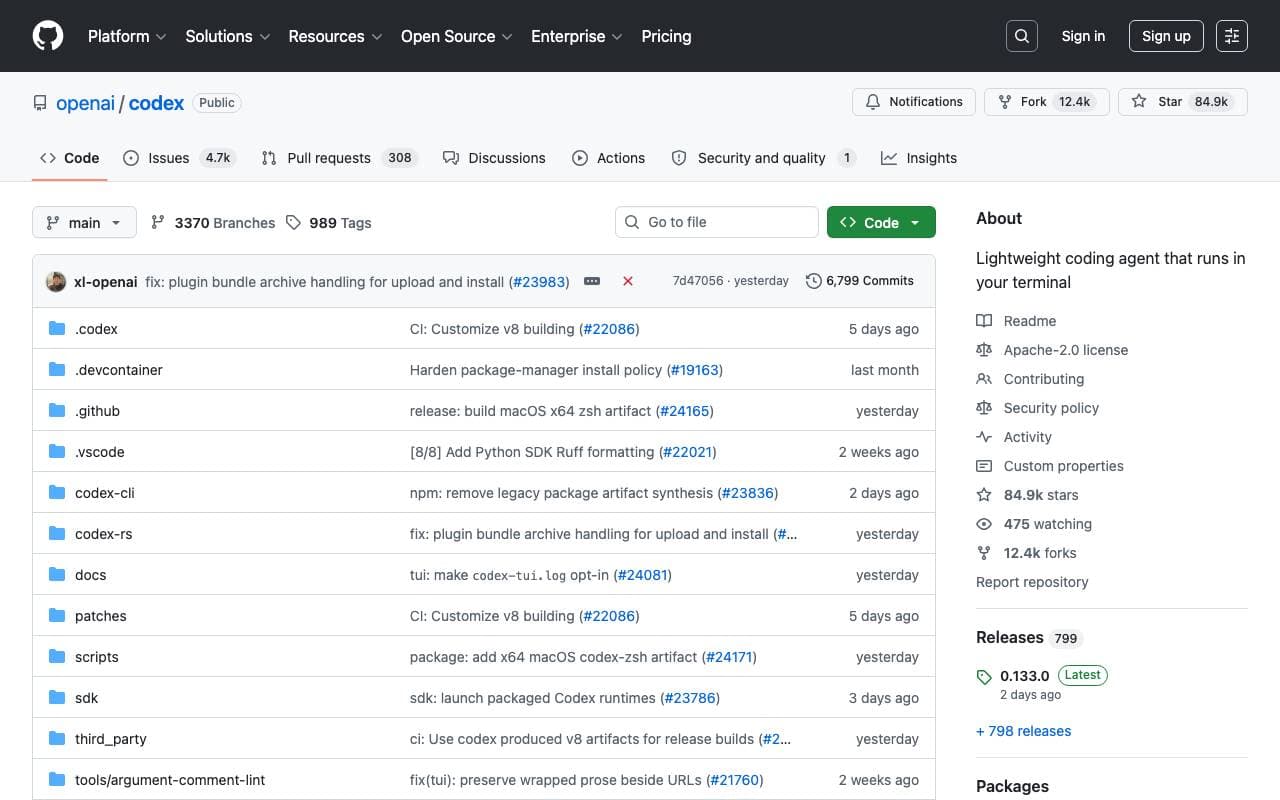

Codex CLI
Programming Agents
Aiuto AI per terminale open-source che legge, scrive e esegue il codice localmente con input multimodale.

Fine AI
Programming Agents
Un' piattaforma di coding alimentata dall'intelligenza artificiale progettata per aiutare i team di startup a sviluppare, testare e distribuire software in modo più efficiente.


Pi Coding Agent
Programming Agents
Agente di codifica aperto-sorgente costruito per estensione con pacchetti, competenze e workflow personalizzati.
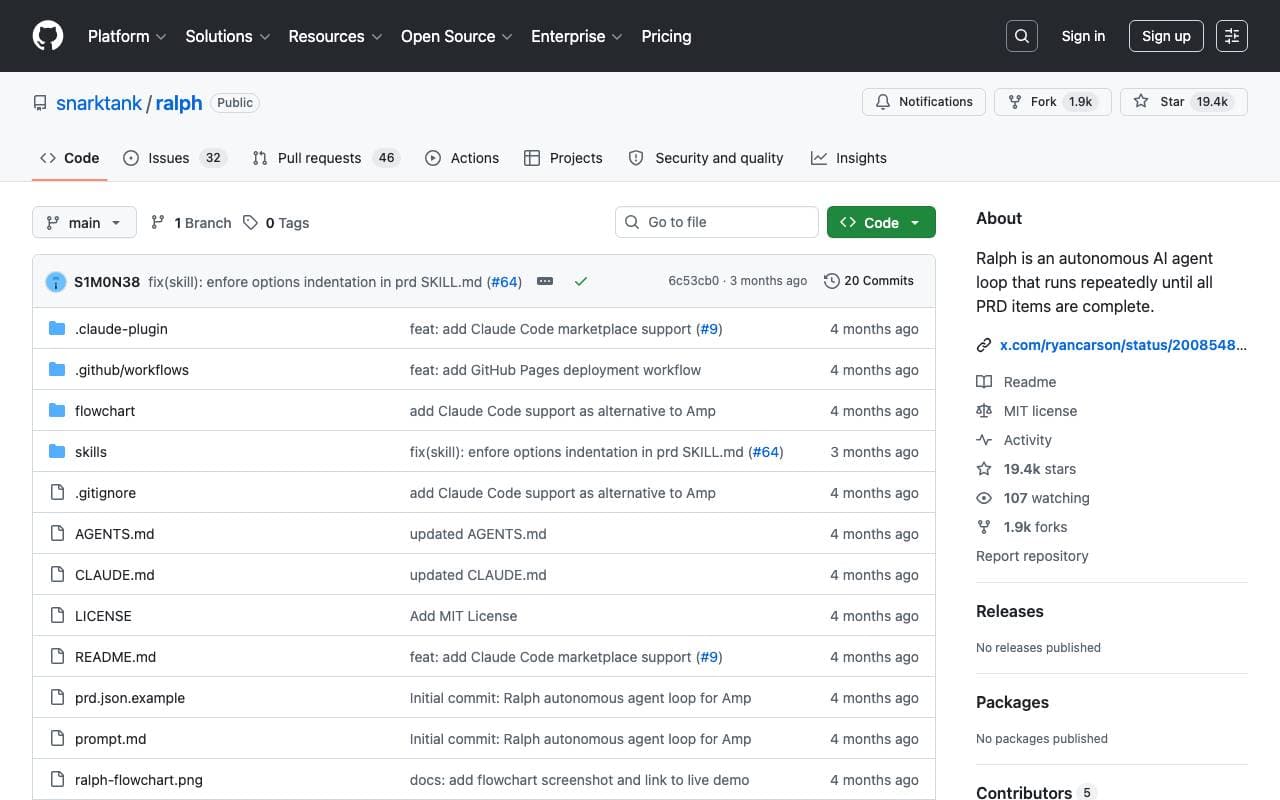

Ralph
Programming Agents
Ciclo di codifica autonomo AI che esegue ripetutamente Amp o Claude Code fino a che tutti gli elementi PRD sono completati, utilizzando la storia Git come memoria.

Maximus-AI
Programming Agents
Generazione automatica del codice che trasforma specifiche e suggerimenti in software pronto alla produzione.
Trending now


Claude
AI Agents & Chatbots
Assistente AI conversazionale di Anthropic per scrittura, analisi, coding e compiti documentali


LeanSentry
Software Development
Diagnostica e monitoraggio automatizzati per problemi di prestazioni IIS ed ASP.NET

Doozer Ai
Sales Agent
Coworker digital che automatizzano i flussi operativi per migliorare l'efficienza del team


Consistent Character AI
Images
Genera personaggi AI coerenti tra scene da un unico riferimento della foto.