
Codex CLIAiuto AI per terminale open-source che legge, scrive e esegue il codice localmente con input multimodale.

Panoramica
Funzionalità chiave
- Chat e generazione di codice nativo chat di terminale
- Legge e modifica file nel tuo progetto
- Esegui comandi shell e script
- Inserimento multimodale (testo e immagini)
- Pacchetto di codice open-source, autonominabile
- Lavora su multiple linguaggi di programmazione
- Pros
- :
- Esegue localmente per una maggiore privacy e controllo,Pacchetto open-source e estendibile,Si integra naturalmente nei flussi di lavoro di terminale,Supporta le pretese multimodali incluse immagini,Potrebbe eseguire e iterare autonomamente sul codice,Cons,:,Requisito di comfort con la linea di coman
Prezzi
- Modello
- Free
- Categoria
- Programming Agents
- Valutazione
- 4.8 / 5 (5)
Casi d’uso
Sviluppo in tandem di codice basato sulla console
Genera, rielabora e debugga codice utilizzando promemoria di linguaggio naturale senza lasciare il workflow basato sulla tastiera.
Esplorazione e modifiche del codice di progetto
L'assistente legge i files di progetto esistenti, spiega il codice sconosciuto e applica le modifiche su files multipi attraverso il proprio repository locale.
Implementazione UI guidata da screenshot
Fornisce screenshot o diagrammi come input multimodale accanto al testo per tradurre i progetti visivi o screeen di errore in codice funzionante
Tooling autonominante per team sicuri tramite hosting
Ispeziona, estende e autoposta l'open source CLI per soddisfare le politiche di sicurezza interne ed ancora usufruendo del coding assistito dell'intelligenza artificiale.
Pro & contro
Pro
- Eseguito localmente per una maggiore privacy e controllo
- Libero e personalizzabile
- Integra perfettamente nelle flussi di lavoro basati sulla console
- Supporta promemoria multimodale, inclusi immagini
- Esegue e iterano autonomamente il codice
Contro
- Richiede abitudine al codice della linea di comando
- L'esecuzione locale del codice generato dall'intelligenza artificiale comporta dei rischi
- L'installazione e la configurazione sono più complesse rispetto ai plugin per IDE
- Dipende dall'accesso all'API di modello esterno
Recensioni
Media su 5 valutazioni.
Accedi per lasciare una recensione.
Skeptical, then convinced
I went in skeptical — most tools in this space overpromise. It actually delivers on multimodal input (text and images), and can execute and iterate on code autonomously caught me off guard. Setup and configuration steeper than hosted IDE plugins is why this isn't a perfect score, still, I'd recommend giving it a real trial.
Skeptical, then convinced
I went in skeptical — most tools in this space overpromise. It actually delivers on open-source, self-hostable codebase, and integrates naturally into terminal workflows caught me off guard. still, I'd recommend giving it a real trial.
Years in this space
I've evaluated a lot of these over the years. What stands out here is open-source, self-hostable codebase — handled better than most — and runs locally for better privacy and control. Depends on external model API access is my one real gripe. Worth the time if this is your use case.
Years in this space
I've evaluated a lot of these over the years. What stands out here is executes shell commands and scripts — handled better than most — and runs locally for better privacy and control. Worth the time if this is your use case.
Compared a few options
Evaluated this against two competitors. Where it wins: reads and edits files in your project and runs locally for better privacy and control. On balance the feature set — especially reads and edits files in your project — justifies the 5 stars for our use case.
Domande e risposte
What kinds of tasks can Codex CLI handle beyond plain code generation?
It can analyze existing codebases, generate and edit files, execute shell commands and scripts, and iterate on changes autonomously. It also accepts multimodal input, so you can include screenshots or diagrams alongside natural language prompts, and it works across multiple programming languages.
How does Codex CLI keep my code private compared to cloud IDE assistants?
Codex CLI runs locally in your terminal, reading and editing files on your machine rather than uploading your project to a hosted IDE. As an open-source, self-hostable tool, teams can inspect and deploy it within their own security boundaries, though it still depends on external model API access.
What's the learning curve and what risks should I be aware of?
Setup is steeper than hosted IDE plugins and assumes comfort with the command line. Because Codex CLI can execute AI-generated code locally, there's inherent risk in running unreviewed commands, so sandboxing and careful review of proposed changes are recommended.
Fai una domanda
Alternative a Programming Agents


Amp
Programming Agents
Assistente per la programmazione agente per terminale e editor, alimentato da modelli di frontiera multiplescorte.


Gemini CLI
Programming Agents
Un agente AI open-source per la riga di comando che porta Gemini 2.5 Pro nel tuo terminale per la codifica, la ricerca, la creazione di contenuti e l'automazione di compiti.

Cognition Devin AI
Programming Agents
Software ingegnere autonoma che pianifica, codifica e distribuisce compiti end-to-end.

Cline
Programming Agents
Agente di codifica AI open-source per VS Code con modalità di pianificazione/attività e controllo del terminale

Fine AI
Programming Agents
Un' piattaforma di coding alimentata dall'intelligenza artificiale progettata per aiutare i team di startup a sviluppare, testare e distribuire software in modo più efficiente.


Pi Coding Agent
Programming Agents
Agente di codifica aperto-sorgente costruito per estensione con pacchetti, competenze e workflow personalizzati.
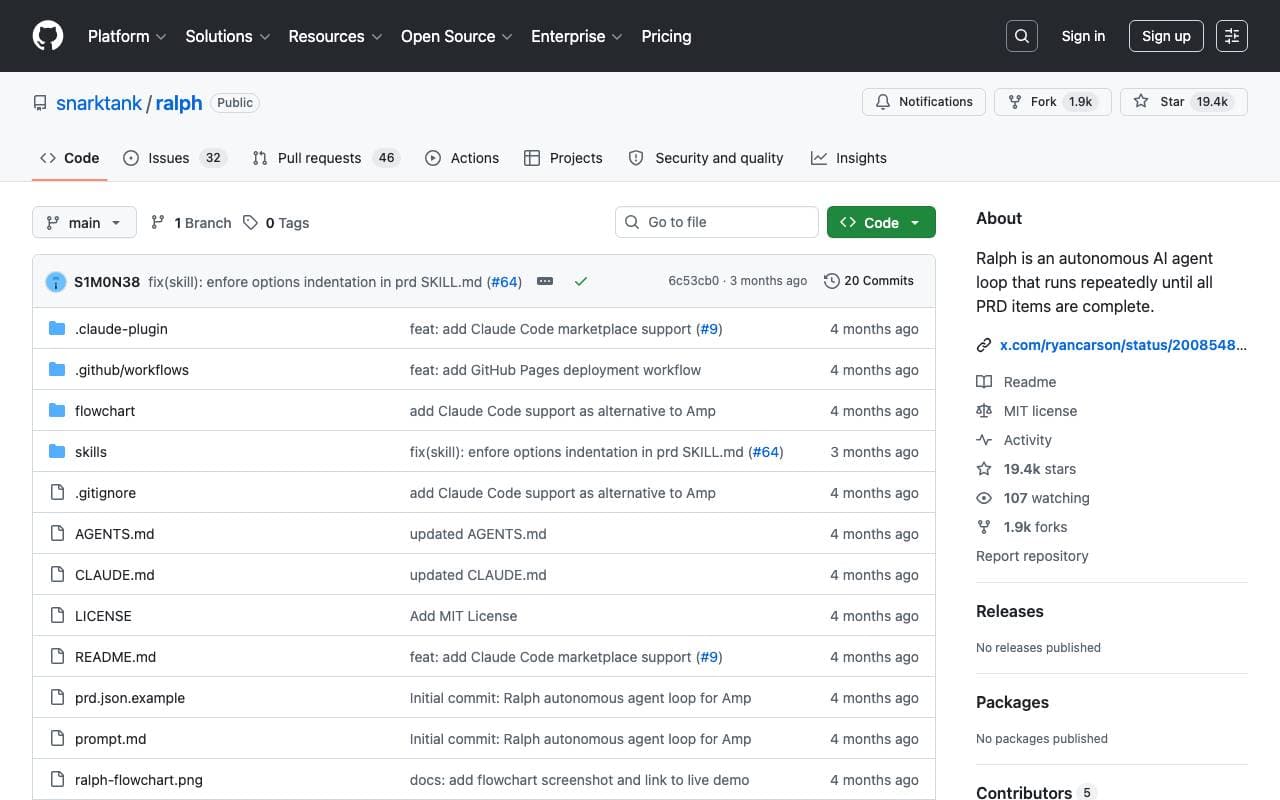

Ralph
Programming Agents
Ciclo di codifica autonomo AI che esegue ripetutamente Amp o Claude Code fino a che tutti gli elementi PRD sono completati, utilizzando la storia Git come memoria.

Maximus-AI
Programming Agents
Generazione automatica del codice che trasforma specifiche e suggerimenti in software pronto alla produzione.
Trending now

Doozer Ai
Sales Agent
Coworker digital che automatizzano i flussi operativi per migliorare l'efficienza del team


Claude
AI Agents & Chatbots
Assistente AI conversazionale di Anthropic per scrittura, analisi, coding e compiti documentali


Consistent Character AI
Images
Genera personaggi AI coerenti tra scene da un unico riferimento della foto.


Pin AI
Workflow automation
Recruiter AI Agent che automatizza la sorgenza, lo screening e la outreach per velocizzare il processo di assunzione.