Korábbi csata · 2026-07-06 UTC
Programming Agents Leszámolás — 2026. július 6.
A(z) Programming Agents kategóriából. 11 jelölés elhelyezve 5 versenyző között. Orchids szerezte meg a koronát.
Végeredmény
A felállás
A versenyzők
Minden eszköz profilja, amely ebben a csatában versenyzett, a végső pontszámuk szerint rangsorolva.

Orchids
AI full-stack engineer that lets you chat to design, code, and deploy production-ready apps and websites with no manual setup.
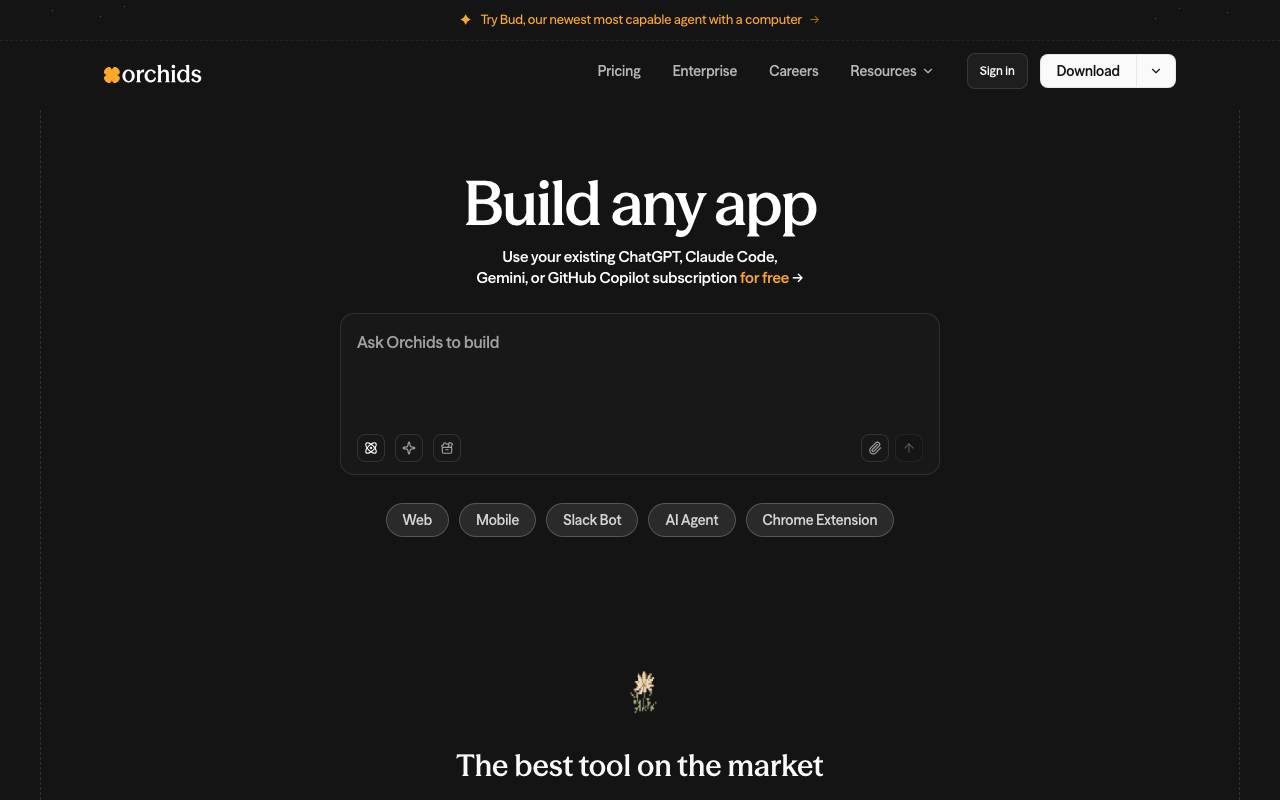
Orchids is an AI full-stack engineer that lets users create and deploy production-ready apps and websites with no manual setup. It supports every language and framework, including React, Next.js, Python, and more. Users can integrate their existing AI subscriptions or API keys, and utilize features like planning, debugging, and running commands, all within a chat interface. This enables users to build various types of applications, such as web apps, mobile apps, and AI agents. With Orchids, users can streamline their development process and save time. The tool's capabilities are vast, covering every stage of project development from planning to deployment. While offering a wide range of features and capabilities, users should be aware that they need to have a subscription or API key to use Orchids effectively. In terms of comparison, users have a variety of other tools and services to choose from, such as Google AI Studio and Codex CLI, each with their own set of features and limitations. Orchids also supports integrations and allows users to run commands and debug their projects, making it a valuable resource for development teams and individual developers looking to work more efficiently. However, the exact functionality and performance of the tool may vary from user to user. Orchids' unique value proposition lies in its comprehensive chat-based interface, which allows users to perform a range of tasks without having to manually set up or switch between different tools. While this may be seen as a time-saving feature, it also requires a level of familiarity with the tool's interface and capabilities. Ultimately, the choice of AI full-stack engineer depends on the specific needs and preferences of the user.
- Build web apps, mobile apps, games, CLI tools, AI agents, and more
- Supports every language and framework
- Plan, debug, run commands, and work with integrations
- Chat interface for easier task management
- Integration with existing AI subscriptions or API keys

Amp
Agentic coding assistant for terminals and editors, powered by multiple frontier models.
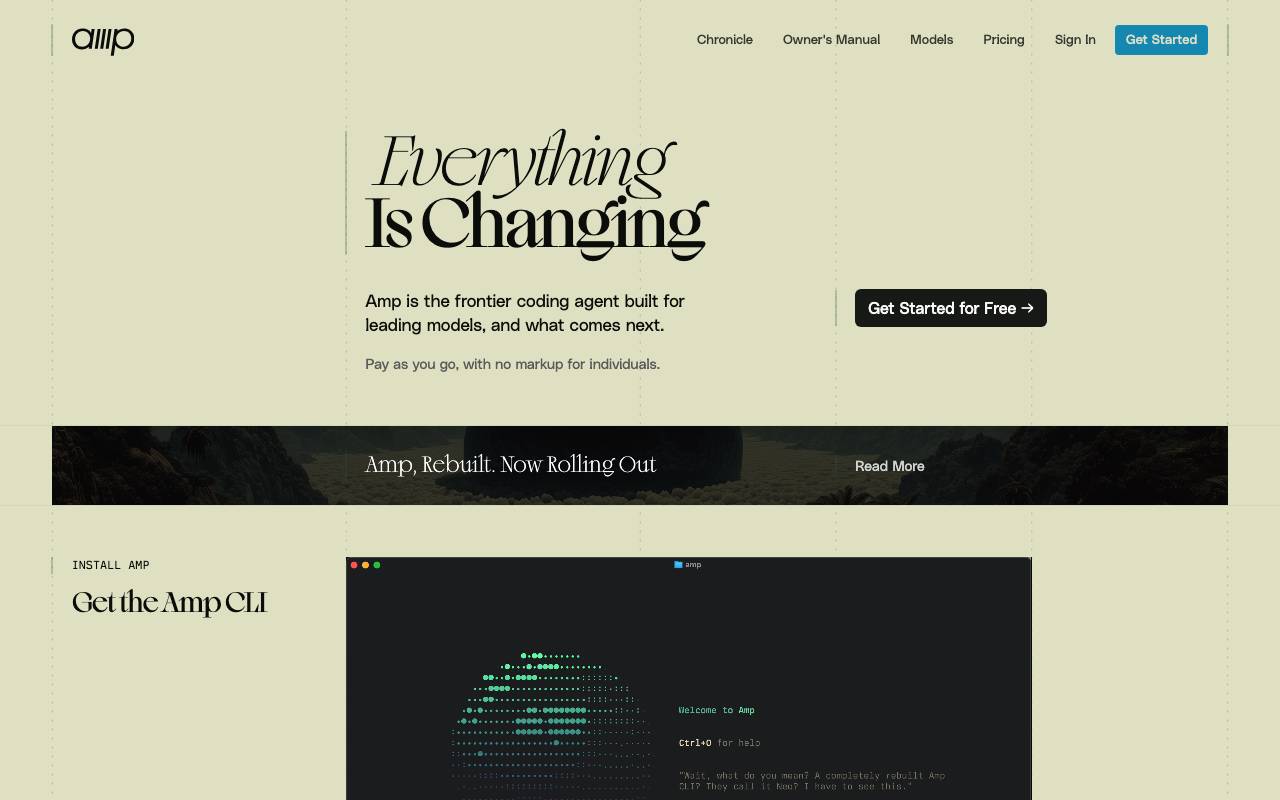
Amp is an agentic coding tool that runs in your terminal and integrates with popular code editors, helping developers plan, write, refactor, and debug code through autonomous task execution. Instead of relying on a single model, it routes work across several frontier LLMs to pick capable models for different coding tasks. The service offers a free daily grant of $10 in usage credits, with pay-as-you-go pricing beyond that, so developers can experiment without an upfront subscription. It is aimed at engineers who want an AI collaborator embedded directly in their existing development workflow rather than a separate chat window.
- Agentic task execution for coding workflows
- Terminal-based interface
- Editor integrations
- Multi-model routing across frontier LLMs
- Daily free usage credits
- Usage-based billing

Cline
Open-source AI coding agent for VS Code with Plan/Act modes and terminal control
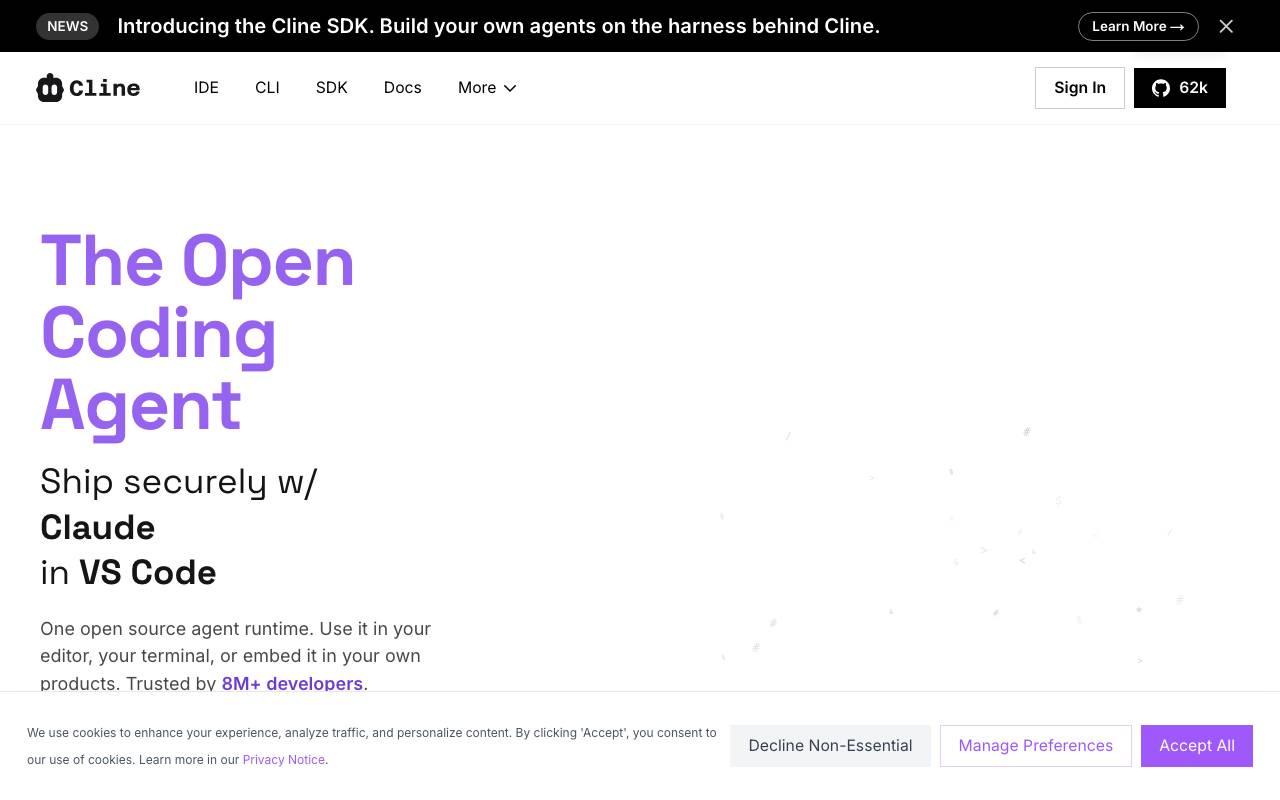
Cline is an open-source AI coding assistant that runs as a VS Code extension and operates as an autonomous agent inside your editor. It can read and edit files across your project, execute terminal commands, and iterate on tasks while keeping the developer in the loop through explicit approval steps. Its dual-mode workflow separates thinking from doing: Plan mode lets you discuss approach and scope with the model before any changes are made, while Act mode carries out the agreed steps such as writing code, running scripts, or debugging output. Cline supports a wide range of model providers, including Anthropic, OpenAI, Google, and local options via Ollama, letting teams choose between hosted APIs and self-hosted setups. Because the source code is openly available, Cline appeals to developers who want transparency into how an AI agent interacts with their codebase, along with the flexibility to bring their own keys and audit each action.
- VS Code extension integration
- Plan and Act dual-mode workflow
- Terminal command execution
- Multi-file read and edit across projects
- Support for Anthropic, OpenAI, Gemini, and local models
- Step-by-step action approval

Gemini CLI
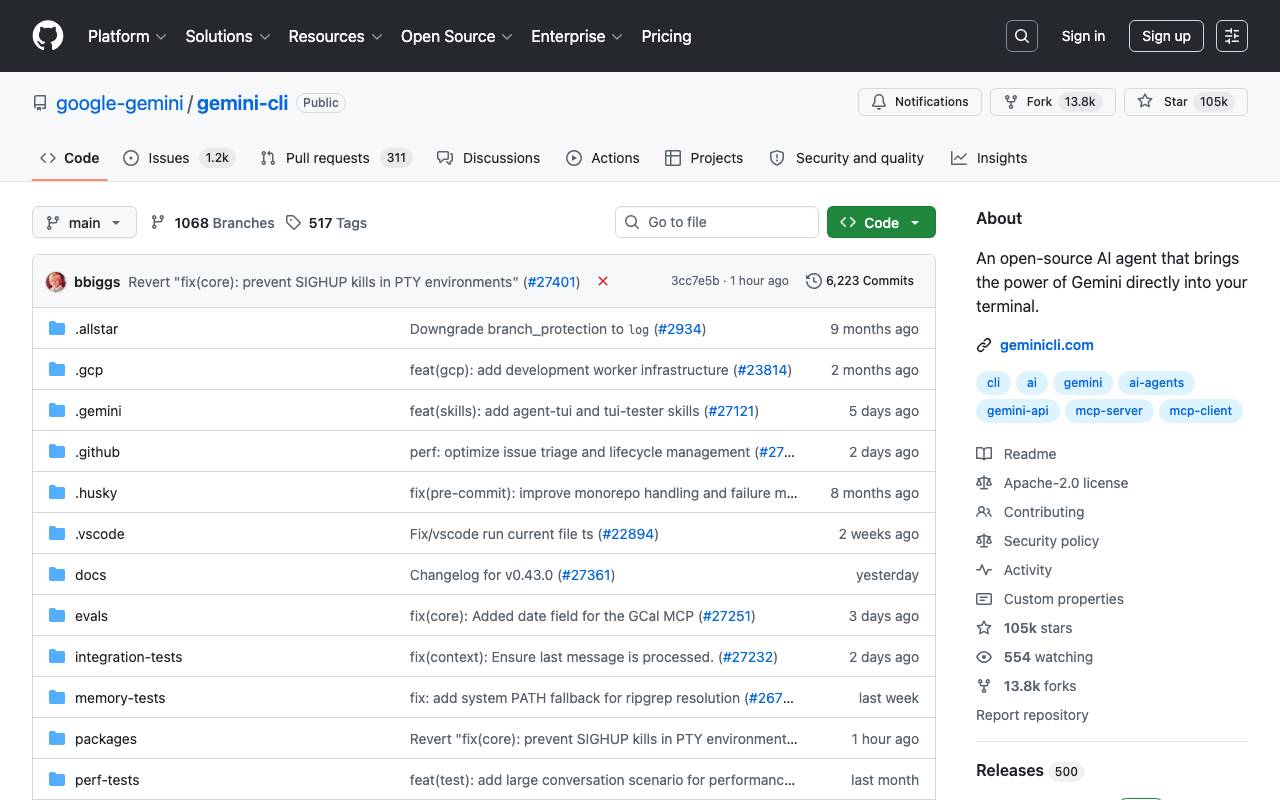
An open‑source command‑line AI agent bringing Gemini 2.5 Pro into your terminal for coding, research, content and task automation.
Gemini CLI egy a versenyzők közül ebben a csatában.
- Coding assistance
- Research capabilities
- Content creation automation
- Task automation
- Command-line interface
- Open-source

Ralph
Autonomous AI coding loop that repeatedly runs Amp or Claude Code until all PRD items are completed, using git history as memory.
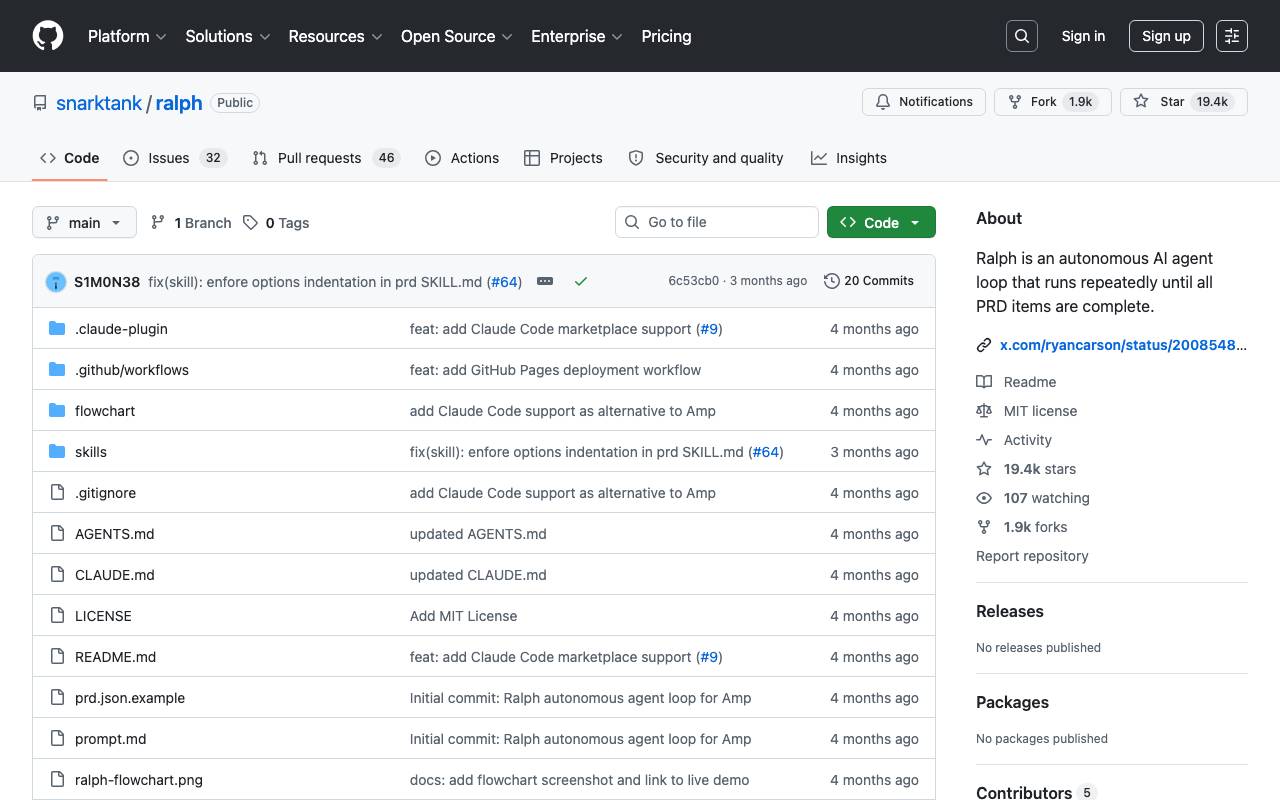
Ralph is an autonomous AI agent loop that runs AI coding tools (Amp or Claude Code) repeatedly until all PRD items are complete. Each iteration is a fresh instance with clean context. Memory persists via git history, progress.txt, and prd.json. Based on Geoffrey Huntley's Ralph pattern. The tool uses a workflow where you create a PRD, convert it to Ralph format, and then run Ralph to implement the stories. Ralph can be integrated with Amp or Claude Code, and the tool provides features such as automatic handoff and quality checks. To use Ralph, you need to install one of the AI coding tools (Amp or Claude Code) and a git repository for your project. You can set up Ralph by copying the files to your project, installing skills globally, or adding it as a Claude Code Marketplace. Key Files: ralph.sh: The bash loop that spawns fresh AI instances (supports --tool amp or --tool claude) prompt.md: Prompt template for Amp
- Create PRD using AI coding tools
- Convert PRD to Ralph format
- Run Ralph to implement stories
- Automatic handoff and quality checks
- Supports Amp and Claude Code tools
- Flexible setup and integration options