
Shortcut (Excel AI)AI Excel agent that builds and edits spreadsheets, models, and analyses through chat and a native Excel add-in

Overview
Key features
- Native Excel plug-in plus standalone web app
- ShortcutXL terminal-first CLI for power users
- Formula-driven, dynamically updating outputs
- Cell-level change auditing with revert/restore/undo
- Professional industry-standard formatting
- Lossless Excel file import and export
Pricing
- Model
- Freemium
- Category
- AI Data Analysts
- Rating
- 4.8 / 5 (4)
Use cases
Build financial models via chat
Describe the model you need and let the AI agent construct structured Excel spreadsheets with formulas and assumptions inside your workbook.
Edit existing spreadsheets quickly
Use the Excel add-in to instruct the AI to update formulas, restructure tables, or apply formatting changes without manual clicking.
Run ad hoc data analyses
Ask the agent to summarize, pivot, or analyze datasets directly in Excel through a chat interface for faster insights.
Try AI Excel workflows on free tier
Explore AI-assisted spreadsheet work at no cost and upgrade to paid plans for heavier usage or advanced capabilities.
Pros & Cons
Pros
- Excel-native plug-in with high feature parity and lossless file compatibility
- Formula-driven outputs that update dynamically instead of hard-coded values
- Strong auditability with per-cell change tracking and undo/revert
- Enterprise security: SOC 2 Type II, encryption, zero-retention agreements
- Specialized accuracy for financial modeling and analysis
Cons
- Narrowly focused on Excel/finance work, not general productivity
- Accuracy and win-rate claims are largely vendor-reported benchmarks
- Plug-in/CLI tied to desktop Excel on Windows for full parity
Battle record
Across 1 battle in the Pantheon.
Last battle
Reviews
Average from 4 ratings.
Sign in to leave a review.
Solid for our team
We rolled this out across the team last quarter and the value for money is strong. The onboarding fits neatly into how we already work, and the core workflow removed a step we used to do by hand. but it has held up under daily use.
Does the job
Pretty happy overall. The automation just works and the value for money is strong. The mobile experience lags can be annoying, but no dealbreakers — I'd recommend it to a friend without hesitating.
Skeptical, then convinced
I went in skeptical — most tools in this space overpromise. It actually delivers on the core workflow, and support is responsive caught me off guard. still, I'd recommend giving it a real trial.
Compared a few options
Evaluated this against two competitors. Where it wins: the dashboard and support is responsive. On balance the feature set — especially the dashboard — justifies the 5 stars for our use case.
Q&A
How do I use Shortcut with Excel — is it a web app or an add-in?
Shortcut works as an AI Excel agent you interact with via chat, and it also offers an Excel add-in so it can build and edit your spreadsheets, models, and analyses directly inside Excel.
What kinds of tasks can Shortcut handle in Excel?
Shortcut is designed to build and edit spreadsheets, create financial or analytical models, and run analyses, all driven through a chat-based interface inside or alongside Excel.
Is there a free version of Shortcut, or do I have to pay?
Shortcut offers a free tier so you can try it without paying, along with paid plans for users who need more capacity or advanced usage.
Ask a question
AI Data Analysts alternatives
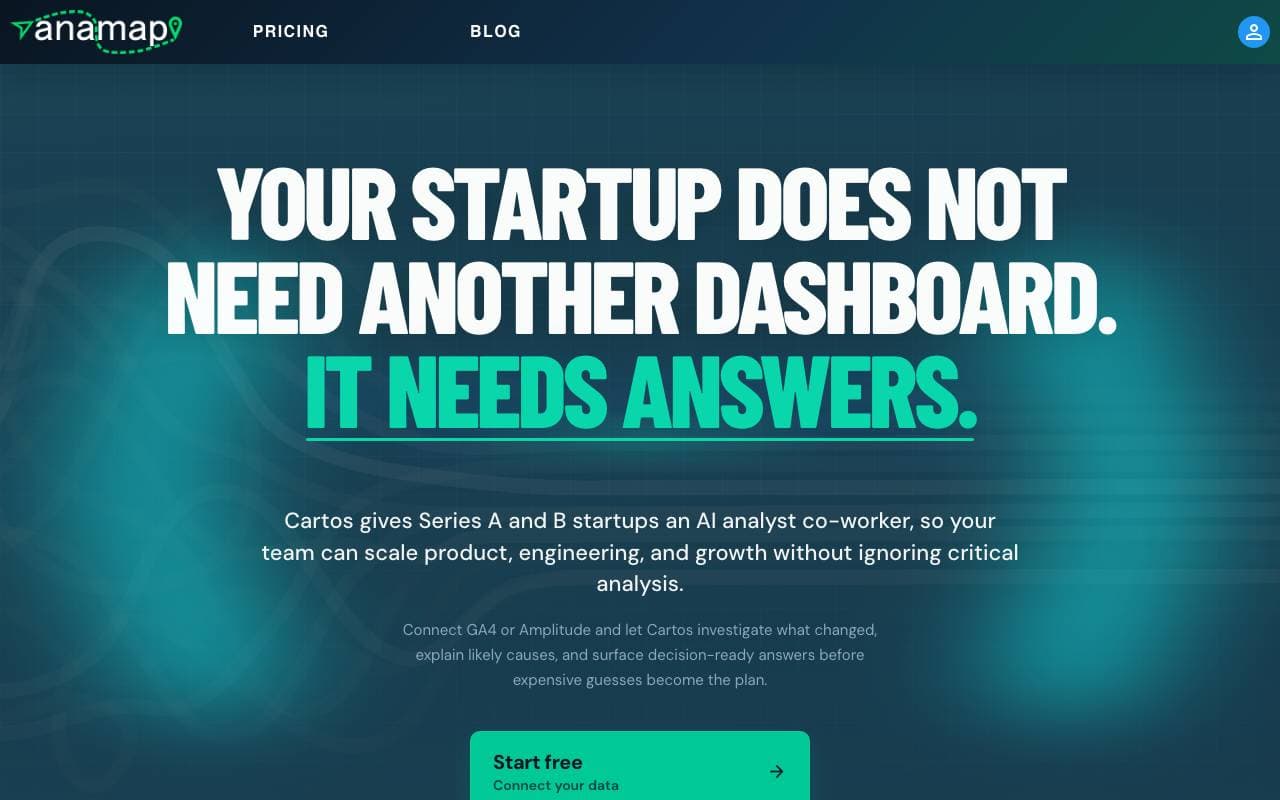

Anamap
AI Data Analysts
AI analyst that investigates GA4 or Amplitude data to explain product and growth metric changes and recommend next steps
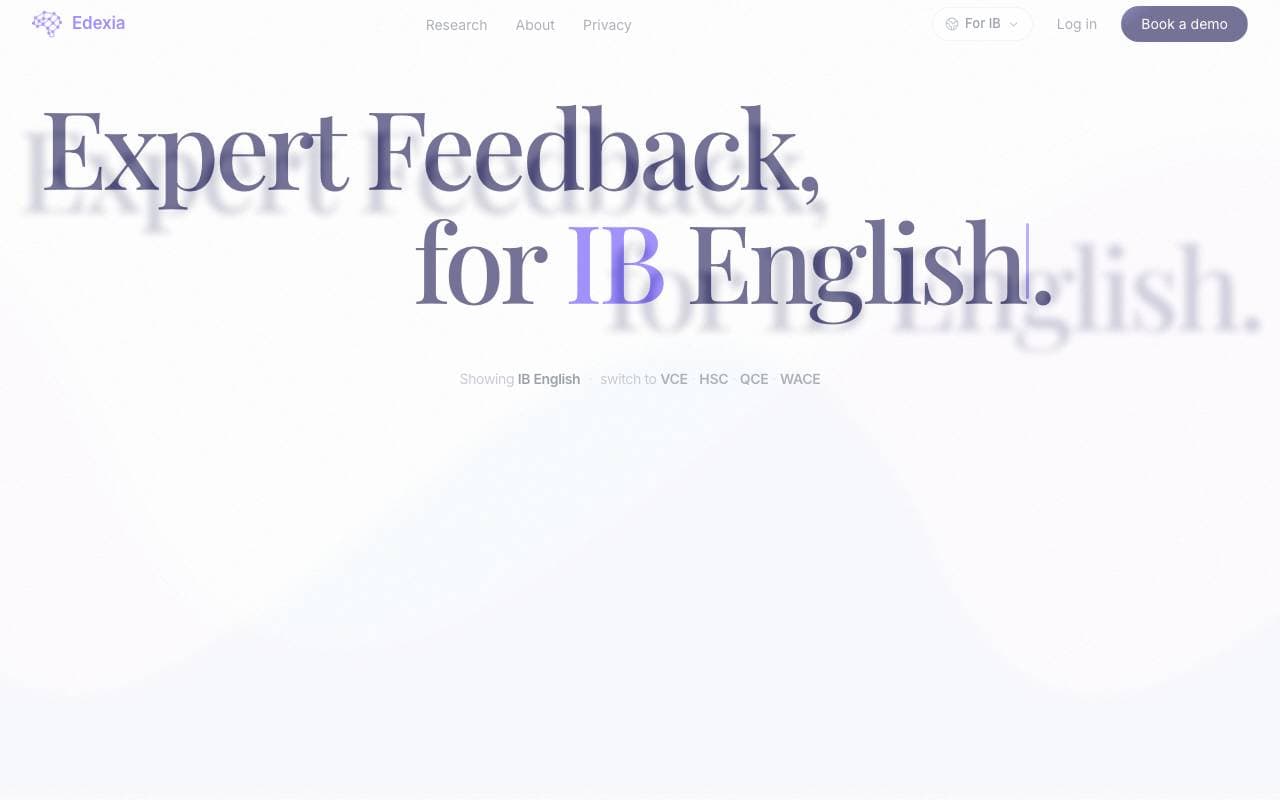

Edexia
AI Data Analysts
AI grading and feedback assistant for IB English and Australian curricula, trained on teachers' own marking standards


MinusX
AI Data Analysts
AI data analyst agent embedded inside your existing analytics tools
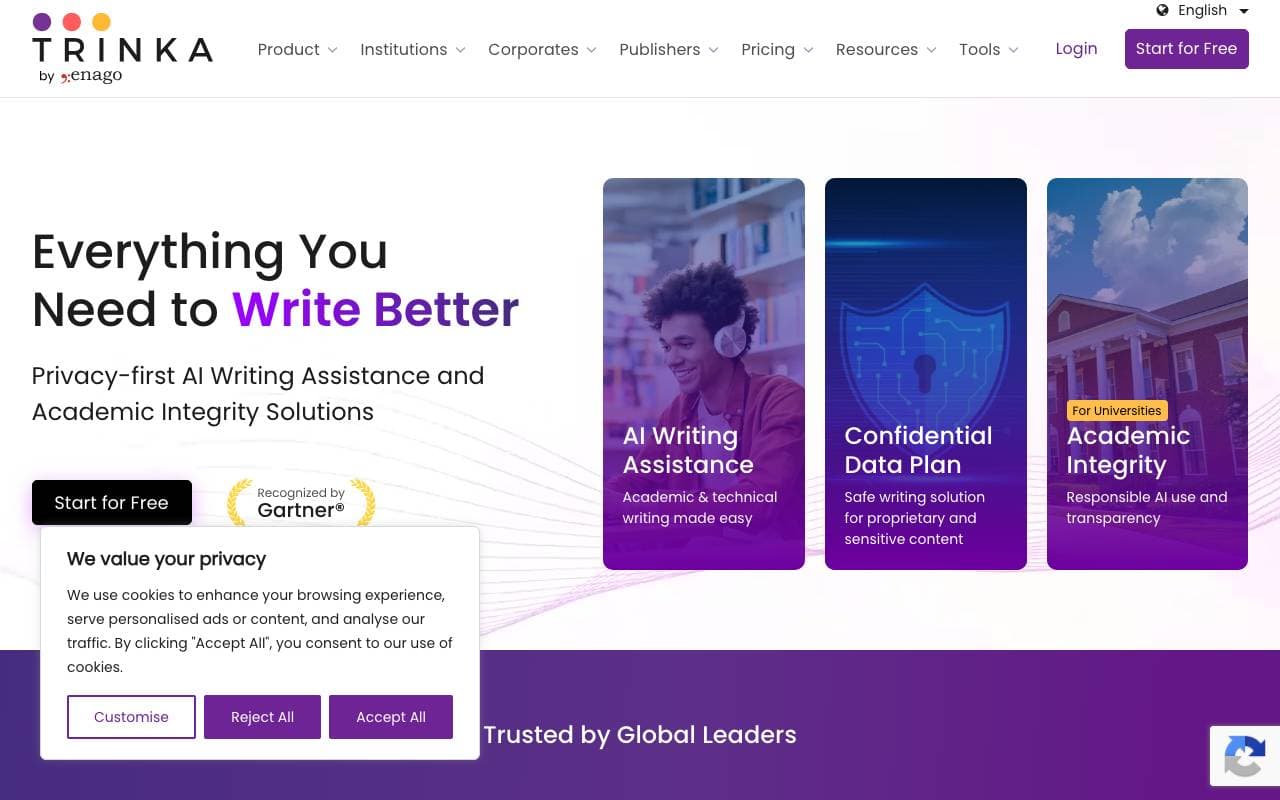

Trinka AI
AI Data Analysts
AI writing assistant built for academic and technical authors.


Model ML
AI Data Analysts
AI workspace for research and due diligence in financial services.
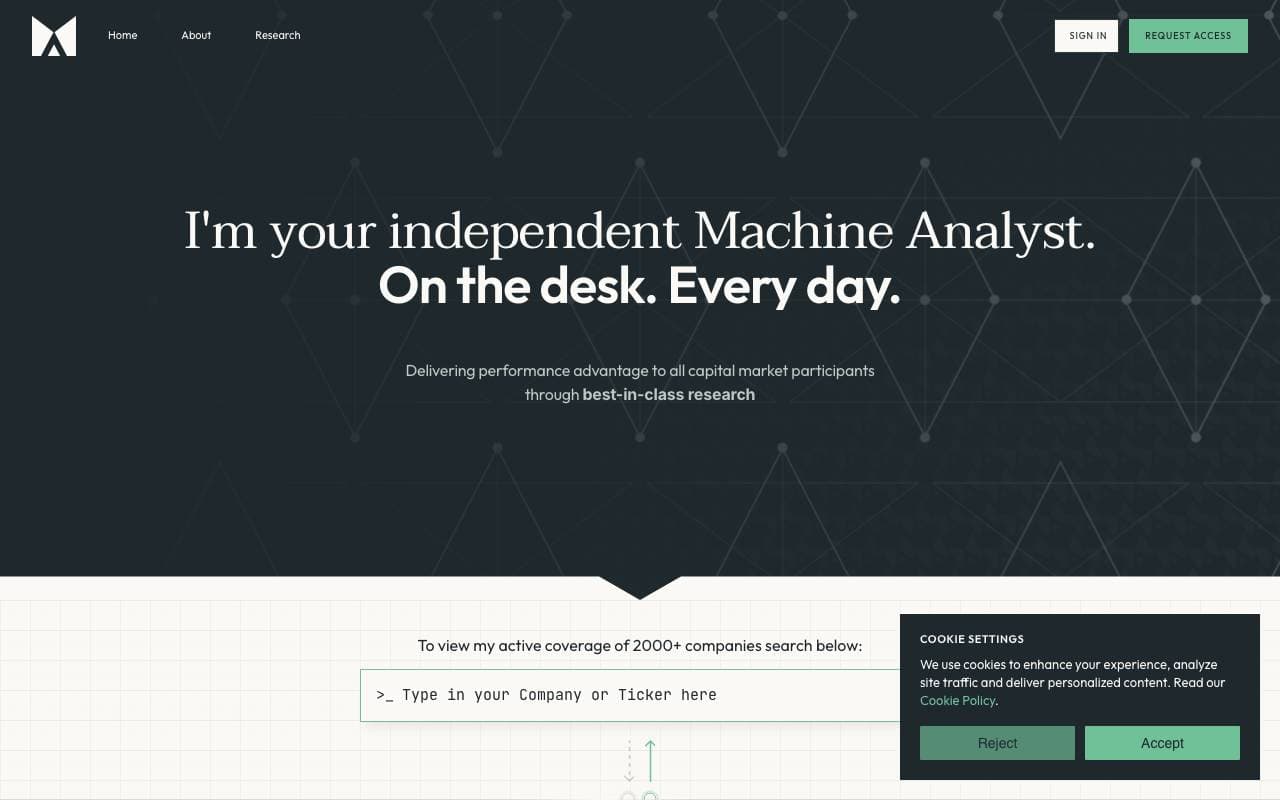

Fyva AI
AI Data Analysts
AI copilot that helps analysts generate equity research reports from filings and market data.

SigTech MAGIC
AI Data Analysts
AI agents for quantitative financial research, analysis, and strategy backtesting
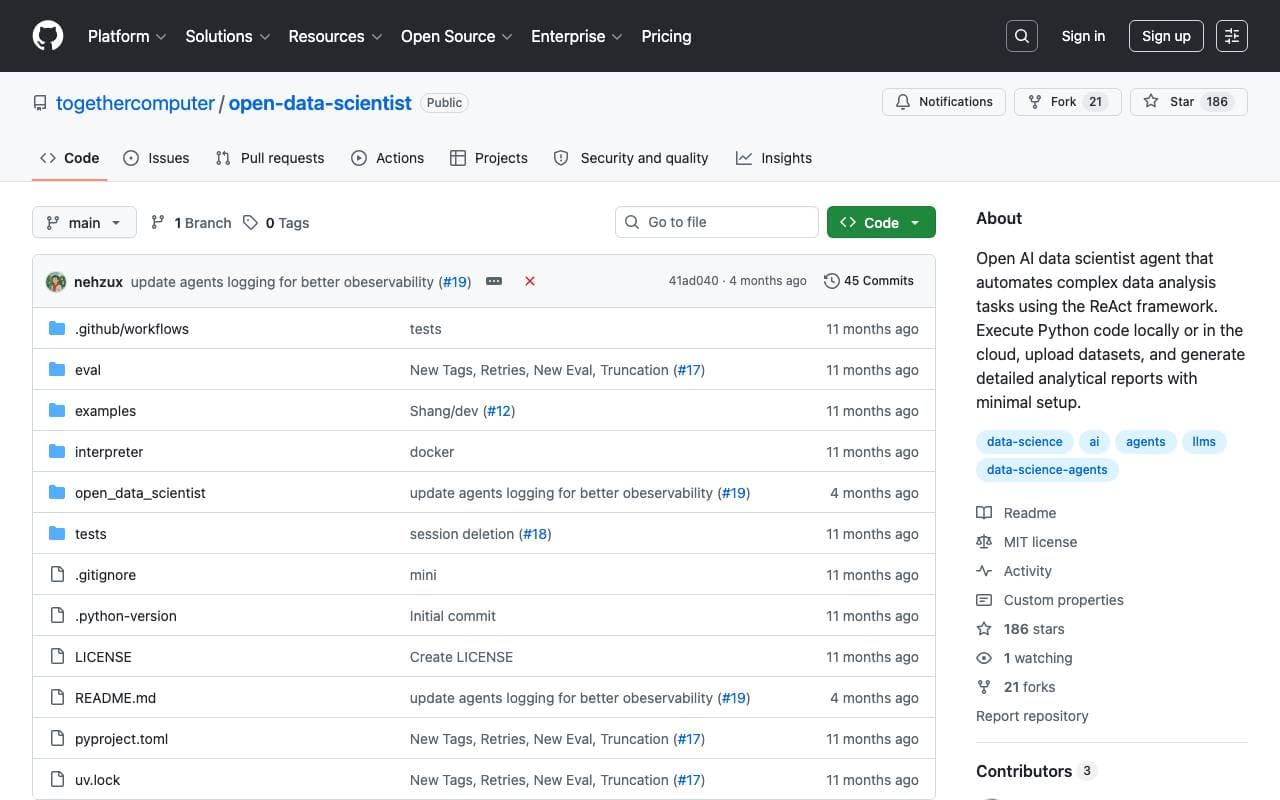

Together Open Data Scientist
AI Data Analysts
Open-source ReAct agent that runs Python to explore data, build models, and generate analysis reports
Trending now


Claude
AI Agents & Chatbots
Conversational AI assistant from Anthropic for writing, analysis, coding, and document tasks

Doozer Ai
Sales Agent
Digital co-workers that automate operational workflows to boost team efficiency.


Pin AI
Workflow automation
Agentic AI recruiter that automates sourcing, screening, and outreach to accelerate hiring.


Local GPT
Other
Open-source local AI for private, offline document chat using GPT-style models on your own hardware.