
Perplexity ComputerAlways-on digital worker that executes full workflows using app connectors, research, coding, and scheduled monitoring and actions.

Overview
Key features
- Research integration
- Coding capabilities
- Scheduled actions
- App connectors
- Continuous automation
Pricing
- Model
- Paid
- Category
- Virtual Workers
- Rating
- 4.6 / 5 (5)
Use cases
Automated Market Research
Continuously research topics, competitors, or industries and compile findings into structured reports without manual intervention.
Scheduled Workflow Execution
Set recurring tasks that run on a schedule, executing multi-step workflows across connected apps automatically.
Cross-App Task Orchestration
Use app connectors to coordinate actions across multiple tools, completing end-to-end workflows from a single instruction.
Always-On Monitoring & Alerts
Track changes, events, or data sources around the clock and trigger actions or notifications when conditions are met.
Pros & Cons
Pros
- Automates repetitive tasks
- Executes full workflows
- Scheduled monitoring and actions
- Integration with various applications through connectors
- Efficient task execution
Cons
- Complex setup may require technical expertise
- Limited transparency in its internal operations
- Dependence on quality of connectors
- Potential for technical issues with scheduling and monitoring
Battle record
Across 1 battle in the Pantheon.
Last battle
Reviews
Average from 5 ratings.
Sign in to leave a review.
Does the job
Pretty happy overall. The onboarding just works and it saves real time. but no dealbreakers — I'd recommend it to a friend without hesitating.
Solid for our team
We rolled this out across the team last quarter and support is responsive. The onboarding fits neatly into how we already work, and the dashboard removed a step we used to do by hand. The docs could be deeper, which is the main caveat, but it has held up under daily use.
Use it every day
Honestly didn't expect to like it this much. The API is exactly what I needed, and it is genuinely easy to set up. I do wish the docs could be deeper, but I reach for it almost every day now and it just clicks.
Skeptical, then convinced
I went in skeptical — most tools in this space overpromise. It actually delivers on the API, and it is genuinely easy to set up caught me off guard. A few rough edges remain is why this isn't a perfect score, still, I'd recommend giving it a real trial.
Solid for our team
We rolled this out across the team last quarter and it is genuinely easy to set up. The dashboard fits neatly into how we already work, and the automation removed a step we used to do by hand. The mobile experience lags, which is the main caveat, but it has held up under daily use.
Q&A
Does it integrate with the apps and tools we already use?
Yes. Perplexity Computer uses app connectors to plug into your existing tools, allowing it to pull data, take actions, and orchestrate workflows across multiple applications rather than working in isolation.
What can Perplexity Computer actually do for my team?
It acts as an always-on digital worker that executes full workflows end-to-end, combining app connectors, research, coding, and scheduled monitoring and actions so tasks run automatically without manual handoffs.
Can it run tasks on a schedule or only on demand?
It supports scheduled monitoring and actions, so you can set it to run workflows continuously or at defined intervals, in addition to executing on-demand research, coding, and multi-step tasks.
Ask a question
Virtual Workers alternatives


Avaamo
Virtual Workers
Enterprise conversational AI platform for building virtual agents and digital workers across business functions.


Hugging Face Open Computer Agent
Virtual Workers
An open-source AI agent that automates web tasks by simulating user interactions in a virtual Linux environment.
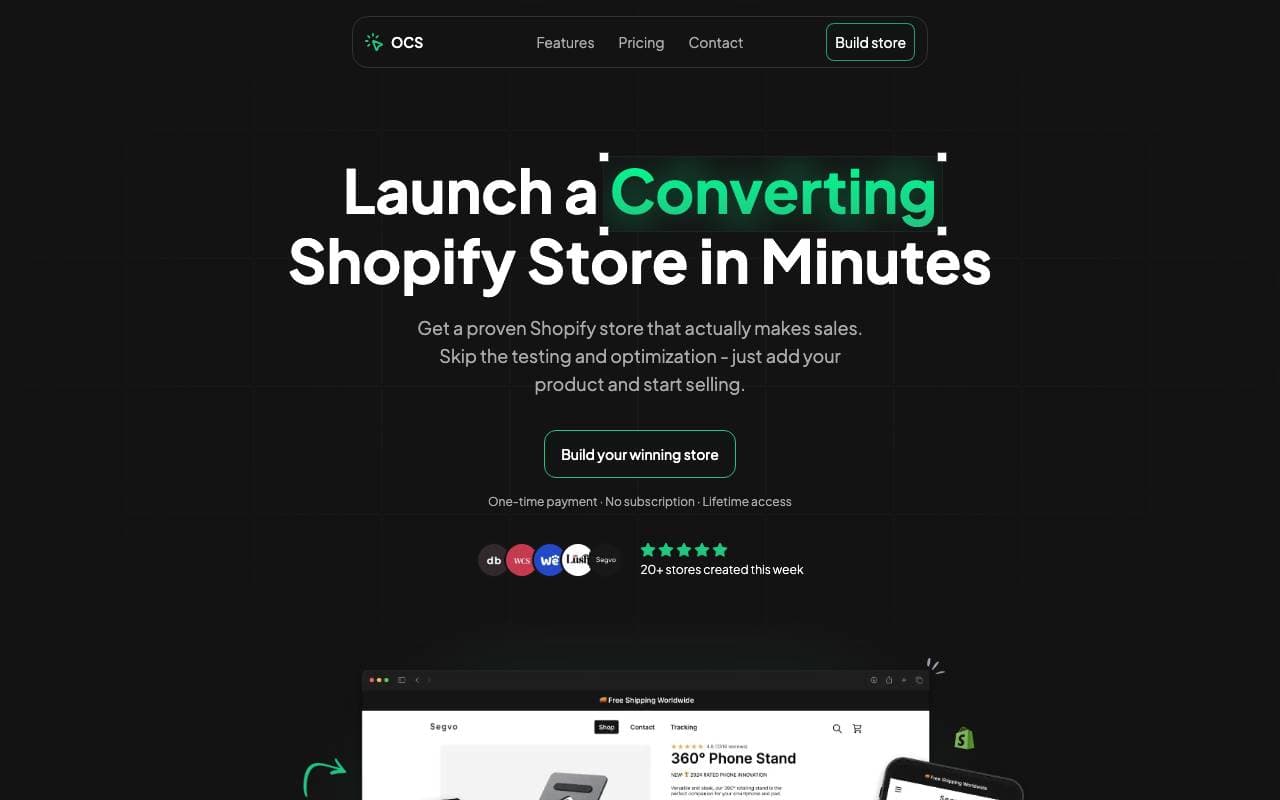

One Click Store
Virtual Workers
AI-powered platform for launching eCommerce stores in minutes with automated content and SEO.
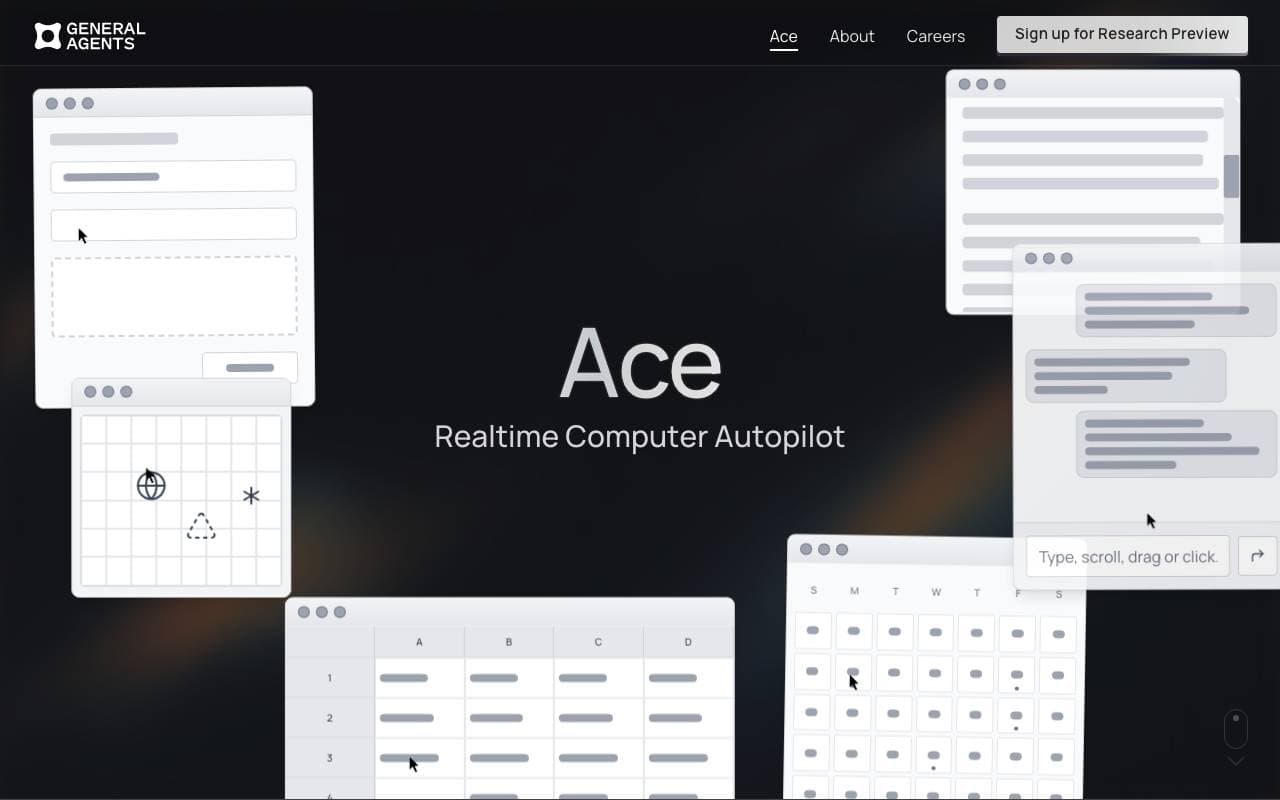

Ace by General Agents
Virtual Workers
Desktop AI agent that automates tasks by controlling your mouse and keyboard like a human user.
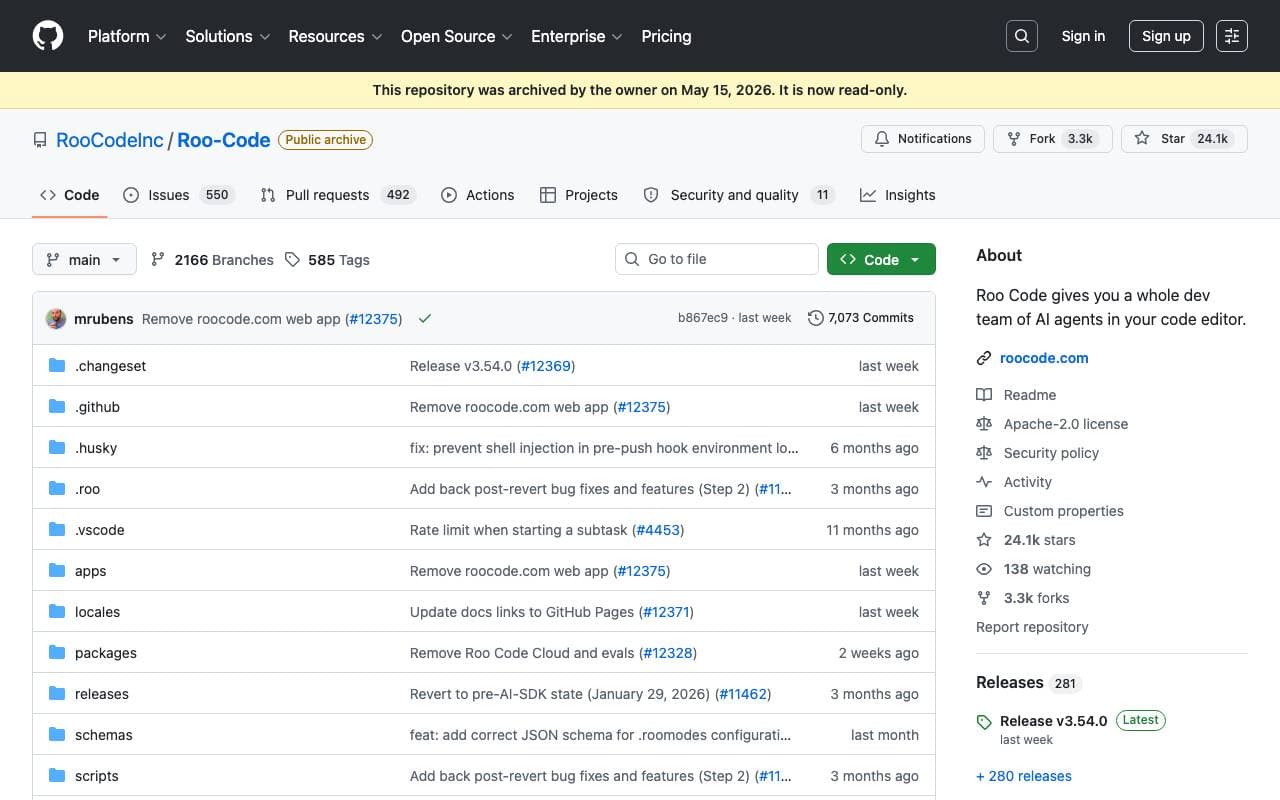

Roo Code
Virtual Workers
An autonomous open-source AI agent that can code, debug, and evolve software with minimal human intervention.


Tally AI
Virtual Workers
AI agents that automate repetitive accounting, tax, and audit tasks inside your existing systems.


Jumbo Mana
Virtual Workers
Creates interactive AI avatars, including digital twins, for enhanced user engagement.


Convergence Proxy
Virtual Workers
Adaptive AI assistant that learns new skills on the fly through real-world use.
Trending now


Claude
AI Agents & Chatbots
Conversational AI assistant from Anthropic for writing, analysis, coding, and document tasks

Doozer Ai
Sales Agent
Digital co-workers that automate operational workflows to boost team efficiency.


Pin AI
Workflow automation
Agentic AI recruiter that automates sourcing, screening, and outreach to accelerate hiring.


Local GPT
Other
Open-source local AI for private, offline document chat using GPT-style models on your own hardware.