
Kilo CodeOpen-source AI coding assistant for VS Code and JetBrains that plans, writes, and debugs code with multi-model support.

Overview
Key features
- Multi-model support
- Agent command center
- Aligned pricing
- Bring your own keys
- Auto Model for optimized model routing
- Local and cloud agents
Pricing
- Model
- Freemium
- Category
- Programming Assistants
- Rating
- 4.8 / 5 (4)
Use cases
Plan and scaffold new features
Use Kilo Code inside VS Code or JetBrains to outline implementation plans and generate boilerplate for new features before writing detailed logic.
AI-assisted debugging
Identify, explain, and fix bugs directly in the IDE by letting Kilo Code analyze code paths and suggest targeted corrections.
Switch between AI models per task
Leverage multi-model support to choose the best LLM for tasks like refactoring, code generation, or documentation without leaving the editor.
Open-source coding workflow
Adopt a transparent, community-driven AI assistant for teams that prefer open-source tooling integrated with their existing IDEs.
Pros & Cons
Pros
- Supports multi-model planning, writing, and debugging
- Open-source and community-driven
- Aligned pricing with zero markup
- Brings your own keys support
- Agent command center for control and management
Cons
- —
Reviews
Average from 4 ratings.
Sign in to leave a review.
Solid for our team
We rolled this out across the team last quarter and the value for money is strong. The integrations fits neatly into how we already work, and the integrations removed a step we used to do by hand. Pricing gets steep at scale, which is the main caveat, but it has held up under daily use.
Does the job
Pretty happy overall. The API just works and the value for money is strong. Pricing gets steep at scale can be annoying, but no dealbreakers — I'd recommend it to a friend without hesitating.
Years in this space
I've evaluated a lot of these over the years. What stands out here is the integrations — handled better than most — and the value for money is strong. Worth the time if this is your use case.
Skeptical, then convinced
I went in skeptical — most tools in this space overpromise. It actually delivers on the automation, and it is genuinely easy to set up caught me off guard. A few rough edges remain is why this isn't a perfect score, still, I'd recommend giving it a real trial.
Q&A
Which IDEs does Kilo Code support?
Kilo Code works as an AI coding assistant inside both VS Code and JetBrains IDEs, so you can use it across most popular development environments.
What can Kilo Code actually do in my workflow?
Kilo Code helps you plan, write, and debug code directly in your IDE. It supports multiple AI models, letting you choose the one that best fits your task or budget.
Is Kilo Code open source?
Yes, Kilo Code is an open-source AI coding assistant, meaning its source code is publicly available for review, contribution, and self-hosting where applicable.
Ask a question
Programming Assistants alternatives

Kimi‑Dev
Programming Assistants
Open‑source coding LLM optimized for automated debugging and issue resolution tasks.

Codiga
Programming Assistants
Static code analysis and automated code reviews with IDE/CI integrations, security rulesets, custom rules, and one-click autofix.

Moddy
Programming Assistants
Multi-repo AI agent for analyzing and modernizing large-scale codebases.

GPT Engineer
Programming Assistants
An open-source AI tool that generates codebases from user-provided project descriptions through interactive dialogues.


Windframe
Programming Assistants
AI-powered Tailwind CSS builder for rapid UI design, prototyping, and code export to HTML, React, or Vue.

gstack
Programming Assistants
Open-source workflow layer that adds planning, review, QA, and shipping skills to Claude Code and Codex.
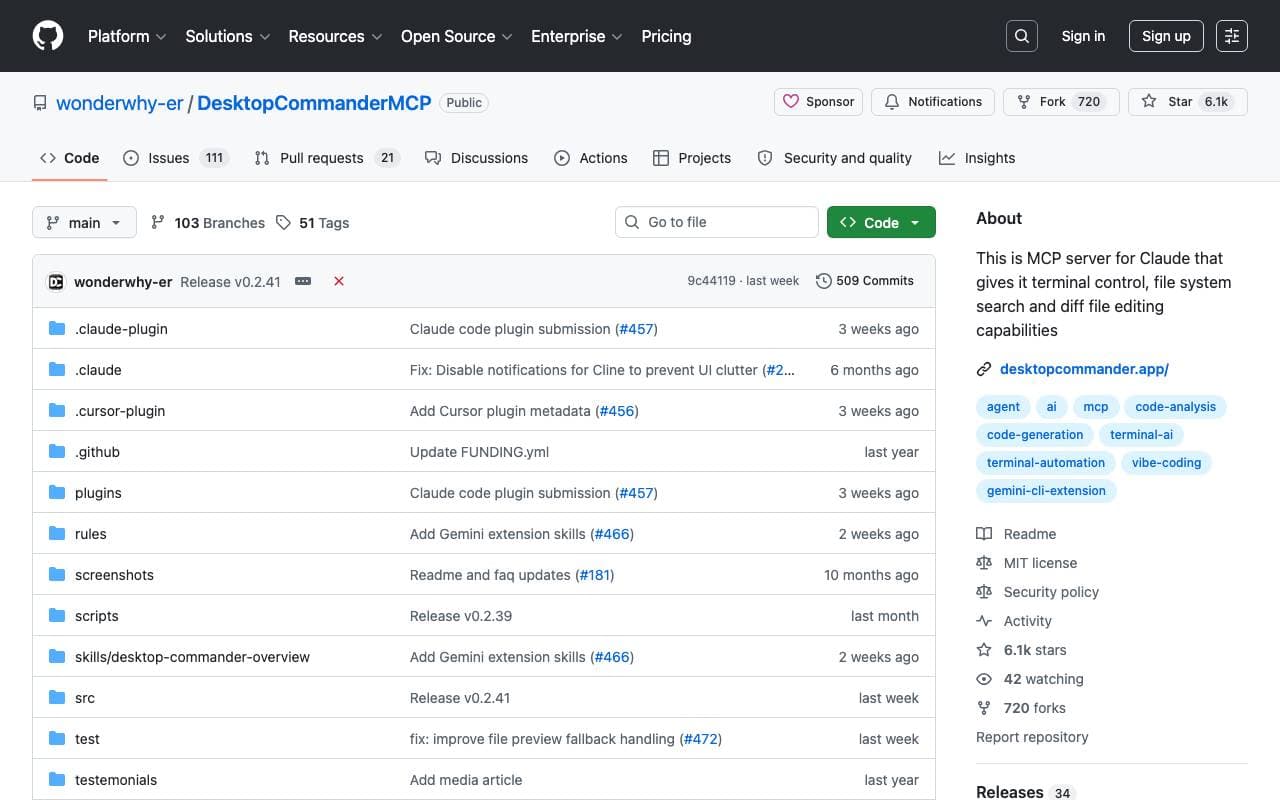

Desktop Commander MCP
Programming Assistants
MCP server giving AI agents safe terminal, process, and file editing access on your desktop.
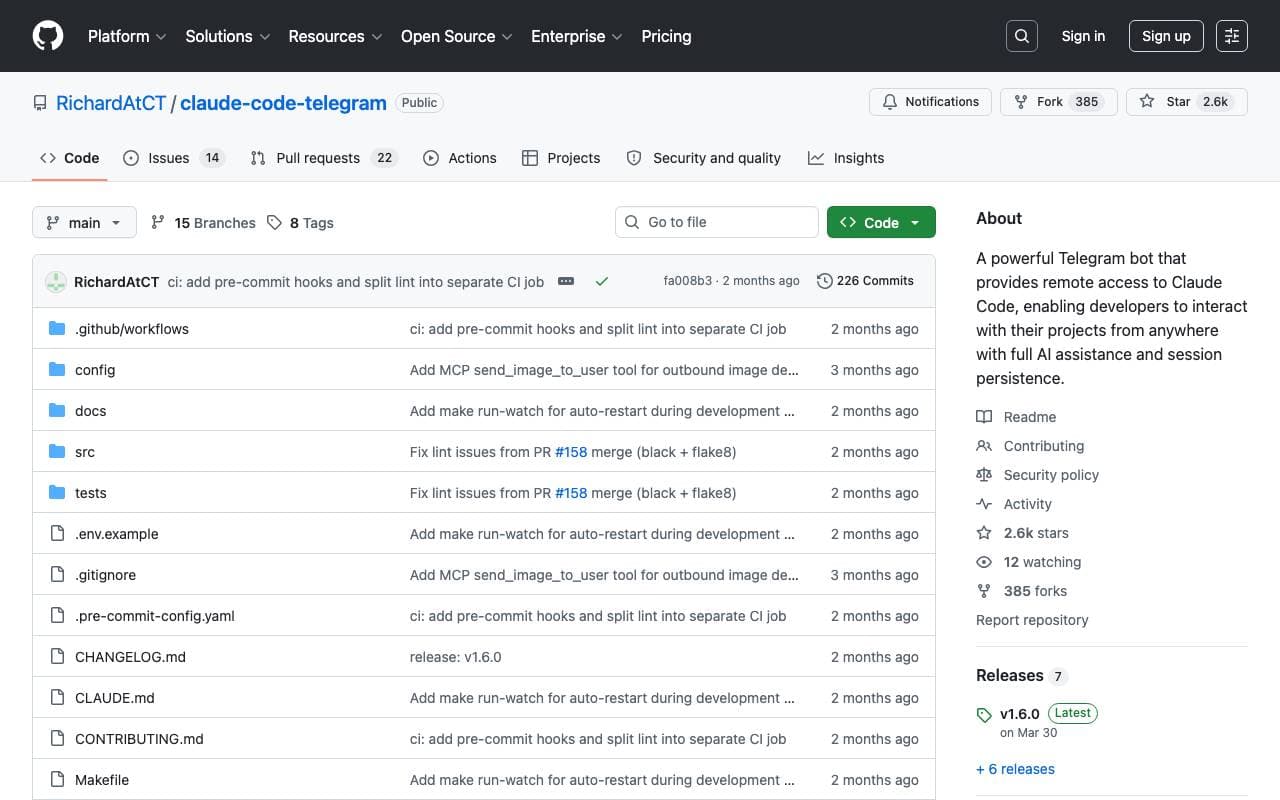

Claude Code Telegram Bot
Programming Assistants
Open-source Telegram bot that gives remote, chat-based access to Claude Code with per-project session persistence and safe directory sandboxing.
Trending now


Claude
AI Agents & Chatbots
Conversational AI assistant from Anthropic for writing, analysis, coding, and document tasks

Doozer Ai
Sales Agent
Digital co-workers that automate operational workflows to boost team efficiency.


Consistent Character AI
Images
Generate consistent AI characters across scenes from a single reference photo.


Pin AI
Workflow automation
Agentic AI recruiter that automates sourcing, screening, and outreach to accelerate hiring.