
Desktop Commander MCPMCP szerver biztonságos terminálsi, folyamat- és fájlmódosítási hozzáférést nyújt az AI ügynökök számára az asztalodra.

Áttekintés
Fő funkciók
- Terminálparancs-fogalmazás
- Folyamatkezelés és -figyelés
- Differenciális fájlmódosítás
- Kódalapú és dokumentumkeresés
- Excel és PDF olvas- és írás-támogatás
- Auditológia az AI műveleteinek nyomon követése
Árazás
- Modell
- Free
- Kategória
- Programming Assistants
- Értékelés
- 4.7 / 5 (6)
Felhasználási esetek
A helyi fejlesztői munkafolyamatok automatizálása
Engedje meg egy AI segítőnek, hogy terminálparancsokat hajtson végre, folyamatos szabályozást és célozott fájlmódosításokat hajtson végre az asztalodon, nélkül, hogy lementi a segítségeket és egyéb eszközöket
Az AI-napló és szerkeszti szórakozó és PDF-fájlokat
Hadd olvasson, hadd módosítsa és ne hadd hozzon létre Excel-fájlokat és PDF-fájlokat egy diskon, engedve egy elemző számára, hogy delegálhasson az ügynökök dokumentum feldolgozását működik valós helyi adat a lemez.
Nagy kódalap kutatása és szervizelése
Használhatja a dokumentumkeresést és módosításokat a kódalapban a többszörös fájlok raktarozatlan cseréséhez támogatja a módosítások elhelyezése során az alacsony tokenelemzése.
Felügyelt szakértő művelet az érzékeny adatokban
Végre műveletet végzős lokálisan teljén auditógia szervizzel úgy munkálja, ahogy a művelet a komformációs munka mellett van, hogy megvizsgálják a beérkezett megvizsgálat.
Előnyök és hátrányok
Előnyök
- A differenciális módosítások biztosítják a tokent és elkerülik a fájl teljes felírásokat
- Munkálhat Excel- és PDF-fájlokkal, nem csak kóddal
- Auditológia javítja a tiszteletet és higiénységet
- Lokálisan fut, így az adott információt személyes szinten megőrzi
- Meg kell tanulnia az MCP beállításoknak
Hátrányok
- Terminálhozzáférés elengedésével maga a kockázat
- Meg van határozva az AI kliensekhez MCP-kompatibilitás
- Használhatóság korlátozott
Értékelések
Átlag 6 értékelésből.
Jelentkezz be értékelés írásához.
Compared a few options
Evaluated this against two competitors. Where it wins: codebase and document search and works with Excel and PDF files, not just code. Where it lags: limited to MCP-compatible AI clients. On balance the feature set — especially process management and monitoring — justifies the 5 stars for our use case.
Compared a few options
Evaluated this against two competitors. Where it wins: audit logging of AI actions and audit logs improve transparency and trust. Where it lags: granting terminal access carries inherent risk. On balance the feature set — especially audit logging of AI actions — justifies the 5 stars for our use case.
Does the job
Pretty happy overall. Terminal command execution just works and diff-based edits save tokens and avoid full rewrites. but no dealbreakers — I'd recommend it to a friend without hesitating.
Solid for our team
We rolled this out across the team last quarter and runs locally for better privacy. Process management and monitoring fits neatly into how we already work, and excel and PDF read/write support removed a step we used to do by hand. Granting terminal access carries inherent risk, which is the main caveat, but it has held up under daily use.
Use it every day
Honestly didn't expect to like it this much. Diff-based file editing is exactly what I needed, and works with Excel and PDF files, not just code. I do wish requires comfort with MCP setup, but I reach for it almost every day now and it just clicks.
Use it every day
Honestly didn't expect to like it this much. Codebase and document search is exactly what I needed, and audit logs improve transparency and trust. I do wish requires comfort with MCP setup, but I reach for it almost every day now and it just clicks.
Kérdések
What file types and tasks can it handle beyond running shell commands?
In addition to terminal execution and process management, it performs diff-based file edits, searches across codebases and documents, and reads and writes Excel spreadsheets and PDFs, making it useful for both developers and analysts.
How does it address the security risks of giving an AI terminal access?
It runs locally rather than in the cloud, uses targeted diff-based edits instead of full rewrites to limit unintended changes, and keeps an audit log of every action the AI takes for transparency. Granting shell access still carries inherent risk.
Which AI clients can I use Desktop Commander MCP with?
It works with MCP-compatible clients like Claude Desktop. Because it relies on the Model Context Protocol, any assistant or app that speaks MCP can connect, but non-MCP clients are not supported.
Kérdezz
Programming Assistants alternatívái

Kimi‑Dev
Programming Assistants
Nyílt forráskódú coding LLM-vel optimalizálva a automatizált debuggolás és probléma megoldási feladatokkal

Codiga
Programming Assistants
Staticzus kódanalízis és automatizált kódvizsgálatok IDE/CI integrációkkal, biztonsági szabálykészletekkel, custom szabályokkal és egy-egy kattintásos automatizált javítással.

Moddy
Programming Assistants
Több-fájltájolsó AI-ügynök nagyméretű kódállományok elemzésére és modernizálására

GPT Engineer
Programming Assistants
Nyílt forráskódú AI eszköz, amely generál kódalapokat felhasználási leírásokon keresztül interaktív konzolok segítségével.
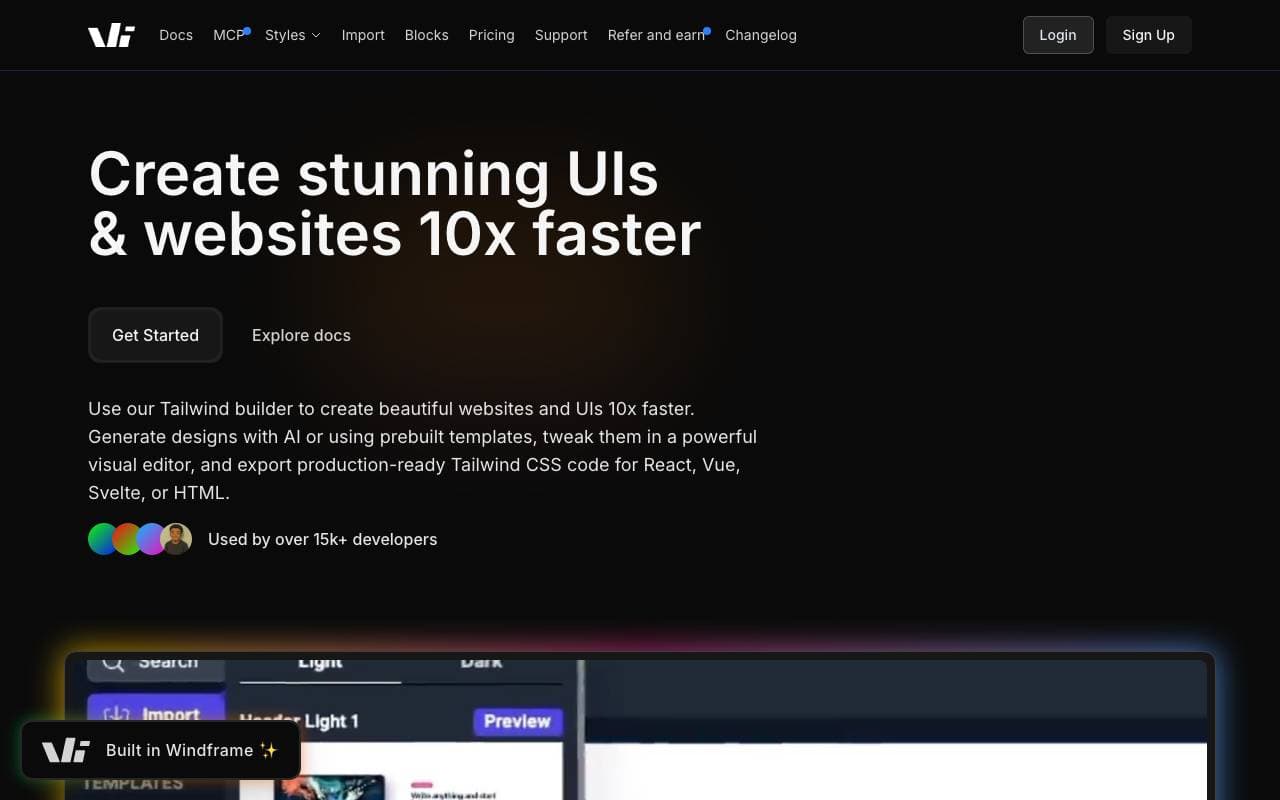

Windframe
Programming Assistants
AI-erőforrásos Tailwind CSS építő, gyors UI tervezés, prototípuskészítés és kód-exportelés HTML, React vagy Vue-hez.

gstack
Programming Assistants
Nyílt forráskódú workflow réteg, amely a tervezésre, ismételten átnézésre, QA-kazinóra és a bevezetésre való képességeket adja Claude Codenak és Codexnek.
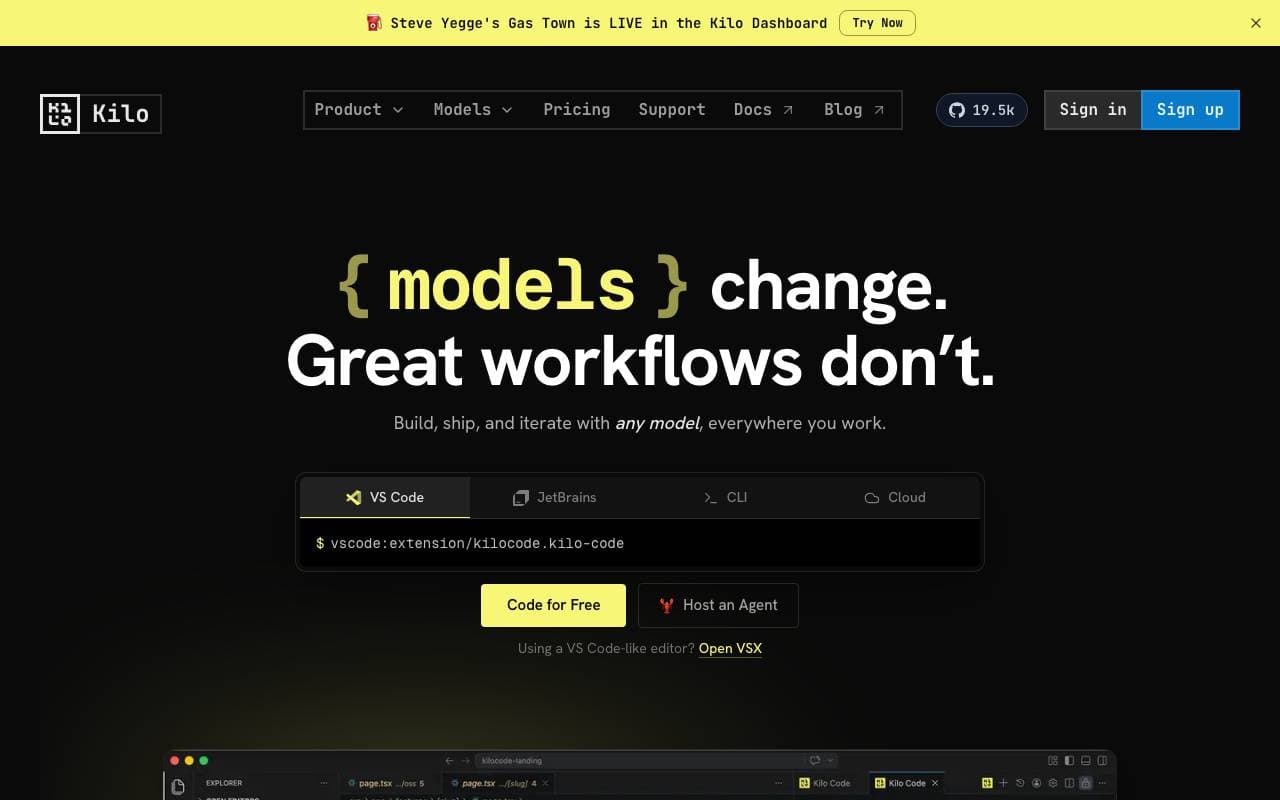

Kilo Code
Programming Assistants
Nyílt forráskódú AI kódszerkesztői segítő az VS Code és JetBrains számára, ami tervez, ír és hibakeresi a kódot többmodelles támogatással
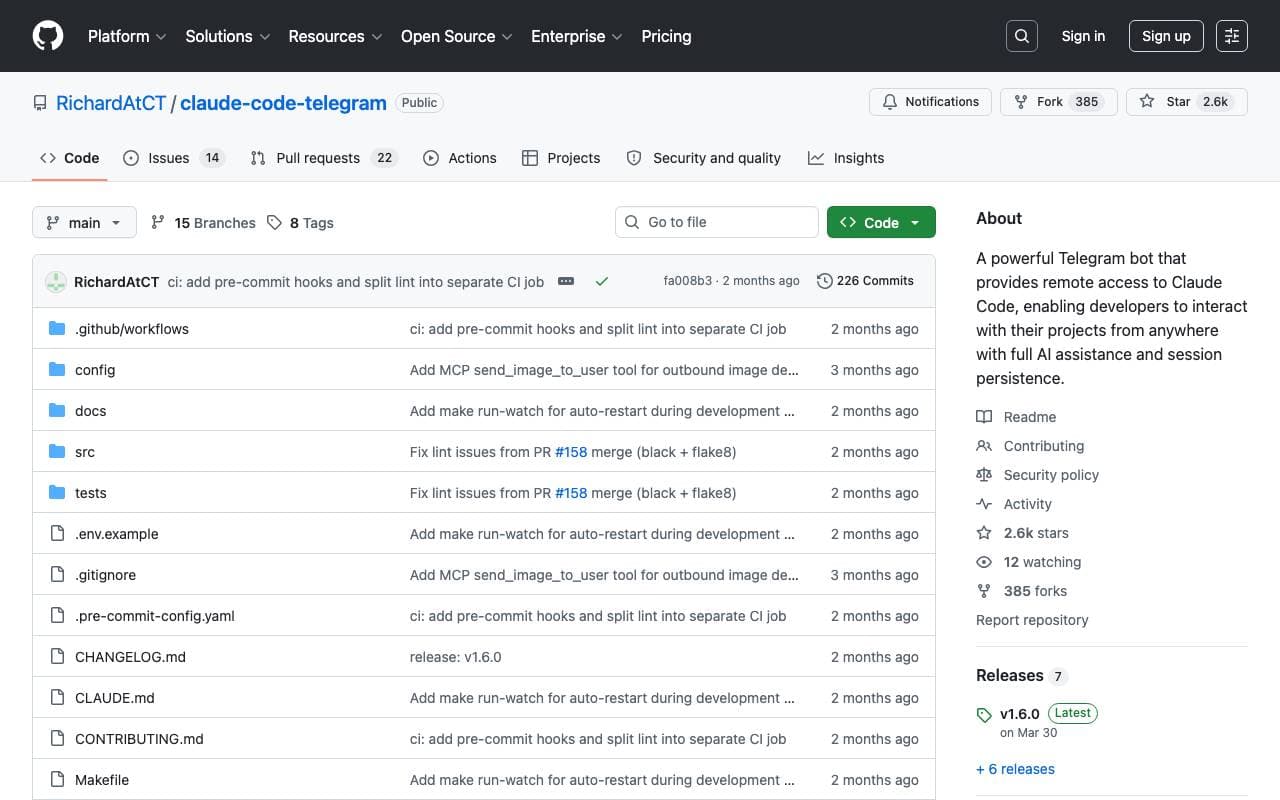

Claude Code Telegram Bot
Programming Assistants
Nyílt forráskódú Telegram bot, amely távoli, csatornavon át közzétett hozzáférést biztosít a Claude Code-hez a projektekre vonatkozó, folyamatos üzemidővel és biztonságos megfelelőségi kör bezárásával.
Trending now


Claude
AI Agents & Chatbots
Konverzacios AI segítő az Anthropic részéről írás, elemzés, kódolás és dokumentum feladatokhoz

Doozer Ai
Sales Agent
Digitális csapattagok megjavítják üzleti folyamatok hatékonyságát.


Consistent Character AI
Images
Generáljon konzisztens AI-karaktereket egyetlen referenciafotóról való színpadon.


Pin AI
Workflow automation
Ügynöki AI-felvételi szakértő, amely automatizálja a forráskeresést, a szűrését és a kontaktálását, hogy felgyorsítsa a kiválasztást.