
ChatterBoxTTSOpen-source text-to-speech service with customizable voice settings and zero-shot voice cloning.

Overview
Key features
- Free web‑based TTS with no sign‑up
- Multi‑language and multi‑voice support
- Zero‑shot voice cloning from short reference audio
- Adjustable emotional intensity, pitch, and expressiveness
- Downloadable output in WAV or MP3 formats
- Customizable generation parameters (exaggeration, CFG weight, temperature, seed)
Pricing
- Model
- Freemium
- Category
- Audio Generation
- Rating
- 4.7 / 5 (6)
Use cases
Video Narration and Voiceovers
Convert scripts into natural-sounding voiceovers for YouTube videos, explainer content, or social media clips without hiring voice actors or recording audio manually.
Podcast Audio from Written Content
Transform articles, blog posts, or written episodes into spoken podcast audio that can be downloaded and edited into a production workflow.
E-Learning Course Audio
Generate clear, consistent narration for online courses, training modules, and educational materials directly in the browser.
Accessibility for Written Content
Provide spoken versions of articles, documents, or web copy to make content more accessible for users who prefer or require audio formats.
Pros & Cons
Pros
- Free, open‑source solution with no registration required.
- Supports multiple languages and diverse voice styles.
- Allows zero‑shot voice cloning via a short reference audio clip.
- Extensive parameter controls (emotion, pitch, exaggeration, etc.) for fine‑tuned output.
- Instant generation with downloadable WAV and MP3 files.
Cons
- Input text limited to 500 characters per request.
- All generated audio includes a watermark.
- Extreme parameter settings can cause instability in the output.
- No native API documented on the site; primarily a web interface.
Reviews
Average from 6 ratings.
Sign in to leave a review.
Use it every day
Honestly didn't expect to like it this much. Instant text-to-speech conversion is exactly what I needed, and easy browser-based workflow. I do wish limited emotional nuance compared to human narration, but I reach for it almost every day now and it just clicks.
Skeptical, then convinced
I went in skeptical — most tools in this space overpromise. It actually delivers on instant text-to-speech conversion, and useful for video, podcast, and e-learning content caught me off guard. Quality depends on input text formatting is why this isn't a perfect score, still, I'd recommend giving it a real trial.
Does the job
Pretty happy overall. Web-based interface just works and fast text-to-speech generation. but no dealbreakers — I'd recommend it to a friend without hesitating.
Does the job
Pretty happy overall. Suitable for narration and voiceovers just works and fast text-to-speech generation. Quality depends on input text formatting can be annoying, but no dealbreakers — I'd recommend it to a friend without hesitating.
Solid for our team
We rolled this out across the team last quarter and fast text-to-speech generation. Suitable for narration and voiceovers fits neatly into how we already work, and instant text-to-speech conversion removed a step we used to do by hand. Synthetic voices may still sound off in long passages, which is the main caveat, but it has held up under daily use.
Does the job
Pretty happy overall. Supports a range of content lengths just works and useful for video, podcast, and e-learning content. Synthetic voices may still sound off in long passages can be annoying, but no dealbreakers — I'd recommend it to a friend without hesitating.
Q&A
No questions yet — be the first to ask.
Ask a question
Audio Generation alternatives
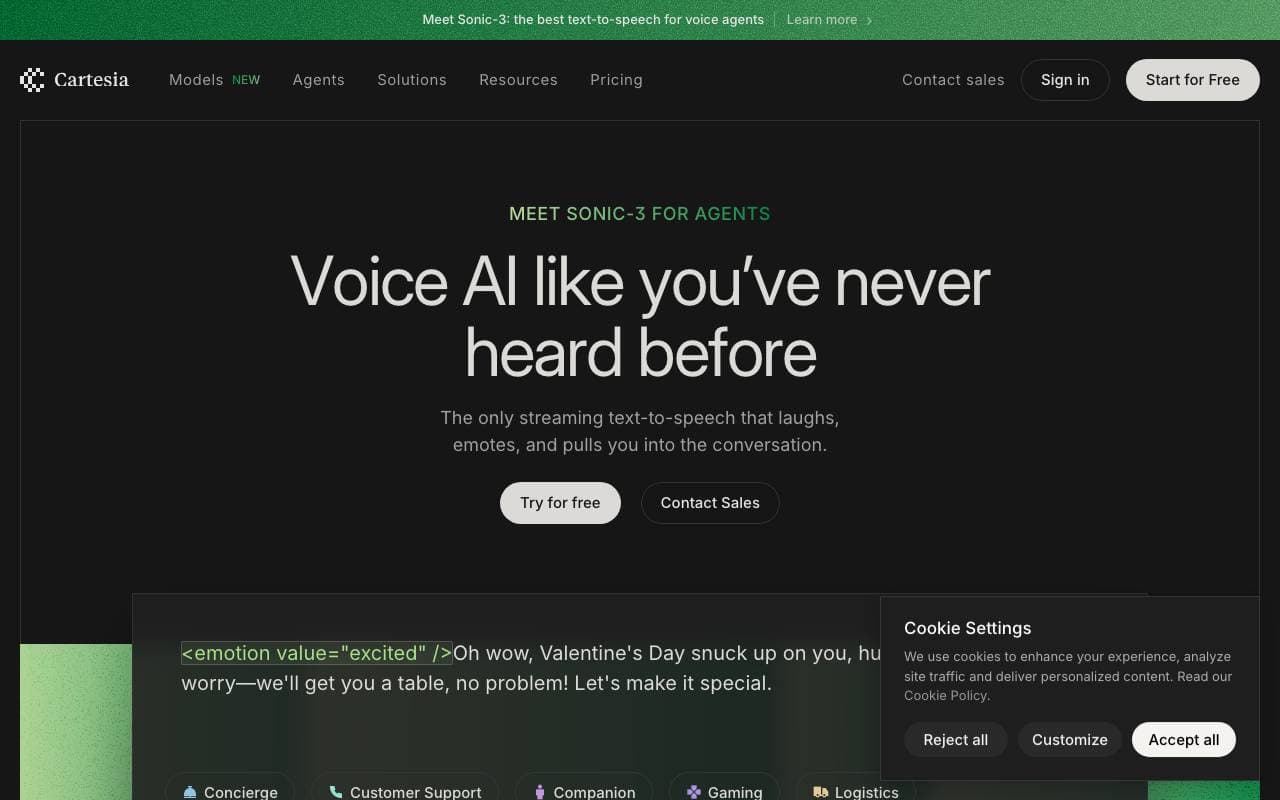

Cartesia Sonic-3
Audio Generation
Real-time, multilingual text-to-speech with sub‑90 ms latency and voice cloning
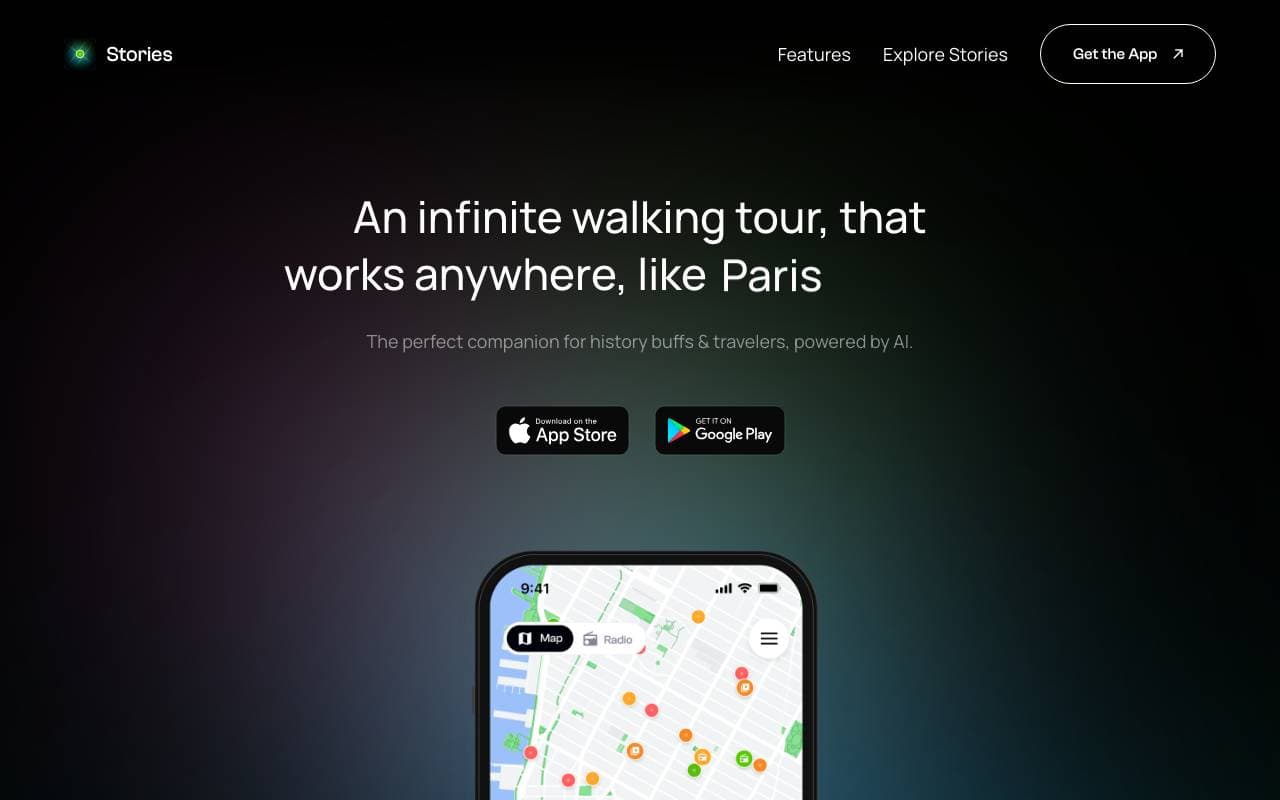

Stories
Audio Generation
AI-powered audio walking tours that work anywhere in the world
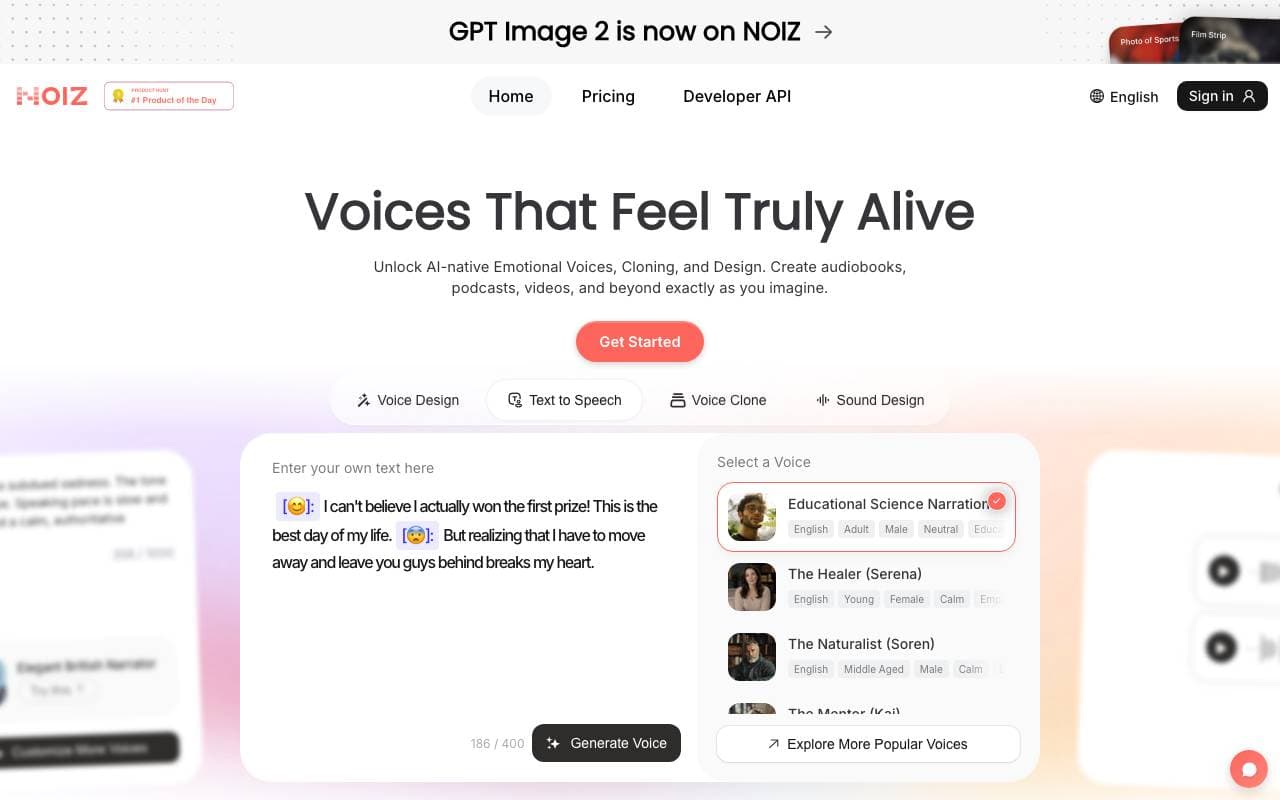

Noiz AI
Audio Generation
Next-generation expressive text-to-speech with instant AI voice design.
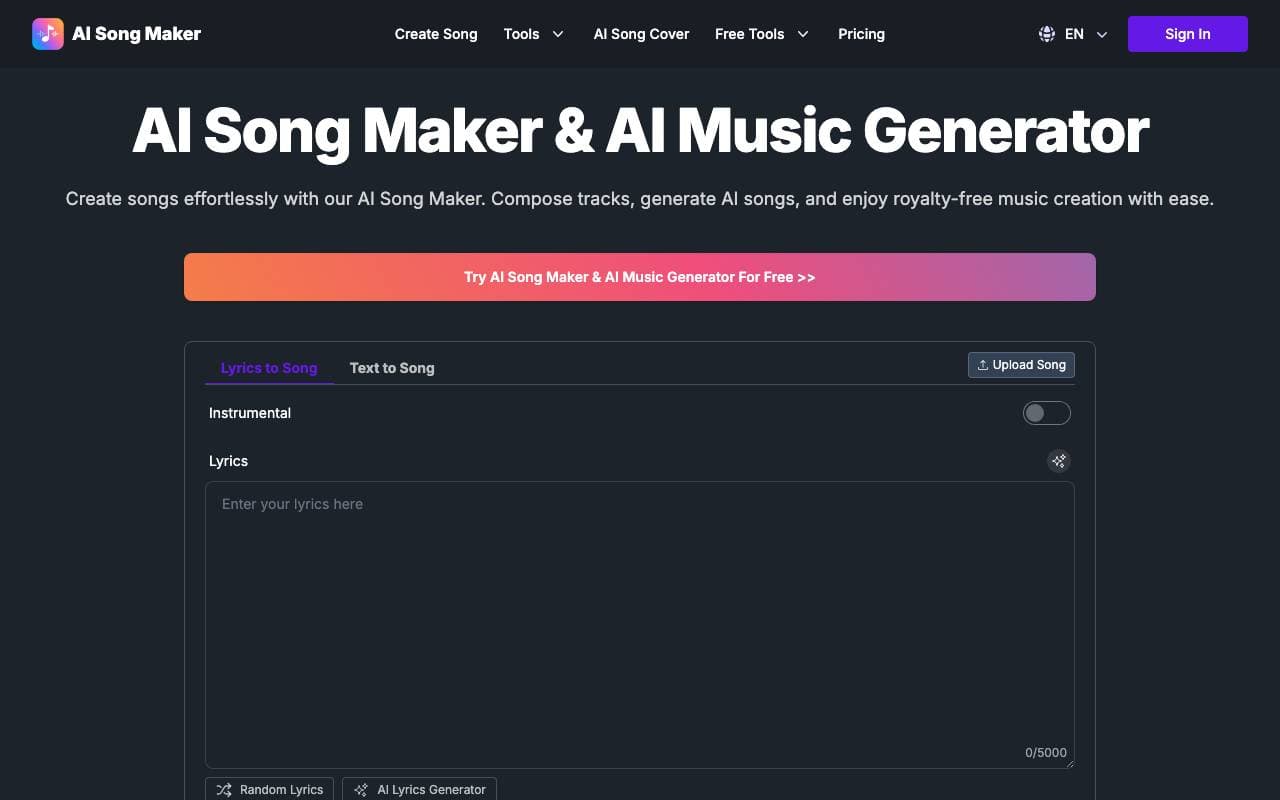

AI Song Generator
Audio Generation
Turn text prompts and ideas into original AI-generated songs in minutes.
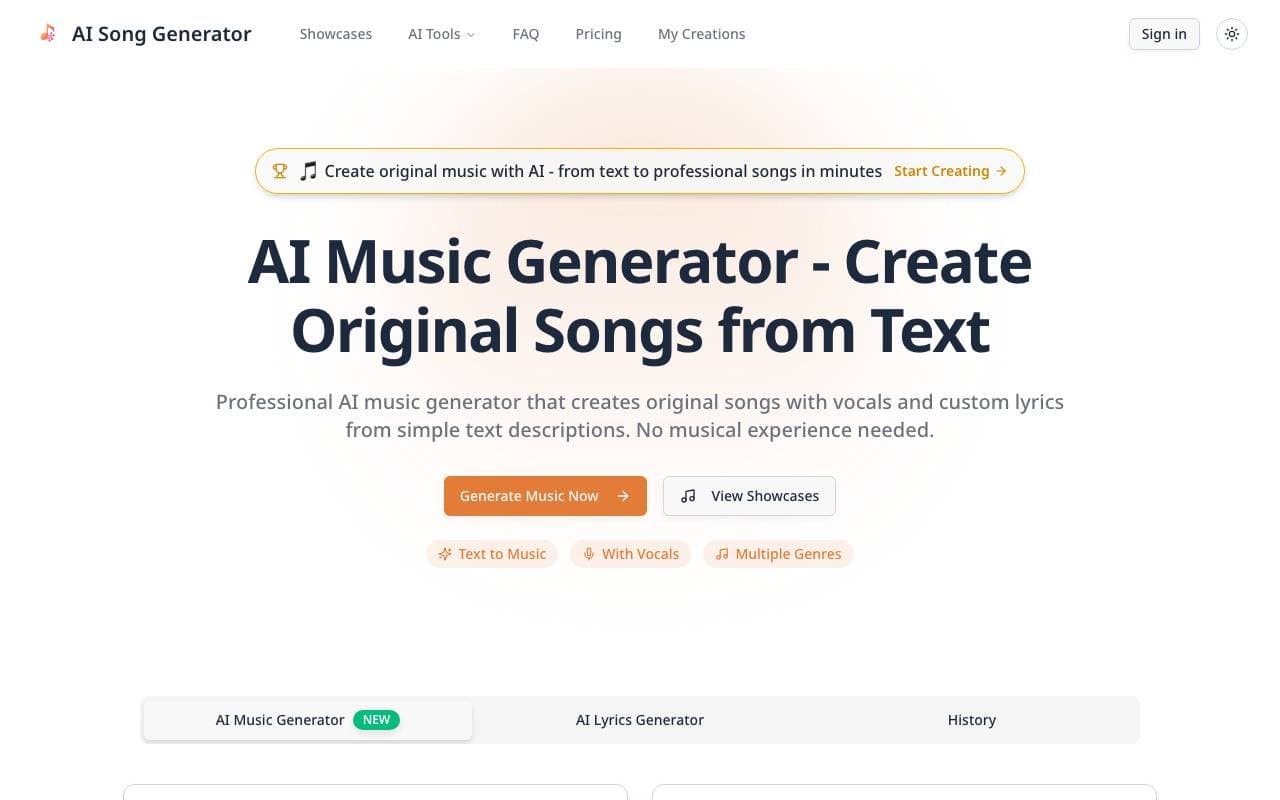

AI Music Generator - Create Songs from Text with AI
Audio Generation
Generate original songs with AI vocals from text prompts.
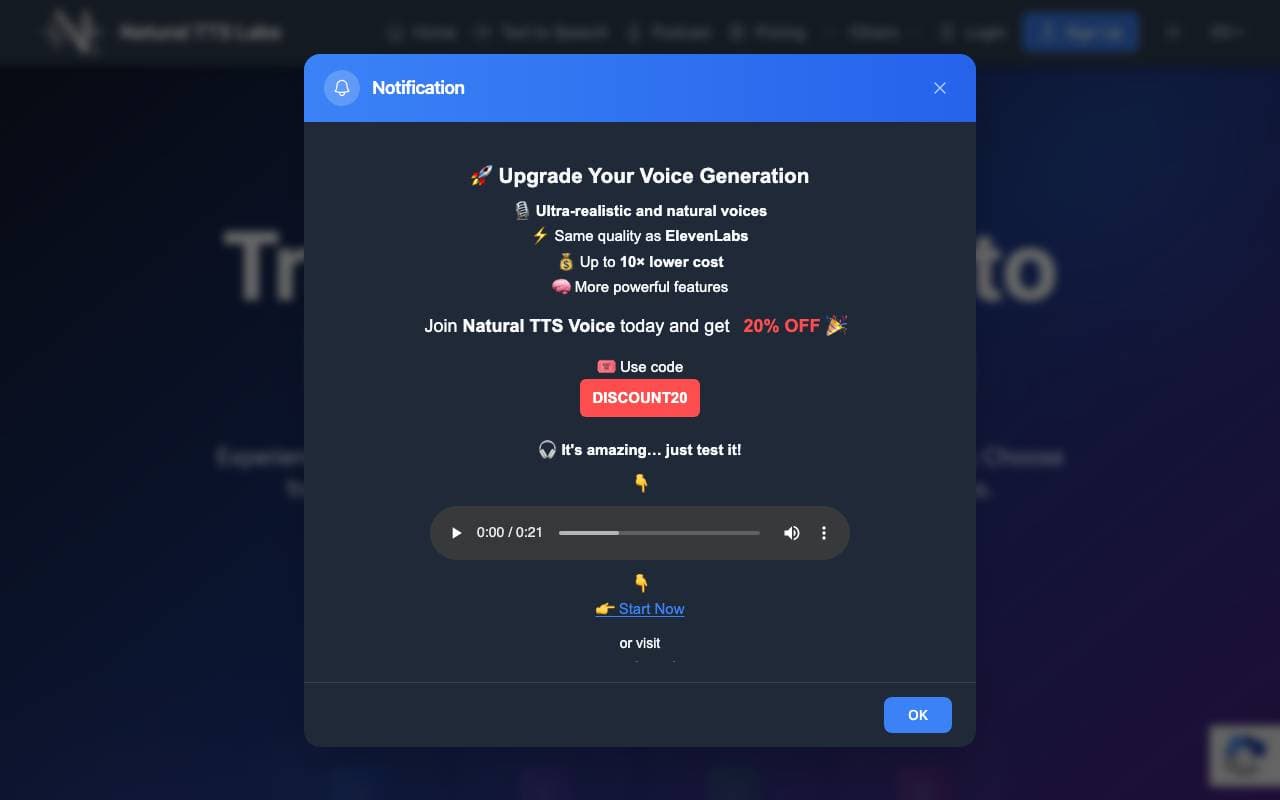
Natural TTS Labs
Audio Generation
Free AI text-to-speech tool for generating natural-sounding voiceovers
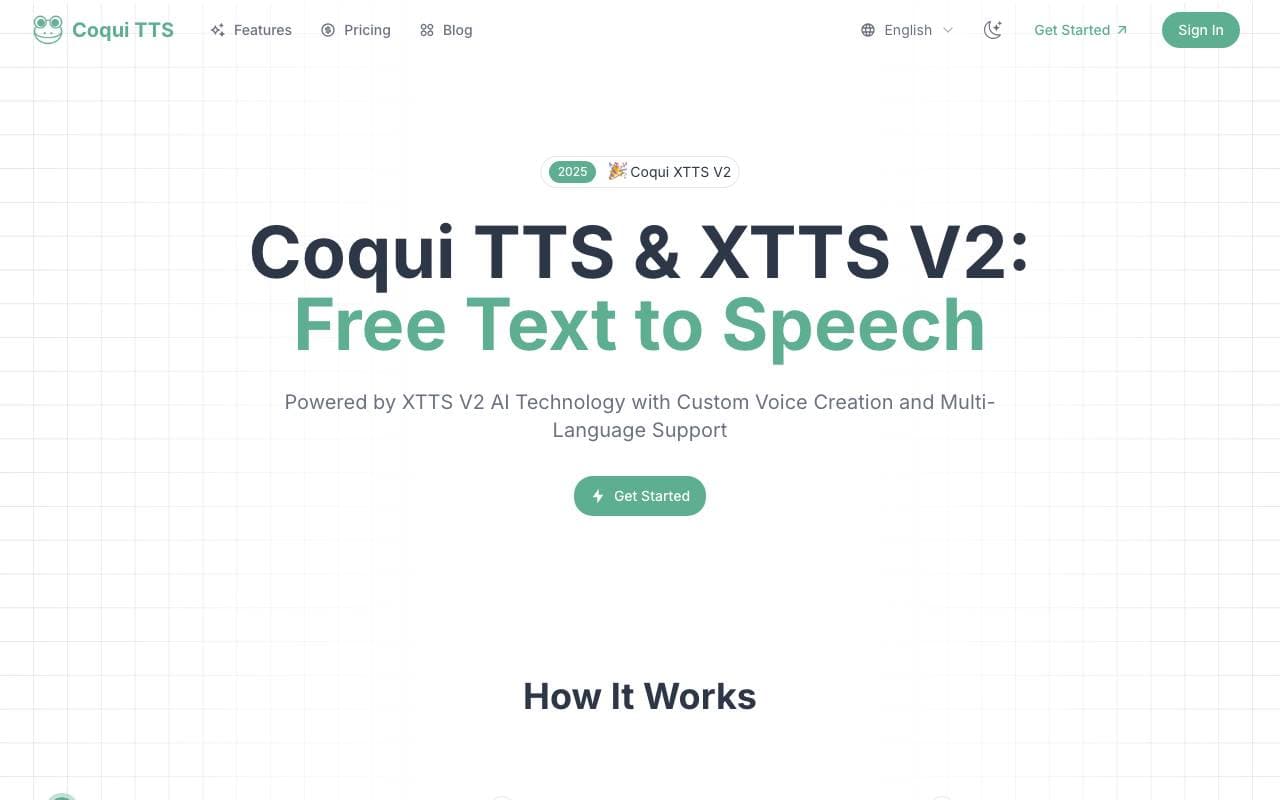
Coqui TTS
Audio Generation
Open-source text-to-speech toolkit with voice cloning and multilingual support.

TuneX AI Music, Song Generator
Audio Generation
AI-powered app for generating royalty-free songs, beats, and vocals across any genre.
Trending now


Claude
AI Agents & Chatbots
Conversational AI assistant from Anthropic for writing, analysis, coding, and document tasks

Doozer Ai
Sales Agent
Digital co-workers that automate operational workflows to boost team efficiency.


Consistent Character AI
Images
Generate consistent AI characters across scenes from a single reference photo.


Reducto AI
AI Agent Development Platforms
Document intelligence API that parses, splits, OCRs, and extracts structured data from complex PDFs, slides, and spreadsheets.