
ZuniChrome-Sidebar-Assistent, der E-Mails entwirft und über deine geöffneten Tabs funktioniert.

Übersicht
Hauptfunktionen
- Chrome-Sidebar-Interface
- Tab-sensible Kontextverständnis
- E-Mail-Vorlage und Antworten in Gmail
- Übersichten von Webseiteneinträgen
- Querverweise auf Schreibaufgaben im Web
- Schnellzugriff-Funktionen
Preise
- Modell
- Freemium
- Kategorie
- Productivity Agents
- Bewertung
- 4.5 / 5 (6)
Anwendungsfälle
Vorlagen für Antworten in Gmail in der Sidebar erstellen
Komponieren und ändern Sie E-Mail-Antworten direkt im Gmail-Sidebar, die Geschäftskonto-Verwaltung beschleunigen, ohne zu einem separaten AI-Chat-Werkzeug zu wechseln
Artikel und Webseiten zusammenfassen
Ziehen Sie Schlüsselpunkte auf der Seite, die Sie gerade lesen, ab, indem Sie es der aktiven Tab-Sektion als Kontext verwenden, was nützlich ist für Recherchen und Nachrichtenzusammenfassungen
Fragen zu Inhalten auf dem Bildschirm beantworten
Stellen Sie Zuni Fragen zu allem, was Sie auf der Bildfläche sehen, um Konzepte zu klären, Einzelheiten zu extrahieren, oder Erklärungen ohne den Text zu kopieren
Zugriffe auf Schreibfunktionen im Web
Mithilfe von Zuni Entwürfe, Bearbeitungen, oder Neubearbeitungen von Schriftstücken über die meisten Web-Applikationen zu treffen, um das Wechseln zwischen den getannten AI-Chatchattfenstern und Arbeit zu reduzieren
Pro & Contra
Pro
- Immer auf Abruf in der Chrome-Sidebar verfügbar
- Nutzt die Inhalte aktiver Tab-Sektionen für relevante Kontexte
- Gutes Gmail-Integration für die Vorbereitung von Antworten
- Arbeitet in vielen Web-Applikationen, nicht nur in einer
- Erwähnenswert, dass das Zuriieren zwischen Tabs und Fenstern reduziert wird
Contra
- Begrenzt auf Benutzer von Chrome
- Je nachdem, wie Web-Auftritts-Rechte verwendet werden, ist die Anzahl der verfügbaren Optionen limitiert
- Weniger nützlich außerhalb des Web-Browsers
- Qualität hängt von der Struktur der verwendeten Websites ab
Bewertungen
Durchschnitt aus 6 Bewertungen.
Melde dich an, um eine Bewertung abzugeben.
Solid for our team
We rolled this out across the team last quarter and works across many web apps, not just one. Quick-access shortcuts fits neatly into how we already work, and cross-app writing assistance removed a step we used to do by hand. Limited to Chrome users, which is the main caveat, but it has held up under daily use.
Years in this space
I've evaluated a lot of these over the years. What stands out here is web page summarization — handled better than most — and strong Gmail integration for drafting replies. Worth the time if this is your use case.
Skeptical, then convinced
I went in skeptical — most tools in this space overpromise. It actually delivers on cross-app writing assistance, and reduces tab and window switching caught me off guard. Less useful outside the browser is why this isn't a perfect score, still, I'd recommend giving it a real trial.
Years in this space
I've evaluated a lot of these over the years. What stands out here is cross-app writing assistance — handled better than most — and works across many web apps, not just one. Less useful outside the browser is my one real gripe. Worth the time if this is your use case.
Years in this space
I've evaluated a lot of these over the years. What stands out here is chrome sidebar interface — handled better than most — and always accessible from the Chrome sidebar. Limited to Chrome users is my one real gripe. Worth the time if this is your use case.
Solid for our team
We rolled this out across the team last quarter and uses current tab content for relevant context. Gmail email drafting and replies fits neatly into how we already work, and gmail email drafting and replies removed a step we used to do by hand. but it has held up under daily use.
Fragen & Antworten
Which browsers and apps does Zuni support?
Zuni runs as a Chrome sidebar extension, so it's limited to the Chrome browser. Inside Chrome, it works across most web apps, with particularly strong integration in Gmail for drafting and replying to emails.
What can Zuni actually do with the page I'm viewing?
Zuni is tab-aware, meaning it can read the context of your current page to summarize articles, answer questions about the content, and pull key details. It also assists with writing and quick tasks across web apps without switching windows.
What are Zuni's main limitations?
Zuni only works in Chrome and isn't useful outside the browser, so desktop or mobile app workflows aren't covered. It also relies on extension permissions for web access, and output quality can vary depending on how a website is structured.
Frage stellen
Alternativen zu Productivity Agents
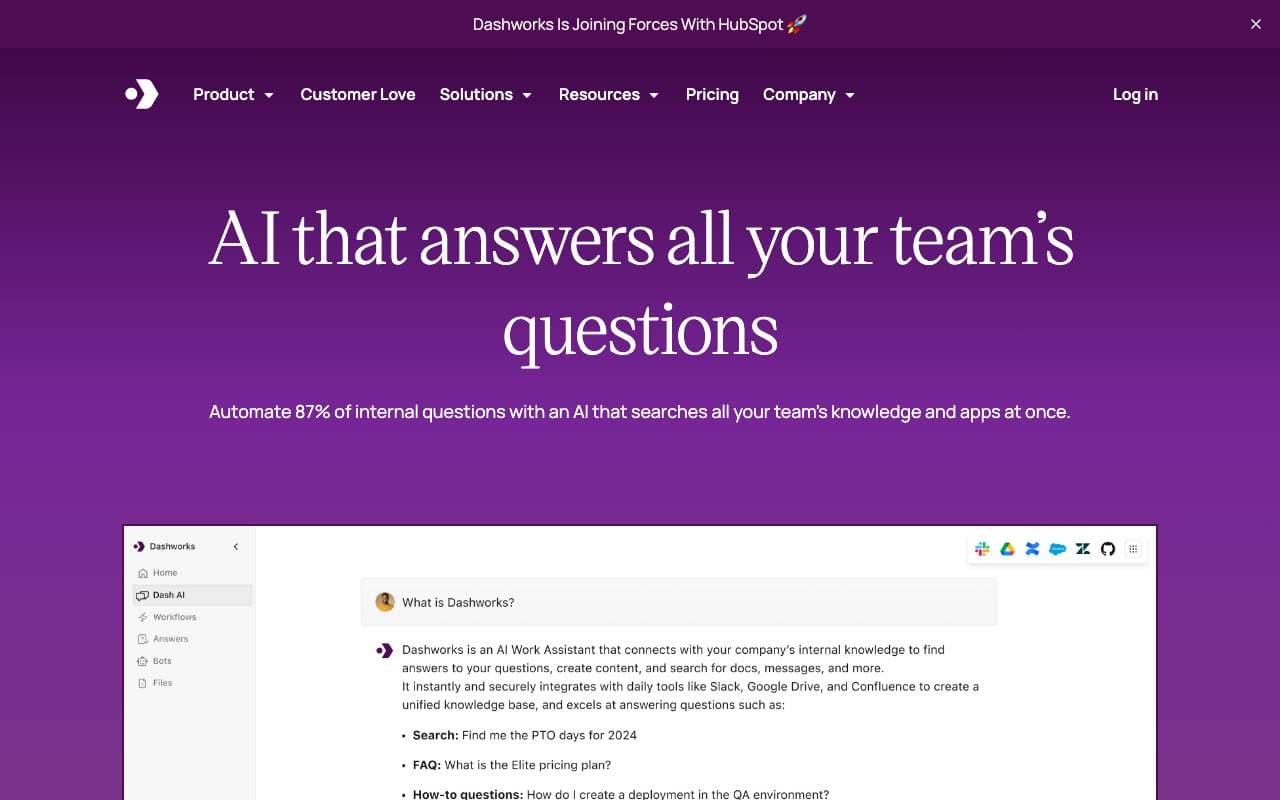

Dashworks AI
Productivity Agents
Ein AI-Assistent, der das Wissensmanagement im Arbeitsumfeld vereint, um sofortige, genaue Antworten in allen Ihren Tools und Apps bereitzustellen.
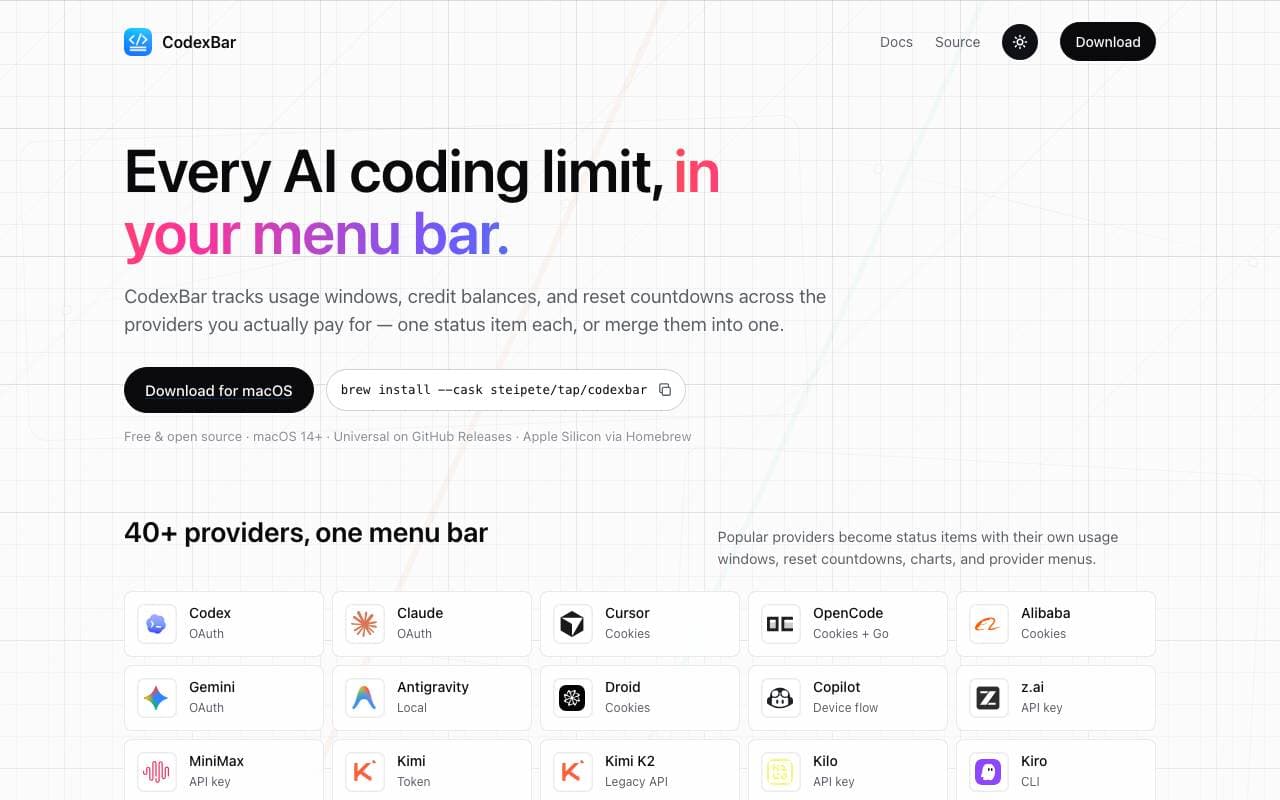

Codex Bar
Productivity Agents
Ein macOS-Menü-Balken-App, die die Grenzen, Reset und Credits von AI-Coding-Tools für Entwickler und Power-User aufspürt.
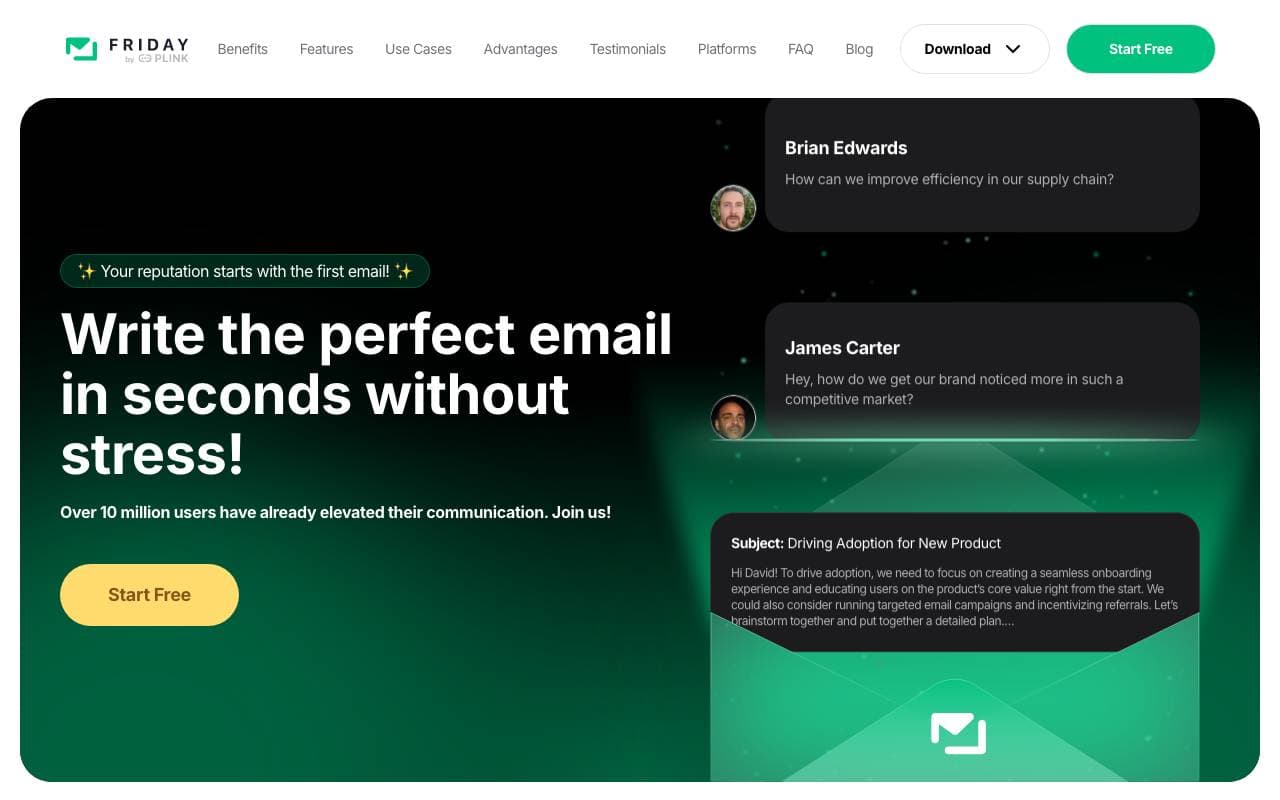

Friday AI
Productivity Agents
Eine mit KI-stützende Texterichter Schreibt Assistent, entwerfen, um e-mail-Konzeption durch personalisierte Vorschläge und die Flusskommunikation zu verbessern.
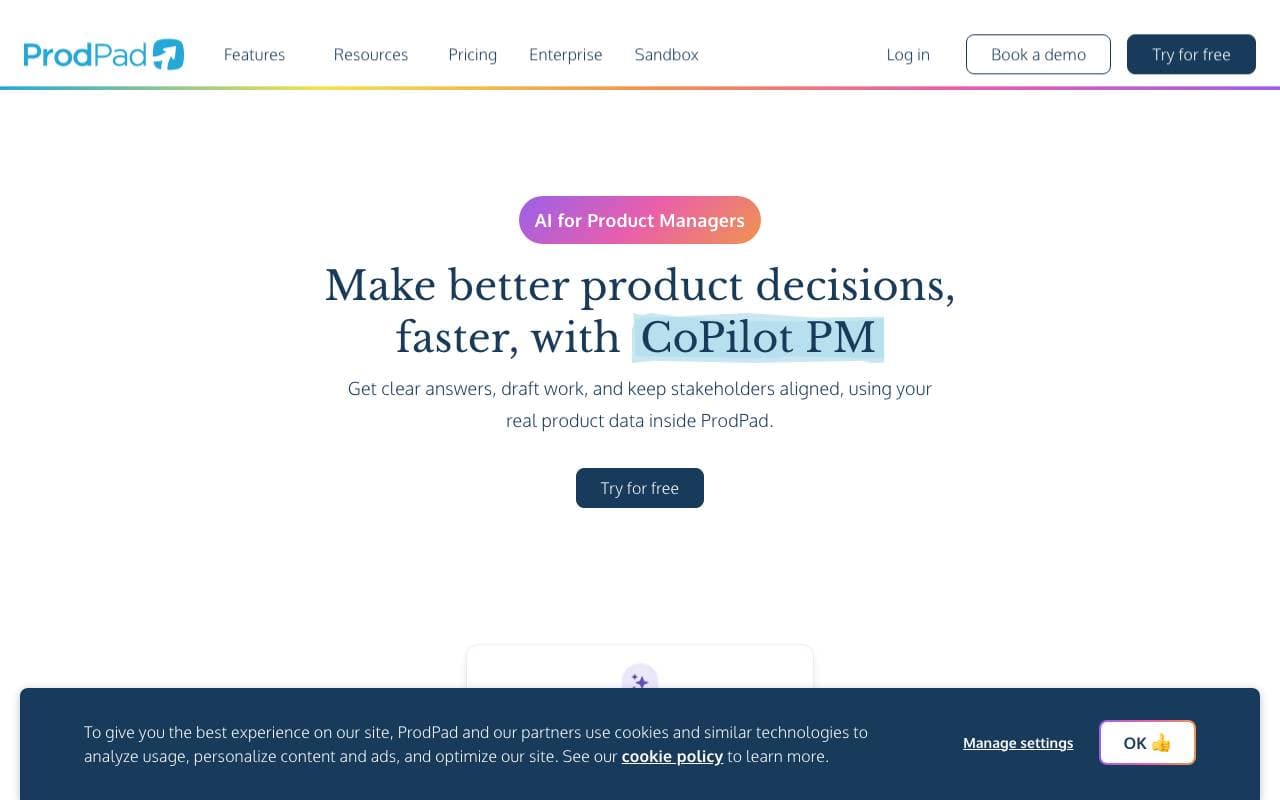

ProdPad CoPilot for Product Managers
Productivity Agents
KI-Asistent, integriert in ProdPad, um die täglichen Produktmanagementsaufgaben zu beschleunigen.
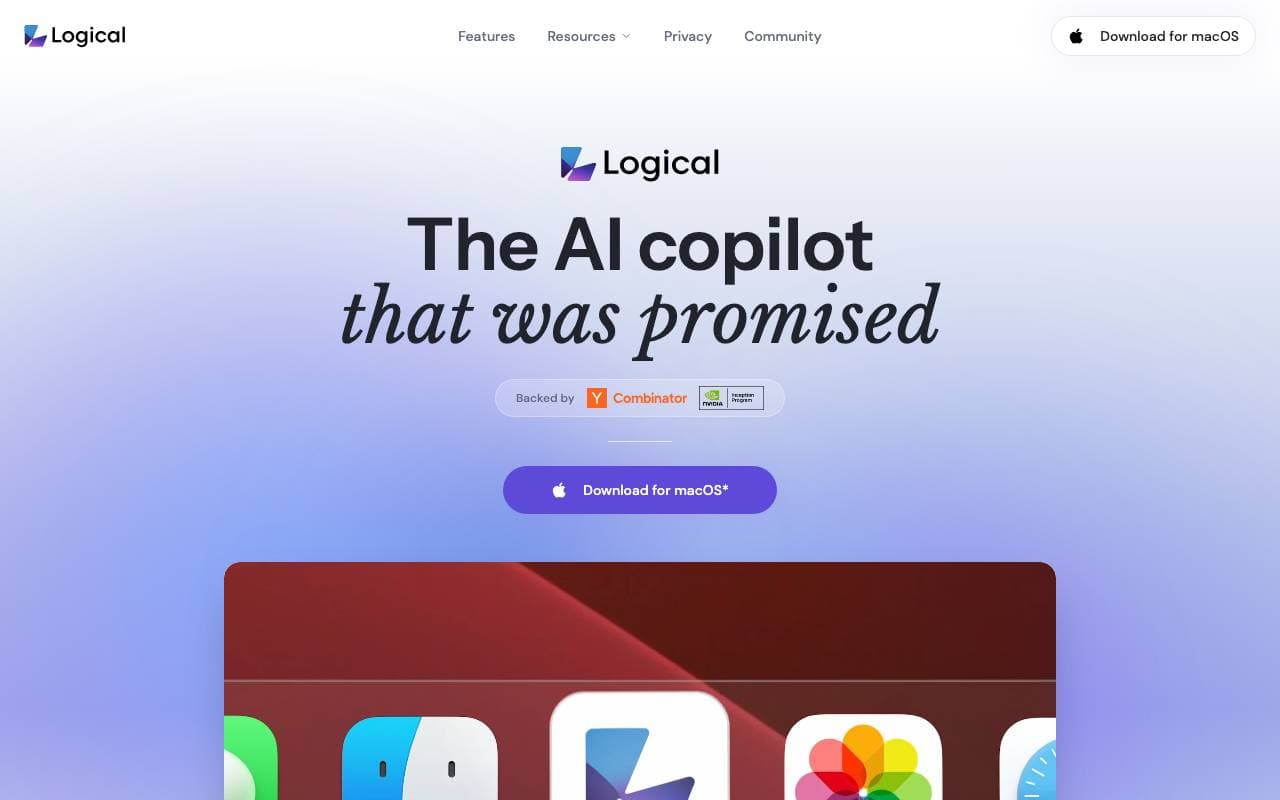

Logical
Productivity Agents
Ein proaktiver Desktop‑AI‑Copilot, der den Kontext auf dem Bildschirm versteht, Arbeiten entwirft und nächste Aktionen über Apps hinweg vorschlägt.
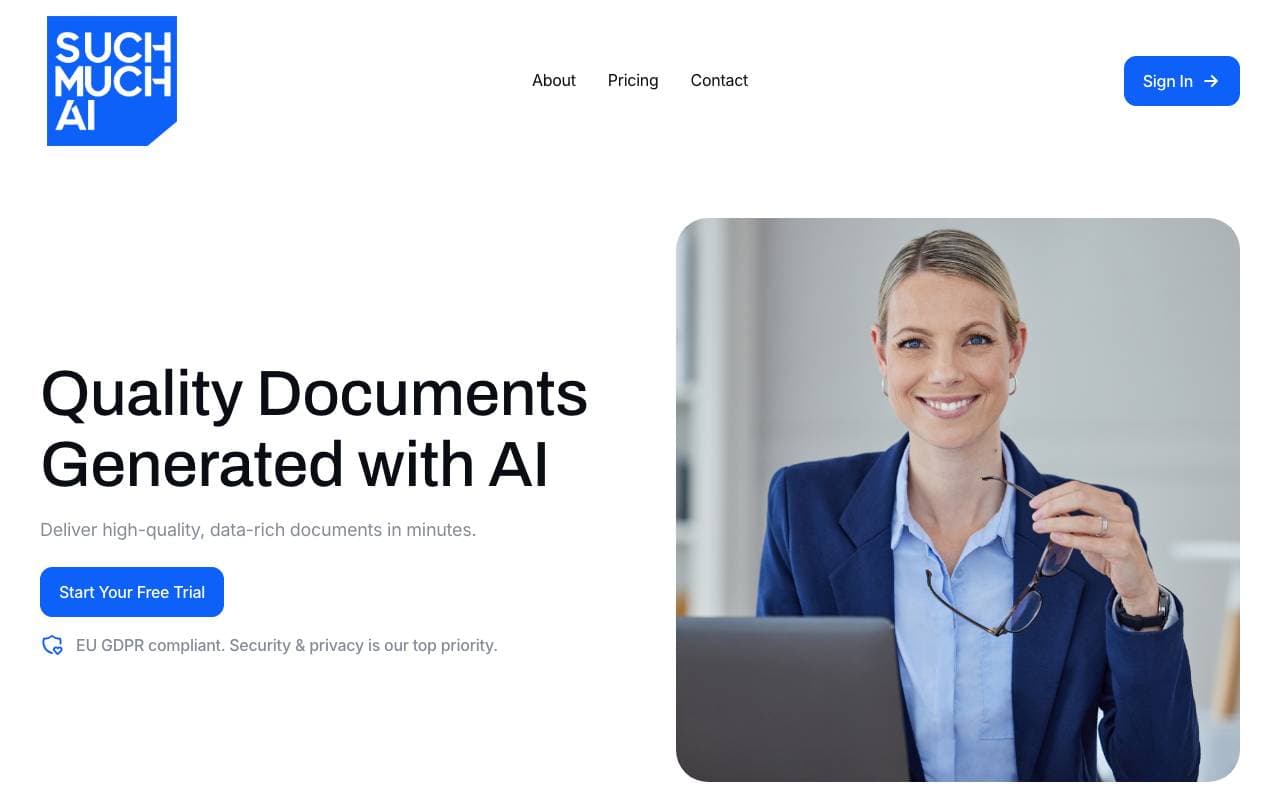

Such Much AI
Productivity Agents
Plattform für Kunstliche Intelligenz zur Erstellung von Verkaufsangeboten und Beschaffungskontrakten innerhalb von Minuten.

TealKit
Productivity Agents
Ein mobiler AI-Assistent für Android, der Werkzeuge, Automatisierungen und mehrere Anbieter verbindeter Modelle zum Absolvieren reeller Aufgaben verwendet.
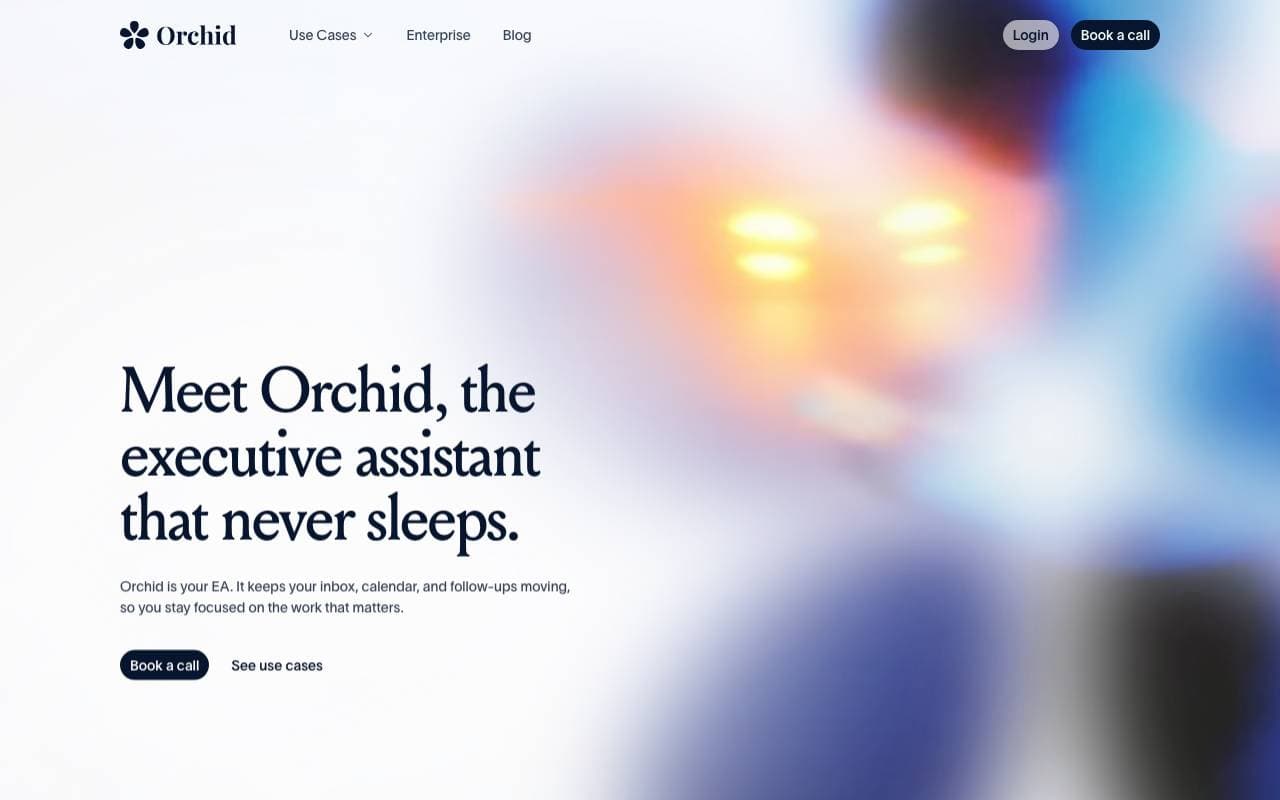

Orchid
Productivity Agents
Ein proaktiver Aufgabenverteilungsagent, der eingehende Aufgaben liest, nächste Schritte entwirft und auf die Genehmigung des Nutzers wartet.
Trending now


Claude
AI Agents & Chatbots
Konversations‑KI‑Assistent von Anthropic für Schreiben, Analyse, Programmieren und Dokumentaufgaben

Doozer Ai
Sales Agent
Digitale Mitarbeiter, die operative Workflows automatisieren, um die Effizienz von Teams zu steigern.


Consistent Character AI
Images
Erstellen Sie konsistente KI-Charaktere über Szenen hinweg aus einem einzigen Referenzfoto.


Pin AI
Workflow automation
Agentic AI Recruiter, der Sourcing, Screening und Outreach automatisiert, um den Einstellungsprozess zu beschleunigen.