y2docYouTube-Videos in wenigen Sekunden in strukturierte, lesbare Dokumente umwandeln.

Übersicht
Hauptfunktionen
- YouTube-URL-Eingabe
- Automatische Transkription und Strukturierung
- Formatierter Dokumentenausgabe
- Einzubelegter Workflow
- Browser-basierte Zugänglichkeit
Preise
- Modell
- Freemium
- Kategorie
- Content Creation Agents
- Bewertung
- 4.7 / 5 (6)
Anwendungsfälle
Leseunterlagen für Studenten
Recordete YouTube-Vorlesungen auf strukturierte Dokumente umwandeln, die Studenten lesen, durchsuchen und beziehen können, wenn sie sich auf den Unterricht oder die Wiederholung des Kurses vorbereiten.
Interviewzusammenfassung für Forscher
Lange, geschriebene Interviews und Diskussionsrunden in organisiertes Text umwandeln, um es Forschern leichter zu machen, Zitate, Themen und wichtige Punkte hervorzuheben.
Wiederverwertung von Videoinhalten
Inhaltschöpfer können ihre Videos in formatierte Dokumente umwandeln, die in Blogbeiträge, Newslettern oder sozialen Netzwerken adaptiert werden können, ohne manuelle Transkription.
Lesefördernde Konsumierungen
Professionisten, die lieber lesen als schauen, können schnell und einfach YouTube-Videos als saubere Dokumente aufschlüsseln, statt sich durch die gesamte Videolänge schauen zu müssen.
Pro & Contra
Pro
- Einfache eineklickige Videodokumentenkonvertierung
- Strukturierte, lesbare Ausgabe anstatt Rohtranskripte
- Zeitersparnis im Vergleich zur manuellen Niederschrift
- Verwendbarkeit in Studium, Forschung und Inhaltsflüssen
Contra
- Beschränkung auf YouTube als Quelle
- Ausgabequalität steht zur Qualität des Videos und seiner Klarheit
- Möglicherweise Schwierigkeiten mit Fachsprache oder starkem Akzent
Bewertungen
Durchschnitt aus 6 Bewertungen.
Melde dich an, um eine Bewertung abzugeben.
Does the job
Pretty happy overall. Automatic transcription and structuring just works and saves time compared to manual note-taking. but no dealbreakers — I'd recommend it to a friend without hesitating.
Compared a few options
Evaluated this against two competitors. Where it wins: one-click workflow and useful across study, research, and content workflows. On balance the feature set — especially browser-based access — justifies the 5 stars for our use case.
Does the job
Pretty happy overall. Formatted document output just works and one-click video-to-document conversion. Output quality depends on the video's audio and clarity can be annoying, but no dealbreakers — I'd recommend it to a friend without hesitating.
Compared a few options
Evaluated this against two competitors. Where it wins: one-click workflow and one-click video-to-document conversion. Where it lags: output quality depends on the video's audio and clarity. On balance the feature set — especially automatic transcription and structuring — justifies the 5 stars for our use case.
Does the job
Pretty happy overall. Browser-based access just works and produces structured, readable output rather than raw transcripts. Limited to YouTube as a source can be annoying, but no dealbreakers — I'd recommend it to a friend without hesitating.
Compared a few options
Evaluated this against two competitors. Where it wins: youTube URL input and one-click video-to-document conversion. Where it lags: output quality depends on the video's audio and clarity. On balance the feature set — especially one-click workflow — justifies the 4 stars for our use case.
Fragen & Antworten
What types of videos and sources does y2doc support?
y2doc works exclusively with YouTube videos. You paste a YouTube URL into the web tool, and it returns a structured, formatted document. Other video sources or file uploads are not supported.
What are the main limitations I should expect from the output?
Output quality depends on the video's audio clarity, so noisy recordings, strong accents, or niche terminology may reduce accuracy. y2doc is also limited to YouTube as a source, so it won't work for other platforms or local files.
How is y2doc different from just copying a YouTube transcript?
Instead of giving you a raw, unformatted transcript, y2doc automatically organizes the content into a clean, structured document that's easier to read, search, and reference—useful for notes, research review, or repurposing content.
Frage stellen
Alternativen zu Content Creation Agents
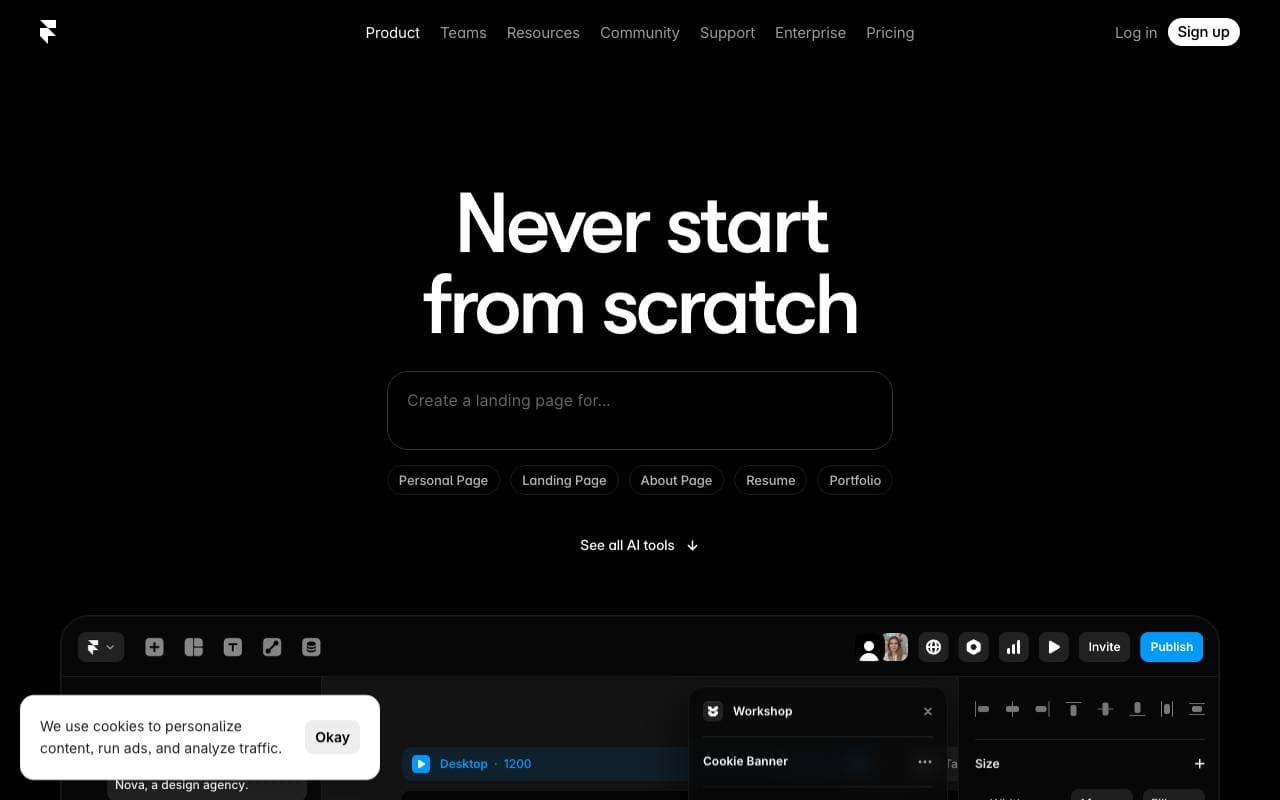

Framer AI
Content Creation Agents
Künstliche-Intelligenz-zugeschnittener Website-Bauer mit sofortiger Übersetzung, Textumschrift und Markenstyling
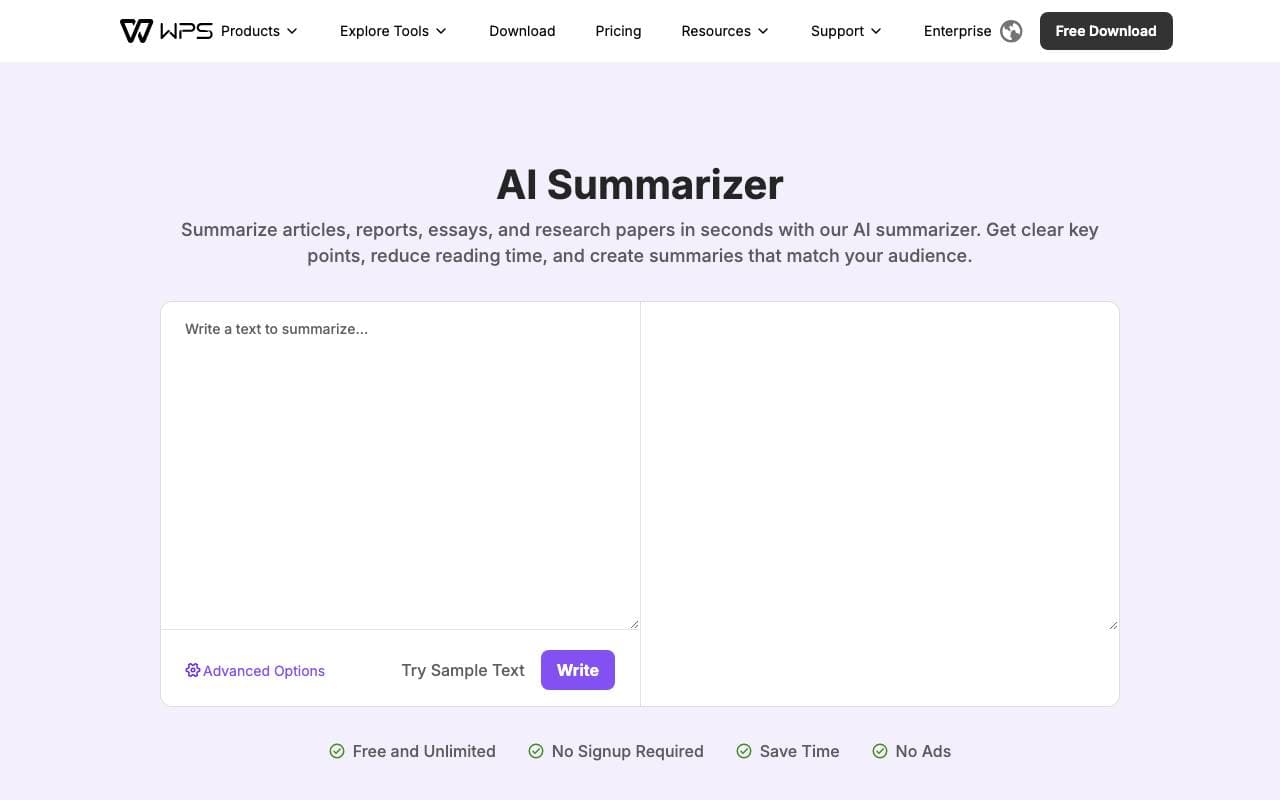

WPS AI Summarizer
Content Creation Agents
Artificial Intelligence-Zusammenfassung, die Artikel und Dokumente mit anpassbarer Länge und Zielgruppensteuerung komprimiert.
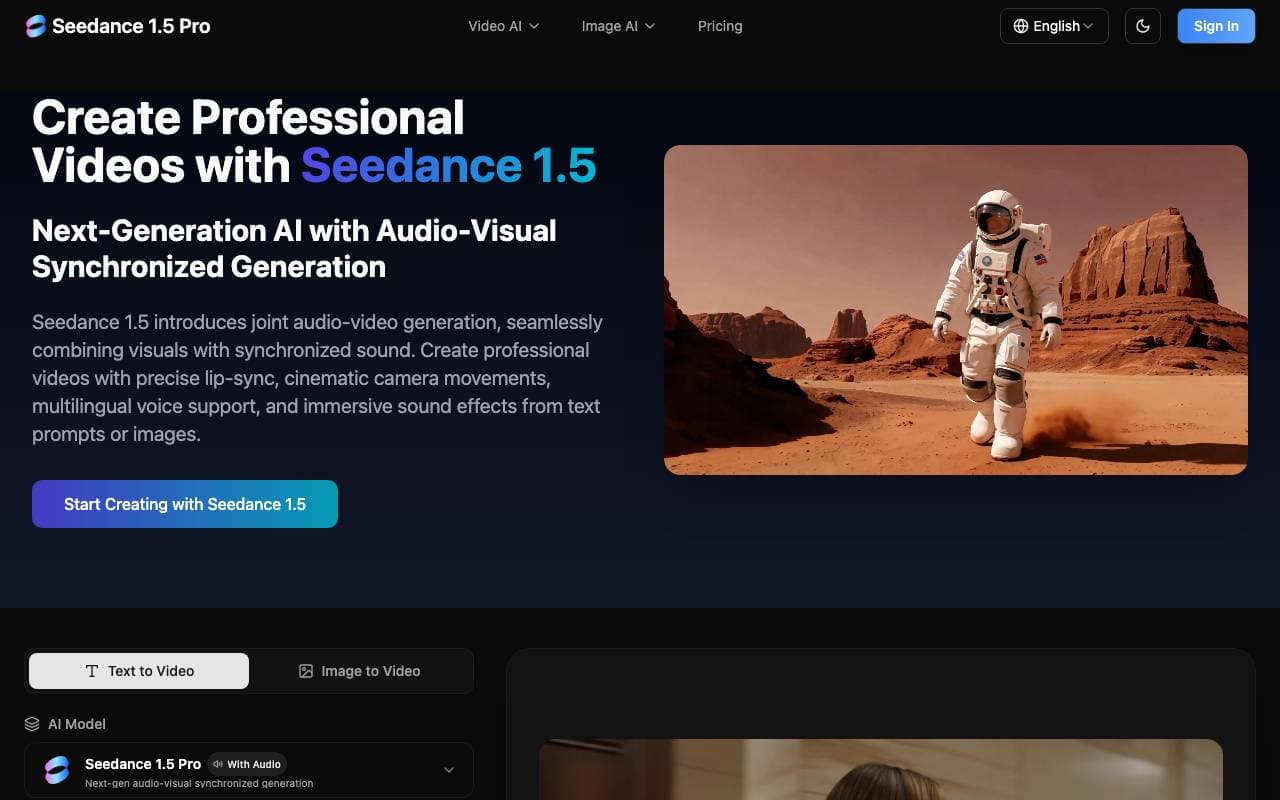

Seedance 1.5 Pro
Content Creation Agents
Plattform für AI-gestützte Bildung von Videos mit synchronisierten Audio (Stimme, Lippen-Synchronisation, SFX) von Text oder Bilddaten, plus Bildgenerierung und AI-gestützter Bildbearbeitung.

AiBlogBot
Content Creation Agents
Künstliche-Intelligenz-basierte Ersteller von langen Artikel für WordPress-Blogs
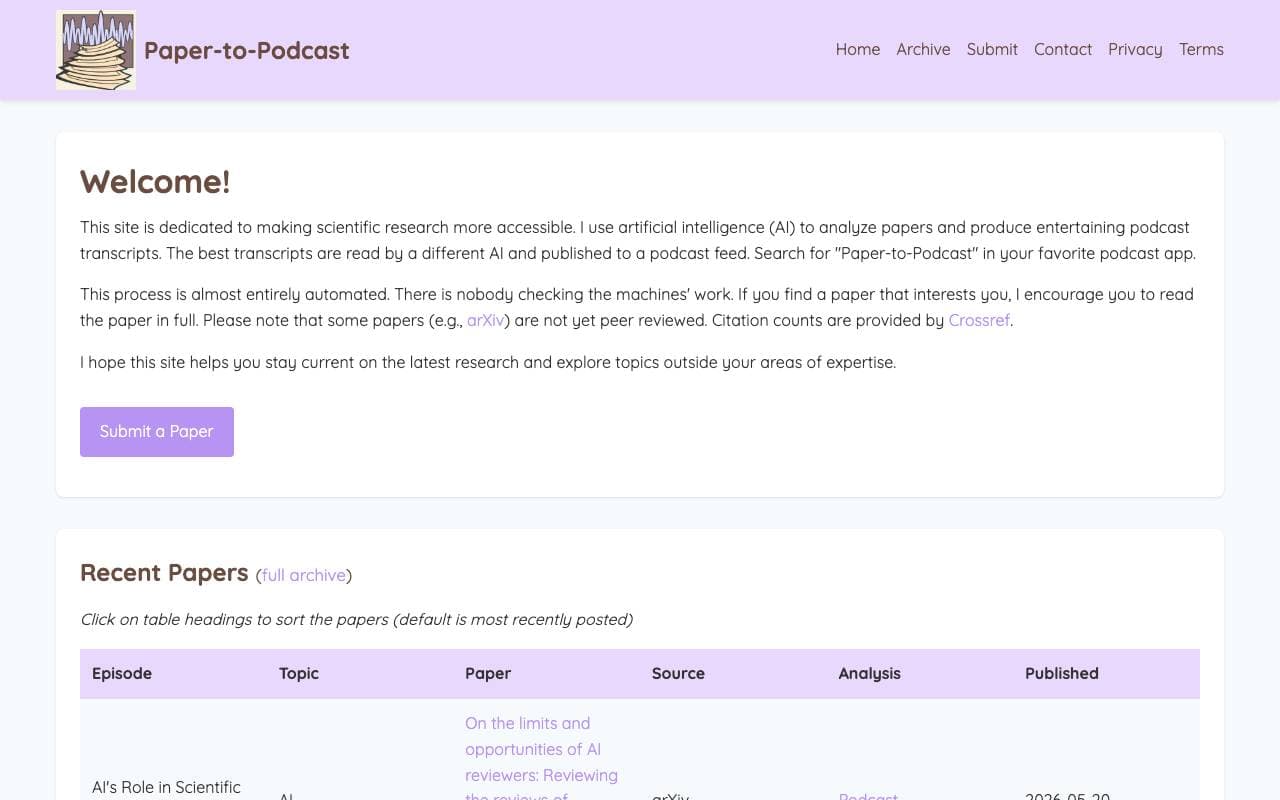

Paper-to-Podcast
Content Creation Agents
Eine KI-gestützte Plattform, die wissenschaftliche Forschungspapiere in fesselnde Podcast-Episoden verwandelt und damit wissenschaftliches Wissen zugänglicher macht.
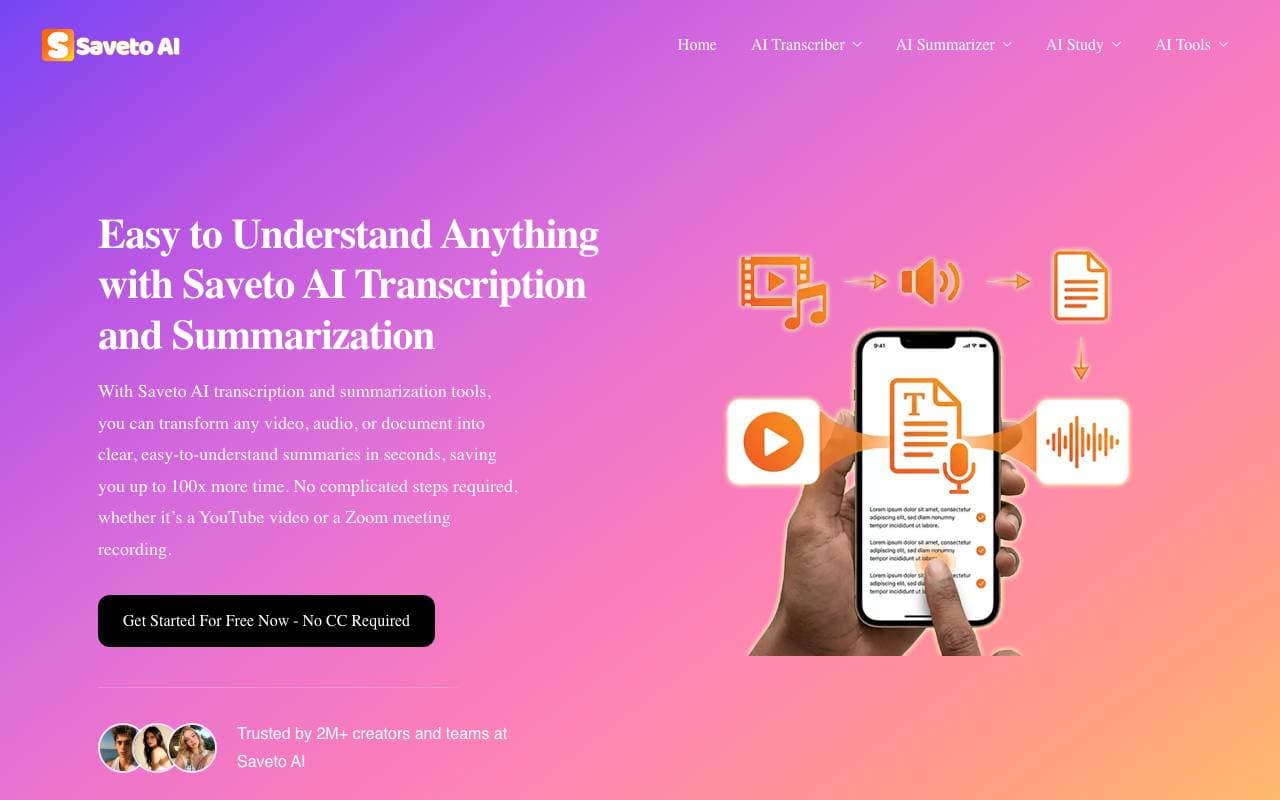

Saveto AI
Content Creation Agents
Arbeitsplatz für AI zum Transkribieren, Übersetzen und zusammenfassen von Audio- und Videoinhalten
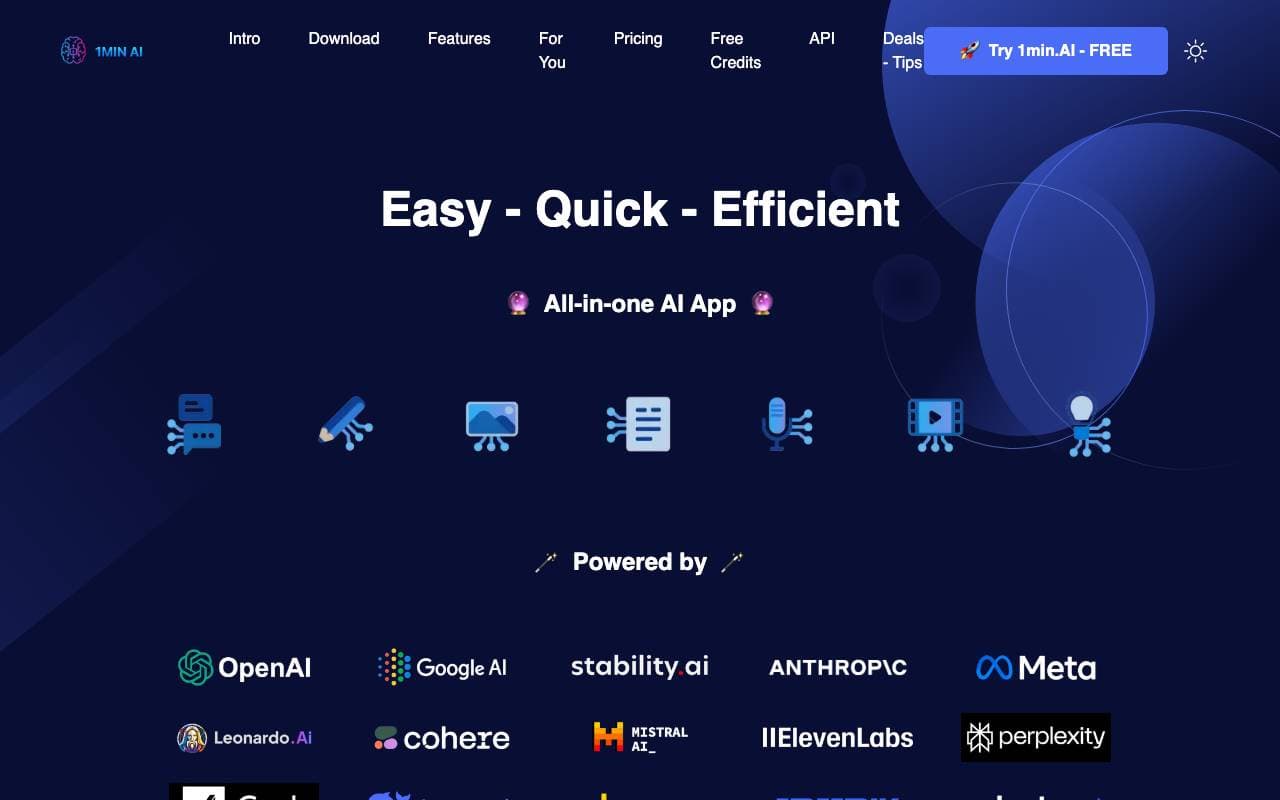

1min.AI
Content Creation Agents
Alles-in-einem AI-Arbeitsbereich, der erstklassige Modelle für Text, Bild, Audio und Video kombiniert.
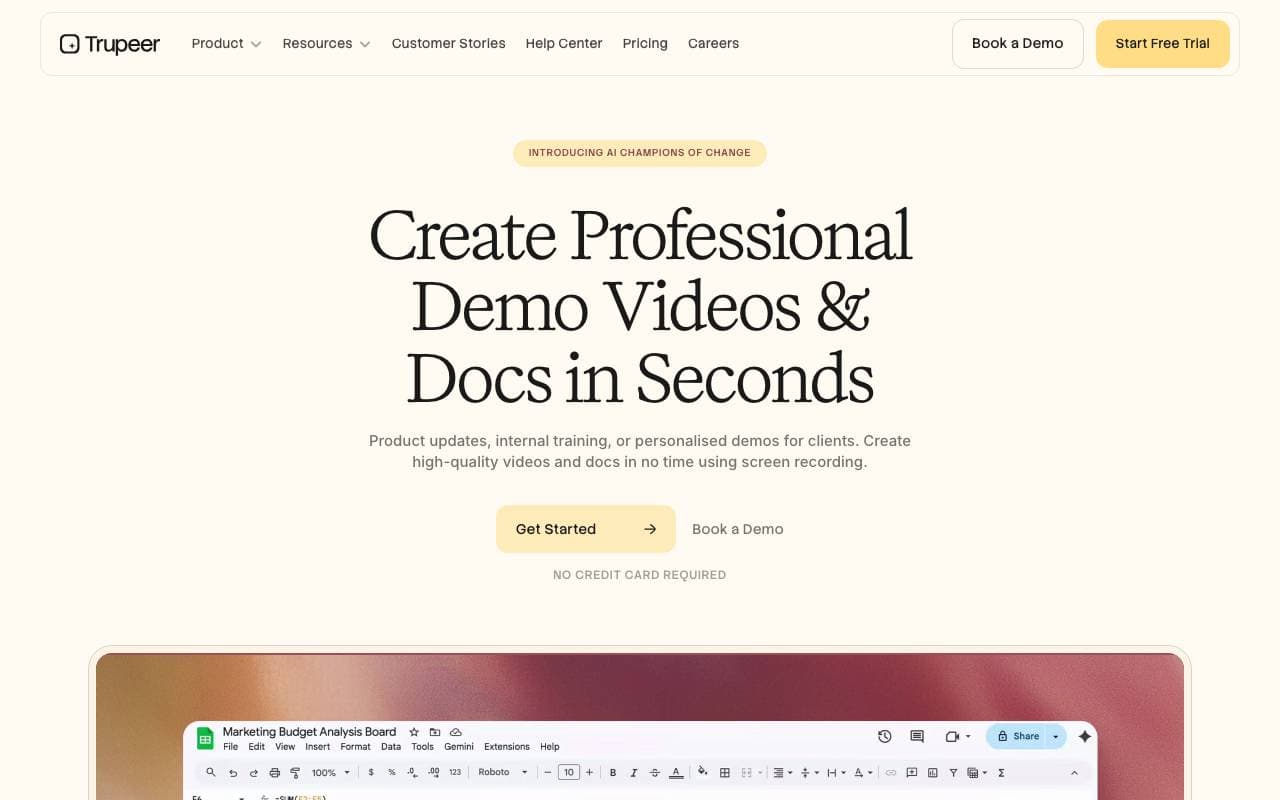

Trupeer AI
Content Creation Agents
Ruhende Bildaufnahmen in professionelle Videos und Schritt-für-Schritt-Anleitungen automatisch umwandeln.
Trending now

Doozer Ai
Sales Agent
Digitale Mitarbeiter, die operative Workflows automatisieren, um die Effizienz von Teams zu steigern.


Claude
AI Agents & Chatbots
Konversations‑KI‑Assistent von Anthropic für Schreiben, Analyse, Programmieren und Dokumentaufgaben


Consistent Character AI
Images
Erstellen Sie konsistente KI-Charaktere über Szenen hinweg aus einem einzigen Referenzfoto.


Mistral AI
Large Language Models (LLMs)
Open‑Weight-Modelle der Spitzenreihe