
SkillMap: AI Skill managerZentraler Manager für AI-Fähigkeiten, der Prompts und Tools auf jedem IDE mit einer Einrichtung synchronisiert.

Übersicht
Hauptfunktionen
- Inter-IDE-Fähigkeits-Synchronisierung
- Einfaches Skill-Erweiterungs- und -Installations-Suchsystem
- Gemeinsame Bibliothek für AI-Prompts und -Tools
- Zentralisierte Fähigkeits-Konfiguration
- Förderung von Entwickler-Workflow-Integration
Preise
- Modell
- Free
- Kategorie
- Workflow
- Bewertung
- 4.4 / 5 (5)
Anwendungsfälle
Synchronisierung von AI-Prompts auf mehreren IDEs
Installieren Sie eine AI-Fähigkeit einmal in SkillMap und haben Sie Zugriff auf die gleichen Prompts und Tools in VS Code, JetBrains und anderen Entwicklungsumgebungen ohne eine jede Umgebung neu einzurichten.
Standardisierung der teamübergreifenden AI-Workflows
Teilen Sie eine einheitliche Bibliothek von AI-Fähigkeiten innerhalb einer Entwicklungsmannschaft, damit jeder Mitglied konsistente Prompts und Agenten nutzt, unabhängig von deren bevorzugten Entwicklungsumgebung.
Suchen und Installieren von AI-Fähigkeiten schnell
Suchen Sie in einer zentralen Katalogisierung von AI-Fähigkeiten und fügen Sie sie mit einem Klick Ihrer Kodierumgebung hinzu, um manuelle Setup-Erweiterungen oder -Prompts zu vermeiden.
Zentralisierung der Fähigkeiten-Konfiguration
Haben Sie einen einzigen Referenzpunkt für AI-Tool-Einstellungen und Promptbibliotheken, um wiederholende Konfiguration zu reduzieren, wenn Sie zwischen Editors oder Projekten umschalten
Pro & Contra
Pro
- Einfaches Installationsprozedere funktioniert auf mehreren IDEs
- Zentralisierte Fähigkeits-Verwaltung
- Reduziert wiederholende Konfiguration
- Eine konsistente AI-Verhaltensweise zwischen Umgebungen
Contra
- Auf die Abdeckung der IDE-Integration angewiesen
- Benötigt die Adoption, um für Teams nützlich zu sein
- Einschränkungen der öffentlichen Informationen zu avancierten Funktionen
Bewertungen
Durchschnitt aus 5 Bewertungen.
Melde dich an, um eine Bewertung abzugeben.
Use it every day
Honestly didn't expect to like it this much. Centralized configuration management is exactly what I needed, and consistent AI behavior between environments. but I reach for it almost every day now and it just clicks.
Skeptical, then convinced
I went in skeptical — most tools in this space overpromise. It actually delivers on one-click skill search and install, and consistent AI behavior between environments caught me off guard. Depends on IDE integration coverage is why this isn't a perfect score, still, I'd recommend giving it a real trial.
Use it every day
Honestly didn't expect to like it this much. Cross-IDE skill synchronization is exactly what I needed, and consistent AI behavior between environments. I do wish requires adoption to be useful for teams, but I reach for it almost every day now and it just clicks.
Compared a few options
Evaluated this against two competitors. Where it wins: centralized configuration management and centralized management of AI skills. Where it lags: requires adoption to be useful for teams. On balance the feature set — especially cross-IDE skill synchronization — justifies the 4 stars for our use case.
Solid for our team
We rolled this out across the team last quarter and reduces repetitive configuration. Unified AI prompt and tool library fits neatly into how we already work, and cross-IDE skill synchronization removed a step we used to do by hand. Depends on IDE integration coverage, which is the main caveat, but it has held up under daily use.
Fragen & Antworten
Is SkillMap suitable for solo developers or only teams?
It works for both, but its value scales with adoption. Solo developers benefit from centralized configuration and one-click install across their IDEs, while teams gain the most when everyone uses it to share a unified AI prompt and tool library.
Which IDEs does SkillMap support for skill synchronization?
SkillMap is designed to sync AI skills across multiple IDEs, with explicit support mentioned for VS Code, JetBrains, and other editors. Actual coverage depends on available IDE integrations, so check current compatibility before adopting it across your stack.
What problem does SkillMap solve compared to configuring AI tools in each IDE separately?
It acts as a single source of truth for prompts, agents, and AI extensions, so you install a skill once and have it available everywhere you code. This reduces repetitive setup and keeps AI behavior consistent across environments for both individuals and teams.
Frage stellen
Alternativen zu Workflow
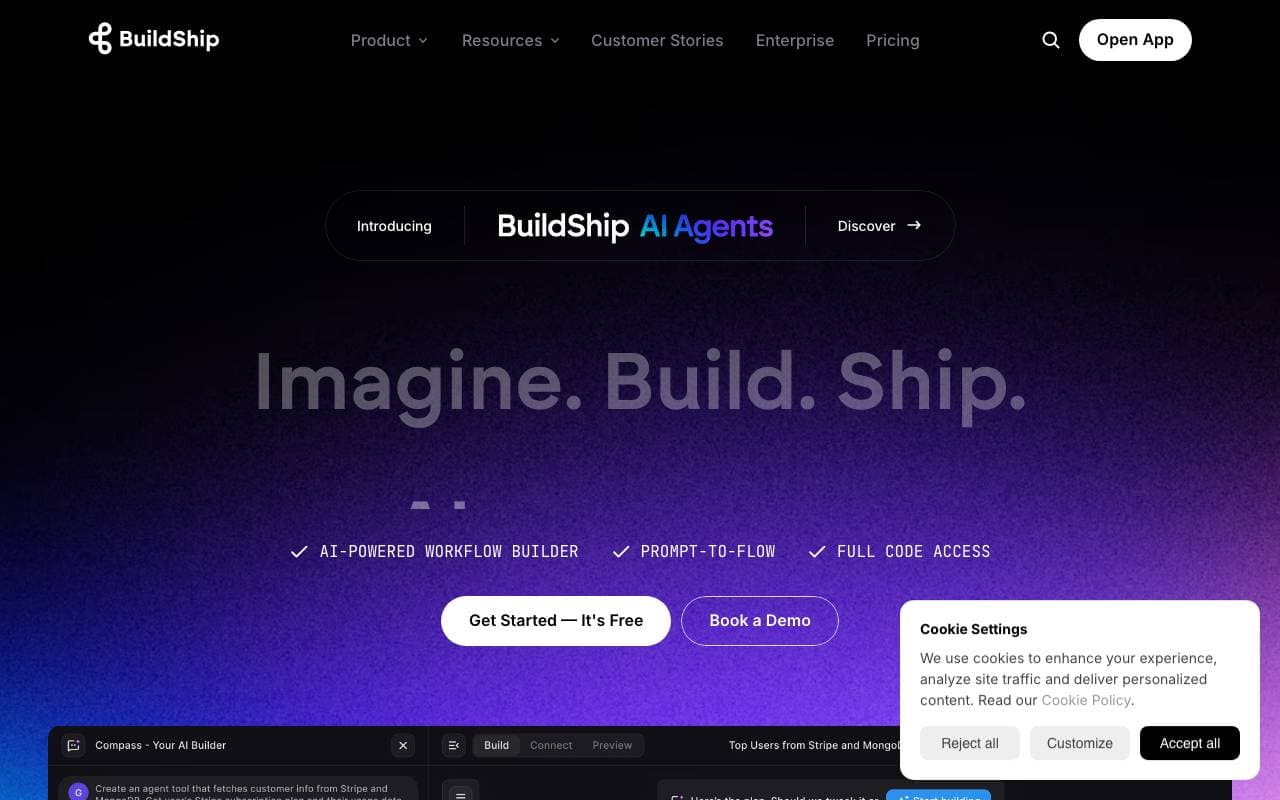
BuildShip
Workflow
Low-code visueller Bau von AI-Workflows, APIs und Backend-Automatisierungen mithilfe von einfachem Sprachgebrauch.
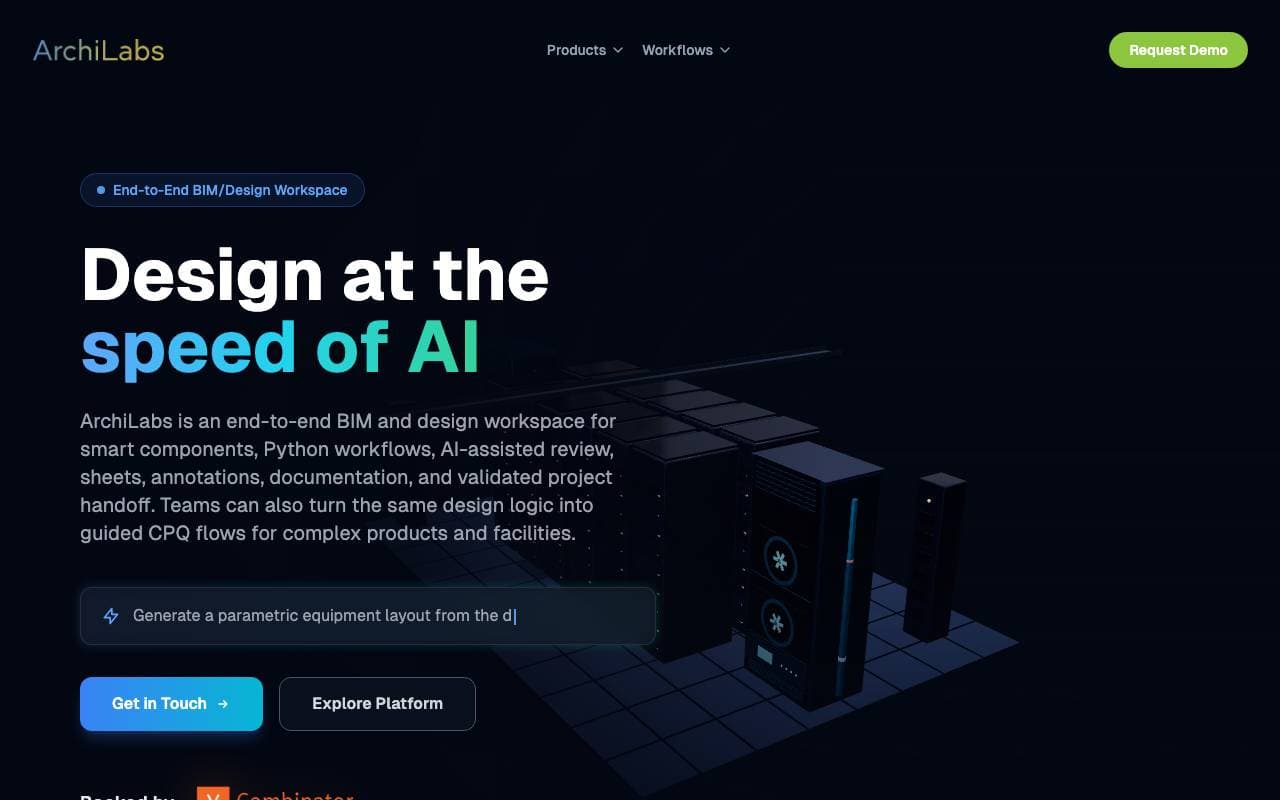
ArchiLabs
Workflow
KI-Co-Pilot für Revit, der Modellierungsaufgaben über eine einfache Chat-Schnittstelle automatisiert
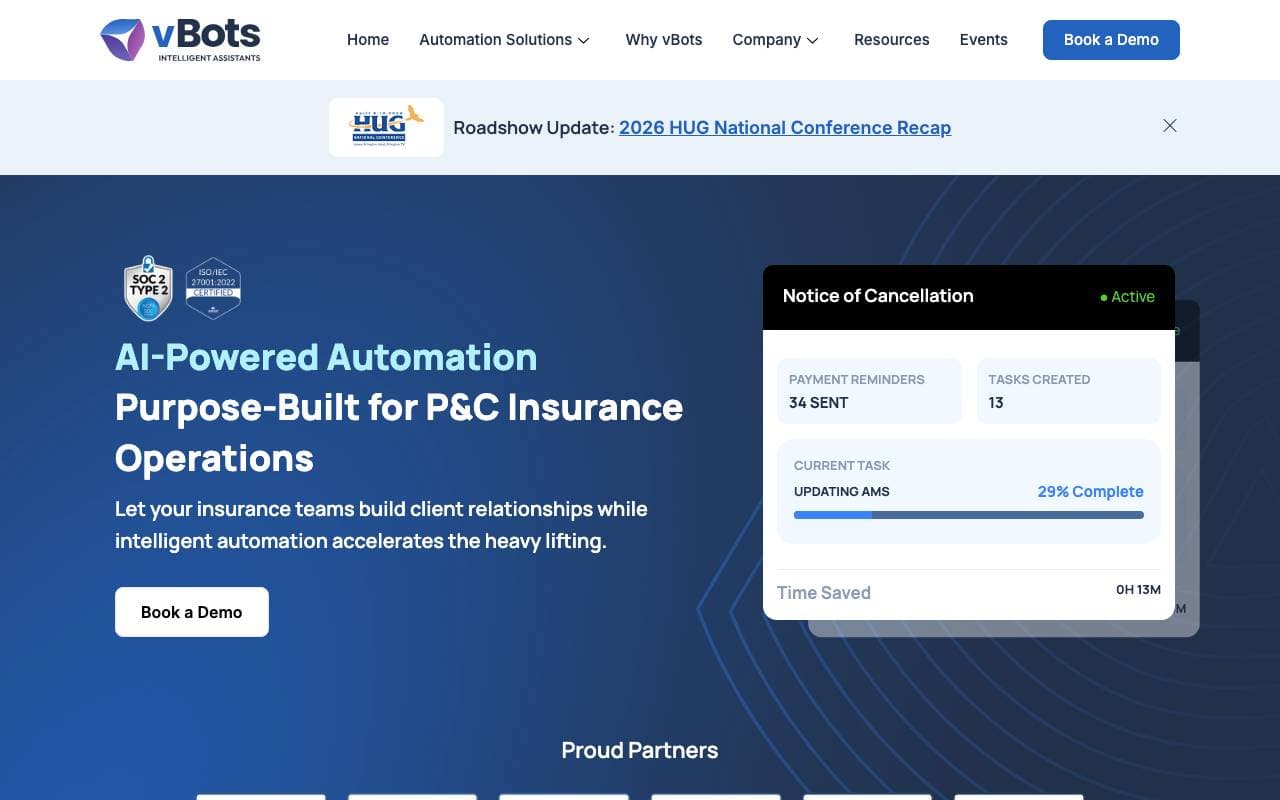

vBots AI
Workflow
Intelligente Automation, um die Verarbeitungsabläufe im Versicherungswesen zu beschleunigen und manuelle Fehler zu minimieren.
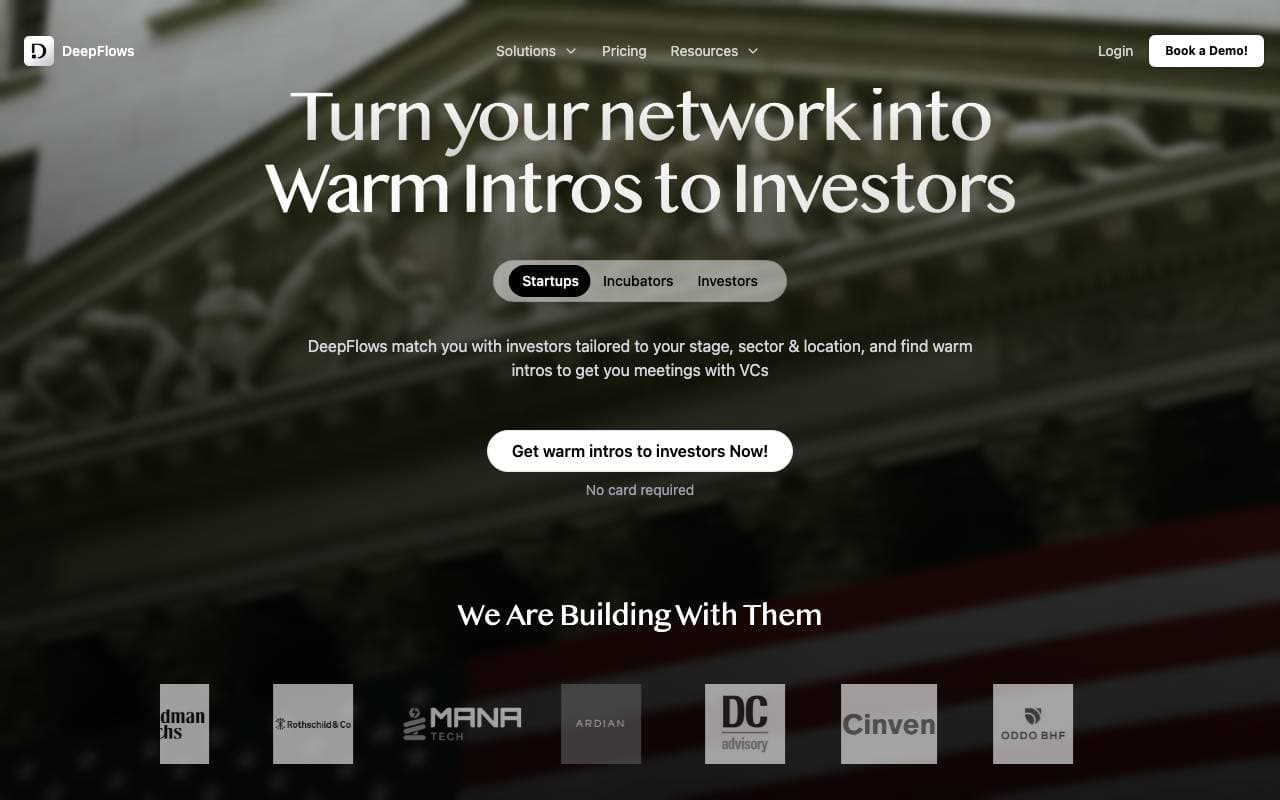

DeepFlows AI
Workflow
KI-gestützte Assistenten, die die Produktivität von Finanzberatern und Investoren durch automatisierte komplexe Dokumentbearbeitung und Informationsanalyse verbessern.
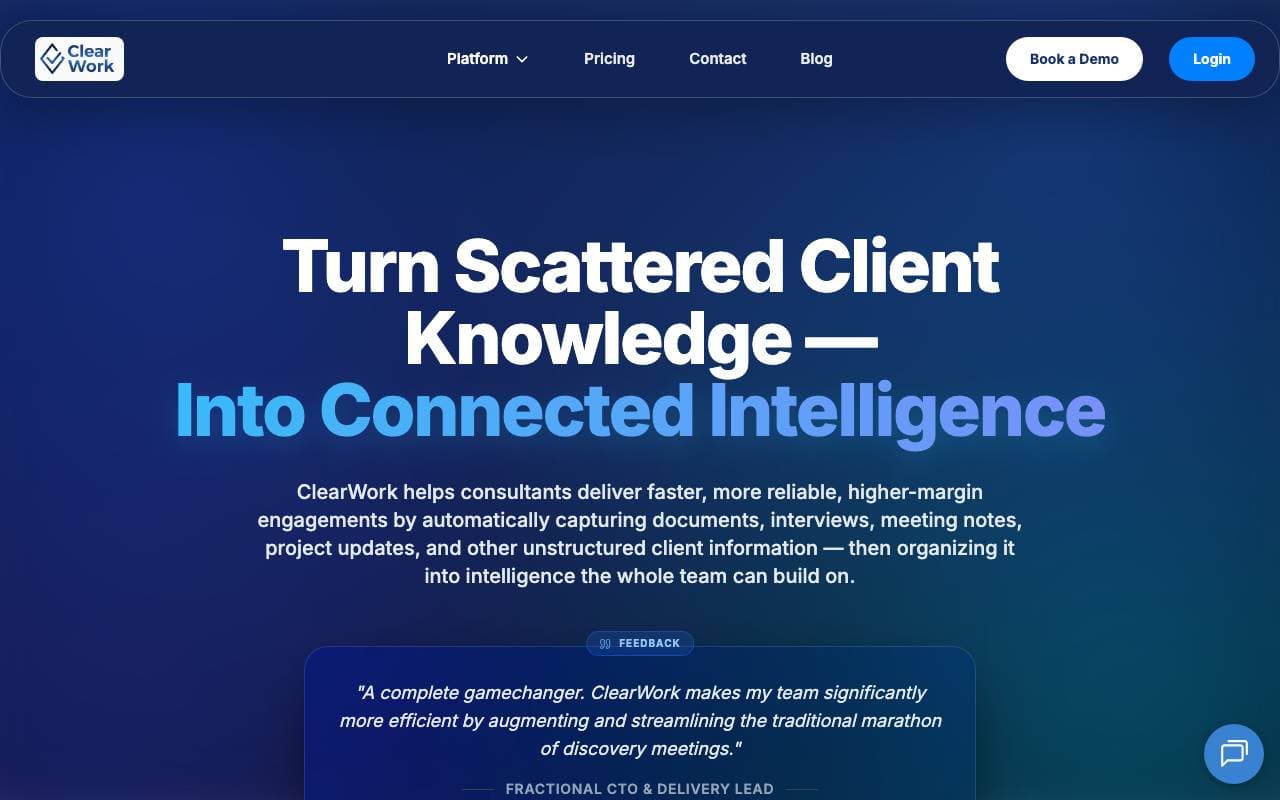

ClearWork Discovery Agent
Workflow
Automatisierte Prozessentdeckung, die in Stunden statt Monaten eine Abbildung und Automatisierung von Workflows erstellt.
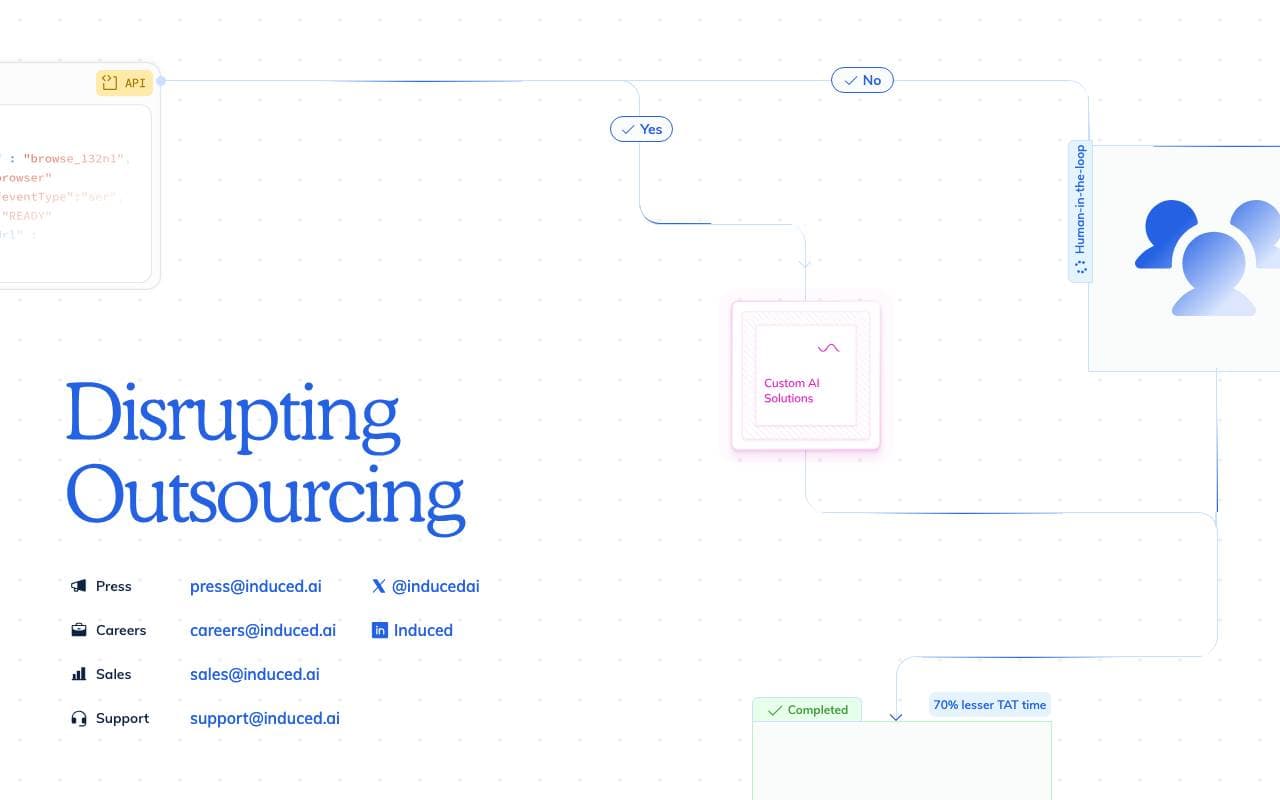

InducedAI
Workflow
Plattform für browser-native Workflows mit künstlicher Intelligenz
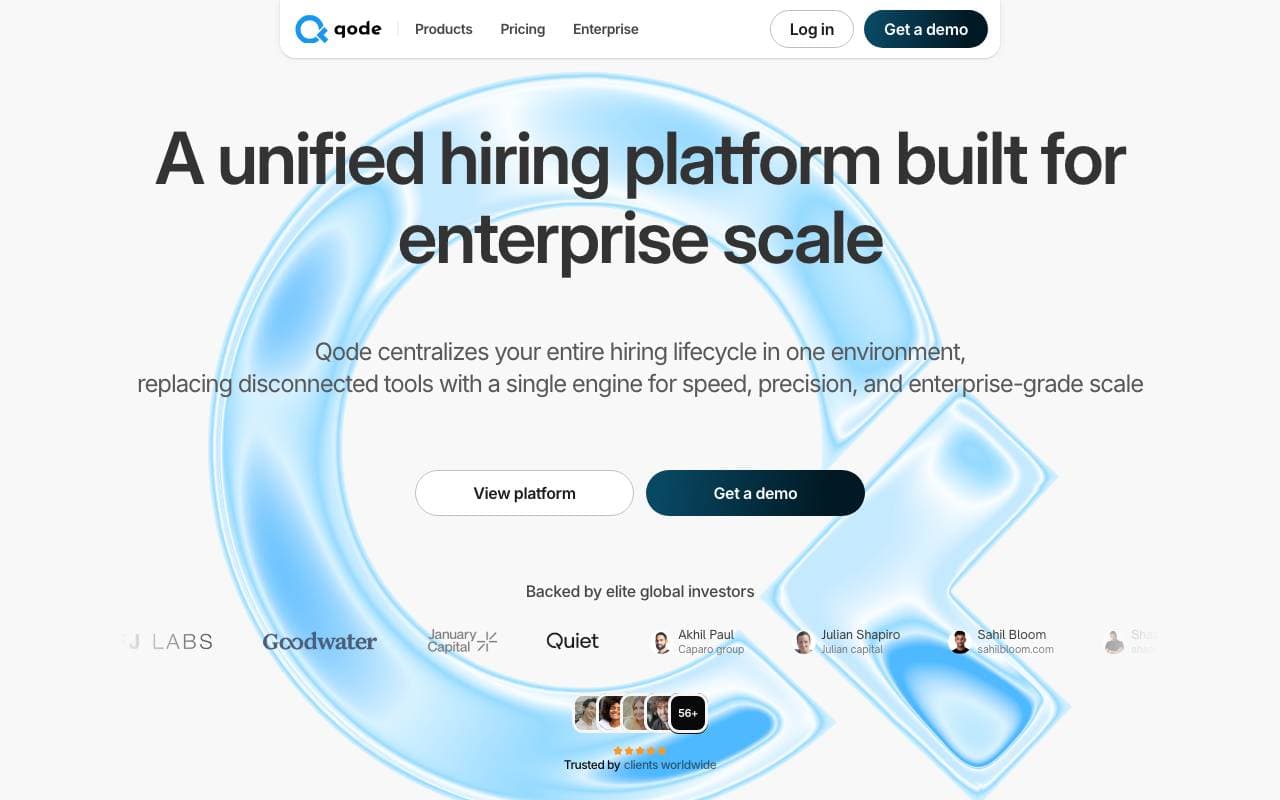

qode
Workflow
Mit künstlicher Intelligenz getriebene Stellenauswahlautomatisierung, die Kandidaten vom ersten bis zum letzten Schritt effizient sucht, befragt und bewertet.


Activepieces
Workflow
Open-Source, no-Code, KI-zentrierte Automationsplattform zum Erstellen von Workflows und autonomen Agenten.
Trending now


Midjourney
Image Generation
Erstelle atemberaubende Bilder aus Text

Doozer Ai
Sales Agent
Digitale Mitarbeiter, die operative Workflows automatisieren, um die Effizienz von Teams zu steigern.


EmblemAI
DeFi Agents
KI-gestützter Krypto-Assistent für die Verwaltung von Assets über mehrere Blockchain-Netzwerke hinweg.


LeanSentry
Software Development
KI-gestützte Diagnostik und Überwachung für IIS- und ASP.NET-Leistungsprobleme.