
Seadance AIEin-Klick-AI-Studio für die Erstellung und Bearbeitung von Videos und Bildern aus Text oder Fotos

Übersicht
Hauptfunktionen
- Text-to-Videogenerierung
- Bild-zu-Videounterstückung
- Text-to-Bild-Erstellung
- Künstliche-Intelligenz-gestützte Bildbearbeitung
- Gesichtsaustausch und visuelle Effekte
- Eingebundenes Workspace für mehrere Medientypen
Preise
- Modell
- Freemium
- Kategorie
- Video AI Agents
- Bewertung
- 4.5 / 5 (6)
Anwendungsfälle
Erstelle Kurzformvideos für soziale Medien
Erzeuge aufmerksame Clips aus Text-Eingaben oder animiere Stillfotos, um Inhalte für TikTok, Instagram Reels und andere Kurzformplattformen zu erstellen, ohne Video-Edit-Skills zu besitzen.
Visualisiere Marketing-Konzepte schnell
Unternehmensberater können Bilder und Videobestandsstücke aus Beschreibungen spinnen, um Einführungs- und Produkt-Kampagnen, Werbeausschnitte oder Produktkonzepte schnell zu testen, bevor eine vollständige Produktion stattfindet.
Stilisier und retuschiere Fotos
Mithilfe künstlich-intelligenzgetriebener Bearbeitung, Effekten und Gesichtsaustausch-Funktionen können Sie persönliche Bilder verbessern, thematisierte Bilder erstellen oder experimentelle, spielerische Umwandlungen anwenden.
Hobbypersönliches kreatives Experimentieren
Nicht-seriöse Nutzer können in einem Workspace kreativ mit generativen AI verbinden, um aus Text- zu Bilddarstellung, text- zu videogenerierung und Bildanimation zu lernen und zu erstellen.
Pro & Contra
Pro
- Verbindet Video- und Bildgenerierung in einem Interface
- Bietet sowohl Text- als auch Bild-Eingaben als Eingabemittel
- Inkludiert unterhaltsame Extras wie Gesichtsaustausch-Effekte
- Senkt die Lernkurve für künstliche Intelligenz-Medien
- Kombiniert funktional, ist gut zum Ausprobieren geeignet
Contra
- Die Ausgabequalität kann je nach Befehl und Stil variieren
- Gesichtsaustausch-Features erheben Befürchtungen hinsichtlich des Konsens und der Ethik
- Möglicherweise wird für eine intensive Nutzung auf Kredite oder Abonnement gezählt
- Gesonderte, spezialisierte Tools haben oft mehr Funktionalität
Bewertungen
Durchschnitt aus 6 Bewertungen.
Melde dich an, um eine Bewertung abzugeben.
Does the job
Pretty happy overall. Unified workspace for multiple media types just works and combines video and image generation in one interface. Output quality can vary by prompt and style can be annoying, but no dealbreakers — I'd recommend it to a friend without hesitating.
Use it every day
Honestly didn't expect to like it this much. Text-to-video generation is exactly what I needed, and supports both text and image as input sources. I do wish face swap features raise consent and ethics concerns, but I reach for it almost every day now and it just clicks.
Solid for our team
We rolled this out across the team last quarter and includes fun extras like face swap effects. Image-to-video animation fits neatly into how we already work, and unified workspace for multiple media types removed a step we used to do by hand. but it has held up under daily use.
Does the job
Pretty happy overall. Image-to-video animation just works and supports both text and image as input sources. May rely on credits or subscription for heavy use can be annoying, but no dealbreakers — I'd recommend it to a friend without hesitating.
Compared a few options
Evaluated this against two competitors. Where it wins: text-to-image creation and combines video and image generation in one interface. On balance the feature set — especially face swap and visual effects — justifies the 5 stars for our use case.
Solid for our team
We rolled this out across the team last quarter and combines video and image generation in one interface. Unified workspace for multiple media types fits neatly into how we already work, and face swap and visual effects removed a step we used to do by hand. but it has held up under daily use.
Fragen & Antworten
Does Seadance AI require a subscription or credits?
Heavy use may rely on credits or a subscription, so frequent generation could incur ongoing costs. Specific pricing tiers aren't detailed here, so check the official site for current plans before committing to high-volume projects.
What can I actually create with Seadance AI?
You can generate videos from text prompts, animate still images into video, create images from text descriptions, and apply AI-powered edits or stylized effects. It also includes extras like face swap, making it suited for short-form social content, concept work, and experimentation.
How steep is the learning curve, and is it suited for non-technical users?
Seadance AI is designed to lower the learning curve for AI media creation by bundling video and image tools into a single workspace. It targets creators, marketers, and hobbyists who want quick results without deep technical skills, though output quality can vary by prompt.
Frage stellen
Alternativen zu Video AI Agents
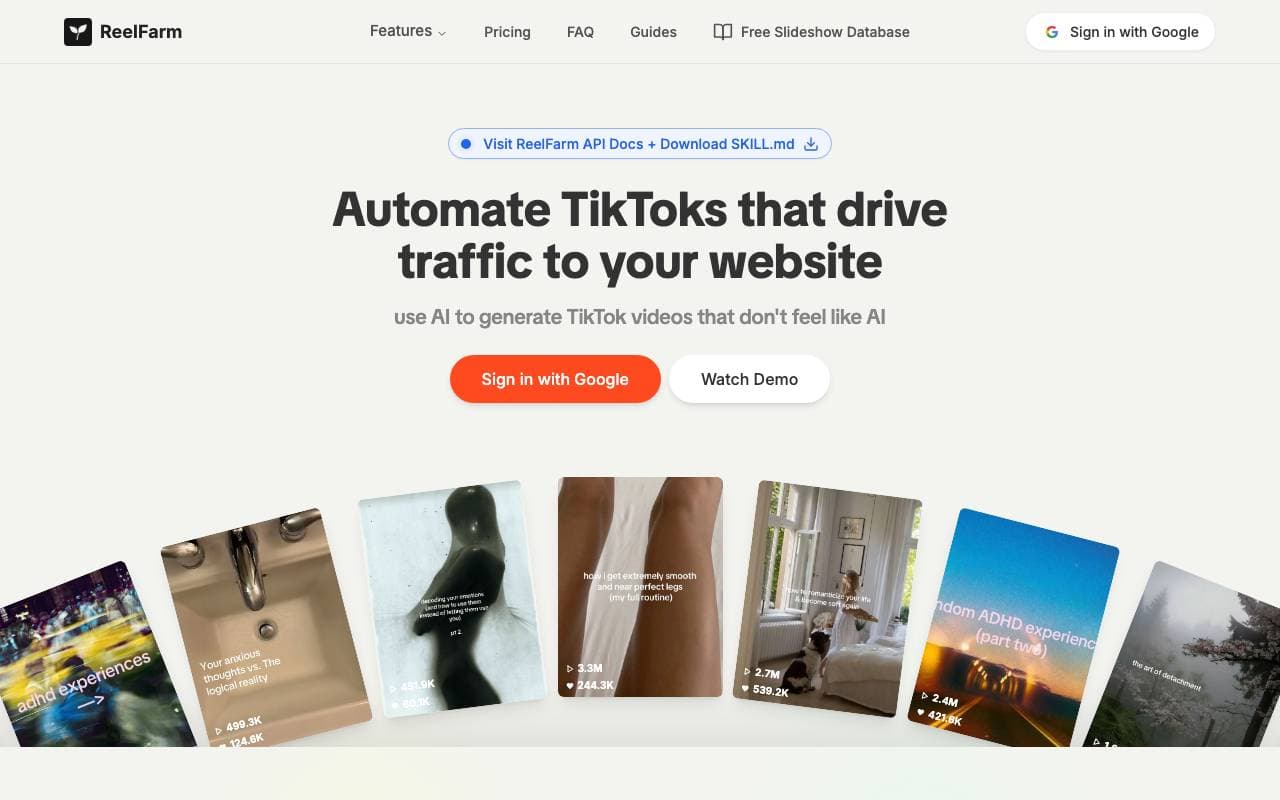

ReelFarm
Video AI Agents
AI-Tool zur automatischen Erzeugung von UGC-Style-TikTok-Videos und Scheduling zum Antrieb des Traffics und der Werbeproduktivität.


FocuSee
Video AI Agents
Ein AI-gesteuerter Bildschirmschreiber, der das Bearbeiten mit Zoom, Untertiteln und Effekten für glatte Videos automatisiert.
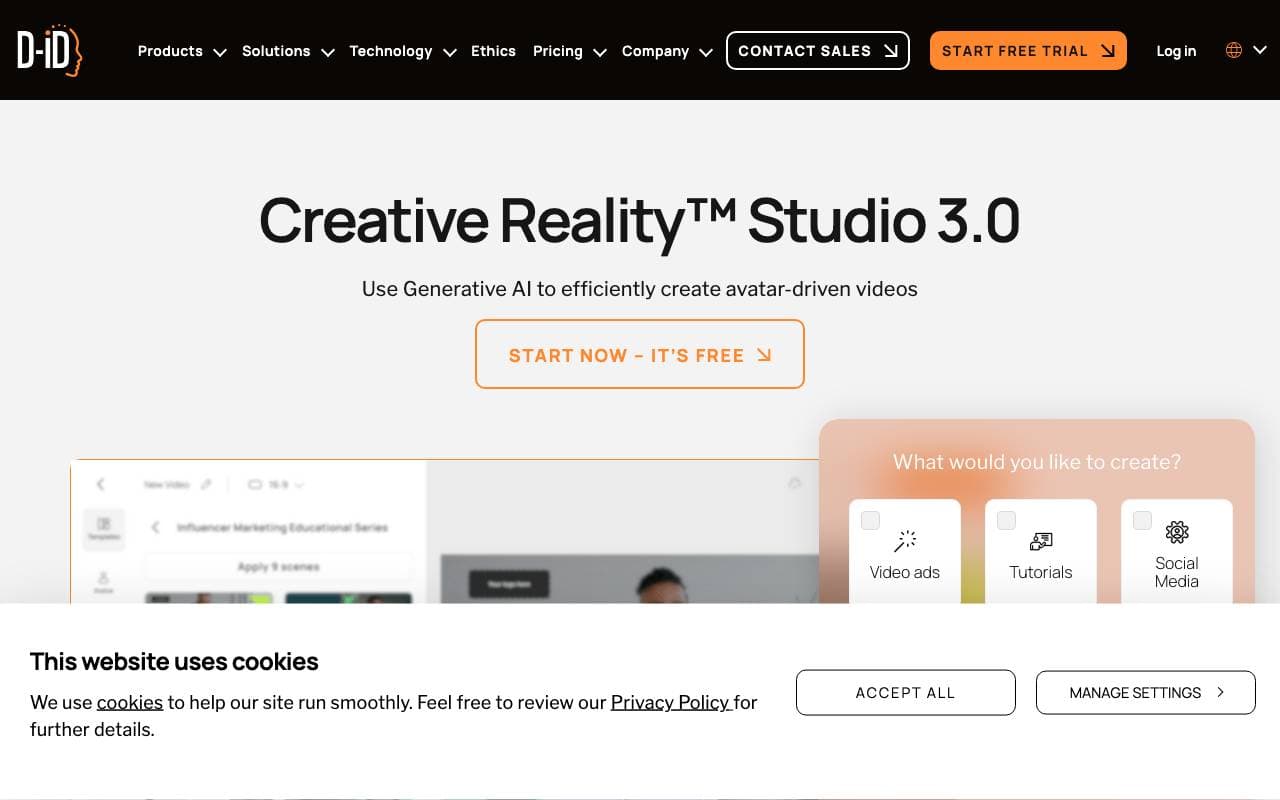

D-ID Creative Reality™ Studio
Video AI Agents
Texte und Fotos in lebensnahe gestaltete sprechende Avatar-Videos verwandeln
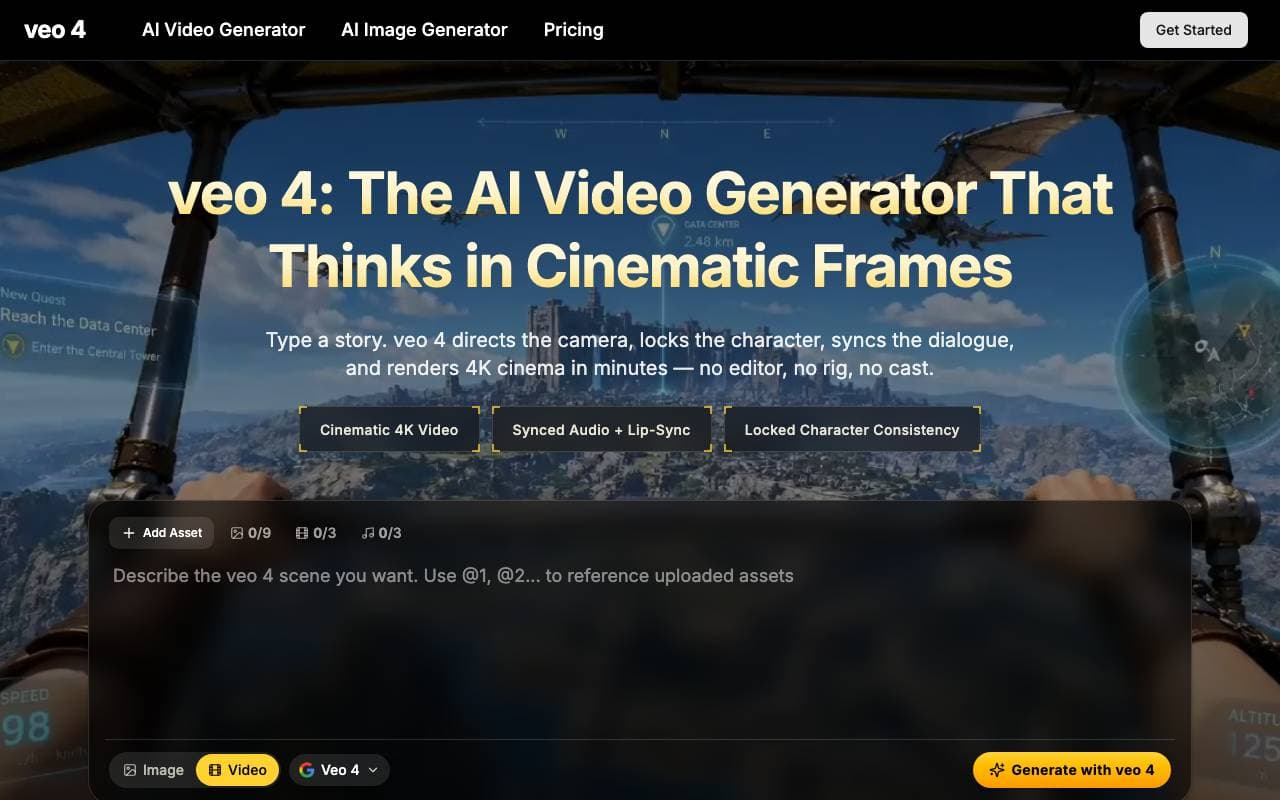

Veo 4 Video Generator
Video AI Agents
Plattform für Prompt zu Video für zinematografische Mehrschuss-Szenen mit synchronisierter Audio- und konsistenten Charaktere

Runway
Video AI Agents
Ein künstlich-intelligenz-getriebener Schöpferplattform für die Erstellung und Bearbeitung von Videos, Bildern und anderen Multimediainhalten.

Wan2.2
Video AI Agents
Offene-Quellenschauprozessionsmodellfamilie (5B/14B) für text/bild/video-zu-video, liefert 1080p-Klipse mit verbesserter Bewegung und Kontrolle.

Agent Opus
Video AI Agents
AI-Video-Agent, der Ideen in polierte, veröffentlichungsbereite Videos verwandelt

Higgsfield AI
Video AI Agents
KI-Video-Plattform, die Prompts und Bilder in filmische, bewegungsreiche Clips verwandelt.
Trending now


Claude
AI Agents & Chatbots
Konversations‑KI‑Assistent von Anthropic für Schreiben, Analyse, Programmieren und Dokumentaufgaben

Doozer Ai
Sales Agent
Digitale Mitarbeiter, die operative Workflows automatisieren, um die Effizienz von Teams zu steigern.


Pin AI
Workflow automation
Agentic AI Recruiter, der Sourcing, Screening und Outreach automatisiert, um den Einstellungsprozess zu beschleunigen.


Local GPT
Other
Open-Source-Lokale KI für private, offline Dokumentenchat mittels GPT-ähnlicher Modelle auf eigener Hardware.