OllamaOpen-Source-Große Sprachmodelle lokal auf Ihrem eigenen Rechner ausführen

Übersicht
Hauptfunktionen
- Ein Befehl zum Herunterladen und Ausführen von Modellen
- Lokale REST API für App-Integration
- Modellbibliothek mit quantisierten Versionen
- Individuelles Modelfile für maßgeschneiderte Modelldaten
- GPU‑Beschleunigung auf unterstützender Hardware
- Arbeitet offline nach der initialen Einrichtung
Preise
- Modell
- Freemium
- Kategorie
- Large Language Models (LLMs)
- Bewertung
- 4.4 / 5 (5)
Anwendungsfälle
Privater Offline-LLM-Chat
Führen Sie Modelle wie Llama oder Mistral lokal aus, um mit einem KI-Assistenten zu chatten, ohne Eingaben oder Daten an externe Cloud‑Dienste zu senden.
Lokale AI-App-Entwicklung
Nutzen Sie die lokale REST API von Ollama, um Open‑Weight‑LLMs in benutzerdefinierte Anwendungen, Chatbots oder interne Werkzeuge zu integrieren – sowohl im Prototyping als auch in der Produktion.
Coding-Assistent auf Ihrem Gerät
Kombinieren Sie Ollama mit auf Code ausgerichteten Modellen, um Autovervollständigung, Refactoring und Erklärungen direkt auf Ihrem Laptop zu erhalten – auch ohne Internetverbindung.
Modellexperimentieren für Forscher
Laden Sie schnell verschiedene Open‑Models herunter, tauschen Sie sie aus und benchmarken Sie sie mit individuellen Modelfile-Konfigurationen, um die Leistung für Forschungs- oder Feintuning‑Workflows zu evaluieren.
Pro & Contra
Pro
- Vollständig lokale Ausführung sorgt für Datensicherheit
- Kostenlos und Open‑Source
- Unterstützt viele beliebte Open‑Weight‑Modelle
- Einfache CLI und lokale API für einfache Integration
- Plattformübergreifend (macOS, Linux, Windows)
Contra
- Benötigt leistungsfähige Hardware für größere Modelle
- Kein integriertes grafisches Interface standardmäßig
- Leistung hängt stark von lokaler GPU oder RAM ab
- Begrenzt auf Open-Weight‑Modelle, nicht auf proprietäre
Bewertungen
Durchschnitt aus 5 Bewertungen.
Melde dich an, um eine Bewertung abzugeben.
Years in this space
I've evaluated a lot of these over the years. What stands out here is works offline after initial setup — handled better than most — and free and open source. Requires capable hardware for larger models is my one real gripe. Worth the time if this is your use case.
Solid for our team
We rolled this out across the team last quarter and cross-platform (macOS, Linux, Windows). Works offline after initial setup fits neatly into how we already work, and works offline after initial setup removed a step we used to do by hand. No built-in graphical interface by default, which is the main caveat, but it has held up under daily use.
Years in this space
I've evaluated a lot of these over the years. What stands out here is custom Modelfile for tailored model configs — handled better than most — and cross-platform (macOS, Linux, Windows). Limited to open-weight models, not proprietary ones is my one real gripe. Worth the time if this is your use case.
Skeptical, then convinced
I went in skeptical — most tools in this space overpromise. It actually delivers on custom Modelfile for tailored model configs, and free and open source caught me off guard. No built-in graphical interface by default is why this isn't a perfect score, still, I'd recommend giving it a real trial.
Solid for our team
We rolled this out across the team last quarter and simple CLI and local API for easy integration. Local REST API for app integration fits neatly into how we already work, and works offline after initial setup removed a step we used to do by hand. but it has held up under daily use.
Fragen & Antworten
Noch keine Fragen — sei die/der Erste!
Frage stellen
Alternativen zu Large Language Models (LLMs)


Mistral AI
Large Language Models (LLMs)
Open‑Weight-Modelle der Spitzenreihe


Kore.ai
Large Language Models (LLMs)
Eine no-code-Konversation-Plattform, die Unternehmen ermöglicht, intelligente virtuelle Assistenten zu bauen und zu deployen.
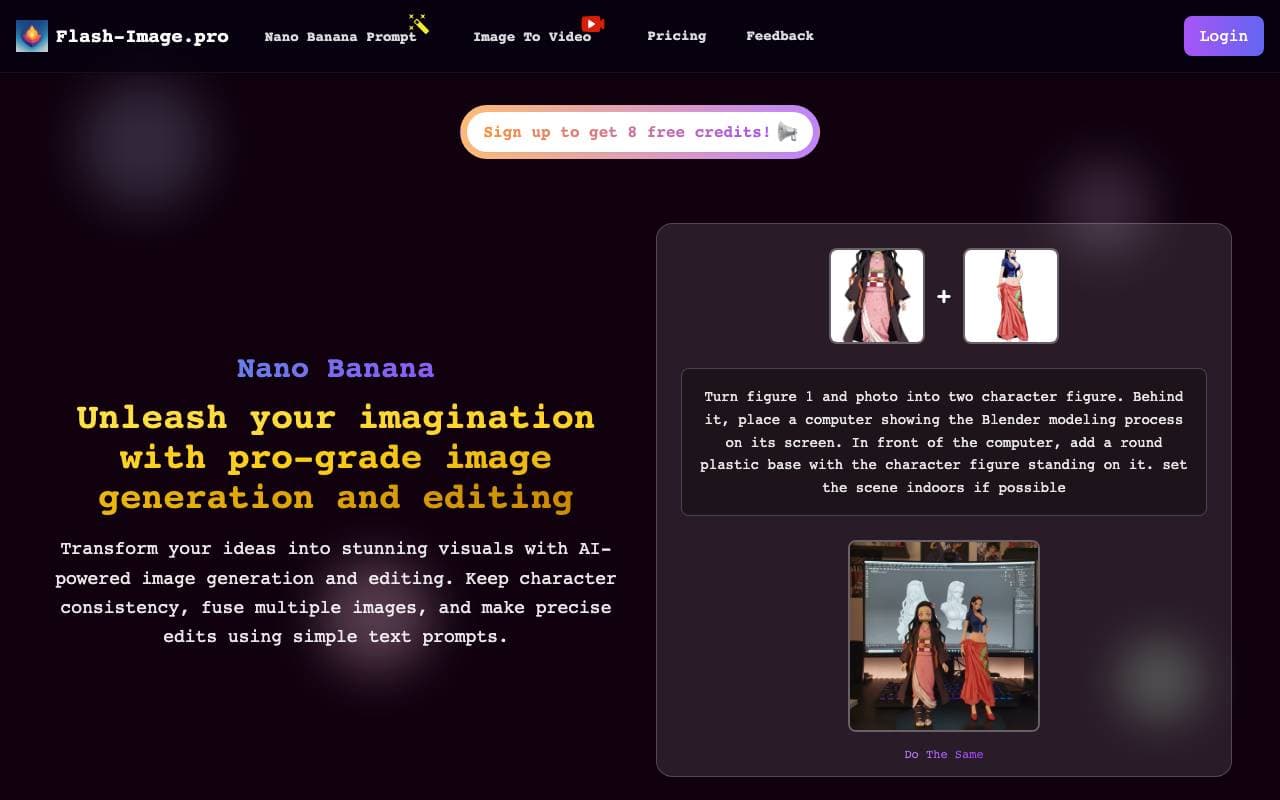

🍌 Nano Banana - Where Ideas Instantly Come to Life, The New Era of AI Image Generation
Large Language Models (LLMs)
Schnelle KI-Bilderzeugung dank Google Gemini 2.5 Flash für schnelle visuelle Prototypen.
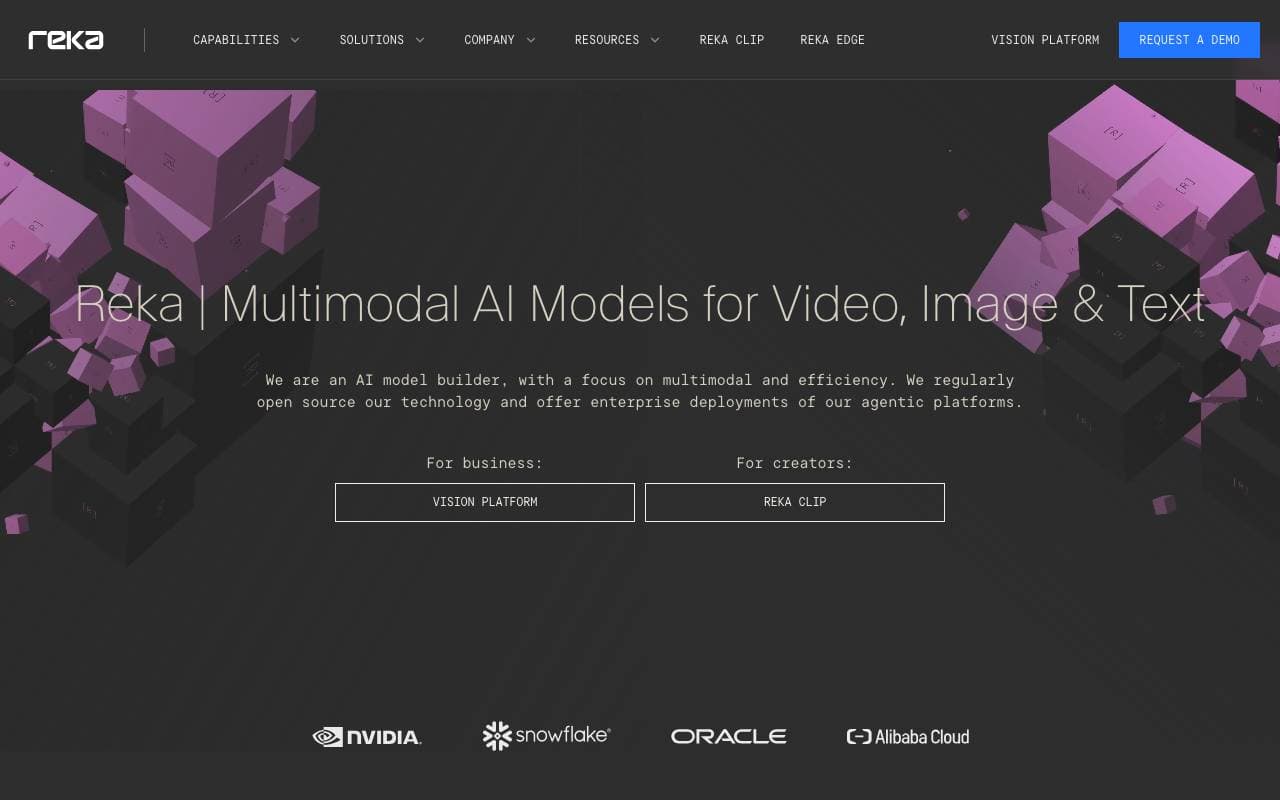

Reka AI
Large Language Models (LLMs)
Multimodale Gründungsmodelle, die Text, Bilder, Video und Audio verstehen.
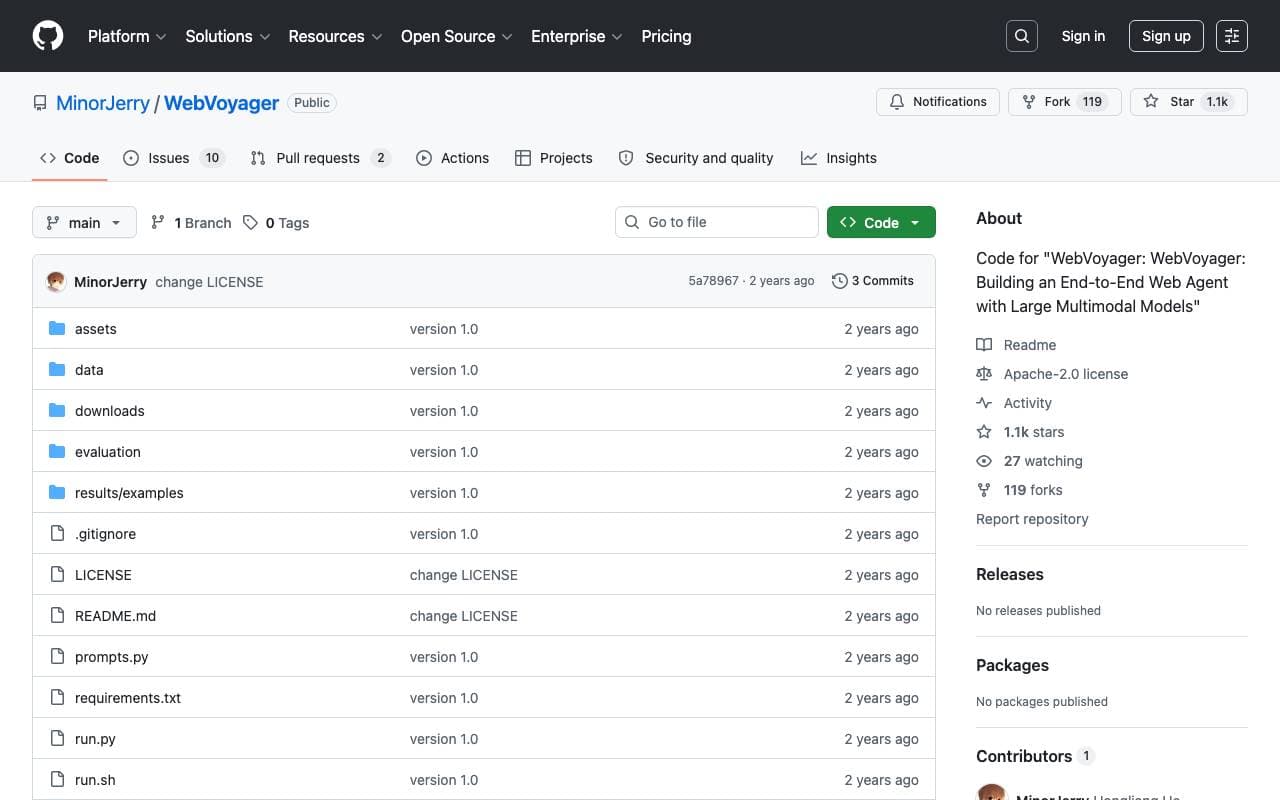

WebVoyager
Large Language Models (LLMs)
Ein LMM-gestützter Webagent, der Benutzeranweisungen end-to-end durch Interaktion mit Websites im Internet abschließt.
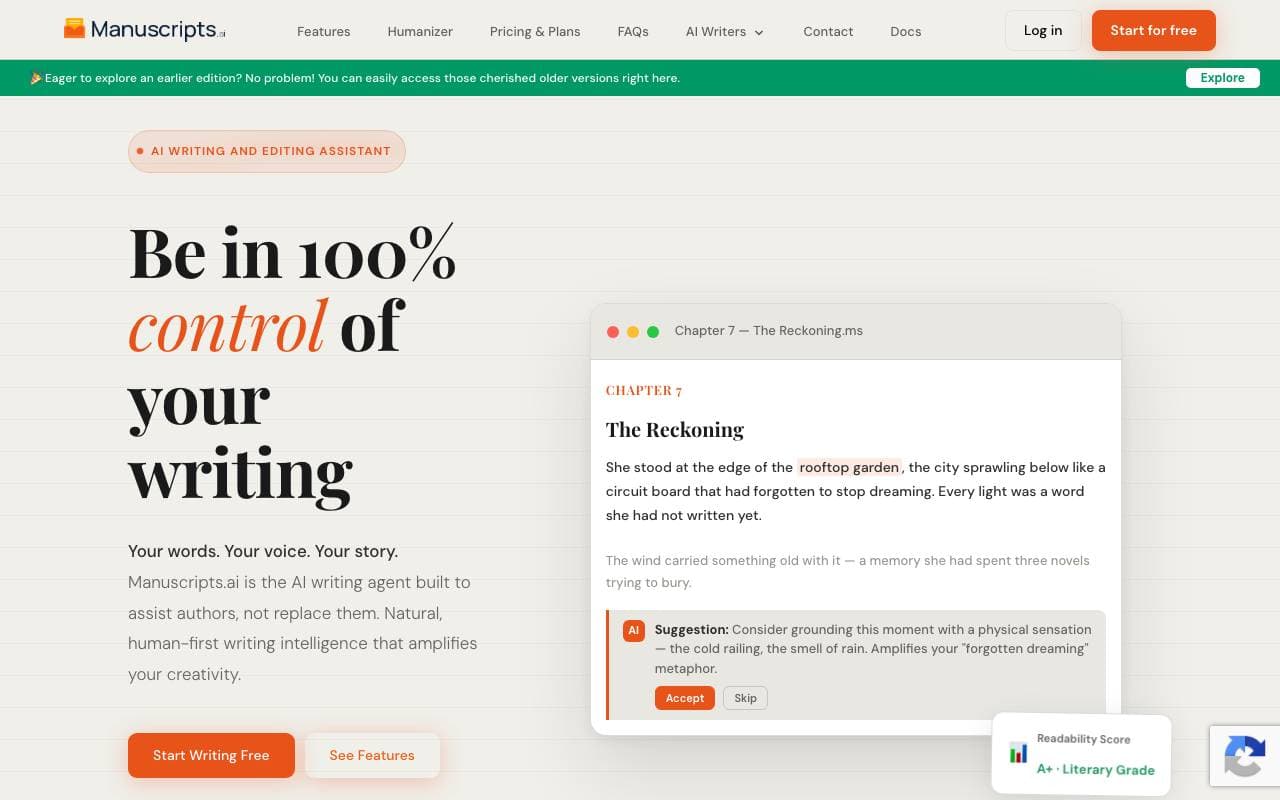

AI Writer
Large Language Models (LLMs)
Plattform für künstliche Intelligenz unterstützte Schreibarbeit für die Erstellung, Recherche und Verfeinerung von langem Textinhalt.
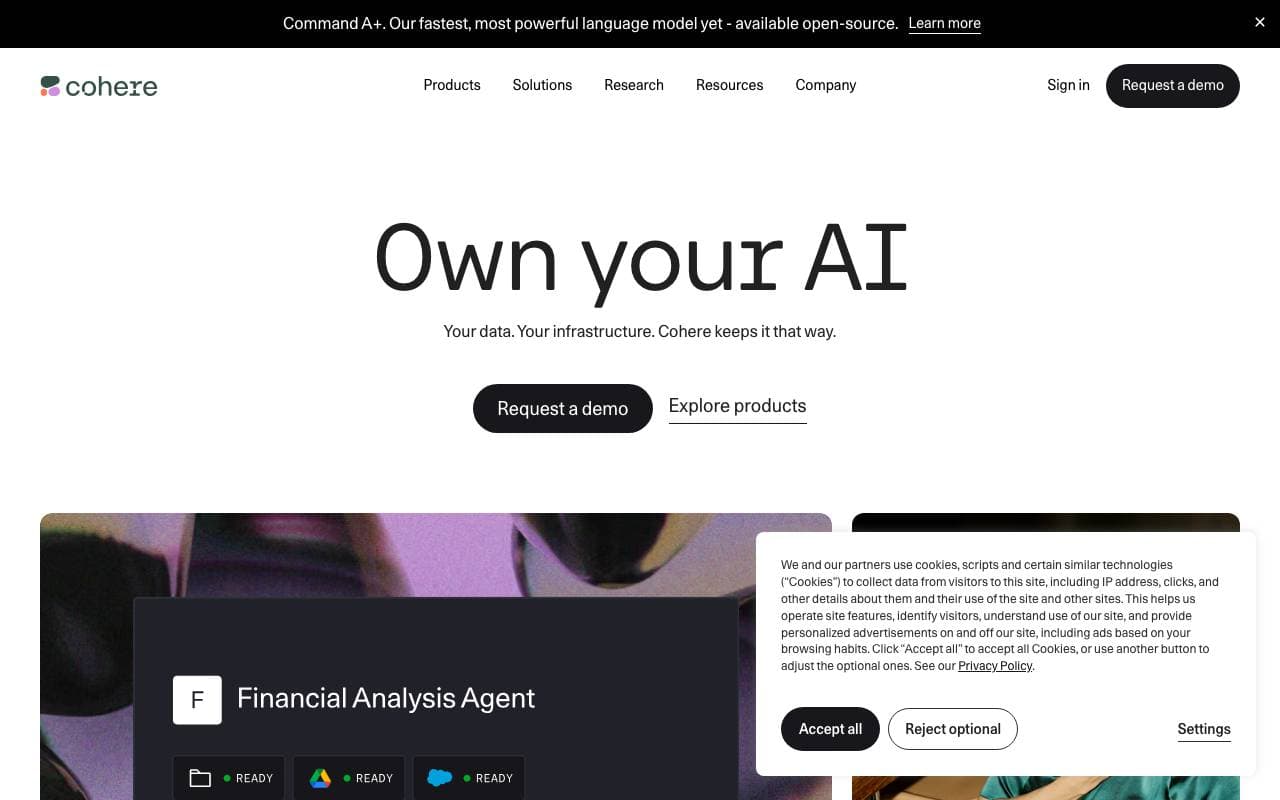

Cohere
Large Language Models (LLMs)
Eine Plattform mit unternehmensorientierten AI-Lösungen, die sich auf große Sprachmodelle zum Verarbeiten natürlicher Sprache spezialisiert.
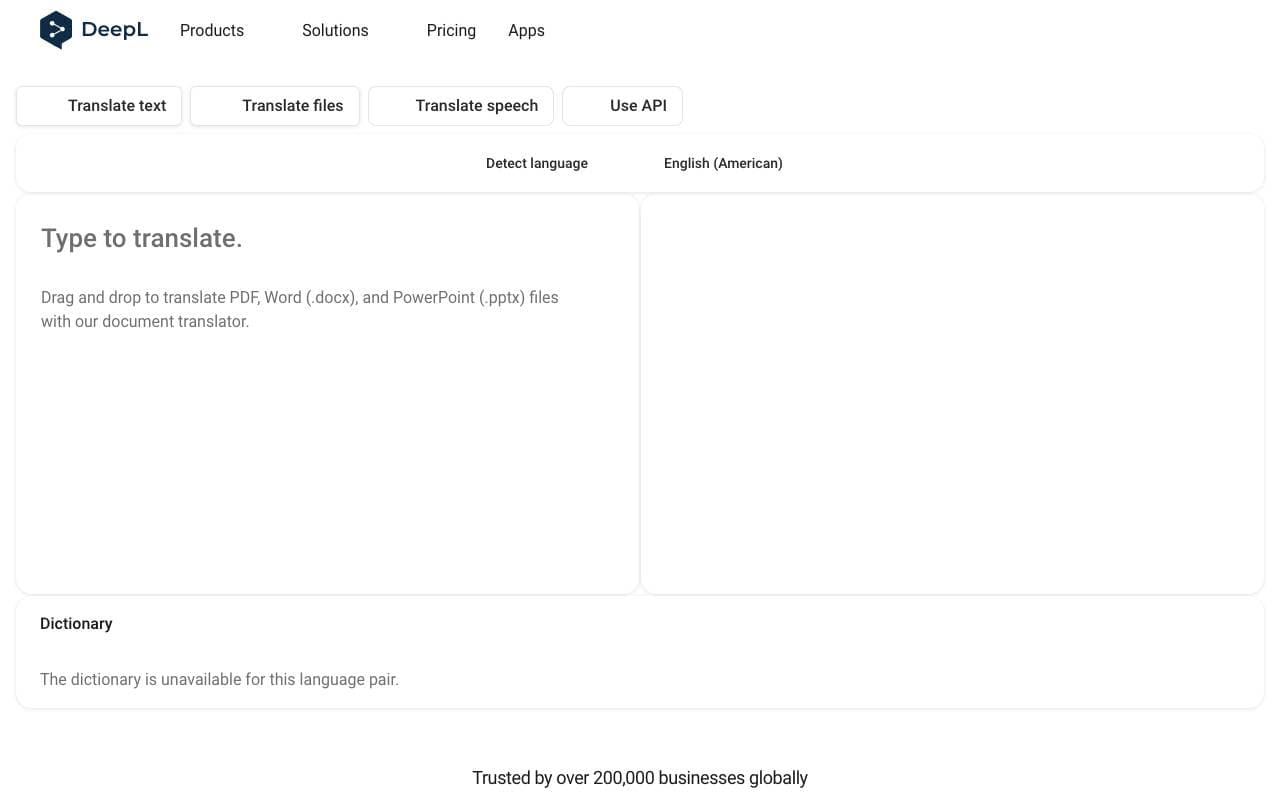

DeepL
Large Language Models (LLMs)
Neuronales Übersetzungsverfahren, bekannt für genaue und natürliche Klangwahrnehmung in vielen Sprachen.
Trending now


Claude
AI Agents & Chatbots
Konversations‑KI‑Assistent von Anthropic für Schreiben, Analyse, Programmieren und Dokumentaufgaben

Doozer Ai
Sales Agent
Digitale Mitarbeiter, die operative Workflows automatisieren, um die Effizienz von Teams zu steigern.


Pin AI
Workflow automation
Agentic AI Recruiter, der Sourcing, Screening und Outreach automatisiert, um den Einstellungsprozess zu beschleunigen.


Local GPT
Other
Open-Source-Lokale KI für private, offline Dokumentenchat mittels GPT-ähnlicher Modelle auf eigener Hardware.