
GrammarlyKI-Schreibassistent für klarere, verfeinerte Kommunikation über Apps und Browser.

Übersicht
Hauptfunktionen
- Prüfung von Grammatik, Rechtschreibung und Interpunktion
- Vorschläge für Klarheit, Kürze und Ton
- KI-gestützte Entwurfs- und Umschreibungsfunktionen
- Plagiaterkennung (Premium)
- Browser-, Desktop- und mobile Tastatur-Apps
- Integrationen mit Word, Google Docs, Gmail und mehr
Preise
- Modell
- Freemium
- Kategorie
- Education AI
- Bewertung
- 4.3 / 5 (6)
Anwendungsfälle
Polieren professioneller E-Mails
Erhalte Echtzeit-Vorschläge zur Grammatik, Klarheit und zum Ton beim Schreiben von E-Mails in Gmail, Outlook oder Slack, um sicherzustellen, dass Nachrichten selbstbewusst und professionell rüberkommen.
Verbessere Studentenaufsätze und Berichte
Studierende können Grammatik, Rechtschreibung und Klarheit in Google Docs oder Word prüfen und bei Premium‑Plänen die Plagiaterkennung nutzen, um vor der Abgabe Originalität sicherzustellen.
Inhalt mit KI entwerfen und umschreiben
Nutze generative KI‑Funktionen, um neue Texte zu entwerfen, Passagen zu kürzen oder Stimme und Ton anzupassen, wodurch Schreibaufgaben in alltäglichen Arbeitsdokumenten beschleunigt werden.
Konstante Markenstimme erhalten
Teams können Markenstimmenkontrollen und Stilrichtlinien in die Schreibarbeiten aller Mitglieder einfließen lassen, um externe Kommunikation konsistent und markengerecht zu gestalten.
Pro & Contra
Pro
- Funktioniert in vielen Apps, Browsern und Geräten
- Echtzeit-Feedback zu Grammatik, Klarheit und Ton
- Generative KI zum Entwerfen und Umschreiben
- Nützliches kostenloses Einstiegsangebot für Grundprüfungen
- Team- und Markenstimmenfunktionen für Unternehmen
Contra
- Fortgeschrittene Vorschläge erfordern einen kostenpflichtigen Plan
- Hauptsächlich auf Englisch optimiert
- Gelegentliche Fehlalarme oder stilistische Überkorrekturen
- Datenschutzbedenken bei sensiblen Texten, die in die Cloud gesendet werden
Bewertungen
Durchschnitt aus 6 Bewertungen.
Melde dich an, um eine Bewertung abzugeben.
Use it every day
Honestly didn't expect to like it this much. Integrations with Word, Google Docs, Gmail, and more is exactly what I needed, and works across many apps, browsers, and devices. I do wish advanced suggestions require a paid plan, but I reach for it almost every day now and it just clicks.
Does the job
Pretty happy overall. Clarity, conciseness, and tone suggestions just works and team and brand voice features for businesses. Primarily optimized for English can be annoying, but no dealbreakers — I'd recommend it to a friend without hesitating.
Years in this space
I've evaluated a lot of these over the years. What stands out here is aI-powered drafting and rewriting — handled better than most — and useful free tier for basic checks. Worth the time if this is your use case.
Does the job
Pretty happy overall. Clarity, conciseness, and tone suggestions just works and useful free tier for basic checks. Privacy concerns for sensitive text sent to the cloud can be annoying, but no dealbreakers — I'd recommend it to a friend without hesitating.
Solid for our team
We rolled this out across the team last quarter and works across many apps, browsers, and devices. Plagiarism detection (premium) fits neatly into how we already work, and aI-powered drafting and rewriting removed a step we used to do by hand. but it has held up under daily use.
Does the job
Pretty happy overall. Grammar, spelling, and punctuation checking just works and real-time grammar, clarity, and tone feedback. Occasional false positives or stylistic overcorrections can be annoying, but no dealbreakers — I'd recommend it to a friend without hesitating.
Fragen & Antworten
Which apps and platforms does Grammarly integrate with?
Grammarly works across browsers, desktop apps, and mobile keyboards, with integrations for Microsoft Word, Google Docs, Gmail, Slack, and many other tools where you type, helping you get suggestions wherever you write.
What are Grammarly's main limitations?
Grammarly is primarily optimized for English and can occasionally produce false positives or overcorrect stylistic choices. Sending sensitive text to the cloud may also raise privacy concerns, and the most advanced suggestions require a paid plan.
What's included in the free version versus paid plans?
The free tier covers core grammar, spelling, and punctuation checks. Paid plans add advanced rewrites, clarity and tone suggestions, AI-powered drafting, plagiarism detection, and team-level features like brand voice controls.
Frage stellen
Alternativen zu Education AI


Pandorabots
Education AI
Chatbot-Entwicklungsplattform, die auf der AIML-Skriptsprache für regelbasierte Konversationsagenten basiert.
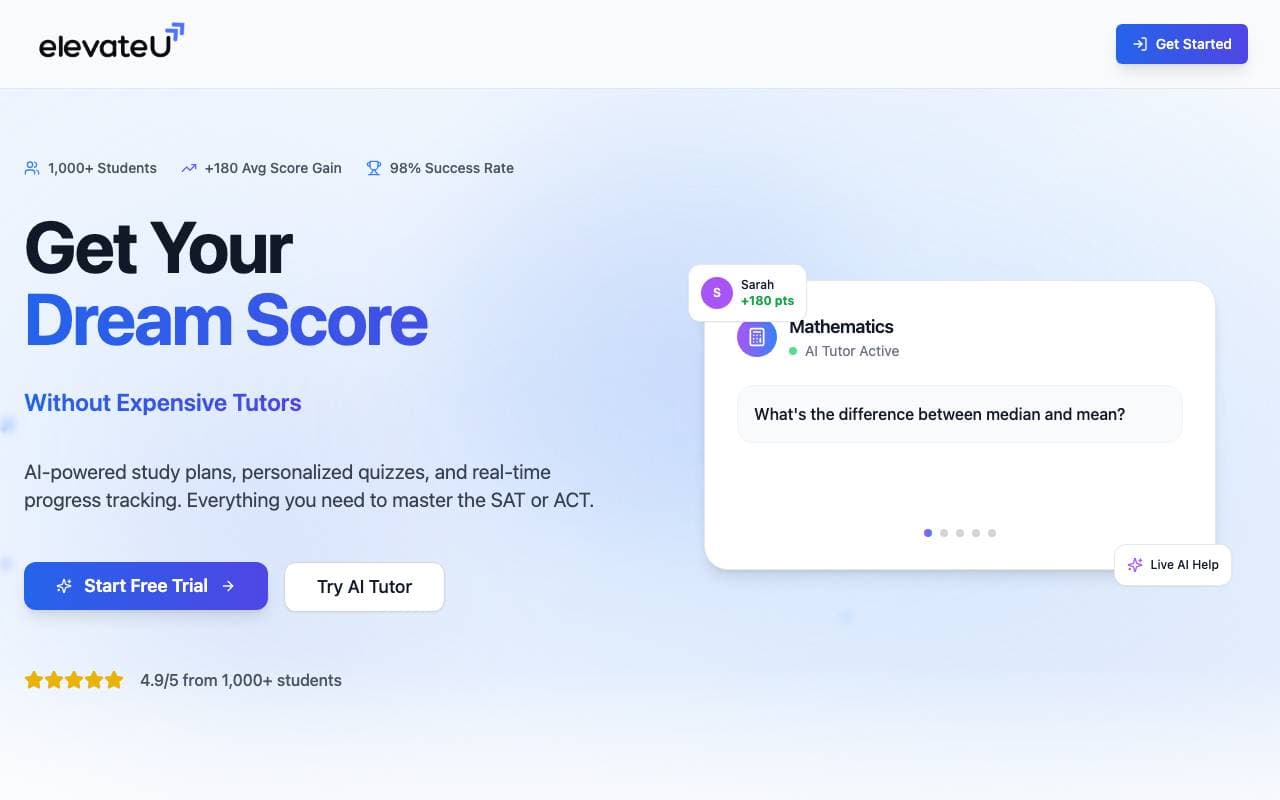

ElevateU
Education AI
Künstliche-Intelligenz-gesteuerte SAT- und ACT-Vorbereitung mit personalisierten Studienplänen und adaptiven Übungen
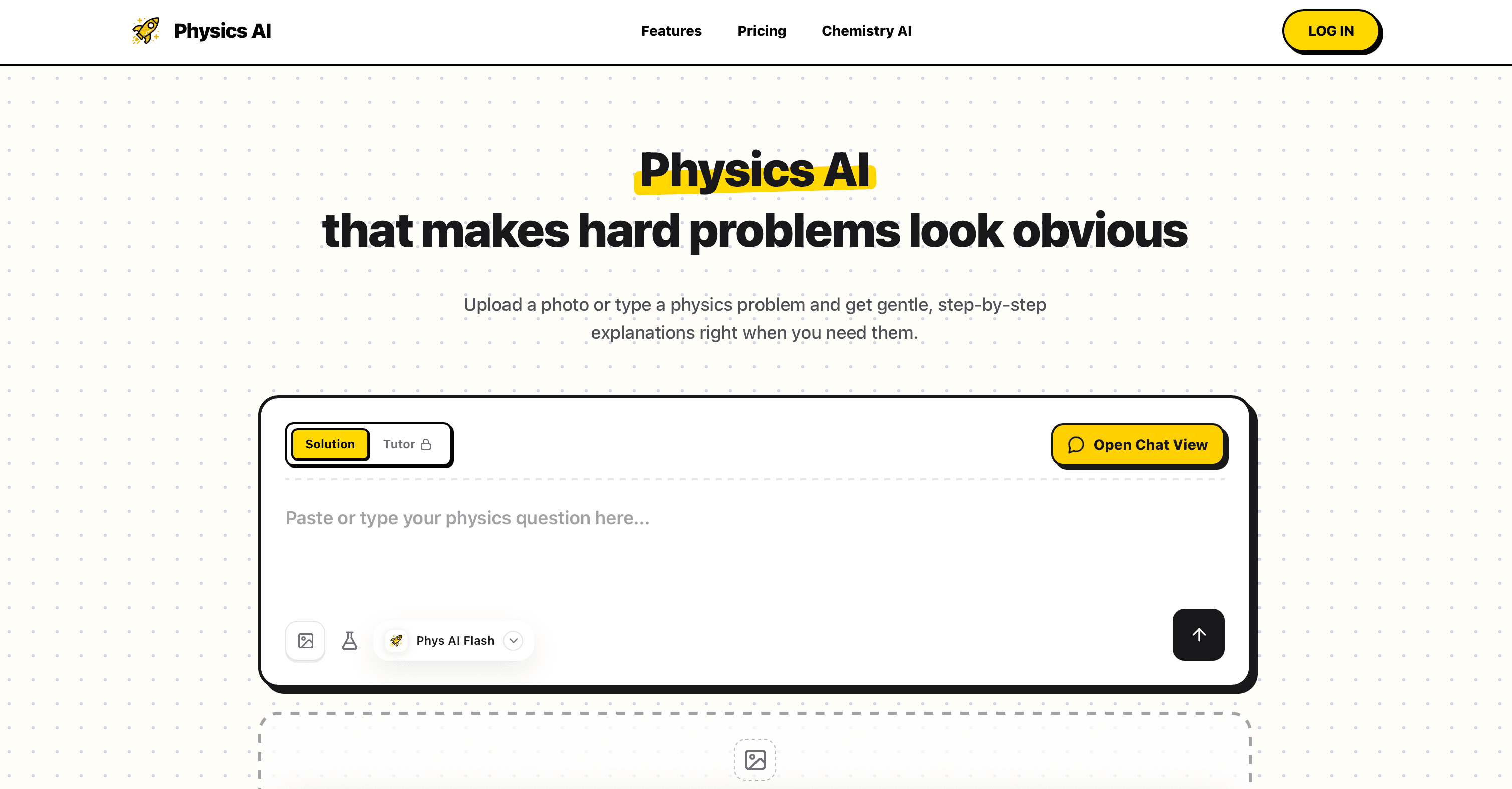

Physics AI Solver Tool
Education AI
Meistere komplexe Physikaufgaben mit unserem Physics AI Solver Tool.
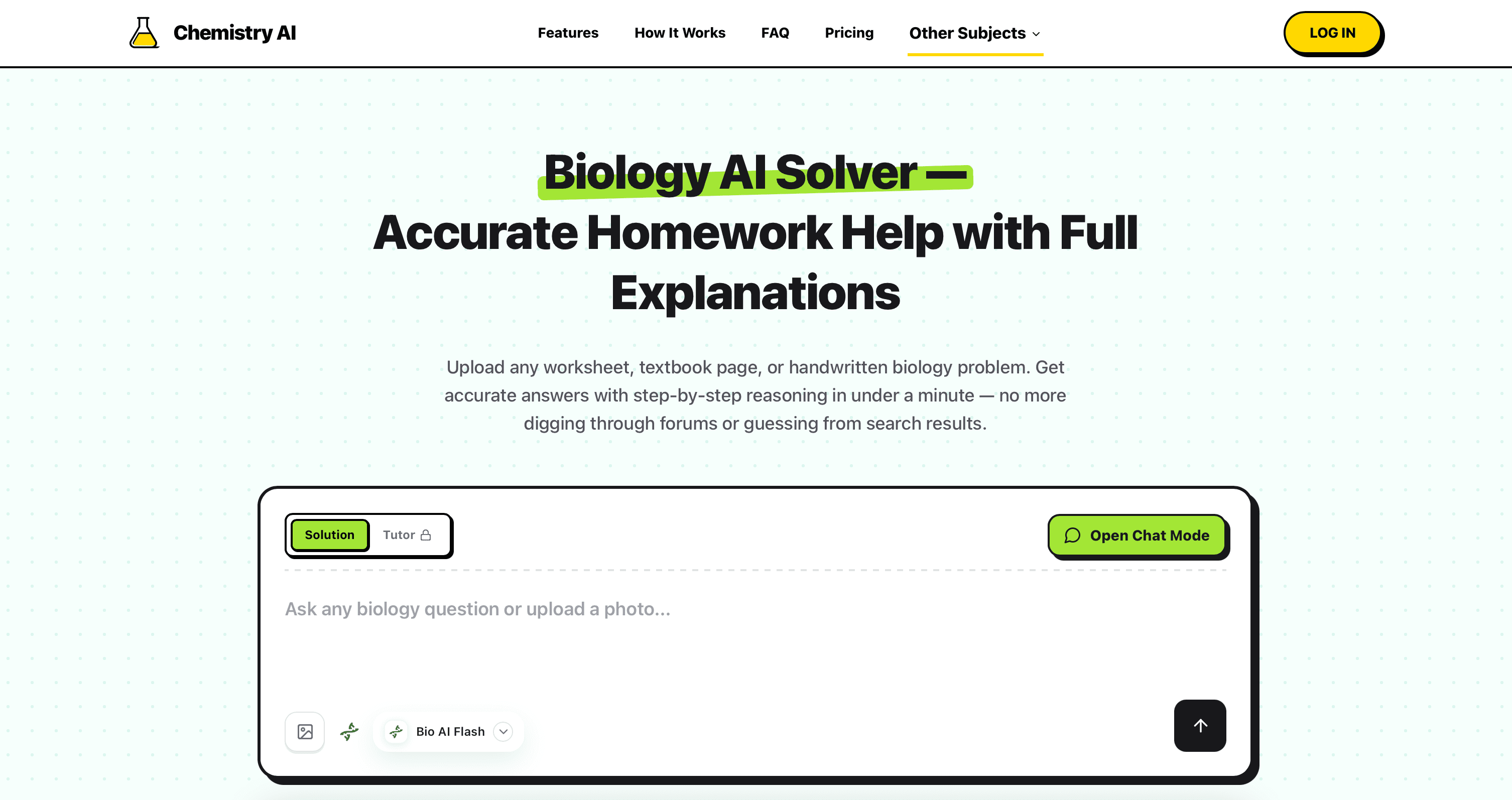

Biology AI
Education AI
Genaue Hilfe bei Hausaufgaben mit ausführlichen Erklärungen

ShowAndTell
Education AI
Künstliche Agenten für Zahnerhebungen, die Patienten bilden und die Akzeptanz von Behandlungsplänen verbessern.
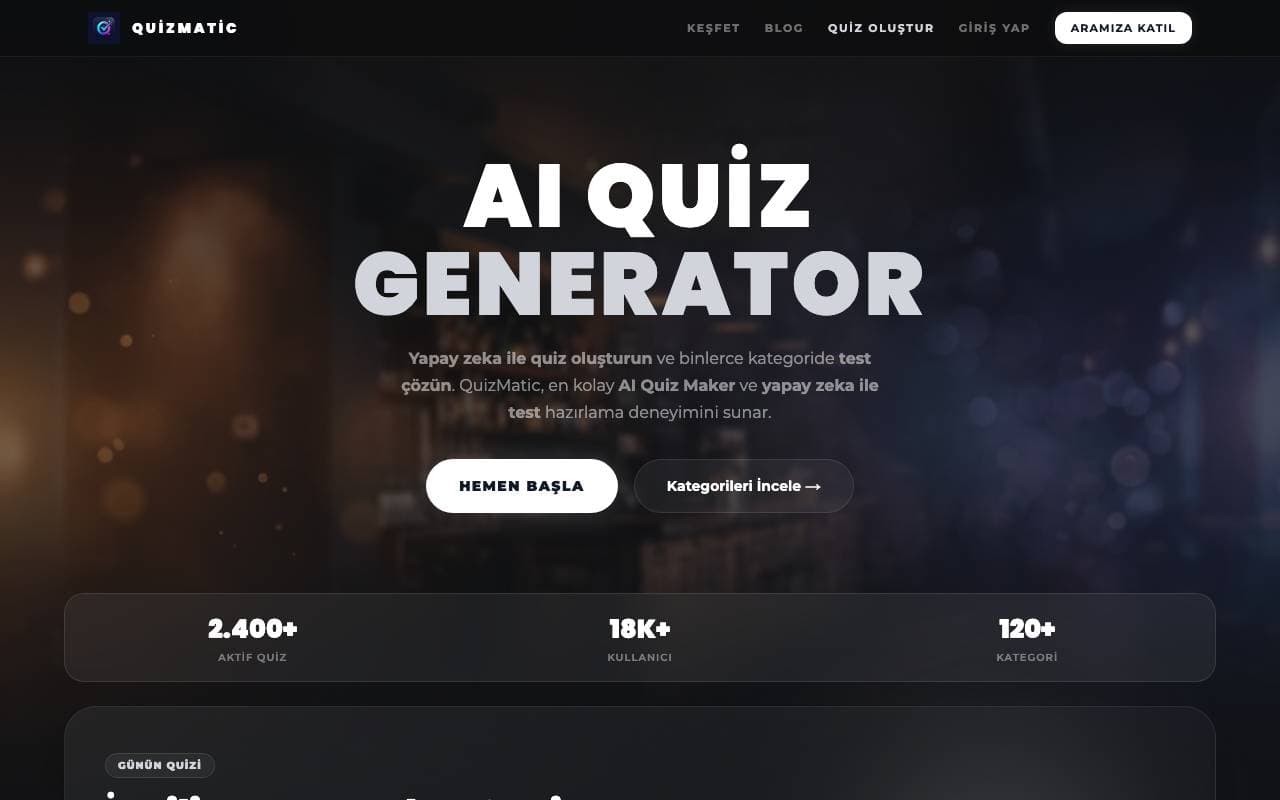

QuizMatic
Education AI
KI-basierter Quizgenerator, der individuelle Tests in Sekunden für über 120 Kategorien erstellt.


DrugandAlcoholCourse.com
Education AI
Online-Fahrverhaltenskurs für erste Fahrer in Florida, staatlich genehmigt.
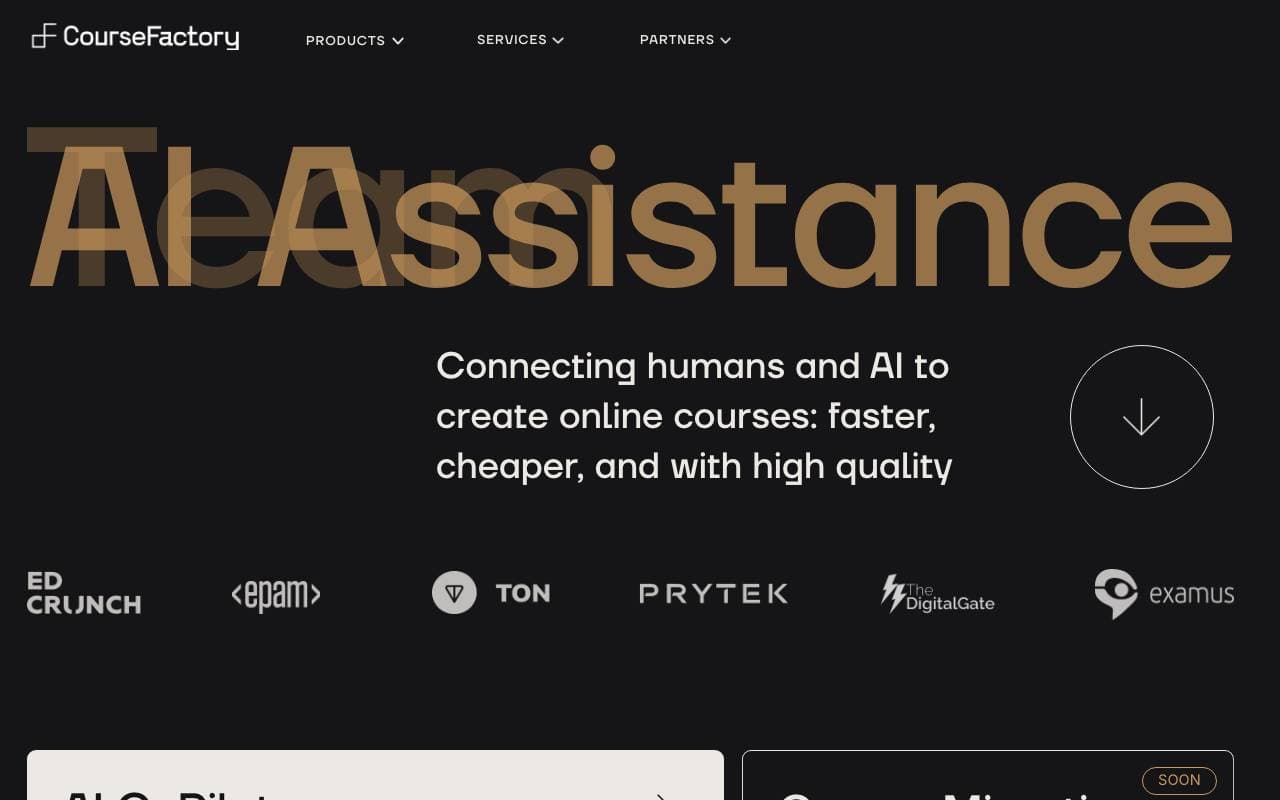

CourseFactory AI
Education AI
Plattform für den Aufbau und die Veröffentlichung von Onlinekursen mit AI-Hilfe
Trending now

Doozer Ai
Sales Agent
Digitale Mitarbeiter, die operative Workflows automatisieren, um die Effizienz von Teams zu steigern.


Claude
AI Agents & Chatbots
Konversations‑KI‑Assistent von Anthropic für Schreiben, Analyse, Programmieren und Dokumentaufgaben


Consistent Character AI
Images
Erstellen Sie konsistente KI-Charaktere über Szenen hinweg aus einem einzigen Referenzfoto.


Pin AI
Workflow automation
Agentic AI Recruiter, der Sourcing, Screening und Outreach automatisiert, um den Einstellungsprozess zu beschleunigen.