
Google AntigravityAgenten-first AI-Umgebung für Programmieren und IDE von Google, in der autonome Agenten das Planen, Schreiben, Testen und Debuggen von Software in der Editor, Terminal und Browser automatisieren.

Übersicht
Hauptfunktionen
- AI-unterstützte Kodierung
- autonome Agenten
- integrierte Entwicklungsumgebung (IDE)
- Planung und Testung von Code
- Debugging-Tools
- Cross-Platform-Integration
Preise
- Modell
- Freemium
- Kategorie
- AI Agent Development Platforms
- Bewertung
- 5.0 / 5 (5)
Anwendungsfälle
Autonome Featureentwicklung
Beauftragen Sie AI-Agenten mit der Durchführung von End-to-End-Kodierungsaufgaben für das Planen, Schreiben und Testen neuer Funktionen über die Editor, Terminal und Browser.
Automatisierte Debugging
Lassen Sie Agenten reproduzieren, um Probleme in der Browser zu wiederholen, Logs im Terminal zu untersuchen und Code im Editor zu reparieren, um Fehler autonom zu beheben.
Generierung und Ausführung von Testfällen
Lassen Sie Agenten neue Testfälle für Ihren Codebasis erstellen und durchführen, wobei sie auf Fehlern iterieren, bis die Builds passen, ohne menschliche Eingriffe.
Koordination von Cross-Tool-Workflows
Koordinieren Sie mehrstufige Entwicklungs-Workflows, die Programmierung, Befehlszeilenoperationen und Browser-basierte Validierung umfassen, in einer einzigen IDE.
Pro & Contra
Pro
- AI-unterstützte Codevorschläge für erhöhte Produktivität
- Autonomes Testen und Debuggen, um Fehler zu reduzieren
- Potentielle Integration mit anderen Google-Tools und -Diensten
Contra
- Begrenzte Verfügbarkeit und Zugänglichkeit
- Abhängigkeit von komplexen AI- und Machine-Learning-Algorithmen, die anfällig für Fehler oder Mangel an Verständnis sein können
- Potenzieller Lernkurve für Benutzer, die mit AI-beeinflussten Programmierumgebungen unvertraut sind
Bewertungen
Durchschnitt aus 5 Bewertungen.
Melde dich an, um eine Bewertung abzugeben.
Years in this space
I've evaluated a lot of these over the years. What stands out here is the API — handled better than most — and it is genuinely easy to set up. Worth the time if this is your use case.
Solid for our team
We rolled this out across the team last quarter and it is genuinely easy to set up. The core workflow fits neatly into how we already work, and the core workflow removed a step we used to do by hand. Pricing gets steep at scale, which is the main caveat, but it has held up under daily use.
Use it every day
Honestly didn't expect to like it this much. The dashboard is exactly what I needed, and it saves real time. but I reach for it almost every day now and it just clicks.
Does the job
Pretty happy overall. The dashboard just works and the value for money is strong. but no dealbreakers — I'd recommend it to a friend without hesitating.
Does the job
Pretty happy overall. The integrations just works and the value for money is strong. Pricing gets steep at scale can be annoying, but no dealbreakers — I'd recommend it to a friend without hesitating.
Fragen & Antworten
What development tasks can the AI agents in Antigravity handle?
The autonomous agents can plan projects, write code, run and test software, and debug issues. They operate across multiple surfaces—including the code editor, terminal, and browser—to carry out end-to-end software development workflows.
How does Antigravity differ from a traditional IDE or AI coding assistant?
Unlike traditional IDEs that center on manual coding, Antigravity is agent-first, meaning autonomous AI agents drive the workflow across editor, terminal, and browser rather than only suggesting code inline as a typical assistant would.
What is Google Antigravity and who is it designed for?
Google Antigravity is an agent-first AI coding environment and IDE from Google. It's designed for developers who want autonomous AI agents to plan, write, test, and debug software across the editor, terminal, and browser.
Frage stellen
Alternativen zu AI Agent Development Platforms
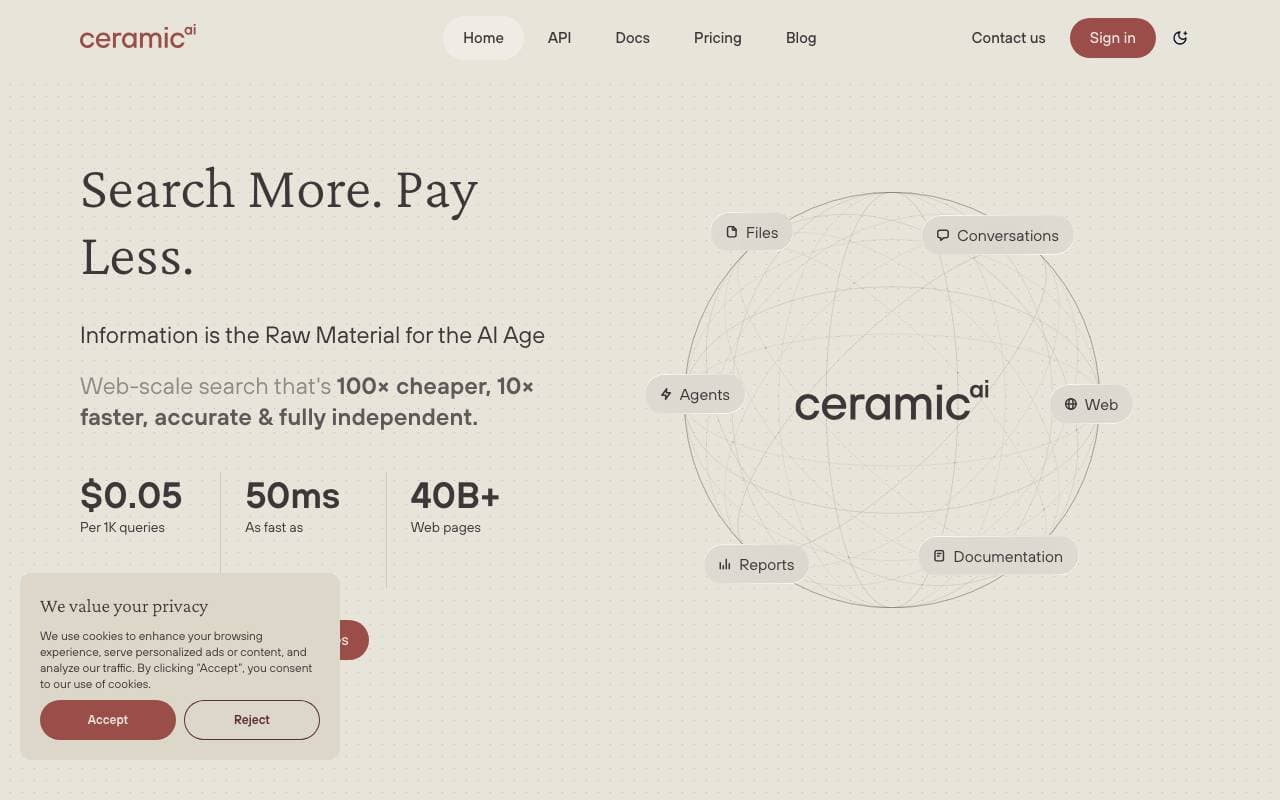

Ceramic.ai
AI Agent Development Platforms
Eine Plattform für künstliche Intelligenz-Infrastruktur, die großskalige Modell-Training mit verbesserten Effizienz und Skalierbarkeit optimiert.
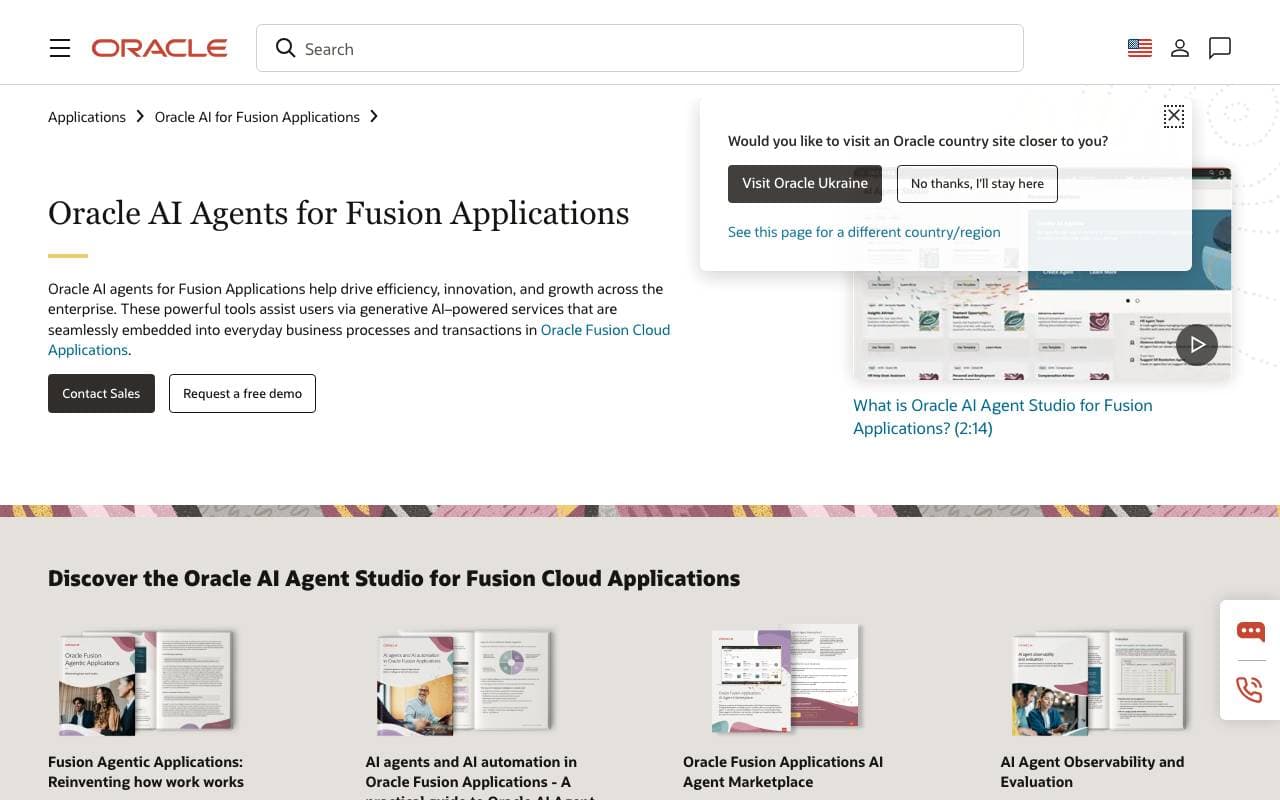

Oracle AI Agent Studio
AI Agent Development Platforms
Eine Enterprise-Plattform zum Erstellen, Validieren, Deployen und Verwalten von KI-Agenten innerhalb von Oracle Fusion Applications.
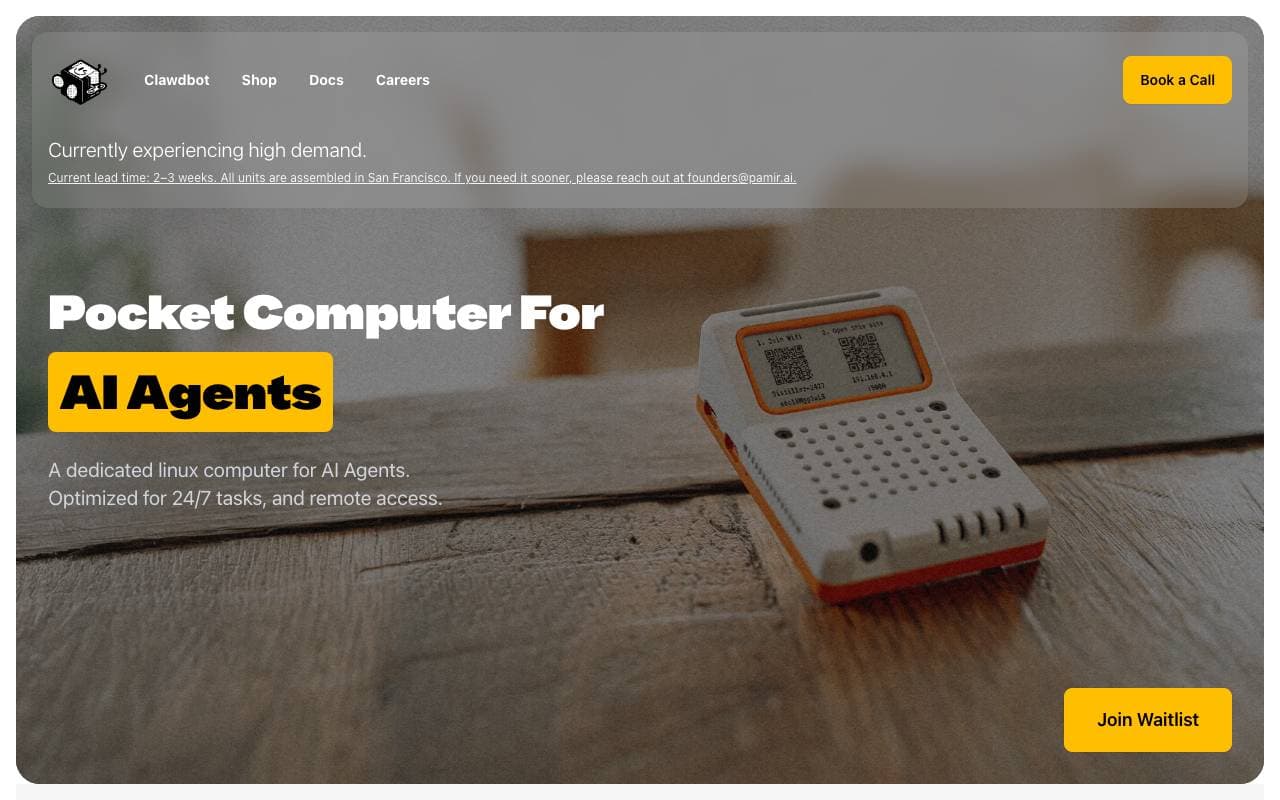

Pamir AI
AI Agent Development Platforms
Edge‑AI-Lösungen mit Hardware und Software für offline-fähige AI-Agenten.
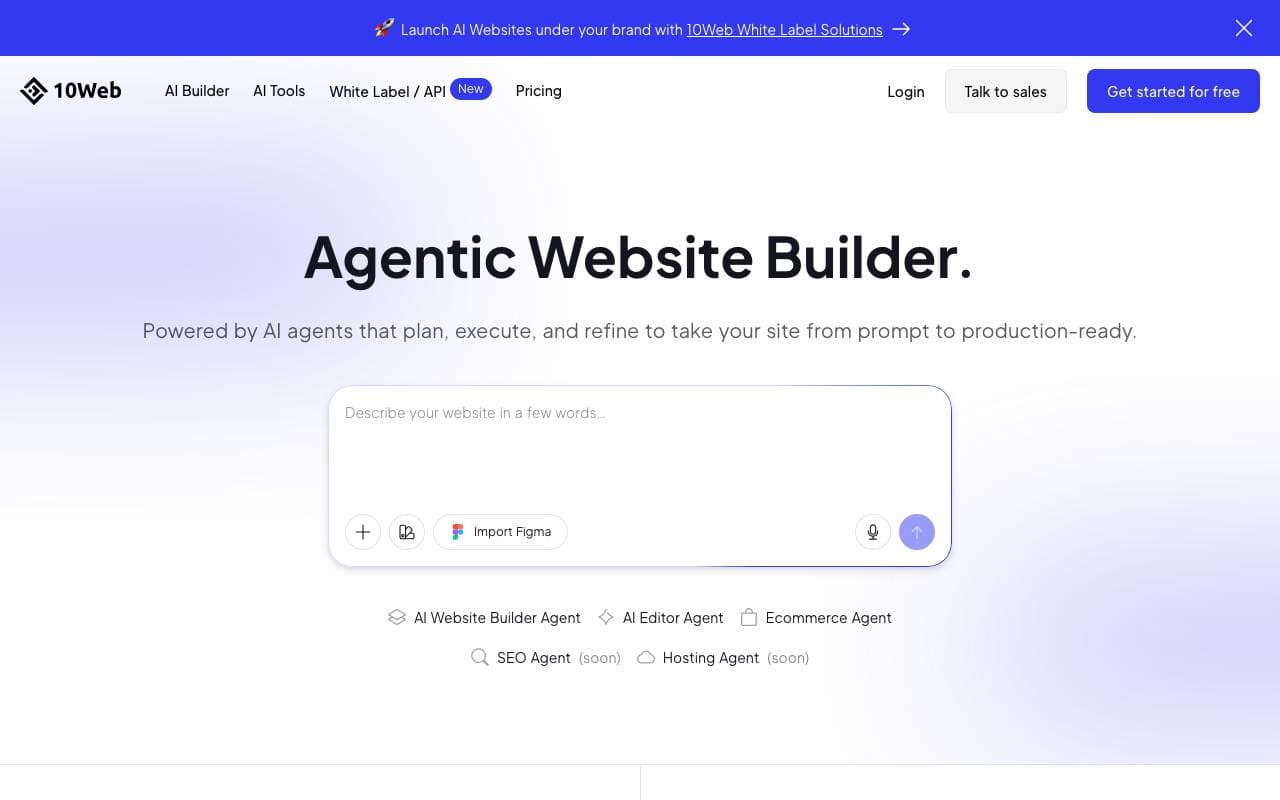

10Web
AI Agent Development Platforms
KI-gestützte Plattform von 10Web für die mühelose Erstellung, das Hosting und die Skalierung von WordPress-Websites.
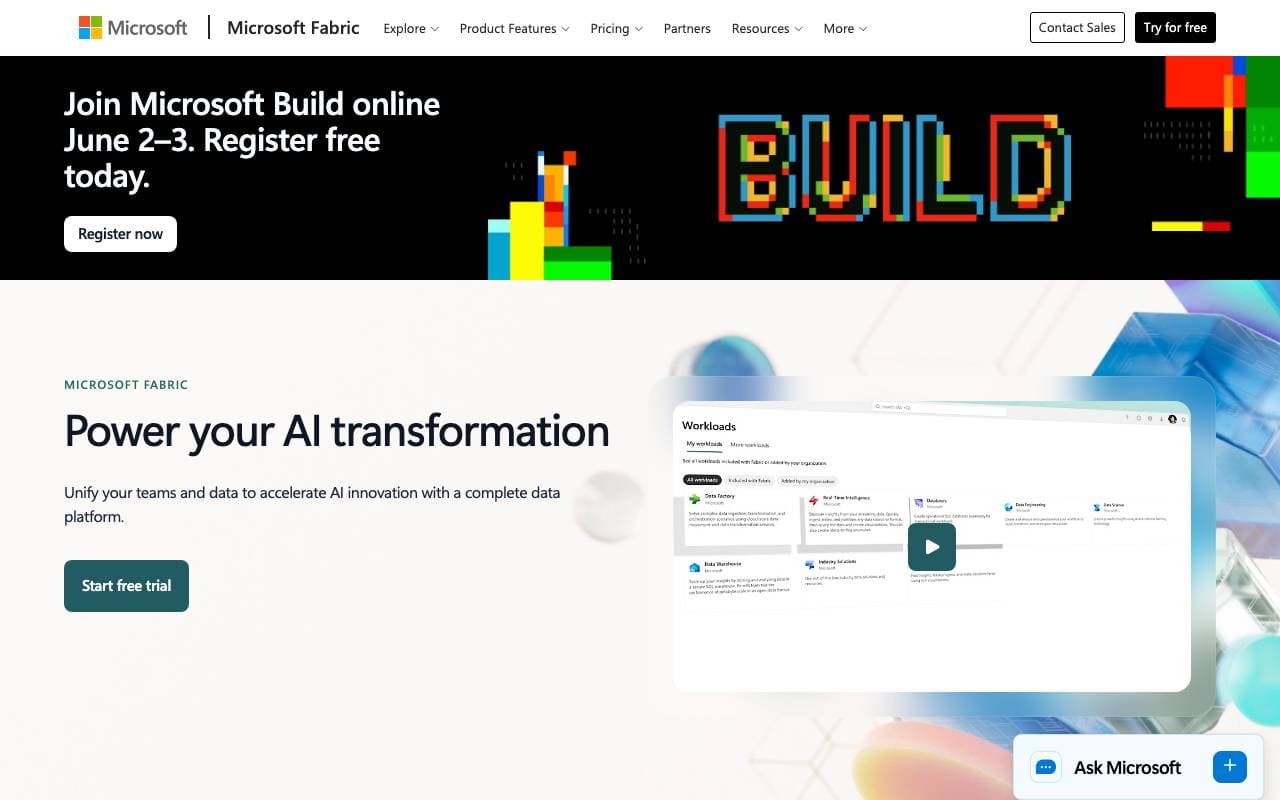

MS Fabric
AI Agent Development Platforms
Eine einheitliche Analytics-Plattform, die Datenengineering, Datenlagerung und KI für Echtzeit-Insights und Automatisierung integriert.

Natoma MCP Platform
AI Agent Development Platforms
Gehostete MCP-Server für die Verbindung von KI-Agenten mit Unternehmenswerkzeugen und Daten.
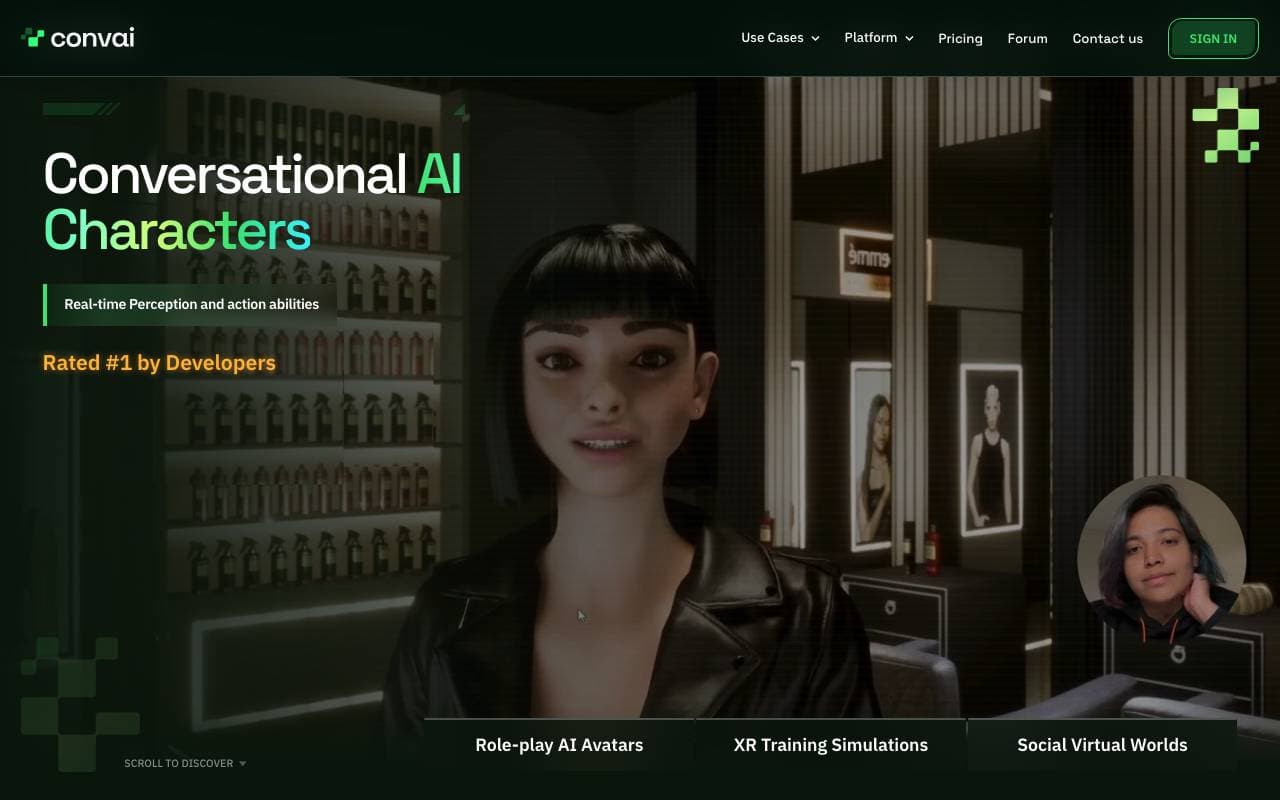

Convai
AI Agent Development Platforms
SDK und Plattform für Echtzeit-NPCs in Spielen und virtuellen Welten mit Sprach-, Sehen- und Aktion-APIs für Unity/Unreal
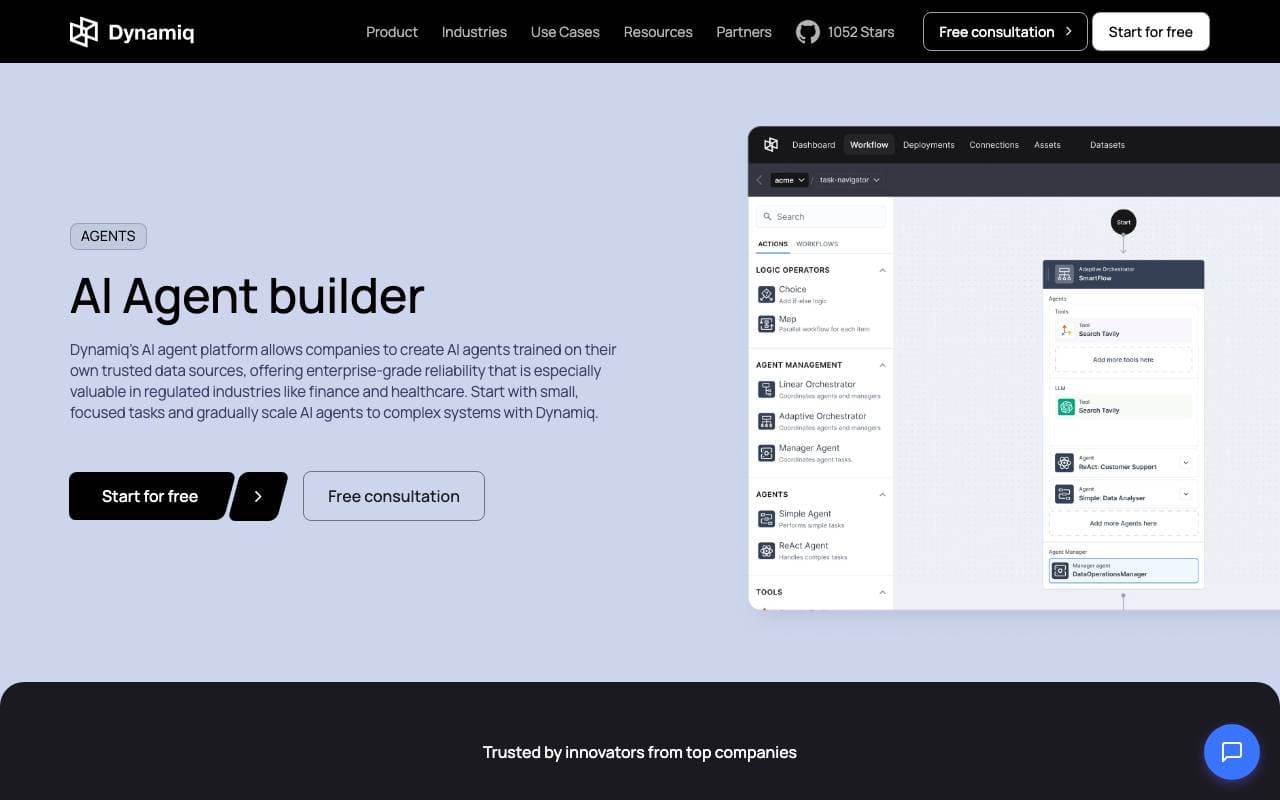

Dynamiq AI Agents
AI Agent Development Platforms
Erstellen und deployen Sie individuelle KI-Agenten zur Automatisierung von Geschäftsprozessen und -abläufen.
Trending now

Doozer Ai
Sales Agent
Digitale Mitarbeiter, die operative Workflows automatisieren, um die Effizienz von Teams zu steigern.


Claude
AI Agents & Chatbots
Konversations‑KI‑Assistent von Anthropic für Schreiben, Analyse, Programmieren und Dokumentaufgaben


Consistent Character AI
Images
Erstellen Sie konsistente KI-Charaktere über Szenen hinweg aus einem einzigen Referenzfoto.


Mistral AI
Large Language Models (LLMs)
Open‑Weight-Modelle der Spitzenreihe