
Ace by General AgentsDesktop‑AI-Agent, der Aufgaben automatisiert, indem er Maus und Tastatur wie ein menschlicher Nutzer steuert.

Übersicht
Hauptfunktionen
- Simulation von Maus- und Tastatureingaben
- Visuelle Interpretation von Bildschirmelementen
- Automation von Aufgaben über mehrere Anwendungen hinweg
- Aufgabenanweisungen in natürlicher Sprache
- Autonomes Ausführen mehrschrittiger Prozesse
- Wird direkt auf dem Desktop des Benutzers ausgeführt
Preise
- Modell
- Contact for pricing
- Kategorie
- Virtual Workers
- Bewertung
- 4.7 / 5 (6)
Anwendungsfälle
Wiederkehrende Verwaltungsaufgaben automatisieren
Delegieren Sie routinemäßige Aufgaben wie Dateneingabe, Formular ausfüllen oder Dateiorganisation über Desktop‑Apps, damit sie autonom ausgeführt werden, während Sie sich auf wertvollere Arbeiten konzentrieren.
Brücken zu Legacy-Software ohne APIs
Automatisieren Sie Workflows in älteren oder proprietären Anwendungen, die keine APIs besitzen, indem Sie Ace die GUI wie ein menschlicher Bediener nutzen lassen.
Mehrschrittige Workflows über mehrere Anwendungen hinweg
Ketten Sie Aktionen über Browser, Tabellenkalkulationen und Produktivitätswerkzeuge mit Anweisungen in natürlicher Sprache, sodass der Agent jede Schnittstelle navigiert, um die Sequenz abzuschließen.
Händelfreie Ausführung von Hintergrundaufgaben
Übertragen Sie langwierige, klickintensive Prozesse an Ace und lassen Sie diese im Hintergrund ausführen, wodurch der Benutzer von manuellen Cursor- und Tastaturarbeiten entlastet wird.
Pro & Contra
Pro
- Kompatibel mit jeder App, die eine grafische Oberfläche besitzt
- Keine API- oder Integrations‑Einrichtung nötig
- Automatisiert mehrstufige Desktop‑Workflows
- Imitiert natürliche menschliche Eingabemuster
Contra
- Bildschirmbasierte Steuerung kann langsamer sein als direkte APIs
- Die Leistung kann von Änderungen in der Benutzeroberfläche der Zielapps abhängen
- Vertrauen ist erforderlich, um Maus und Tastatur zu steuern
- Begrenzte Transparenz bei den Entscheidungen des Agenten
Schlacht-Bilanz
Aus 1 Schlacht im Pantheon.
Last battle
Bewertungen
Durchschnitt aus 6 Bewertungen.
Melde dich an, um eine Bewertung abzugeben.
Compared a few options
Evaluated this against two competitors. Where it wins: autonomous multi-step execution and works with any app that has a graphical interface. Where it lags: limited transparency into agent decisions. On balance the feature set — especially runs directly on the user's desktop — justifies the 5 stars for our use case.
Solid for our team
We rolled this out across the team last quarter and works with any app that has a graphical interface. Autonomous multi-step execution fits neatly into how we already work, and cross-application task automation removed a step we used to do by hand. Performance may depend on UI changes in target apps, which is the main caveat, but it has held up under daily use.
Skeptical, then convinced
I went in skeptical — most tools in this space overpromise. It actually delivers on autonomous multi-step execution, and works with any app that has a graphical interface caught me off guard. still, I'd recommend giving it a real trial.
Does the job
Pretty happy overall. Runs directly on the user's desktop just works and works with any app that has a graphical interface. but no dealbreakers — I'd recommend it to a friend without hesitating.
Solid for our team
We rolled this out across the team last quarter and automates multi-step desktop workflows. Mouse and keyboard input simulation fits neatly into how we already work, and autonomous multi-step execution removed a step we used to do by hand. but it has held up under daily use.
Years in this space
I've evaluated a lot of these over the years. What stands out here is runs directly on the user's desktop — handled better than most — and mimics natural human input patterns. Screen-based control can be slower than direct APIs is my one real gripe. Worth the time if this is your use case.
Fragen & Antworten
How does Ace integrate with my existing apps?
Ace doesn't require traditional integrations or APIs. It controls your mouse and keyboard and visually interprets on-screen elements, so it works with virtually any desktop application that has a graphical interface, including browsers, productivity suites, and legacy software.
What kinds of tasks is Ace best suited for?
Ace is designed for repetitive multi-step desktop workflows, routine admin work, and cross-application sequences that would otherwise require scripting or brittle macros. You give it natural language instructions and it executes autonomously in the background while you focus on other work.
What are the main limitations I should be aware of?
Because Ace operates by simulating human input and reading the screen, it can be slower than direct API automations and may be affected by UI changes in target apps. It also requires trusting it with mouse and keyboard control and offers limited transparency into its decisions.
Frage stellen
Alternativen zu Virtual Workers


Avaamo
Virtual Workers
Unternehmensweite Conversational-AI-Plattform zum Erstellen virtueller Agenten und digitaler Mitarbeiter in allen Geschäftsbereichen.


Hugging Face Open Computer Agent
Virtual Workers
Ein Open-Source-AI-Agent, der Webaufgaben automatisiert, indem er Benutzinteraktionen in einem virtuellen Linux-Umfeld simuliert.
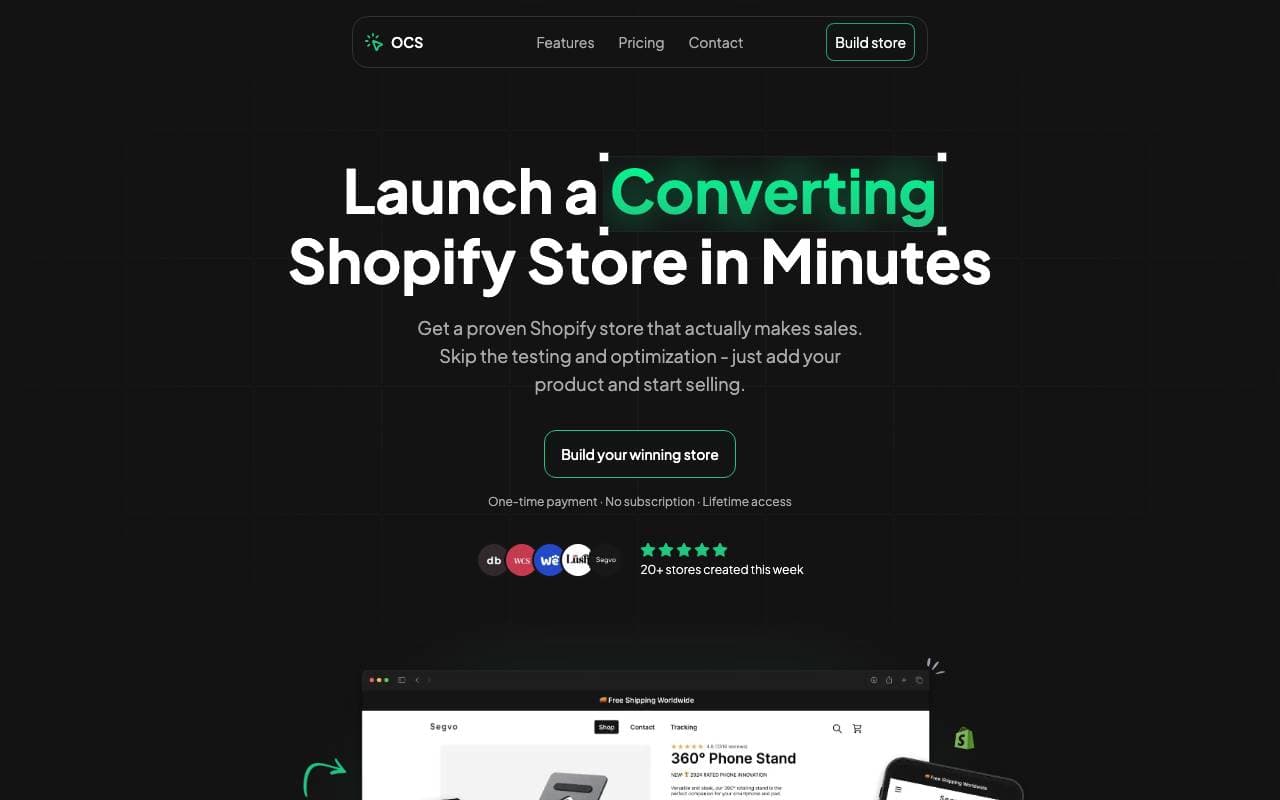

One Click Store
Virtual Workers
KI-gestützte Plattform für den schnellen Start von E-Commerce-Shops in Minuten mit automatisiertem Inhalt und SEO.
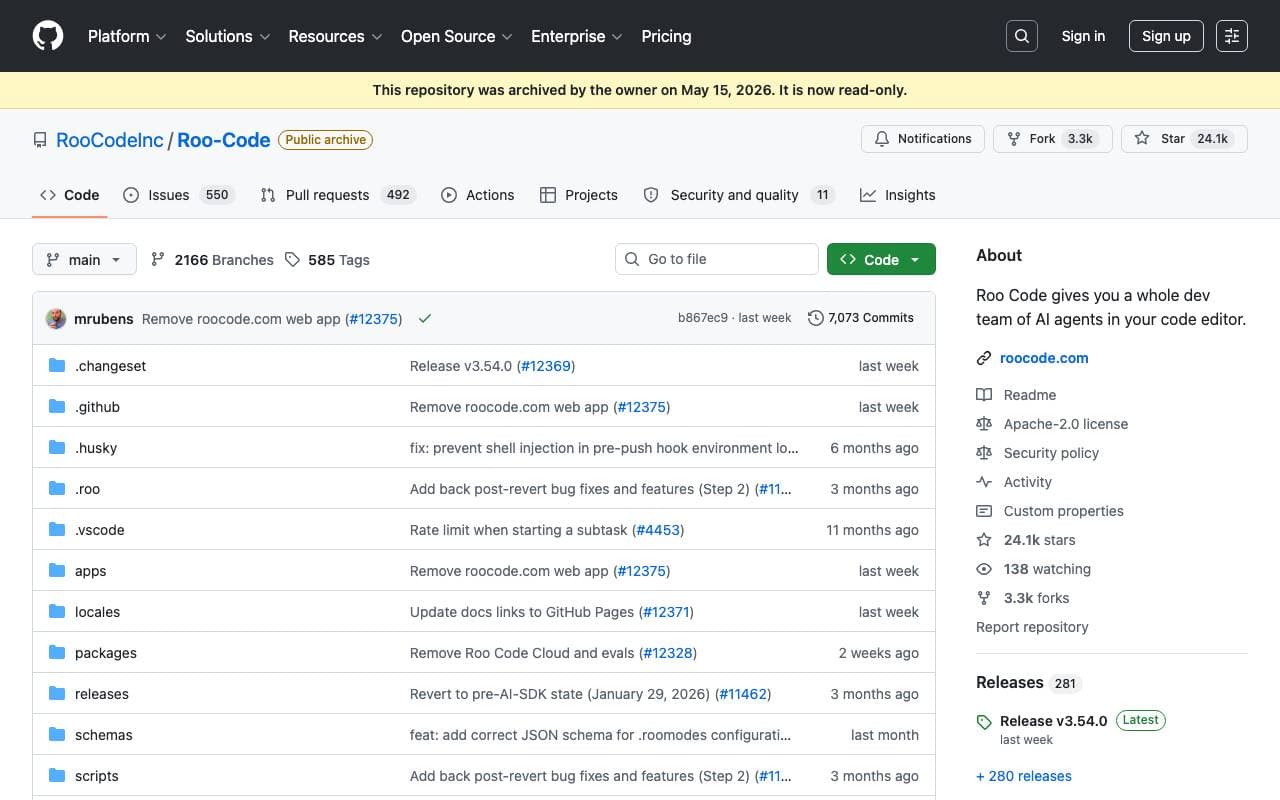

Roo Code
Virtual Workers
Ein autonomer offener Quellcode-AI-Agent, der Programmieren, Debuggen und die Evolution von Software mit minimalem menschlichen Eingriff ermöglicht.


Tally AI
Virtual Workers
Künstliche Intelligenz-Agenten, die wiederholende Rechnungsabwesenheits-, Steuer- und Audit-Aufgaben innerhalb Ihrer vorhandenen Systeme automatisieren.
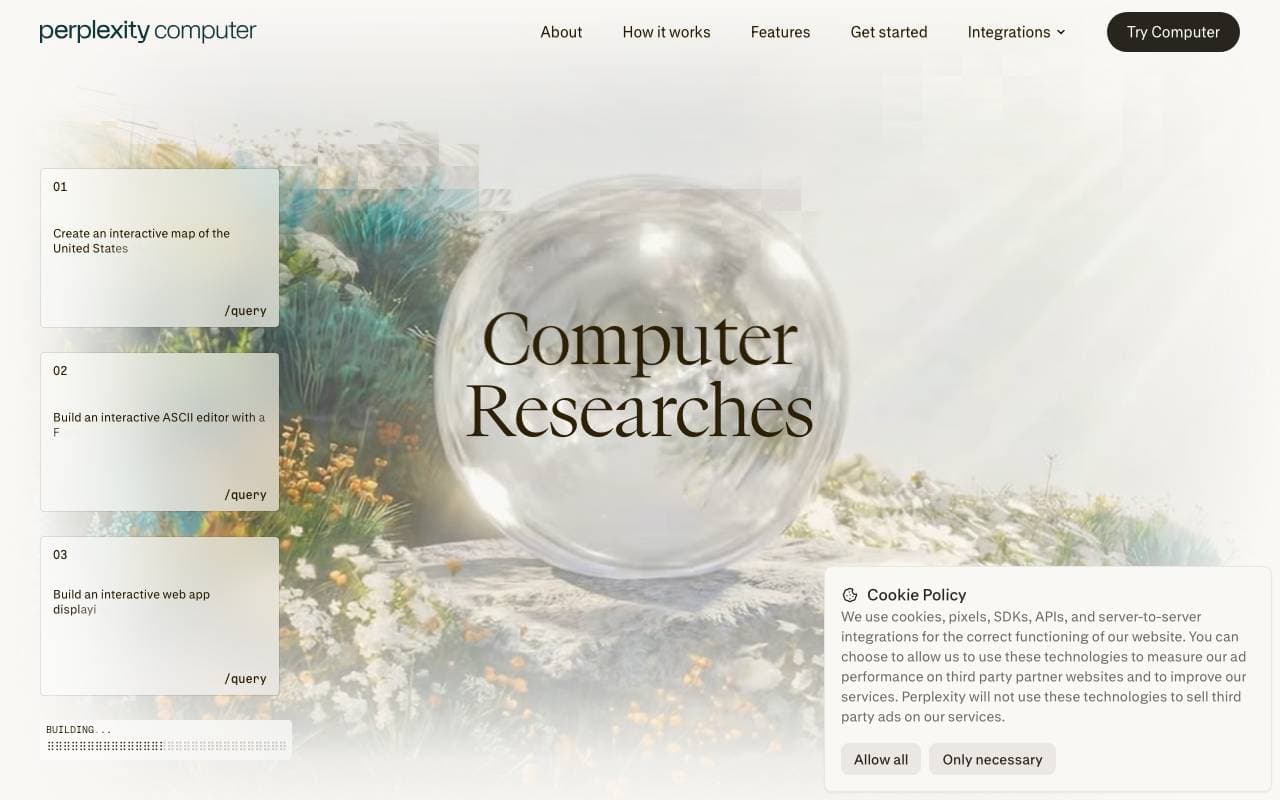

Perplexity Computer
Virtual Workers
Ständig aktiver Digital Worker, der vollständige Workflows mit App-Connectors, Recherche, Coding sowie planmäßiger Überwachung und Aktionen ausführt.
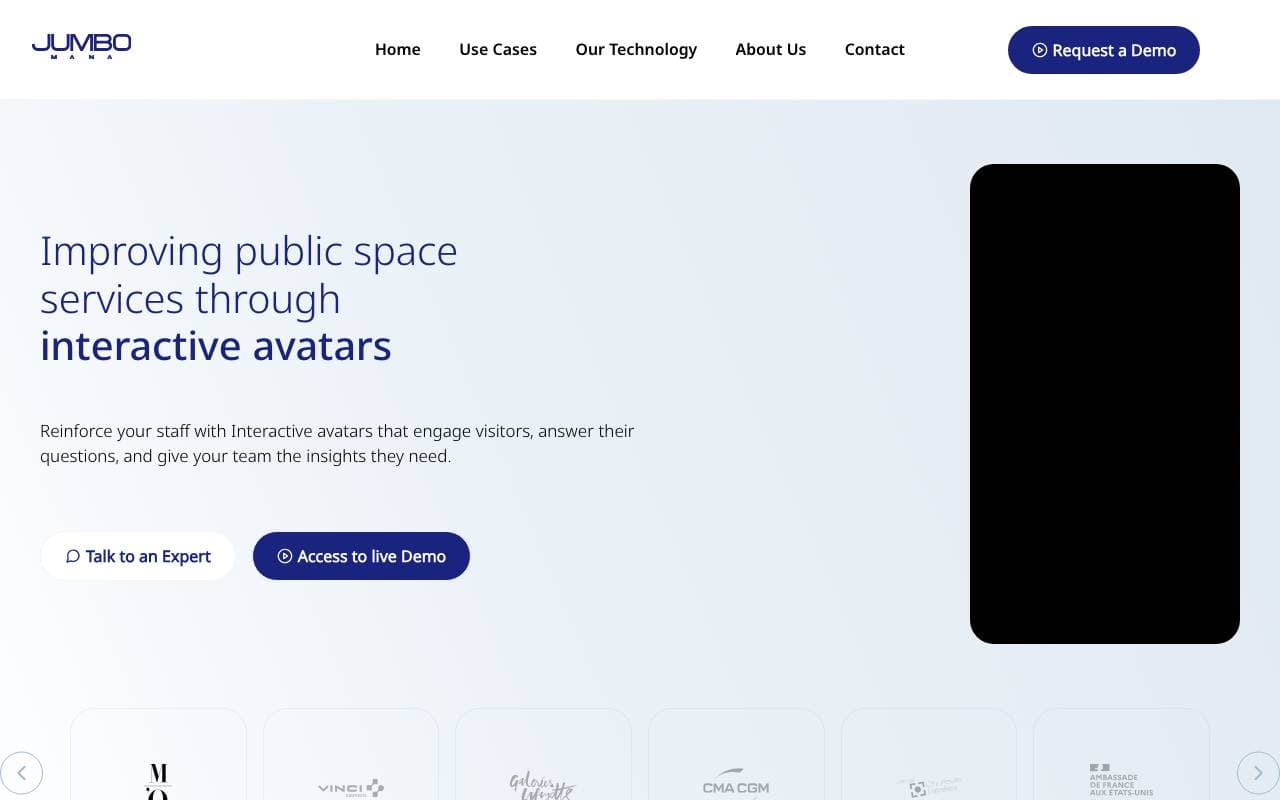

Jumbo Mana
Virtual Workers
Erstellt interaktive AI-Avatare, einschließlich digitaler Doppelgänger, für eine erhöhte Benutzerbindung.


Convergence Proxy
Virtual Workers
Anpassung von AI-Verständnis, das neue Fähigkeiten mit der Zeit auf der Grundlage realer Einsatzmöglichkeiten vermittelt.
Trending now

Doozer Ai
Sales Agent
Digitale Mitarbeiter, die operative Workflows automatisieren, um die Effizienz von Teams zu steigern.


Claude
AI Agents & Chatbots
Konversations‑KI‑Assistent von Anthropic für Schreiben, Analyse, Programmieren und Dokumentaufgaben


Consistent Character AI
Images
Erstellen Sie konsistente KI-Charaktere über Szenen hinweg aus einem einzigen Referenzfoto.


Pin AI
Workflow automation
Agentic AI Recruiter, der Sourcing, Screening und Outreach automatisiert, um den Einstellungsprozess zu beschleunigen.