
OwlAI Email CompanionAssistente de IA controlado por voz para triagem e resposta de e-mails sem usar as mãos.

Visão geral
Funcionalidades principais
- Leitura e navegação de e-mail controladas por voz
- Rascunhos de respostas gerados por IA a partir de ditado
- Comandos de triagem de caixa de entrada (arquivar, marcar, excluir)
- Resumos de e-mail falados
- Fluxo de trabalho sem uso de mãos para dispositivos móveis e desktop
- Integração com principais provedores de e-mail
Preços
- Modelo
- Free
- Categoria
- Avaliação
- 4.5 / 5 (4)
Casos de uso
Processar Caixa de Entrada Durante Deslocamento
Ouça resumos de e-mail e triague mensagens por voz enquanto dirige ou está no transporte público, transformando o tempo de viagem em tempo produtivo de caixa de entrada sem tocar na tela.
Ditadura de Resposta sem Uso de Mãos
Ditague respostas e deixe a IA criar respostas contextuais que você revisa e aprova, reduzindo o esforço de digitação durante exercícios ou outros momentos ocupados.
Triagem Rápida de Caixa de Entrada
Use comandos falados para arquivar, marcar ou excluir e-mails em massa, ajudando profissionais com alto volume a limpar rapidamente a caixa de entrada e se concentrar no que é importante.
Fluxo de Trabalho de E-mail Acessível
Forneça uma experiência de e-mail para usuários que têm dificuldade em digitar ou visualizar telas, apoiando necessidades de acessibilidade por meio de navegação e respostas de voz.
Prós e contras
Prós
- Operação sem uso de mãos é adequada para deslocamentos e multitarefa
- Acelera a triagem da caixa de entrada com comandos de voz
- Respostas elaboradas por IA reduzem o esforço de digitação
- Útil para necessidades de acessibilidade
Contras
- Entrada de voz menos precisa em ambientes barulhentos
- Preocupações com privacidade com acesso a e-mail e dados de áudio
- Pode interpretar mal comandos ou contexto
- Utilidade limitada para e-mails altamente formatados
Avaliações
Média de 4 avaliações.
Entra para deixar uma avaliação.
Years in this space
I've evaluated a lot of these over the years. What stands out here is hands-free workflow for mobile and desktop — handled better than most — and aI-drafted replies reduce typing effort. Privacy concerns with email access and audio data is my one real gripe. Worth the time if this is your use case.
Skeptical, then convinced
I went in skeptical — most tools in this space overpromise. It actually delivers on spoken email summaries, and useful for accessibility needs caught me off guard. still, I'd recommend giving it a real trial.
Compared a few options
Evaluated this against two competitors. Where it wins: aI-generated reply drafts from dictation and useful for accessibility needs. On balance the feature set — especially inbox triage commands (archive, flag, delete) — justifies the 5 stars for our use case.
Compared a few options
Evaluated this against two competitors. Where it wins: aI-generated reply drafts from dictation and useful for accessibility needs. Where it lags: limited usefulness for highly formatted emails. On balance the feature set — especially spoken email summaries — justifies the 4 stars for our use case.
Perguntas e respostas
Ainda sem perguntas — sê o primeiro a perguntar.
Faz uma pergunta
Alternativas a Email
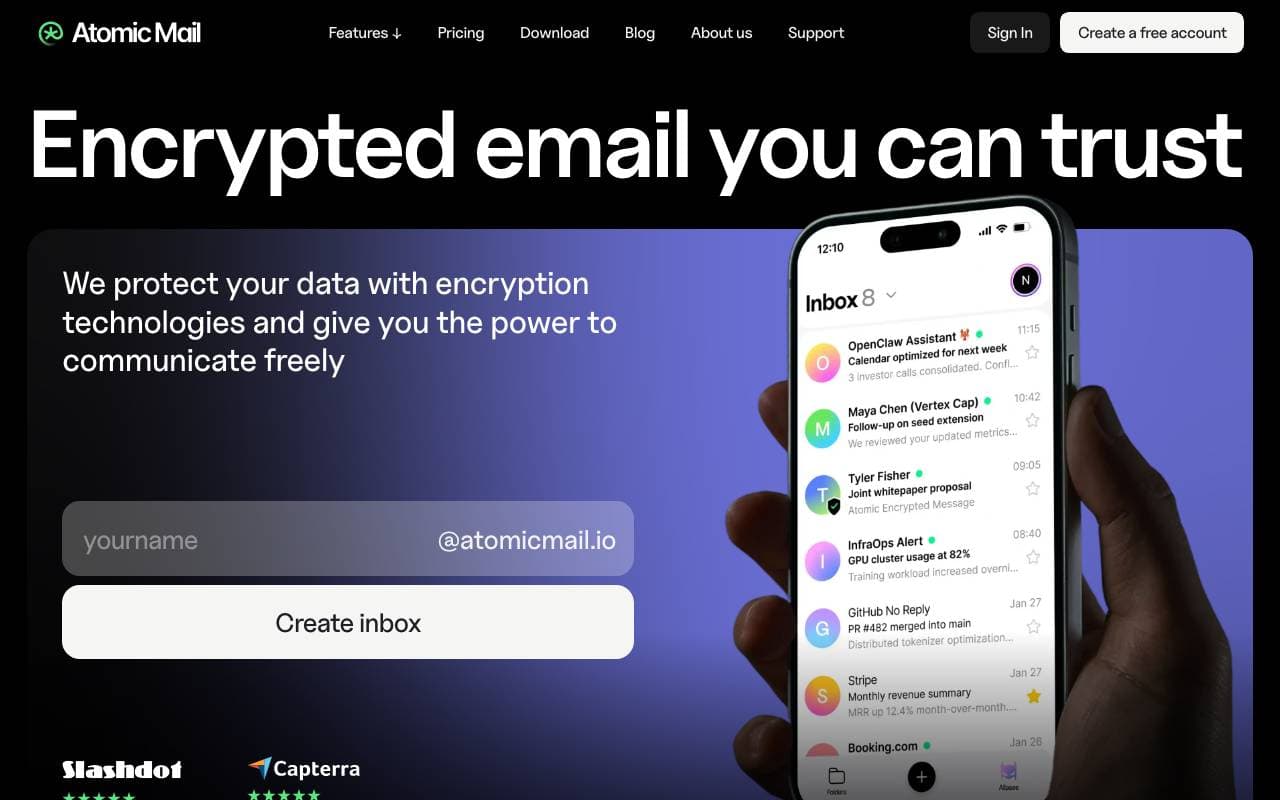

Atomic Mail
E-mail privado, criptografado de ponta a ponta com armazenamento de acesso zero
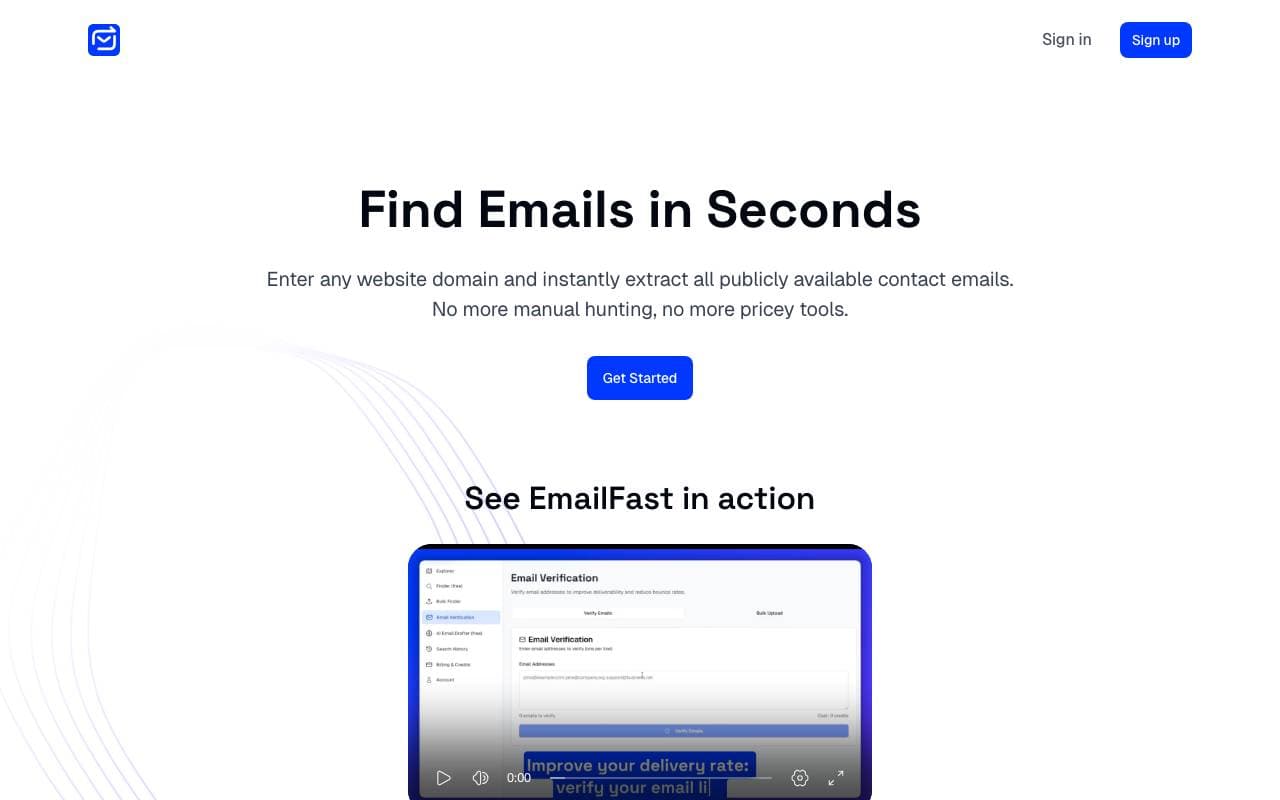

EmailFast
Ferramenta de busca de e-mails com IA, verificador de lista e alcance frio para equipes de vendas.


Mailmodo AI
Plataforma de automação de marketing por e-mail com agentes de IA e e-mails AMP interativos.

OpenMail
API de e-mail projetada para agentes de IA enviarem, receberem e reagirem a mensagens
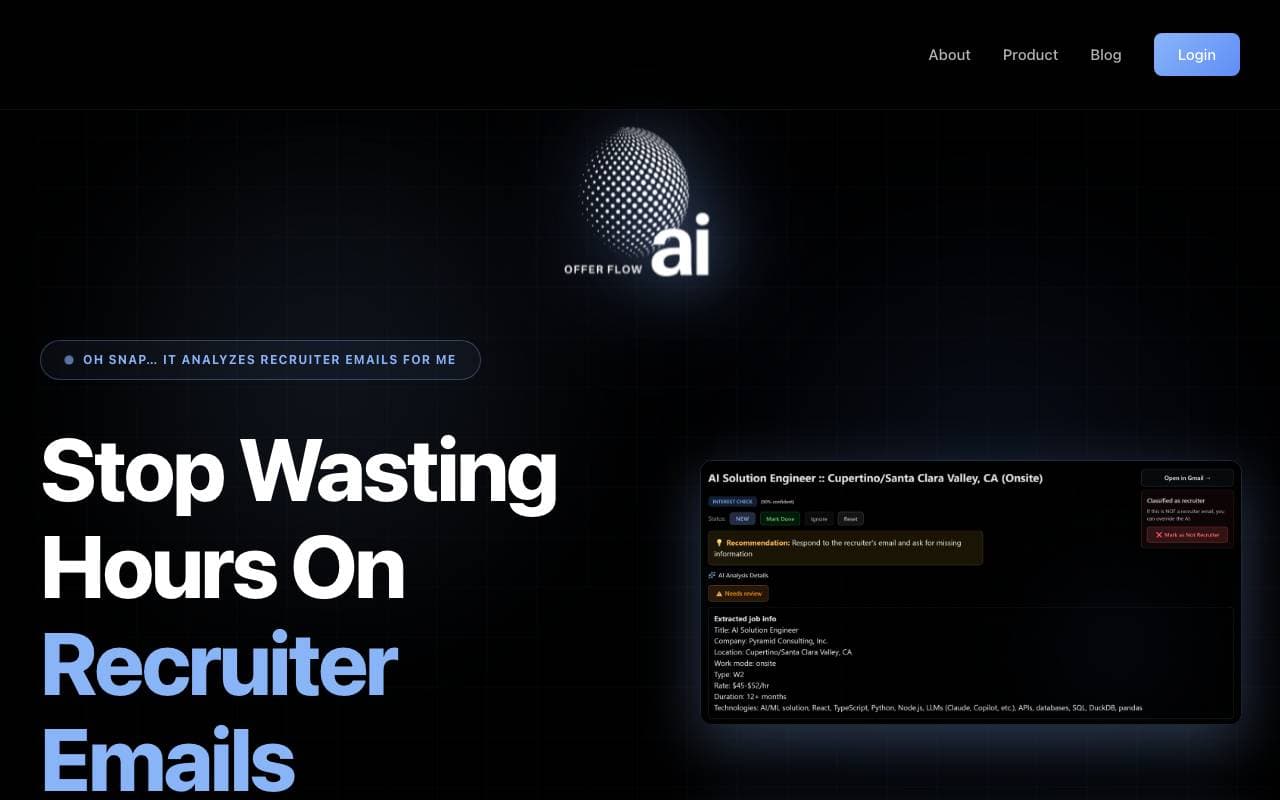

OfferFlowAI
Assistente de IA que detecta e-mails de recrutadores, avalia ofertas de emprego e elabora respostas inteligentes.
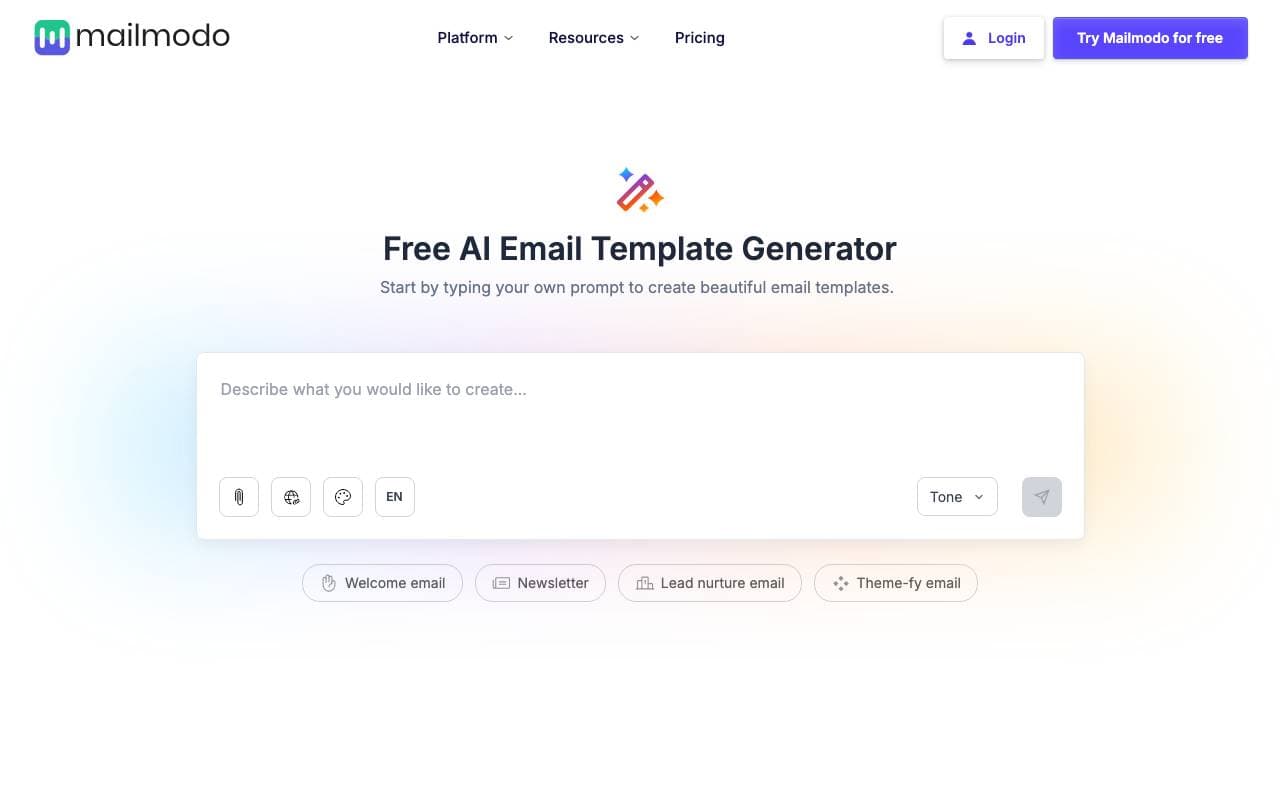

AI Email Template Generate
Assistente de IA baseado em chat para criar e editar modelos de e‑mail em tempo real.


MXGo.AI
Assistente de e-mail com IA projetado para agilizar o gerenciamento da caixa de entrada e impulsionar a produtividade.
Trending now


Claude
AI Agents & Chatbots
Assistente de IA conversacional da Anthropic para escrita, análise, codificação e tarefas de documento

Doozer Ai
Sales Agent
Co-trabalhadores digitais que automatizam fluxos de trabalho operacionais para impulsionar a eficiência da equipe.


Consistent Character AI
Images
Gere personagens de IA consistentes em diferentes cenas a partir de uma única foto de referência.
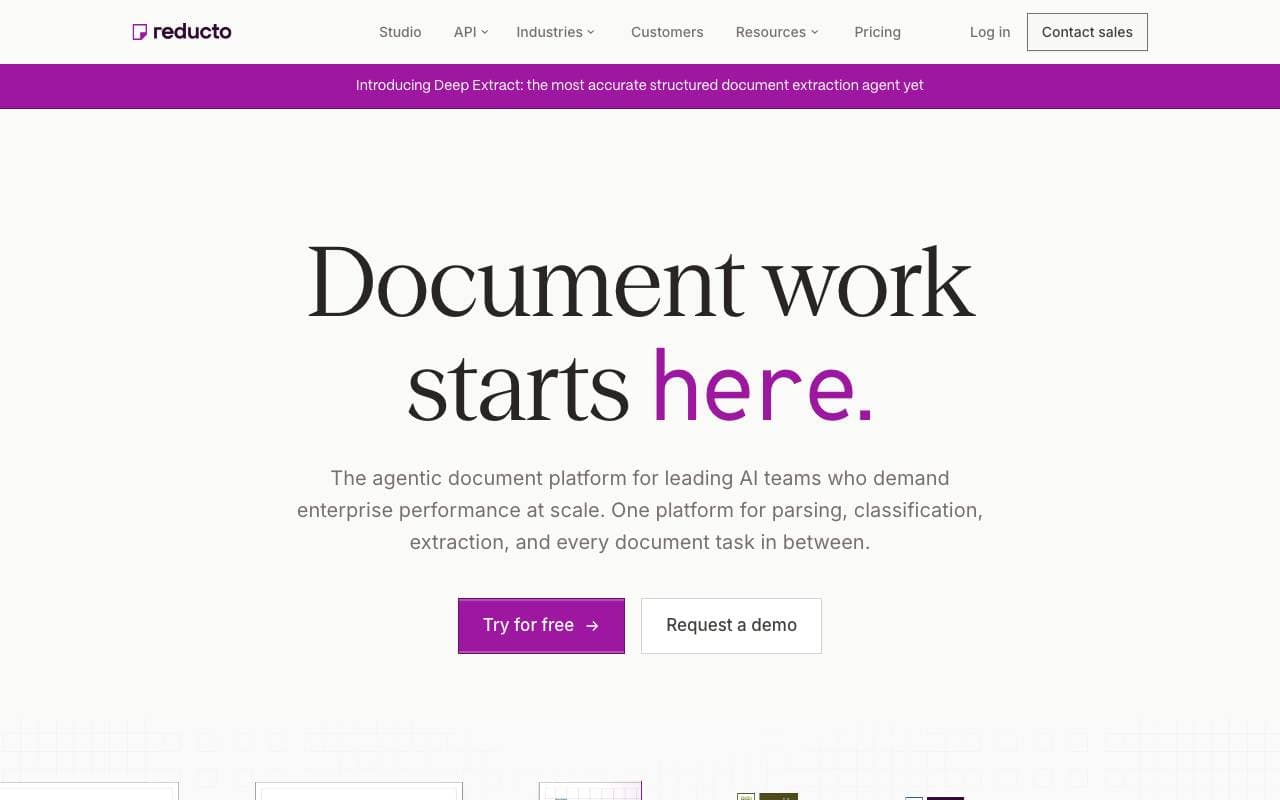

Reducto AI
AI Agent Development Platforms
API de inteligência de documentos que parseia, divide, reconhece texto e extrai dados estruturados de PDFs complexos, slides e planilhas.