
Jan AIOpen-source desktop app for running local LLMs with full privacy and offline access.

Overview
Key features
- Local LLM inference on personal devices
- Built-in model hub and downloader
- Chat interface with conversation history
- Optional connections to remote AI providers
- Extension and API support for customization
- Offline mode with no telemetry by default
Pricing
- Model
- Free
- Category
- Productivity
- Rating
- 4.2 / 5 (5)
Use cases
Private offline AI chat
Chat with large language models entirely on your own machine, keeping sensitive conversations and documents off the cloud with no telemetry by default.
Experiment with open-source models
Browse, download, and switch between open-source LLMs via the built-in model hub to compare outputs and find the best fit for your tasks.
Hybrid local and cloud workflows
Use local inference for private work and optionally connect to remote providers like OpenAI when you need more powerful models for specific tasks.
Custom AI tooling for developers
Leverage extension and API support to build custom integrations, automate workflows, or embed Jan's local LLM capabilities into developer pipelines.
Pros & Cons
Pros
- Fully local execution keeps data private
- Open-source and self-hostable
- Cross-platform support for Windows, macOS, and Linux
- Works with many open models and optional cloud APIs
Cons
- Performance depends on local hardware
- Larger models require significant RAM and disk space
- Setup can be technical for non-developers
Reviews
Average from 5 ratings.
Sign in to leave a review.
Years in this space
I've evaluated a lot of these over the years. What stands out here is extension and API support for customization — handled better than most — and works with many open models and optional cloud APIs. Larger models require significant RAM and disk space is my one real gripe. Worth the time if this is your use case.
Years in this space
I've evaluated a lot of these over the years. What stands out here is offline mode with no telemetry by default — handled better than most — and fully local execution keeps data private. Setup can be technical for non-developers is my one real gripe. Worth the time if this is your use case.
Compared a few options
Evaluated this against two competitors. Where it wins: extension and API support for customization and open-source and self-hostable. On balance the feature set — especially local LLM inference on personal devices — justifies the 5 stars for our use case.
Solid for our team
We rolled this out across the team last quarter and open-source and self-hostable. Optional connections to remote AI providers fits neatly into how we already work, and chat interface with conversation history removed a step we used to do by hand. Performance depends on local hardware, which is the main caveat, but it has held up under daily use.
Compared a few options
Evaluated this against two competitors. Where it wins: local LLM inference on personal devices and cross-platform support for Windows, macOS, and Linux. Where it lags: setup can be technical for non-developers. On balance the feature set — especially built-in model hub and downloader — justifies the 4 stars for our use case.
Q&A
No questions yet — be the first to ask.
Ask a question
Productivity alternatives
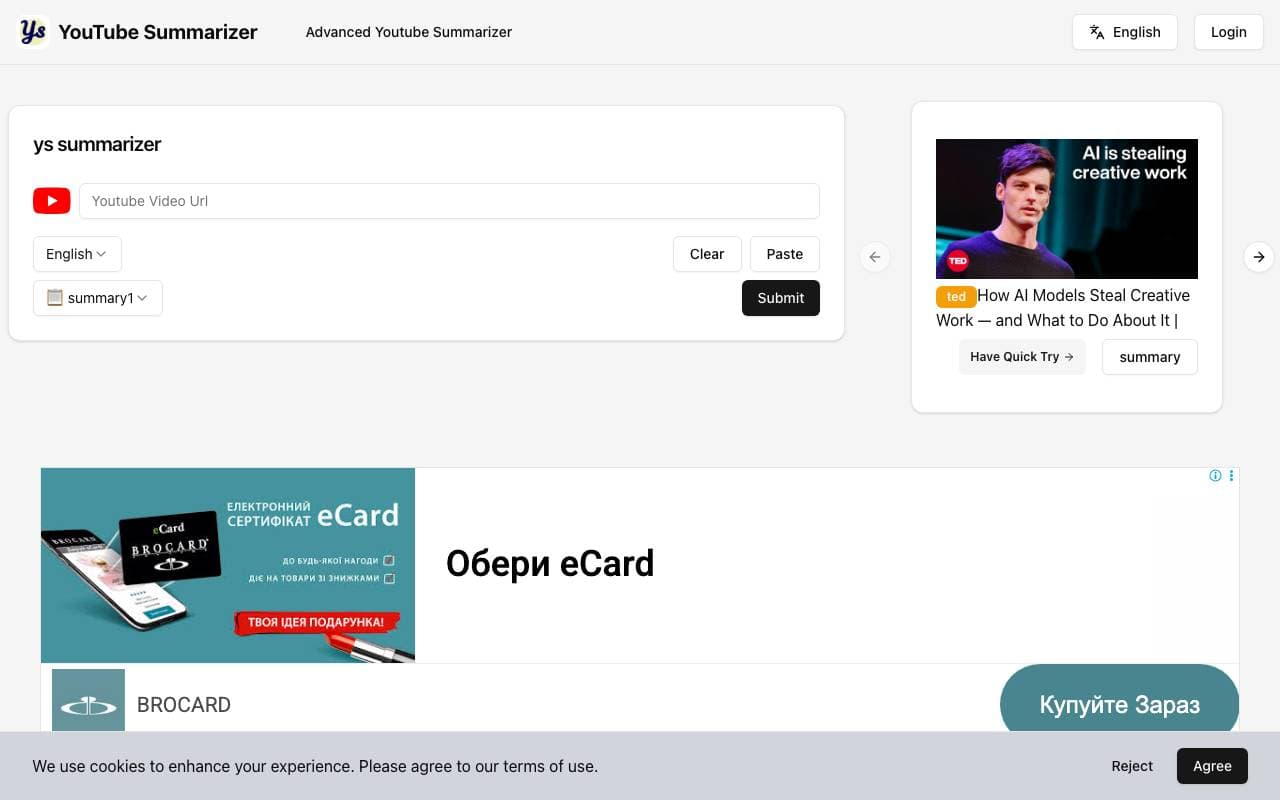

Youtube Sumamrizer
Productivity
Paste a YouTube link to get fast, readable video summaries


Impartial
Productivity
Settle disputes with an unbiased AI judge that hears both sides
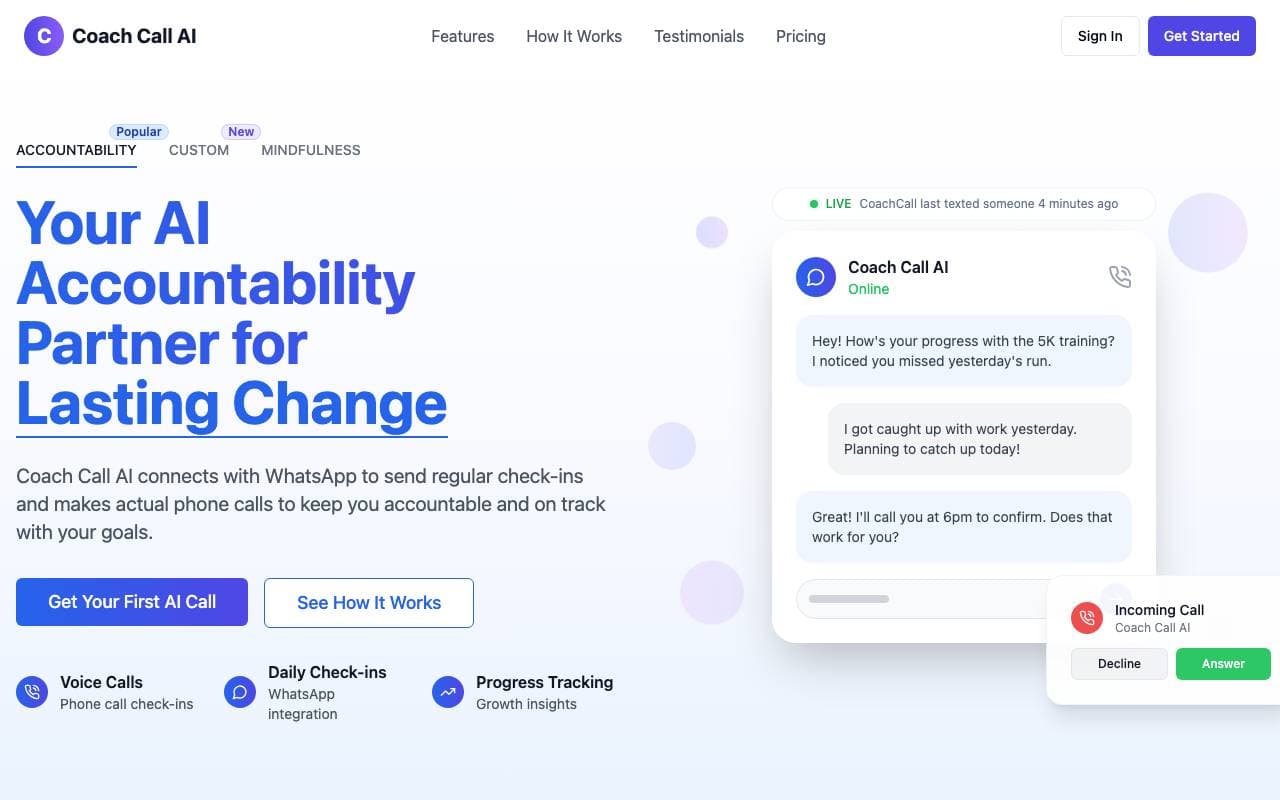

coachcall.ai
Productivity
AI accountability partner that calls you and tracks goals via WhatsApp.
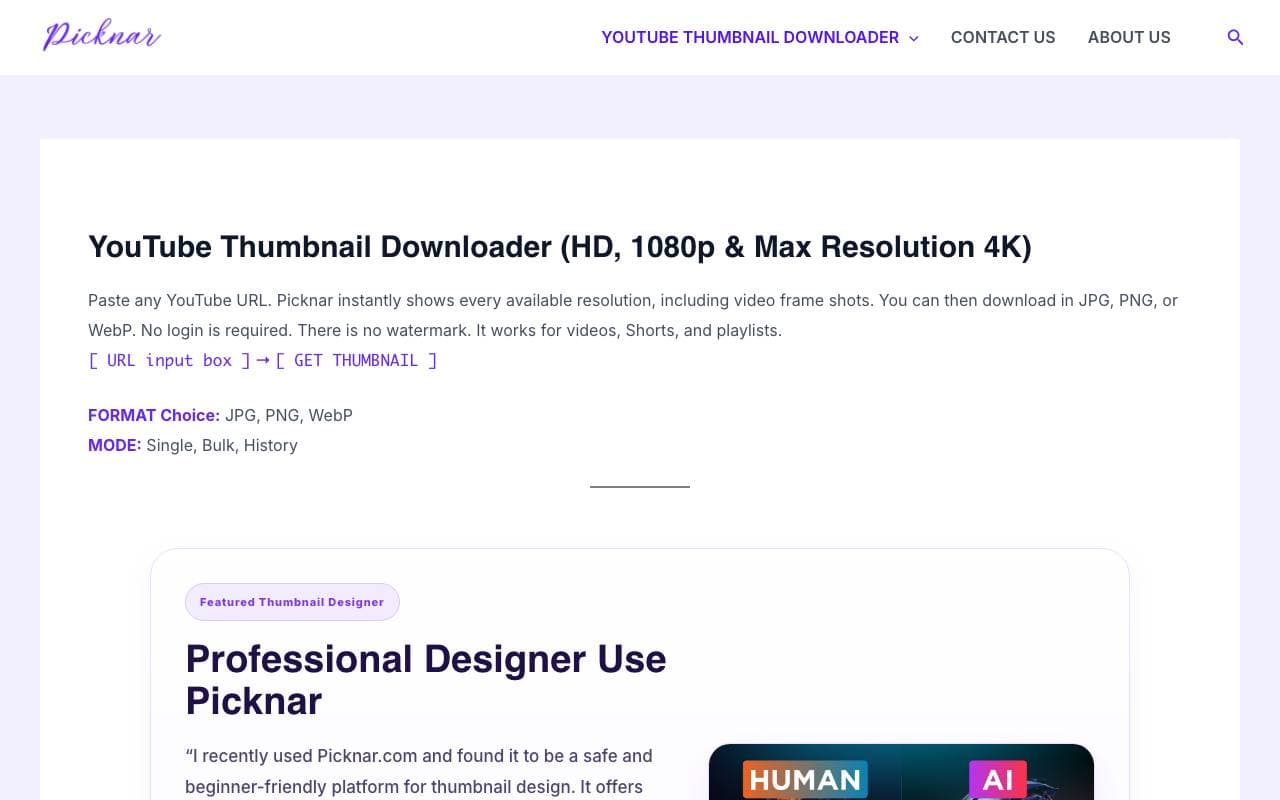

Picknar
Productivity
Grab high-resolution thumbnails from any YouTube video or Short in seconds.


BrowseGPT
Productivity
A Chrome extension that automates web browsing tasks using AI, enabling users to navigate and interact with websites through natural language instructions.

ace.me
Productivity
Premium .me domain potentially available for AI ventures seeking a memorable identity

Dart AI
Productivity
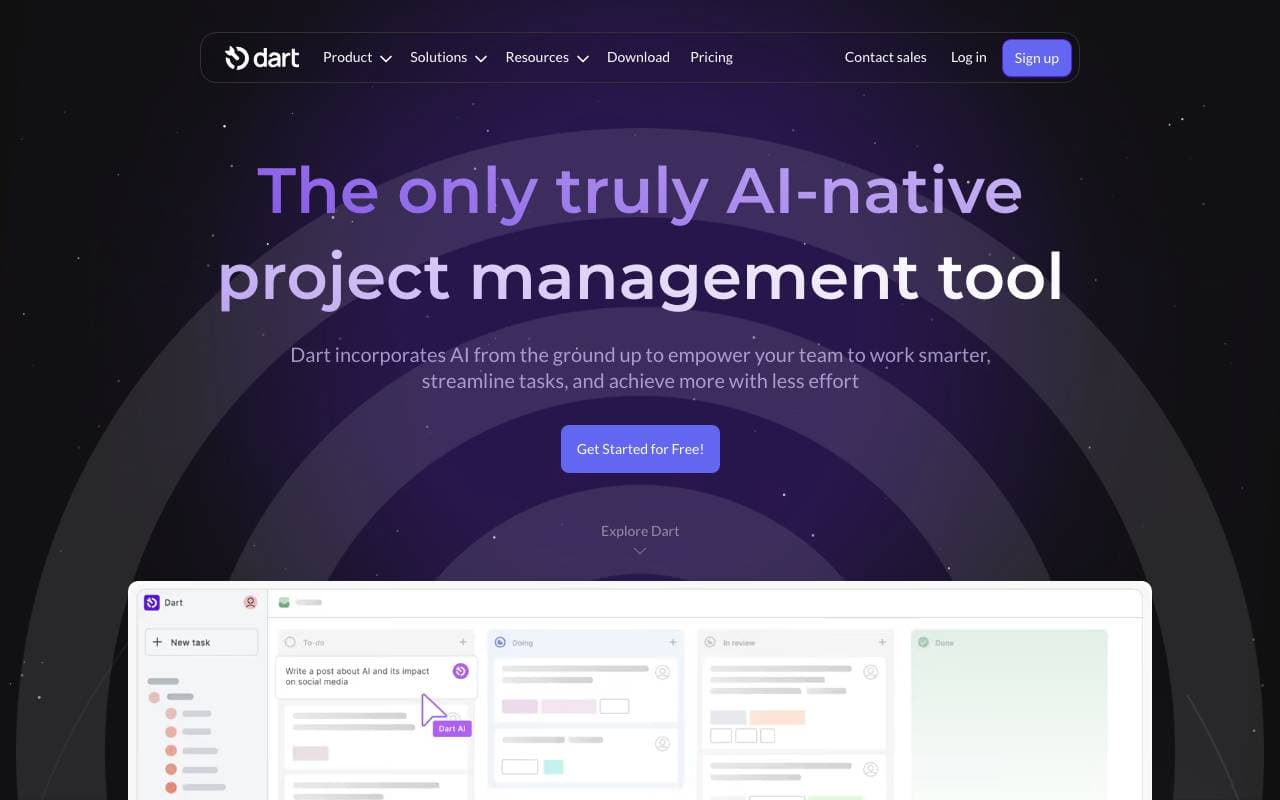
An AI-native project management tool that automates workflows, tasks, and reporting.

Suna AI
Productivity
Open-source generalist AI agent for browsing, research, and task automation
Trending now


Claude
AI Agents & Chatbots
Conversational AI assistant from Anthropic for writing, analysis, coding, and document tasks

Doozer Ai
Sales Agent
Digital co-workers that automate operational workflows to boost team efficiency.


Consistent Character AI
Images
Generate consistent AI characters across scenes from a single reference photo.


Pin AI
Workflow automation
Agentic AI recruiter that automates sourcing, screening, and outreach to accelerate hiring.