Best Productivity (2026)

If you sign up through a link on this page, we may earn a commission — it never affects our rankings.
A curated guide to the best Productivity AI tools, covering assistants that help you plan, write, organize, and automate everyday work across teams and solo workflows.
Productivity by the numbers
Pricing mix
Best Productivity (2026)
- 1
 Youtube SumamrizerPaste a YouTube link to get fast, readable video summaries5.0 (6)
 - 2
 ImpartialSettle disputes with an unbiased AI judge that hears both sides5.0 (6)
 - 3
 coachcall.aiAI accountability partner that calls you and tracks goals via WhatsApp.5.0 (5)
 - 4
 PicknarGrab high-resolution thumbnails from any YouTube video or Short in seconds.5.0 (5)
 - 5
 BrowseGPTA Chrome extension that automates web browsing tasks using AI, enabling users to navigate and interact with websites through natural language instructions.5.0 (5)
 - 6
 ace.mePremium .me domain potentially available for AI ventures seeking a memorable identity5.0 (5)
 - 7
 Dart AIAn AI-native project management tool that automates workflows, tasks, and reporting.5.0 (5)
 - 8
 Suna AIOpen-source generalist AI agent for browsing, research, and task automation5.0 (4)
 - 9
 Aback ToolsFree online toolkit for converting files and formatting text in the browser.5.0 (4)
 - 10
 KlaasTrack and improve how your brand appears across ChatGPT, Claude, Gemini, and Perplexity5.0 (4)

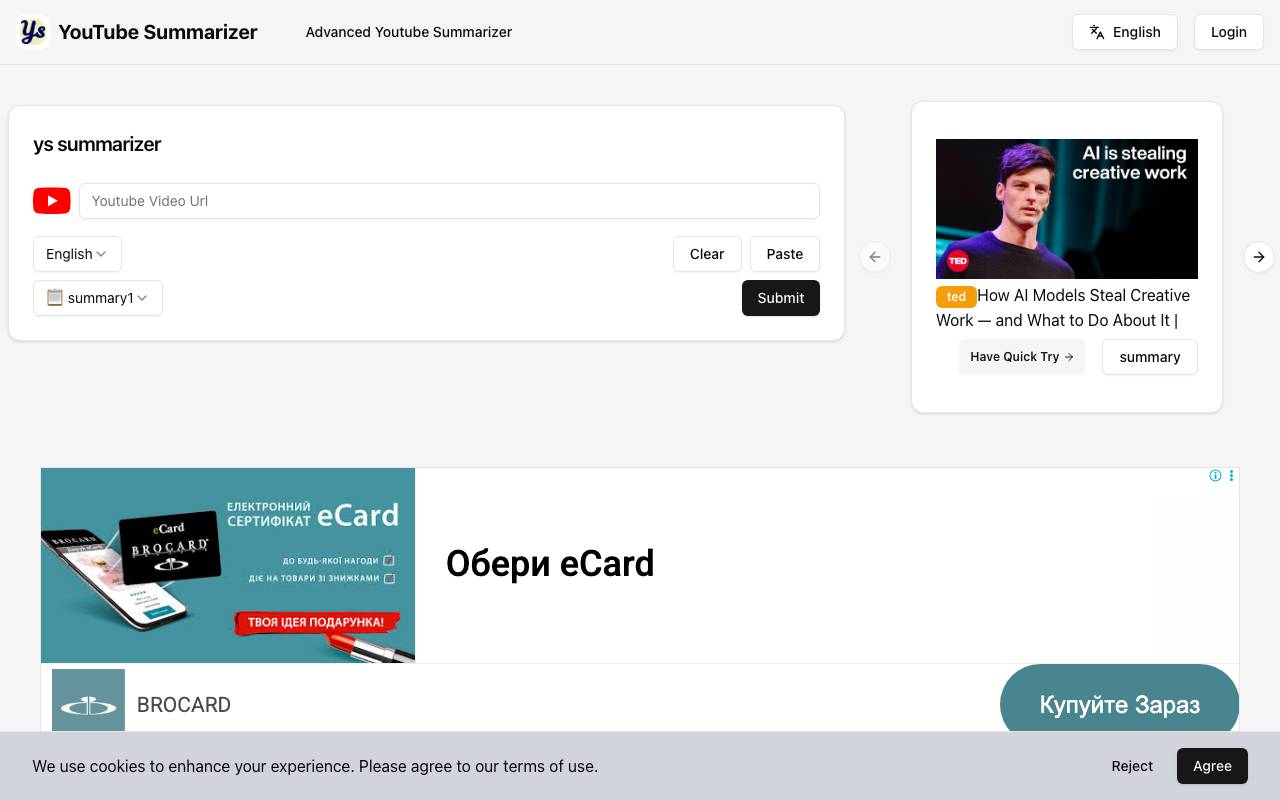
Youtube Sumamrizer is a web-based tool that condenses YouTube videos into short, readable summaries. Users paste a video URL and receive the key points without needing to watch the full clip, making it useful for research, learning, and quick content review. The tool is aimed at both viewers who want to save time and creators who want to study competitor content or repurpose video material. It works across a wide range of video lengths and topics, turning long-form footage into digestible text.
- YouTube URL input for instant summaries
- Key points extraction
- Supports a range of video lengths
- Browser-based, no install needed
- Helpful for research and content review

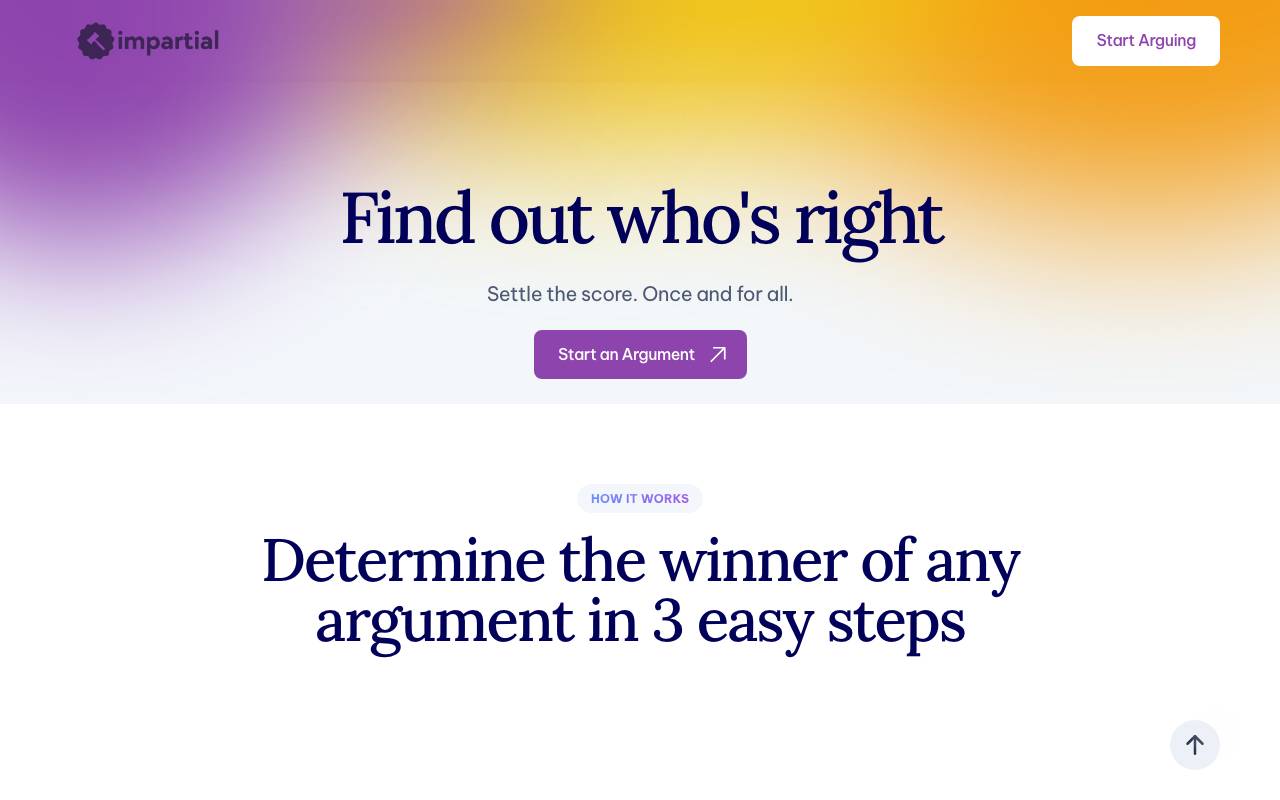
Impartial is an AI-powered arbitrator designed to help people resolve everyday disagreements. Each party submits their side of the story, and the tool evaluates the arguments to deliver a neutral verdict on who has the stronger case. The service is aimed at friends, couples, roommates, and coworkers who want a quick, lighthearted way to break a stalemate. Instead of relying on gut feelings or shouting matches, users get a structured response that weighs the facts presented by both sides. While not a substitute for professional mediation, Impartial offers a fun and surprisingly useful way to defuse minor conflicts and settle bets.
- Dual-input format for both perspectives
- AI-generated impartial verdict
- Reasoning explained for each decision
- Lightweight, conversational interface
- Works for everyday personal disputes

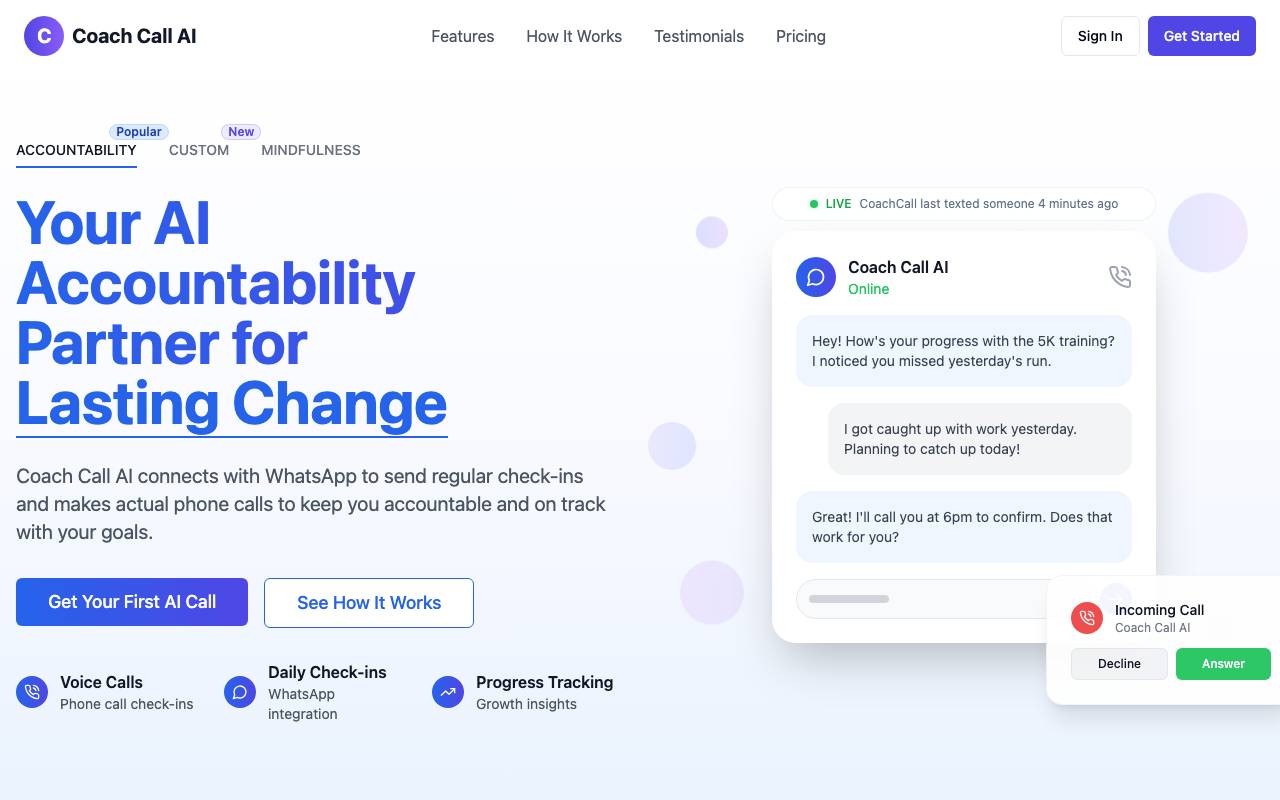
Coachcall.ai is an AI accountability partner designed to help users track and achieve their goals. It operates through WhatsApp, providing a convenient and accessible platform for users to receive support and stay on track. The AI-powered tool likely uses natural language processing to communicate with users, offer guidance, and monitor progress towards their objectives. By leveraging the widespread use of WhatsApp, Coachcall.ai aims to make goal achievement more manageable and less intimidating. However, specific details about its features, such as how it sets goals, provides feedback, or integrates with other systems, are not available. As an accountability partner, it likely focuses on motivation and regular check-ins to encourage users to stay committed to their goals.
- Scheduled AI voice call check-ins
- WhatsApp message-based coaching
- Achievement and progress tracking
- Custom goals and habit setup
- Streak and milestone monitoring
- Personalized accountability prompts

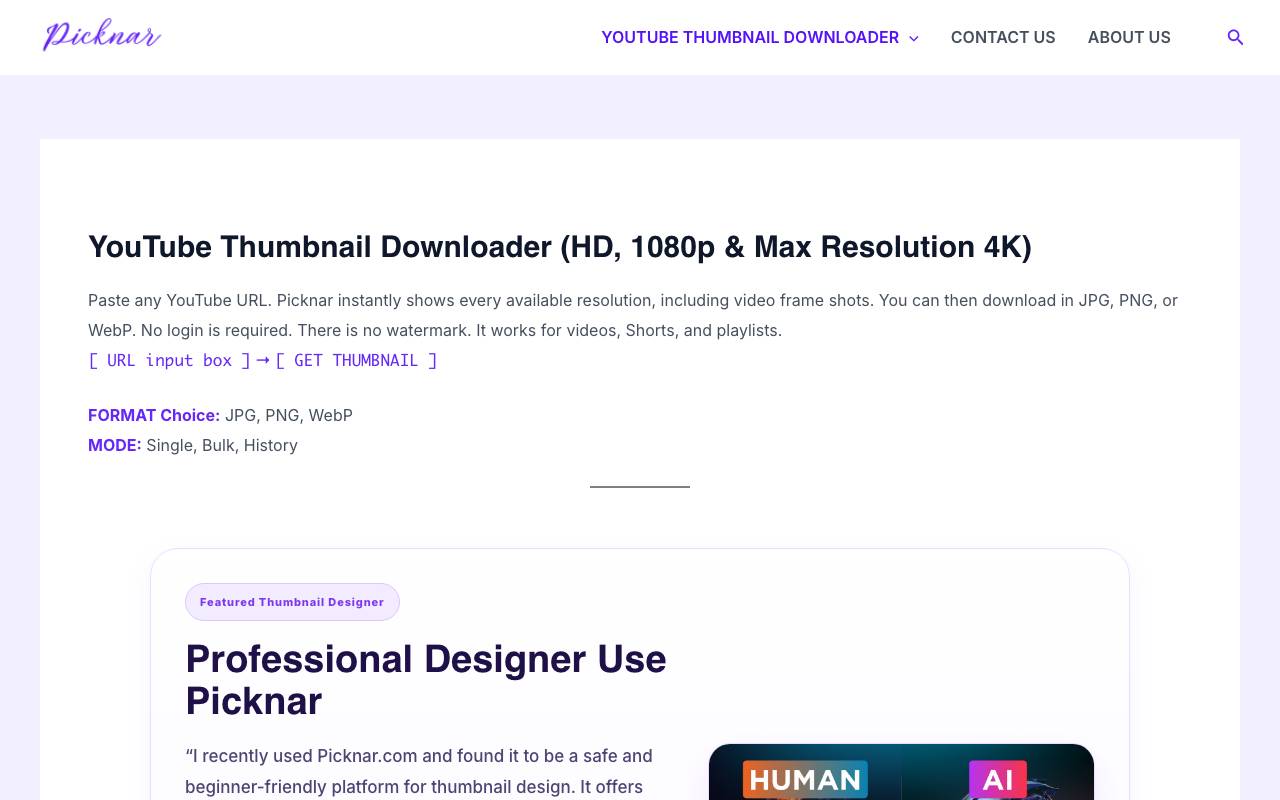
Picknar is a YouTube thumbnail downloader that allows users to extract high-resolution thumbnails from any YouTube video or Short. The tool fetches available thumbnail sizes directly from YouTube's image servers, offering resolutions up to 4K. Users can paste a YouTube URL into the tool and download thumbnails in JPG, PNG, or WebP formats without requiring a login or account. The service is free, secure, and mobile-friendly, with no usage limits or watermarks. Picknar supports downloading thumbnails for YouTube videos, Shorts, and playlists, making it useful for content creators, designers, and marketers. It also features a thumbnail designer and provides a safe and beginner-friendly platform for thumbnail design. The tool's key benefits include its speed, ease of use, and focus on user privacy and security. According to community feedback, Picknar's lightweight design and lack of extra steps make it a convenient option for quickly obtaining thumbnails. Picknar's features and capabilities compare favorably to browser extensions, which often require additional permissions and can slow down browsing speed. However, like any tool, its effectiveness may vary depending on specific user needs and YouTube's evolving policies.
- HD and max-resolution thumbnail extraction
- Support for YouTube Shorts
- Direct image download
- URL-based lookup with instant preview
- Browser-based, no install needed
- Works across desktop and mobile

BrowseGPT
A Chrome extension that automates web browsing tasks using AI, enabling users to navigate and interact with websites through natural language instructions.
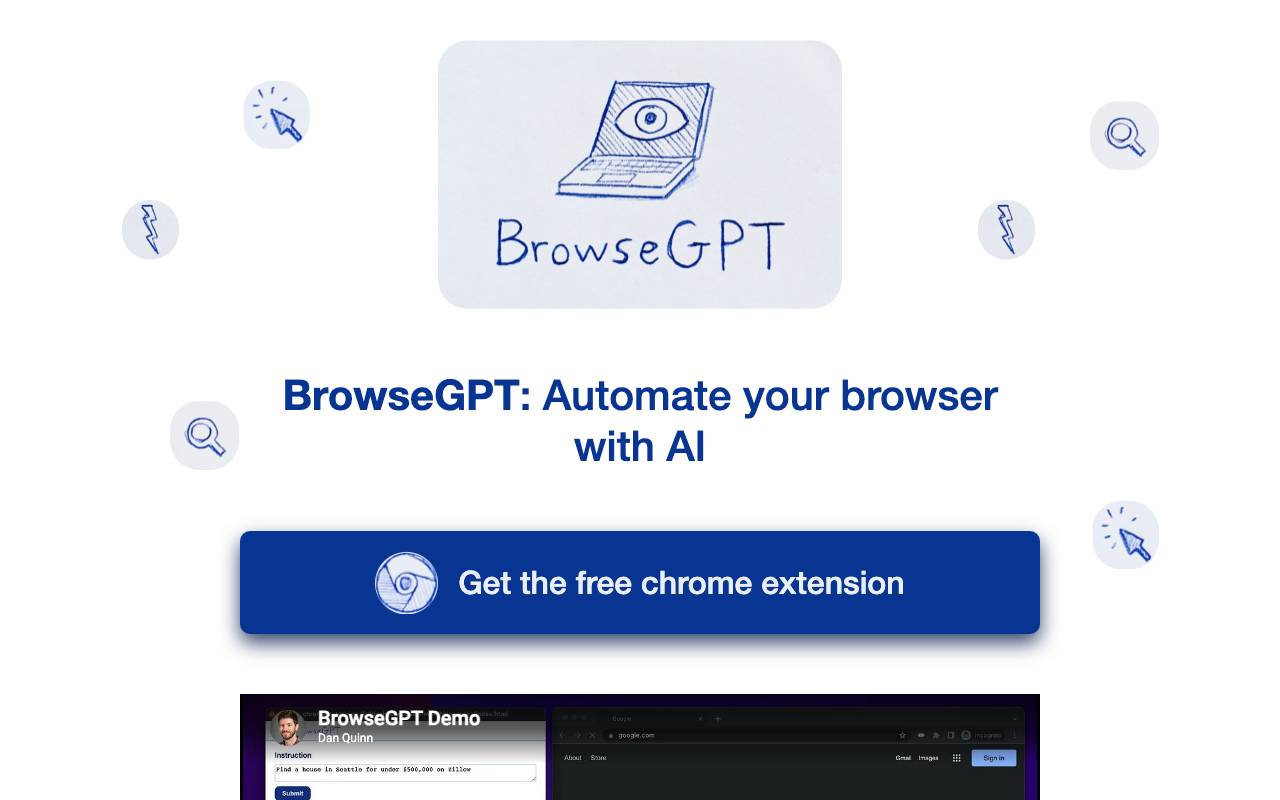
BrowseGPT is a Chrome extension that automates web browsing tasks using AI. Users give it natural language instructions, such as 'Find a place to stay in Seattle on February 22nd' or 'buy a children's book on Amazon', and it attempts to complete the task. It utilizes OpenAI's GPT-3 model to process web pages and issue commands like CLICK, ENTER_TEXT, or NAVIGATE. The extension provides reasons for its decisions, allowing users to correct its course if necessary. However, it's noted as experimental and should be used with caution, particularly on pages with private information or where incorrect actions could cause serious issues.
- CLICK
- ENTER_TEXT
- NAVIGATE

ace.me
Premium .me domain potentially available for AI ventures seeking a memorable identity
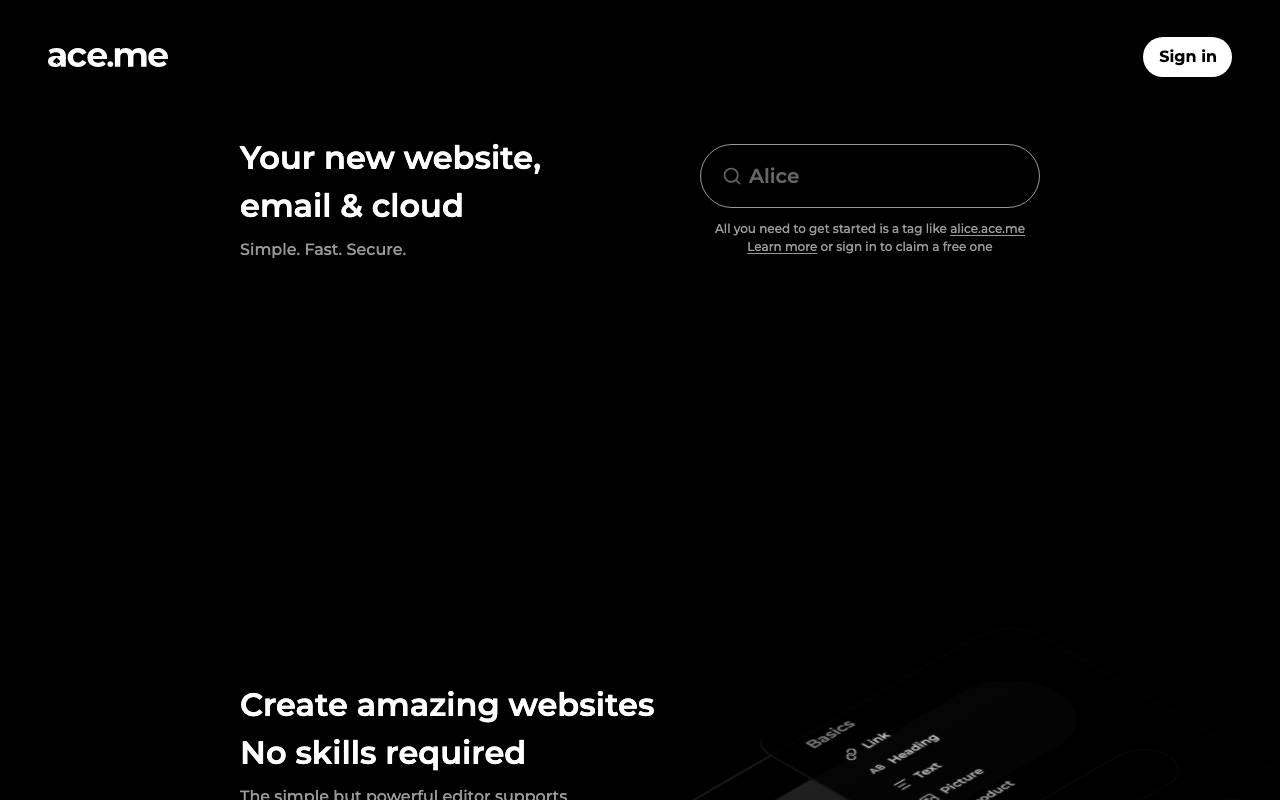
ace.me is a short, brandable domain name that pairs the word "ace" with the popular .me top-level domain. Listings around this address typically bundle website hosting, branded email, and cloud storage options, making it a turnkey identity package for a new product or personal brand. For founders launching an AI tool, a three-letter, dictionary-word domain like this can serve as a strong public face. It is easy to type, easy to remember, and lends itself naturally to taglines built around achievement or excellence. Note that ace.me is primarily a domain asset rather than a software product, so its value depends on acquisition cost and how the buyer chooses to build on it.
- Three-letter .me domain name
- Optional website hosting setup
- Branded email address provisioning
- Included cloud storage tier
- Suitable for personal or product branding
- Easy to spell and pronounce

Dart AI
An AI-native project management tool that automates workflows, tasks, and reporting.
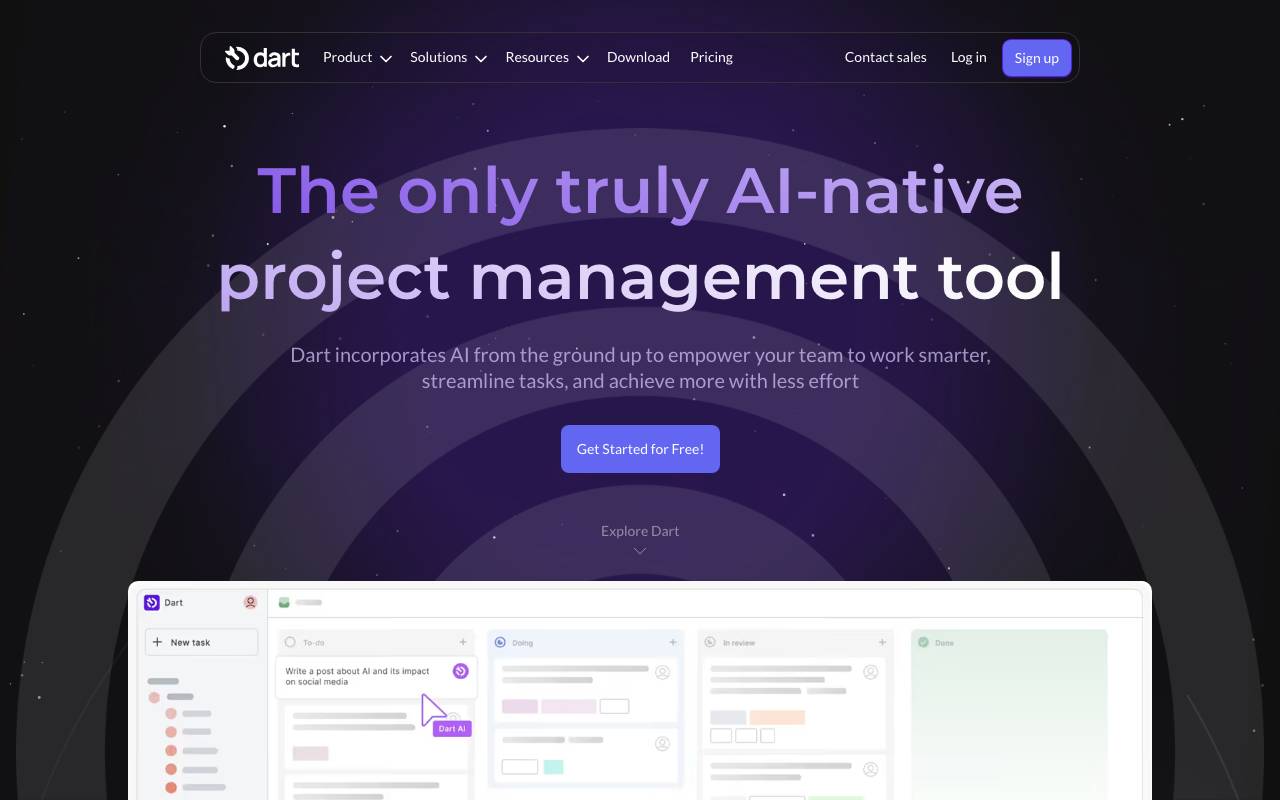
Dart AI is an AI-native project management tool designed to automate workflows, tasks, and reporting. It aims to empower teams to work smarter and achieve more with less effort. The tool offers various features such as intelligent task management, roadmaps, calendar views, document storage, and meeting notes. Dart AI also provides AI-driven features like automatic property filling and report generation. It's used by teams and leaders for project management, task tracking, and productivity enhancement.
- Intelligent task management
- AI task management features like automatic property filling
- Roadmaps and calendar views
- Document storage and doc editor
- Meeting notes and report generation
- Integration with workplace tools

Suna AI is an open-source autonomous agent developed by Kortix AI, positioned as a community-driven alternative to closed agent platforms like Manus. It can plan multi-step tasks, browse the web, execute code, manage files, and interact with external services on a user's behalf. Because the project is open source, developers can self-host Suna, inspect its architecture, and extend it with custom tools or integrations. This makes it appealing for teams that want agent capabilities without sending sensitive workflows to a proprietary cloud service. Typical use cases include automated research, data gathering, document generation, lightweight RPA-style workflows, and prototyping agentic features inside larger applications.
- Autonomous web browsing and scraping
- Code execution sandbox
- File creation and management
- Integration with multiple LLM providers
- Task planning and tool use
- Self-hosting via Docker

Aback Tools
Free online toolkit for converting files and formatting text in the browser.
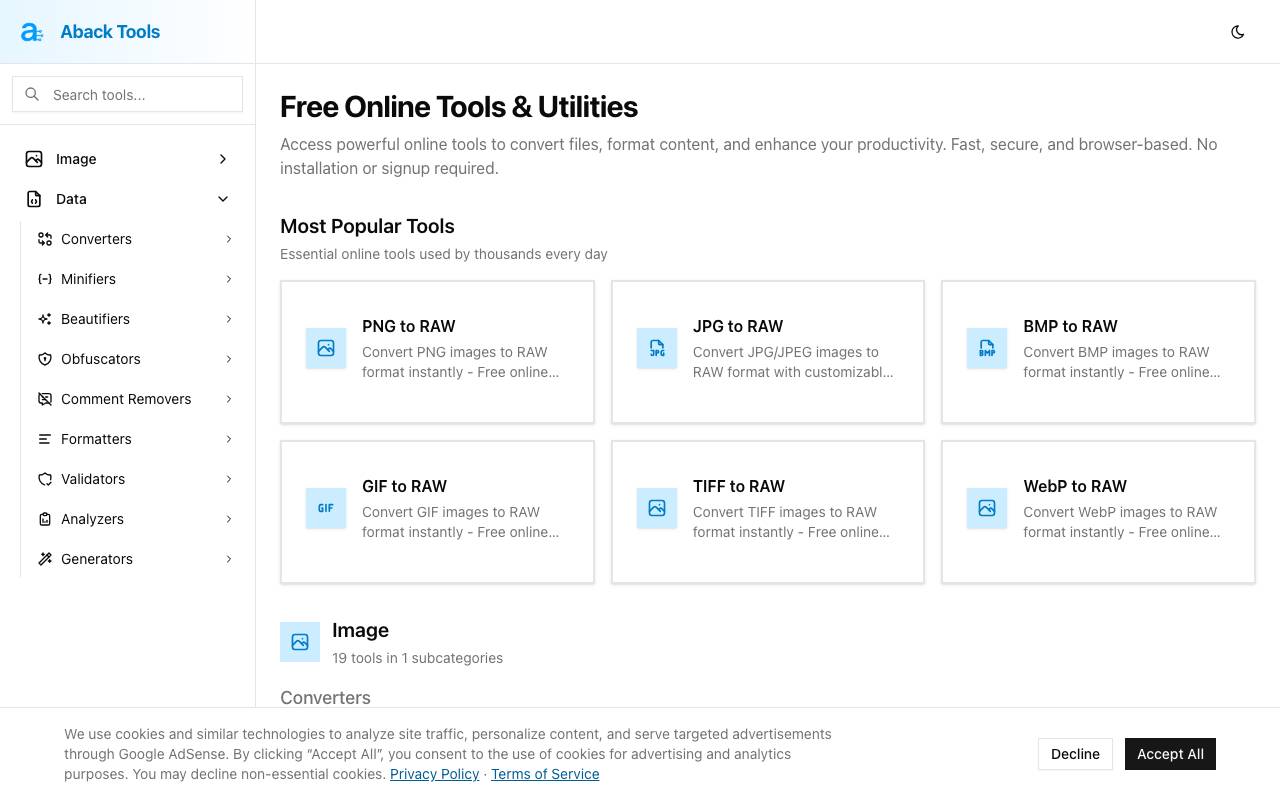
Aback Tools is a free online toolkit that provides various utilities for converting files and formatting text directly in the browser. It offers a wide range of tools across several categories, including image conversion, audio and video processing, data compression, and cryptography. The tools are designed to enhance productivity and are accessible without requiring installation or signup. The image conversion tools allow users to convert between various image formats, such as PNG, JPG, BMP, GIF, and TIFF to RAW. The audio and video tools include a voice recorder, audio extractor, audio slicer and converter, ID3 tag editor, and MP3 metadata viewer, among others. The data compression tools provide functionalities for JSON key shortening, JSON vs MessagePack size comparison, string decompression, and ZIP and TAR.GZ file extraction. The cryptography tools include an RSA/ECDSA key generator, password generator, UUID/GUID batch generator, AES file encryptor/decryptor, and JWT builder. Overall, Aback Tools aims to provide fast, secure, and browser-based solutions for various file conversion and text formatting needs.
- File format conversion utilities
- Text formatting and cleanup tools
- Browser-based, no downloads needed
- Free to use
- Supports multiple input types
- Quick processing for small tasks

Klaas
Track and improve how your brand appears across ChatGPT, Claude, Gemini, and Perplexity
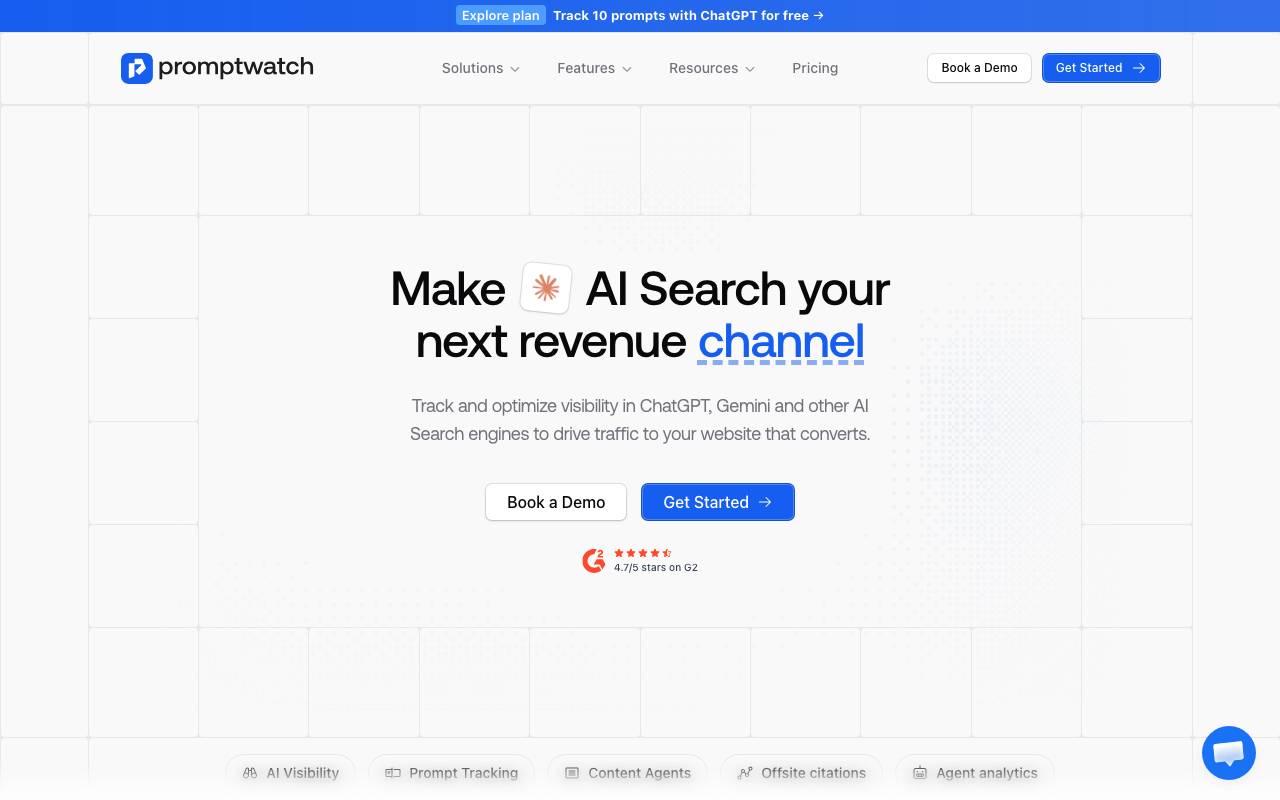
Klaas is a generative engine optimization (GEO) platform that helps companies understand how they show up in answers from large language models. It monitors brand mentions, ranking position, and sentiment across major AI assistants like ChatGPT, Claude, Gemini, and Perplexity. Beyond tracking, Klaas surfaces the prompts and topics where your brand is missing and recommends content and positioning changes to increase visibility. Marketing and SEO teams can use it to benchmark against competitors, measure share of voice in AI answers, and adapt their strategy as search behavior shifts toward conversational AI.
- Brand mention tracking across ChatGPT, Claude, Gemini, and Perplexity
- Prompt and topic monitoring
- Competitor share-of-voice comparisons
- Sentiment and context analysis of mentions
- Recommendations to improve AI visibility
- Historical trend reporting
Browse all 117 Productivity tools
The complete, searchable directory — ranked by real user reviews.


