
概览
主要功能
- 将 Markdown 转换为 .docx 文件
- 支持标题、列表和表格
- 可以处理代码块和内联排版
- 支持粘贴文本或上传 .md 文件
- 提供立即下载 Word 输出的功能
- 直接在浏览器中运行
价格
- 模型
- Free
- 评分
- 5.0 / 5 (4)
使用场景
将 Markdown 草稿转换为 Word 以供客户使用
编写者和自由撰稿人可以使用 Markdown 进行文字撰写,并将打印为 .docx 文件,以便供客户或修改人浏览和修改
以 Word 格式将 Markdown 成绩单交付
在 Markdown 中撰写的学生可以快速转换 Markdown 为 Word 文档,并满足交付成绩单的需求
以 .docx 格式为开发者说明进行分发
程序开发者可以将 README 文件或技术 Markdown 文档以 Word 格式转换,与相关人员分享,从而保持标题、表格及代码块
不用安装任何软件就快速格式化 Markdown
一般用户可以直接粘贴 Markdown 到浏览器并立即就能以 Word 格式导出,既不需要注册也不会安装任何程序
优点 & 缺点
优点
- 不需要注册即可免费使用
- 直接基于浏览器,不需要安装任何程序
- 保持常用 Markdown 排版
- 界面简单,适合初学者
- 输出排版可能需要进行一些微调
缺点
- 缺乏高级排版控制
- 可能无法处理复杂的自定义 Markdown 扩展
- 需要互联网连接
- 需要进行 internet 访问
评测
4 个评分的平均值。
登录以留下评测。
Skeptical, then convinced
I went in skeptical — most tools in this space overpromise. It actually delivers on markdown to .docx conversion, and preserves common Markdown formatting caught me off guard. still, I'd recommend giving it a real trial.
Compared a few options
Evaluated this against two competitors. Where it wins: supports headings, lists, and tables and preserves common Markdown formatting. Where it lags: limited advanced styling controls. On balance the feature set — especially paste text or upload .md files — justifies the 5 stars for our use case.
Skeptical, then convinced
I went in skeptical — most tools in this space overpromise. It actually delivers on supports headings, lists, and tables, and browser-based, no installation needed caught me off guard. still, I'd recommend giving it a real trial.
Skeptical, then convinced
I went in skeptical — most tools in this space overpromise. It actually delivers on handles code blocks and inline formatting, and simple, beginner-friendly interface caught me off guard. still, I'd recommend giving it a real trial.
问答
暂无问题 — 来当第一个提问的人吧。
提问
Tool Libraries 的替代品
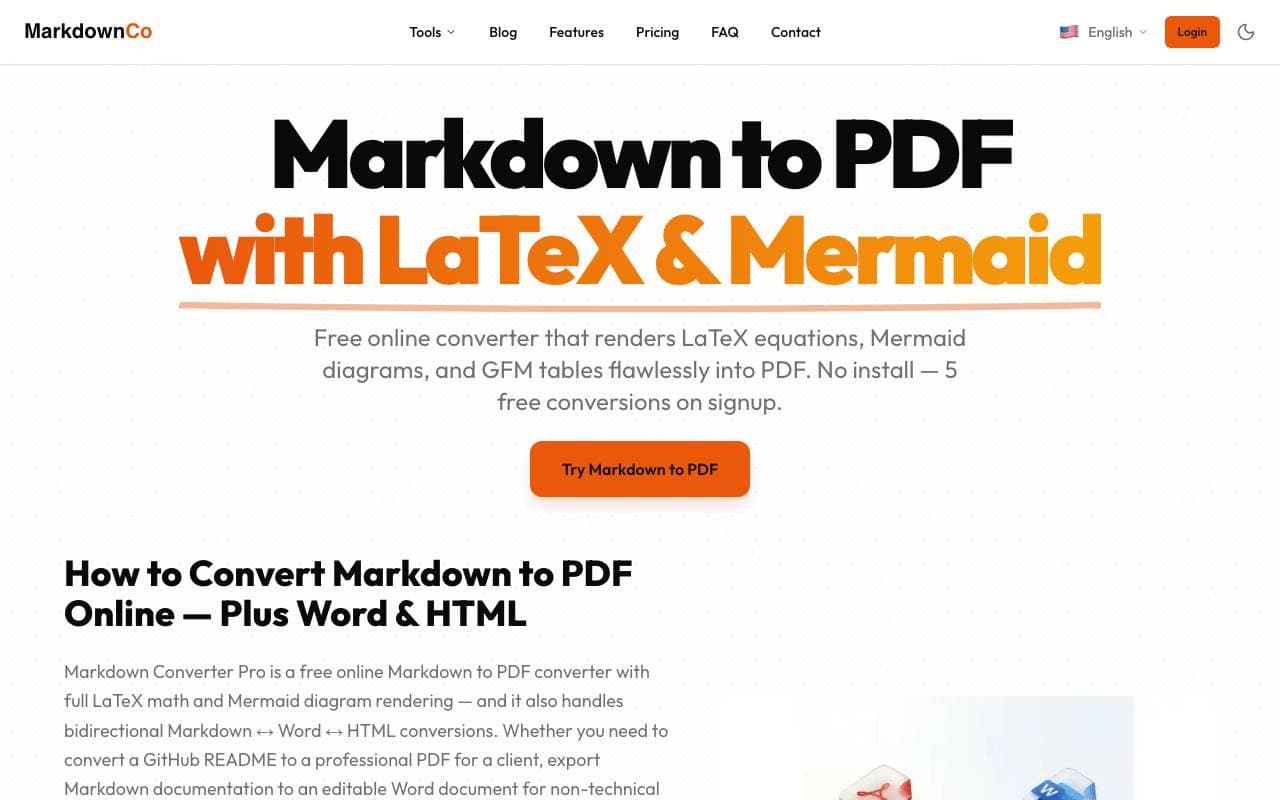

Markdown Converter Pro
Tool Libraries
将 Markdown 转换为 PDF、HTML 和 Word,以及将 PDF 反转换回干净的 Markdown
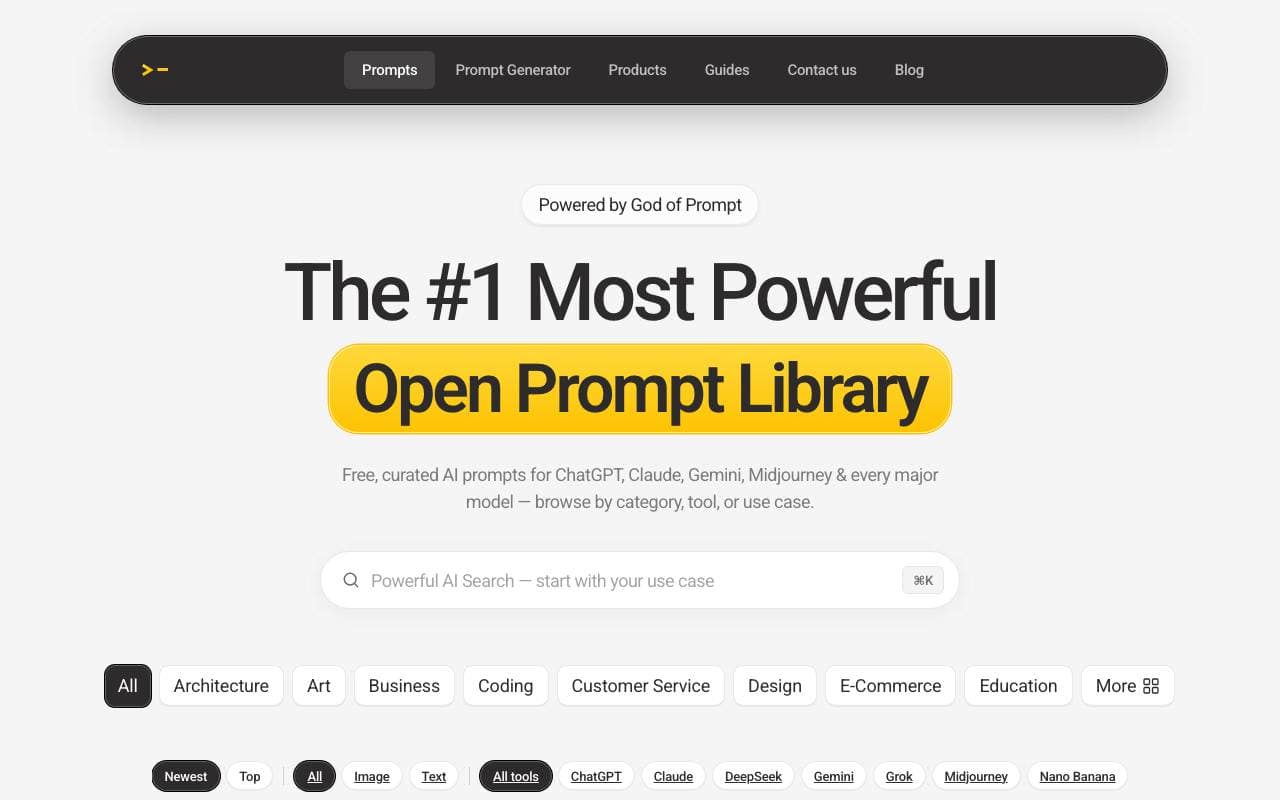

AI prompt library
Tool Libraries
ChatGPT、MidJourney 以及其他 AI 模型的海量可搜索预制提示库
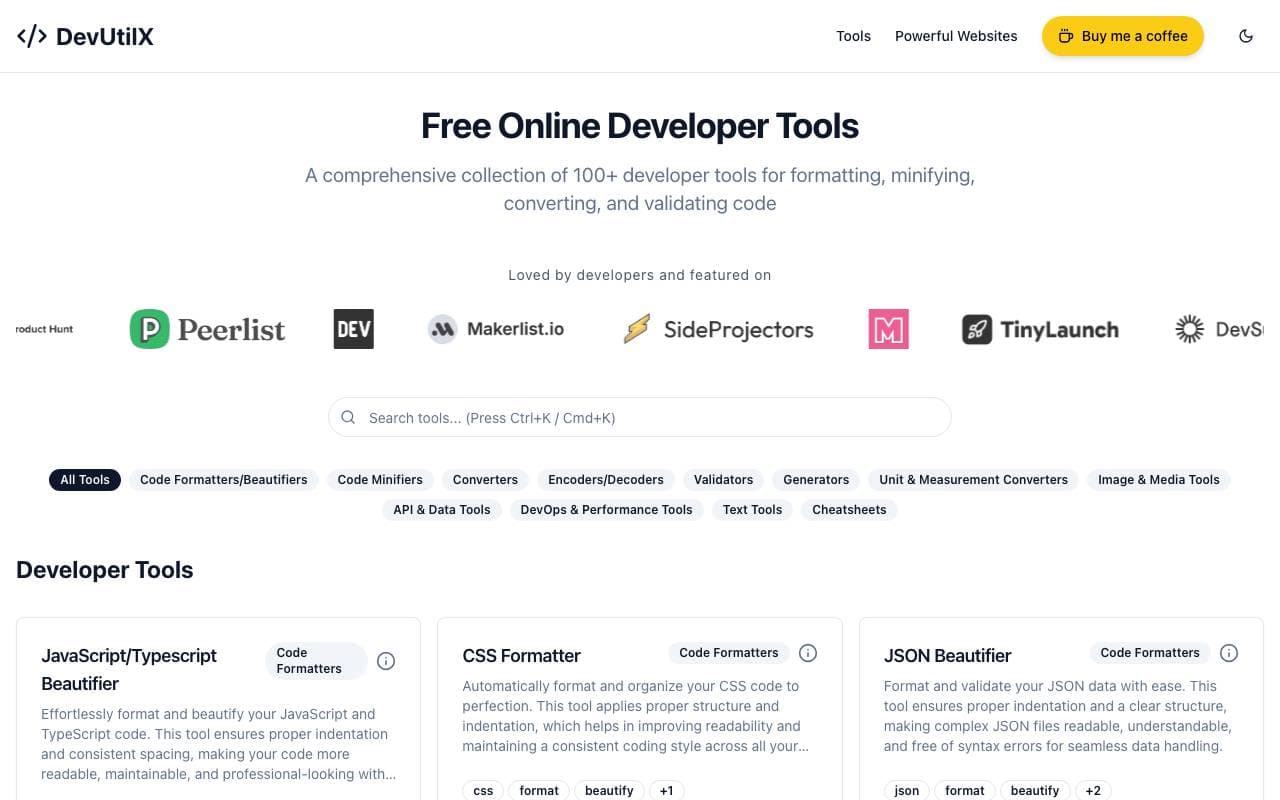

DevUtilX
Tool Libraries
一个统一的 Web 套件,提供 100 多种开发者实用工具,满足日常编码需求。

AgentAuth
Tool Libraries
为AI代理提供身份验证层,安全访问用户代理下的250+应用。
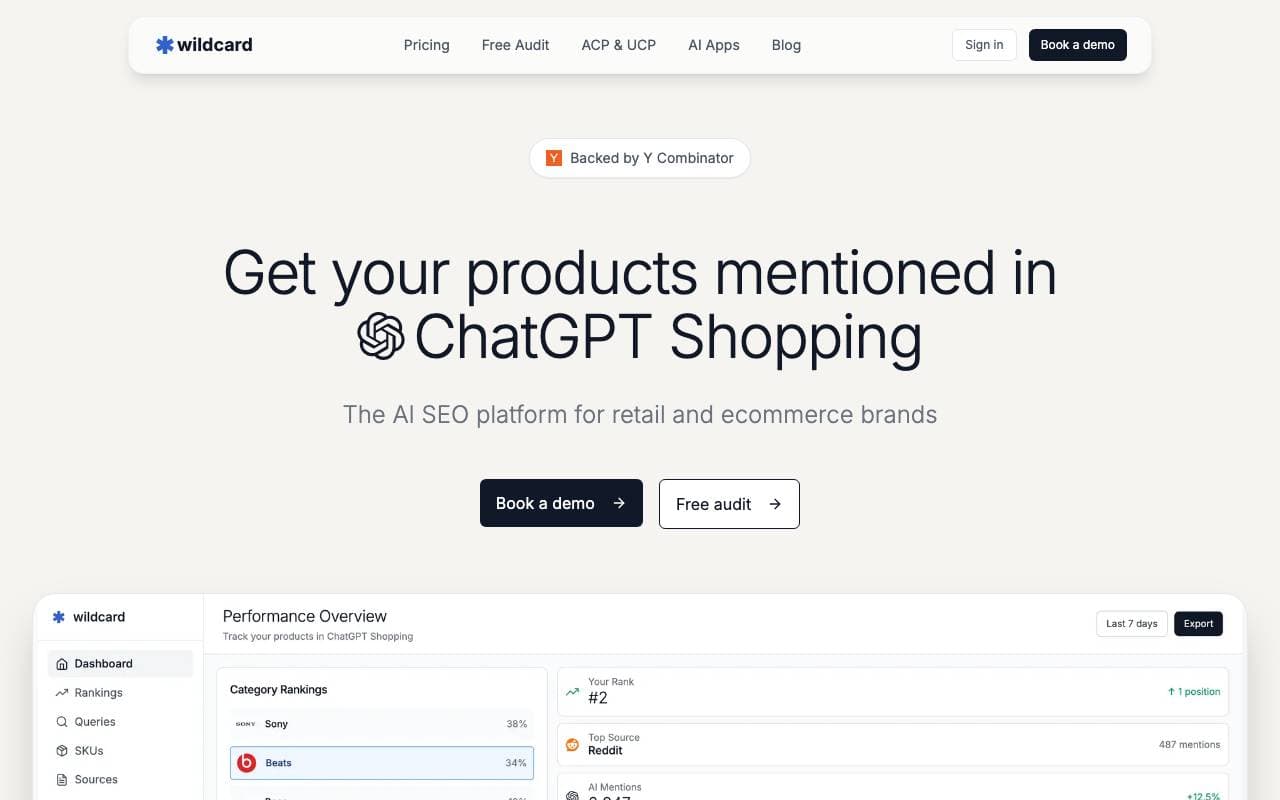
Wildcard
Tool Libraries
帮助品牌在 ChatGPT 和其他 AI 助手中曝光和销售产品

Machine Generated
Tool Libraries
为机器观众和 AI 消费者设计的内容流
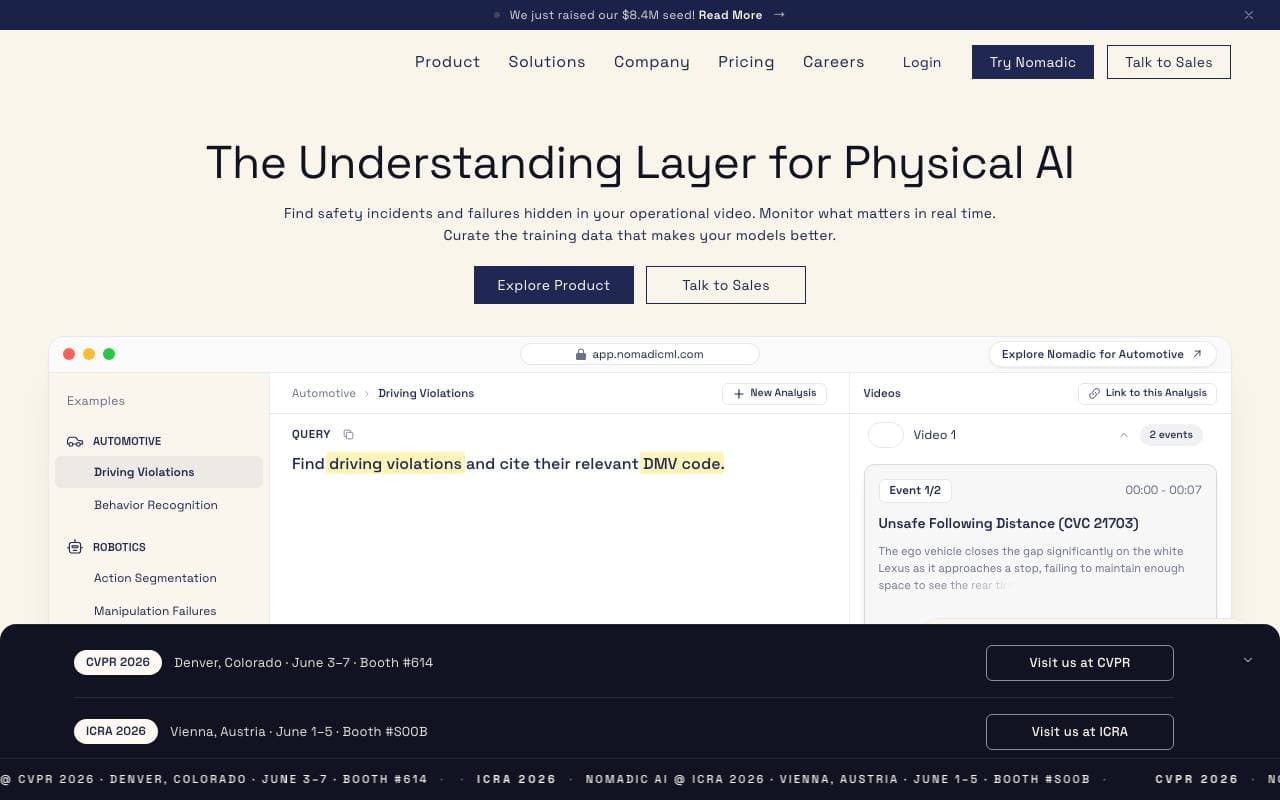

NomadicML
Tool Libraries
持续优化和适应生产 AI 模型以处理未见过的真实世界数据。

Grimly AI
Tool Libraries
专注于开发者的AI API,用于将语言模型集成到应用程序和工作流中。






