
Desktop Commander MCPMCP sunucusu, desktop'unuzda AI ajanlarınızın güvenli terminal, işlem ve dosya düzenleme erişimi sağlamaktadır.

Genel Bakış
Temel özellikler
- Terminale komut yürütümü
- İşlem yönetimi ve izleme
- Diff temelli dosya düzenleme
- Codebase ve belge araması
- Excel ve PDF okuma/yazma desteği
- AI eylemlerinin kayıtlı izleme
Fiyatlar
- Model
- Free
- Kategori
- Programming Assistants
- Puan
- 4.7 / 5 (6)
Kullanım senaryoları
Yerel geliştirici akışlarını otomatikleştir
Chat'dan direkt olarak terminal komutlarını çalıştırabilir, işlemleri yönetebilir ve diff temelli düzenlemeleri uygulanabilir, yalnızca bir takım araçlar arasında kopyalama ve yapıştırma yapmaz.
AI tarafından sürşsiz ve PDF analizi
Bir AI, diskteki Excel dosyalarını okumasını, düzenlemesini ve üretme yeteneğine sahiptir; bu sayede analizcılar yerel veri üzerinde gerçek bir asistan çalıştırmak için dosya işleme tasks'ı bir asistana devredebilir.
Büyük codebase'ler içinde arama ve kodlama
Codebase ve belge araması ve cephane tedavülden sonra diff temelli düzenlemeler, çoklu dosyaları refactoring veya güncellemeyi düşük token kullanımıyla verimli bir şekilde yapma sağlar.
Gizliliğe duyarlı verileri işlemek için izlenebilir AI operasyonları
Tam kayıtlı izleme ile AI eylemlerini yerel olarak çalıştırabiliyor, böylece bütün komut ve dosya değişikleri ile şeffaf ve uyumlu bir ortam oluşmaktadır.
Artılar ve eksiler
Artılar
- Diff temelli düzenmeler tokenları kaydeder ve tam yeniden yazılmayı atlar
- Excel ve PDF dosyaları ile birlikte kod dosyaları ile çalışır
- Kayıtlı izler daha fazla şeffaflık ve güven oluşturur
- Daha iyi gizlilik için yerel olarak çalışır
Eksiler
- MCP kurulumunu kullanmaya alışmak gerektirir
- Terminale erişim verilmesi, içinde bulunduğu risk taşıyan bir davranıştır
- Kısıtlı MCP uyumlu AI istemciler ile çalışır
İncelemeler
6 puandan ortalama.
İnceleme bırakmak için giriş yap.
Compared a few options
Evaluated this against two competitors. Where it wins: codebase and document search and works with Excel and PDF files, not just code. Where it lags: limited to MCP-compatible AI clients. On balance the feature set — especially process management and monitoring — justifies the 5 stars for our use case.
Compared a few options
Evaluated this against two competitors. Where it wins: audit logging of AI actions and audit logs improve transparency and trust. Where it lags: granting terminal access carries inherent risk. On balance the feature set — especially audit logging of AI actions — justifies the 5 stars for our use case.
Does the job
Pretty happy overall. Terminal command execution just works and diff-based edits save tokens and avoid full rewrites. but no dealbreakers — I'd recommend it to a friend without hesitating.
Solid for our team
We rolled this out across the team last quarter and runs locally for better privacy. Process management and monitoring fits neatly into how we already work, and excel and PDF read/write support removed a step we used to do by hand. Granting terminal access carries inherent risk, which is the main caveat, but it has held up under daily use.
Use it every day
Honestly didn't expect to like it this much. Diff-based file editing is exactly what I needed, and works with Excel and PDF files, not just code. I do wish requires comfort with MCP setup, but I reach for it almost every day now and it just clicks.
Use it every day
Honestly didn't expect to like it this much. Codebase and document search is exactly what I needed, and audit logs improve transparency and trust. I do wish requires comfort with MCP setup, but I reach for it almost every day now and it just clicks.
Sorular
What file types and tasks can it handle beyond running shell commands?
In addition to terminal execution and process management, it performs diff-based file edits, searches across codebases and documents, and reads and writes Excel spreadsheets and PDFs, making it useful for both developers and analysts.
How does it address the security risks of giving an AI terminal access?
It runs locally rather than in the cloud, uses targeted diff-based edits instead of full rewrites to limit unintended changes, and keeps an audit log of every action the AI takes for transparency. Granting shell access still carries inherent risk.
Which AI clients can I use Desktop Commander MCP with?
It works with MCP-compatible clients like Claude Desktop. Because it relies on the Model Context Protocol, any assistant or app that speaks MCP can connect, but non-MCP clients are not supported.
Soru sor
Programming Assistants alternatifleri

Kimi‑Dev
Programming Assistants
Mühendislik LLM, otomatik hata çözme ve sorun çözme görevleri için optimize edilmiş açık kaynaklı kodlama

Codiga
Programming Assistants
Mevcut IDE/CI entegrasyonları, güvenlik kuralları, kişiye özel kurallar ve bir tuşla otomatik düzeltme ile beraber statik kod analizi ve otomatik kod görüşmeleri.

Moddy
Programming Assistants
Multi-repo AI agent for analyzing and modernizing large-scale codebases.

GPT Engineer
Programming Assistants
Kullanıcı tarafından sağlanan proje açıklamalarından doğal dil kullanımlarıyla etkileşimli diyaloglar aracılığıyla kod tabanlarının oluşturduğu açık kaynaklı AI aracı.
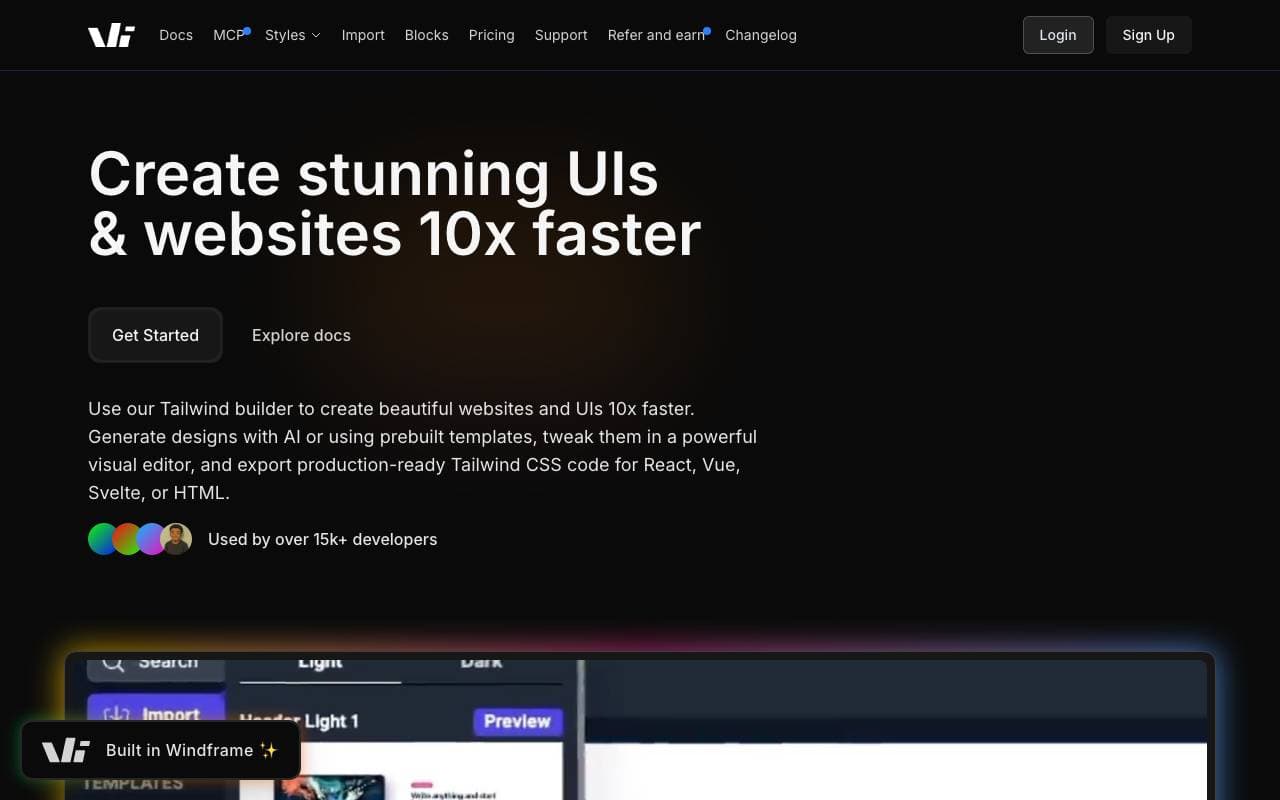

Windframe
Programming Assistants
AI-powered Tailwind CSS builder for rapid UI design, prototyping, and code export to HTML, React, or Vue.

gstack
Programming Assistants
Açık kaynaklı bir akış katmanı ki Claude Code ve Codex'e planlama, gözden geçyme, test ve dağıtım yetenekleri ekleyerek.
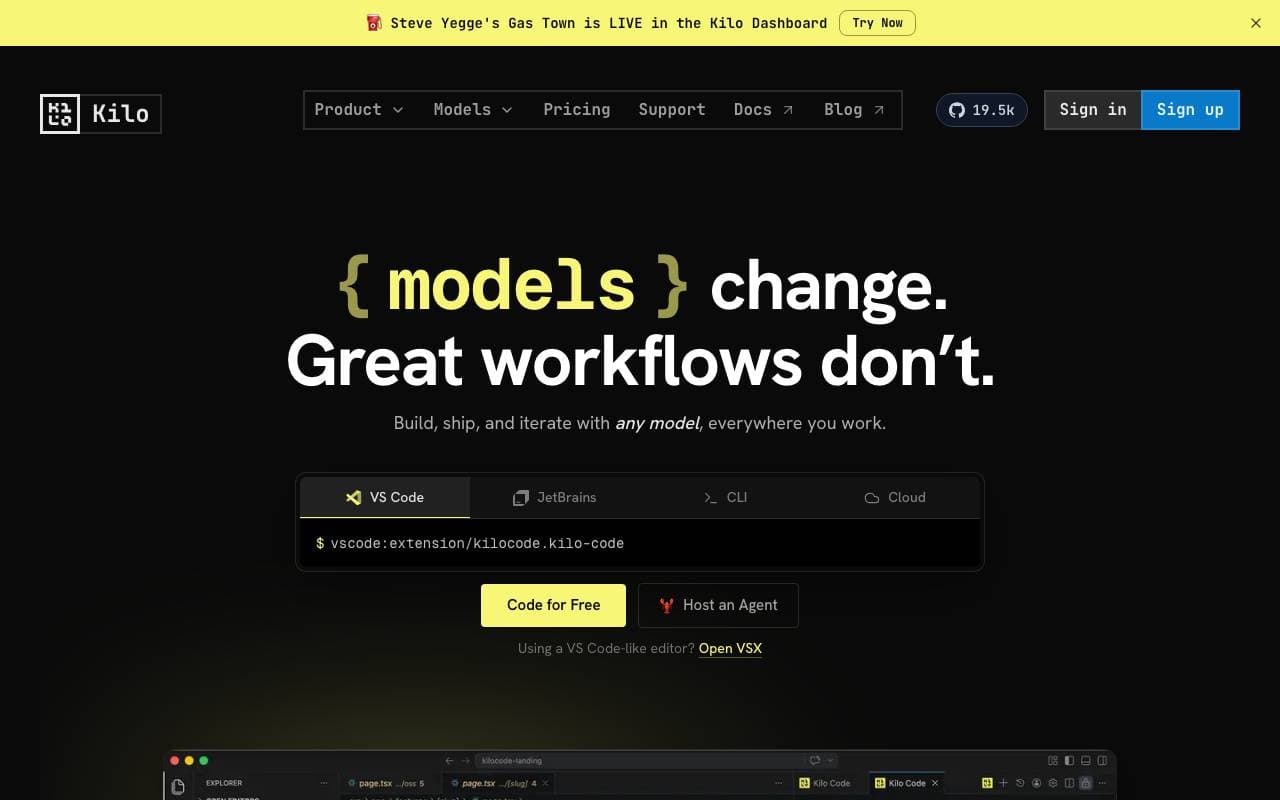

Kilo Code
Programming Assistants
Açık kaynak kodlamada yardımcı AI aracı için VS Code ve JetBrains'e destek, birçok model desteği ile kod planlayıp, yazar, hata ayıklar.
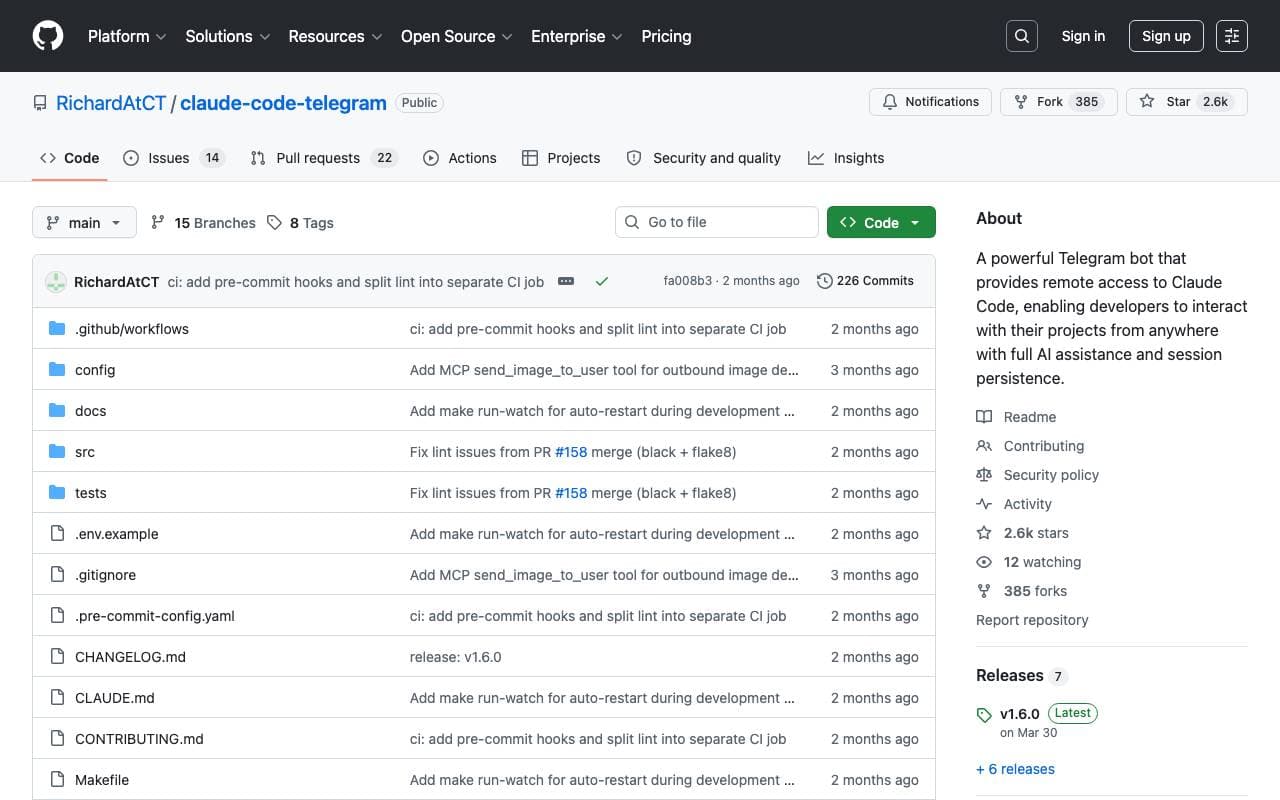

Claude Code Telegram Bot
Programming Assistants
Açık kaynaklı Telegram botu, proje başına oturum dayanıklılığı ve güvenli dizin kilitleme özelliği ile Claude Code'a uzaktan, sohbet tabanlı erişim sağlar.
Trending now


Midjourney
Image Generation
Generate stunning images from text


Pin AI
Workflow automation
Agentic AI recruiter that automates sourcing, screening, and outreach to accelerate hiring.

Doozer Ai
Sales Agent
Dijital iş arkadaşlarınız ile operasyonel akıllı iş akışları otomatikleştirerek ekip verimliliğini artırın.


EmblemAI
DeFi Agents
Kripto varlıklarını yönetmek için geliştirilmiş birkaç zincir boyunca AI gücü.