
Ace by General AgentsNamizni AI agent, ki avtomatizira naloge z upravljanjem miške in tipkovnice kot človeški uporabnik.

Pregled
Ključne funkcije
- Mouse and keyboard input simulation
- Visual interpretation of on-screen elements
- Cross-application task automation
- Natural language task instructions
- Autonomous multi-step execution
- Runs directly on the user's desktop
Cene
- Model
- Contact for pricing
- Kategorija
- Virtual Workers
- Ocena
- 4.7 / 5 (6)
Primeri uporabe
Automate Repetitive Admin Work
Delegate routine tasks like data entry, form filling, or file organization across desktop apps so they run autonomously while you focus on higher-value work.
Bridge Legacy Software Without APIs
Automate workflows in older or proprietary applications that lack APIs by having Ace interact with their GUI the same way a human operator would.
Multi-Step Cross-App Workflows
Chain actions across browsers, spreadsheets, and productivity tools using natural language instructions, letting the agent navigate each interface to complete the sequence.
Hands-Free Background Task Execution
Hand off long, click-heavy processes to Ace and let it carry them out in the background, freeing the user from manual cursor and keyboard work.
Prednosti in slabosti
Prednosti
- Works with any app that has a graphical interface
- No API or integration setup required
- Automates multi-step desktop workflows
- Mimics natural human input patterns
Slabosti
- Screen-based control can be slower than direct APIs
- Performance may depend on UI changes in target apps
- Requires trust to control mouse and keyboard
- Limited transparency into agent decisions
Rekord bitk
V 1 bitki v Panteonu.
Last battle
Ocene
Povprečje iz 6 ocen.
Prijavi se za oddajo ocene.
Compared a few options
Evaluated this against two competitors. Where it wins: autonomous multi-step execution and works with any app that has a graphical interface. Where it lags: limited transparency into agent decisions. On balance the feature set — especially runs directly on the user's desktop — justifies the 5 stars for our use case.
Solid for our team
We rolled this out across the team last quarter and works with any app that has a graphical interface. Autonomous multi-step execution fits neatly into how we already work, and cross-application task automation removed a step we used to do by hand. Performance may depend on UI changes in target apps, which is the main caveat, but it has held up under daily use.
Skeptical, then convinced
I went in skeptical — most tools in this space overpromise. It actually delivers on autonomous multi-step execution, and works with any app that has a graphical interface caught me off guard. still, I'd recommend giving it a real trial.
Does the job
Pretty happy overall. Runs directly on the user's desktop just works and works with any app that has a graphical interface. but no dealbreakers — I'd recommend it to a friend without hesitating.
Solid for our team
We rolled this out across the team last quarter and automates multi-step desktop workflows. Mouse and keyboard input simulation fits neatly into how we already work, and autonomous multi-step execution removed a step we used to do by hand. but it has held up under daily use.
Years in this space
I've evaluated a lot of these over the years. What stands out here is runs directly on the user's desktop — handled better than most — and mimics natural human input patterns. Screen-based control can be slower than direct APIs is my one real gripe. Worth the time if this is your use case.
Vprašanja
How does Ace integrate with my existing apps?
Ace doesn't require traditional integrations or APIs. It controls your mouse and keyboard and visually interprets on-screen elements, so it works with virtually any desktop application that has a graphical interface, including browsers, productivity suites, and legacy software.
What kinds of tasks is Ace best suited for?
Ace is designed for repetitive multi-step desktop workflows, routine admin work, and cross-application sequences that would otherwise require scripting or brittle macros. You give it natural language instructions and it executes autonomously in the background while you focus on other work.
What are the main limitations I should be aware of?
Because Ace operates by simulating human input and reading the screen, it can be slower than direct API automations and may be affected by UI changes in target apps. It also requires trusting it with mouse and keyboard control and offers limited transparency into its decisions.
Postavi vprašanje
Alternative za Virtual Workers


Avaamo
Virtual Workers
Enterprise conversational AI platform for building virtual agents and digital workers across business functions.


Hugging Face Open Computer Agent
Virtual Workers
An open-source AI agent that automates web tasks by simulating user interactions in a virtual Linux environment.
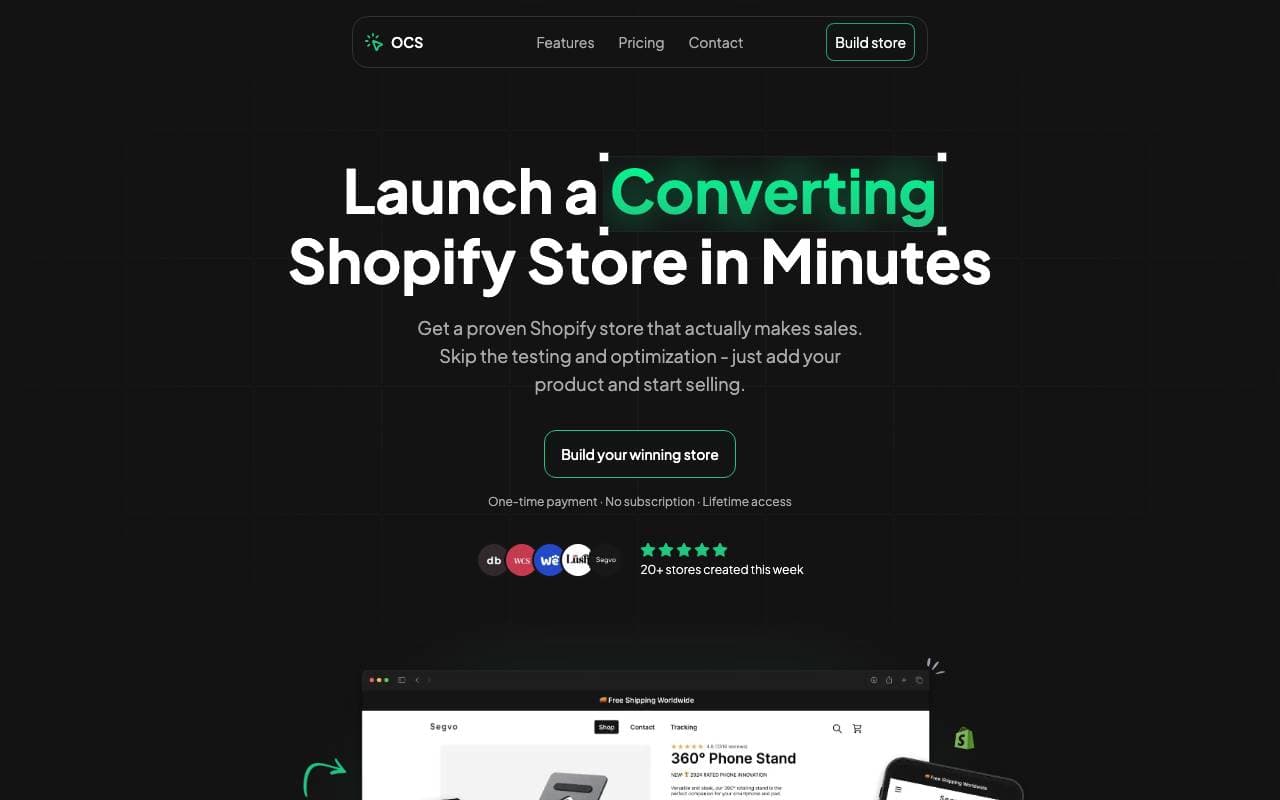

One Click Store
Virtual Workers
AI-powered platform for launching eCommerce stores in minutes with automated content and SEO.
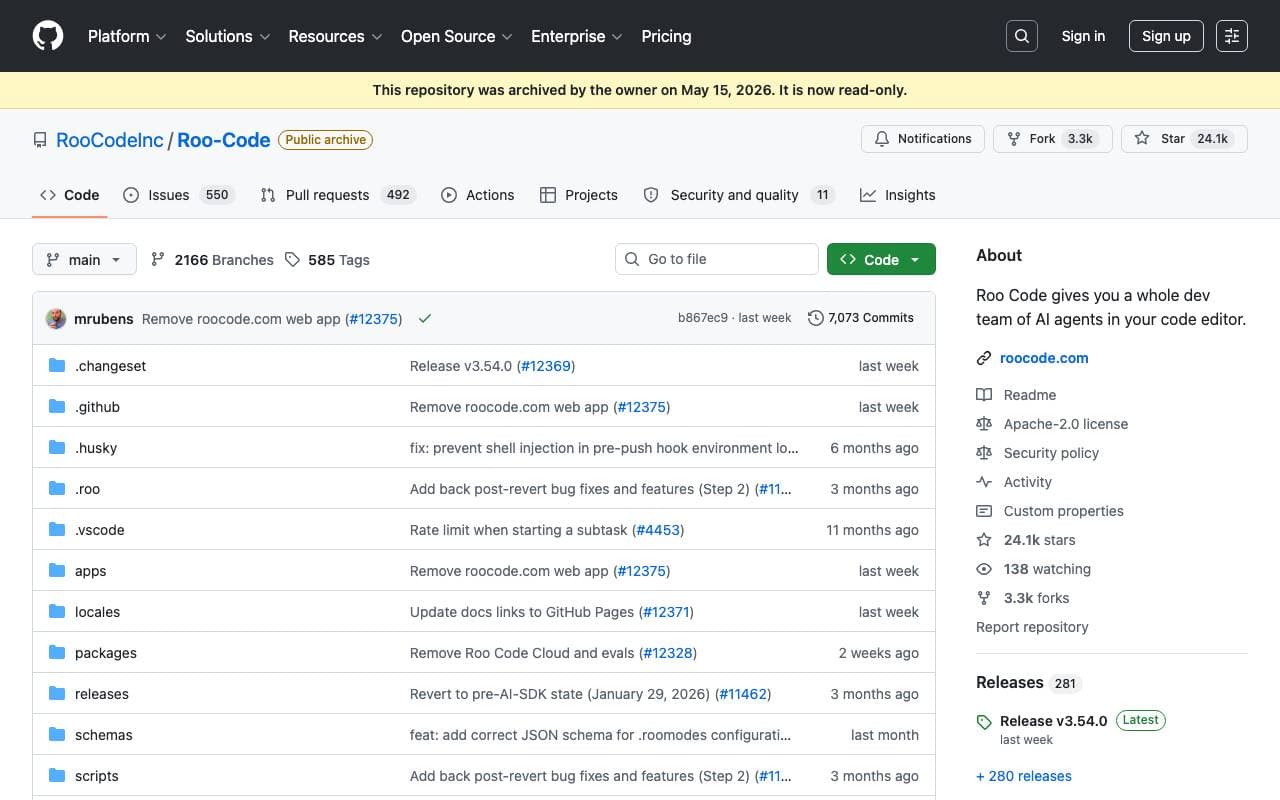

Roo Code
Virtual Workers
An autonomous open-source AI agent that can code, debug, and evolve software with minimal human intervention.


Tally AI
Virtual Workers
AI agents that automate repetitive accounting, tax, and audit tasks inside your existing systems.


Perplexity Computer
Virtual Workers
Always-on digital worker that executes full workflows using app connectors, research, coding, and scheduled monitoring and actions.
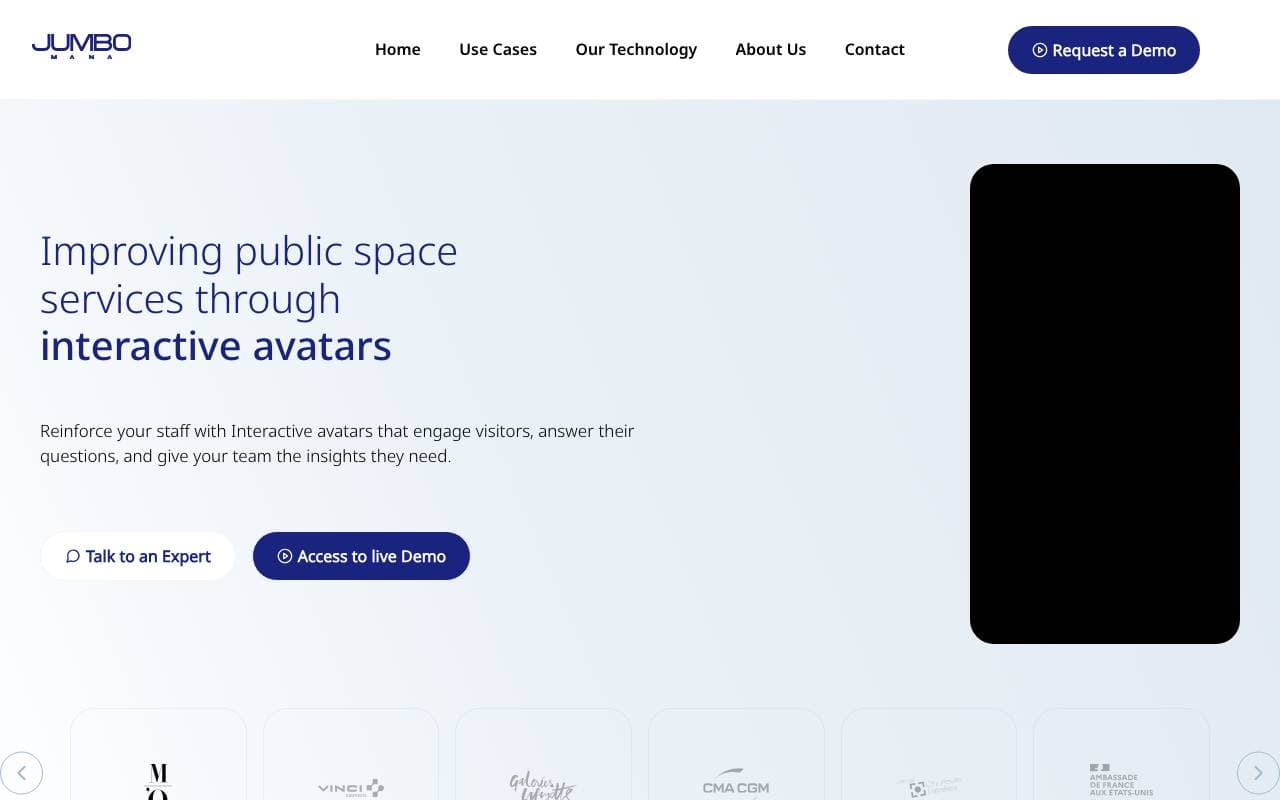

Jumbo Mana
Virtual Workers
Creates interactive AI avatars, including digital twins, for enhanced user engagement.


Convergence Proxy
Virtual Workers
Adaptive AI assistant that learns new skills on the fly through real-world use.
Trending now

Doozer Ai
Sales Agent
Digital co-workers that automate operational workflows to boost team efficiency.


Claude
AI Agents & Chatbots
Conversational AI assistant from Anthropic for writing, analysis, coding, and document tasks


Consistent Character AI
Images
Generate consistent AI characters across scenes from a single reference photo.


Mistral AI
Large Language Models (LLMs)
Open-weight frontier models