
ZuniAsystent AI w pasku bocznym Chrome, który tworzy e‑maile i działa na otwartych kartach.

Przegląd
Kluczowe funkcje
- Interfejs w pasku bocznym Chrome
- Świadomość kontekstu karty
- Tworzenie e‑maili i odpowiedzi w Gmailu
- Podsumowywanie stron internetowych
- Wsparcie w pisaniu w różnych aplikacjach
- Skróty szybkiego dostępu
Cennik
- Model
- Freemium
- Kategoria
- Productivity Agents
- Ocena
- 4.5 / 5 (6)
Zastosowania
Tworzenie odpowiedzi w Gmailu w pasku bocznym
Twórz i udoskonalaj odpowiedzi e‑mailowe bezpośrednio w Gmailu, korzystając z paska bocznego Zuni, przyspieszając zarządzanie skrzynką odbiorczą bez przełączania się do osobnego narzędzia czatu AI.
Podsumowywanie artykułów i stron internetowych
Wyciągaj kluczowe informacje z aktualnie czytanej strony, pozwalając Zuni wykorzystać aktywną kartę jako kontekst – przydatne przy badaniach i konsumpcji wiadomości.
Odpowiadanie na pytania o treść wyświetlaną na ekranie
Zapytaj Zuni o dowolny element widoczny w bieżącej karcie, aby wyjaśnić koncepcje, wydobyć szczegóły lub uzyskać wyjaśnienia bez kopiowania tekstu w inne miejsce.
Wsparcie w pisaniu w różnych aplikacjach
Korzystaj z Zuni do tworzenia, edycji lub przekształcania tekstu w większości aplikacji webowych, zmniejszając potrzebę przeskakiwania między dedykowanymi oknami czatu AI a Twoją pracą.
Plusy i minusy
Plusy
- Zawsze dostępny w pasku bocznym Chrome
- Wykorzystuje treść bieżącej karty jako istotny kontekst
- Silna integracja z Gmailiem umożliwiająca tworzenie odpowiedzi
- Działa w wielu aplikacjach webowych, nie tylko w jednej
- Redukuje przełączanie się między kartami i oknami
Minusy
- Ograniczony do użytkowników Chrome
- Wymaga uprawnień rozszerzenia do dostępu do stron
- Mniej przydatny poza przeglądarką
- Jakość zależy od struktury witryny
Recenzje
Średnia z 6 ocen.
Zaloguj się, aby zostawić recenzję.
Solid for our team
We rolled this out across the team last quarter and works across many web apps, not just one. Quick-access shortcuts fits neatly into how we already work, and cross-app writing assistance removed a step we used to do by hand. Limited to Chrome users, which is the main caveat, but it has held up under daily use.
Years in this space
I've evaluated a lot of these over the years. What stands out here is web page summarization — handled better than most — and strong Gmail integration for drafting replies. Worth the time if this is your use case.
Skeptical, then convinced
I went in skeptical — most tools in this space overpromise. It actually delivers on cross-app writing assistance, and reduces tab and window switching caught me off guard. Less useful outside the browser is why this isn't a perfect score, still, I'd recommend giving it a real trial.
Years in this space
I've evaluated a lot of these over the years. What stands out here is cross-app writing assistance — handled better than most — and works across many web apps, not just one. Less useful outside the browser is my one real gripe. Worth the time if this is your use case.
Years in this space
I've evaluated a lot of these over the years. What stands out here is chrome sidebar interface — handled better than most — and always accessible from the Chrome sidebar. Limited to Chrome users is my one real gripe. Worth the time if this is your use case.
Solid for our team
We rolled this out across the team last quarter and uses current tab content for relevant context. Gmail email drafting and replies fits neatly into how we already work, and gmail email drafting and replies removed a step we used to do by hand. but it has held up under daily use.
Pytania i odpowiedzi
Which browsers and apps does Zuni support?
Zuni runs as a Chrome sidebar extension, so it's limited to the Chrome browser. Inside Chrome, it works across most web apps, with particularly strong integration in Gmail for drafting and replying to emails.
What can Zuni actually do with the page I'm viewing?
Zuni is tab-aware, meaning it can read the context of your current page to summarize articles, answer questions about the content, and pull key details. It also assists with writing and quick tasks across web apps without switching windows.
What are Zuni's main limitations?
Zuni only works in Chrome and isn't useful outside the browser, so desktop or mobile app workflows aren't covered. It also relies on extension permissions for web access, and output quality can vary depending on how a website is structured.
Zadaj pytanie
Alternatywy dla Productivity Agents
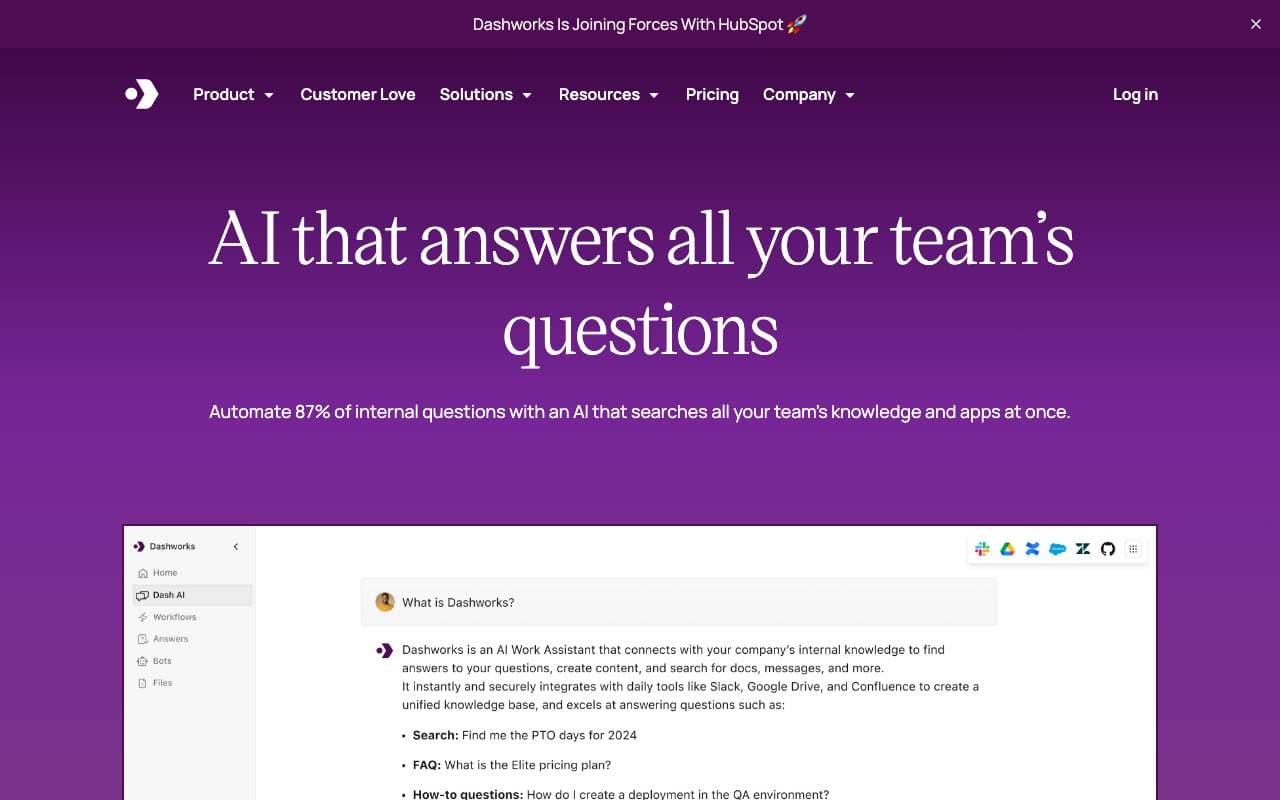

Dashworks AI
Productivity Agents
Asystent AI, który zunifikował wiedzę w miejscu pracy, umożliwiając natychmiastowe, precyzyjne odpowiedzi we wszystkich narzędziach i aplikacjach Twojej firmy.
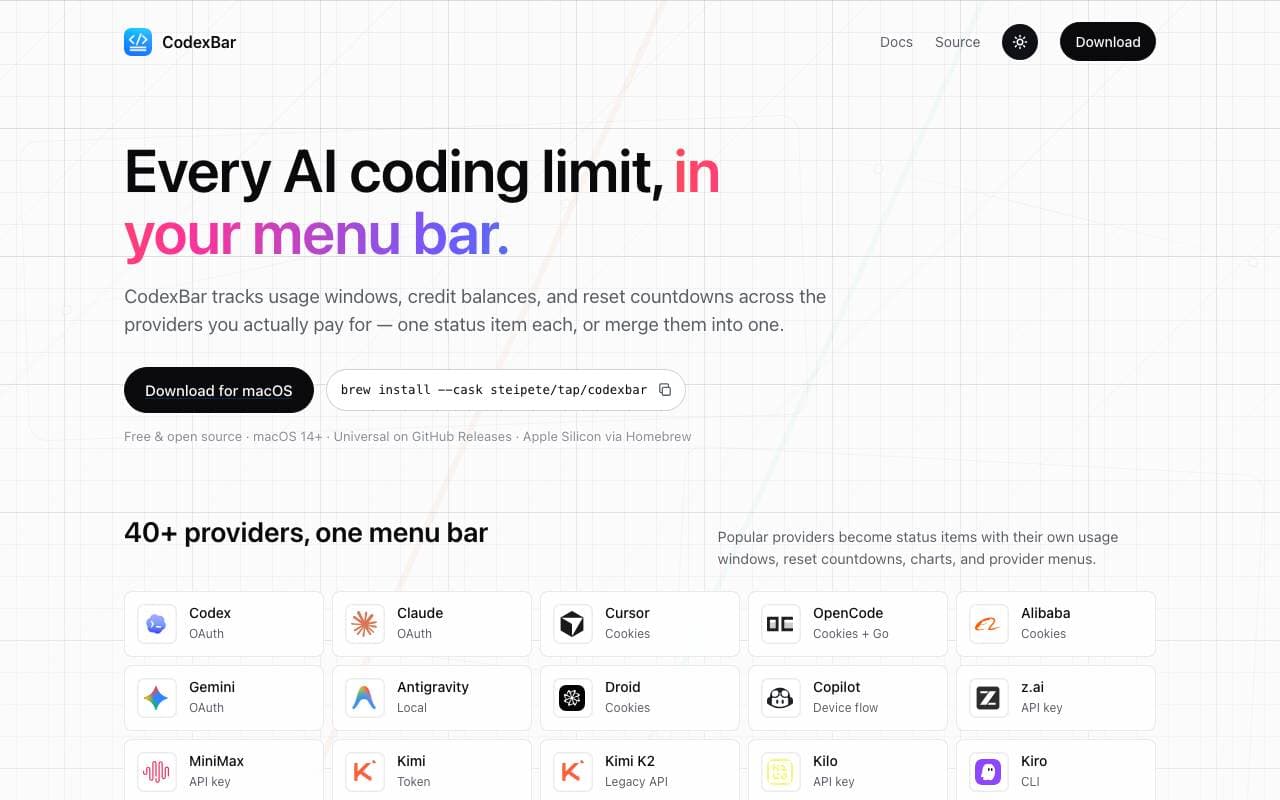

Codex Bar
Productivity Agents
Aplikacja w pasku menu macOS śledząca limity, resetowania i kredyty narzędzi programowania AI dla deweloperów i power userów.
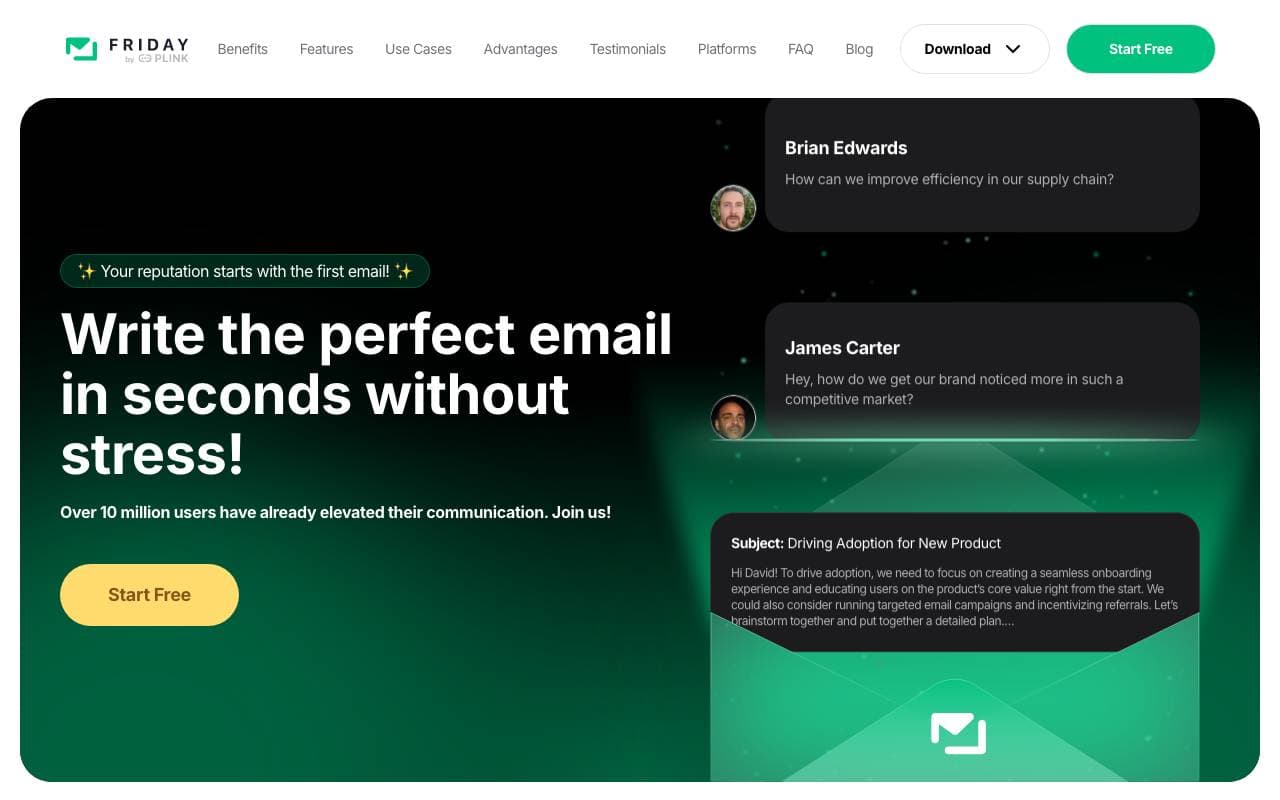

Friday AI
Productivity Agents
Asystent pisania oparty na sztucznej inteligencji, zaprojektowany, aby usprawnić komponowanie e‑maili poprzez spersonalizowane sugestie i ułatwienie komunikacji.
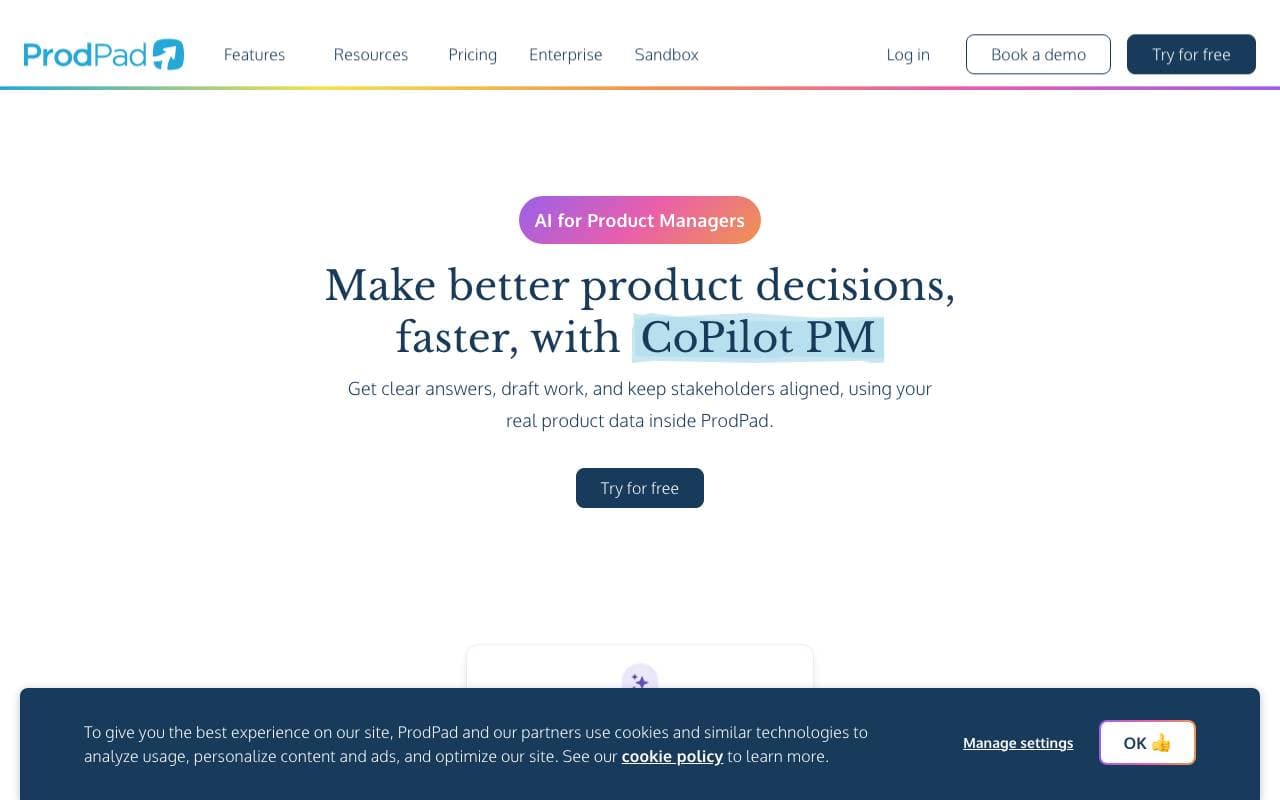

ProdPad CoPilot for Product Managers
Productivity Agents
AI asystent wbudowany w ProdPad, przyspieszający codzienne zadania zarządzania produktem.
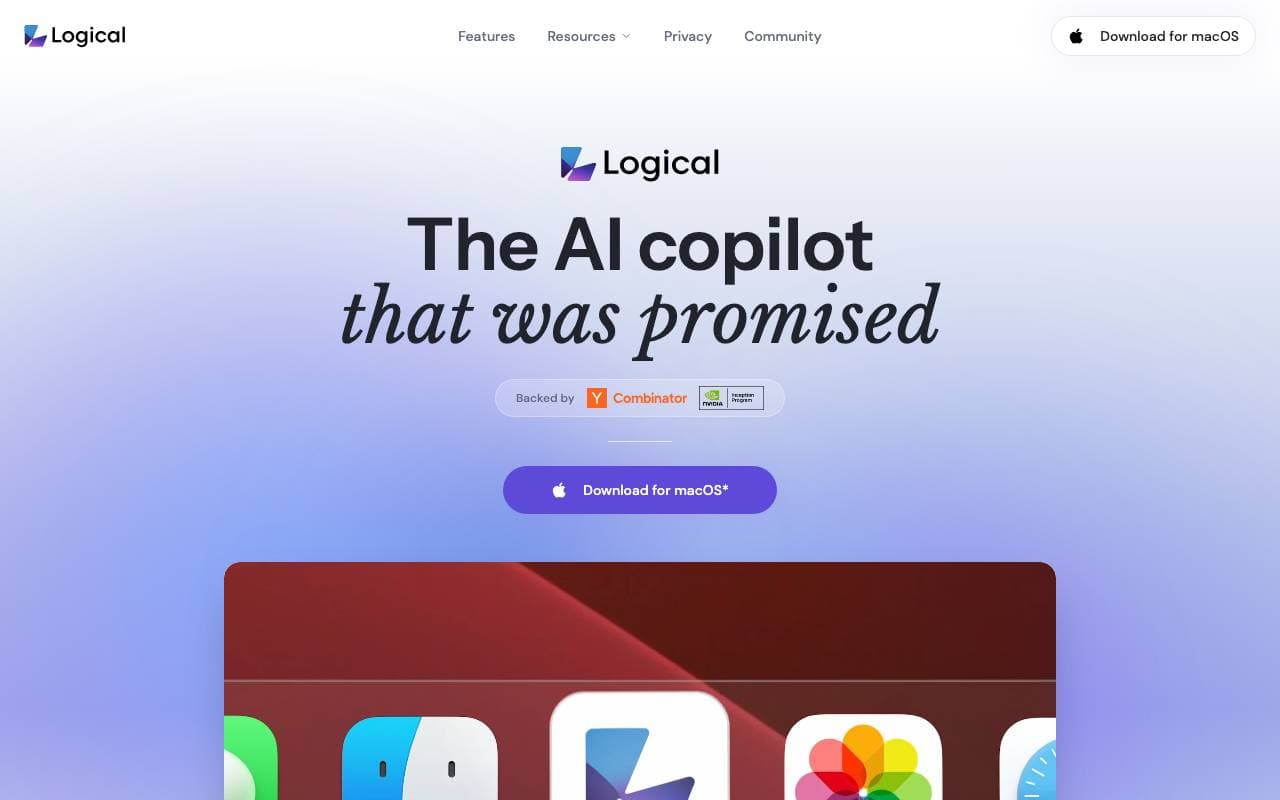

Logical
Productivity Agents
Proaktywny asystent AI na pulpicie, który rozumie kontekst na ekranie, tworzy szkice pracy i sugeruje kolejne działania w różnych aplikacjach.
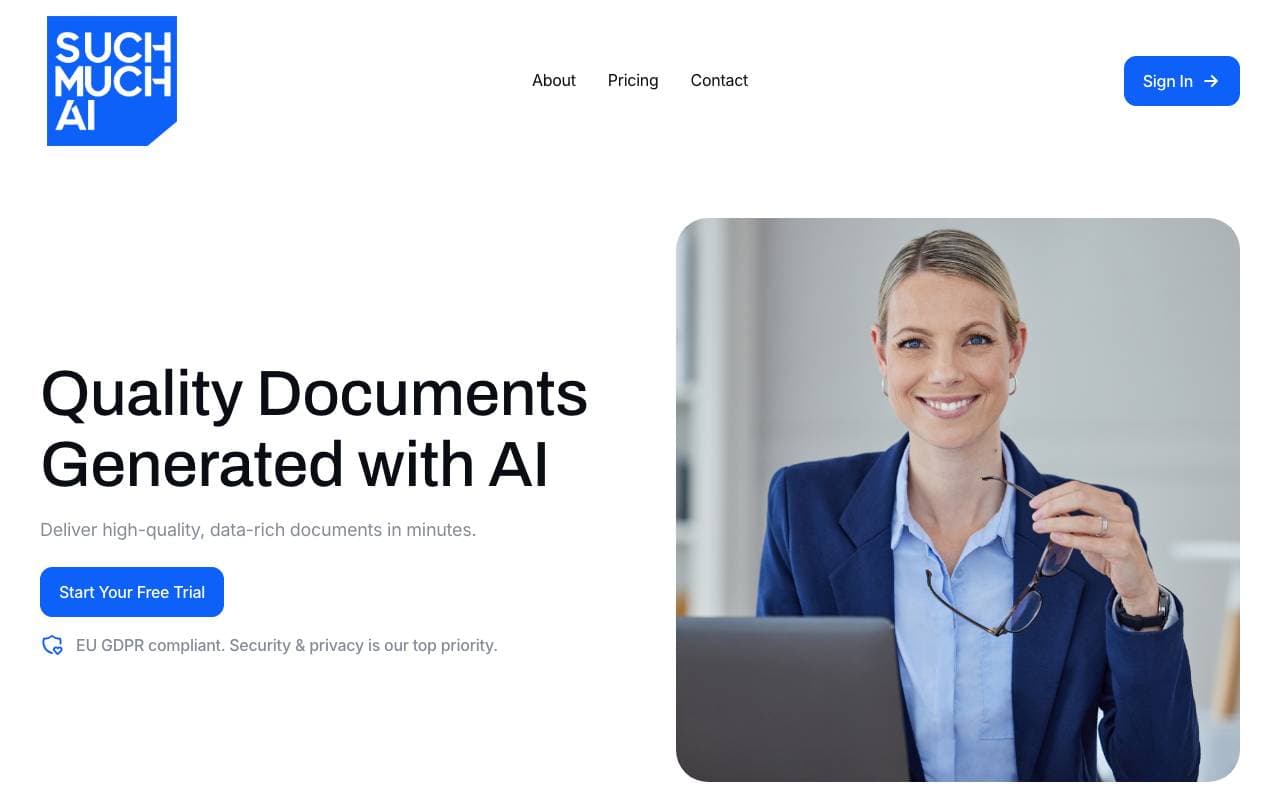

Such Much AI
Productivity Agents
Platforma AI do szybkiego przygotowywania ofert sprzedażowych i kontraktów zakupowych w kilka minut.

TealKit
Productivity Agents
Mobilny asystent AI dla Androida, który wykorzystuje narzędzia, automatyzację i wielu dostawców modeli do realizacji rzeczywistych zadań.
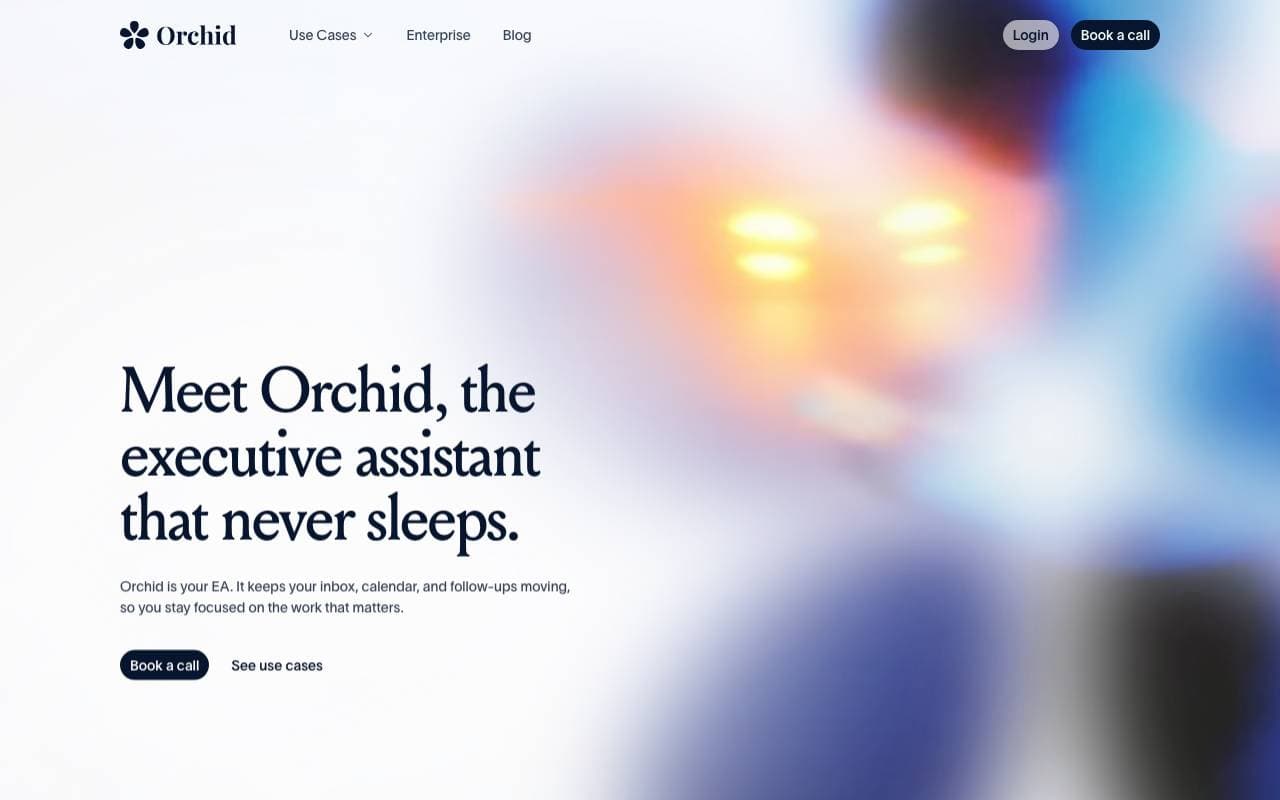

Orchid
Productivity Agents
Proaktywny agent delegujący zadania, który czyta przychodzące zadania, przygotowuje kolejne kroki i czeka na zatwierdzenie użytkownika.
Trending now


Claude
AI Agents & Chatbots
Konwersyjny asystent AI od Anthropic do pisania, analizy, kodowania i pracy z dokumentami


LeanSentry
Software Development
Diagnostyka i monitorowanie oparte na sztucznej inteligencji dla problemów z wydajnością IIS i ASP.NET.

Doozer Ai
Sales Agent
Cyfrowi współpracownicy, którzy automatyzują operacyjne przepływy pracy, zwiększając wydajność zespołu.


Consistent Character AI
Images
Generuj spójne postaci AI na różnych scenach z jednego zdjęcia referencyjnego.