
Desktop Commander MCPMCP server som gir AI‑agenter sikker terminal‑, prosess‑ og filredigeringstilgang på skrivebordet ditt.

Oversikt
Nøkkelfunksjoner
- Kjøring av terminalkommandoer
- Prosessadministrasjon og -overvåking
- Diff-basert filredigering
- Søking i kodebase og dokumenter
- Støtte for lesing/skriving av Excel- og PDF-filer
- Revisjonslogging av AI-handlinger
Priser
- Modell
- Free
- Kategori
- Programming Assistants
- Vurdering
- 4.7 / 5 (6)
Brukstilfeller
Automatiser lokale utviklerarbeidsflyter
La en AI-assistent kjøre terminalkommandoer, administrere prosesser og utføre diff-baserte redigeringer i kodebasen din direkte fra chat, uten kopiering og liming mellom verktøy.
AI-drevet analyse av regneark og PDF
La en AI lese, endre og generere Excel-filer og PDF-er på disken, slik at analytikere kan delegere dokumentbehandling til en assistent som opererer på ekte lokale data.
Søk og refaktorer store kodebaser
Bruk søk i kodebase og dokumenter samt presise diff-redigeringer for å refaktorere eller oppdatere mange filer effektivt, samtidig som token‑bruken holdes lav.
Reviderbare AI-operasjoner på sensitive data
Kjør AI‑handlinger lokalt med full revisjonslogging slik at team kan gjennomgå hver kommando og filendring, og støtte personvern‑bevisste eller compliance‑drevet arbeidsflyt.
Fordeler og ulemper
Fordeler
- Diff-baserte redigeringer sparer tokens og unngår fullstendige omskrivinger
- Fungerer med Excel- og PDF-filer, ikke bare kode
- Revisjonslogger forbedrer åpenhet og tillit
- Kjører lokalt for bedre personvern
Ulemper
- Krever at du er komfortabel med MCP-oppsett
- Å gi terminaltilgang medfører iboende risiko
- Begrenset til MCP-kompatible AI-klienter
Anmeldelser
Gjennomsnitt fra 6 vurderinger.
Logg inn for å legge igjen en anmeldelse.
Compared a few options
Evaluated this against two competitors. Where it wins: codebase and document search and works with Excel and PDF files, not just code. Where it lags: limited to MCP-compatible AI clients. On balance the feature set — especially process management and monitoring — justifies the 5 stars for our use case.
Compared a few options
Evaluated this against two competitors. Where it wins: audit logging of AI actions and audit logs improve transparency and trust. Where it lags: granting terminal access carries inherent risk. On balance the feature set — especially audit logging of AI actions — justifies the 5 stars for our use case.
Does the job
Pretty happy overall. Terminal command execution just works and diff-based edits save tokens and avoid full rewrites. but no dealbreakers — I'd recommend it to a friend without hesitating.
Solid for our team
We rolled this out across the team last quarter and runs locally for better privacy. Process management and monitoring fits neatly into how we already work, and excel and PDF read/write support removed a step we used to do by hand. Granting terminal access carries inherent risk, which is the main caveat, but it has held up under daily use.
Use it every day
Honestly didn't expect to like it this much. Diff-based file editing is exactly what I needed, and works with Excel and PDF files, not just code. I do wish requires comfort with MCP setup, but I reach for it almost every day now and it just clicks.
Use it every day
Honestly didn't expect to like it this much. Codebase and document search is exactly what I needed, and audit logs improve transparency and trust. I do wish requires comfort with MCP setup, but I reach for it almost every day now and it just clicks.
Spørsmål
What file types and tasks can it handle beyond running shell commands?
In addition to terminal execution and process management, it performs diff-based file edits, searches across codebases and documents, and reads and writes Excel spreadsheets and PDFs, making it useful for both developers and analysts.
How does it address the security risks of giving an AI terminal access?
It runs locally rather than in the cloud, uses targeted diff-based edits instead of full rewrites to limit unintended changes, and keeps an audit log of every action the AI takes for transparency. Granting shell access still carries inherent risk.
Which AI clients can I use Desktop Commander MCP with?
It works with MCP-compatible clients like Claude Desktop. Because it relies on the Model Context Protocol, any assistant or app that speaks MCP can connect, but non-MCP clients are not supported.
Still et spørsmål
Alternativer til Programming Assistants
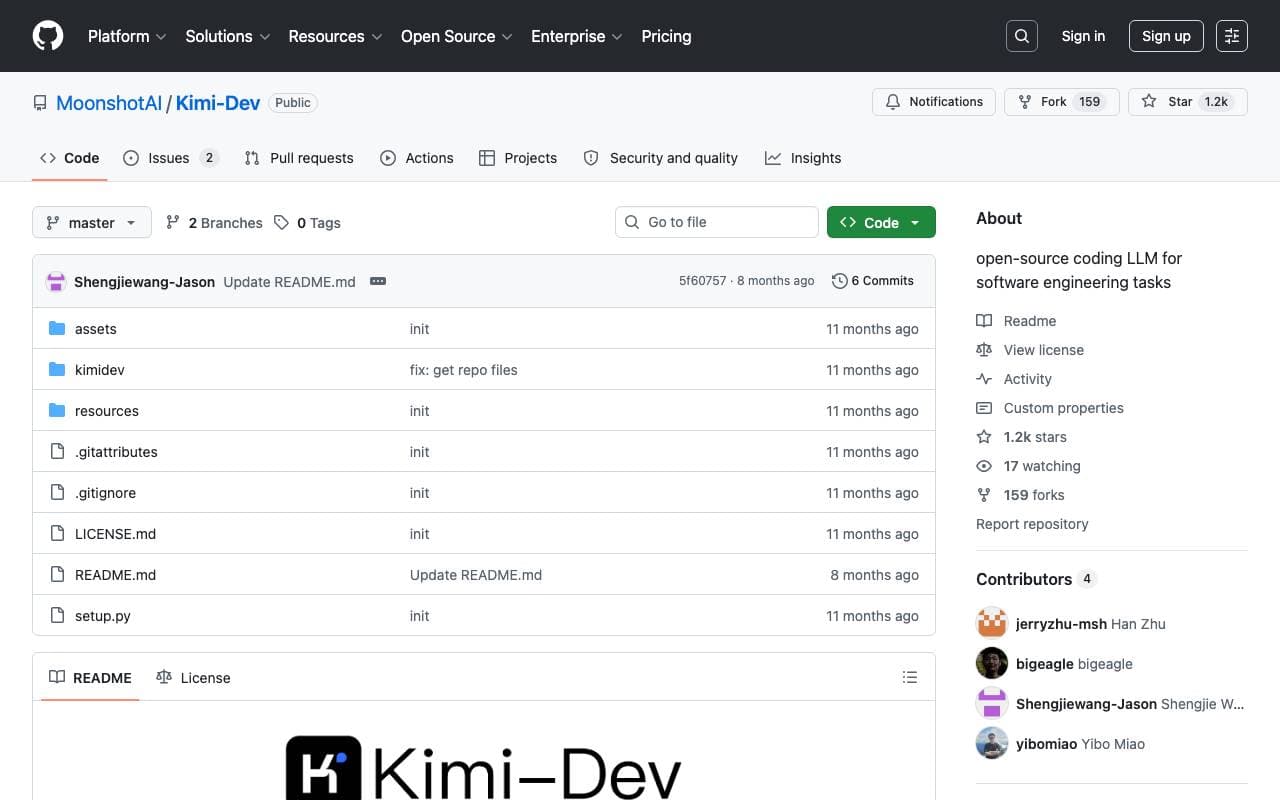

Kimi‑Dev
Programming Assistants
Open‑source coding LLM optimized for automated debugging and issue resolution tasks.
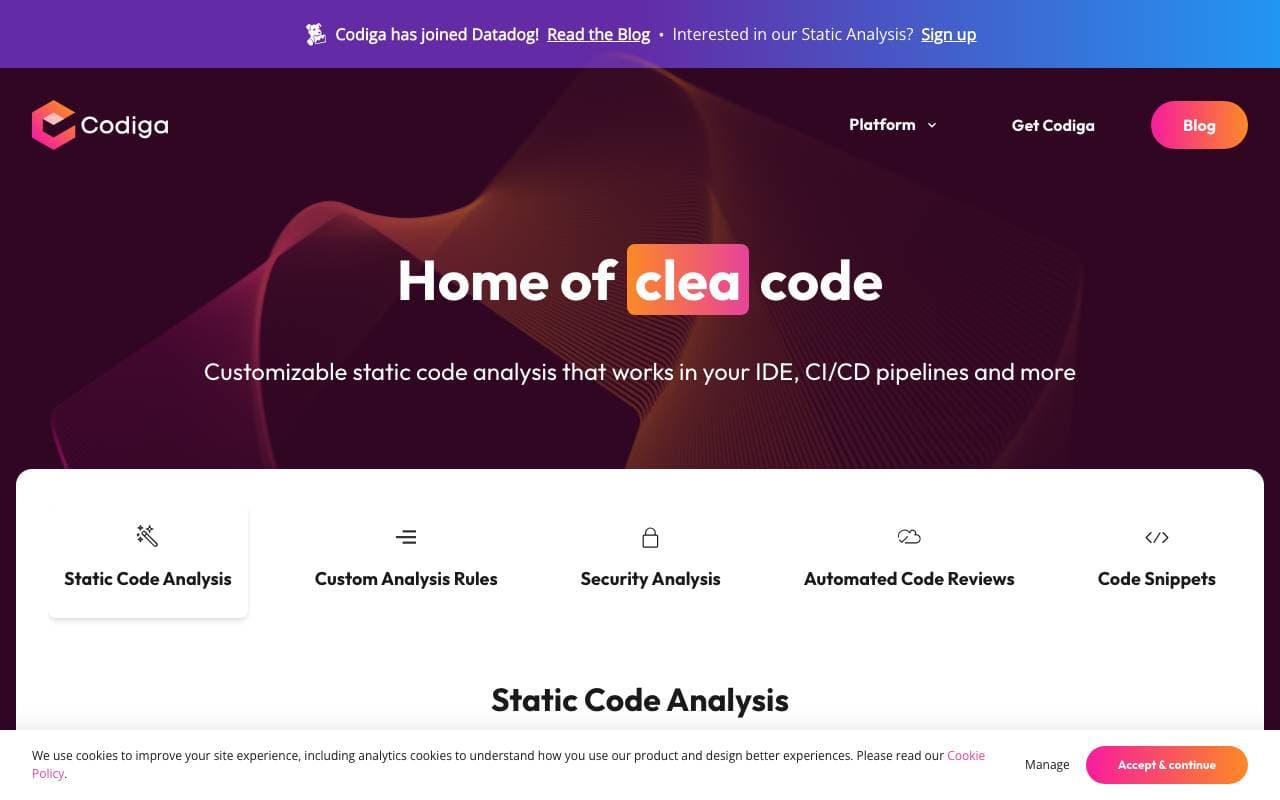

Codiga
Programming Assistants
Statisk kodenanalyse og automatiske kodeevalueringer med integrasjoner med ID/CI, sikkerhetsregler, selvdefinerte regler og et trykk på en autofix.
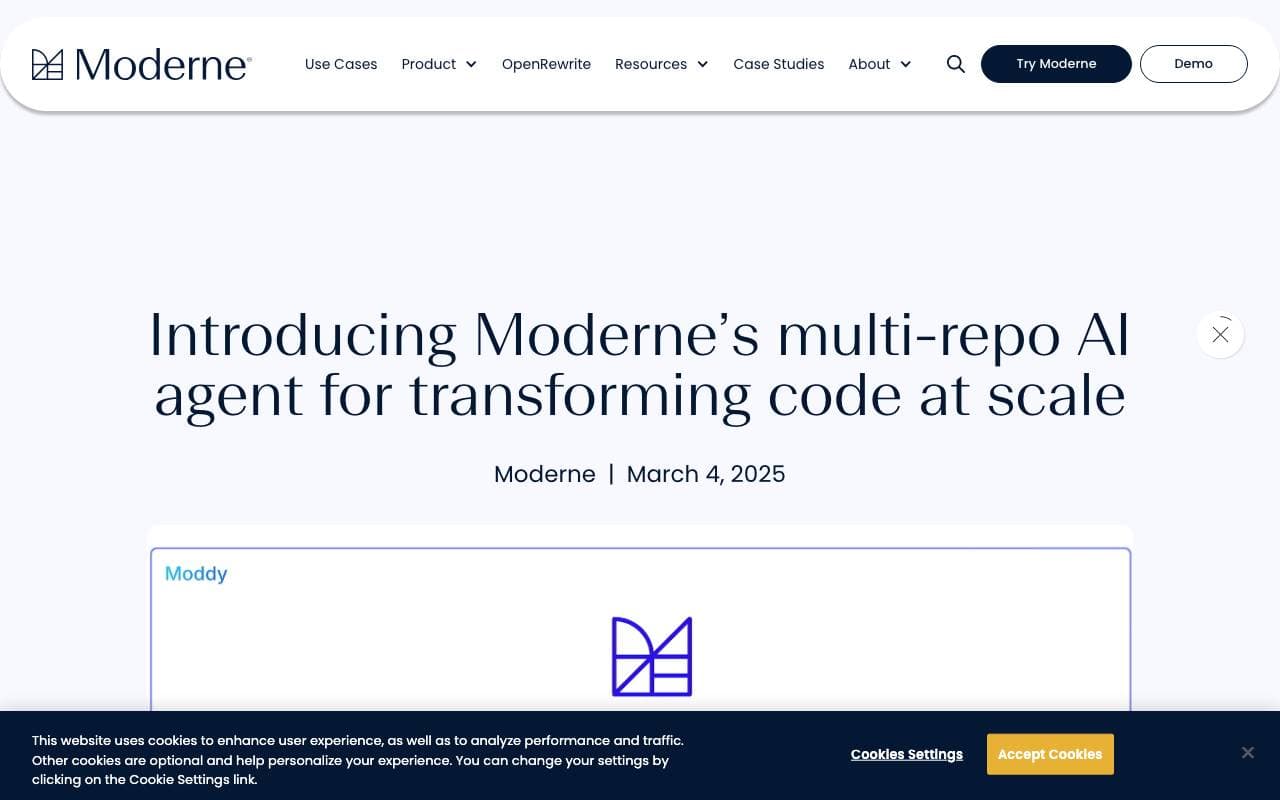

Moddy
Programming Assistants
Multi-repo AI agent for analyzing and modernizing large-scale codebases.
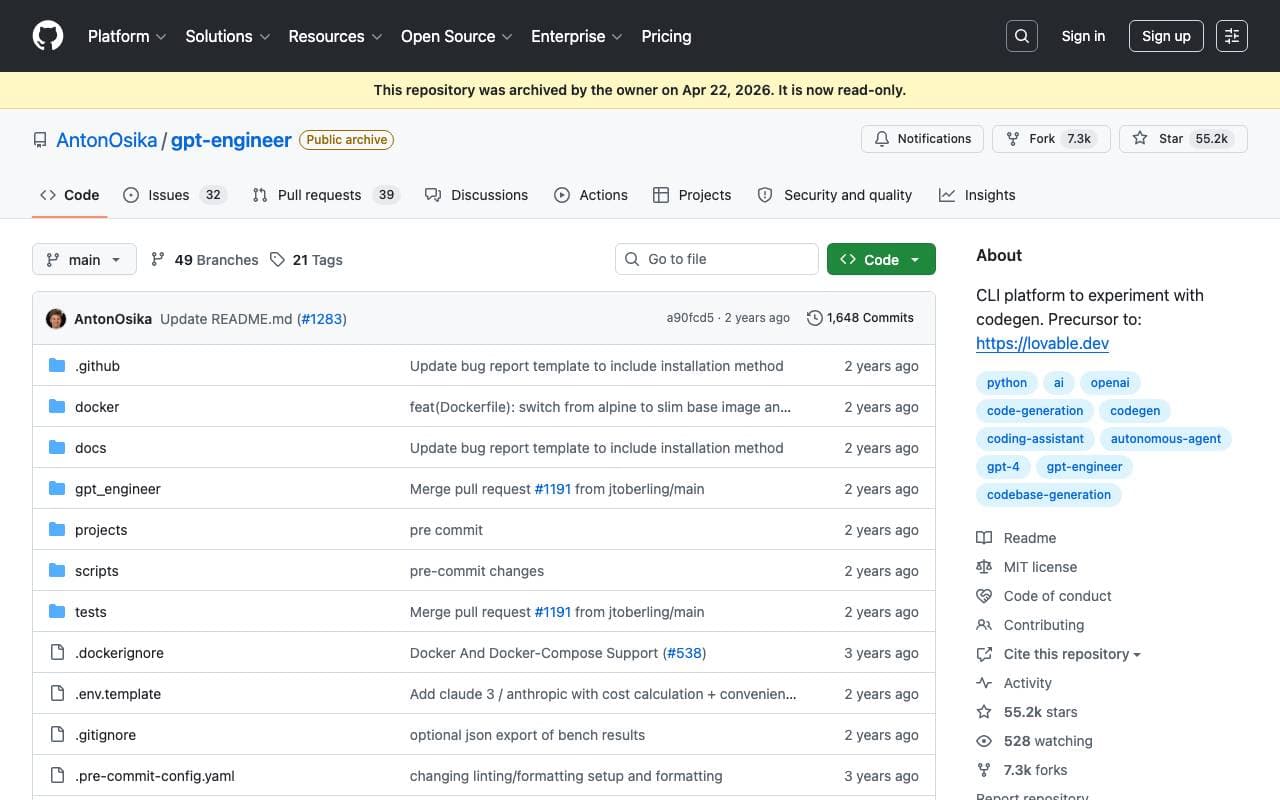

GPT Engineer
Programming Assistants
An open-source AI tool that generates codebases from user-provided project descriptions through interactive dialogues.
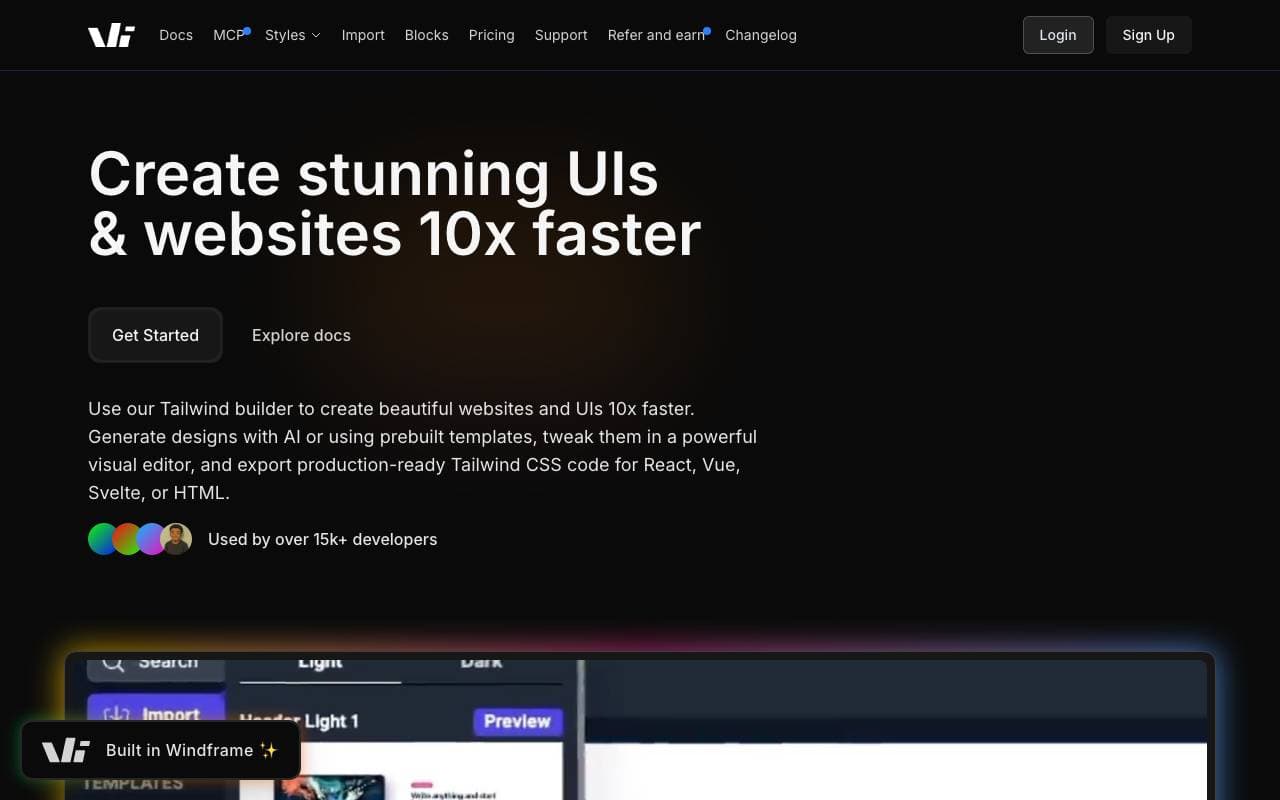

Windframe
Programming Assistants
AI-powered Tailwind CSS builder for rapid UI design, prototyping, and code export to HTML, React, or Vue.

gstack
Programming Assistants
Open-source workflow layer that adds planning, review, QA, and shipping skills to Claude Code and Codex.
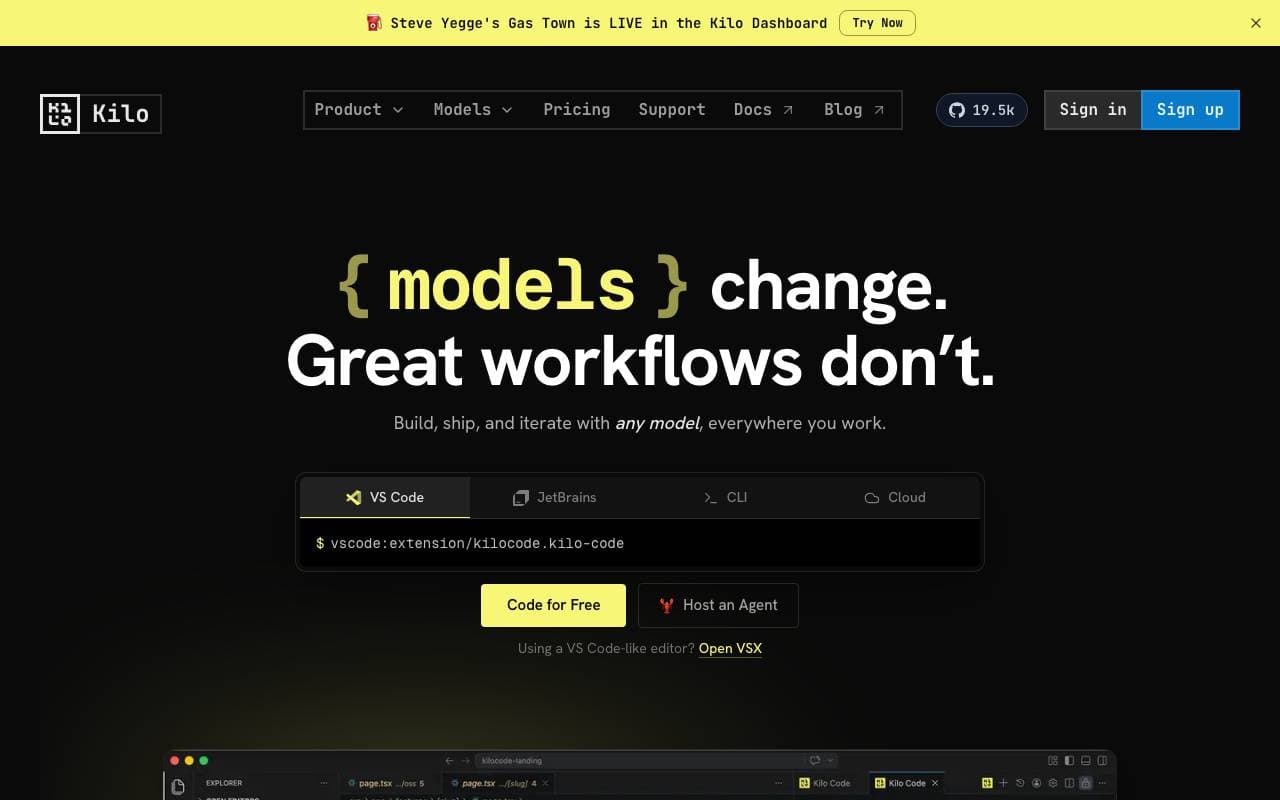

Kilo Code
Programming Assistants
Open-source AI coding assistant for VS Code and JetBrains that plans, writes, and debugs code with multi-model support.
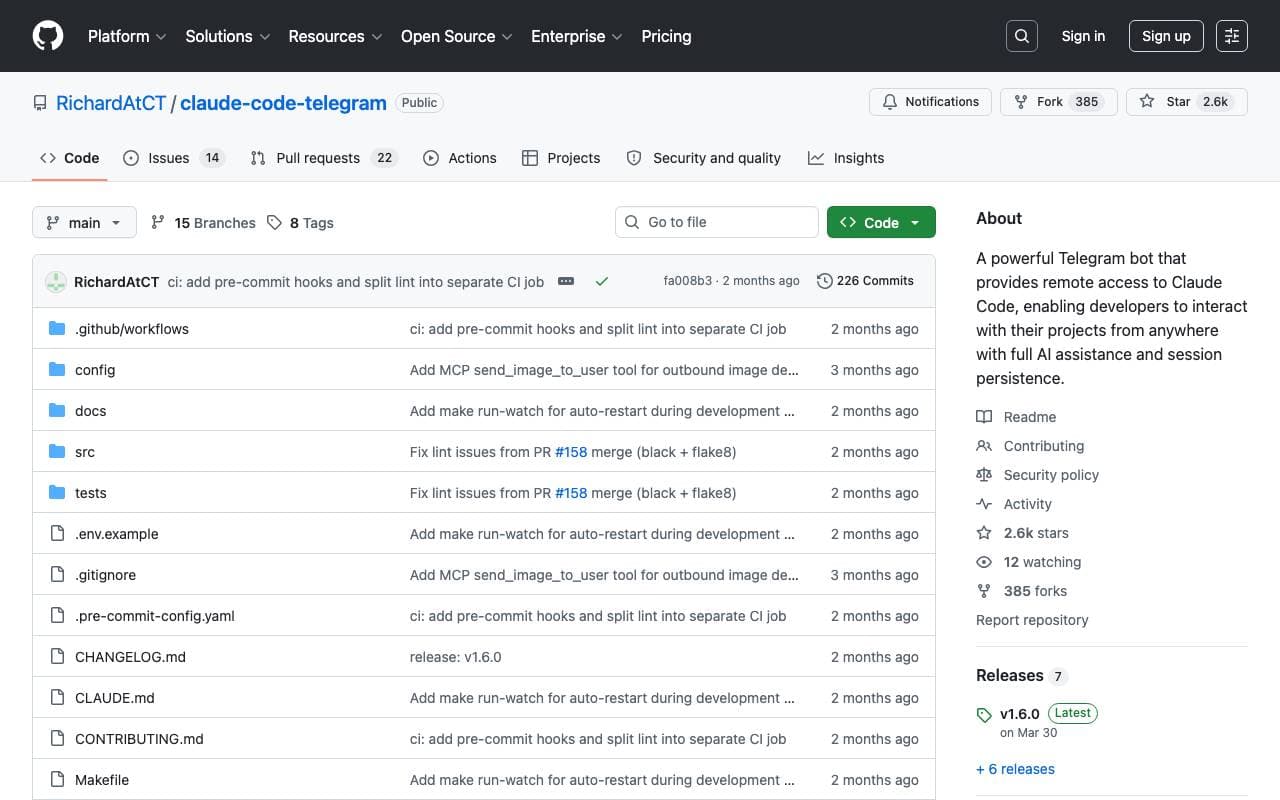

Claude Code Telegram Bot
Programming Assistants
Åpen kildekode Telegram-bot som gir fjern, chatbasert tilgang til Claude Code med per-prosjekt sesjonspersistens og sikker katalog-sandkasse.
Trending now


Claude
AI Agents & Chatbots
Conversasjonell AI-assistent fra Anthropic for skriving, analyse, koding og dokumentoppgaver


LeanSentry
Software Development
AI-powered diagnostics and monitoring for IIS and ASP.NET performance issues.

Doozer Ai
Sales Agent
Digitale medarbeidere som automatiserer operative arbeidsflyter for å øke teamets effektivitet.


Consistent Character AI
Images
Generer konsekvente AI-karakterer over scener fra en enkelt referansebild