
ZuniChrome zijbalk AI-assistent die e-mails opstelt en werkt over uw open tabbladen.

Overzicht
Belangrijkste functies
- Chrome zijbalk interface
- Tabbladbewuste contextbegrip
- Gmail e-mail opstellen en beantwoorden
- Webpagina samenvatting
- Schrijfassistentie voor meerdere apps
- Sneltoetsen voor toegang
Prijs
- Model
- Freemium
- Categorie
- Productivity Agents
- Beoordeling
- 4.5 / 5 (6)
Toepassingen
Stel Gmail-beantwoordingen op in de zijbalk
Stel en verfijn e-mailbeantwoordingen rechtstreeks in Gmail op met behulp van de zijbalk van Zuni, waardoor het beheer van de inbox wordt versneld zonder naar een apart AI-chatgereedschap te schakelen.
Samenvatting van artikelen en webpagina's
Trek belangrijke punten uit de pagina die u momenteel leest door Zuni de actieve tab als context te laten gebruiken, handig voor onderzoek en nieuwsconsumptie.
Beantwoord vragen over schermcontent
Vraag Zuni over alles dat zichtbaar is in uw huidige tabblad om concepten te verduidelijken, details te extraheren of uitleg te krijgen zonder tekst elders te kopiëren.
Schrijfassistentie voor meerdere apps
Gebruik Zuni om tekst op te stellen, te bewerken of te herformuleren over de meeste web-apps, waardoor de behoefte aan het heen en weer schakelen tussen speciale AI-chatvensters en uw werk wordt verminderd.
Pluspunten & minpunten
Pluspunten
- Altijd toegankelijk vanuit de Chrome zijbalk
- Gebruikt huidige tabbladcontent voor relevante context
- Sterke Gmail-integratie voor het opstellen van beantwoordingen
- Werkt over veel web-apps, niet alleen één
- Vermindert tabblad- en vensterschakeling
Minpunten
- Beperkt tot Chrome-gebruikers
- Afhankelijk van extensie machtigingen voor webtoegang
- Minder nuttig buiten de browser
- Kwaliteit varieert per website structuur
Recensies
Gemiddelde van 6 beoordelingen.
Log in om een review te schrijven.
Solid for our team
We rolled this out across the team last quarter and works across many web apps, not just one. Quick-access shortcuts fits neatly into how we already work, and cross-app writing assistance removed a step we used to do by hand. Limited to Chrome users, which is the main caveat, but it has held up under daily use.
Years in this space
I've evaluated a lot of these over the years. What stands out here is web page summarization — handled better than most — and strong Gmail integration for drafting replies. Worth the time if this is your use case.
Skeptical, then convinced
I went in skeptical — most tools in this space overpromise. It actually delivers on cross-app writing assistance, and reduces tab and window switching caught me off guard. Less useful outside the browser is why this isn't a perfect score, still, I'd recommend giving it a real trial.
Years in this space
I've evaluated a lot of these over the years. What stands out here is cross-app writing assistance — handled better than most — and works across many web apps, not just one. Less useful outside the browser is my one real gripe. Worth the time if this is your use case.
Years in this space
I've evaluated a lot of these over the years. What stands out here is chrome sidebar interface — handled better than most — and always accessible from the Chrome sidebar. Limited to Chrome users is my one real gripe. Worth the time if this is your use case.
Solid for our team
We rolled this out across the team last quarter and uses current tab content for relevant context. Gmail email drafting and replies fits neatly into how we already work, and gmail email drafting and replies removed a step we used to do by hand. but it has held up under daily use.
Vragen
Which browsers and apps does Zuni support?
Zuni runs as a Chrome sidebar extension, so it's limited to the Chrome browser. Inside Chrome, it works across most web apps, with particularly strong integration in Gmail for drafting and replying to emails.
What can Zuni actually do with the page I'm viewing?
Zuni is tab-aware, meaning it can read the context of your current page to summarize articles, answer questions about the content, and pull key details. It also assists with writing and quick tasks across web apps without switching windows.
What are Zuni's main limitations?
Zuni only works in Chrome and isn't useful outside the browser, so desktop or mobile app workflows aren't covered. It also relies on extension permissions for web access, and output quality can vary depending on how a website is structured.
Stel een vraag
Alternatieven voor Productivity Agents
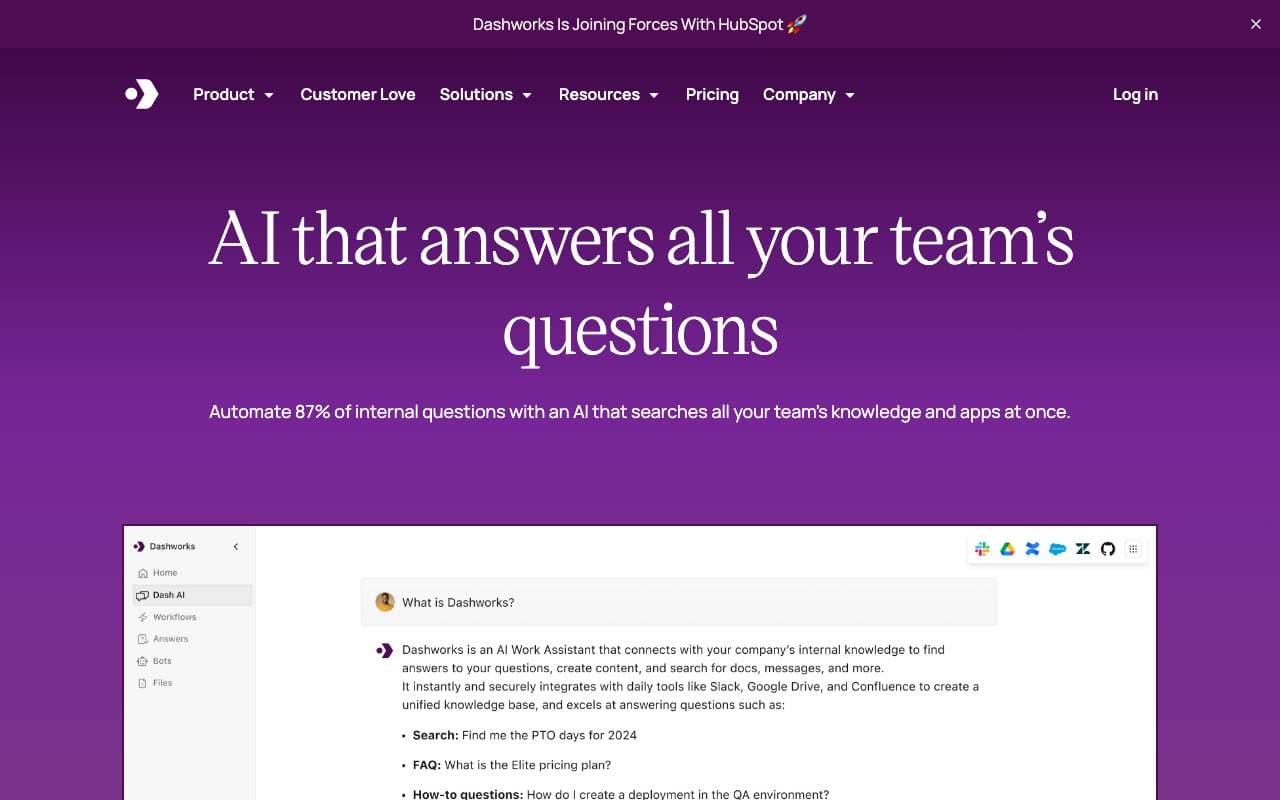

Dashworks AI
Productivity Agents
Een AI‑assistent die bedrijfskennis verenigt, waardoor je instant, nauwkeurige antwoorden krijgt via al uw bedrijfsapps en -tools.
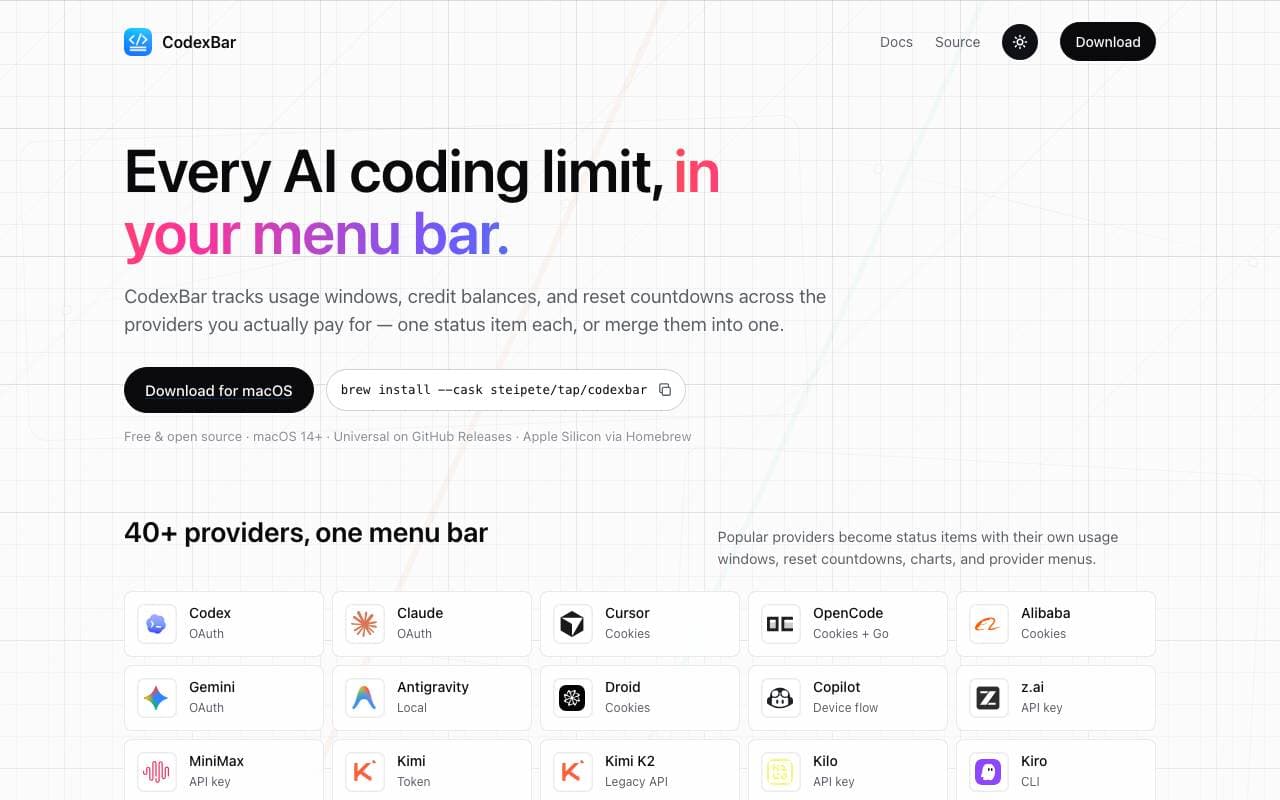

Codex Bar
Productivity Agents
Een macOS-menu-app die limieten, resetmomenten en credits van AI-codeertools volgt voor ontwikkelaars en power users.
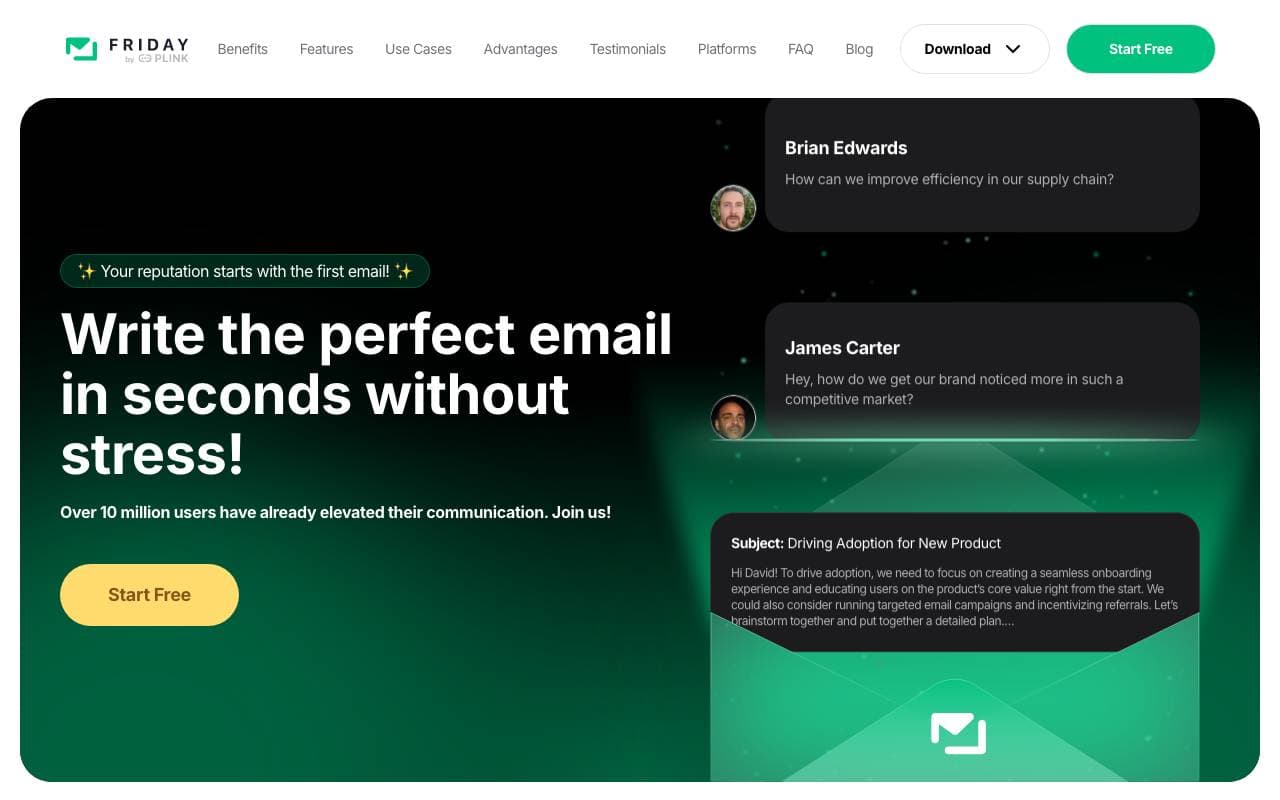

Friday AI
Productivity Agents
Een AI-gestuurde schrijfassistent ontworpen om e-mailcompositie te verbeteren door gepersonaliseerde suggesties te bieden en communicatie te stroomlijnen.
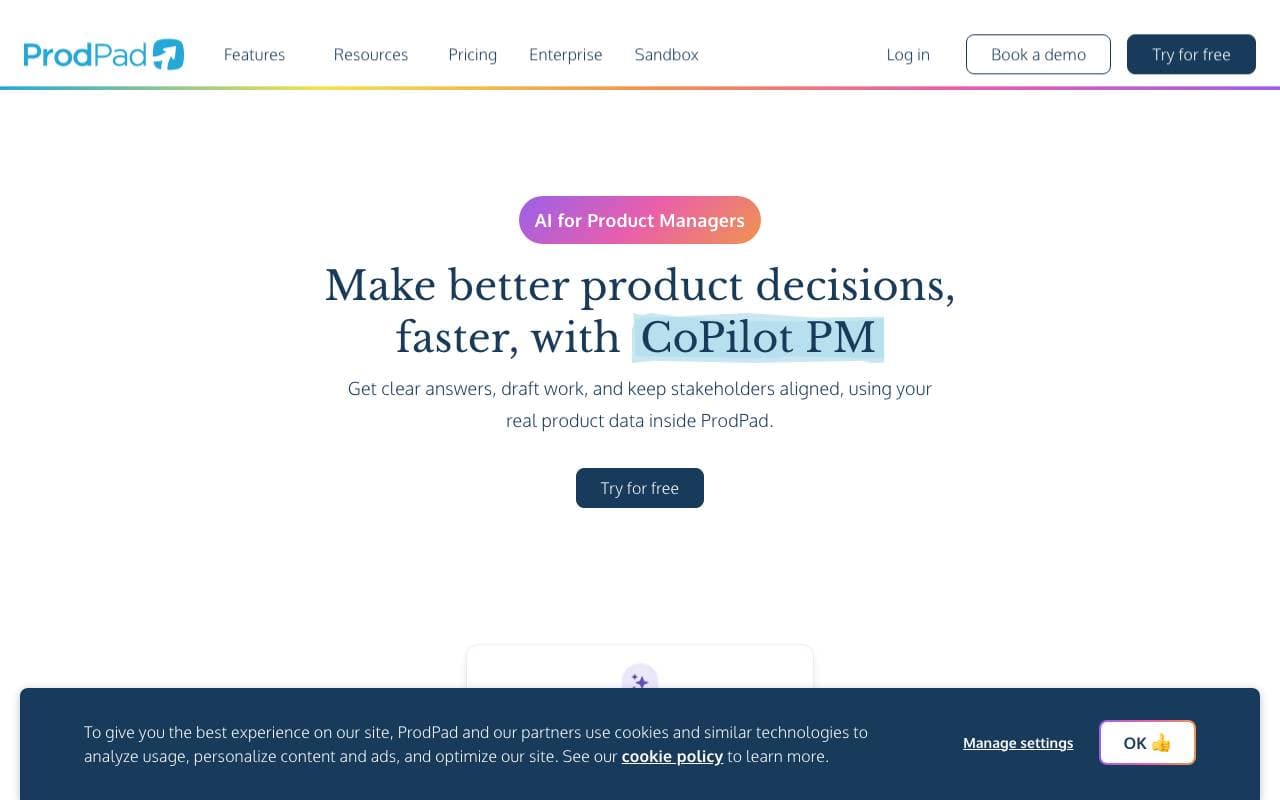

ProdPad CoPilot for Product Managers
Productivity Agents
Bouwstenen-AI inbouwen in ProdPad om het dagelijks werk van productmanagers sneller te laten verlopen.
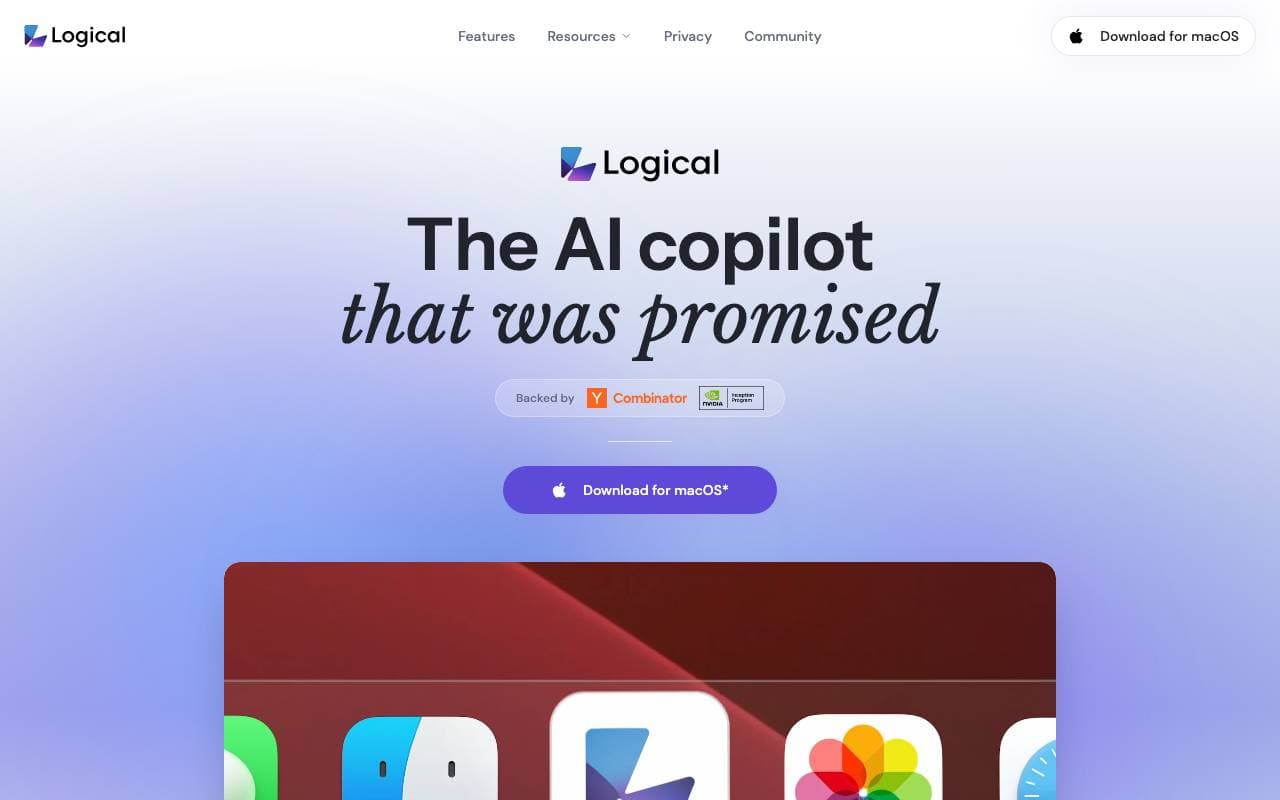

Logical
Productivity Agents
Een proactieve desktop-AI-copilot die on-screencontext begrijpt, werk opmaakt en volgende acties over apps suggereert.
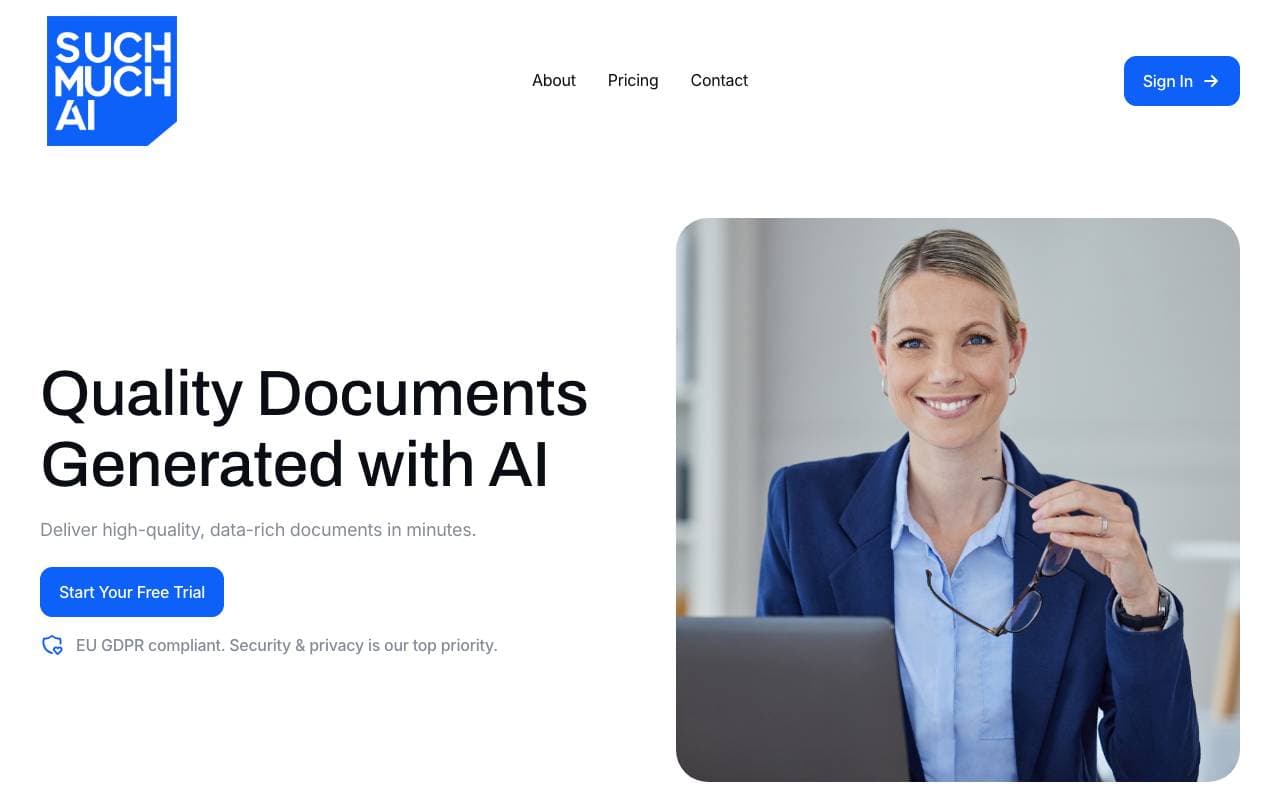

Such Much AI
Productivity Agents
AI-platform voor het opstellen van verkoopvoorstellen en inkoopcontracten in minuten.

TealKit
Productivity Agents
Een mobiele AI-assistent voor Android die tools, automatiseringen en meerdere modelproviders gebruikt om echte wereldtaken uit te voeren.
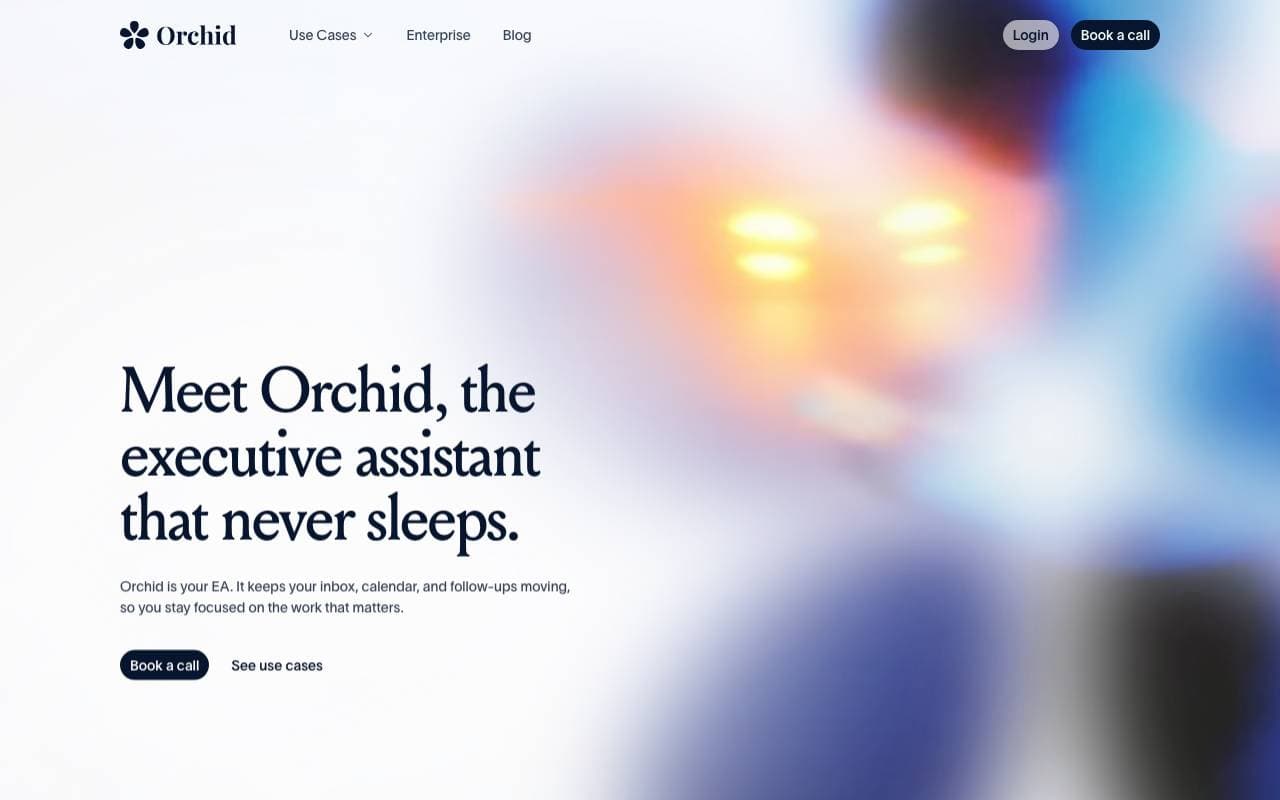

Orchid
Productivity Agents
Een proactieve werkdelegatieagent die binnenkomende taken leest, de volgende acties opstelt en wacht op goedkeuring van de gebruiker.
Trending now

Doozer Ai
Sales Agent
Digitale collega's die operationele workflows automatiseren om de team efficiëntie te vergroten.


Claude
AI Agents & Chatbots
Conversational AI-assistent van Anthropic voor schrijven, analyse, coderen en documenttaken


Consistent Character AI
Images
Genereer consistente AI‑personages over scènes vanuit één referentiefoto


Pin AI
Workflow automation
AI-recruiter die sourcing, screening en outreach automatiseert om het inhuren te versnellen.