
GrammarlyAI-ondersteuner voor duidelijkere, verfijnde communicatie via apps en browsers.

Overzicht
Belangrijkste functies
- Grammatica, spelling en interpunctie controleren
- Suggesties voor helderheid, beknoptheid en toon
- Generatieve AI voor opstellen en herschrijven
- Plagiaatdetectie (premium)
- Browser, desktop en mobiele toetsenbord apps
- Integraties met Word, Google Docs, Gmail en meer
Prijs
- Model
- Freemium
- Categorie
- Education AI
- Beoordeling
- 4.3 / 5 (6)
Toepassingen
Professionele e‑mails verfijnen
Krijg realtime grammatica-, helderheids- en toonadviezen tijdens het schrijven van e‑mails in Gmail, Outlook of Slack om te zorgen dat je berichten zelfverzekerd en professioneel overkomen.
Studenten-essays en rapporten verbeteren
Studenten kunnen grammatica, spelling en helderheid controleren in Google Docs of Word, en op premium‑abonnementen plagiaatdetectie gebruiken om origineel te blijven vóór indiening.
Inhoud opstellen en herschrijven met AI
Gebruik de generatieve AI‑functies om nieuwe tekst te schrijven, passages in te korten of stem en toon aan te passen, waardoor schrijfvorgang over dagelijkse werkdocumenten versneld wordt.
Consistente merksmaak behouden
Teams kunnen merksmaak‑controles en stijlgidsen toepassen op de schrijven van leden, waardoor externe communicatie consistent en merkconform blijft.
Pluspunten & minpunten
Pluspunten
- Werkt over vele apps, browsers en apparaten
- Realtime feedback voor grammatica, helderheid en toon
- Generatieve AI voor opstellen en herschrijven
- Gebruiksvriendelijke gratis versie voor basiscontroles
- Team- en merksmaakfuncties voor bedrijven
Minpunten
- Geavanceerde suggesties vereisen een betaald plan
- Primaire optimalisatie voor het Engels
- Af en toe onjuiste positieven of overcorrekte stijl
- Privacyzorgen bij het verzenden van gevoelige tekst naar de cloud
Recensies
Gemiddelde van 6 beoordelingen.
Log in om een review te schrijven.
Use it every day
Honestly didn't expect to like it this much. Integrations with Word, Google Docs, Gmail, and more is exactly what I needed, and works across many apps, browsers, and devices. I do wish advanced suggestions require a paid plan, but I reach for it almost every day now and it just clicks.
Does the job
Pretty happy overall. Clarity, conciseness, and tone suggestions just works and team and brand voice features for businesses. Primarily optimized for English can be annoying, but no dealbreakers — I'd recommend it to a friend without hesitating.
Years in this space
I've evaluated a lot of these over the years. What stands out here is aI-powered drafting and rewriting — handled better than most — and useful free tier for basic checks. Worth the time if this is your use case.
Does the job
Pretty happy overall. Clarity, conciseness, and tone suggestions just works and useful free tier for basic checks. Privacy concerns for sensitive text sent to the cloud can be annoying, but no dealbreakers — I'd recommend it to a friend without hesitating.
Solid for our team
We rolled this out across the team last quarter and works across many apps, browsers, and devices. Plagiarism detection (premium) fits neatly into how we already work, and aI-powered drafting and rewriting removed a step we used to do by hand. but it has held up under daily use.
Does the job
Pretty happy overall. Grammar, spelling, and punctuation checking just works and real-time grammar, clarity, and tone feedback. Occasional false positives or stylistic overcorrections can be annoying, but no dealbreakers — I'd recommend it to a friend without hesitating.
Vragen
Which apps and platforms does Grammarly integrate with?
Grammarly works across browsers, desktop apps, and mobile keyboards, with integrations for Microsoft Word, Google Docs, Gmail, Slack, and many other tools where you type, helping you get suggestions wherever you write.
What are Grammarly's main limitations?
Grammarly is primarily optimized for English and can occasionally produce false positives or overcorrect stylistic choices. Sending sensitive text to the cloud may also raise privacy concerns, and the most advanced suggestions require a paid plan.
What's included in the free version versus paid plans?
The free tier covers core grammar, spelling, and punctuation checks. Paid plans add advanced rewrites, clarity and tone suggestions, AI-powered drafting, plagiarism detection, and team-level features like brand voice controls.
Stel een vraag
Alternatieven voor Education AI

Pandorabots
Education AI
Chatbot-ontwikkelplatform gebouwd op de AIML-scripttaal voor op regels gebaseerde conversatie-agents.
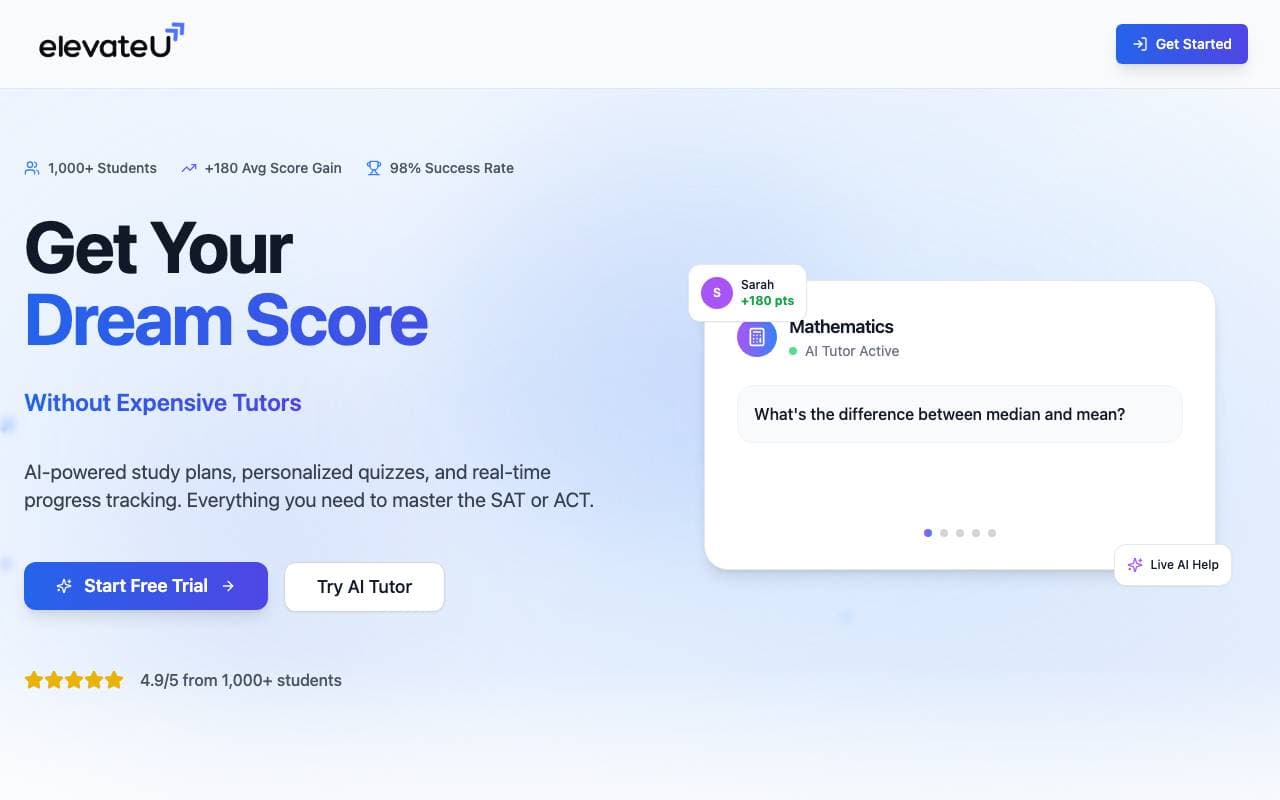

ElevateU
Education AI
AI-gedreven SAT- en ACT-voorbereiding met gepersonaliseerde studieroutes en adaptieve oefening.
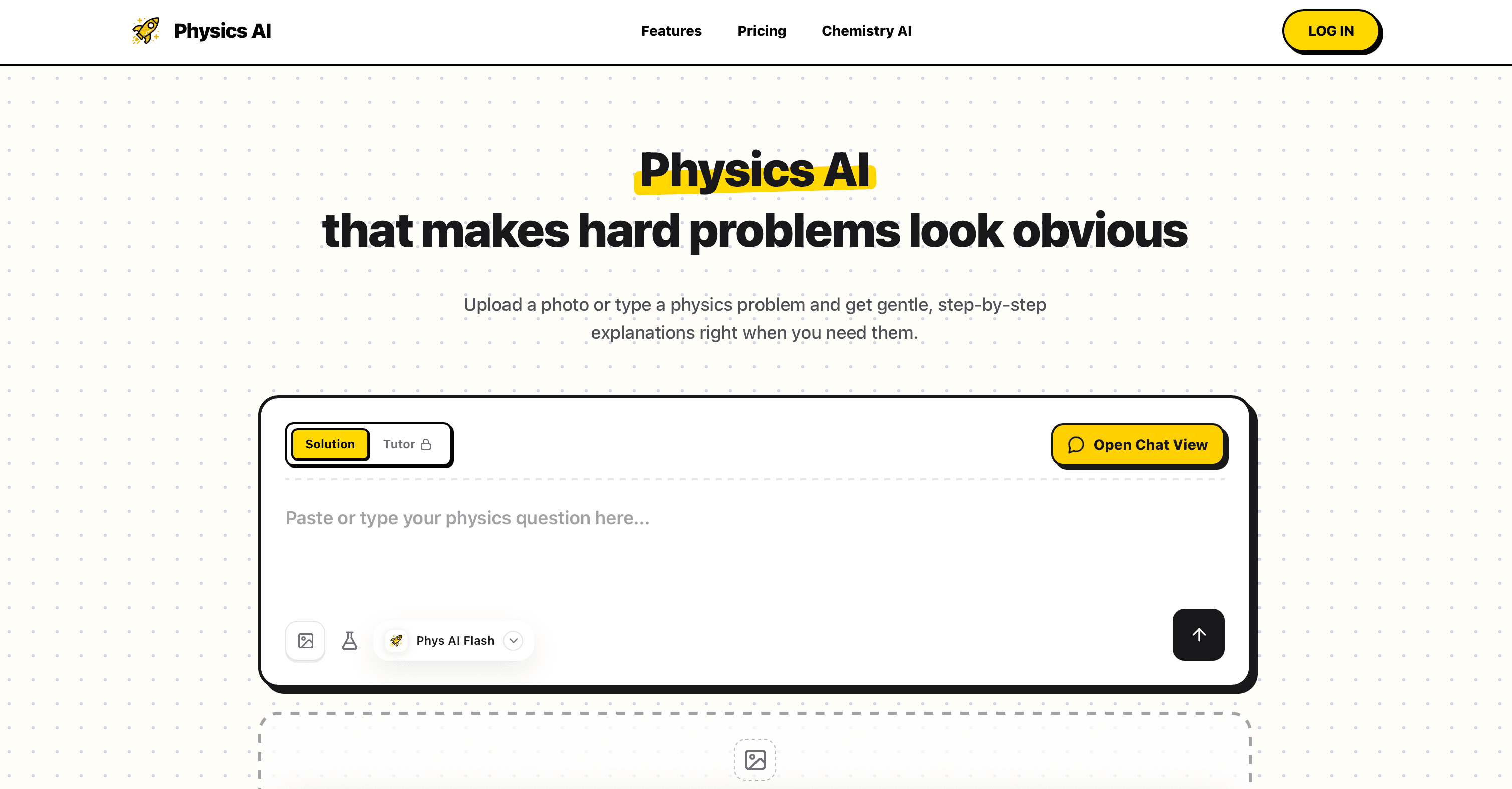

Physics AI Solver Tool
Education AI
Complexe fysica problemen meesteren met onze Physics AI Solver Tool.
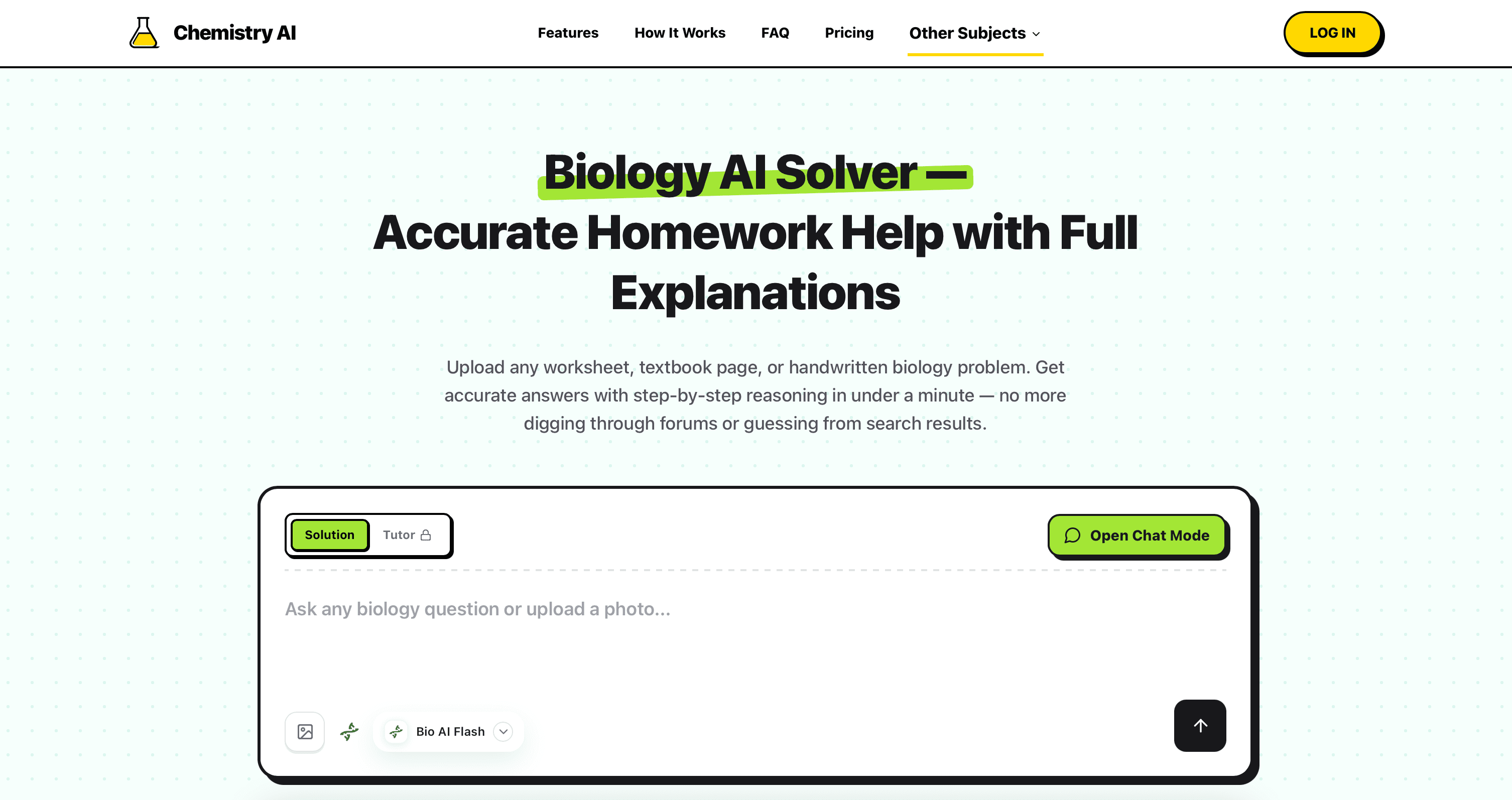

Biology AI
Education AI
Nauwkeurige Huiswerkhulp met Volledige Uitleg

ShowAndTell
Education AI
AI-agenten voor tandartspraktijken die patiënten ontzettend informeren en de kans op een goedgekeurd behandelplan verbeteren.
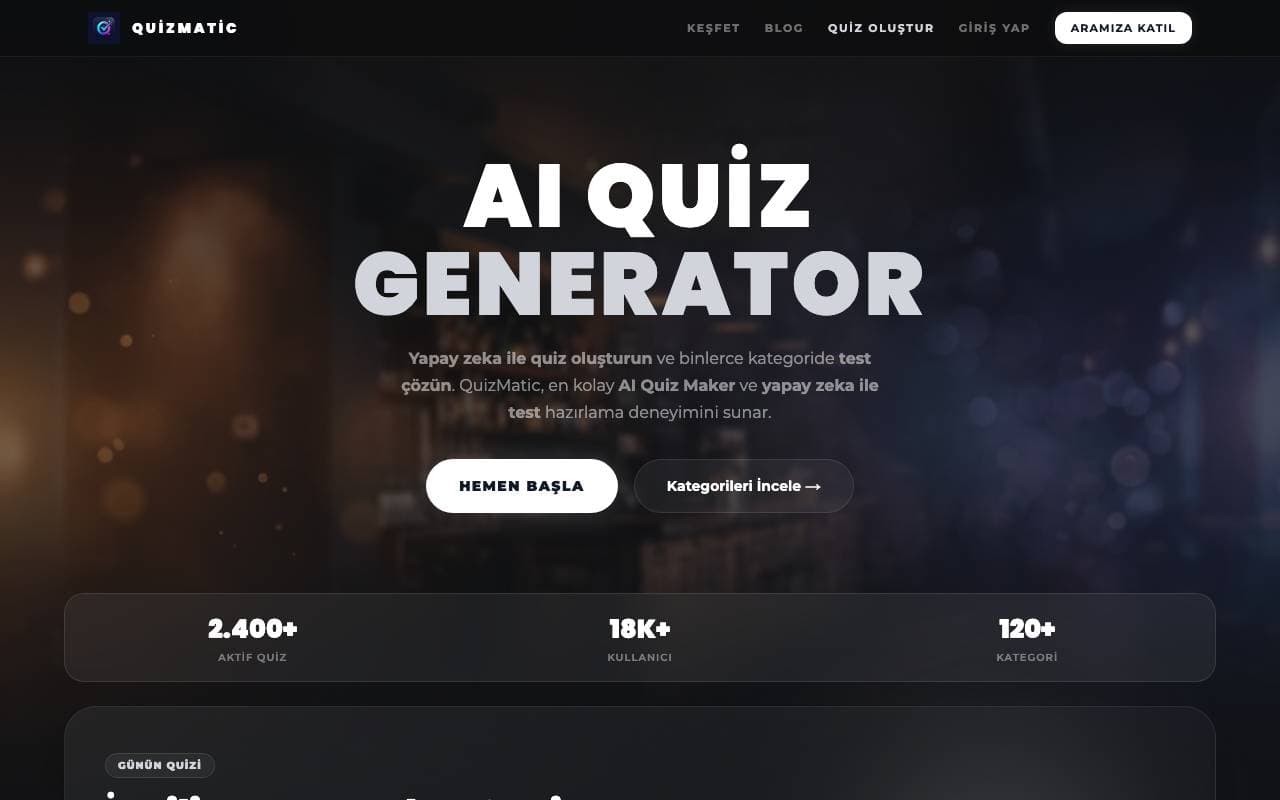

QuizMatic
Education AI
AI-gerichte quizgenerator die in minder dan 120+ categorieën aangepaste tests bouwt in seconden.


DrugandAlcoholCourse.com
Education AI
Florida's staatelijk goedgekeurde online TLSAE-cursus over drugs en alcohol voor eerste bestuurders.
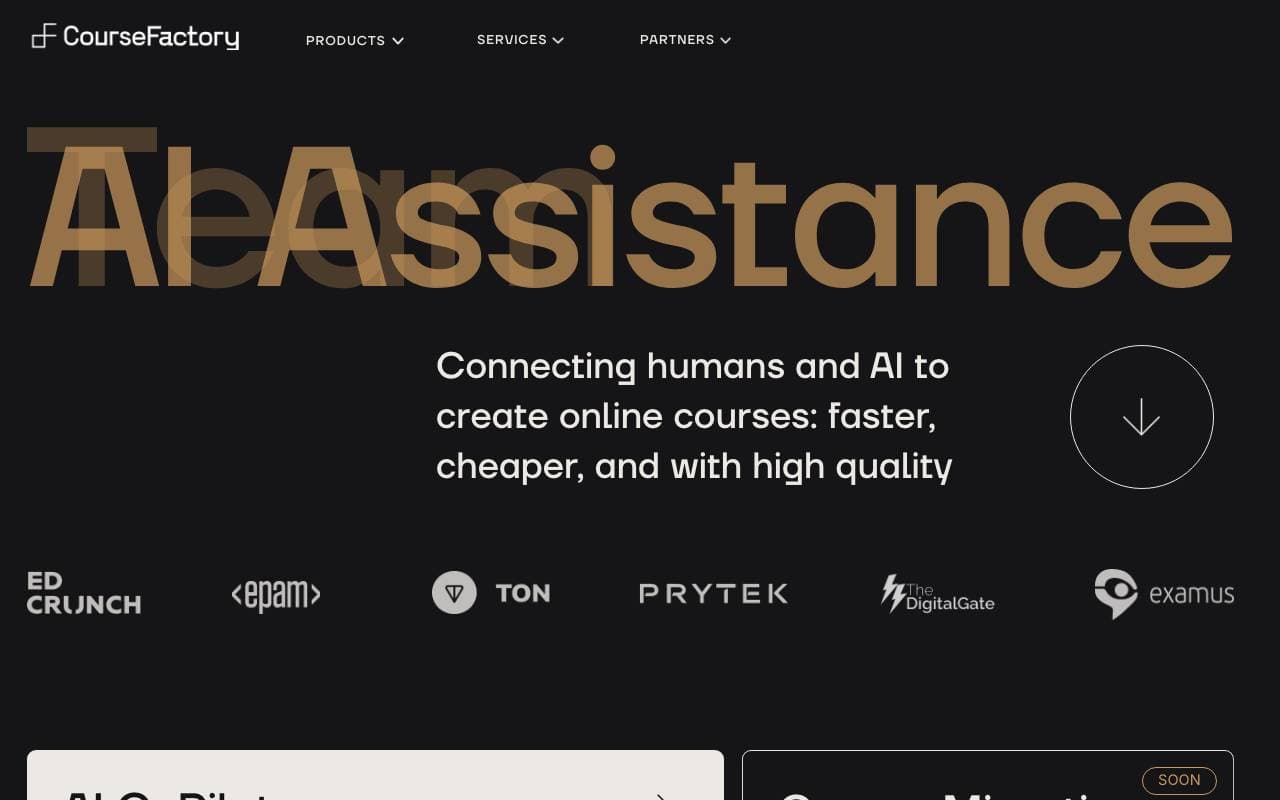

CourseFactory AI
Education AI
AI‑ondersteund platform om online cursussen sneller te bouwen en te publiceren
Trending now

Doozer Ai
Sales Agent
Digitale collega's die operationele workflows automatiseren om de team efficiëntie te vergroten.


Claude
AI Agents & Chatbots
Conversational AI-assistent van Anthropic voor schrijven, analyse, coderen en documenttaken


Consistent Character AI
Images
Genereer consistente AI‑personages over scènes vanuit één referentiefoto


Pin AI
Workflow automation
AI-recruiter die sourcing, screening en outreach automatiseert om het inhuren te versnellen.