
Desktop Commander MCPMCP‑server die AI‑agenten veilige terminal-, proces- en bestandsbewerkingstoegang op je desktop biedt.

Overzicht
Belangrijkste functies
- Terminalopdrachten uitvoeren
- Procesbeheer en -monitoring
- Diff-gebaseerde bestandsbewerking
- Zoeken in codebases en documenten
- Lezen en schrijven van Excel‑ en PDF‑bestanden
- Logboek bijhouden van AI‑acties
Prijs
- Model
- Free
- Categorie
- Programming Assistants
- Beoordeling
- 4.7 / 5 (6)
Toepassingen
Automatiseer lokale ontwikkelaarstaken
Laat een AI‑assistent terminalopdrachten uitvoeren, processen beheren en diff-gebaseerde bewerkingen toepassen op je codebase rechtstreeks vanuit de chat, zonder copy‑pasten tussen tools.
AI‑gestuurde analyse van spreadsheets en PDF's
Laat een AI Excel‑bestanden en PDF's lezen, wijzigen en genereren op schijf, waardoor analisten documentverwerking kunnen delegeren aan een assistent die werkt met echte lokale data.
Zoek en refactor grote codebases
Gebruik codebase‑ en documentzoekfunctionaliteit plus chirurgische diff‑bewerken om veel bestanden efficiënt te refactoren of bij te werken en zo de tokenconsumptie laag te houden.
Auditbare AI‑acties op gevoelige data
Laat AI‑acties lokaal uitvoeren met volledige auditlogging zodat teams elke opdracht en bestandswijziging kunnen beoordelen, wat privacybewuste of compliance‑gedreven workflows ondersteunt.
Pluspunten & minpunten
Pluspunten
- Diff-gebaseerde bewerkingen besparen tokens en voorkomen volledige herschrijvingen
- Werkt met Excel- en PDF-bestanden, niet alleen code
- Logboeken vergroten transparantie en vertrouwen
- Driert lokaal voor betere privacy
Minpunten
- Vereist vertrouwdheid met MCP‑setup
- Toestaan van terminaltoegang brengt inherente risico's met zich mee
- Beperkt tot MCP‑compatibele AI‑clients
Recensies
Gemiddelde van 6 beoordelingen.
Log in om een review te schrijven.
Compared a few options
Evaluated this against two competitors. Where it wins: codebase and document search and works with Excel and PDF files, not just code. Where it lags: limited to MCP-compatible AI clients. On balance the feature set — especially process management and monitoring — justifies the 5 stars for our use case.
Compared a few options
Evaluated this against two competitors. Where it wins: audit logging of AI actions and audit logs improve transparency and trust. Where it lags: granting terminal access carries inherent risk. On balance the feature set — especially audit logging of AI actions — justifies the 5 stars for our use case.
Does the job
Pretty happy overall. Terminal command execution just works and diff-based edits save tokens and avoid full rewrites. but no dealbreakers — I'd recommend it to a friend without hesitating.
Solid for our team
We rolled this out across the team last quarter and runs locally for better privacy. Process management and monitoring fits neatly into how we already work, and excel and PDF read/write support removed a step we used to do by hand. Granting terminal access carries inherent risk, which is the main caveat, but it has held up under daily use.
Use it every day
Honestly didn't expect to like it this much. Diff-based file editing is exactly what I needed, and works with Excel and PDF files, not just code. I do wish requires comfort with MCP setup, but I reach for it almost every day now and it just clicks.
Use it every day
Honestly didn't expect to like it this much. Codebase and document search is exactly what I needed, and audit logs improve transparency and trust. I do wish requires comfort with MCP setup, but I reach for it almost every day now and it just clicks.
Vragen
What file types and tasks can it handle beyond running shell commands?
In addition to terminal execution and process management, it performs diff-based file edits, searches across codebases and documents, and reads and writes Excel spreadsheets and PDFs, making it useful for both developers and analysts.
How does it address the security risks of giving an AI terminal access?
It runs locally rather than in the cloud, uses targeted diff-based edits instead of full rewrites to limit unintended changes, and keeps an audit log of every action the AI takes for transparency. Granting shell access still carries inherent risk.
Which AI clients can I use Desktop Commander MCP with?
It works with MCP-compatible clients like Claude Desktop. Because it relies on the Model Context Protocol, any assistant or app that speaks MCP can connect, but non-MCP clients are not supported.
Stel een vraag
Alternatieven voor Programming Assistants

Kimi‑Dev
Programming Assistants
Open-source codeer LLM geoptimaliseerd voor automatische foutopsporing en probleemoplossing.

Codiga
Programming Assistants
Statische code-analyse en geautomatiseerde code-beoordelingen met IDE/CI-integraties, beveiligingsregelsets, aangepaste regels en één klik autofix.

Moddy
Programming Assistants
AI-agent voor multi-repo analyse en modernisering van grootschalige codebases.

GPT Engineer
Programming Assistants
Een open-source AI-tool die codebases genereert op basis van projectbeschrijvingen van de gebruiker via interactieve dialogen.

Windframe
Programming Assistants
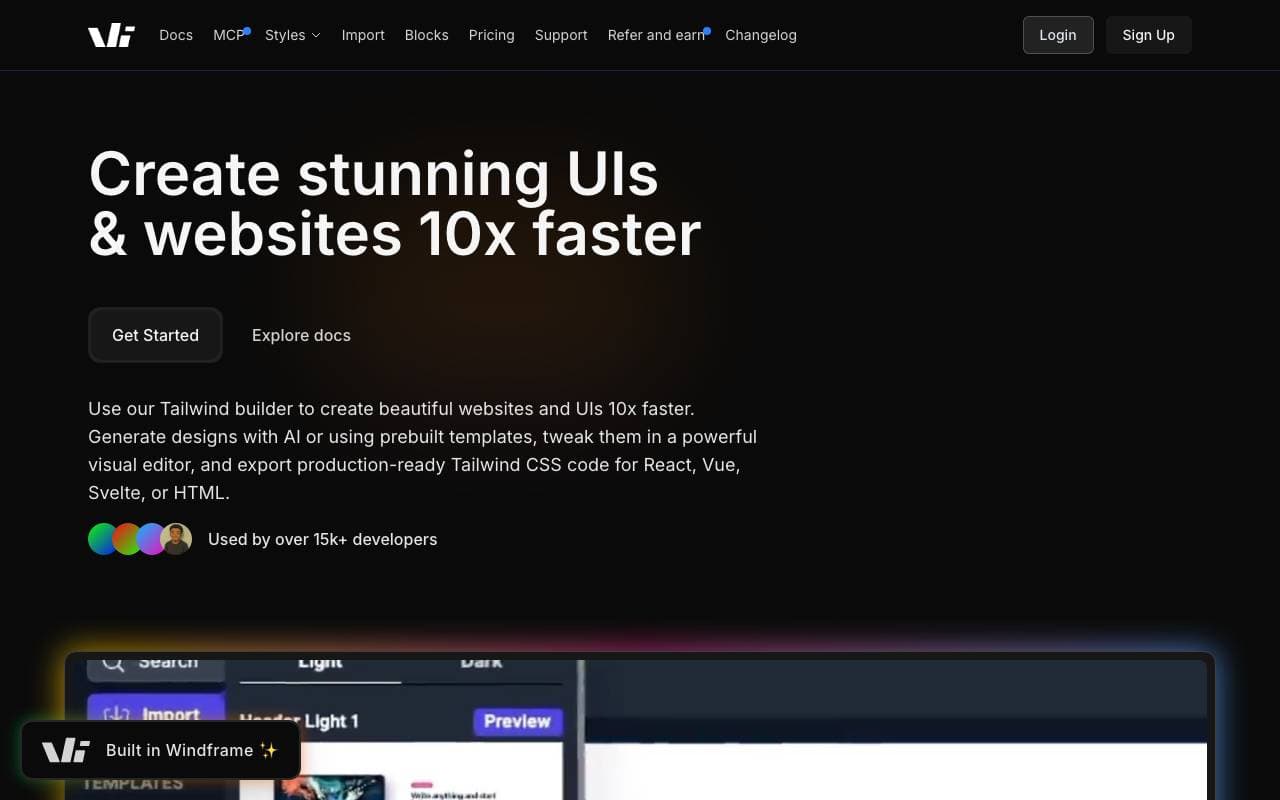
Geavanceerd AI-poweerd Tailwind CSS bouwer voor snelle UI ontwerp, prototypen en code export naar HTML, React of Vue.

gstack
Programming Assistants
Open-source workflowlaag die plannings-, review-, QA- en shippingvaardigheden toevoegt aan Claude Code en Codex.

Kilo Code
Programming Assistants
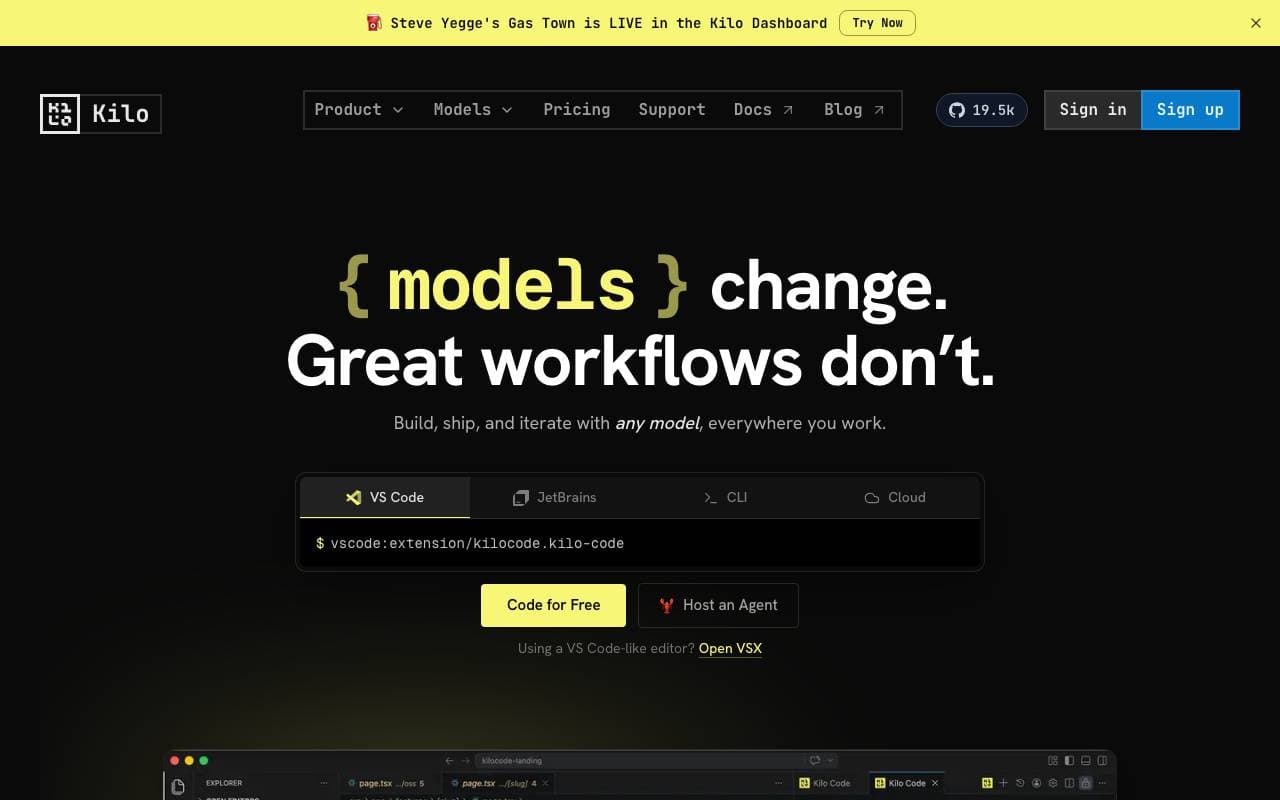
Open-source AI-codingsassistent voor VS Code en JetBrains die code plant, schrijft en debuget met multi-model ondersteuning.

Claude Code Telegram Bot
Programming Assistants
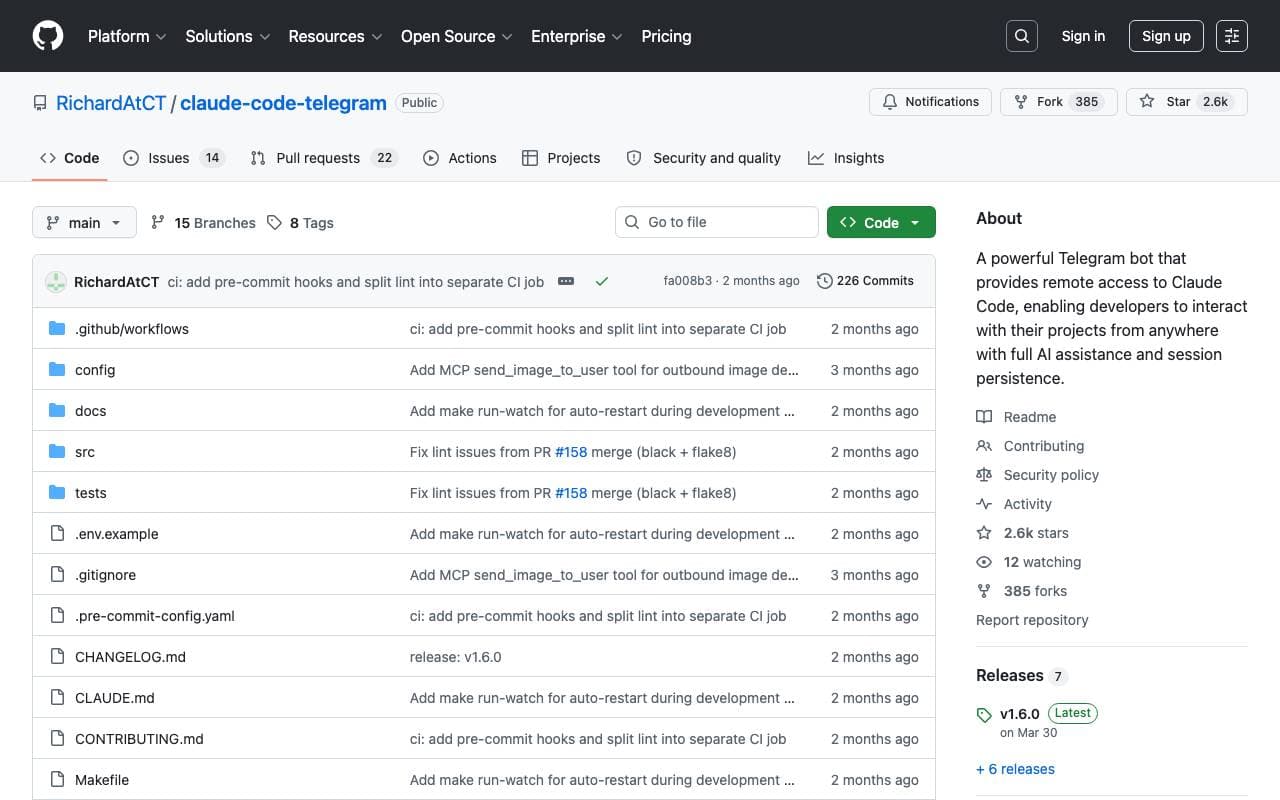
Open-source Telegram‑bot die op afstand, chatgebaseerde toegang tot Claude Code biedt met per-project sessiehoud en veilige directory sandboxing.
Trending now

Doozer Ai
Sales Agent
Digitale collega's die operationele workflows automatiseren om de team efficiëntie te vergroten.


Claude
AI Agents & Chatbots
Conversational AI-assistent van Anthropic voor schrijven, analyse, coderen en documenttaken


Consistent Character AI
Images
Genereer consistente AI‑personages over scènes vanuit één referentiefoto


Mistral AI
Large Language Models (LLMs)
Open-weight grensmodellen