
Ace by General AgentsDesktop AI-agent die taken automatiseert door je muis en toetsenbord te bedienen als een menselijke gebruiker.

Overzicht
Belangrijkste functies
- Muis- en toetsenbordinvoer simulatie
- Visuele interpretatie van schermelementen
- Automatisering van taken over meerdere applicaties
- Taakinstructies in natuurlijke taal
- Autonoom uitvoering van meerdere stappen
- Werkt rechtstreeks op het bureaublad van de gebruiker
Prijs
- Model
- Contact for pricing
- Categorie
- Virtual Workers
- Beoordeling
- 4.7 / 5 (6)
Toepassingen
Automatiseer herhalende administratieve taken
Delegeer routine-taken zoals gegevensinvoer, het invullen van formulieren of het organiseren van bestanden in desktop-apps, zodat ze autonoom uitgevoerd worden terwijl u zich concentreert op werk van meer waarde.
Brug maken met legacy-software zonder API's
Automatiseer workflows in oudere of propriëtaire toepassingen die geen API's hebben, door Ace te laten interageren met hun GUI op dezelfde manier als een menselijke operator.
Meer-staps cross-app workflows
Keten acties over browsers, spreadsheets en productiviteitstools met behulp van instructies in natuurlijke taal, waardoor de agent elke interface navigeert om de reeks te voltooien.
Handsfree achtergrond taakuitvoering
Delegeer lange, klikintensieve processen aan Ace en laat het ze in de achtergrond uitvoeren, waardoor de gebruiker vrij komt van handmatig cursor- en toetsenbordinvoer.
Pluspunten & minpunten
Pluspunten
- Werkt met elke app die een grafische interface heeft
- Geen API- of integratie-instelling nodig
- Automatiseert meerstaps desktop-workflows
- Imiteert natuurlijke menselijke invoermethoden
Minpunten
- Schermgebaseerde controle kan trager zijn dan directe API's
- De prestaties kunnen afhankelijk zijn van UI-wijzigingen in de doelapps
- Verziet vertrouwen om muis en toetsenbord te bedienen
- Beperkte transparantie over agentbeslissingen
Strijdrecord
Over 1 strijd in het Pantheon.
Last battle
Recensies
Gemiddelde van 6 beoordelingen.
Log in om een review te schrijven.
Compared a few options
Evaluated this against two competitors. Where it wins: autonomous multi-step execution and works with any app that has a graphical interface. Where it lags: limited transparency into agent decisions. On balance the feature set — especially runs directly on the user's desktop — justifies the 5 stars for our use case.
Solid for our team
We rolled this out across the team last quarter and works with any app that has a graphical interface. Autonomous multi-step execution fits neatly into how we already work, and cross-application task automation removed a step we used to do by hand. Performance may depend on UI changes in target apps, which is the main caveat, but it has held up under daily use.
Skeptical, then convinced
I went in skeptical — most tools in this space overpromise. It actually delivers on autonomous multi-step execution, and works with any app that has a graphical interface caught me off guard. still, I'd recommend giving it a real trial.
Does the job
Pretty happy overall. Runs directly on the user's desktop just works and works with any app that has a graphical interface. but no dealbreakers — I'd recommend it to a friend without hesitating.
Solid for our team
We rolled this out across the team last quarter and automates multi-step desktop workflows. Mouse and keyboard input simulation fits neatly into how we already work, and autonomous multi-step execution removed a step we used to do by hand. but it has held up under daily use.
Years in this space
I've evaluated a lot of these over the years. What stands out here is runs directly on the user's desktop — handled better than most — and mimics natural human input patterns. Screen-based control can be slower than direct APIs is my one real gripe. Worth the time if this is your use case.
Vragen
How does Ace integrate with my existing apps?
Ace doesn't require traditional integrations or APIs. It controls your mouse and keyboard and visually interprets on-screen elements, so it works with virtually any desktop application that has a graphical interface, including browsers, productivity suites, and legacy software.
What kinds of tasks is Ace best suited for?
Ace is designed for repetitive multi-step desktop workflows, routine admin work, and cross-application sequences that would otherwise require scripting or brittle macros. You give it natural language instructions and it executes autonomously in the background while you focus on other work.
What are the main limitations I should be aware of?
Because Ace operates by simulating human input and reading the screen, it can be slower than direct API automations and may be affected by UI changes in target apps. It also requires trusting it with mouse and keyboard control and offers limited transparency into its decisions.
Stel een vraag
Alternatieven voor Virtual Workers


Avaamo
Virtual Workers
Enterprise conversational AI platform voor het bouwen van virtuele agenten en digitale medewerkers over bedrijfsfuncties.


Hugging Face Open Computer Agent
Virtual Workers
Een open-source AI-agent die webtaken automatiseert door gebruikersinteracties te simuleren in een virtuele Linux-omgeving.
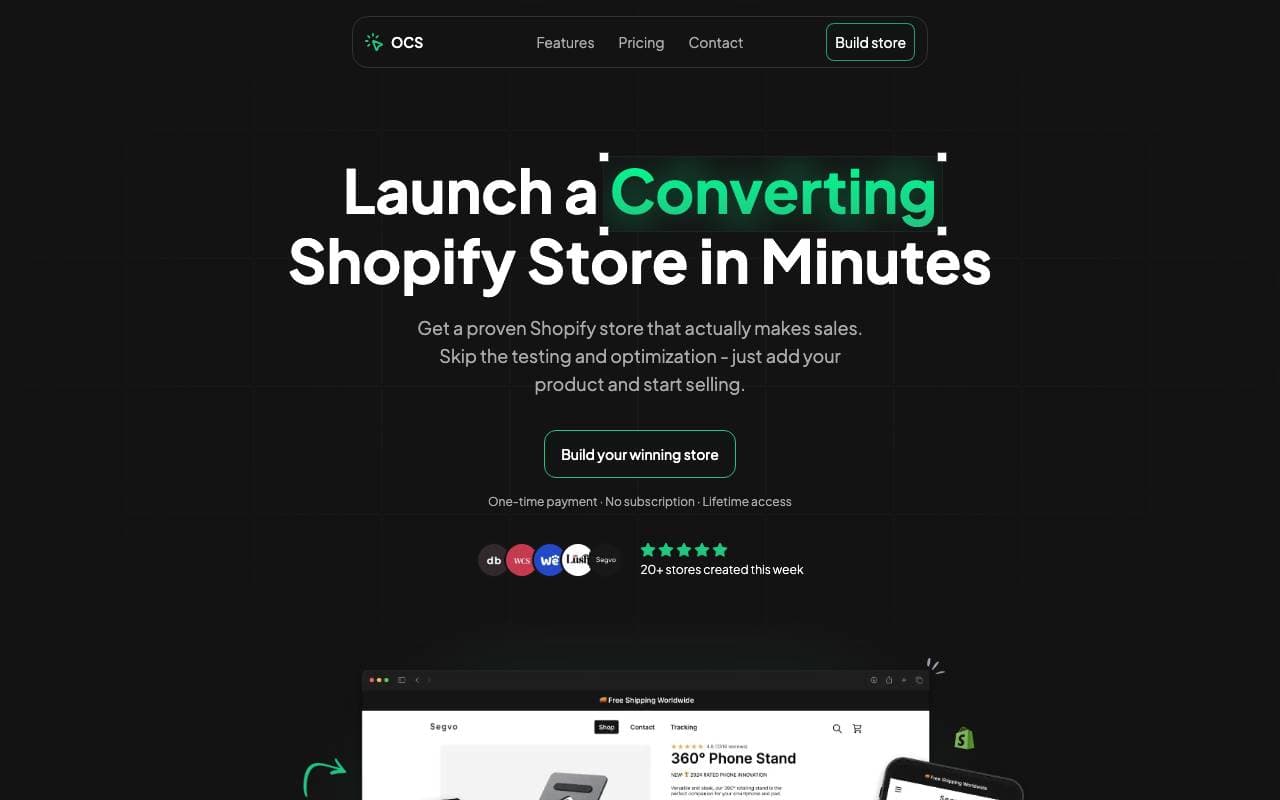

One Click Store
Virtual Workers
AI-gepowered platform voor het lanceren van eCommerce-winkels in minuten met geautomatiseerde inhoud en SEO
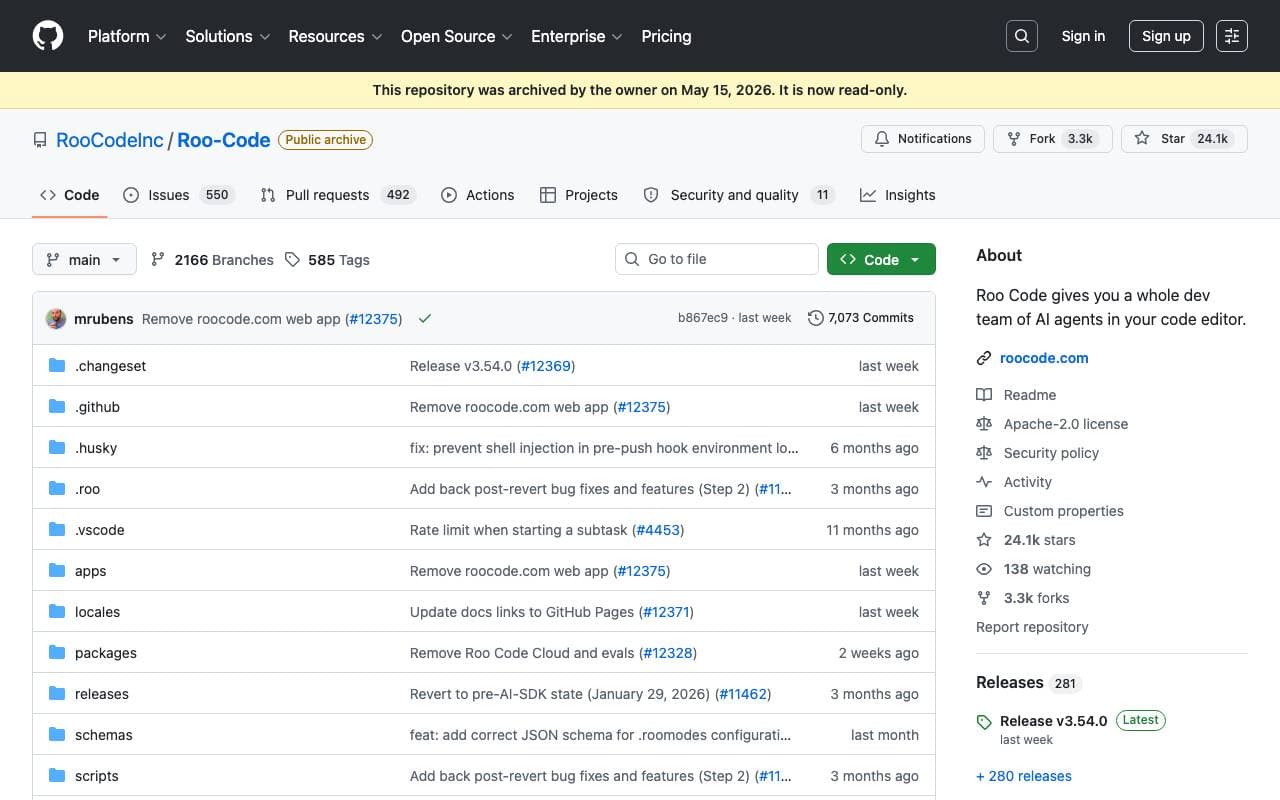

Roo Code
Virtual Workers
Een autonome open-source AI-agent die software kan coderen, debuggen en evolueren met minimale menselijke interventie.


Tally AI
Virtual Workers
AI-agenten die herhalende administratieve, belasting- en audittaken automatiseren binnen uw bestaande systemen.
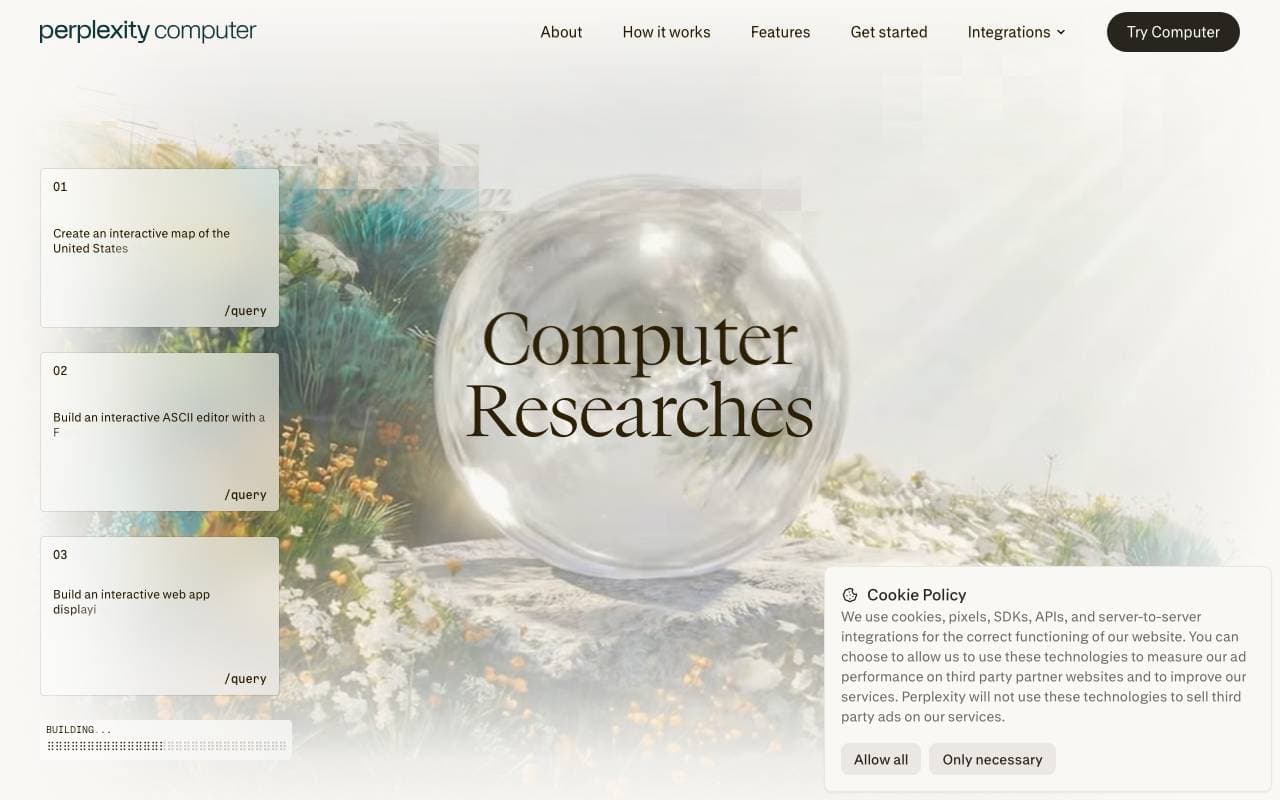

Perplexity Computer
Virtual Workers
Altijd aanwezige digitale werknemer die volledige workflows uitvoert met app-connectors, onderzoek, codering en geplande bewaking en acties.
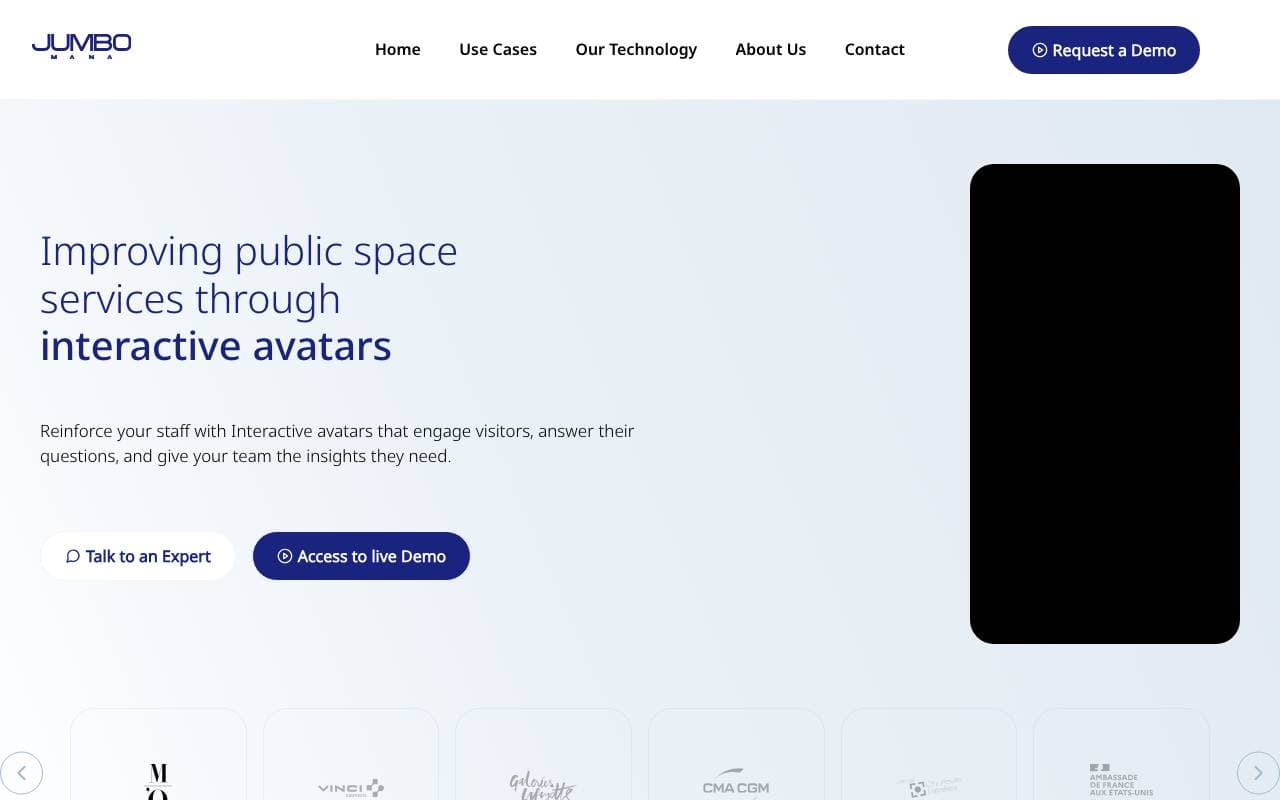

Jumbo Mana
Virtual Workers
Maakt interactieve AI-avatar's, inclusief digitale tweelingen, voor verbeterde gebruikersbetrokkenheid.


Convergence Proxy
Virtual Workers
Adaptieve AI-assistent die nieuwe vaardigheden direct leert via praktijkgebruik
Trending now

Doozer Ai
Sales Agent
Digitale collega's die operationele workflows automatiseren om de team efficiëntie te vergroten.


Claude
AI Agents & Chatbots
Conversational AI-assistent van Anthropic voor schrijven, analyse, coderen en documenttaken


Consistent Character AI
Images
Genereer consistente AI‑personages over scènes vanuit één referentiefoto


Pin AI
Workflow automation
AI-recruiter die sourcing, screening en outreach automatiseert om het inhuren te versnellen.