
ZuniChrome sānujosla AI asistents, kas izstrādā e-pastus un darbojas visās atvērtās cilnēs.

Pārskats
Galvenās funkcijas
- Chrome sānujosla interface
- Cilnes ziņas konteksta izpratne
- Gmail e-pasta izstrādāšana un atbildes
- Tīmekļa lapas kopsavilkums
- Starpprogrammatūras rakstīšanas palīdzība
- Ātri piekļūšanas saīsinājumi
Cenas
- Modelis
- Freemium
- Kategorija
- Productivity Agents
- Vērtējums
- 4.5 / 5 (6)
Lietošanas gadījumi
Izstrādājiet Gmail atbildes sānujoslā
Sastādījiet un pilnveidojiet e-pasta atbildes tieši Gmail vidē, izmantojot Zuni sānujoslu, paātrinot pastkastītes pārvaldību bez pārejas uz atsevišķu AI sarunu rīku.
Kopsummarizējiet rakstus un tīmekļa lapas
Izvelciet galvenos punktus no pašreiz lasāmās lapas, atļaujot Zuni izmantot aktīvo cilni kā kontekstu, kas ir noderīgi pētījumu un jaunumu patēriņam.
Atbildējiet uz jautājumiem par ekrānā redzamo saturu
Jautājiet Zuni par jebko, kas redzams jūsu pašreizējā cilnē, lai noskaidrotu jēdzienus, izvelktu detaļas vai iegūtu skaidrojumus bez teksta kopēšanas citur.
Starpprogrammatūras rakstīšanas palīdzība
Izmantojiet Zuni, lai izstrādātu, rediģētu vai pārteiktu tekstu visās tīmekļa lietotnēs, samazinot vajadzību raidīt starp vērstiem AI sarunu logiem un jūsu darbu.
Plusi un mīnusi
Plusi
- Izvēlas no Chrome sānujoslas
- Izmanto pašreizējās cilnes saturu attiecīgai ziņai
- Stipra Gmail integrācija atbildes izstrādāšanai
- Darbojas daudzās tīmekļa lietotnēs, ne tikai vienā
- Samazina cilnu un loga pārslēgšanos
Mīnusi
- Ierobežots līdz Chrome lietotājiem
- Atkarīgs no paplašinājuma atļaujām tīmekļa piekļūvei
- Mazāk noderīgs ārpus pārlūka
- Kvalitāte mainās atkarībā no tīmekļa lapas struktūras
Atsauksmes
Vidējais no 6 vērtējumiem.
Pieslēdzies, lai atstātu atsauksmi.
Solid for our team
We rolled this out across the team last quarter and works across many web apps, not just one. Quick-access shortcuts fits neatly into how we already work, and cross-app writing assistance removed a step we used to do by hand. Limited to Chrome users, which is the main caveat, but it has held up under daily use.
Years in this space
I've evaluated a lot of these over the years. What stands out here is web page summarization — handled better than most — and strong Gmail integration for drafting replies. Worth the time if this is your use case.
Skeptical, then convinced
I went in skeptical — most tools in this space overpromise. It actually delivers on cross-app writing assistance, and reduces tab and window switching caught me off guard. Less useful outside the browser is why this isn't a perfect score, still, I'd recommend giving it a real trial.
Years in this space
I've evaluated a lot of these over the years. What stands out here is cross-app writing assistance — handled better than most — and works across many web apps, not just one. Less useful outside the browser is my one real gripe. Worth the time if this is your use case.
Years in this space
I've evaluated a lot of these over the years. What stands out here is chrome sidebar interface — handled better than most — and always accessible from the Chrome sidebar. Limited to Chrome users is my one real gripe. Worth the time if this is your use case.
Solid for our team
We rolled this out across the team last quarter and uses current tab content for relevant context. Gmail email drafting and replies fits neatly into how we already work, and gmail email drafting and replies removed a step we used to do by hand. but it has held up under daily use.
Jautājumi
Which browsers and apps does Zuni support?
Zuni runs as a Chrome sidebar extension, so it's limited to the Chrome browser. Inside Chrome, it works across most web apps, with particularly strong integration in Gmail for drafting and replying to emails.
What can Zuni actually do with the page I'm viewing?
Zuni is tab-aware, meaning it can read the context of your current page to summarize articles, answer questions about the content, and pull key details. It also assists with writing and quick tasks across web apps without switching windows.
What are Zuni's main limitations?
Zuni only works in Chrome and isn't useful outside the browser, so desktop or mobile app workflows aren't covered. It also relies on extension permissions for web access, and output quality can vary depending on how a website is structured.
Uzdod jautājumu
Productivity Agents alternatīvas
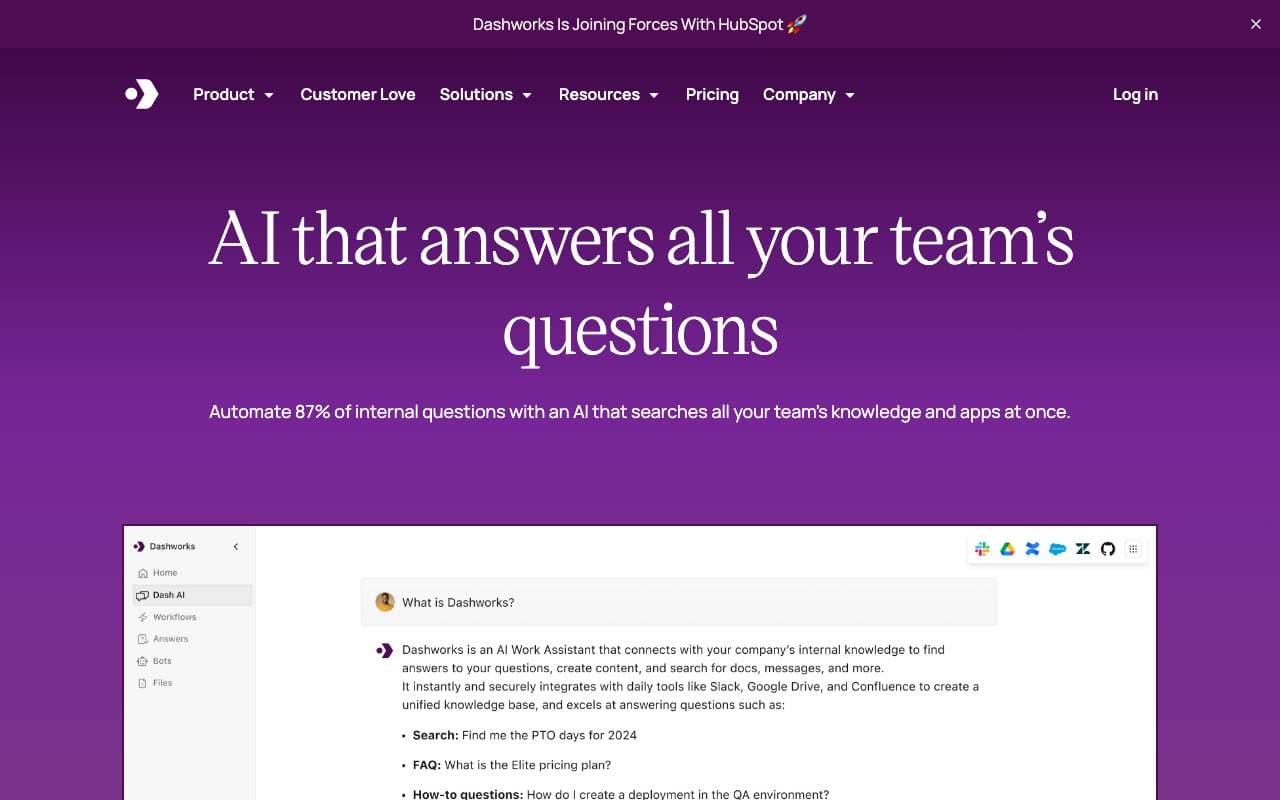

Dashworks AI
Productivity Agents
AI asistents, kas vieno darba vietas zināšanas, nodrošinot tūlītējas, precīzas atbildes visos jūsu uzņēmuma rīkos un lietotnēs.
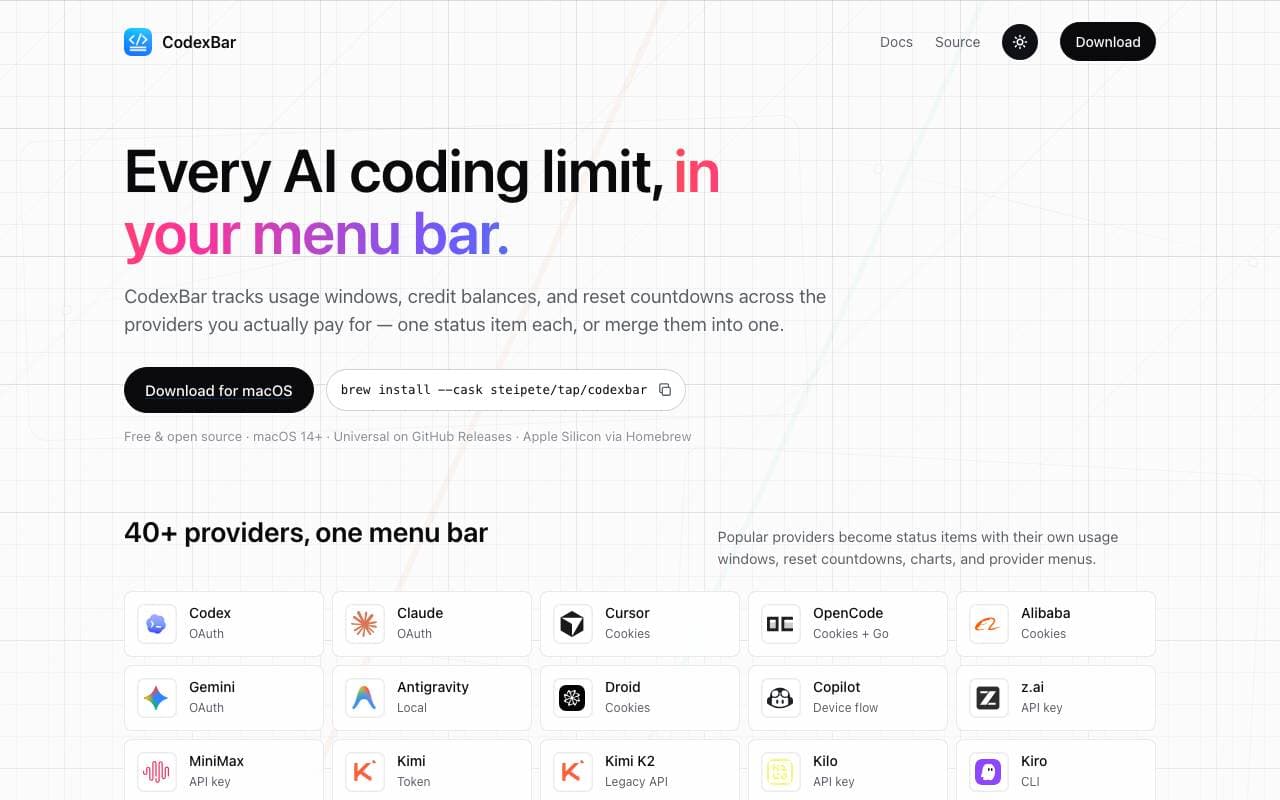

Codex Bar
Productivity Agents
macOS izvēlņu joslas lietotne, kas izseko AI kodēšanas rīku ierobežojumiem, atiestatījumiem un kredītiem izstrādātājiem un enerģiskiem lietotājiem.
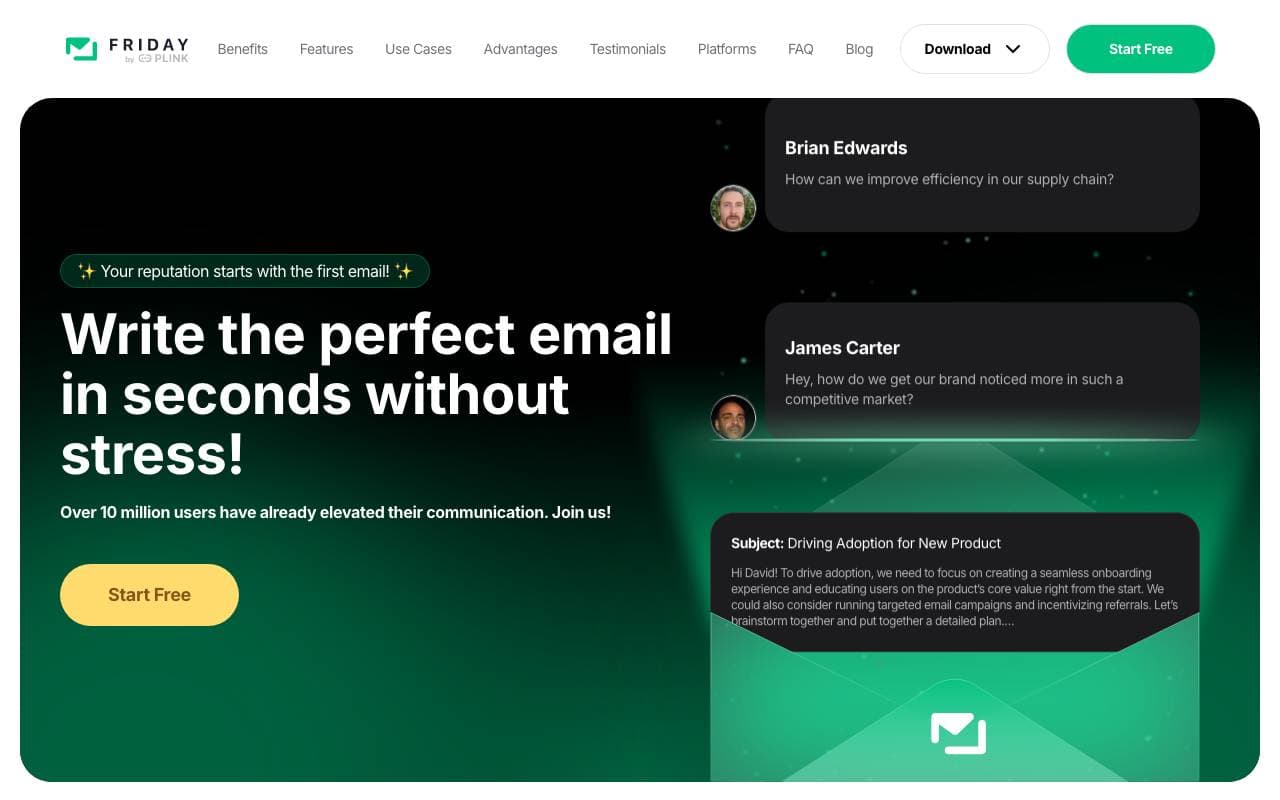

Friday AI
Productivity Agents
AI balstīts rakstīšanas asistents, kas paredzēts, lai uzlabotu e-pasta sastādīšanu, sniedzot personalizētus ieteikumus un vienkāršojot komunikāciju.
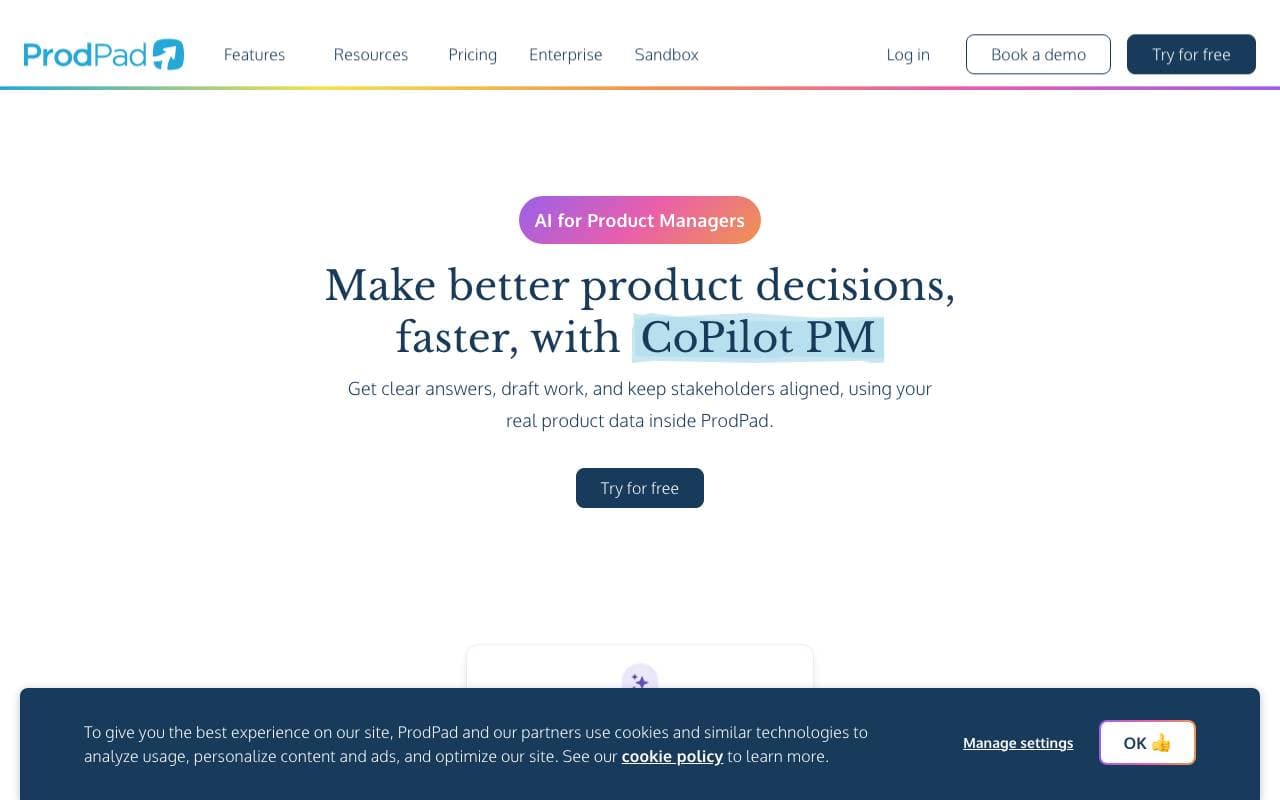

ProdPad CoPilot for Product Managers
Productivity Agents
AI asistents iebūvēts ProdPad, lai paātrinātu ikdienas produktu vadības uzdevumus.

Logical
Productivity Agents
Proaktīvs datora AI kopilots, kas saprot ekrāna kontekstu, sagatavo darbu un ieteiks nākamos soļus starp lietojumprogrammām.

Such Much AI
Productivity Agents
AI platforma, kas ātri sagatavo pārdošanas piedāvājumus un iepirkuma līgumus minūtēs.

TealKit
Productivity Agents
Mobiļu AI palīgs Androidi, kas izmanto rīkus, automatizējumus un vairākus modeļa pakalpojumu sniedzējus, lai veiktu reāla pasaules uzdevumus.

Orchid
Productivity Agents
Proaktīvs darba deleģēšanas aģents, kas nolasa ienākošos uzdevumus, sagatavo nākamās darbības un gaida lietotāja apstiprinājumu.
Trending now


Claude
AI Agents & Chatbots
Konversacionāla AI palīdzība no Anthropic, rakstīšanai, analīzei, kodišanai un dokumentu uzdevumiem

Doozer Ai
Sales Agent
Digitālie kolēģi, kas automatizē operatīvo darba plūsmu, lai paaugstinātu komandas efektivitāti.


Consistent Character AI
Images
Izveidojiet vienādus AI raksturus dažādās ainās no vienas atsauces fotoattēla.


Pin AI
Workflow automation
AI atlases asistents ar agentu pieeju, kas automatizē pieprasījumu meklēšanu, atlasi un kontaktēšanu, paātrinot atlases procesu.