
Desktop Commander MCPMCP serveris, kas nodrošina AI agentiem drošu termināļa, procesa un failu rediģēšanas piekļuvi jūsu darbvirsmā.

Pārskats
Galvenās funkcijas
- Termināļa komandu izpilde
- Procesu pārvaldība un uzraudzība
- Diff-basis failu rediģēšana
- Koda bāzes un dokumentu meklēšana
- Excel un PDF lasīšanas/rakstīšanas atbalsts
- AI darbību audita žurnāla uzturēšana
Cenas
- Modelis
- Free
- Kategorija
- Programming Assistants
- Vērtējums
- 4.7 / 5 (6)
Lietošanas gadījumi
Automatizēt vietējos izstrādātāju darba plūsmas
Ļaujiet AI asistenta izpildīt termināļa komandas, pārvaldīt procesus un veikt diff-basis rediģēšanu jūsu koda bāzē tieši no sarunas, bez kopēšanas/ielīmēšanas starp rīkiem.
AI vadīta tabulās un PDF analīze
Ļaujiet AI lasīt, modificēt un ģenerēt Excel failus un PDF uz diska, ļaujot analītiķiem delegēt dokumentu apstrādi asistentam, kas darbojas ar reāliem lokāliem datiem.
Meklēt un refaktorēt lielas koda bāzes
Izmantojiet koda bāzes un dokumentu meklēšanu, kā arī precīzu diff-rediģēšanu, lai refaktorētu vai atjauninātu daudz failu efektīvi, samazinot tokenu lietošanu.
Auditorējamas AI darbības uz sensitīvajiem datiem
Izpildiet AI darbības lokāli ar pilnu audita žurnālu, lai komandas varētu pārskatīt katru komandu un failu izmaiņu, atbalstot privātuma apzinījušas vai atbilstības orientētās darba plūsmas.
Plusi un mīnusi
Plusi
- Diff-basis rediģēšana ietaupo tokenus un izvairās no pilnīgas pārrakstīšanas
- Strādā ar Excel un PDF failiem, ne tikai ar kodu
- Audita žurnāli uzlabo caurredzamību un uzticību
- Darbojas lokāli, nodrošinot labāku privātumu
Mīnusi
- Neciežamības ar MCP uzstādīšanu
- Termināļa piekļuves sniegšana ietver neizbēgamu risku
- Ierobežots līdz MCP-saderīgiem AI klientiem
Atsauksmes
Vidējais no 6 vērtējumiem.
Pieslēdzies, lai atstātu atsauksmi.
Compared a few options
Evaluated this against two competitors. Where it wins: codebase and document search and works with Excel and PDF files, not just code. Where it lags: limited to MCP-compatible AI clients. On balance the feature set — especially process management and monitoring — justifies the 5 stars for our use case.
Compared a few options
Evaluated this against two competitors. Where it wins: audit logging of AI actions and audit logs improve transparency and trust. Where it lags: granting terminal access carries inherent risk. On balance the feature set — especially audit logging of AI actions — justifies the 5 stars for our use case.
Does the job
Pretty happy overall. Terminal command execution just works and diff-based edits save tokens and avoid full rewrites. but no dealbreakers — I'd recommend it to a friend without hesitating.
Solid for our team
We rolled this out across the team last quarter and runs locally for better privacy. Process management and monitoring fits neatly into how we already work, and excel and PDF read/write support removed a step we used to do by hand. Granting terminal access carries inherent risk, which is the main caveat, but it has held up under daily use.
Use it every day
Honestly didn't expect to like it this much. Diff-based file editing is exactly what I needed, and works with Excel and PDF files, not just code. I do wish requires comfort with MCP setup, but I reach for it almost every day now and it just clicks.
Use it every day
Honestly didn't expect to like it this much. Codebase and document search is exactly what I needed, and audit logs improve transparency and trust. I do wish requires comfort with MCP setup, but I reach for it almost every day now and it just clicks.
Jautājumi
What file types and tasks can it handle beyond running shell commands?
In addition to terminal execution and process management, it performs diff-based file edits, searches across codebases and documents, and reads and writes Excel spreadsheets and PDFs, making it useful for both developers and analysts.
How does it address the security risks of giving an AI terminal access?
It runs locally rather than in the cloud, uses targeted diff-based edits instead of full rewrites to limit unintended changes, and keeps an audit log of every action the AI takes for transparency. Granting shell access still carries inherent risk.
Which AI clients can I use Desktop Commander MCP with?
It works with MCP-compatible clients like Claude Desktop. Because it relies on the Model Context Protocol, any assistant or app that speaks MCP can connect, but non-MCP clients are not supported.
Uzdod jautājumu
Programming Assistants alternatīvas
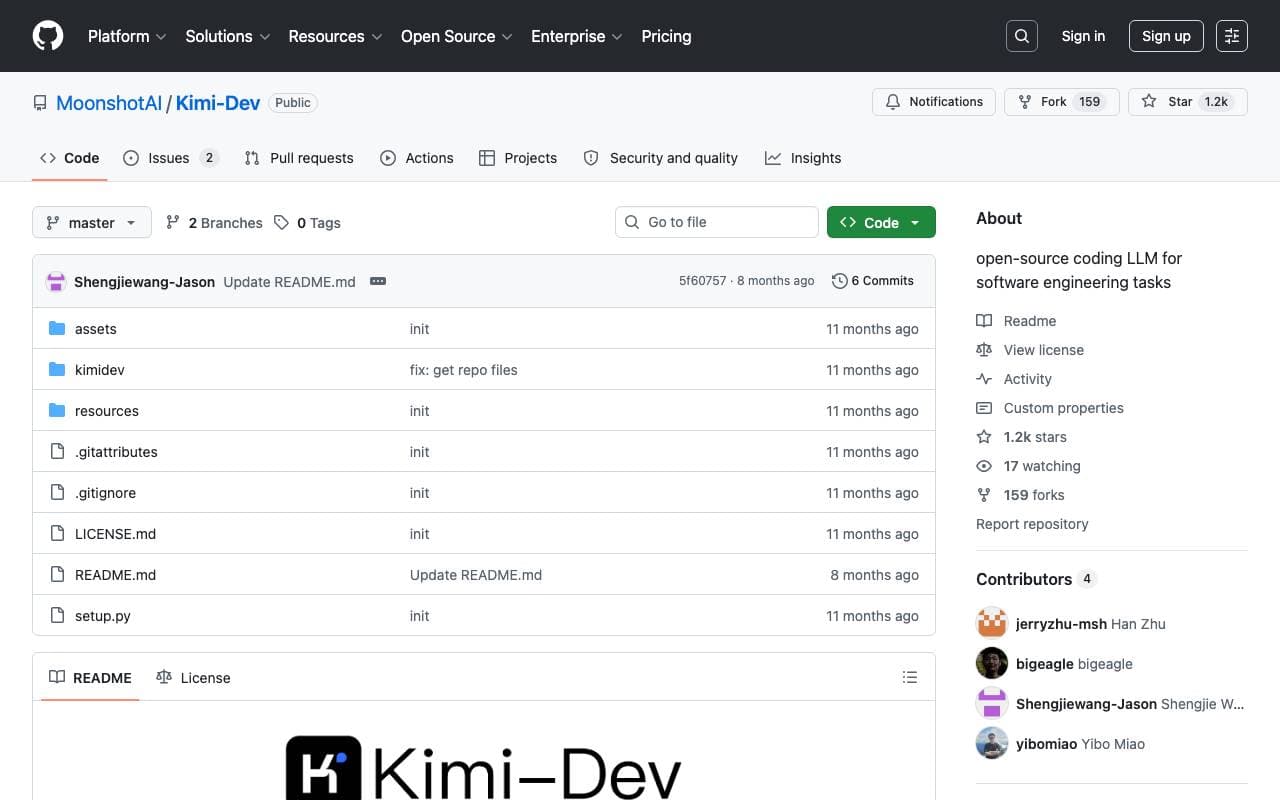

Kimi‑Dev
Programming Assistants
Atvērtā koda kodēšanas LLM, optimizēts automātiskai atkļūdošanai un problēmu risināšanai.
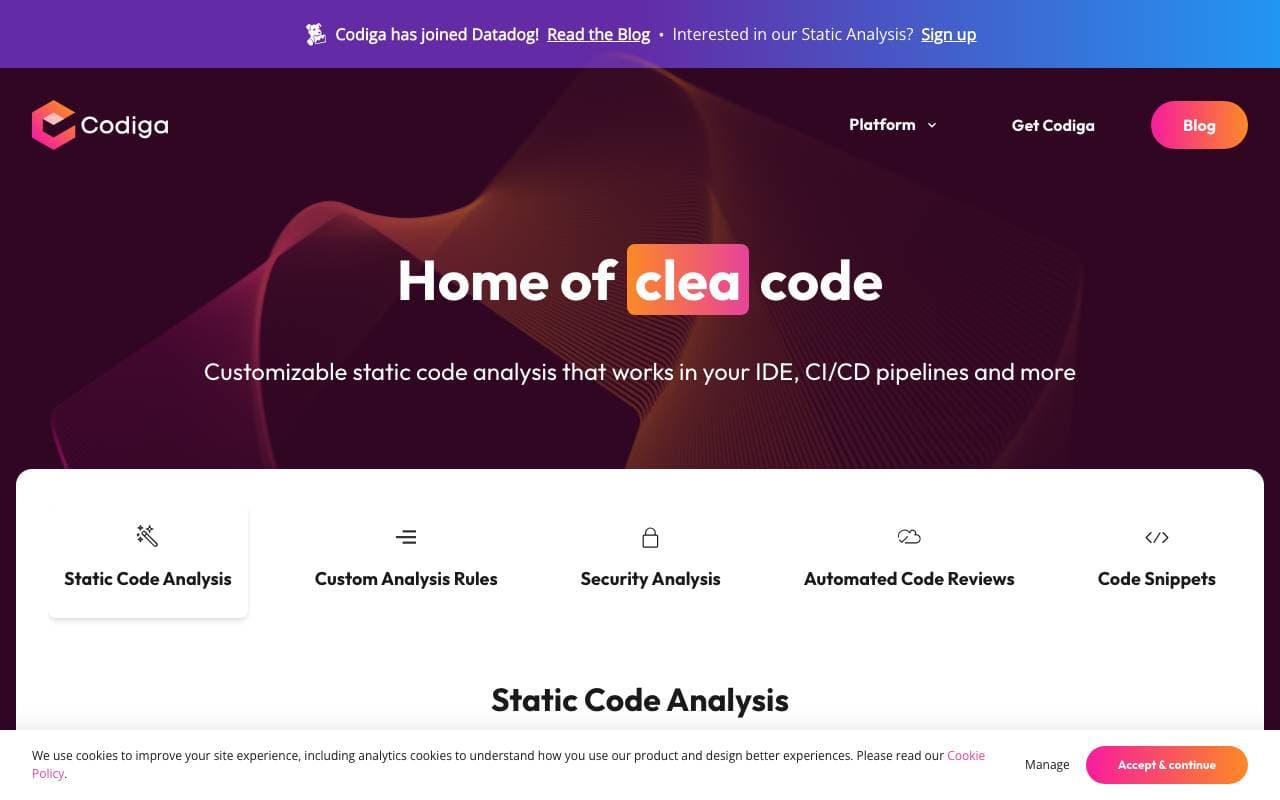

Codiga
Programming Assistants
Statiskā koda analīze un automatizētas koda pārskati ar IDE/CI integrācijām, drošības noteikumu kopām, pielāgotiem noteikumiem un viena klikšķa autofiksa.
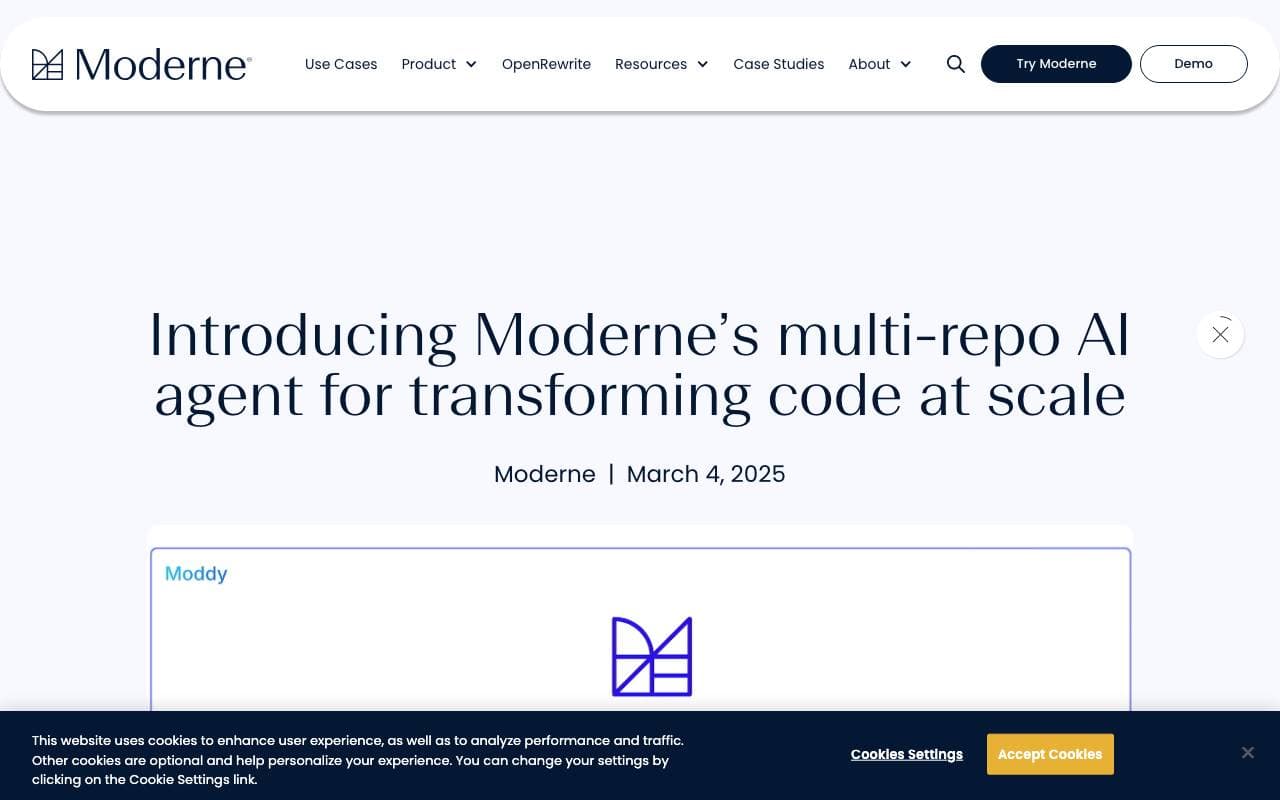

Moddy
Programming Assistants
Moddy – Multi-repo AI agents, kas analizē un modernizē lielu mēroga kodu bāzes.
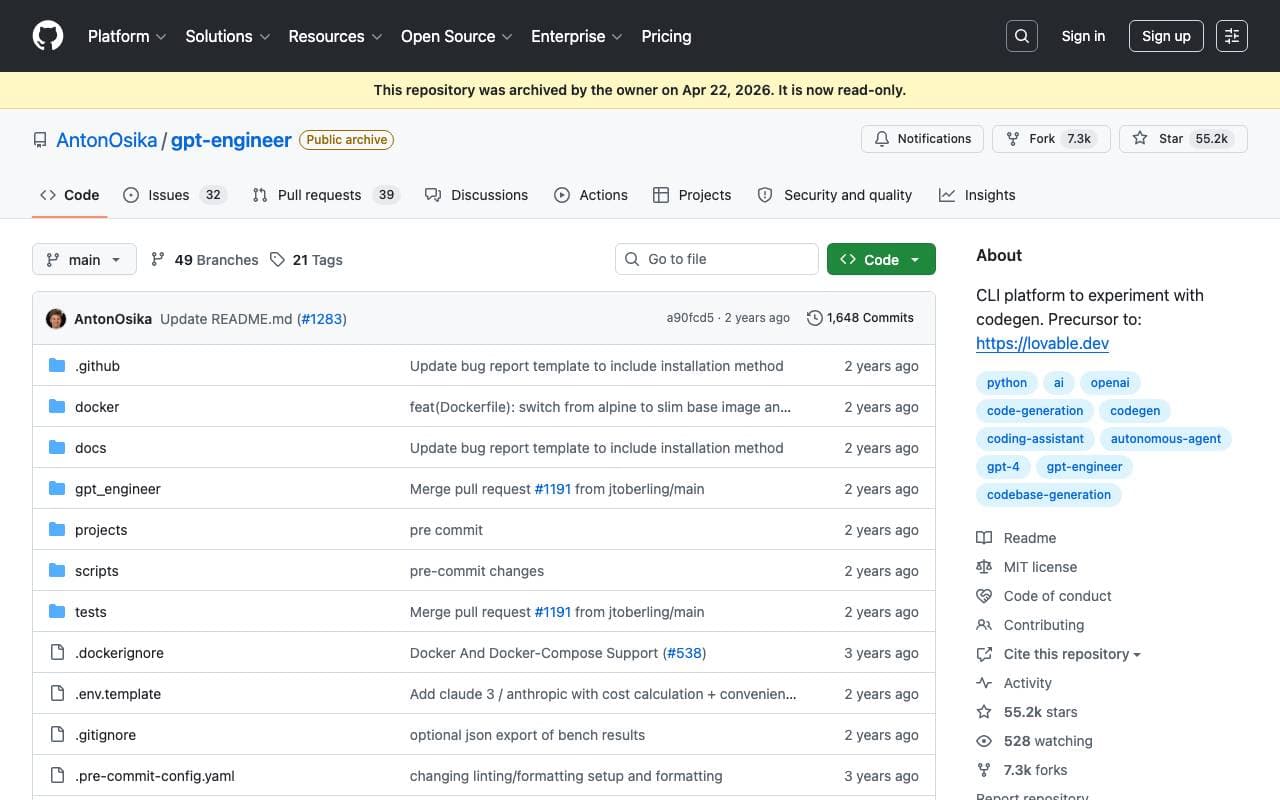

GPT Engineer
Programming Assistants
Atvērtas pirmkoda AI rīks, kas ģenerē kodu bāzes no lietotāja sniegtajiem projektu aprakstiem, izmantojot interaktīvas sarunas.
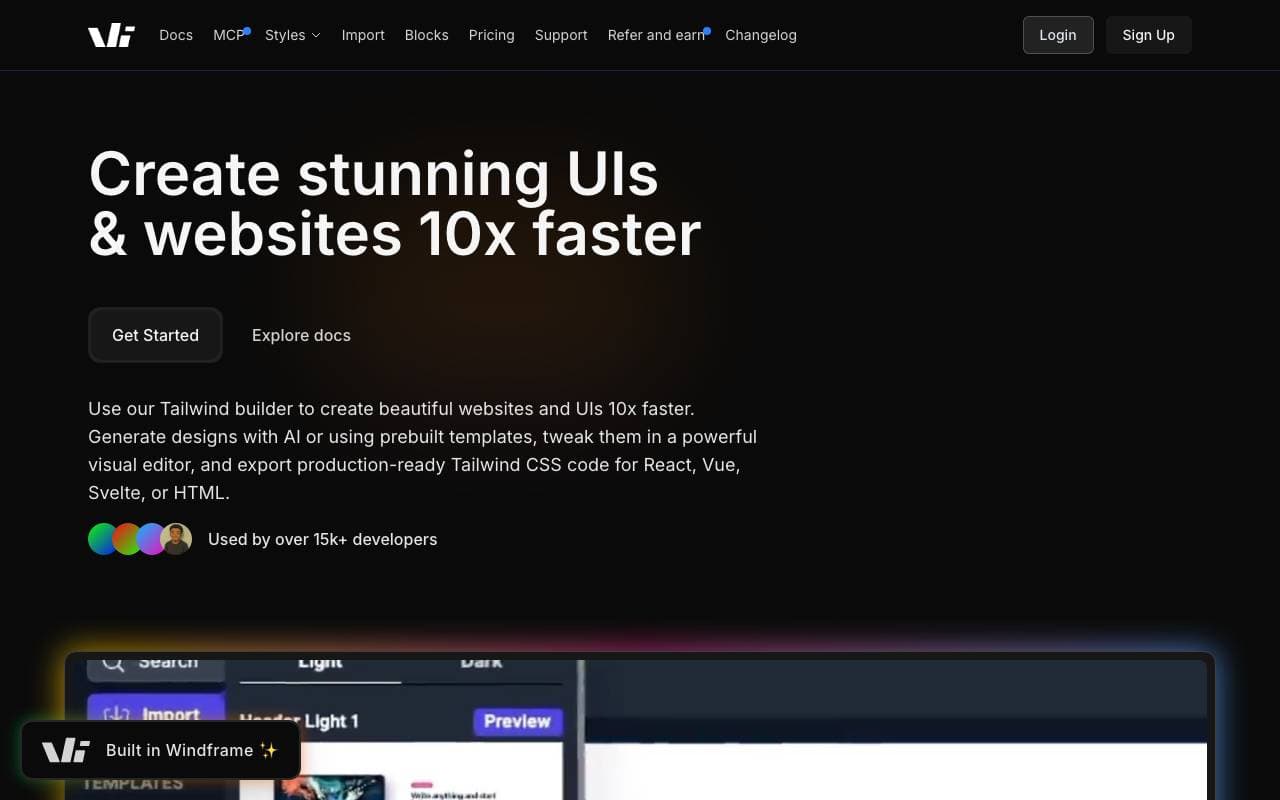

Windframe
Programming Assistants
AI izstrādātais Tailwind CSS veidotājs ātrai UI dizainam, prototipēšanai un kodā izveidei HTML, React vai Vue formātā.

gstack
Programming Assistants
Atvērtā koda darba plūsmas slānis, kas pievieno plānošanas, pārskatīšanas, QA un piegādes prasmes Claude Code un Codex.
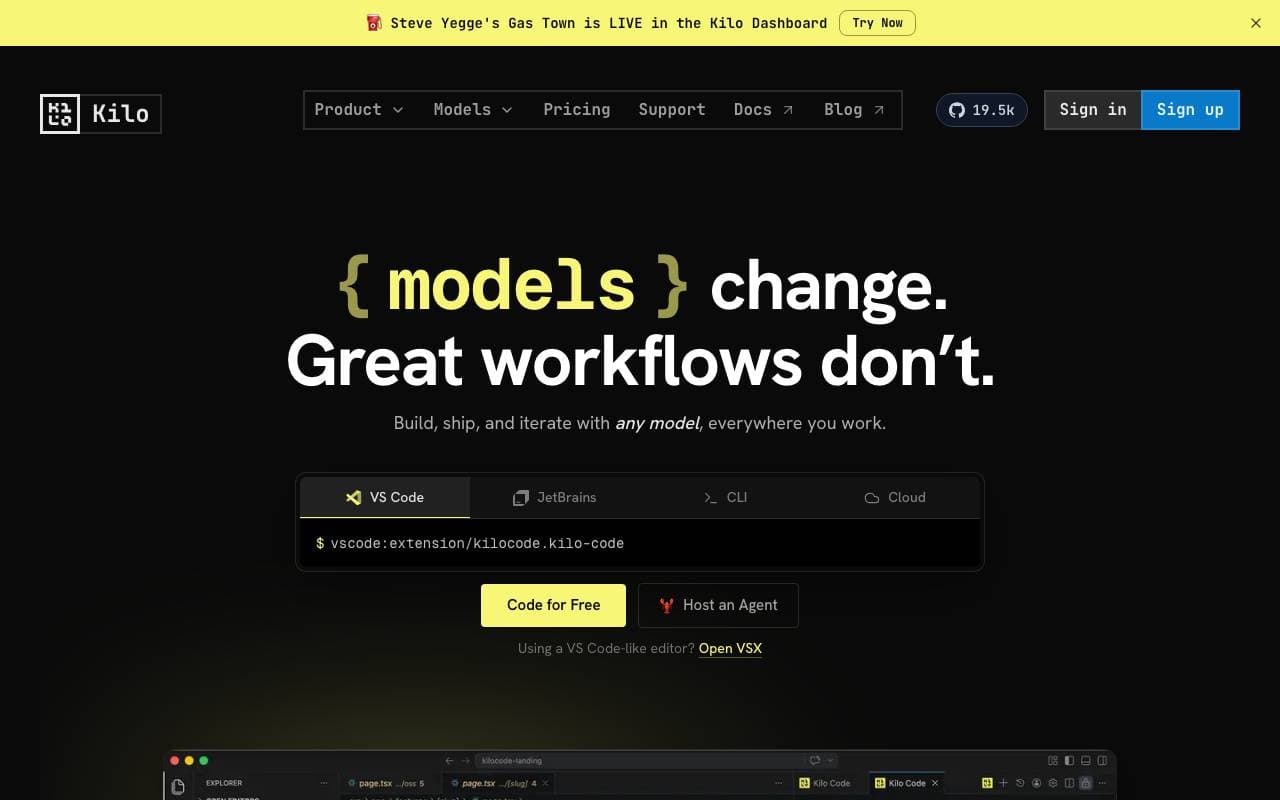

Kilo Code
Programming Assistants
Atvērtā koda AI kodēšanas asistents VS Code un JetBrains, kas plāno, raksta un labo kodu ar daudzmodēla atbalstu.
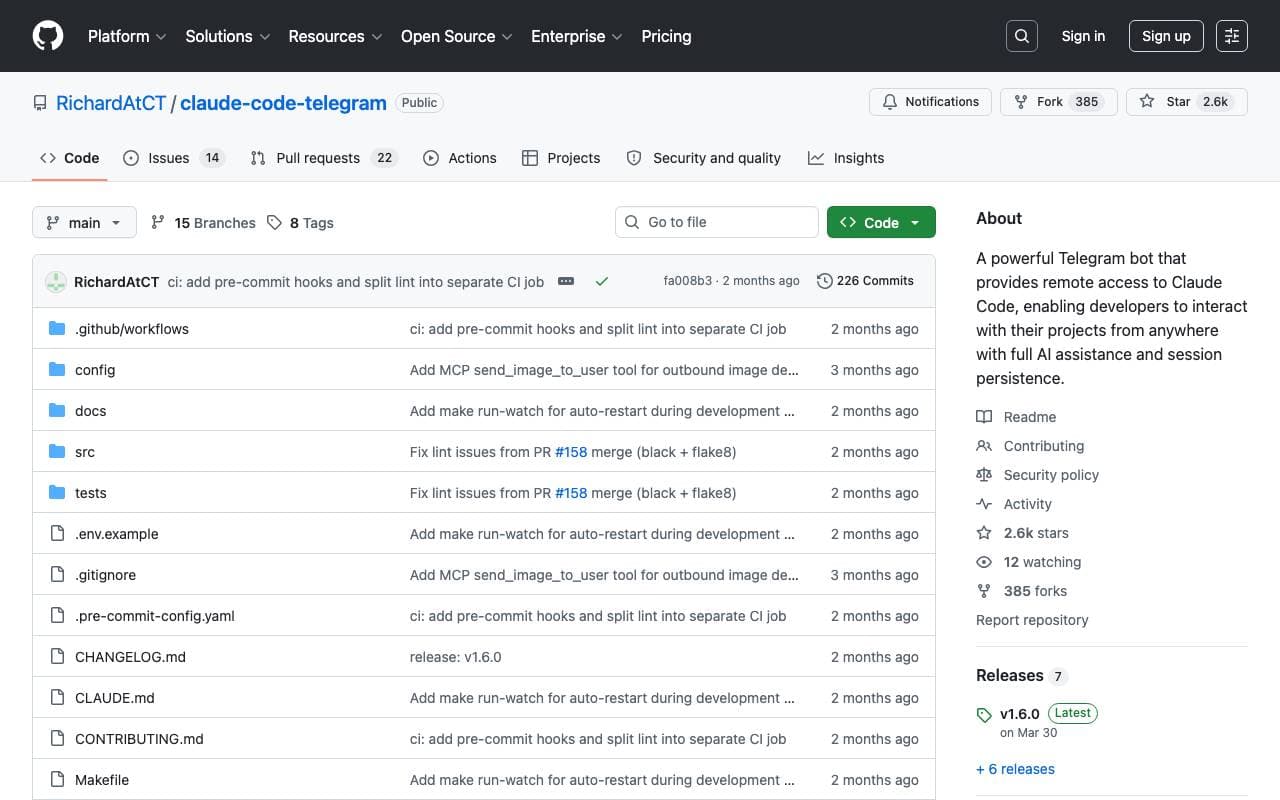

Claude Code Telegram Bot
Programming Assistants
Atvērtā pirmkoda Telegram robots, kas nodrošina attālu, sarunvalodas piekļuvi Claude Code ar sesiju saglabāšanu katram projektam un drošu direktoriju smilškastes režīmu.
Trending now


Claude
AI Agents & Chatbots
Konversacionāla AI palīdzība no Anthropic, rakstīšanai, analīzei, kodišanai un dokumentu uzdevumiem

Doozer Ai
Sales Agent
Digitālie kolēģi, kas automatizē operatīvo darba plūsmu, lai paaugstinātu komandas efektivitāti.


Consistent Character AI
Images
Izveidojiet vienādus AI raksturus dažādās ainās no vienas atsauces fotoattēla.


Reducto AI
AI Agent Development Platforms
Dokumentu intelekta API, kas parse, dalās, OCR un izvelk strukturētus datus no kompleksām PDF, slaidēm un kalkulāciju tabulām.