
Desktop Commander MCPMCP სერვერი AI აგენტებს თქვენი დესკტოპზე უსაფრთხო ტერმინალის, პროცესის და ფაილების რედაქტირების წვდომა იძლევა.

მიმოხილვა
ძირითადი ფუნქციები
- ტერმინალის ბრძანებების შესრულება
- პროცესის მართვა და მონიტორინგი
- Diff‑ზე ბაზირებული ფაილების რედაქტირება
- კოდის ბაზის და დოკუმენტების ძიება
- Excel-ისა და PDF-ის წაკითხვა/ჩაწერა
- AI ქმედებების აუდიტის ლოგირება
ფასები
- მოდელი
- Free
- კატეგორია
- Programming Assistants
- შეფასება
- 4.7 / 5 (6)
გამოყენების შემთხვევები
ლოკალურ დეველოპერის სამუშაო პროცედურების ავტომატიზაცია
შეეძლოთ AI ასისტენტს გაუშვას ტერმინალის ბრძანებები, მართოს პროცესი და გადაიტანოს diff‑ზე ბაზირებული რედაქტირებები თქვენი კოდის ბაზის მთელი მასშტაბის მიხედვით პირდაპირ ჩატის საშუალებით, კოპირება-ჩასმა ინსტრუმენტებს შორის არ საჭიროებს.
AI‑ის წამოყენებული ცხრილებისა და PDF‑ის ანალიტიკა
დაეძლოთ AI-ს დისკზე არსებული Excel‑ის ფაილებისა და PDF‑ის წაკითხვა, მოდიფიცირება და გენერირება, რაც ანალიტიკებს აძლევს შესაძლებლობას, გადმოცალოთ დოკუმენტების დამუშავება ასისტენტს, რომელიც მუშაობის რეალურ ლოკალურ მონაცემებზე.
დიდი კოდის ბაზის ძიება და რეფაქტორინგი
გამოიყენეთ კოდის ბაზის და დოკუმენტების ძიება, დამატებით სურათული diff რედაქტირებები, რომ მრავალ ფაილზე ეფექტურად გადატვირთვა ან განახლება გაუგრძელოთ, ტოკენების მოხმარება მინიმალურად დატოვებით.
აუდიტირებადი AI ოპერაციები სენსიტიურ მონაცემებზე
გაუშვით AI ქმედებები ადგილობრივად სრულ აუდიტის ლოგირებით, რათა გუნდებმა შემოწმოთ ყოველი ბრძანება და ფაილის შეცვლა, რაც მხარს უჭერს პრივატულობას ან შესაბამისობას მიზნად მქონე სამუშაო პროცესებს.
დადებითი და უარყოფითი
დადებითი
- Diff‑ზე ბაზირებული რედაქტირებები ტოკენებს იპარავს და სრულ გადაწერას ასარიცხვინდება
- მუშავდება Excel-ისა და PDF-ის ფაილებზე, არა მხოლოდ კოდზე
- აუდიტის ლოგები გადმოძლიერებს გამჭვირვალურობას და ნდობას
- ის მუშაობს ადგილობრივად, რაც უკეთეს პრივატულობას უზრუნველყოფს
უარყოფითი
- მოთხოვნის MCP-ის კონფიგურაციის ცოდნას
- ტერმინალის წვდომის მიწოდება არსებულ რისკს შეიცავს
- დაკარგულია მხოლოდ MCP‑თან თავსებად AI კლაინტებზე
შეფასებები
საშუალო 6 შეფასებიდან.
შედი ანგარიშზე შეფასების დასატოვებლად.
Compared a few options
Evaluated this against two competitors. Where it wins: codebase and document search and works with Excel and PDF files, not just code. Where it lags: limited to MCP-compatible AI clients. On balance the feature set — especially process management and monitoring — justifies the 5 stars for our use case.
Compared a few options
Evaluated this against two competitors. Where it wins: audit logging of AI actions and audit logs improve transparency and trust. Where it lags: granting terminal access carries inherent risk. On balance the feature set — especially audit logging of AI actions — justifies the 5 stars for our use case.
Does the job
Pretty happy overall. Terminal command execution just works and diff-based edits save tokens and avoid full rewrites. but no dealbreakers — I'd recommend it to a friend without hesitating.
Solid for our team
We rolled this out across the team last quarter and runs locally for better privacy. Process management and monitoring fits neatly into how we already work, and excel and PDF read/write support removed a step we used to do by hand. Granting terminal access carries inherent risk, which is the main caveat, but it has held up under daily use.
Use it every day
Honestly didn't expect to like it this much. Diff-based file editing is exactly what I needed, and works with Excel and PDF files, not just code. I do wish requires comfort with MCP setup, but I reach for it almost every day now and it just clicks.
Use it every day
Honestly didn't expect to like it this much. Codebase and document search is exactly what I needed, and audit logs improve transparency and trust. I do wish requires comfort with MCP setup, but I reach for it almost every day now and it just clicks.
კითხვები
What file types and tasks can it handle beyond running shell commands?
In addition to terminal execution and process management, it performs diff-based file edits, searches across codebases and documents, and reads and writes Excel spreadsheets and PDFs, making it useful for both developers and analysts.
How does it address the security risks of giving an AI terminal access?
It runs locally rather than in the cloud, uses targeted diff-based edits instead of full rewrites to limit unintended changes, and keeps an audit log of every action the AI takes for transparency. Granting shell access still carries inherent risk.
Which AI clients can I use Desktop Commander MCP with?
It works with MCP-compatible clients like Claude Desktop. Because it relies on the Model Context Protocol, any assistant or app that speaks MCP can connect, but non-MCP clients are not supported.
დასვი კითხვა
Programming Assistants-ის ალტერნატივები
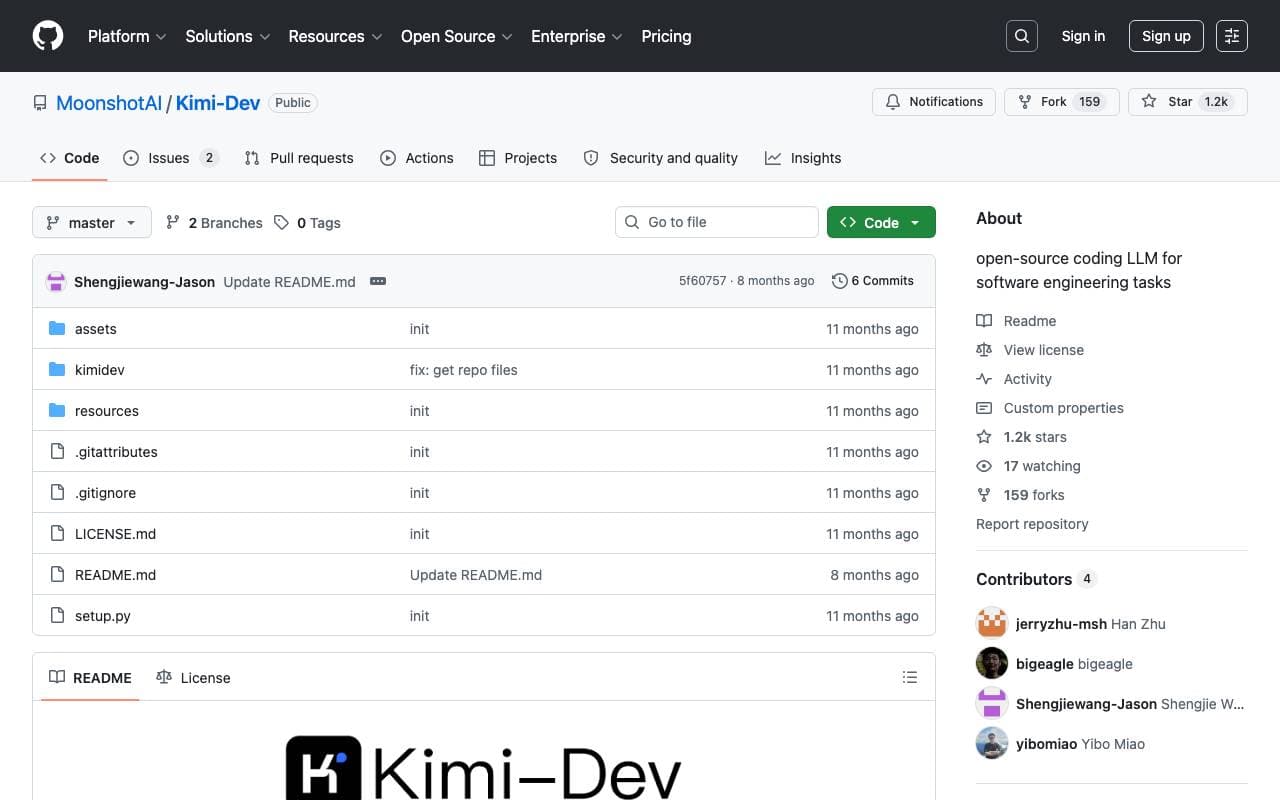

Kimi‑Dev
Programming Assistants
Open‑source coding LLM optimized for automated debugging and issue resolution tasks.
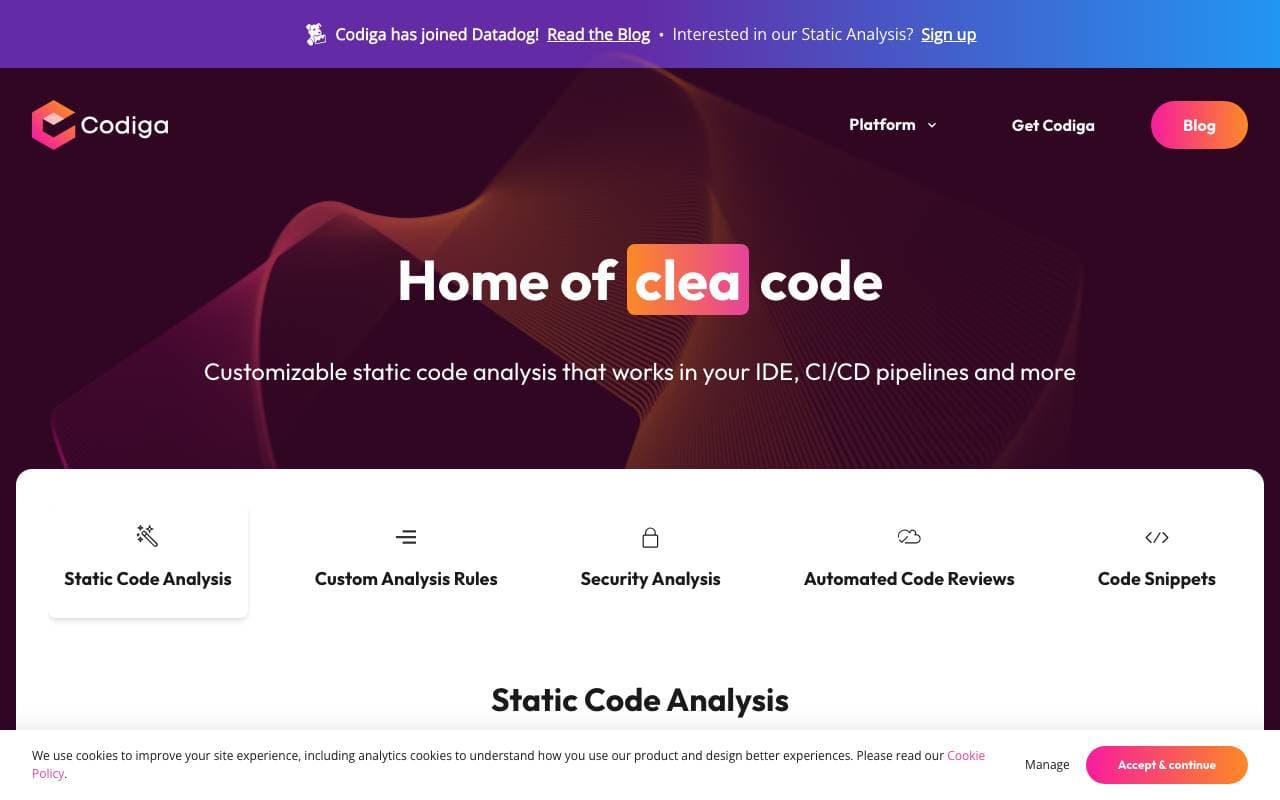

Codiga
Programming Assistants
სტატიკური კოდის ანალიზი და ავტომატური კოდ-გადახედვები IDE/CI ინტეგრაციებით, უსაფრთხოების წესები, პერსონალიზებული წესები და ერთი-დაჭერის ავტომატური გამოსწორება.

Moddy
Programming Assistants
Multi-repo AI agent for analyzing and modernizing large-scale codebases.
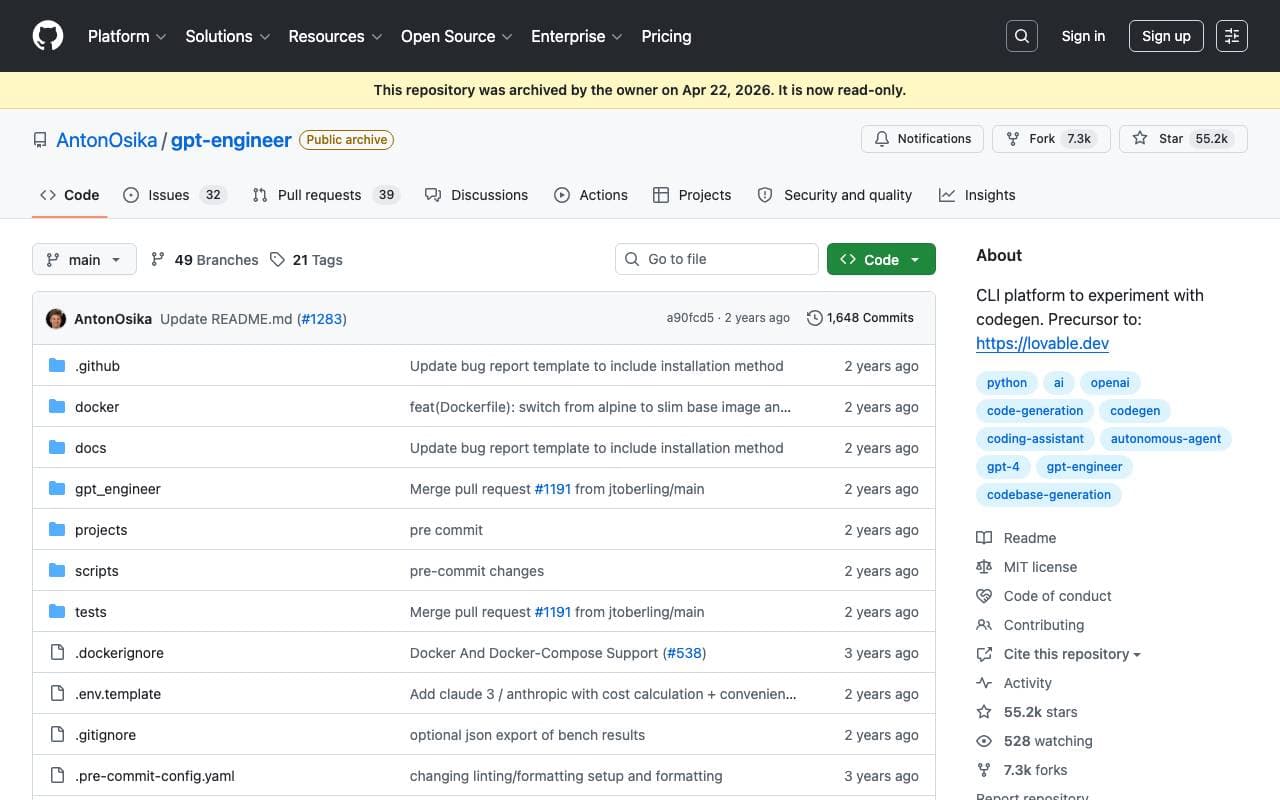

GPT Engineer
Programming Assistants
An open-source AI tool that generates codebases from user-provided project descriptions through interactive dialogues.
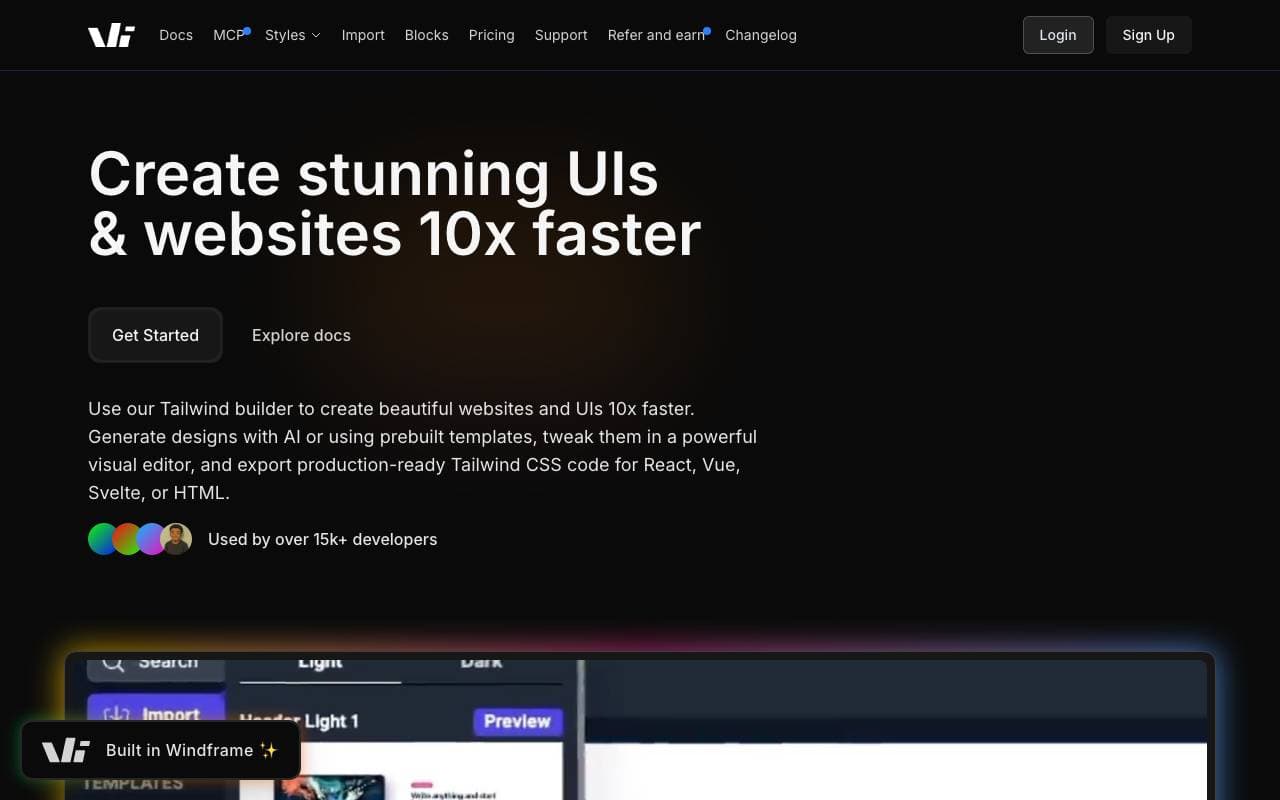

Windframe
Programming Assistants
AI-powered Tailwind CSS builder for rapid UI design, prototyping, and code export to HTML, React, or Vue.

gstack
Programming Assistants
Open-source workflow layer that adds planning, review, QA, and shipping skills to Claude Code and Codex.
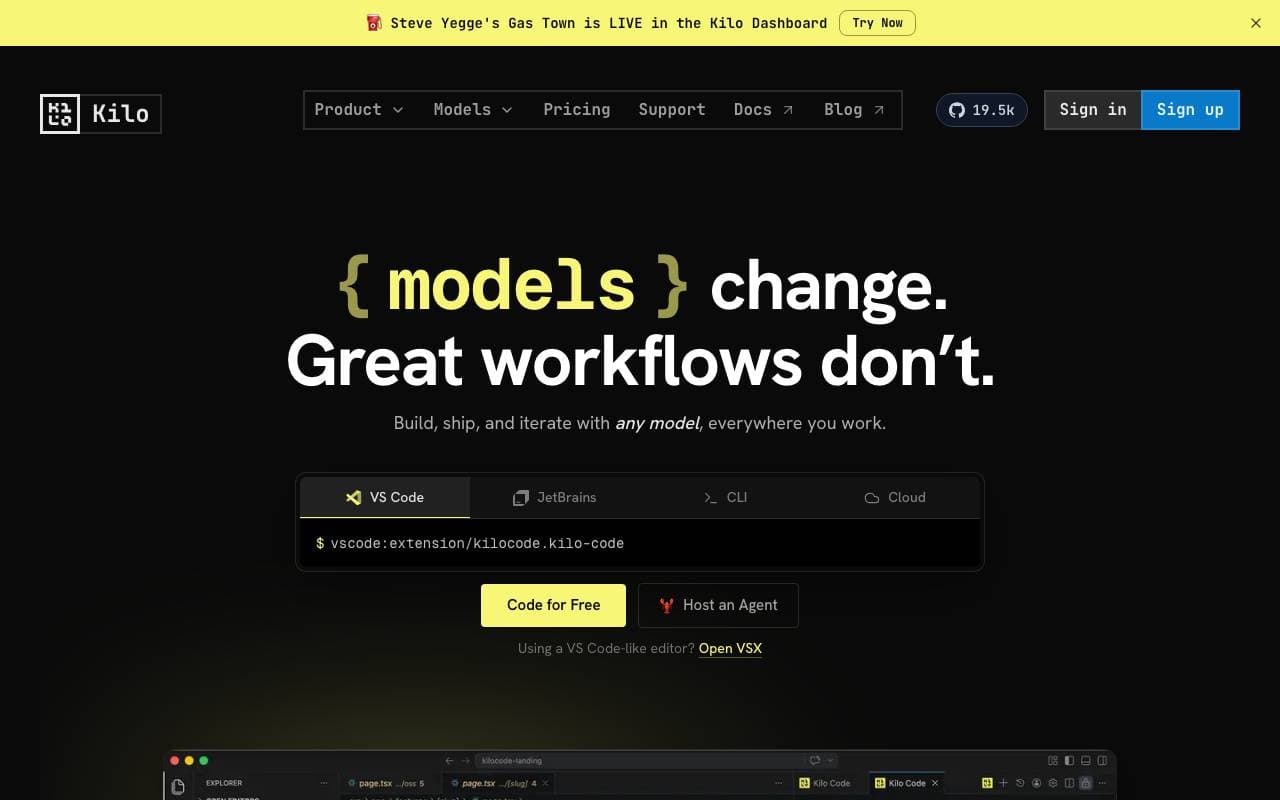

Kilo Code
Programming Assistants
Open-source AI coding assistant for VS Code and JetBrains that plans, writes, and debugs code with multi-model support.
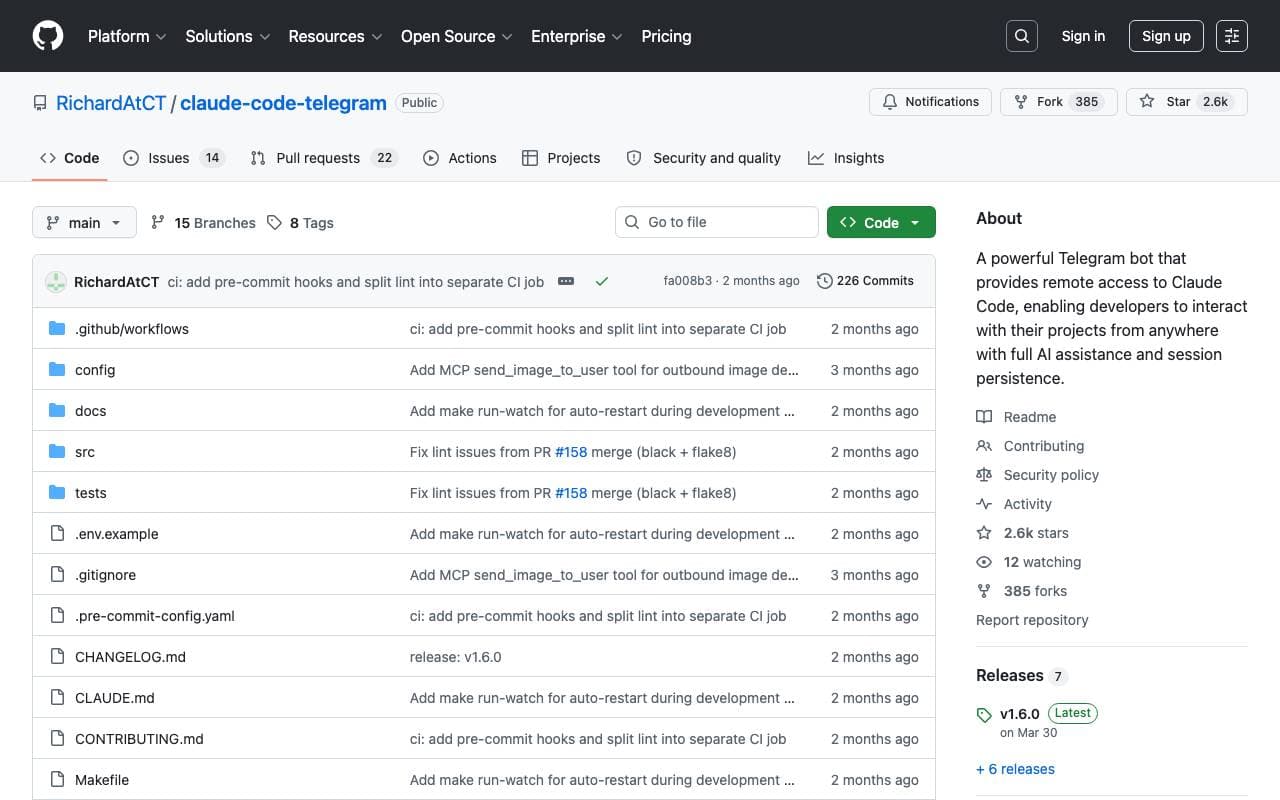

Claude Code Telegram Bot
Programming Assistants
ღია წყაროს Telegram bot, რომელიც გაძლევთ დაშორებულ, ჩათ-ბაზირებულ წვდომას Claude Code-თან, თითოეული პროექტის სესიის მუდმივი შენარჩუნებით და უსაფრთხო დირექტორიის sandboxing-ით.
Trending now


Midjourney
Image Generation
Generate stunning images from text

Doozer Ai
Sales Agent
ციფრულ თანამშრომლებს, რომლებიც ავტომატიზაციას აკეთებენ ოპერაციულ სამუშაო ნაკადებს, რათა გაზარდონ გუნდის ეფექტურობა.


EmblemAI
DeFi Agents
AI-განძიებული კრიპტო ასისტენტი მრავალ ბლოკჩეინზე აქტივების მართვისთვის


LeanSentry
Software Development
AI-powered diagnostics and monitoring for IIS and ASP.NET performance issues.