
Clineღია წყაროს მქონე AI კოდირების აგენტი VS Code-სთვის Plan/Act რეჟიმებით და ტერმინალის კონტროლით

მიმოხილვა
ძირითადი ფუნქციები
- VS Code გაფართოების ინტეგრაცია
- Plan და Act დუ-რეჟიმის სამუშაო ნაკადი
- ტერმინალის ბრძანებების შესრულება
- მრავალფაილის წაკითხვა და რედაქტირება პროექტებს შორის
- მხარდაჭერა Anthropic, OpenAI, Gemini და ადგილობრივ მოდელებისთვის
- მოქმედებების ეტაპობრივად დამტკიცება
ფასები
- მოდელი
- Free
- კატეგორია
- Programming Agents
- შეფასება
- 4.8 / 5 (5)
გამოყენების შემთხვევები
გეგმეთ რეფაქტორირება კოდის შეუსაბამობის წინ
გამოიყენეთ Plan რეჟიმი მოდელთან ერთად რეფაქტორირების მიდგომის განხილვისთვის, შეამოწმეთ როლი და მოხსნილი ფაილები, შემდეგ გადადით Act რეჟიმზე ცვლილებების განხორციელებისთვის ნაბიჯ-ნაბიჯ დამტკიცებით.
გაშვით და დებაგეთ სკრიპტები რედაქტორში
მოცემულ Cline-ს შეასრულეთ ტერმინალის ბრძანებები VS Code-ში პირდაპირ, რათა გაუშვათ ტესტები ან სკრიპტები, შეიტყვეთ შედეგები და დაასუბუქეთ შეცდომები მრავალი ფაილის გადადგევით რედაქტორი არ დატოვებისას.
გამოიყენეთ ადგილობრივი მოდელები პირადი კოდების ბაზებისთვის
უკავშირეთ Cline Ollama-თან, რათა გაუშვათ ავტონომიური კოდირების აგენტი ადგილობრივი მოდელებზე, რომელიც თქვენი საკუთრის კოდს მოწყობილობაზე ინახავს, API-ებს გადაგზავნის მაგიერ.
მრავალფაილის ფუნქციის განხორციელება
მიანიჭეთ ფუნქციის დავალება და Cline-მა წაიკითხოს და რედაქტირდეს პროექტი, წინადადებები ფაილი-ფაილი ცვლილებების explicit approval gates-ებით, რათა დეველოპერი კონტროლში იყოს.
დადებითი და უარყოფითი
დადებითი
- ღია წყარო და გამჭვირვალე
- Plan/Act-ის გამყოფი კონტროლის გაუმჯობესებს
- მუშაობს მრავალ მოდელის მომწოდებელთან
- შეასრულებს ტერმინალის ბრძანებებს და რედაქტირებს ფაილებს
- იყვანეთ თქვენი საკუთარი API გასაღები
უარყოფითი
- მოთხოვს მომხმარებლის დამტკიცებას, რაც შეიძლება ნელავდეს
- ტოკენების ხარჯები შეიძლება გაიზარდოს დიდ კონტექსტებით
- ხარისხი დამოკიდებულია არჩეული მოდელზე
- დაყენება უფრო რთულია დახურული ვარიანტებთან შედარებით
ბრძოლების რეკორდი
1 ბრძოლაში პანთეონში.
Last battle
შეფასებები
საშუალო 5 შეფასებიდან.
შედი ანგარიშზე შეფასების დასატოვებლად.
Compared a few options
Evaluated this against two competitors. Where it wins: terminal command execution and bring your own API key. Where it lags: quality depends on chosen model. On balance the feature set — especially step-by-step action approval — justifies the 5 stars for our use case.
Solid for our team
We rolled this out across the team last quarter and works with many model providers. Multi-file read and edit across projects fits neatly into how we already work, and vS Code extension integration removed a step we used to do by hand. Quality depends on chosen model, which is the main caveat, but it has held up under daily use.
Use it every day
Honestly didn't expect to like it this much. Support for Anthropic, OpenAI, Gemini, and local models is exactly what I needed, and works with many model providers. but I reach for it almost every day now and it just clicks.
Does the job
Pretty happy overall. VS Code extension integration just works and works with many model providers. but no dealbreakers — I'd recommend it to a friend without hesitating.
Years in this space
I've evaluated a lot of these over the years. What stands out here is plan and Act dual-mode workflow — handled better than most — and executes terminal commands and edits files. Worth the time if this is your use case.
კითხვები
Which AI models and providers does Cline support?
Cline supports multiple providers including Anthropic, OpenAI, and Google Gemini, as well as local models via Ollama. You bring your own API key, so teams can choose between hosted APIs or self-hosted setups based on cost, privacy, or performance needs.
What are the main limitations or drawbacks to be aware of?
Setup is steeper than closed alternatives, and the required step-by-step approvals can slow your workflow. Token costs can add up with large project contexts, and overall output quality depends on the model provider you choose to connect.
How do Plan and Act modes work, and why use both?
Plan mode lets you discuss approach and scope with the model before any code changes occur, while Act mode executes the agreed steps such as editing files, running scripts, or debugging. The split separates thinking from doing, giving developers more control over what the agent actually changes.
დასვი კითხვა
Programming Agents-ის ალტერნატივები
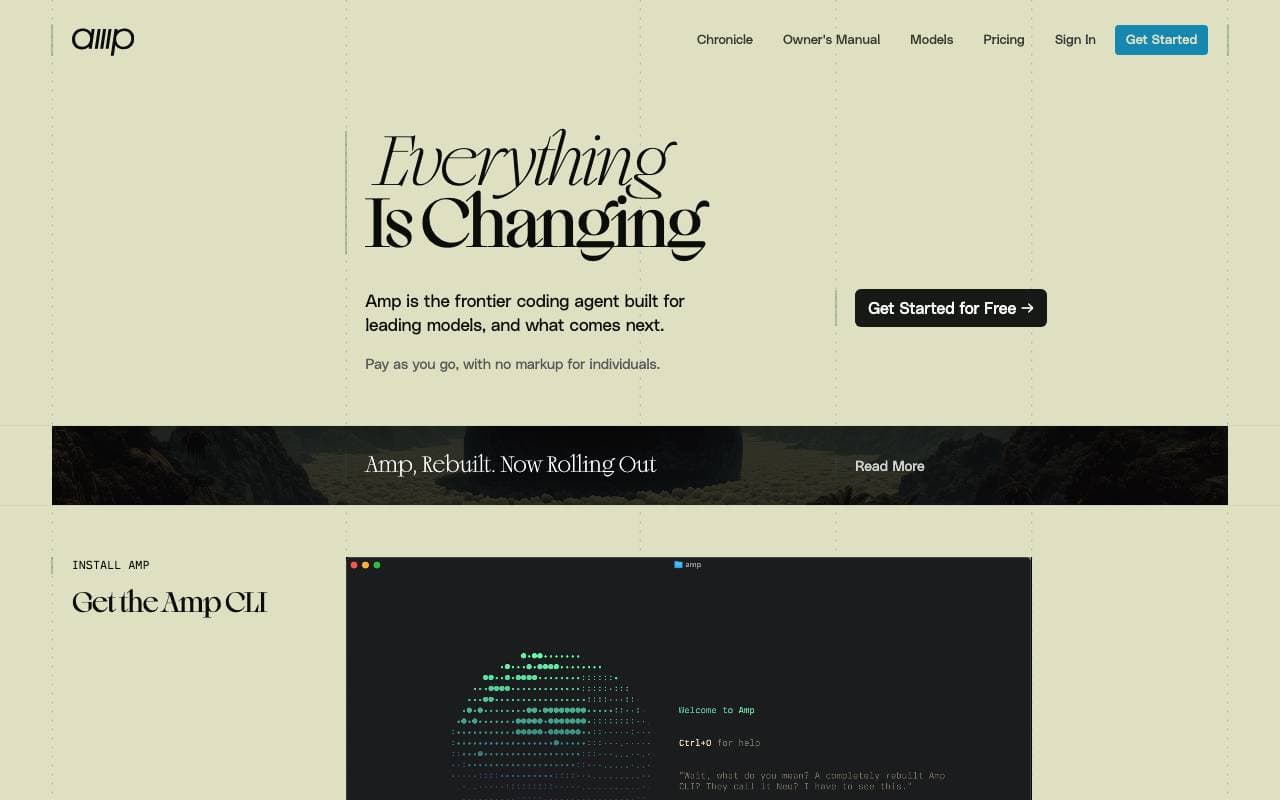

Amp
Programming Agents
Agentic coding assistant terminals‑ისა და editors‑ისათვის, მრავალი frontier მოდელებით გაძლიერებული.


Gemini CLI
Programming Agents
An open‑source command‑line AI agent bringing Gemini 2.5 Pro into your terminal for coding, research, content and task automation.
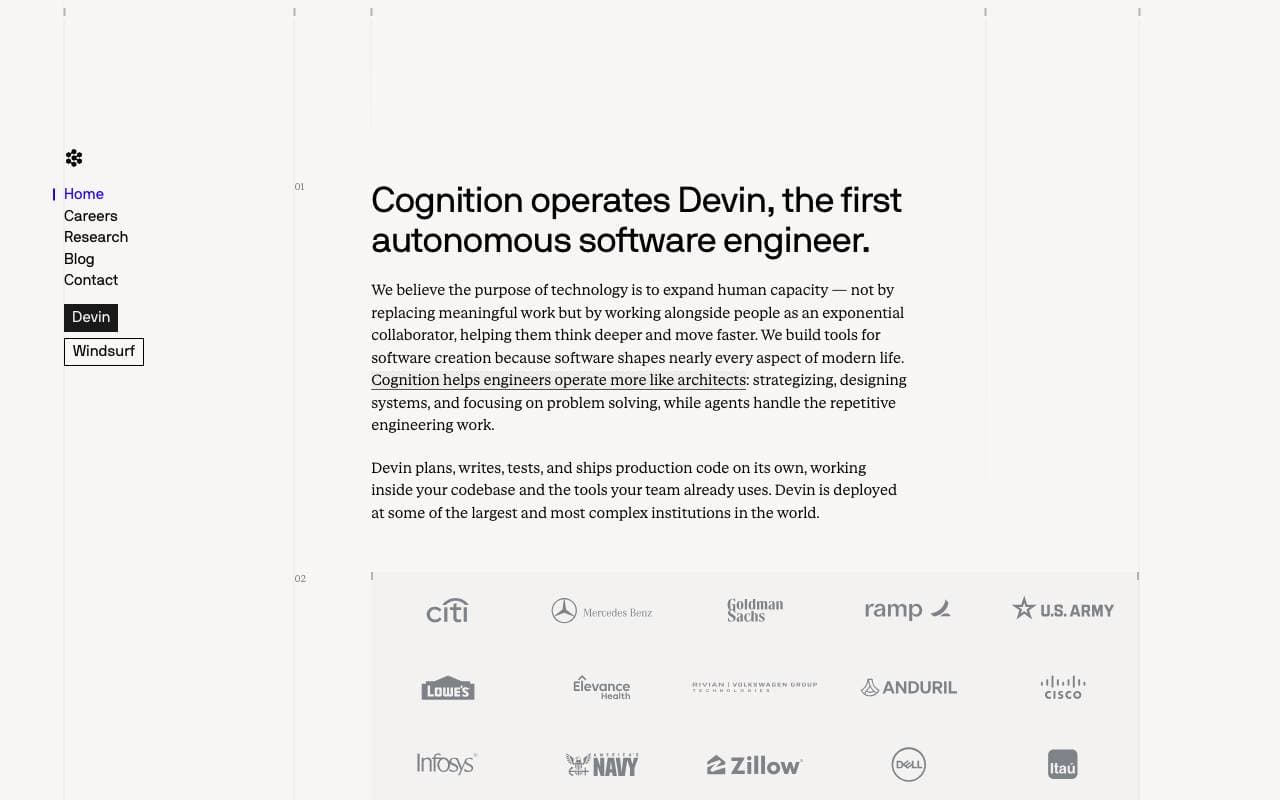

Cognition Devin AI
Programming Agents
ავტომატური AI პროგრამული ინჟინერი, რომელიც დაგეგმავს, კოდის აკავს და ამოცანებს სრულად გატანით.
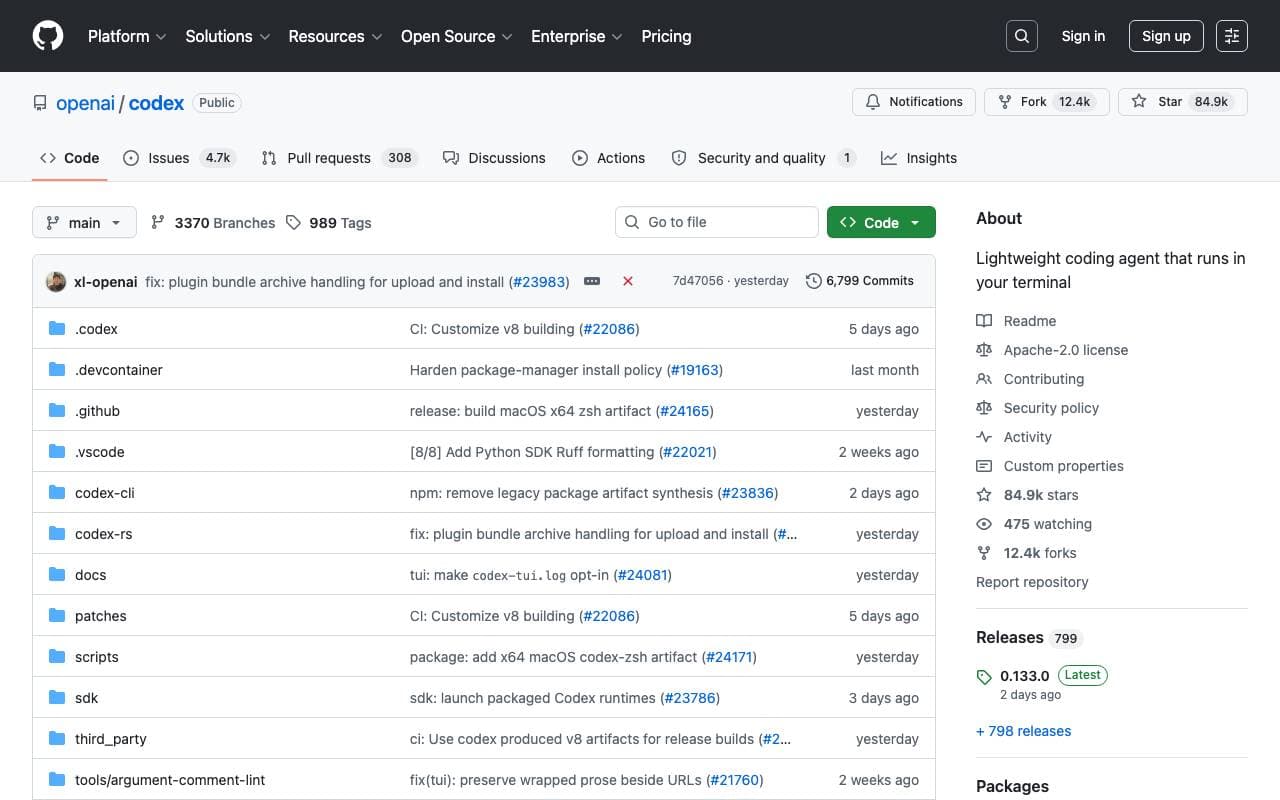

Codex CLI
Programming Agents
ღია წყაროს ტერმინალის AI‑დამხმარე, რომელიც ლოკალურად კოდს წაიკითხავს, დაწერს და გაუშვებს მრავალფარდობითი შეყვანით

Fine AI
Programming Agents
An AI-powered coding platform designed to help startup teams build, test, and deploy software more efficiently.


Pi Coding Agent
Programming Agents
Open-source terminal coding agent built for extension with packages, skills, and custom workflows.
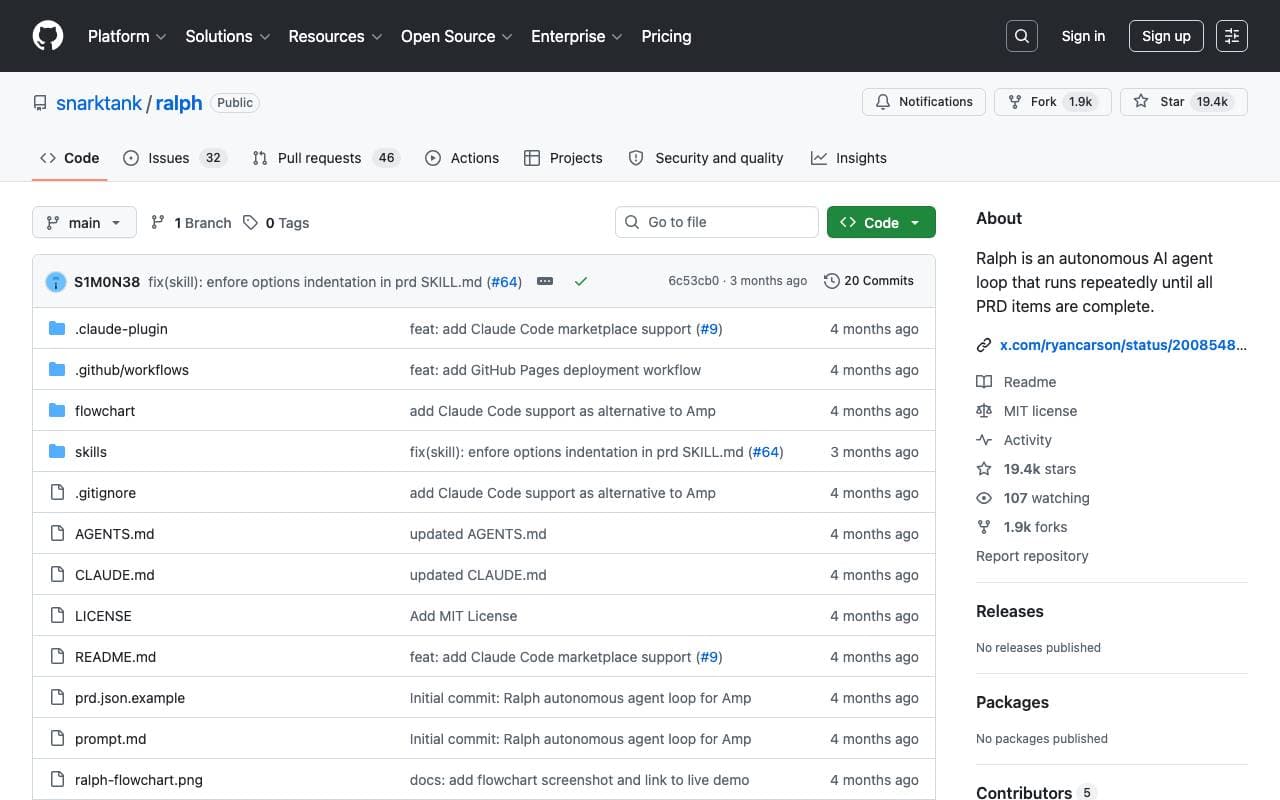

Ralph
Programming Agents
Autonomous AI coding loop that repeatedly runs Amp or Claude Code until all PRD items are completed, using git history as memory.

Maximus-AI
Programming Agents
Automated code generation that turns specs and prompts into production-ready software.
Trending now


Midjourney
Image Generation
Generate stunning images from text

Doozer Ai
Sales Agent
Digital co-workers that automate operational workflows to boost team efficiency.


EmblemAI
DeFi Agents
AI-powered crypto assistant for managing assets across multiple blockchains.


LeanSentry
Software Development
AI-powered diagnostics and monitoring for IIS and ASP.NET performance issues.