
ZuniAI assistente del lato di Chrome che stende email e si trova all'interno delle tue schede aperte.

Panoramica
Funzionalità chiave
- Interfaccia del lato di Chrome
- Capacità di comprensione del contesto consapevole delle schede
- Sostegno email di Gmail di progettazione e repliche
- Sommarizzazione pagina web
- Sostegno di scrittura cross-app
- Shortcuts di accesso veloce
- pros
- :
- Sempre disponibile dal lato di Chrome,Usa il contenuto della tab corrente per un contesto rilevante,Integrazione Gmail forte per la progettazione di repliche,Funziona all'interno di molti web apps, non solo uno,Riduce lo switching delle schede e delle finestre,cons,:,Limitato agli utenti di Chrome,D
Prezzi
- Modello
- Freemium
- Categoria
- Productivity Agents
- Valutazione
- 4.5 / 5 (6)
Casi d’uso
Stila risposte Gmail all'interno del sidebar
Componi e raffina le risposte email direttamente all'interno del Gmail utilizzando il sidebar di Zuni, accelerando la gestione della cassetta degli auguri senza dover switchare a un tool di chat per AI separato.
Riassumi articoli e pagine web
Tira fuori punti chiave dalla pagina che stai leggendo facendo che Zuni usi la scheda attiva come contesto.
Rispondi alle domande riguardanti il contenuto in schermo
Domanda Zuni su tutto quello che è presente nella scheda attiva per chiarire concetti, estrarre dettagli o ottenere spiegazioni senza copiare testo da nessuna parte.
Assistenza alla scrittura inter-app
Usa Zuni per stilate, editare o riformulare testo all'interno di molti app web, riducendo la necessità di andare indietro e in avanti tra i window e il tuo lavoro.
Pro & contro
Pro
- Accessibile sempre dalla barra dei siderbar del Chrome
- Utilizza il contenuto della scheda attuale per un contesto rilevante
- Integrazione Gmail forte per la stesura di risposte
- Funziona su molti app web, non solo una
- Riduce l'andamento tra le schede e le finestre
Contro
- Limitato agli utenti di Chrome
- Dipende dalle autorizzazioni dell'estensione per l'acceso a web
- Menosso utile fuori dal browser
- La qualità varia a seconda della struttura delle pagine web
- Dependente da Chrome sidebar access
Recensioni
Media su 6 valutazioni.
Accedi per lasciare una recensione.
Solid for our team
We rolled this out across the team last quarter and works across many web apps, not just one. Quick-access shortcuts fits neatly into how we already work, and cross-app writing assistance removed a step we used to do by hand. Limited to Chrome users, which is the main caveat, but it has held up under daily use.
Years in this space
I've evaluated a lot of these over the years. What stands out here is web page summarization — handled better than most — and strong Gmail integration for drafting replies. Worth the time if this is your use case.
Skeptical, then convinced
I went in skeptical — most tools in this space overpromise. It actually delivers on cross-app writing assistance, and reduces tab and window switching caught me off guard. Less useful outside the browser is why this isn't a perfect score, still, I'd recommend giving it a real trial.
Years in this space
I've evaluated a lot of these over the years. What stands out here is cross-app writing assistance — handled better than most — and works across many web apps, not just one. Less useful outside the browser is my one real gripe. Worth the time if this is your use case.
Years in this space
I've evaluated a lot of these over the years. What stands out here is chrome sidebar interface — handled better than most — and always accessible from the Chrome sidebar. Limited to Chrome users is my one real gripe. Worth the time if this is your use case.
Solid for our team
We rolled this out across the team last quarter and uses current tab content for relevant context. Gmail email drafting and replies fits neatly into how we already work, and gmail email drafting and replies removed a step we used to do by hand. but it has held up under daily use.
Domande e risposte
Which browsers and apps does Zuni support?
Zuni runs as a Chrome sidebar extension, so it's limited to the Chrome browser. Inside Chrome, it works across most web apps, with particularly strong integration in Gmail for drafting and replying to emails.
What can Zuni actually do with the page I'm viewing?
Zuni is tab-aware, meaning it can read the context of your current page to summarize articles, answer questions about the content, and pull key details. It also assists with writing and quick tasks across web apps without switching windows.
What are Zuni's main limitations?
Zuni only works in Chrome and isn't useful outside the browser, so desktop or mobile app workflows aren't covered. It also relies on extension permissions for web access, and output quality can vary depending on how a website is structured.
Fai una domanda
Alternative a Productivity Agents
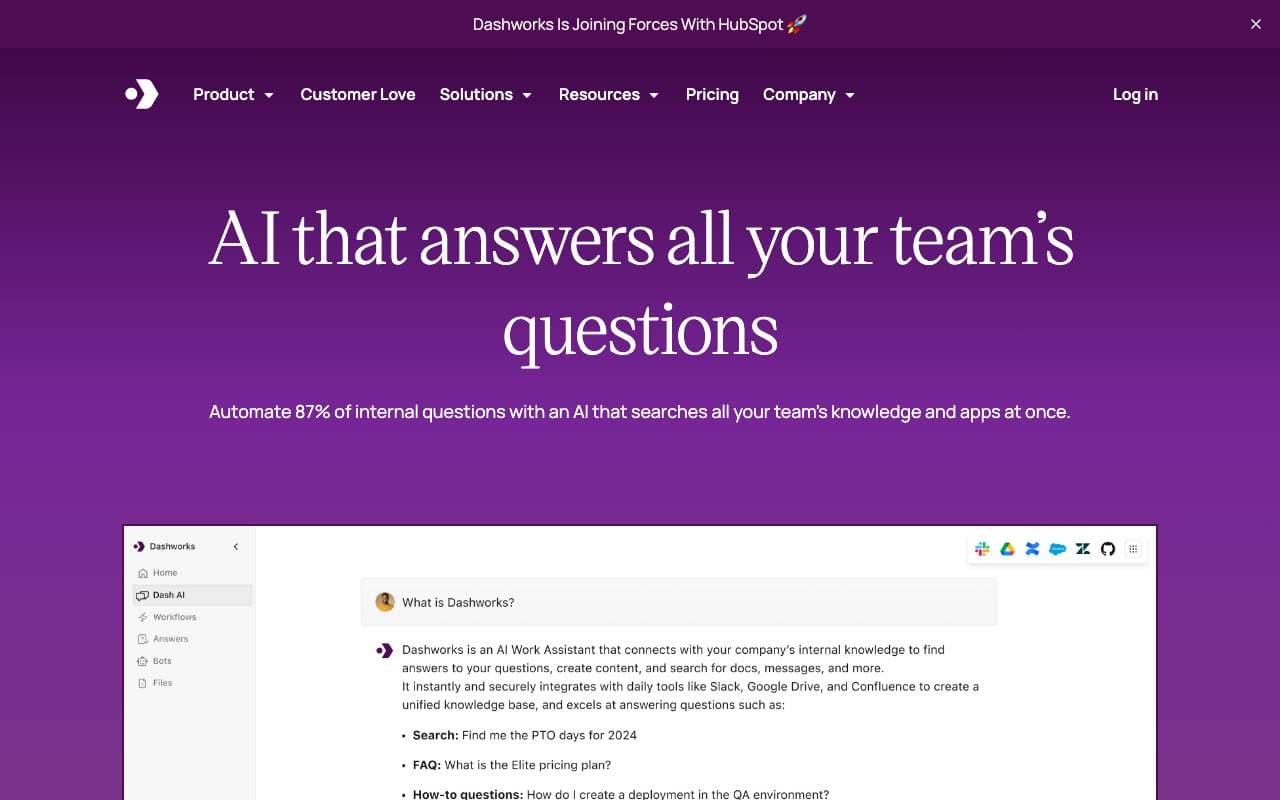

Dashworks AI
Productivity Agents
Un assistente AI unico per l'unione delle conoscenze aziendali, per risposte immediate e accurate all'interno di tutto lo strumentario e delle app aziendali.
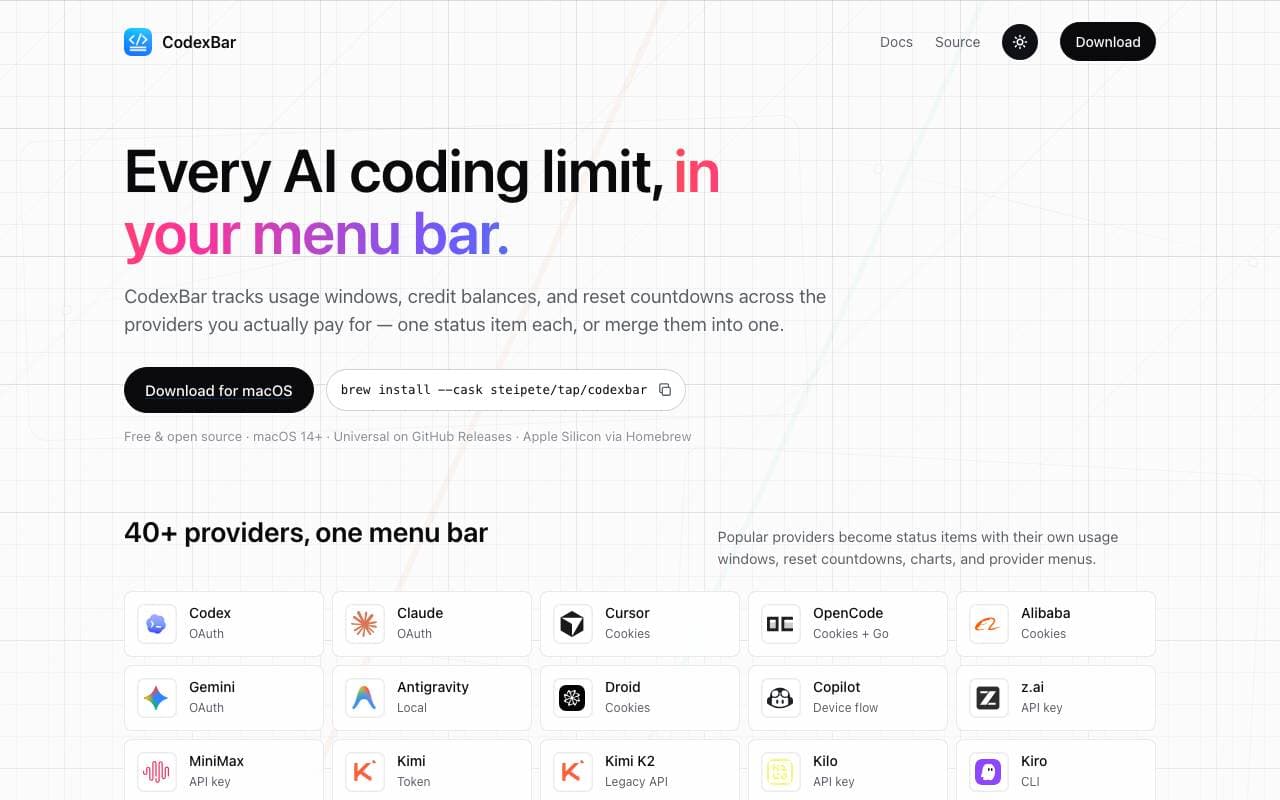

Codex Bar
Productivity Agents
Un'app del menu bar per macOS che segue gli utilizzi e i limiti dei strumenti di codifica AI, annulla e attribuisce crediti per gli sviluppatori e gli utenti esperti.
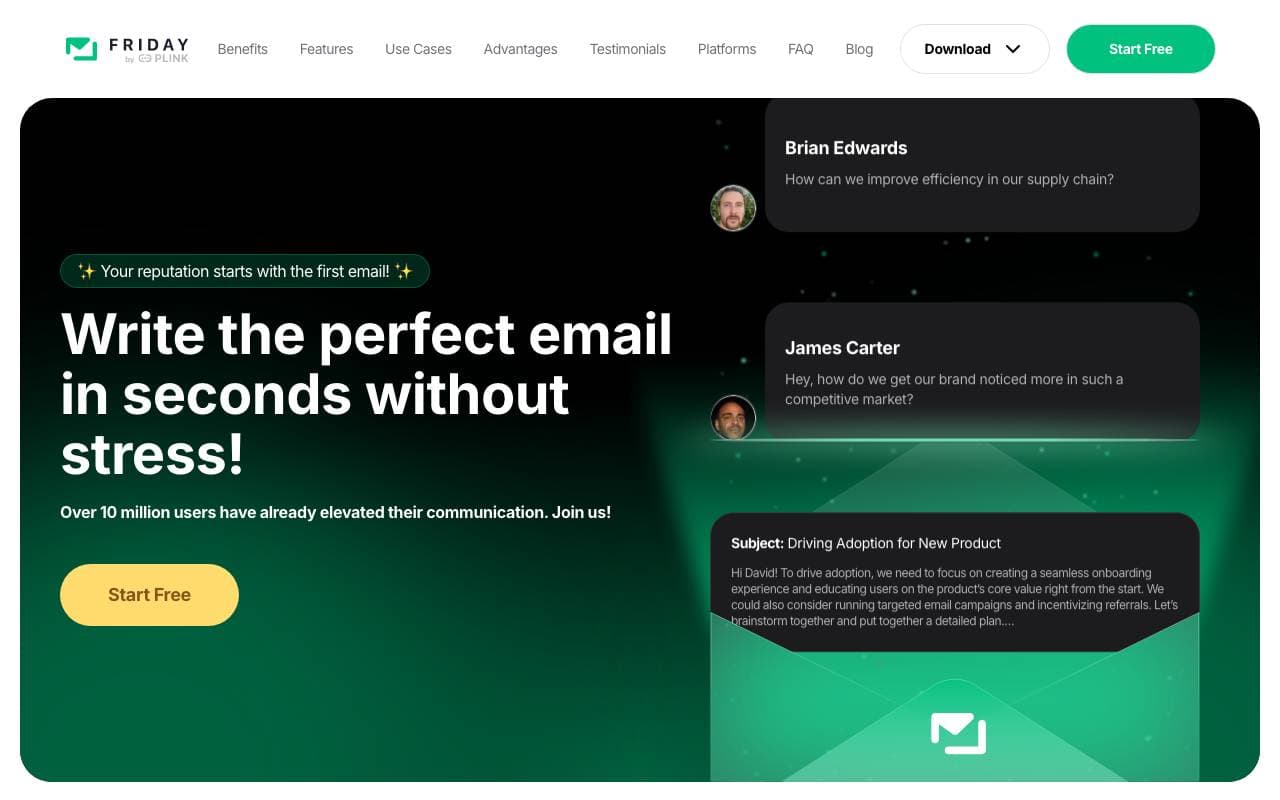

Friday AI
Productivity Agents
Un assistente per la scrittura basato su AI progettato per migliorare la composizione degli email fornendo suggerimenti personalizzati e semplificando la comunicazione.
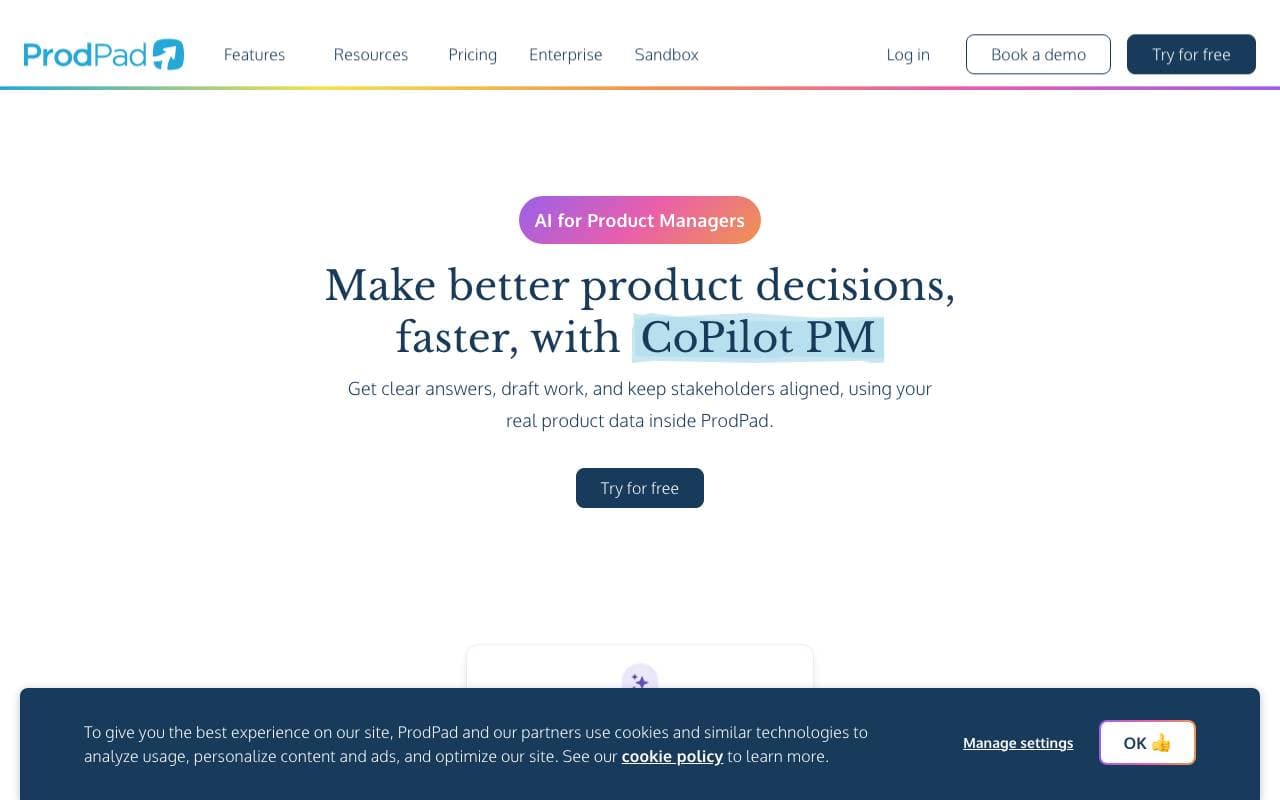

ProdPad CoPilot for Product Managers
Productivity Agents
Assistente AI integrato in ProdPad per velocizzare le attività di gestione dei prodotti quotidiane.

Logical
Productivity Agents
Un correttore AI desktop proattivo che capisce il contesto dello schermo, elabora il lavoro e suggerisce le prossime azioni tra le app.

Such Much AI
Productivity Agents
Piattaforma AI per la stesura di proposte di vendita e contratti di acquisto in pochi minuti.

TealKit
Productivity Agents
Un assistente AI mobile per Android che utilizza strumenti, automatizzazioni e fornitori multipli di modelli per completare compiti reali.

Orchid
Productivity Agents
Un agente di delega dei compiti proattivo che legge compiti in arrivo, disegna azioni successive e attende l'approvazione dell'utente.
Trending now

Doozer Ai
Sales Agent
Coworker digital che automatizzano i flussi operativi per migliorare l'efficienza del team


Claude
AI Agents & Chatbots
Assistente AI conversazionale di Anthropic per scrittura, analisi, coding e compiti documentali


Consistent Character AI
Images
Genera personaggi AI coerenti tra scene da un unico riferimento della foto.


Mistral AI
Large Language Models (LLMs)
frontiere aperte dei modelli